Honda CR-V Android Head Unit Review — Smart Driving Upgrade
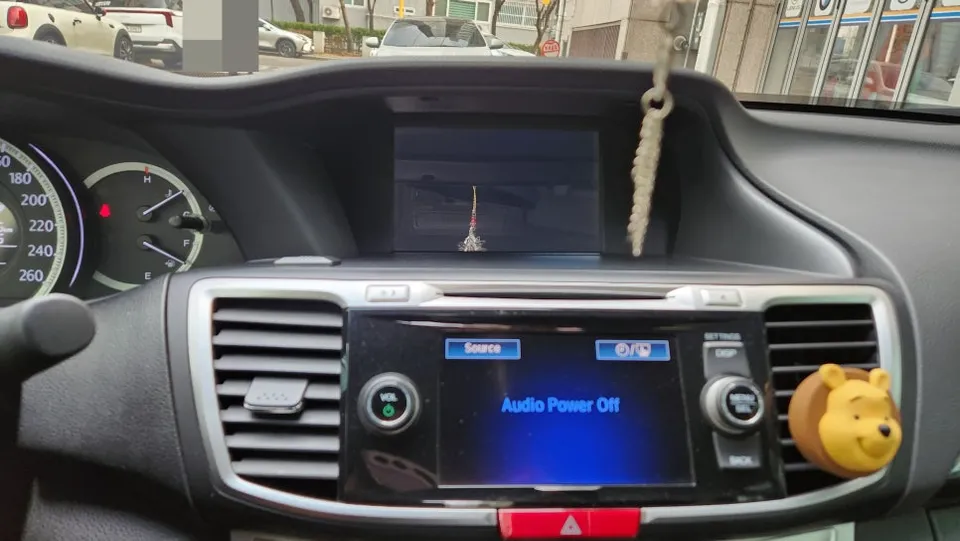
Before
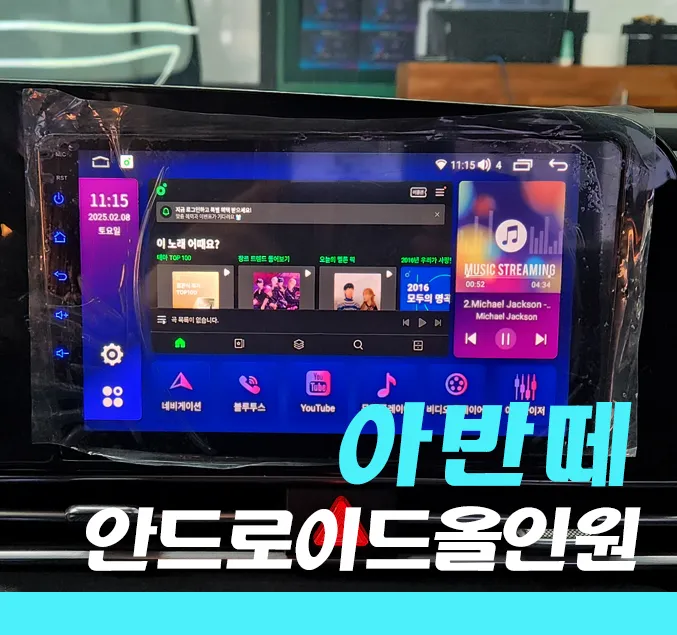
After
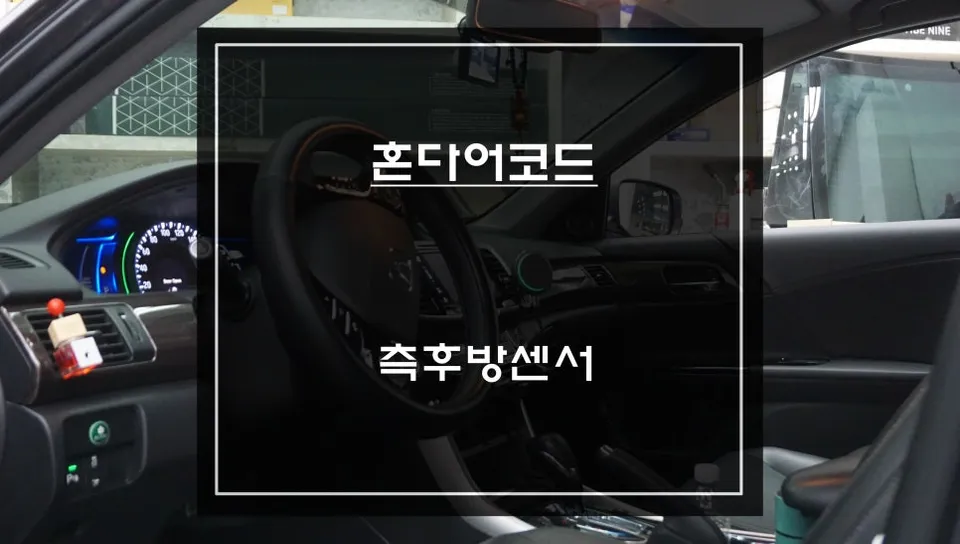
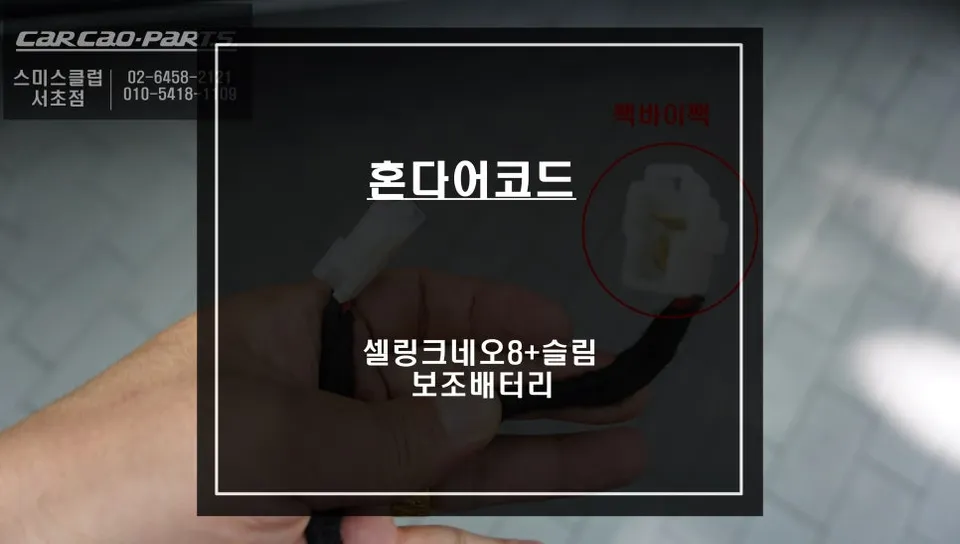
Process photos
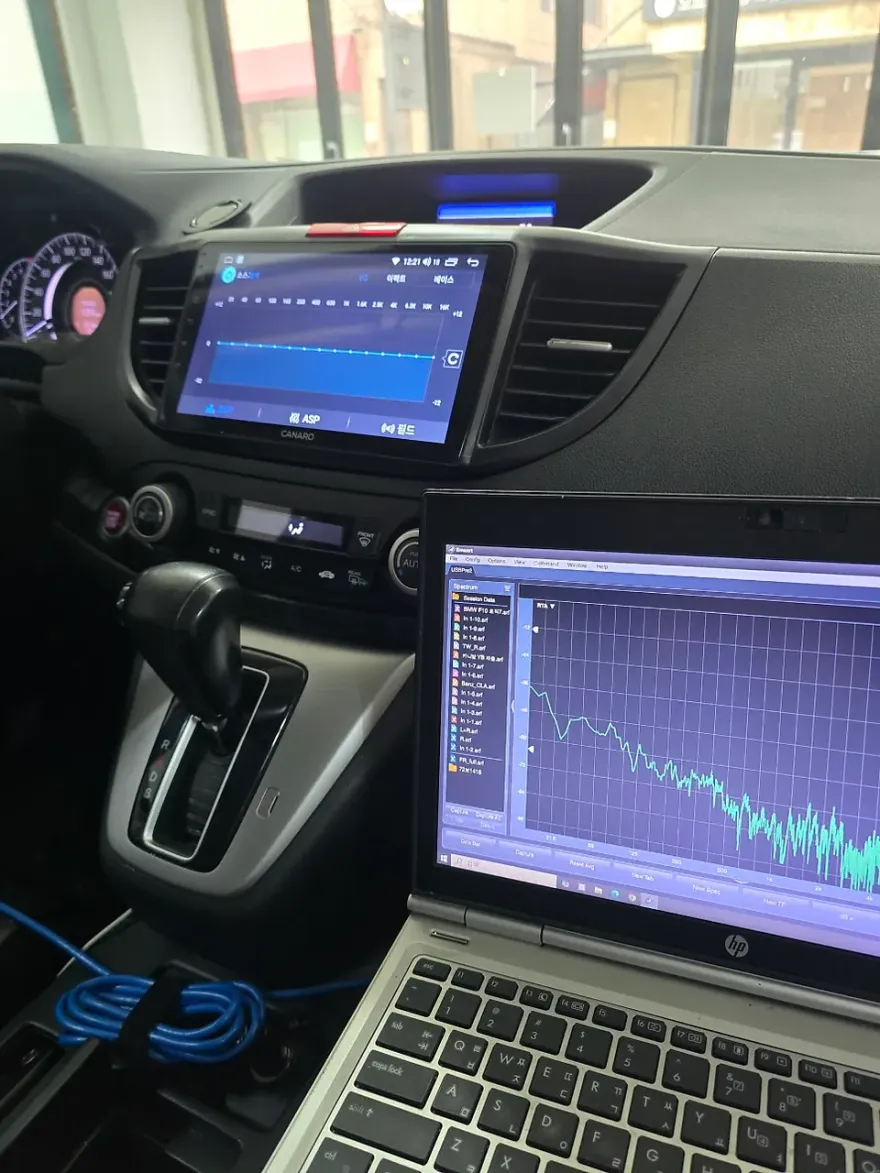
Honda CR-V Android head unit upgrade: Installation performed in South Korea. Enhances infotainment with CarPlay/Android Auto.
Honda CR-V Infotainment Upgrade with Android All-in-One
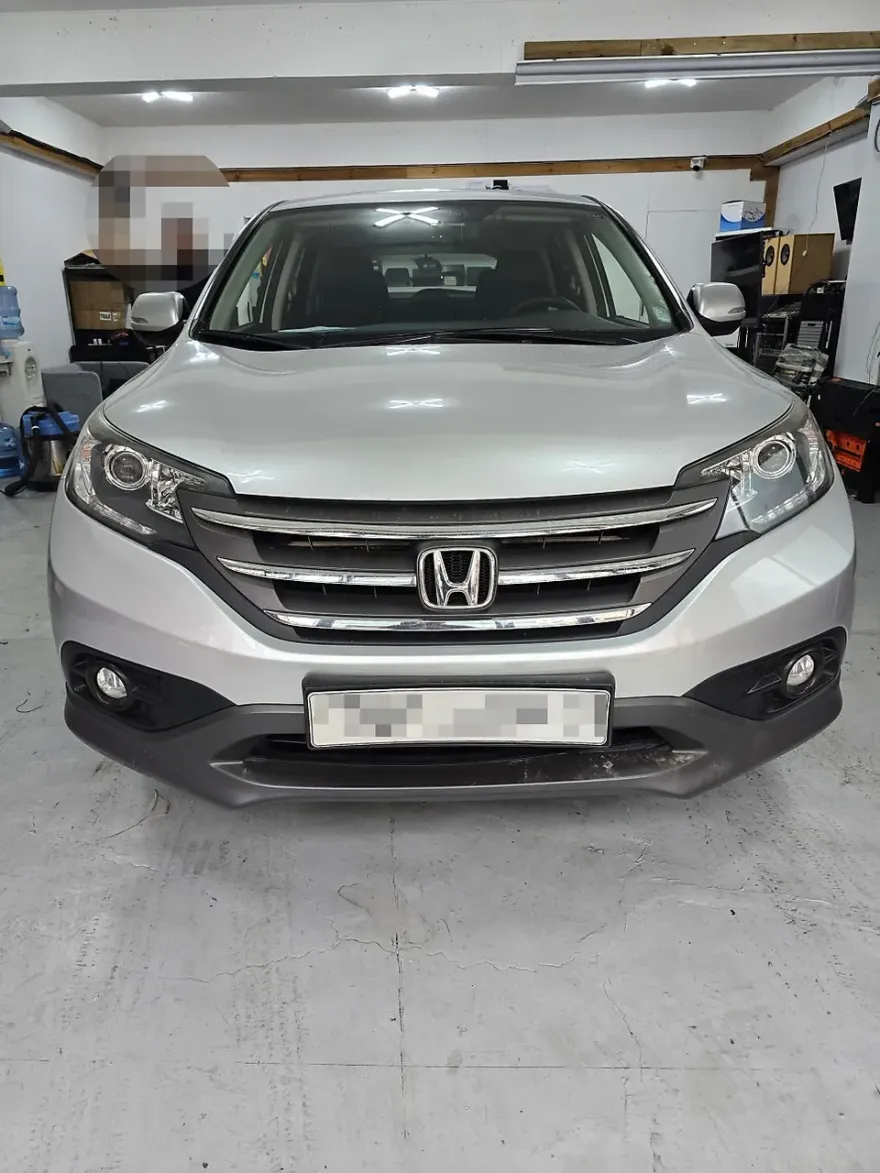
This review covers the installation of an Android All-in-One head unit in a Honda CR-V, performed by SoundCody in Yangjae-dong, South Korea. This upgrade transforms the vehicle's infotainment system, offering modern features like seamless smartphone integration, advanced navigation, and a user-friendly interface. The goal is to provide a smarter, more connected driving experience, moving beyond the limitations of factory systems. We'll look at the installation process, the tangible before-and-after results, and whether this infotainment upgrade is a worthwhile investment for your CR-V.
Android Head Unit Installation and Results
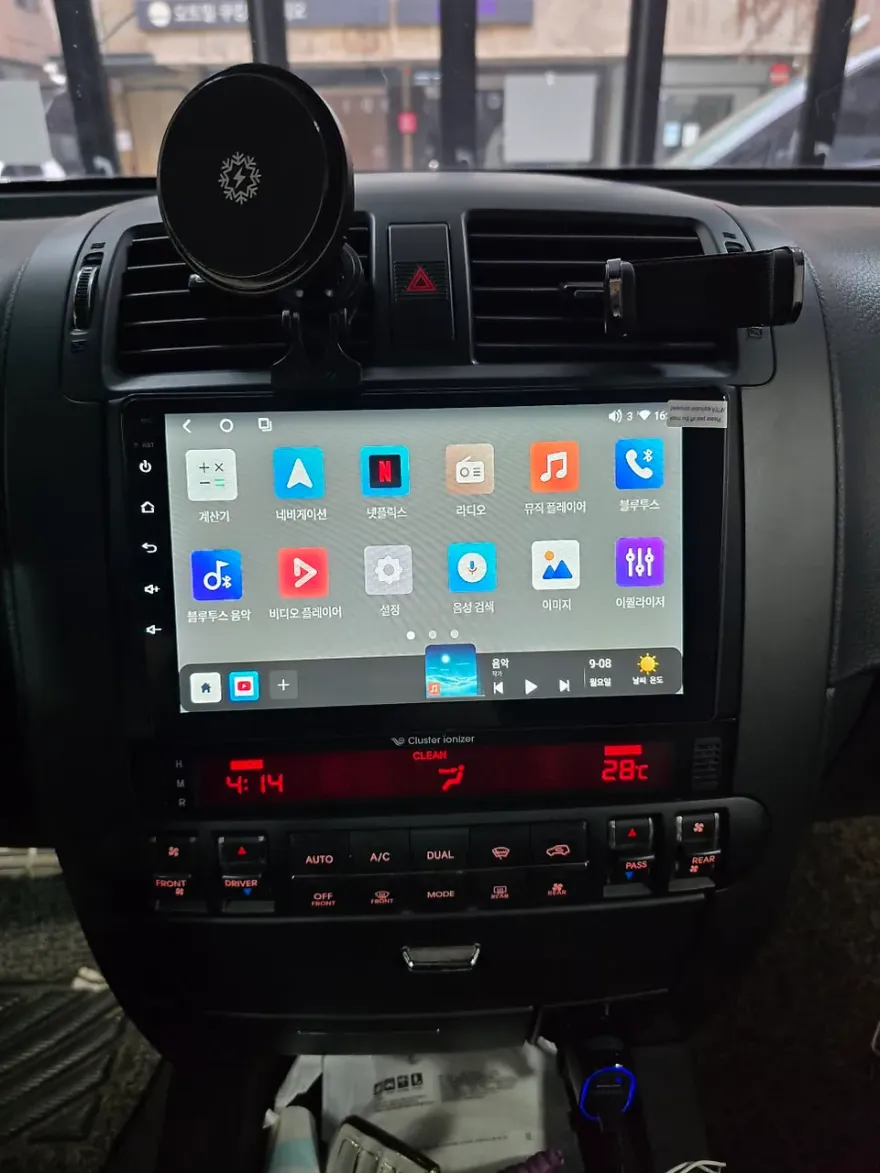
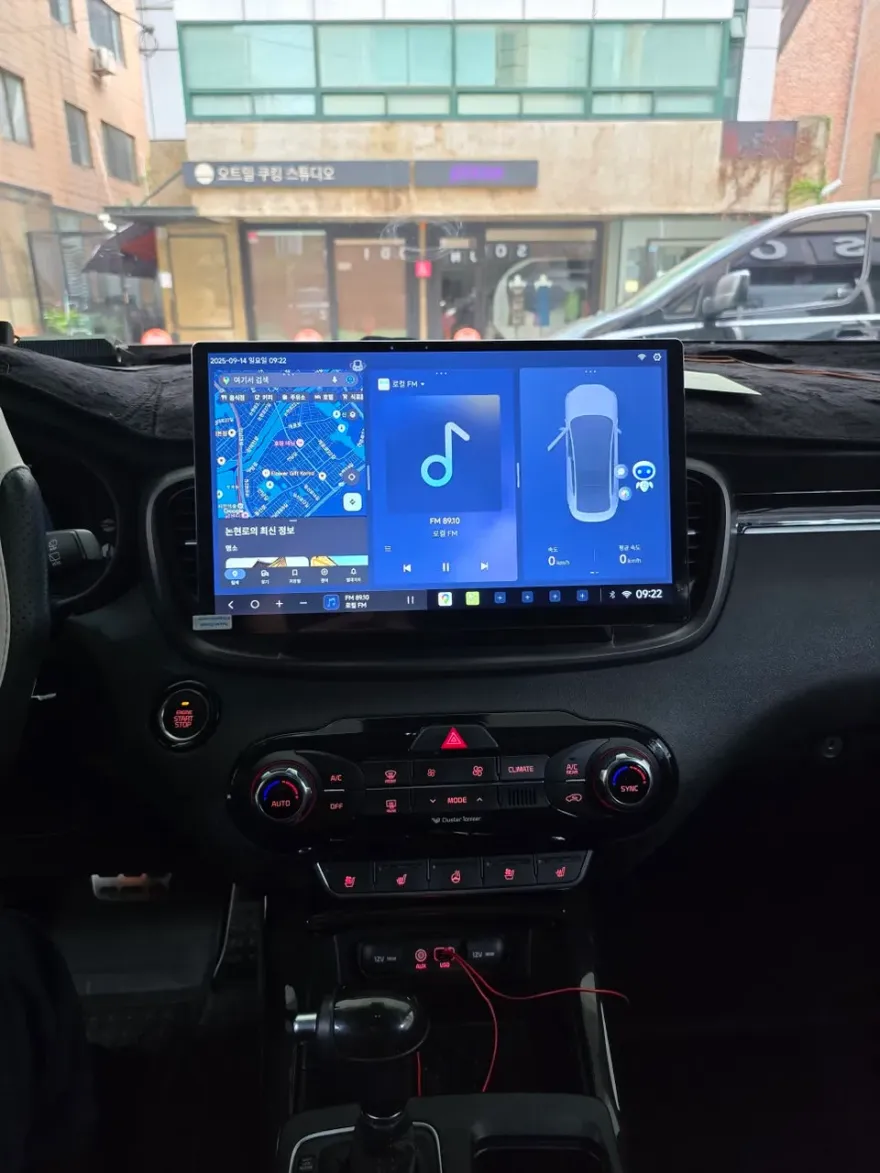
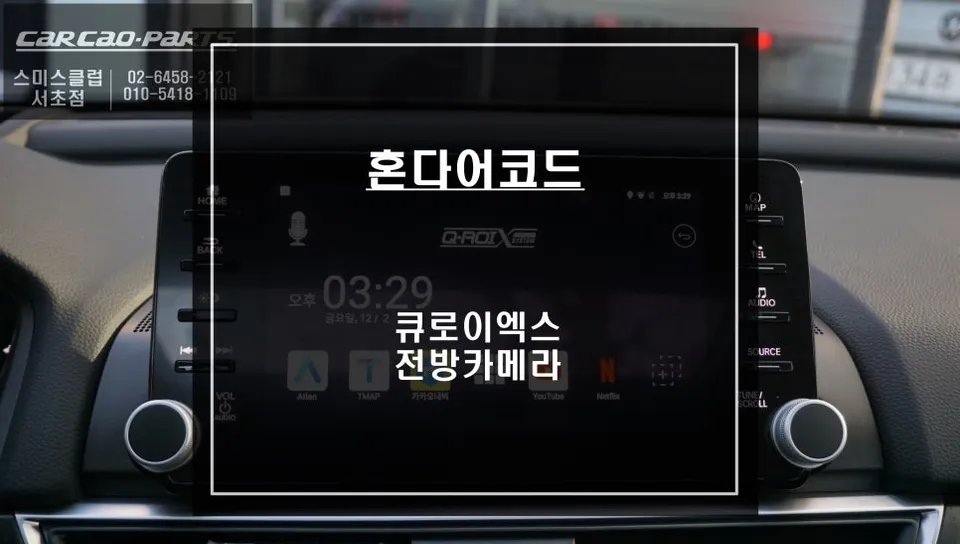
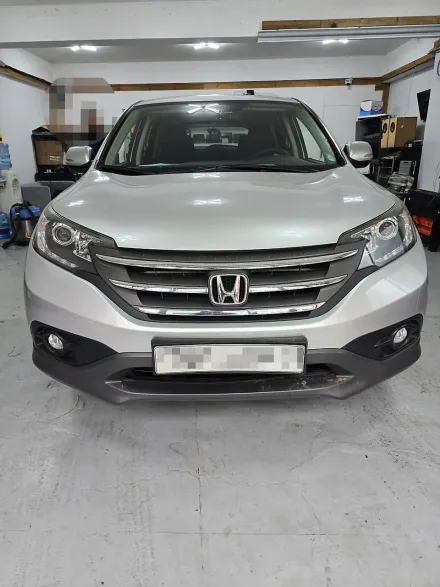
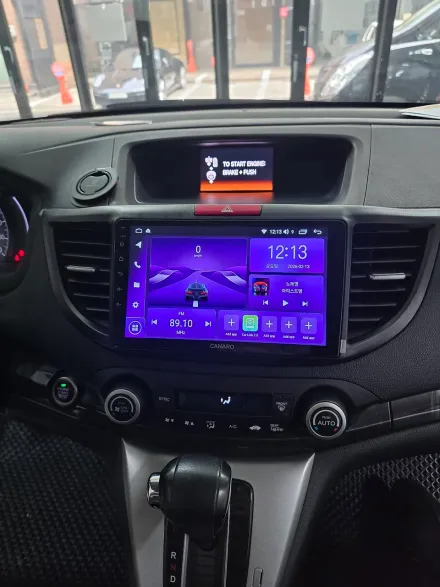
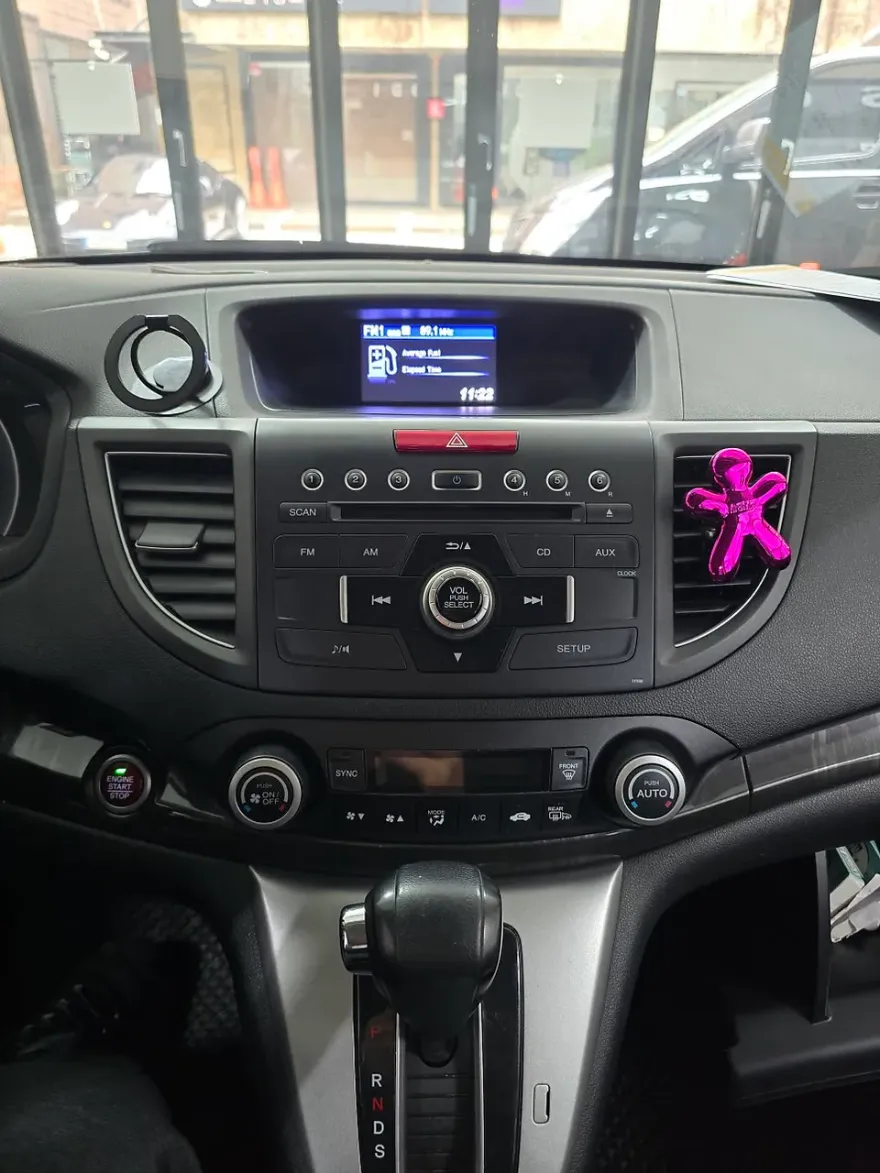
The installation process for an Android head unit in a Honda CR-V is designed to be a clean integration, replacing the existing factory display. The unit chosen, a Canaro A-Plus Android All-in-One, offers a significant leap in functionality. Before the upgrade, the CR-V likely had a basic infotainment system. After installation, drivers gain access to a large touchscreen interface that supports both Android Auto and Apple CarPlay, allowing for easy use of familiar apps like Google Maps, Waze, Spotify, and more. The system also includes built-in navigation, Bluetooth connectivity, and often supports rearview camera integration. The visual before-and-after is striking, with a modern, responsive screen replacing an older, less capable unit. The durability of these units is generally good, designed for automotive use, but like any electronic device, they require proper installation to ensure longevity. Maintenance typically involves keeping the screen clean and ensuring software updates are applied when available.
Is an Android Head Unit Upgrade Worth It for Your CR-V?
Deciding whether to upgrade your Honda CR-V's infotainment system with an Android head unit depends on your priorities and budget. The cost of the unit and installation, which in this case was performed in South Korea, should be weighed against the benefits. For drivers who rely heavily on their smartphones for navigation, music, and communication, an Android head unit provides a much more integrated and convenient experience than relying on Bluetooth or phone mounts. The ability to use familiar apps directly on the car's screen, along with features like split-screen multitasking and access to a wider range of applications, can significantly enhance daily driving. While the initial cost is a factor, the long-term value comes from improved usability, access to modern technology, and potentially increased resale value. For CR-V owners looking to modernize their vehicle's technology and enjoy a more seamless digital experience, this type of infotainment upgrade is often considered a worthwhile investment.
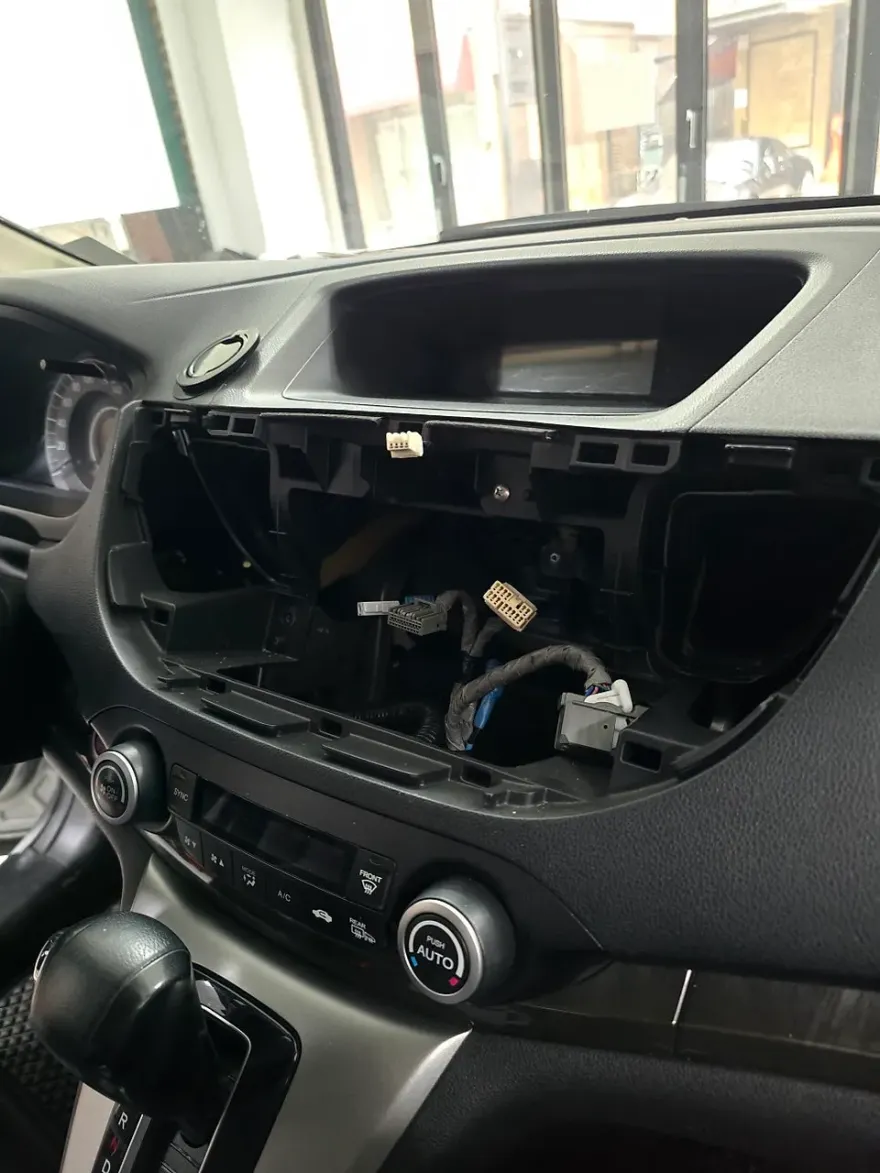
Installation Process:
- Careful removal of the factory infotainment unit.
- Wiring integration to connect the new Android head unit to the vehicle's electrical system and speakers.
- Mounting the new head unit into the dashboard, ensuring a flush and secure fit.
- Testing all functions, including touch response, audio output, and connectivity.
Frequently Asked Questions
Q. How much does Android head unit or CarPlay installation cost for a Honda CR-V?
The specific cost for this installation in South Korea was not detailed in the provided context, but Android head unit installations for a Honda CR-V in the US can range from $400 to $1,200, depending on the unit's features and installation complexity.
Q. How long does Android head unit installation take on a Honda CR-V?
Android head unit installations are typically completed within a few hours. For long-term durability, ensure the unit is installed by a professional to avoid electrical issues and ensure a secure fit.
Q. Is a CarPlay or Android Auto retrofit worth it for a Honda CR-V?
A CarPlay or Android Auto retrofit is highly recommended for Honda CR-V owners who want to modernize their infotainment system and seamlessly integrate their smartphones for navigation and entertainment. The enhanced usability and access to modern apps often justify the investment for daily drivers.
Q. How is an Android head unit installed in a Honda CR-V?
Installation involves carefully removing the factory head unit, connecting the new Android unit's wiring harness to the vehicle's systems, mounting the new unit securely into the dashboard, and testing all functions.
Q. What is the difference between an Android head unit and a factory infotainment system for a Honda CR-V?
An Android head unit offers significantly more functionality, including direct access to apps like Google Maps and Spotify, and supports both Android Auto and Apple CarPlay, whereas a factory system is often more limited in features and app integration.
OhCar Partner Shop