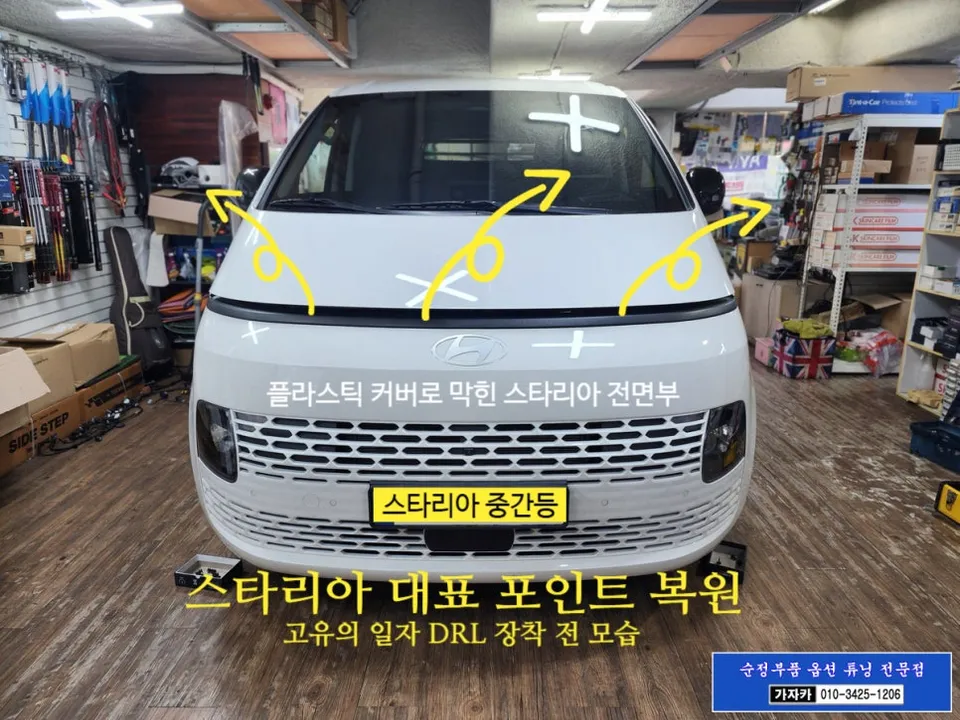
Hyundai Starex Android Head Unit Review: Cost & Results
Service Price
$75–115
Estimated price · Actual price may vary by shop
Before
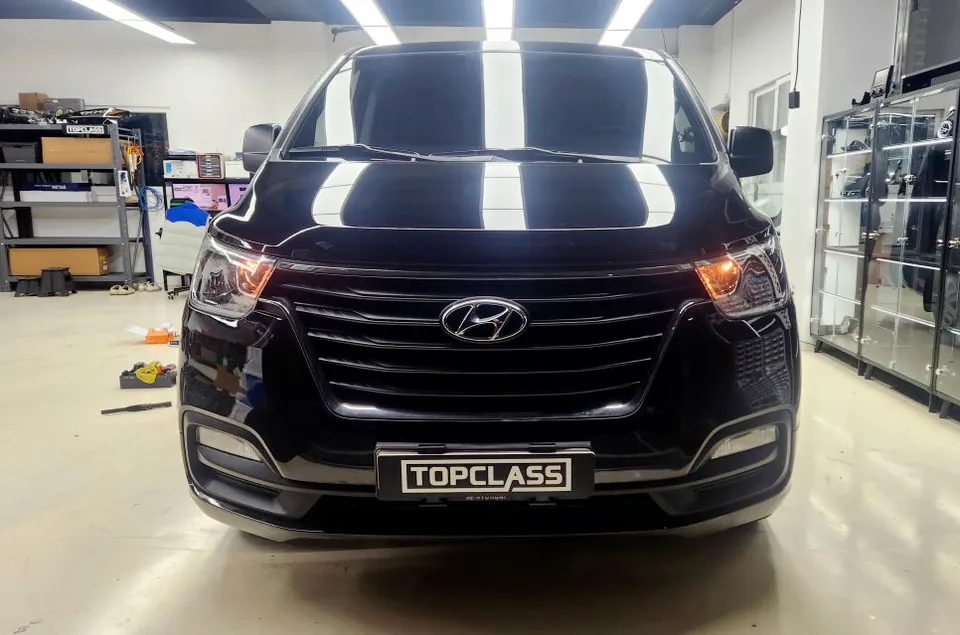
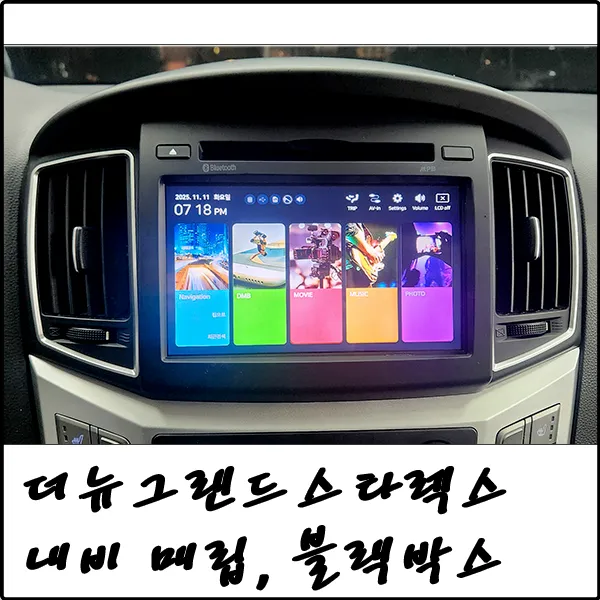
After
Process photos
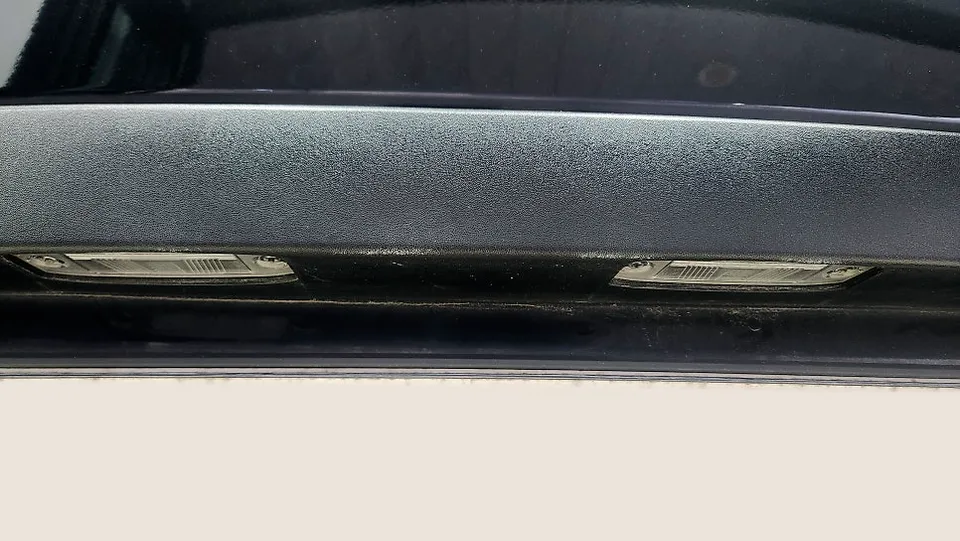
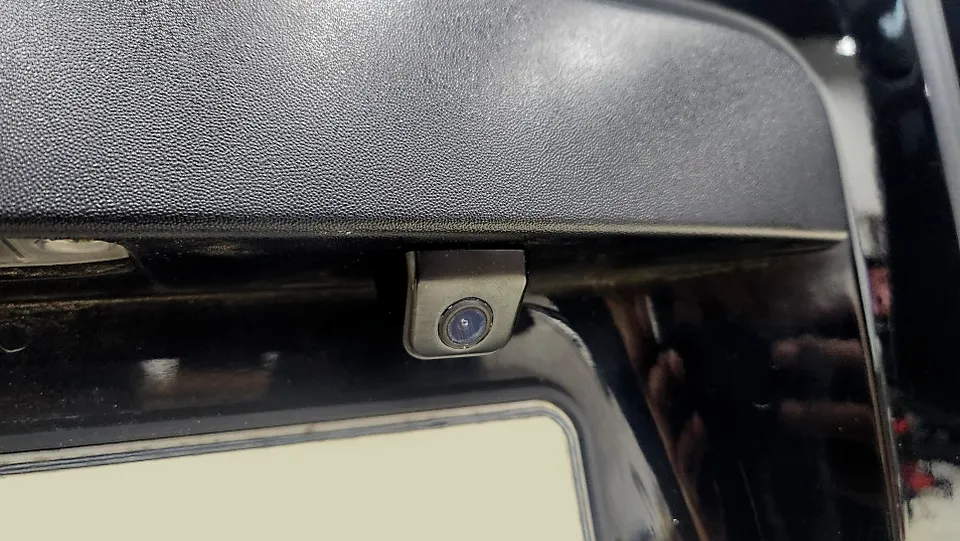
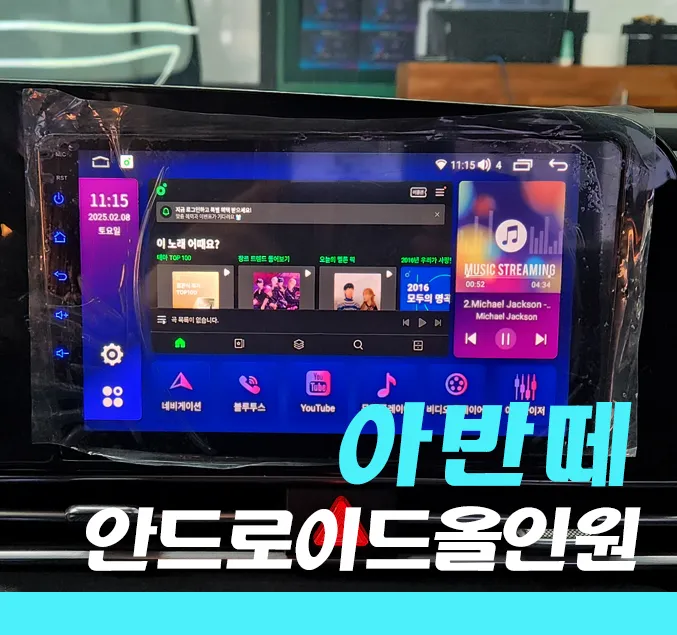
Hyundai Starex Android Head Unit installation: ~$75-115. Adds navigation, reverse camera, and dashcam integration.
Upgrading Your Hyundai Starex Infotainment System
Many Hyundai Starex owners find themselves needing more from their vehicle's audio system, especially those who purchased their van without a factory navigation option. While smartphone navigation apps are convenient, they often lack seamless integration with essential features like a reverse camera. This is where an Android head unit upgrade comes in, offering a comprehensive solution that enhances both convenience and safety. This review details the process, benefits, and considerations for installing an Android head unit and related accessories in a Hyundai Starex.
Navigation and Camera Integration for the Starex
The primary driver for an infotainment upgrade in a vehicle like the Starex, where rear visibility is crucial, is the ability to integrate a reverse camera. Factory systems often don't support this, and standalone phone mounts can be cumbersome. Installing an aftermarket Android head unit provides a central display for navigation, media, and crucially, a clear view from the rear camera. This significantly improves parking and maneuvering safety, especially in larger vehicles.
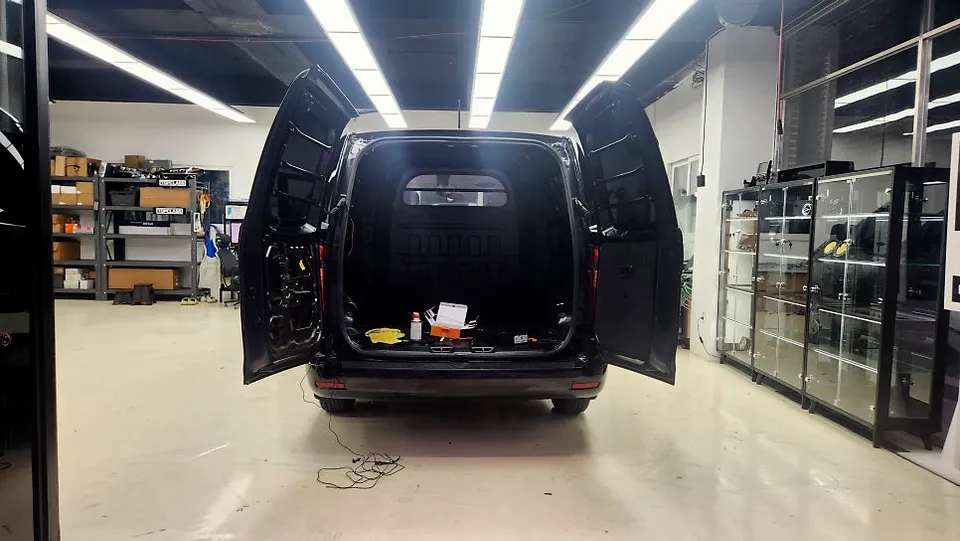
The installation process involves carefully routing wiring to avoid damage and ensure a clean look. For the Hyundai Starex, with its dual-trunk design, particular attention is paid to securing rear camera wiring. Technicians use sound-absorbing tape and follow factory wiring paths to minimize the risk of wire exposure or damage, ensuring long-term durability. The head unit itself can be loaded with various navigation software, allowing owners to choose their preferred mapping service, such as the Atlant 3D map mentioned in the original context.
Installation Process:
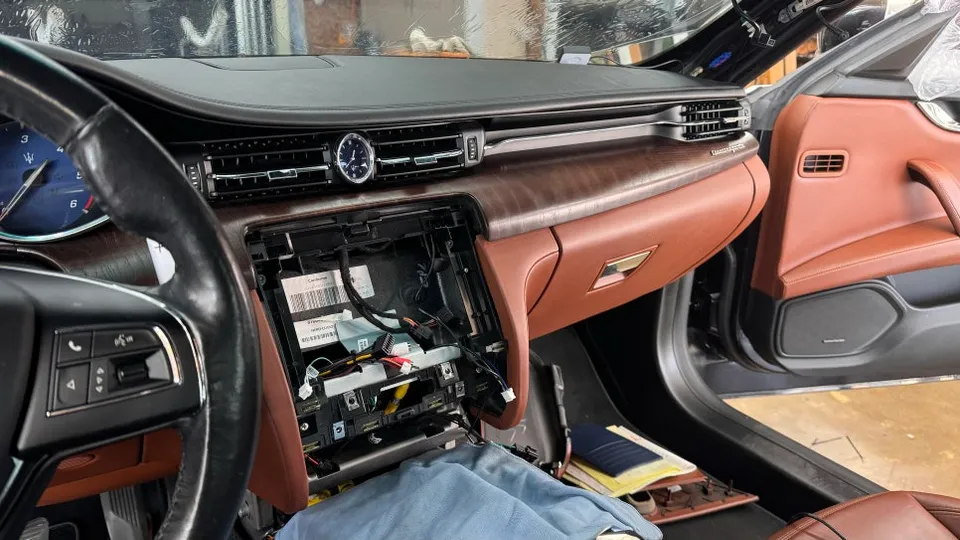
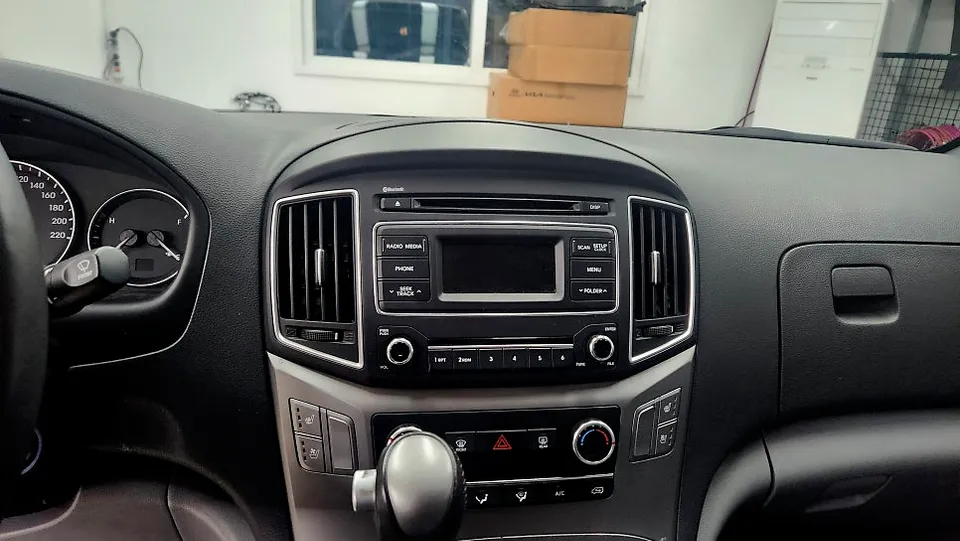
- Remove the factory audio unit and prepare the dashboard cavity.
- Connect the new Android head unit's wiring harness to the vehicle's existing connectors, integrating power, speakers, and any necessary control signals.
- Install the reverse camera, routing its cable discreetly through the vehicle's interior and to the rear trunk area, ensuring it's protected from damage.
- Connect the reverse camera to the head unit and test its functionality, ensuring a clear image when the vehicle is in reverse.
- Secure the head unit in the dashboard, ensuring a flush fit and proper alignment.
Enhancing Safety with a 2-Channel Dashcam
Beyond navigation, safety is paramount, making a 2-channel dashcam an essential addition. Models like the GNet System Z7 offer Full HD front and HD rear recording, ensuring clear footage even in low-light conditions thanks to Night Vision technology. This is invaluable for capturing incident details, whether during the day or in poorly lit parking garages. Similar to the navigation wiring, the dashcam's rear camera cable is meticulously installed to prevent wear and tear.
Proper maintenance of the dashcam's memory card, including regular formatting, is key to ensuring continuous and reliable recording. Some dashcam systems offer expandability, allowing for additional cameras, further enhancing the vehicle's surveillance capabilities.
Smart Convenience: The Auto-Folding Mirror Relay
A final touch for enhanced convenience is the installation of a power-folding mirror relay. This feature automatically folds the side mirrors when the vehicle is locked and unfolds them when unlocked. It prevents the common oversight of forgetting to fold mirrors manually, which can lead to damage, and provides a quick visual confirmation of the vehicle's locked status.
The total installation time for a navigation unit, dashcam, and mirror relay typically ranges from 3 to 4 hours for the navigation and dashcam, with the mirror relay adding a shorter duration. While the original context mentions work done in Korea, the principles and benefits of these upgrades apply universally to Hyundai Starex owners seeking a more modern and functional vehicle experience.
Frequently Asked Questions
Q. How much does Android head unit or CarPlay installation cost for a Hyundai Starex?
The estimated cost for an Android head unit installation in a Hyundai Starex is typically between $75–115 USD. Actual prices can vary based on the specific unit chosen and any additional features like dashcams or camera integration.
Q. How long does Android head unit installation take on a Hyundai Starex?
The installation of an Android head unit and a 2-channel dashcam typically takes around 3 to 4 hours. Proper wiring and integration are key to ensuring the durability and functionality of the system.
Q. Is a CarPlay or Android Auto retrofit worth it for a Hyundai Starex?
An Android head unit upgrade is highly recommended for Starex owners who lack factory navigation or a reverse camera display, significantly enhancing safety and convenience. It's particularly valuable for improving rear visibility and integrating modern infotainment features.
Q. How is an Android head unit installed in a Hyundai Starex?
Installation involves removing the factory stereo, connecting the new Android head unit's wiring harness, and integrating features like a reverse camera. Wiring is carefully routed and secured for durability, ensuring a clean finish.
Q. What is the difference between an Android head unit and a factory infotainment system for a Hyundai Starex?
An Android head unit offers greater flexibility and features than most factory systems, including support for various navigation apps and easier integration of aftermarket cameras. Factory systems are typically more limited in customization and feature set.
OhCar Partner Shop