Hyundai Elantra Android Head Unit Upgrade Review
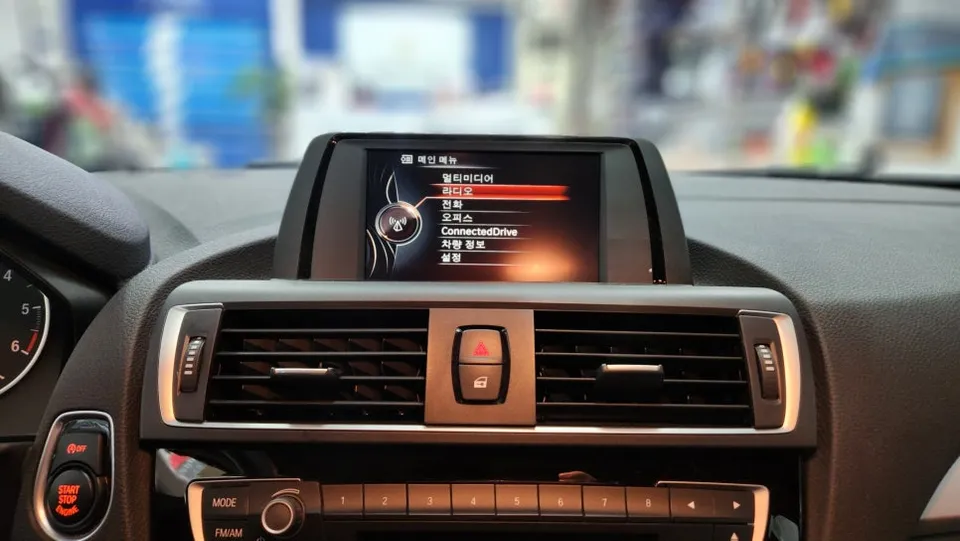
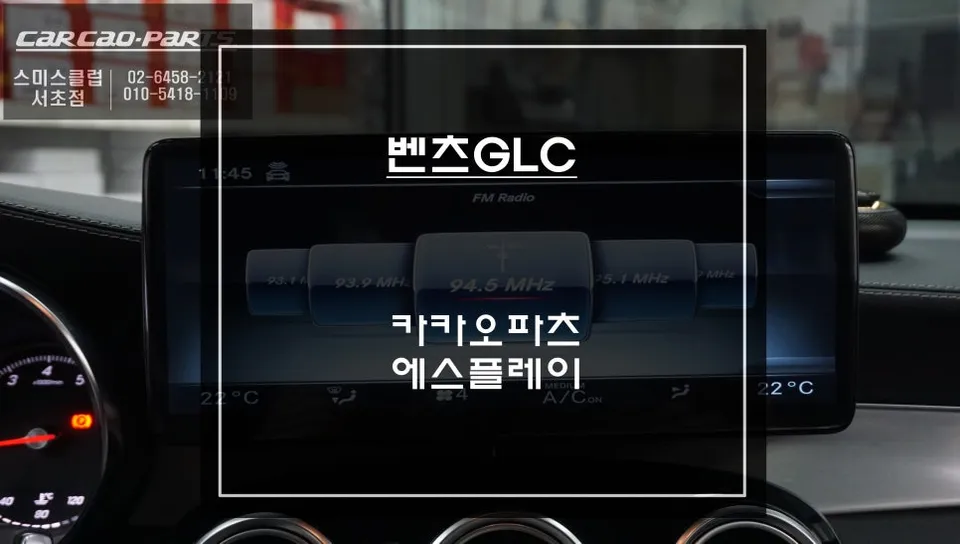
Before
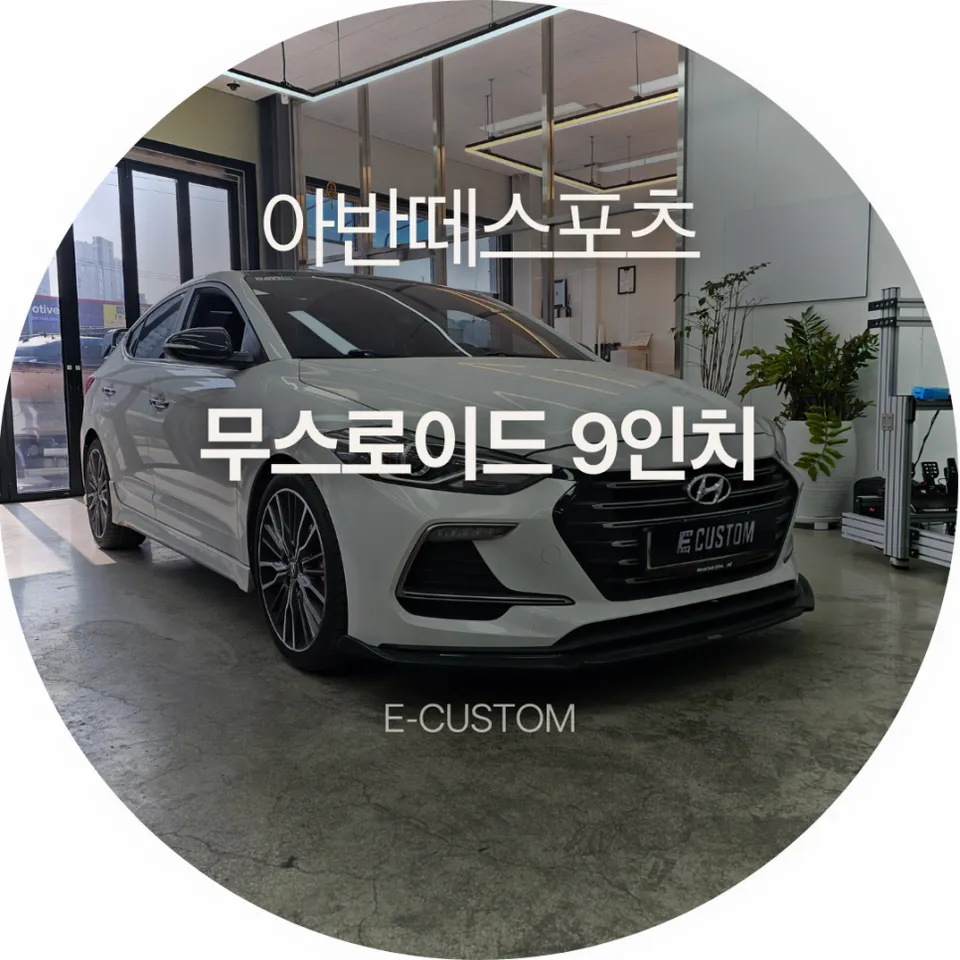
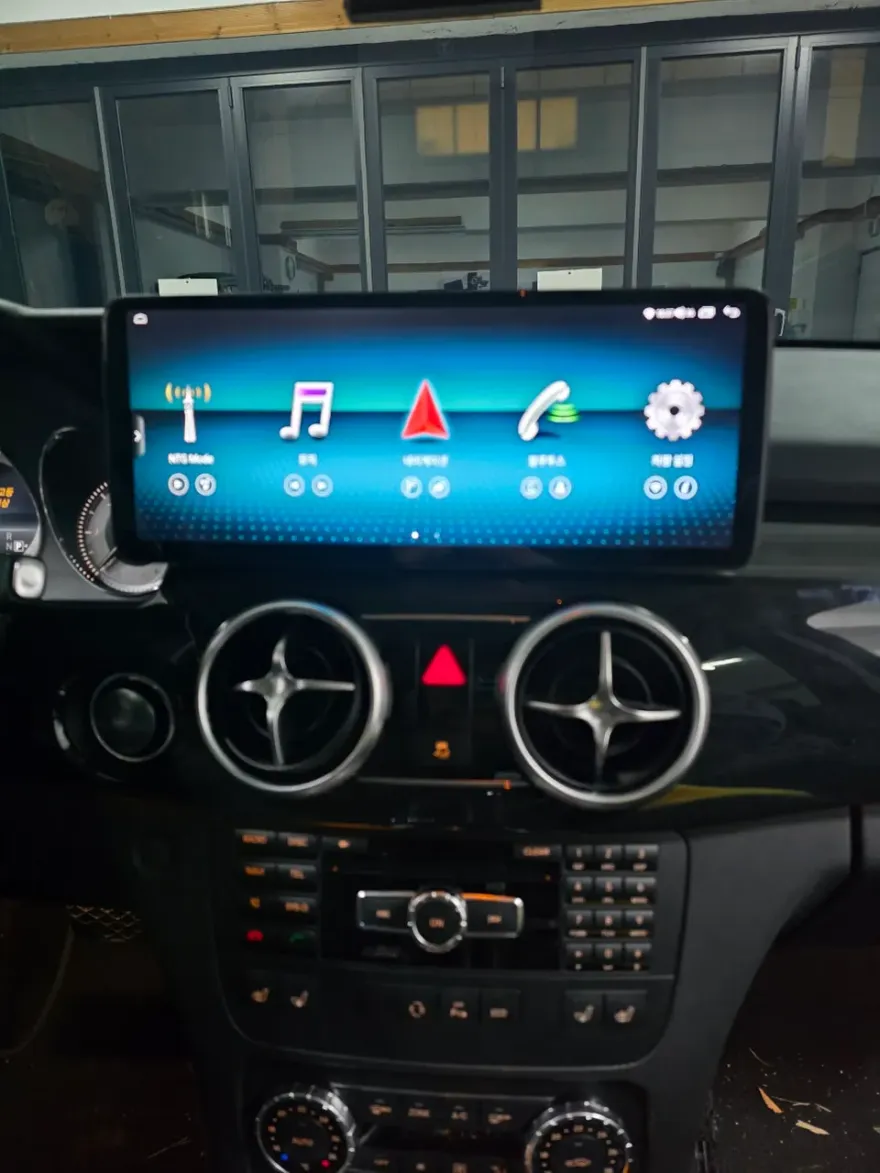
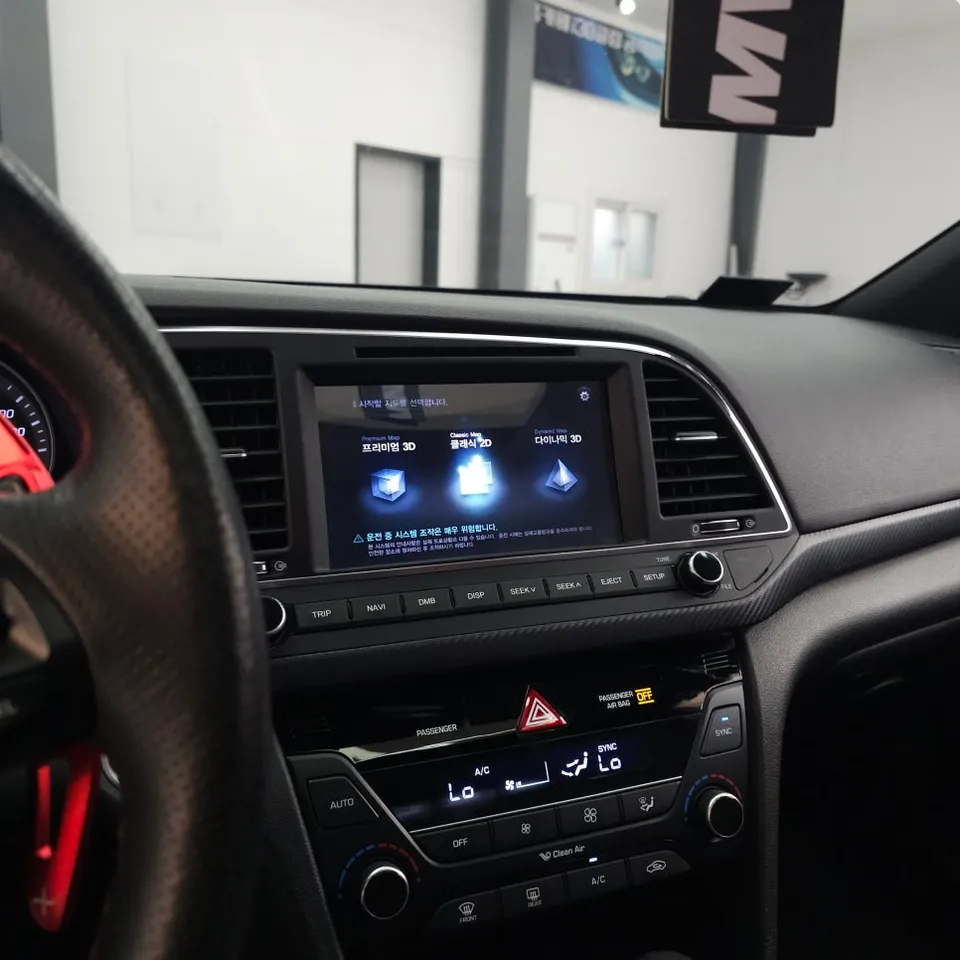
After
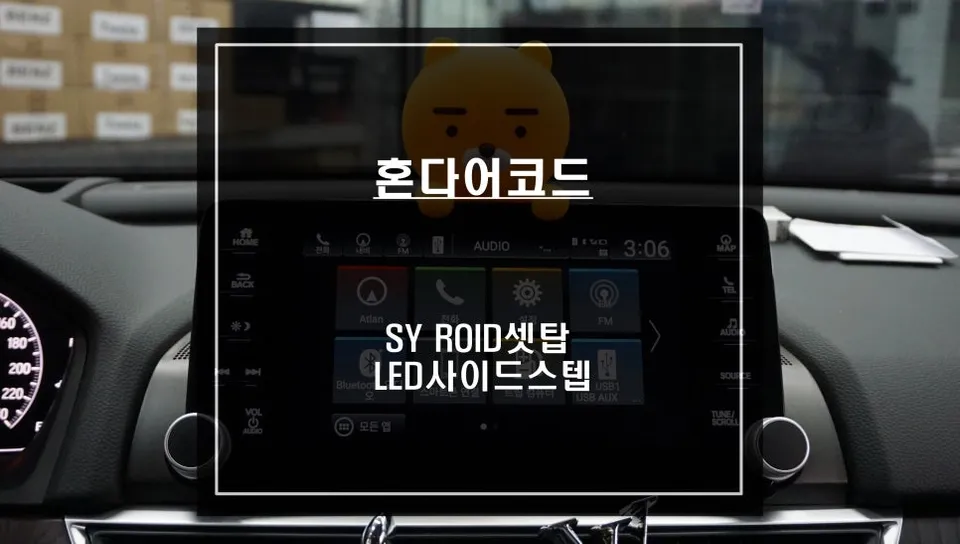
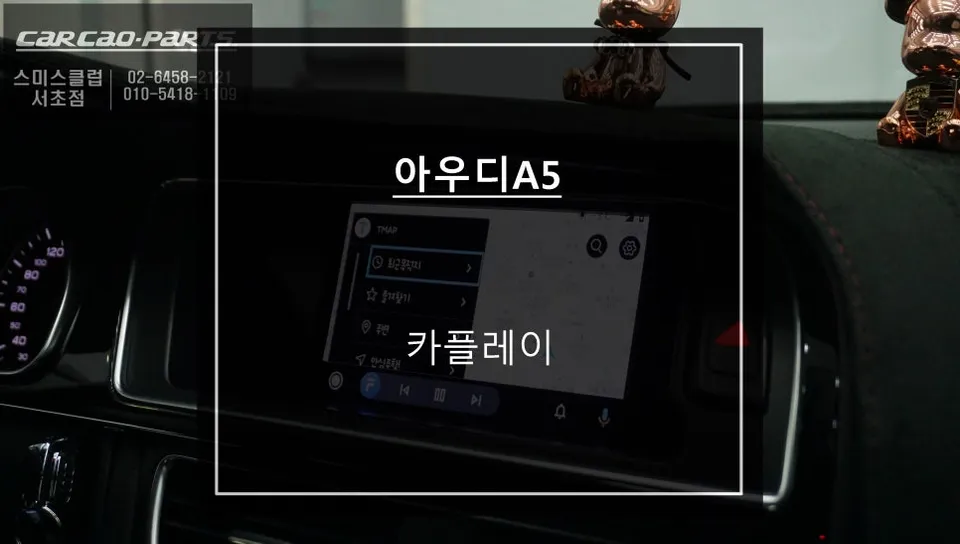
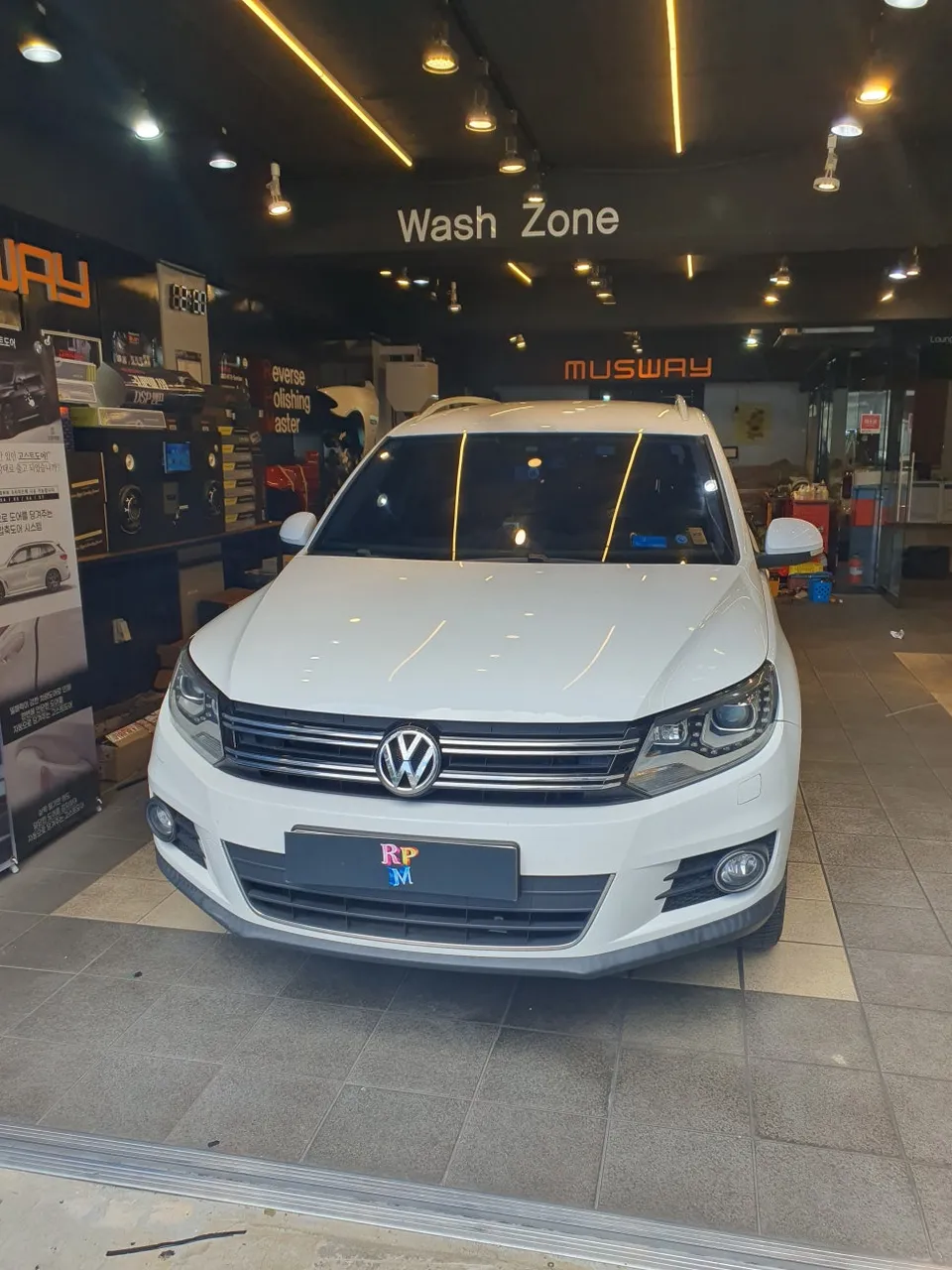
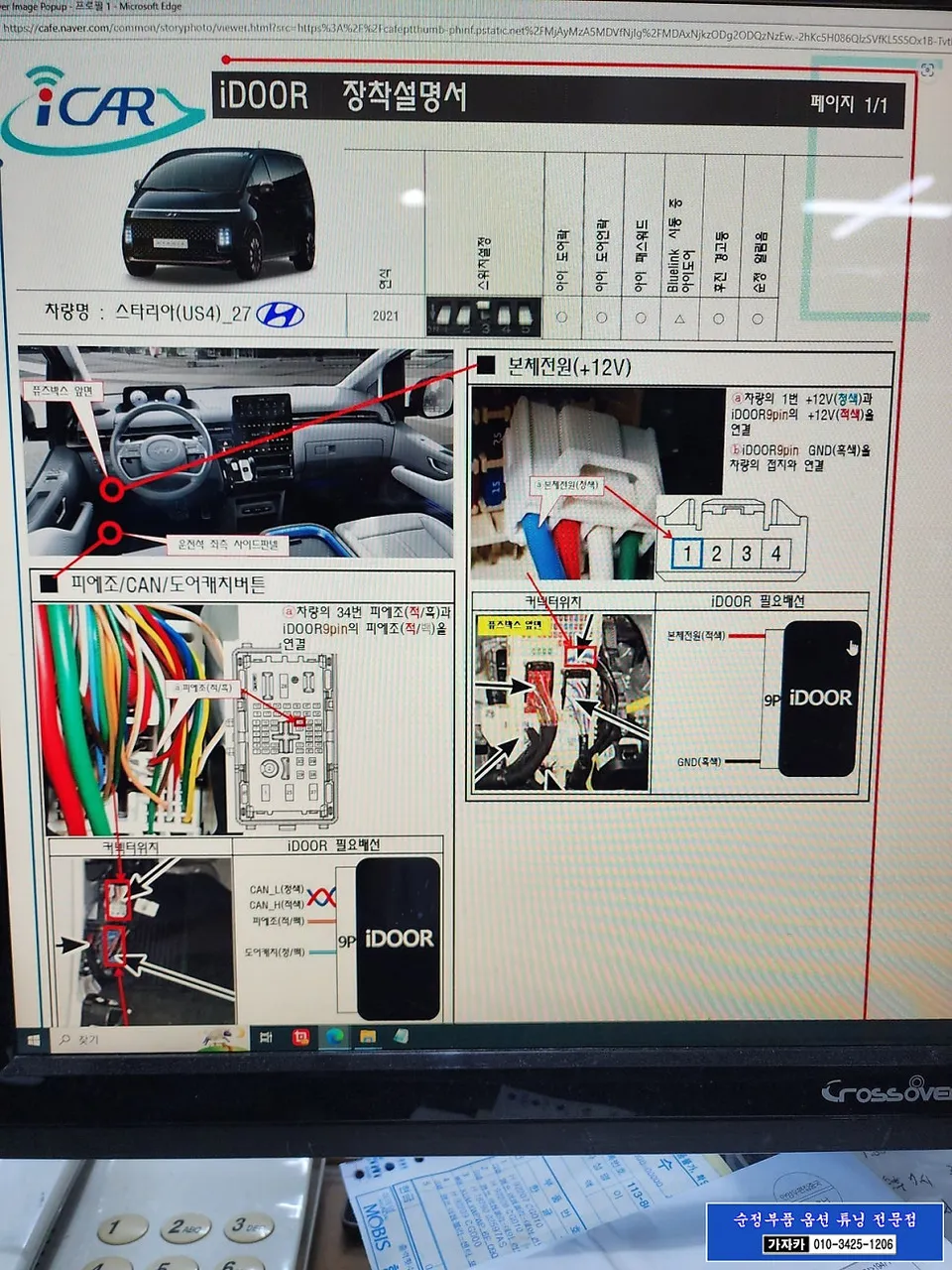
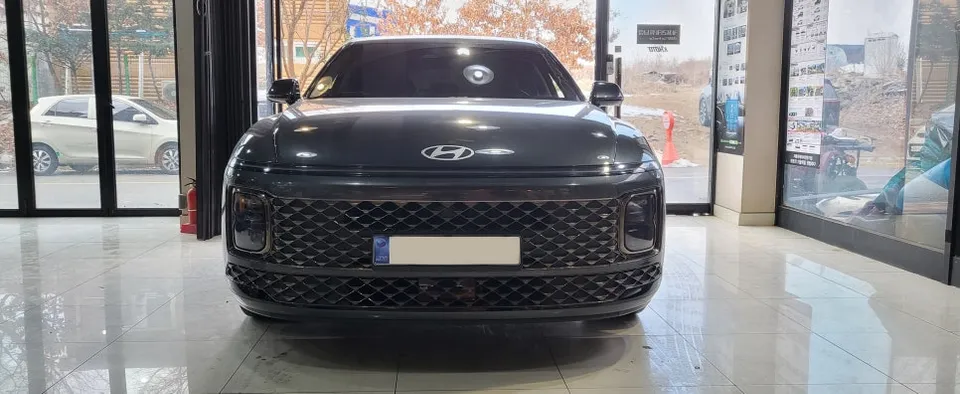
Process photos
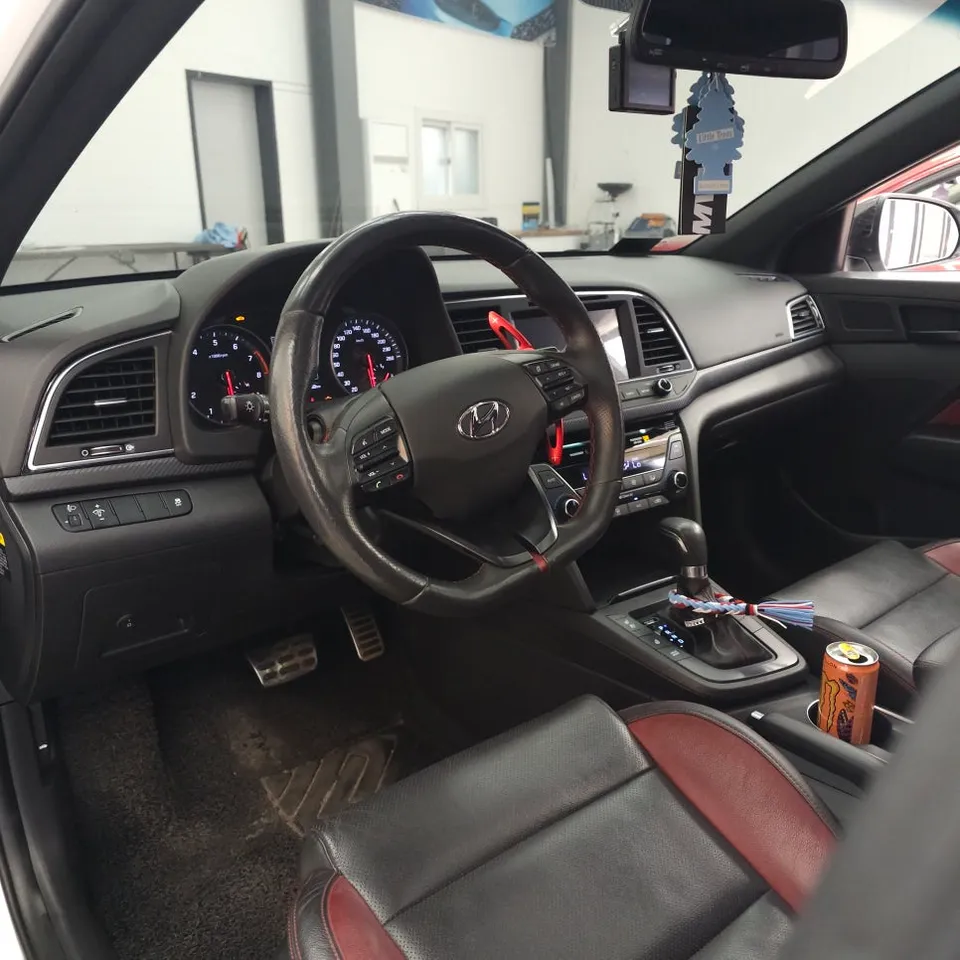
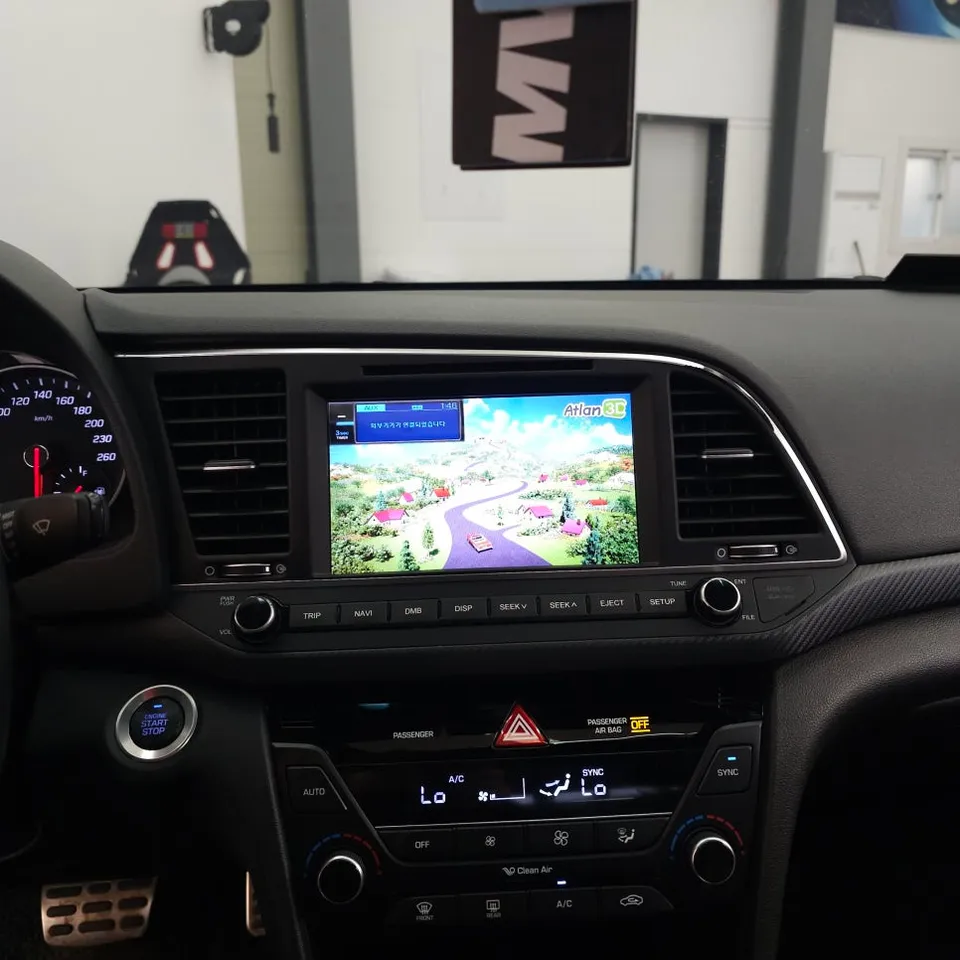
Hyundai Elantra Android head unit upgrade: Musroid 9-inch installation. Modernizes infotainment with CarPlay/Android Auto.
Hyundai Elantra Infotainment Upgrade: Musroid 9-Inch Android All-in-One
Even a capable car like the Hyundai Elantra can benefit from a modern infotainment system. This review focuses on the installation of a 9-inch Musroid Android All-in-One unit, offering a significant upgrade over the factory system. We'll cover the installation process, the before and after results, and whether this Android head unit upgrade is a worthwhile investment for your Elantra.
Before and After: A Modernized Cockpit
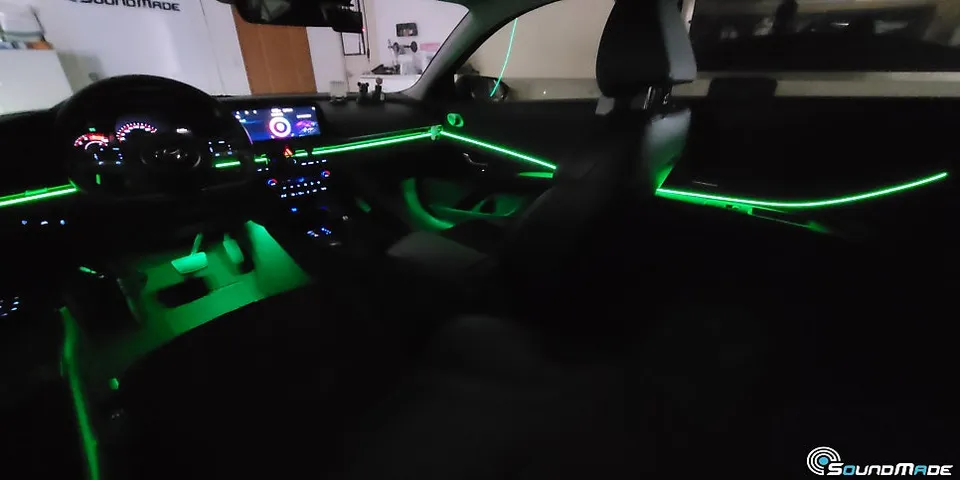
The original infotainment system in many Elantra models, while functional, can feel dated. Upgrading to an Android head unit like the Musroid 9-inch unit transforms the driving experience. The new unit provides a larger, higher-resolution touchscreen with a modern interface. Key benefits include seamless integration of smartphone features like Apple CarPlay and Android Auto, access to a vast array of apps via the Google Play Store, and often improved audio quality. The before-and-after is striking: a cluttered, less intuitive dash becomes a sleek, connected command center. This infotainment upgrade not only enhances usability but also modernizes the interior aesthetics of the Hyundai Elantra.
Installation Process and Durability
Installing an Android head unit in a Hyundai Elantra is a process that requires care and precision. While professional installation is recommended, understanding the steps can be helpful. The process typically involves carefully removing the factory head unit, disconnecting wiring harnesses, and connecting the new unit's cables. The Musroid unit is designed for a factory-like fit, ensuring it integrates smoothly into the Elantra's dashboard. Durability is generally good, as these units are built to withstand the vibrations and temperature fluctuations of daily driving. Regular maintenance involves keeping the screen clean and ensuring software updates are applied for optimal performance and security. The longevity of the unit depends on the quality of the components and proper installation.
Installation process:
- Carefully remove the factory infotainment unit from the Hyundai Elantra's dashboard.
- Disconnect all wiring harnesses and antenna cables from the original unit.
- Connect the new Android head unit's wiring harness, ensuring all connections are secure.
- Mount the new 9-inch Android head unit into the dashboard opening.
- Test all functions before reassembling the dashboard trim pieces.
Frequently Asked Questions
Q. How much does Android head unit or CarPlay installation cost for a Hyundai Elantra?
The installation cost for this Musroid 9-inch Android head unit in Korea was approximately ₩750,000 (around $550 USD). Typical professional installation costs in the US can range from $300 to $1000 depending on the unit and vehicle complexity.
Q. How long does Android head unit installation take on a Hyundai Elantra?
The Android head unit itself is designed for durability and should last many years with proper care. To maintain its performance, regularly clean the screen with a microfiber cloth and ensure the operating system and apps are kept up-to-date.
Q. Is a CarPlay or Android Auto retrofit worth it for a Hyundai Elantra?
An Android Auto or CarPlay retrofit is highly recommended for Elantra owners who desire modern smartphone integration and app access. It significantly enhances the user experience and connectivity, making it a valuable upgrade for daily driving.
Q. How is an Android head unit installed in a Hyundai Elantra?
Installation involves removing the factory head unit, disconnecting its wiring, and connecting the new Android unit's harness. The new unit is then mounted into the dash, and functions are tested before reassembly.
Q. What is the difference between an Android head unit and a factory infotainment system for a Hyundai Elantra?
An Android head unit offers a modern, app-based interface with features like CarPlay and Android Auto, plus direct app installation, unlike most factory systems. For enhanced connectivity and a more versatile user experience, the Android head unit is generally the superior choice.
OhCar Partner Shop