Hyundai Porter 2 OEM Options Installation Cost & Review
Service Price
$150+
Estimated price · Actual price may vary by shop
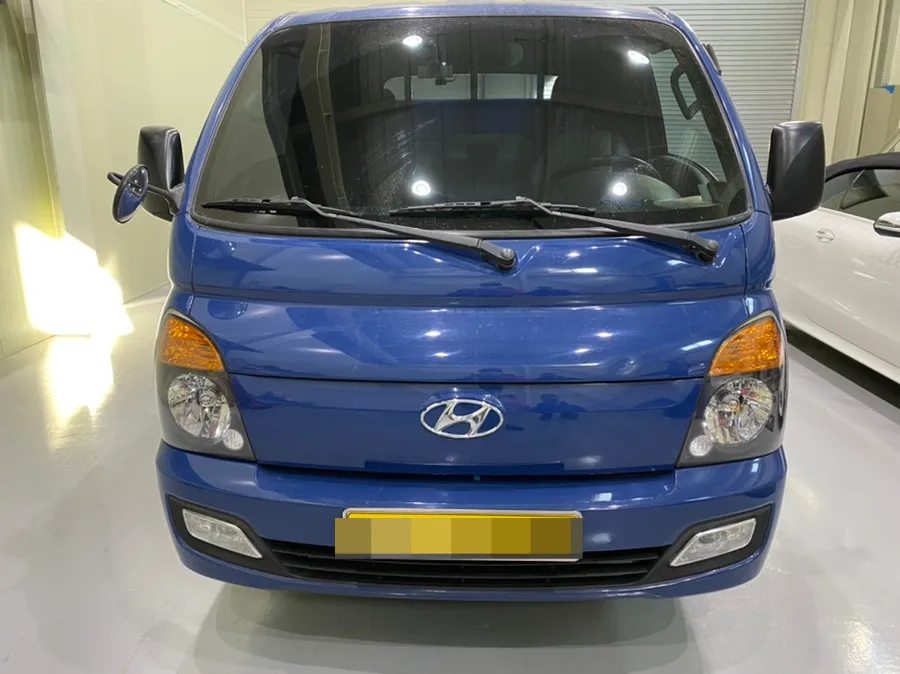
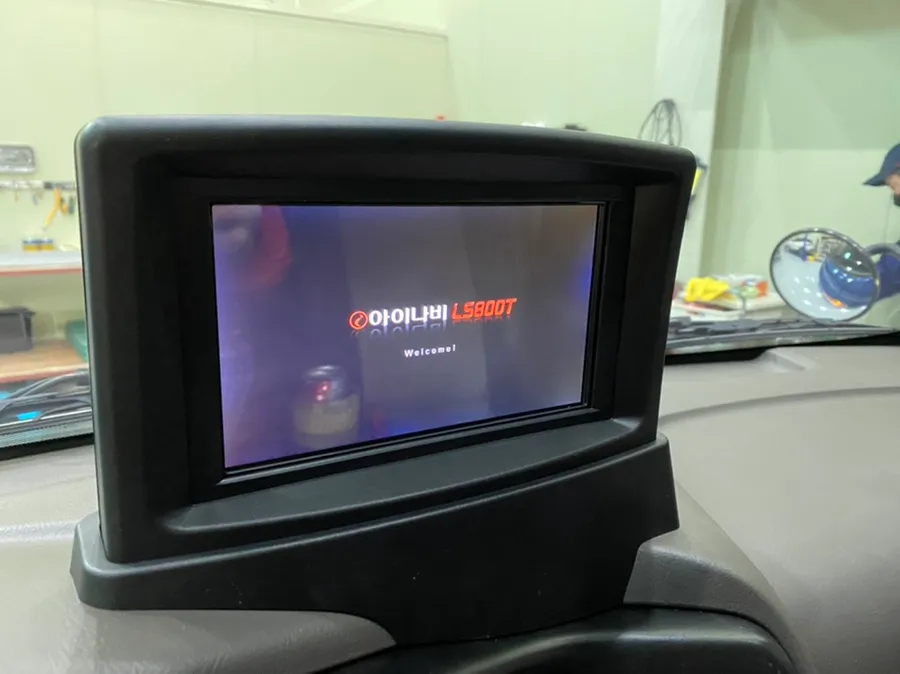
Hyundai Porter 2 rear camera & navigation retrofit: ~$150+. Enhances safety and efficiency for professional drivers.
Why Rear Cameras and Navigation are Essential for Hyundai Porter 2 Drivers
The Hyundai Porter 2 is the undisputed king of 1-ton trucks in Korea, and its drivers share common operational patterns. They frequently stop and go in tight parking spaces, navigate complex alleyways, and check their mirrors dozens of times a day. This demanding environment is precisely why the demand for rear camera and navigation system installations is so high. Today, we're detailing the integrated installation process for a Hyundai Porter 2 at a specialized workshop in Incheon, South Korea.
Planning the Installation: Key Considerations for the Porter 2
The first step involves a thorough inspection of the Porter 2 upon arrival. For rear camera installation, the critical points are the wiring path and the camera's mounting location. While the Porter 2's rear structure is simpler than many passenger cars, this simplicity can make cleanly hiding the wiring more challenging. We consult with drivers, particularly those in the transport industry, to understand their specific needs. This includes assessing the extent of rear blind spots during parking and identifying the most frequently used navigation features. Despite its height, the Porter 2 paradoxically has very limited rear visibility, making the camera's field of view crucial for effective compensation.
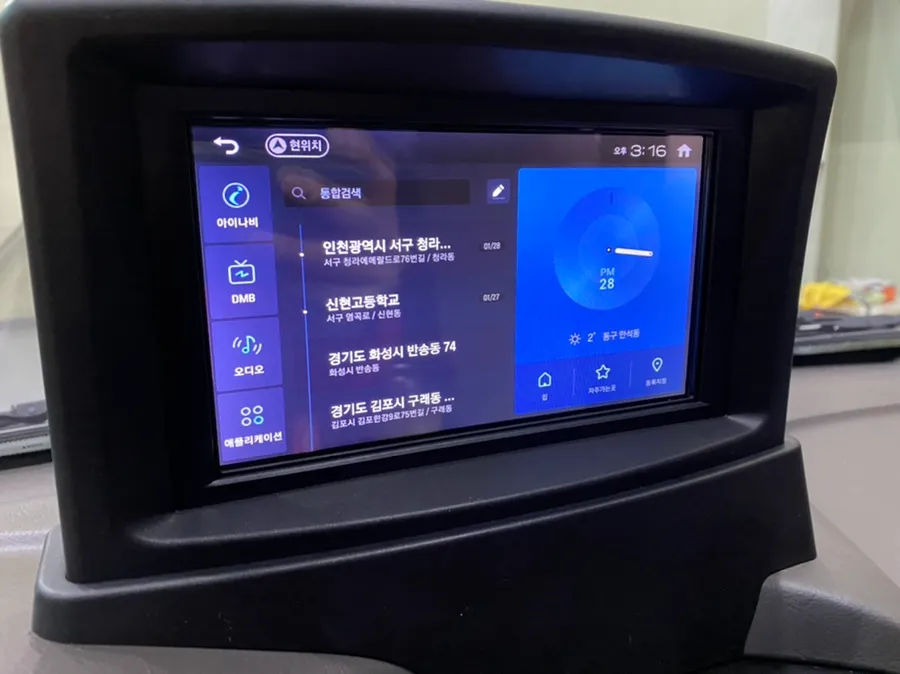
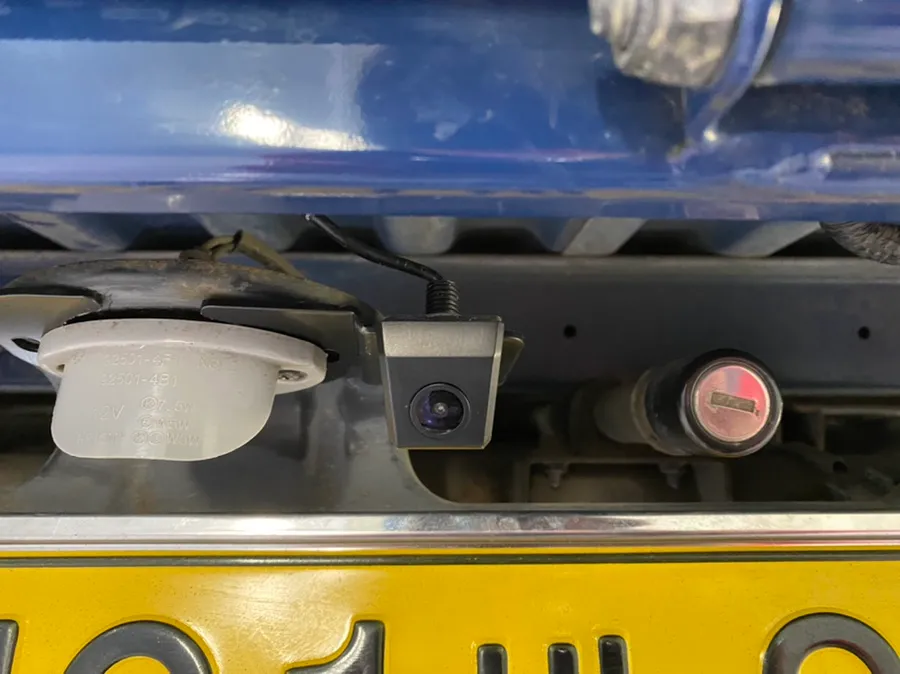
Rear Camera Mounting: The Importance of Dedicated Brackets and Secure Wiring
The core of the Porter 2 rear camera installation lies in using a dedicated bracket. Instead of simple adhesive mounts, we use an aluminum bracket specifically designed for the vehicle, which is securely bolted to the rear. This method significantly reduces the risk of detachment and, thanks to the aluminum material, offers better resistance to rust even in harsh transport conditions. Wiring is routed to follow the factory path as closely as possible. Considering the Porter 2's internal structure, both the camera's video cable and power wires are guided inside the vehicle. Exposed wiring is prone to breakage over time, so it's protected with shock-absorbing materials and secured to prevent movement.
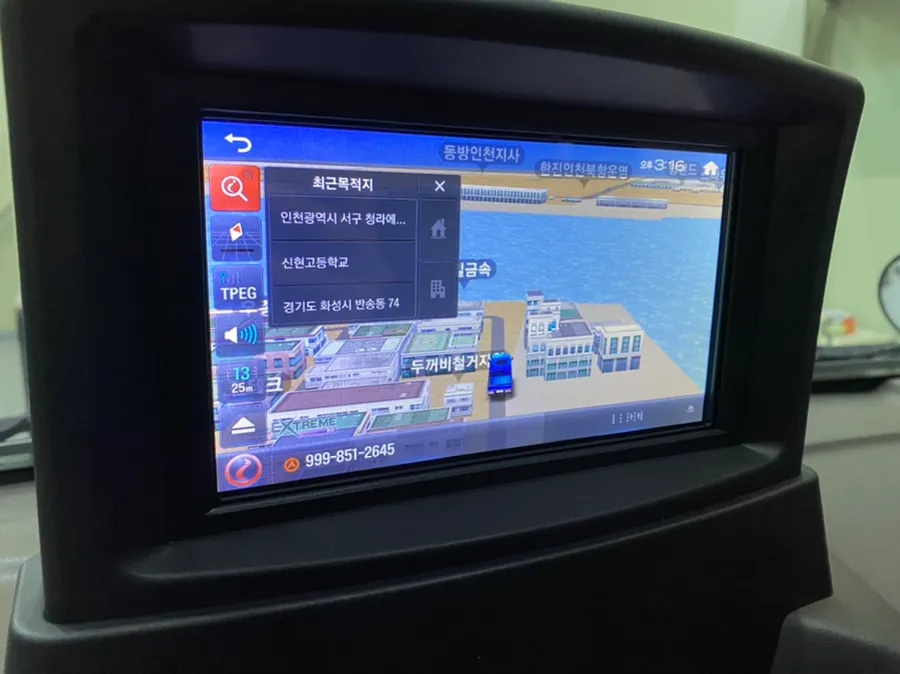
Integrated Navigation Installation: Maintaining a Factory Look
The chosen navigation system for this Porter 2 is an iNavi model, installed as an integrated unit rather than a simple dashboard-mounted device. The primary advantage of this integrated approach is a clean, factory-like appearance. For commercial vehicles like the Porter 2, minimizing visible electronics can also reduce theft risk, as the unit doesn't need to be removed when the driver leaves the vehicle. The touchscreen interface allows for intuitive operation, and unlike smartphone navigation, it doesn't require complex data connections or setup. Map updates are also relatively straightforward, ensuring long-term practical usability.
GPS Signal Testing and Essential Features for Professional Drivers
After installation, we test the GPS signal reception. The Porter 2's high profile generally results in good signal reception. Interestingly, the navigation usage patterns of professional drivers differ from typical car owners. Most transport operators have extensive geographical knowledge of their routes and rarely use basic turn-by-turn directions. Instead, the most frequently utilized feature is the speed camera alert system. Speeding tickets can impact a driver's record, making real-time alerts from the navigation system indispensable. Crucially, these audio warnings are clear even during phone calls, eliminating the risk of missing alerts that can happen with phone-based navigation.
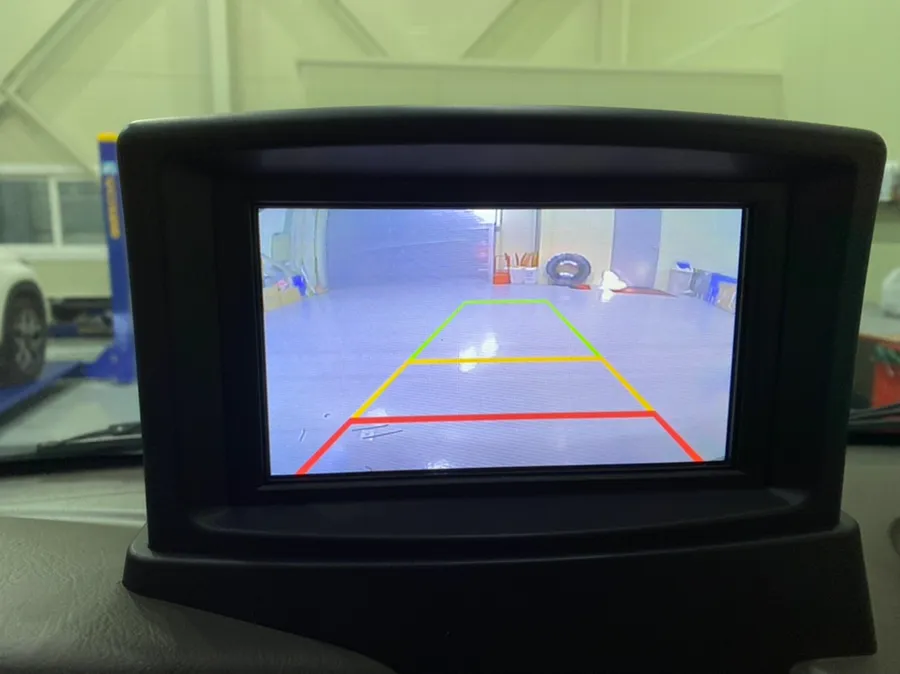
Integrating Wiring for Porter 2 Camera and Navigation Systems
The most intricate part of the Porter 2 installation is integrating the wiring for both the rear camera and the navigation system. The rear camera's cable must be routed to the dashboard, requiring a thorough understanding of the vehicle's internal structure. Due to the Porter 2's truck-like chassis, the wiring path can be more complex than in a standard car. The complete wiring integration process typically takes between 3 to 4 hours of dedicated work.
Installation Process:
- Camera Mounting: Securely attach the rear camera using a dedicated aluminum bracket bolted to the vehicle's rear.
- Wiring Routing: Carefully route camera and navigation wiring through the vehicle's interior, following factory paths and protecting cables.
- Navigation Unit Installation: Integrate the iNavi navigation unit into the dashboard for a clean, factory look.
- System Testing: Verify GPS signal strength and confirm all functions, including speed camera alerts, are operational.
The estimated cost for this comprehensive OEM option retrofit, including both the rear camera and integrated navigation system, starts at approximately ₩200,000 KRW (around $150+ USD). This investment significantly enhances safety and efficiency for professional drivers navigating challenging urban and commercial environments.
Frequently Asked Questions
Q. How much does OEM option and factory upgrade installation cost for a Hyundai Porter 2?
In Korea, this type of OEM option retrofit for a Hyundai Porter 2 typically starts around ₩200,000 KRW (approximately $150+ USD). US pricing for similar dealer-installed options can vary significantly based on the specific features and dealership.
Q. How long does OEM options installation take on a Hyundai Porter 2?
Integrating OEM options like a rear camera and navigation system on a Hyundai Porter 2 usually takes 3 to 4 hours. Proper maintenance involves periodically cleaning the camera lens and ensuring navigation software is updated for optimal performance.
Q. Are OEM options worth adding after purchase for a Hyundai Porter 2?
Yes, for professional drivers, adding OEM options like rear cameras and integrated navigation significantly enhances safety and operational efficiency in demanding conditions. The value lies in improved visibility, reduced parking stress, and essential alerts like speed camera warnings.
Q. How are OEM factory options installed on a Hyundai Porter 2?
Installation involves securely mounting the rear camera with a dedicated bracket, routing wiring discreetly through the vehicle's interior, and integrating the navigation unit for a factory look. Finally, systems are tested to ensure proper function, including GPS and camera display.
Q. What is the difference between dealer-installed options and aftermarket upgrades for a Hyundai Porter 2?
Dealer-installed OEM options are designed and integrated by the manufacturer for a seamless fit and function, often maintaining warranty. Aftermarket upgrades are produced by third-party companies and may offer more customization but can sometimes affect vehicle integration or warranty.
Fox Parts