MINI Countryman CarPlay Retrofit Review
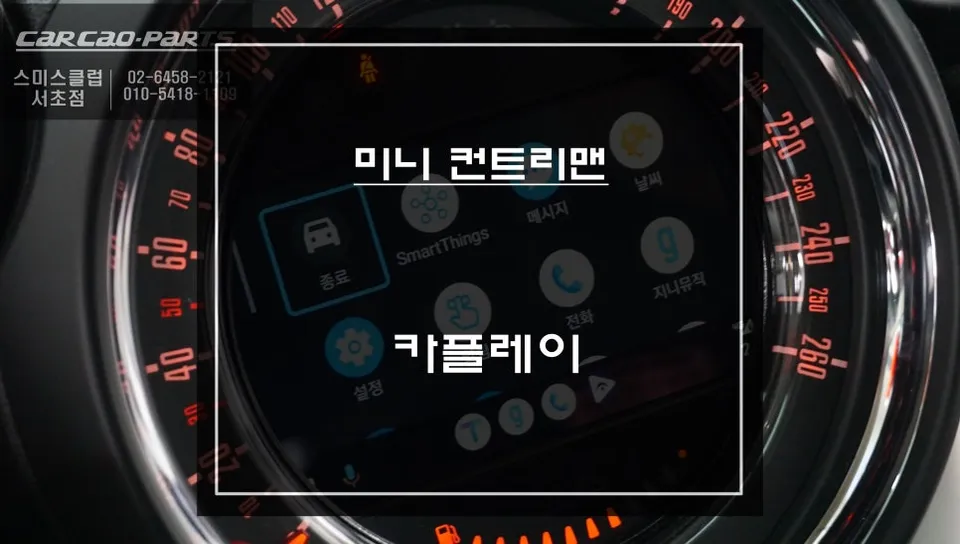
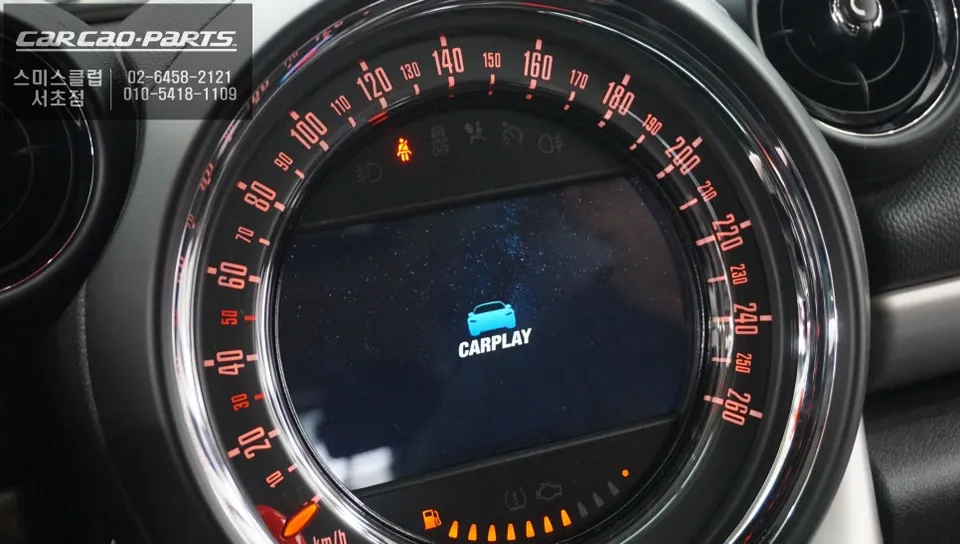
MINI Countryman CarPlay retrofit: Cost not specified in KR context. Enables smartphone navigation, music, and calls via the car's screen.
Upgrade Your MINI Countryman with a CarPlay Infotainment System
Hello, this is Today's Car.
For the first-generation MINI Countryman, the lack of a factory navigation option often meant installing aftermarket GPS units like M-BOX or I-Navi, or opting for a fixed-mount set-top navigation system. However, the landscape has changed. The current trend is to remove older navigation systems and install a CarPlay module that integrates with your smartphone. This is because CarPlay alone allows you to use popular navigation apps like T-Map and KakaoMap directly on your car's screen.
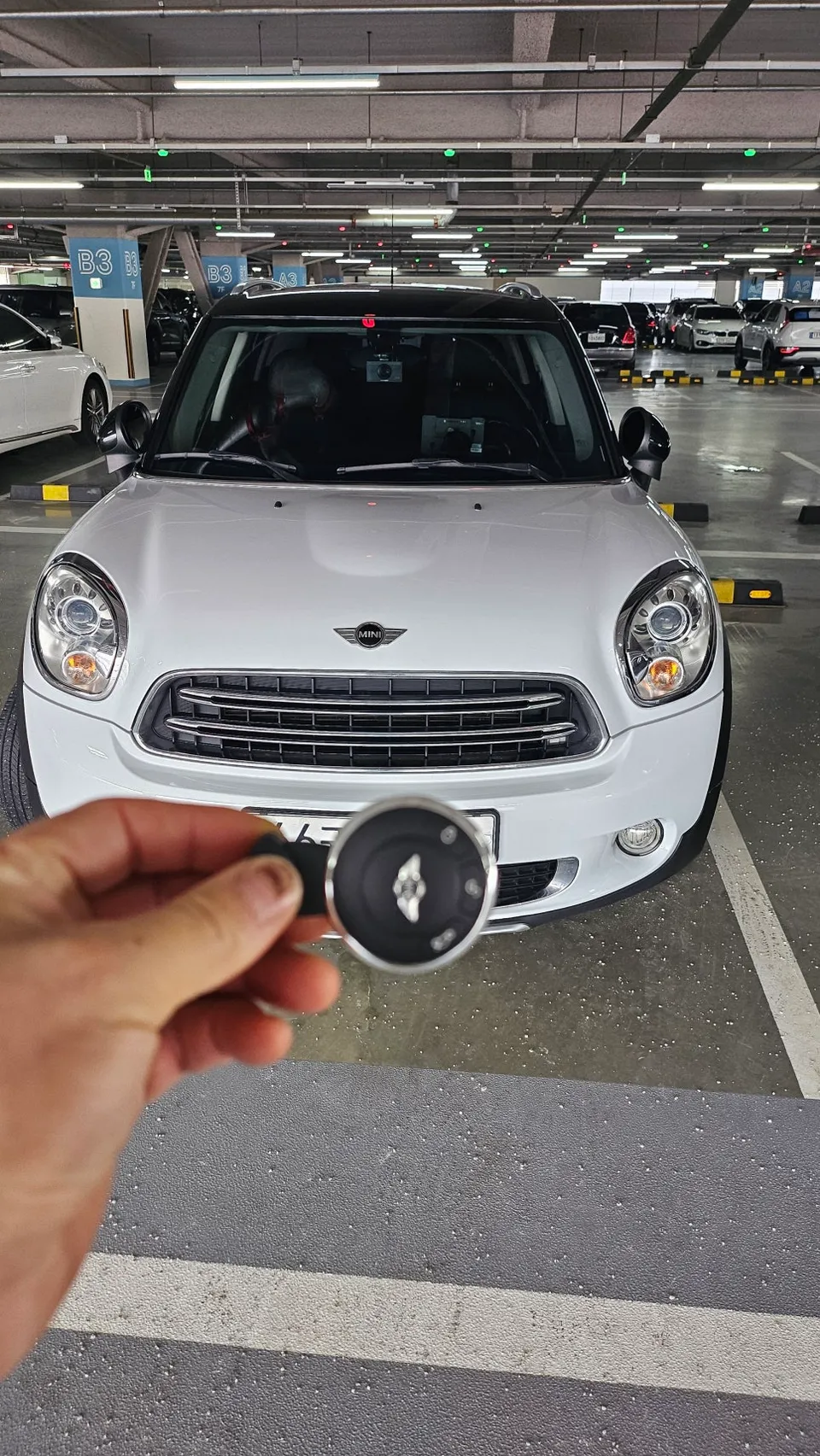
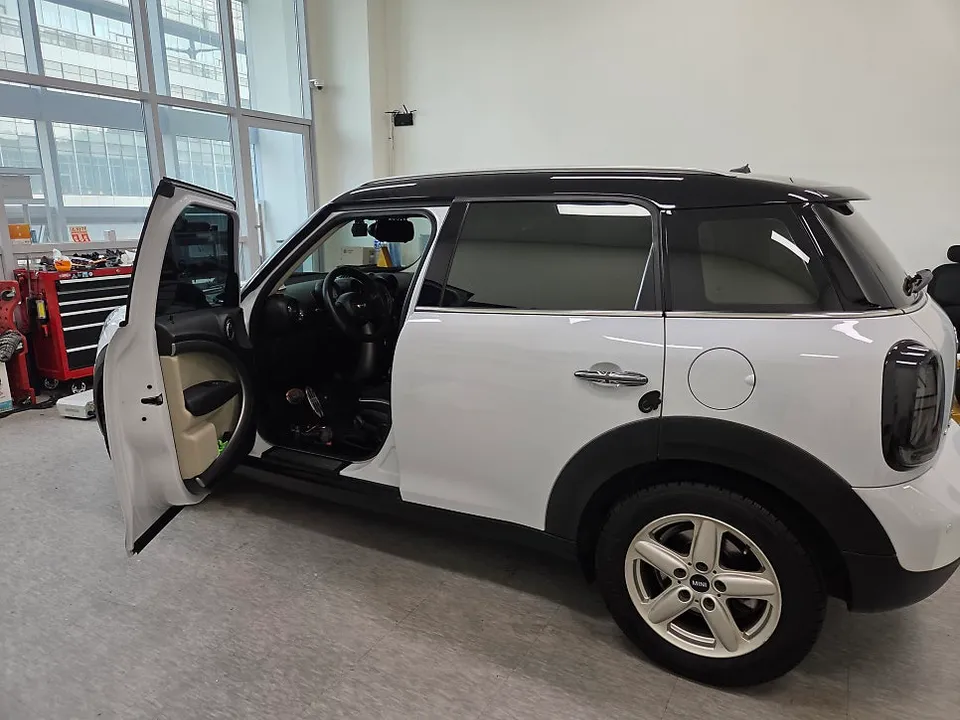
Vehicle: MINI Countryman 1st Generation
Service: CarPlay Module Installation
Installation Method: Plug-and-play (Click by Click) preserving original wiring
Location of Service: Today's Car Seocho Branch (Seoul, South Korea)
Key Features: Apple CarPlay, Android Auto, Mirroring
What is a CarPlay Module?
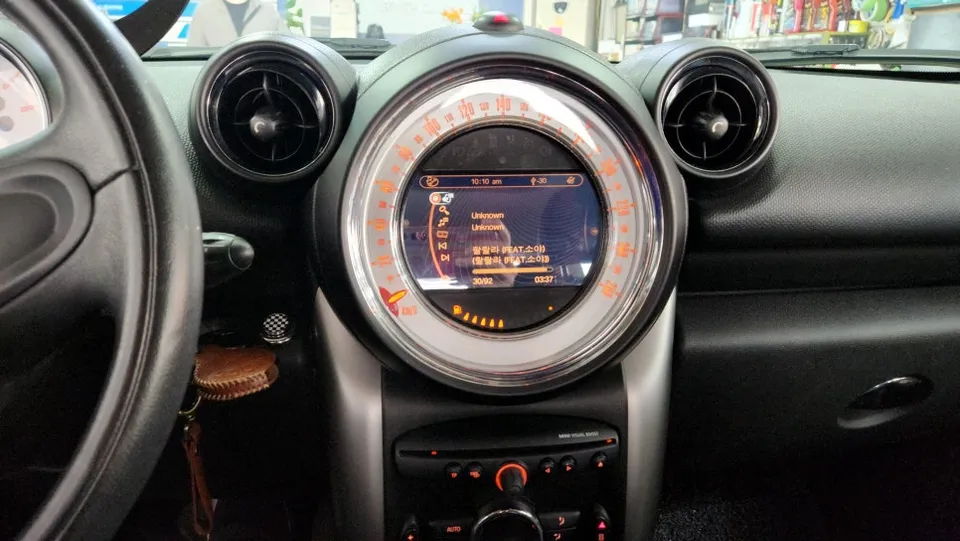
The CarPlay module specifically designed for the MINI Countryman is installed using a plug-and-play method that doesn't damage the original wiring. This is crucial because it allows for restoration to the original state when selling the car and significantly minimizes the risk of electronic malfunctions during installation. Furthermore, it supports both Apple CarPlay and Android Auto, regardless of your smartphone type.
The most significant feature of this module is its support for all three connection methods: Apple CarPlay, Android Auto, and standard mirroring (which displays your smartphone screen directly on the car's display). For example, even if you're an iPhone user, if an Android-using family member is in the car, it works simply by connecting their phone without needing to change any settings.
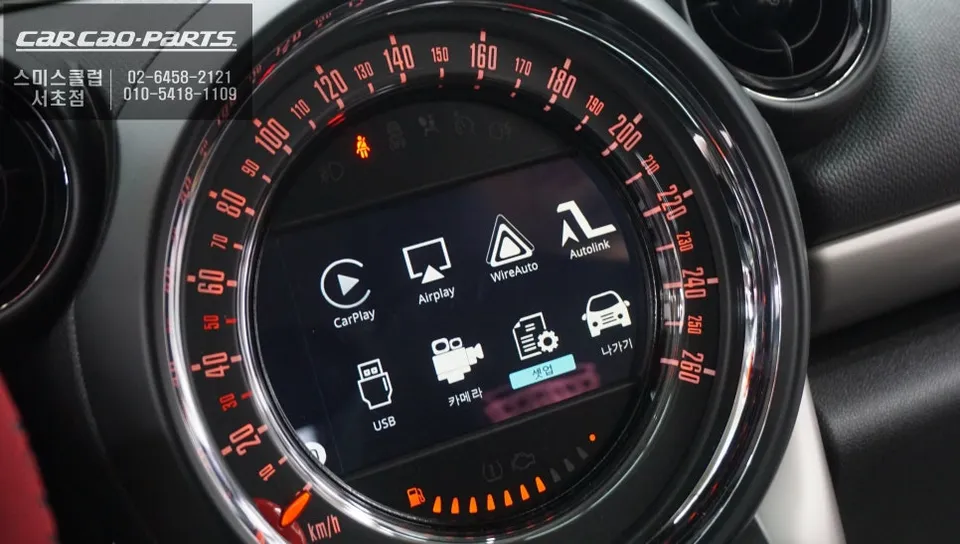
How Does CarPlay Work After Installation?
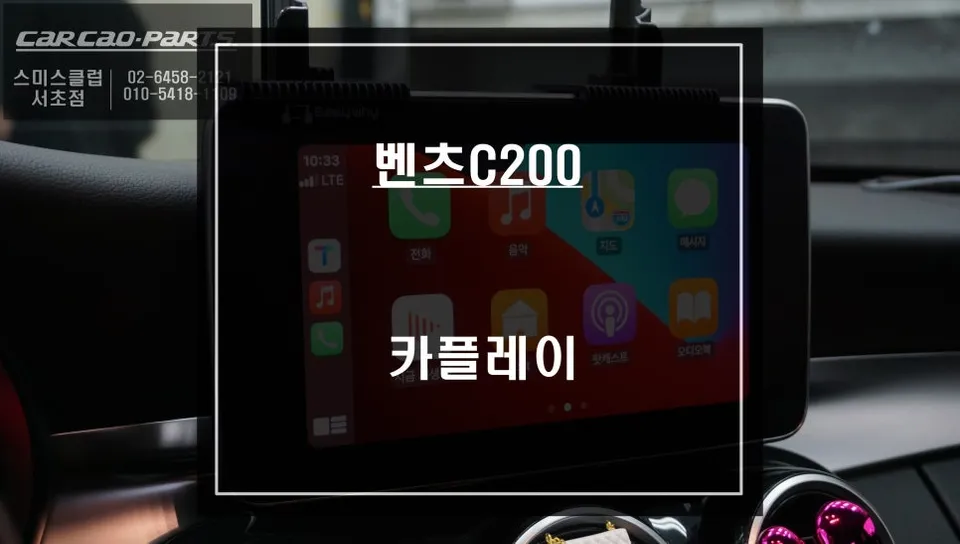
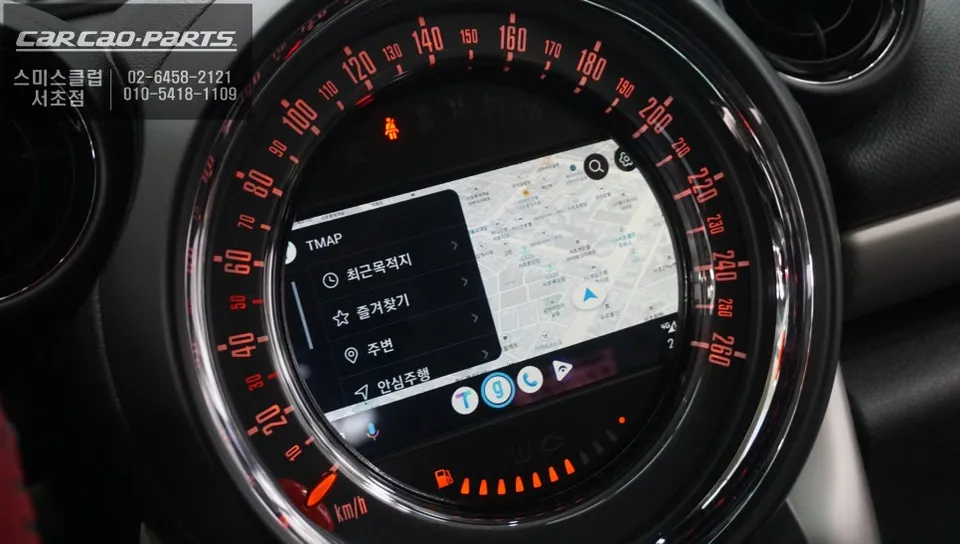
Using the system after installation is straightforward. After starting the car, simply press and hold the original home button for two seconds to automatically switch to the CarPlay screen. Then, connect your smartphone to the USB port used for charging and data transfer. While wireless CarPlay is supported, a wired connection is recommended for better communication stability, especially to avoid signal interruptions on highways.
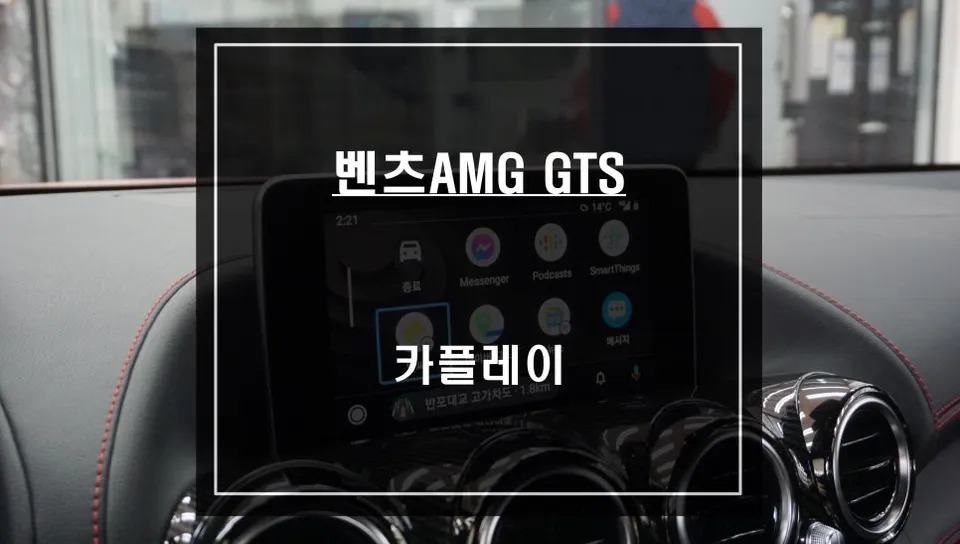
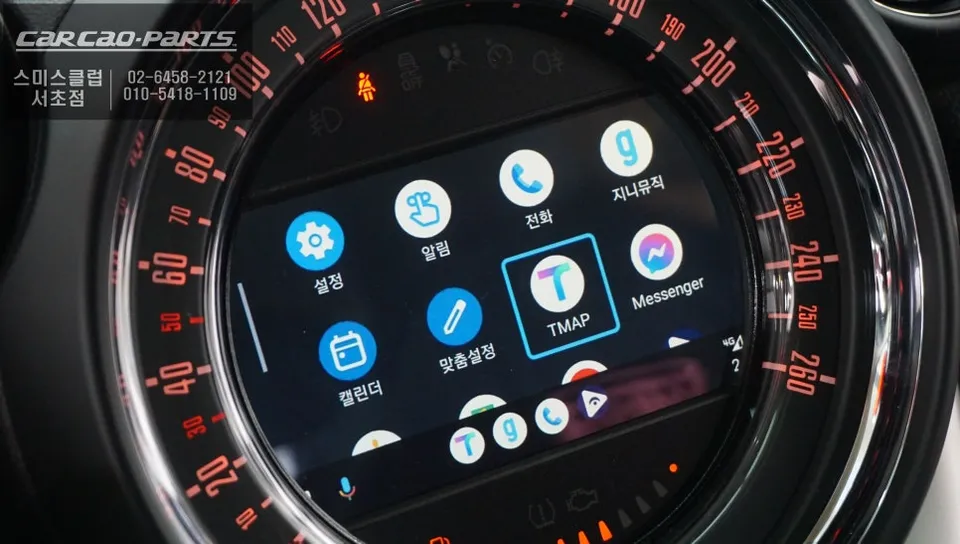
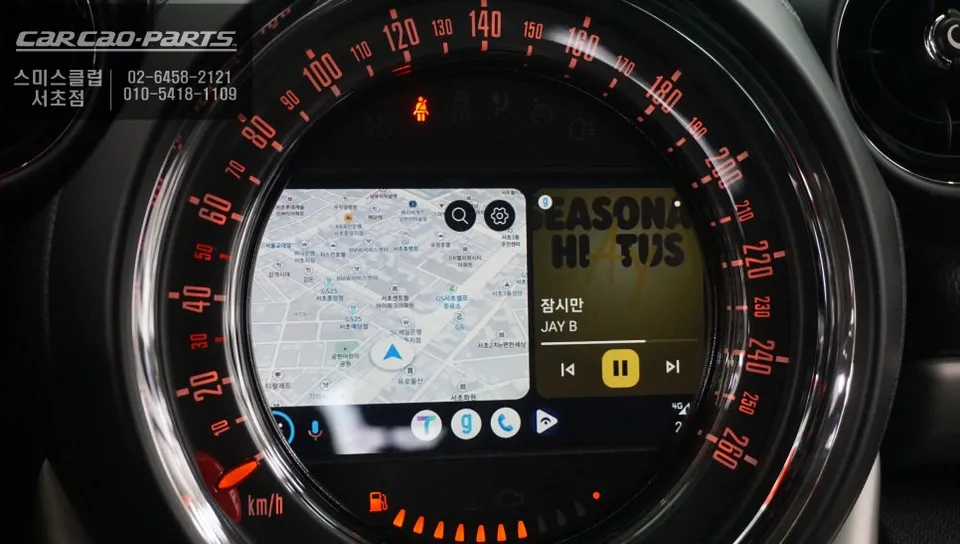
The primary navigation apps available via CarPlay are T-Map and KakaoMap. Both apps reflect real-time traffic information to provide optimal routes, and they can be conveniently controlled using voice commands or the original steering wheel buttons. Voice commands like "Turn left at the next intersection" allow you to focus on driving while minimizing the chances of missing your turn.

Enjoy Music and Calls Too
CarPlay isn't just for navigation. You can also play music from streaming apps like Melon and YouTube Music through your car's speakers. One important note: to hear music through the car speakers, you need to select the AUX external input mode. This ensures that music and navigation audio from your smartphone are unified through the car's audio system. Making and receiving calls is also fully supported, with steering wheel buttons allowing for easy control of answering or rejecting calls, making it very convenient.
Rear Camera Integration for Safer Parking
A crucial check after installing CarPlay is the rear camera integration. This feature helps prevent driving in the wrong direction or rear-end collisions. The system seamlessly integrates with the original rear camera, displaying the view on the CarPlay screen when you shift into reverse.
Installation Process:
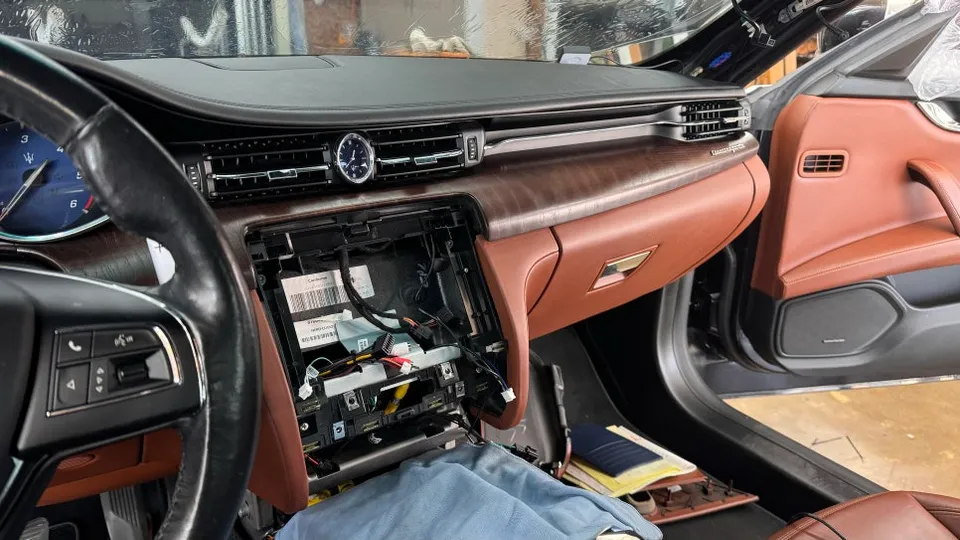
- The installer accesses the vehicle's existing infotainment system wiring.
- The plug-and-play CarPlay module is connected using the original connectors, preserving factory wiring.
- The module is tested to ensure full functionality with Apple CarPlay, Android Auto, and mirroring.
- The system is integrated with the car's audio via AUX input for sound output.
- Final checks are performed, including rear camera display and steering wheel control functionality.
This installation method ensures the integrity of your MINI Countryman's original electrical system and allows for easy reversal if needed.
Frequently Asked Questions
Q. How much does an Android head unit or CarPlay installation cost for a MINI Countryman?
The specific cost for this Android head unit or CarPlay installation in South Korea was not provided in the original context. Typical US installation costs for similar CarPlay retrofits can range from $300 to $1000, depending on the vehicle and system complexity.
Q. How durable is a CarPlay retrofit for a MINI Countryman?
CarPlay modules installed via plug-and-play methods are generally durable as they don't alter the vehicle's original wiring. Regular maintenance involves ensuring your smartphone's software is up-to-date and keeping the USB port clean for optimal connection.
Q. Is a CarPlay or Android Auto upgrade worth it for a MINI Countryman?
A CarPlay or Android Auto upgrade is highly recommended for MINI Countryman owners who want modern navigation and infotainment features without replacing their entire head unit. It offers significant value by integrating familiar smartphone apps seamlessly into the car's display.
Q. How is a CarPlay retrofit installed in a MINI Countryman?
Installation involves a plug-and-play process using original connectors, preserving the factory wiring without damage. The module is connected to the car's system, and then your smartphone is linked via USB for CarPlay or Android Auto functionality.
Q. What is the difference between an Android head unit and a factory infotainment system for a MINI Countryman?
An Android head unit typically offers more features and customization than a factory system, often including built-in navigation apps and broader app support. A CarPlay retrofit, as described, integrates your existing smartphone's interface (iOS or Android) onto the car's screen, providing a familiar and updated user experience.
Kakao Parts