Kia K3 Android Head Unit Review — Enhanced Safety & Convenience
Service Price
$115–150
Estimated price · Actual price may vary by shop
Kia K3: Why an Android All-in-One System is a Game-Changer
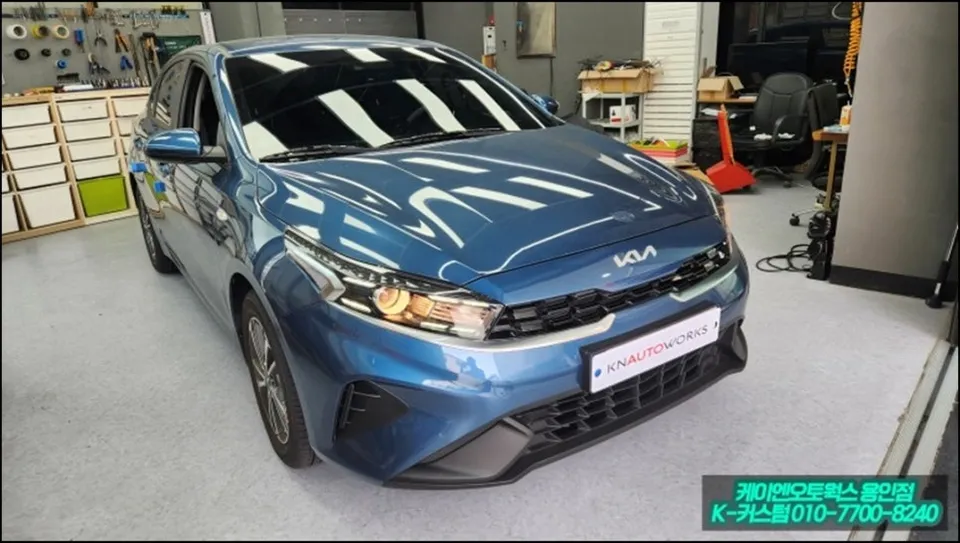
The Kia K3, especially with its updated emblem, has become a popular choice among younger drivers looking for a stylish and compact sedan. However, many K3 owners opt for minimal factory options, which can lead to inconveniences during daily driving. A common pain point is the small, limited functionality of the stock navigation system. This review details a comprehensive upgrade for a Kia K3, focusing on the installation of an Android all-in-one system and a rear-view camera. This dual upgrade significantly enhances both driving safety and convenience, transforming the K3's infotainment experience. We'll walk through the actual installation process at Today's Car Yongin to show how K3 owners benefit.
Overcoming the Limitations of the Stock K3 Navigation
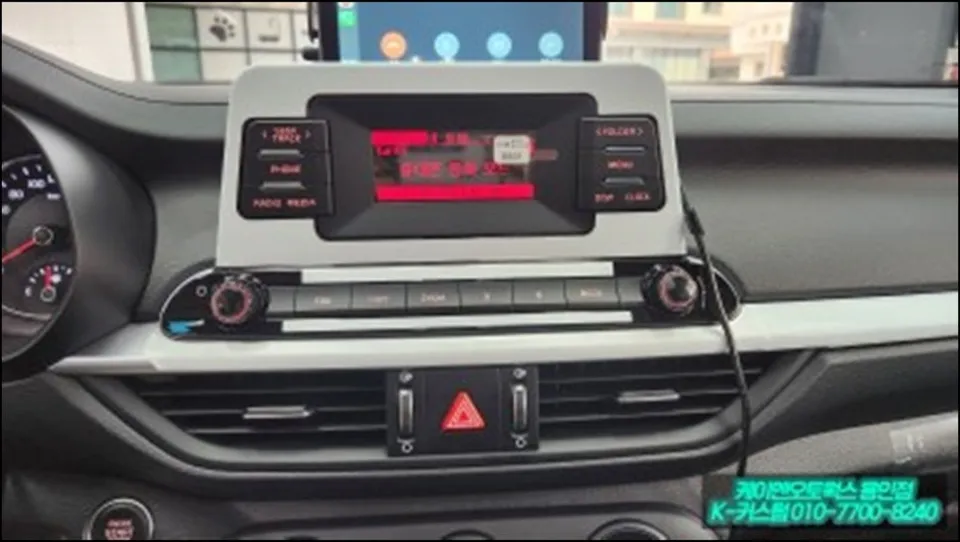
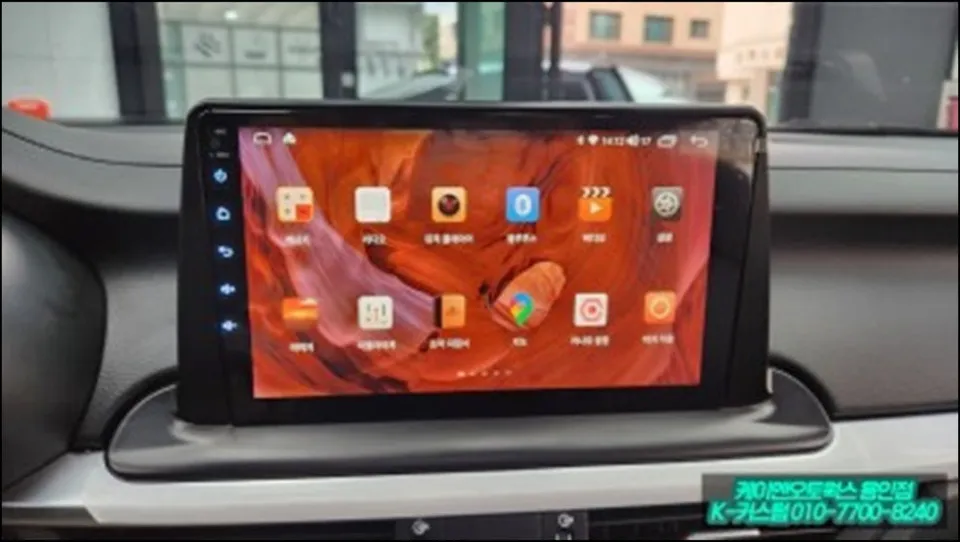
While the Kia K3's center fascia boasts a clean design, the factory navigation screen is notably small and functionally restricted. Many K3 owners find themselves constantly looking at their smartphones or struggling with the limited display, which detracts from driving focus. This is precisely why K3 owners are increasingly seeking Android all-in-one solutions. Replacing the stock unit with a new, larger all-in-one monitor provides a dramatically improved viewing experience with much faster response times. Beyond the functional upgrade, it also elevates the interior aesthetics, giving the K3's cabin a more modern and premium feel.
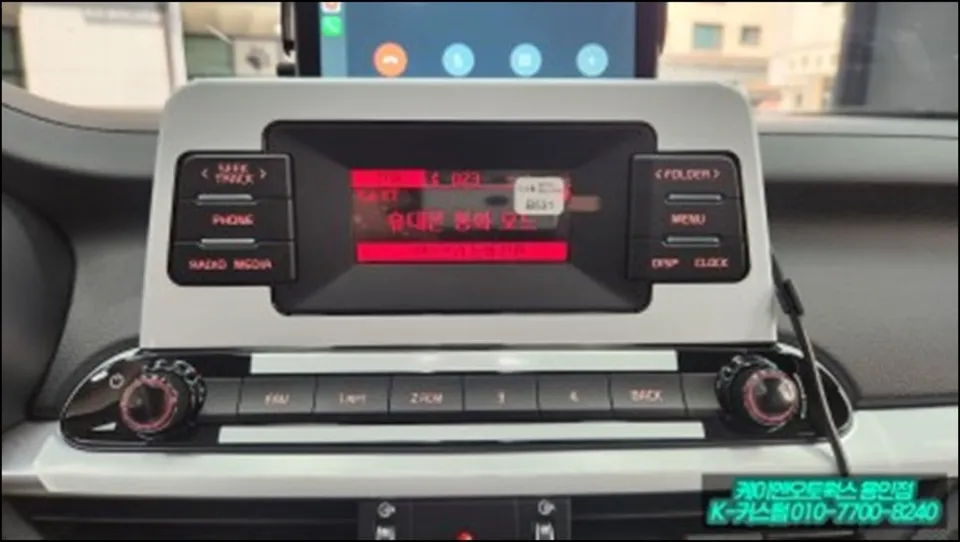
Choosing the Right Android All-in-One System for Your K3
When considering an Android all-in-one system for your K3, there are two primary approaches. You can purchase a unit independently and hire a shop solely for the installation (labor only), or you can opt for a professional installation service that recommends and supplies the optimal product for your specific vehicle. Experts strongly advise the latter. Purchasing online without professional guidance can lead to compatibility issues; the unit might not fit perfectly, or installation might be unexpectedly complex depending on your K3's specific configuration. Specialized shops like Today's Car Yongin maintain extensive data on the best products and installation methods for various K3 models, ensuring you make the right choice from the outset.
The Installation Process: From Stock to Smart
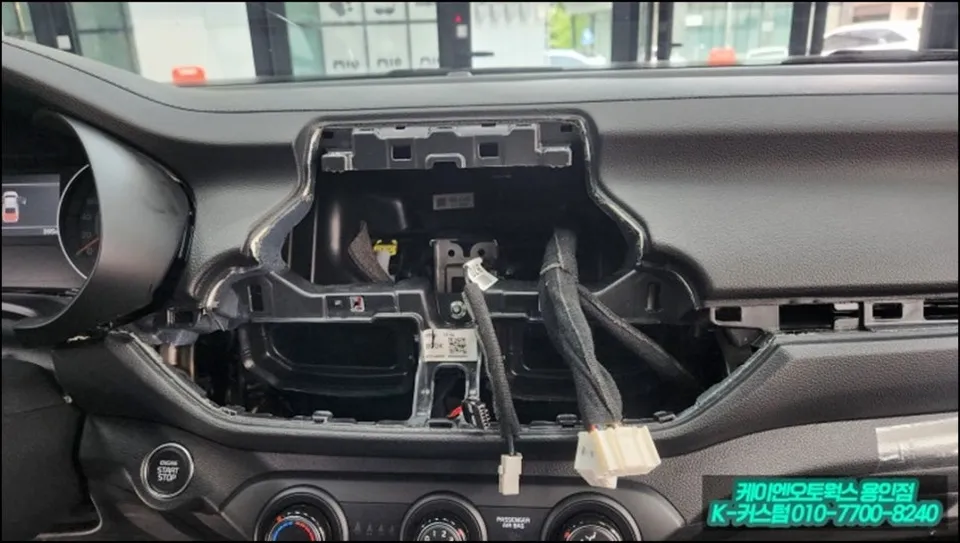
The installation begins with the careful removal of the existing factory navigation system. The K3's center fascia features many curves and precisely fitted components, making forceful disassembly risky and potentially damaging. Professional technicians follow model-specific disassembly guides to meticulously remove panels layer by layer.
- System Removal: Carefully detach the original navigation unit and surrounding trim pieces without causing scratches or damage.
- Wiring Harness Connection: Connect the new Android all-in-one unit's wiring harness, ensuring all necessary connections for power, CAN bus signals (for vehicle data), and camera input are securely made. Proper connection of at least 3-4 key wires is crucial for full functionality.
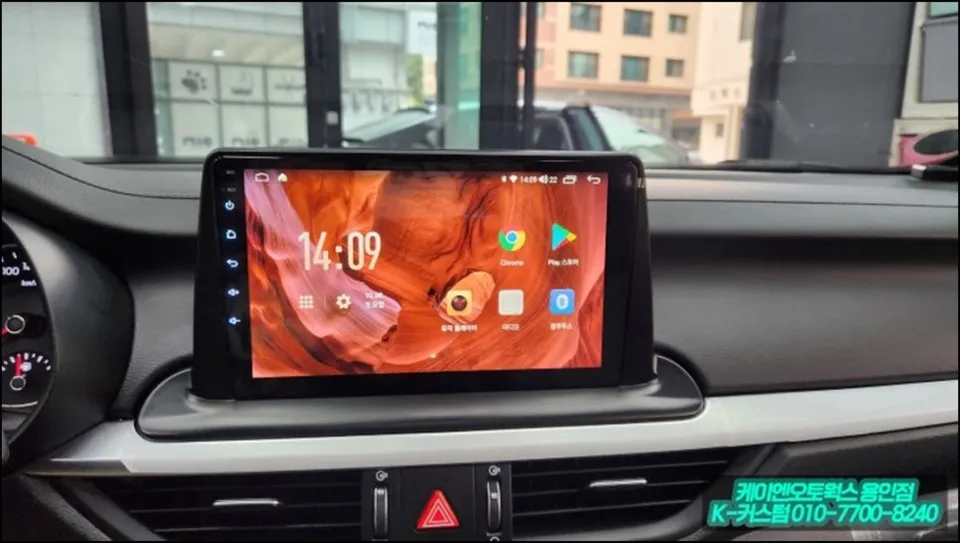
- Unit Mounting: Install the new large-format monitor (typically 9 inches or larger) into the prepared space in the center fascia.
- Rear-View Camera Integration: Connect the AHD rear-view camera, ensuring a clear video feed to the new head unit.
- Finishing Touches: Meticulously finish the trim around the new monitor to eliminate gaps, prevent dust ingress, and reduce potential rattles. Professional shops use custom molding or sealant for a factory-like fit and finish.
A clean finish is paramount. Any gaps around the new monitor can allow dust to accumulate and potentially lead to interior noise. Professional installers ensure the edges are sealed precisely, resulting in a high-quality, integrated look.
The True Value: Smartphone Functionality in Your Car
The most striking benefit of the Android all-in-one system is its ability to run a vast array of smartphone applications directly on your car's display. Enjoy music streaming services, and even watch YouTube or Netflix while parked (note: video playback while driving is strictly prohibited for safety). Furthermore, seamless integration with Android Auto and Apple CarPlay allows for safe and convenient use of real-time navigation apps, message notifications, and phone calls on the larger screen. This upgrade helps K3 owners break their reliance on handheld smartphones, keeping their focus on the road ahead.
AHD Rear-View Camera Integration
Complementing the new head unit, the installation includes an AHD (Analog High Definition) rear-view camera. This camera provides a significantly clearer and more detailed image compared to standard analog cameras, greatly enhancing visibility when reversing. The integration is seamless, with the camera feed appearing automatically on the large Android display when the vehicle is put into reverse. This combination of a modern Android head unit and a high-definition rear-view camera transforms the K3 into a safer and more user-friendly driving environment.
Today's Car