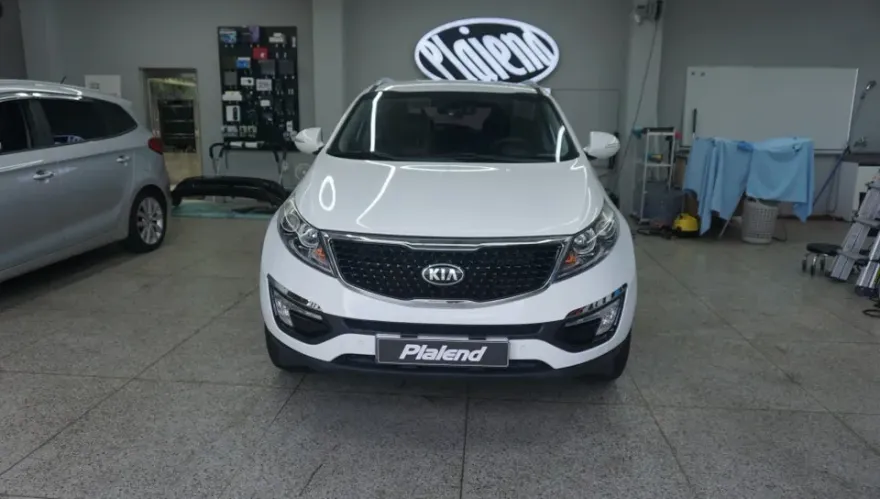
Kia K3 Dash Cam Installation Review: QHD Front/FHD Rear
Service Price
$40–80
Estimated price · Actual price may vary by shop

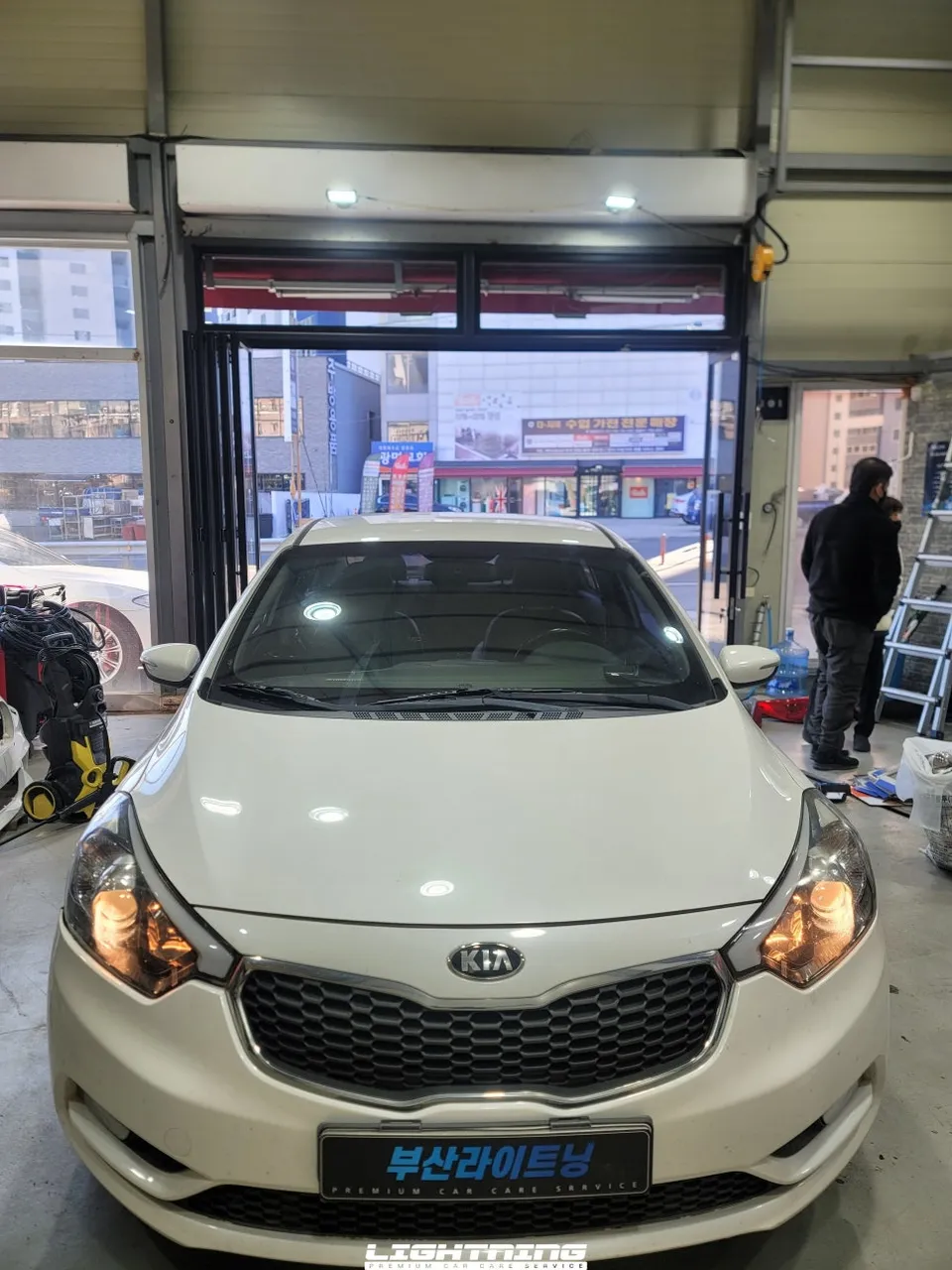
Kia K3 dash cam installation with iNavi Z7000: QHD front/FHD rear. Professional install ensures safety and clear footage.
Why a Dash Cam is Essential for Your Kia K3
This Kia K3 owner, who recently purchased the vehicle used, sought professional dash cam installation. Given that the K3 is often used for city driving, the risk of accidents is relatively high, making a dash cam a crucial safety investment. This installation features the iNavi Z7000 2-channel dash cam, offering a QHD (Quad High Definition) resolution for the front camera and FHD for the rear, providing clear and comprehensive video evidence. It's a popular choice among K3 owners due to its excellent performance-to-price ratio.
Professional Dash Cam Installation for the Kia K3
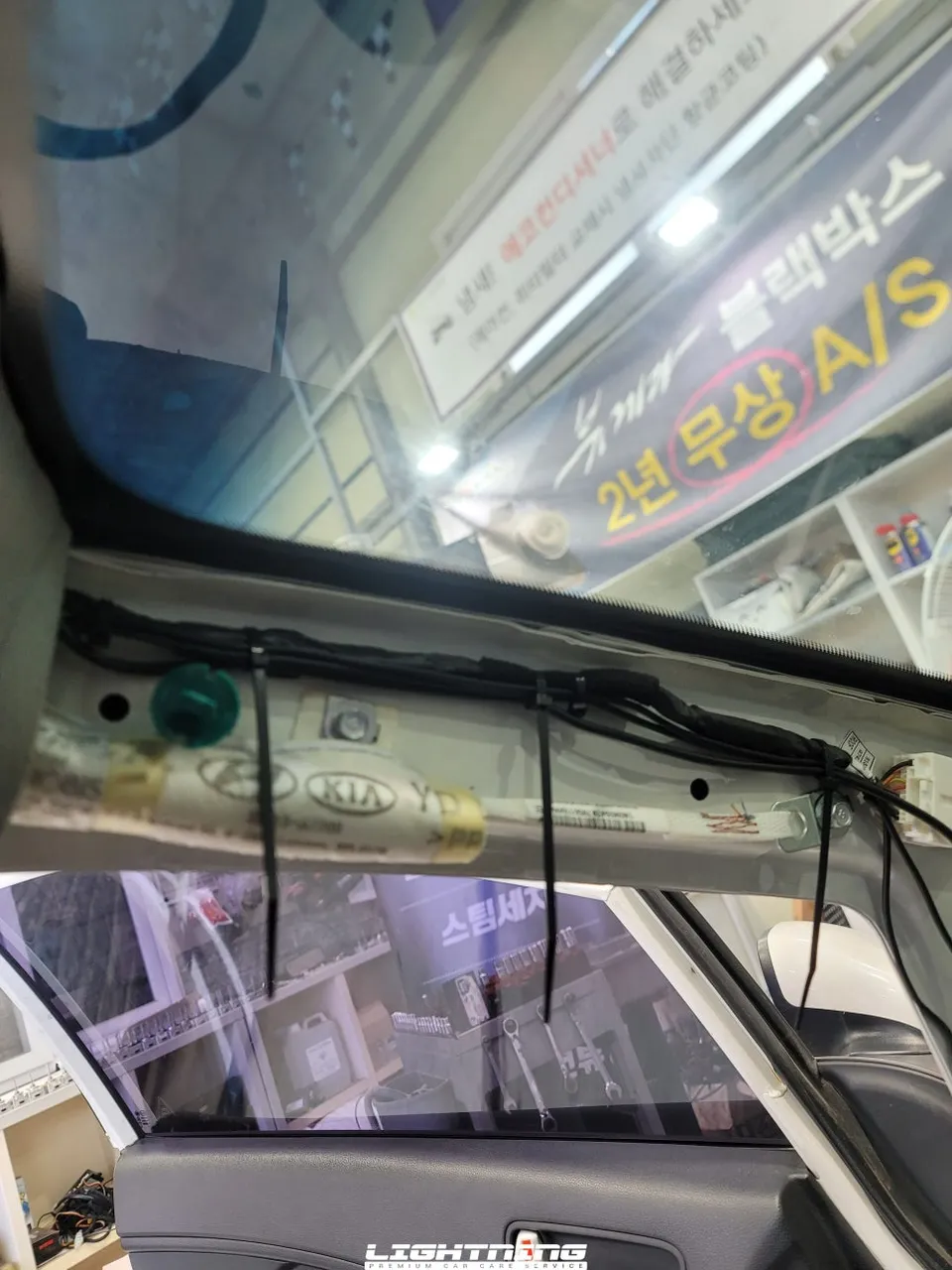
Installing a dash cam goes beyond simply attaching a device. For the Kia K3, routing the front and rear camera wiring through the A-pillar (the pillar next to the driver's seat) requires careful attention to safety, especially concerning the side airbag. The wiring must be routed behind the airbag to ensure it deploys correctly in the event of an accident. This meticulous process highlights the need for professional expertise.

iNavi Z7000: A Closer Look at Performance
The iNavi Z7000 boasts impressive specifications, with a QHD (2560x1440) front camera and an FHD (1920x1080) rear camera. This setup offers significantly higher resolution than standard FHD dash cams, particularly noticeable in license plate recognition and nighttime video quality. For those seeking a balance between cost and high-quality recording, the Z-series is an excellent option.
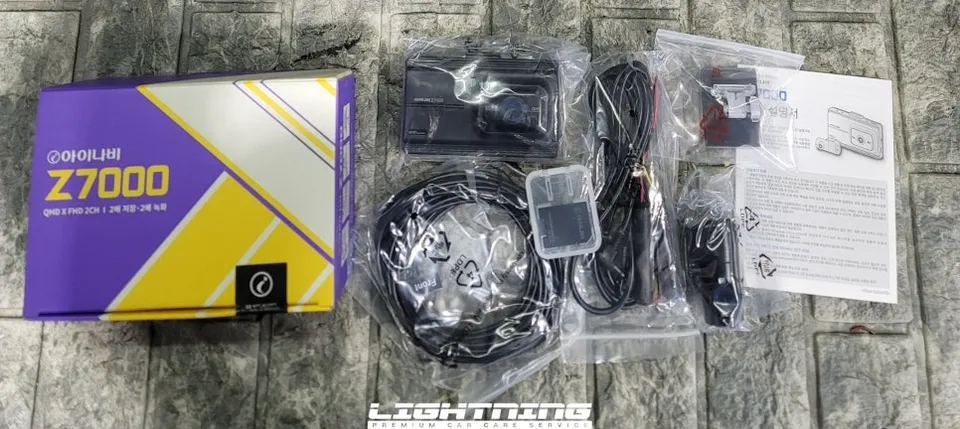
Kia K3 Dash Cam Installation Process:
- Rear Camera Mounting: The installation typically begins with the rear camera, mounted at the top of the rear windshield.
- Wiring Routing: Wiring is carefully run along the headliner to the front of the vehicle.
- Front Camera Installation: The front camera is installed near the rearview mirror, and the main power cable is routed to the fuse box.
- A-Pillar Cable Management: Wires are discreetly routed through the A-pillar, ensuring they do not interfere with the vehicle's existing wiring or the side airbag.
- Fuse Box Connection: Power is connected to the vehicle's fuse box for continuous operation.
Thorough pre-installation checks of all components are also vital to ensure nothing is missing from the factory packaging.
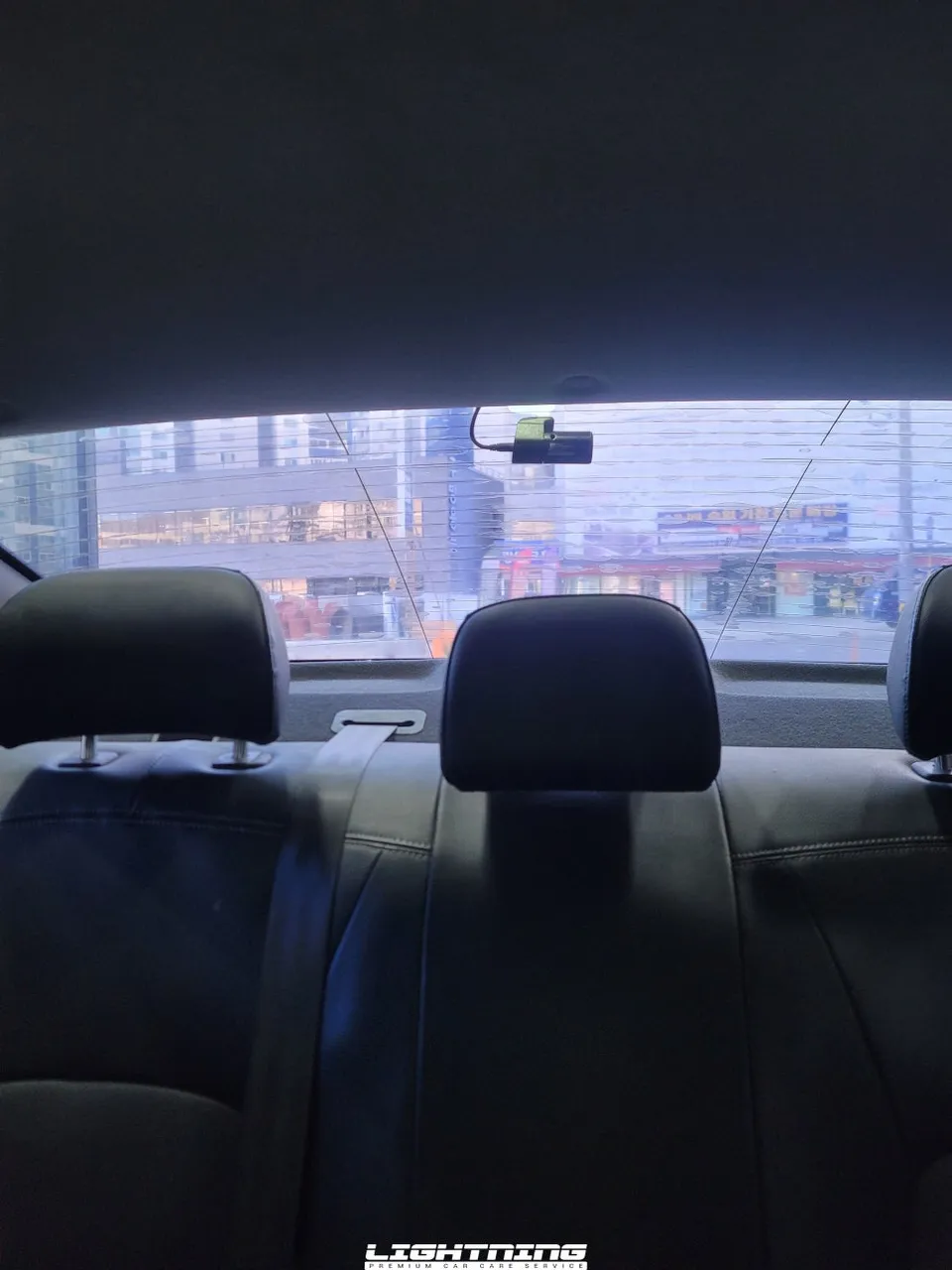
Configuration and Testing: Ensuring Optimal Functionality
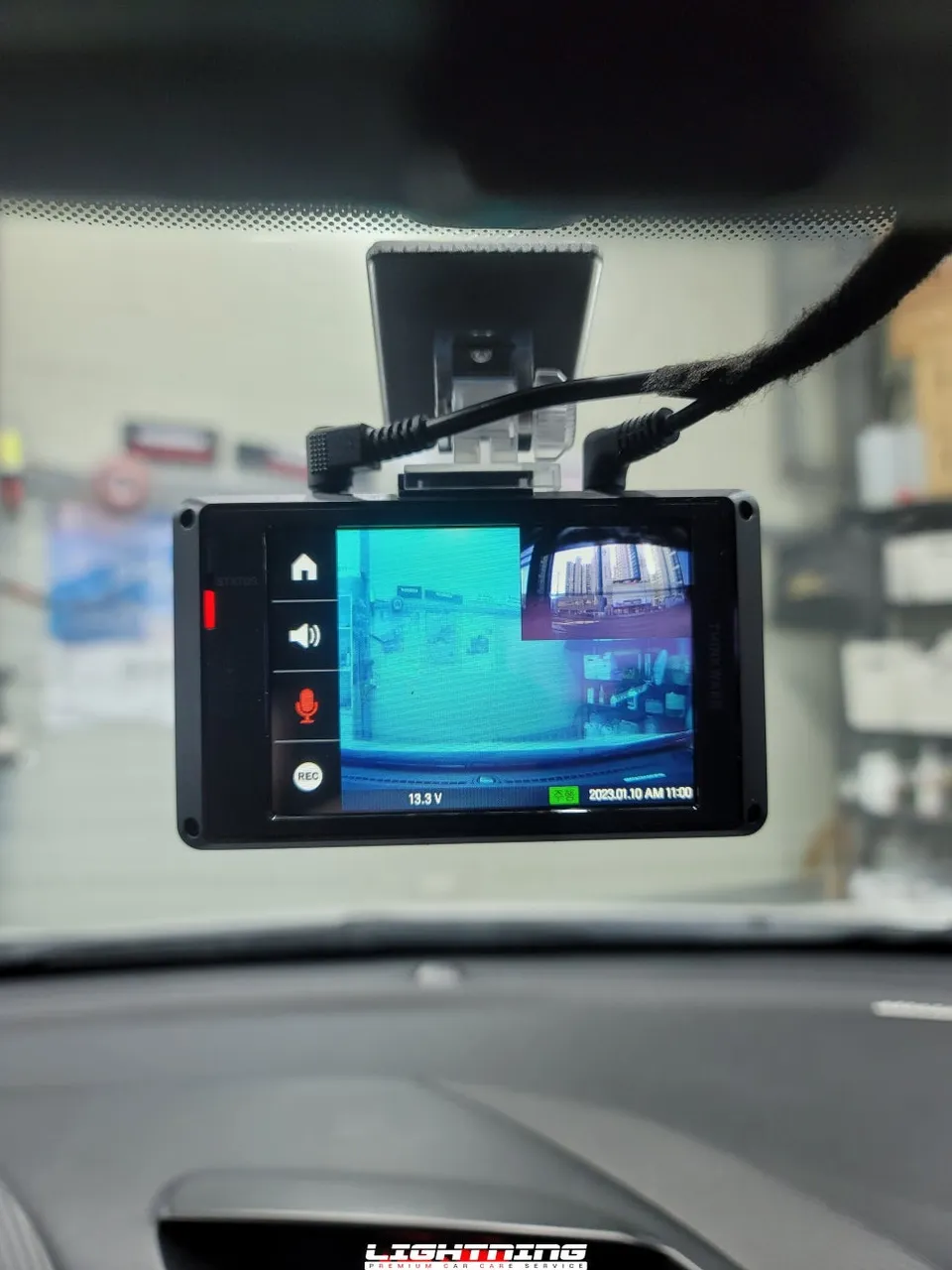
Completing the installation involves verifying boot-up, testing the display, and configuring settings. This includes removing lens protection films, testing both continuous and parking recording modes, and calibrating the touchscreen for accurate response. Proper screen positioning is crucial for the K3 to prevent accidental activation while driving. Finally, confirming the normal operation of the security LED completes the installation.
Understanding the Security LED
The security LED on a dash cam typically blinks slowly to indicate it's actively recording. However, it will flash rapidly when motion is detected or if the vehicle experiences an impact, serving as a visual deterrent and an indicator of activity.
Frequently Asked Questions
Q. How much does dashcam installation cost for a Kia K3?
The cost for this specific iNavi Z7000 installation on a Kia K3 was not explicitly stated in Korean Won but professional dash cam installations in the US typically range from $150 to $300.
Q. How long does dashcam installation take on a Kia K3?
Professional dash cam installations generally take 1-3 hours to complete, ensuring all wiring is safely and neatly managed. Regular maintenance involves checking camera angles and ensuring software is up-to-date.
Q. Is a hardwired dashcam worth it over a self-install for a Kia K3?
Hardwiring is recommended for Kia K3 owners who prioritize safety and a clean installation, especially to avoid interfering with airbags. The value lies in professional routing and ensuring optimal functionality without risking vehicle electronics.
Q. How is a dashcam professionally installed on a Kia K3?
Professional installation involves mounting the front and rear cameras, carefully routing wires through the A-pillar and headliner to avoid airbags and maintain a clean look, connecting to the fuse box for power, and configuring settings for optimal recording.
Q. What is the difference between a 1-channel and 2-channel dashcam for a Kia K3?
A 1-channel dash cam records only the front view, while a 2-channel system, like the iNavi Z7000, records both front and rear views. A 2-channel system provides more comprehensive coverage and is recommended for complete protection.
OhCar Partner Shop