Kia K5 Dash Cam Installation Review: Z7 Black Box Camera
Service Price
$under $40
Estimated price · Actual price may vary by shop

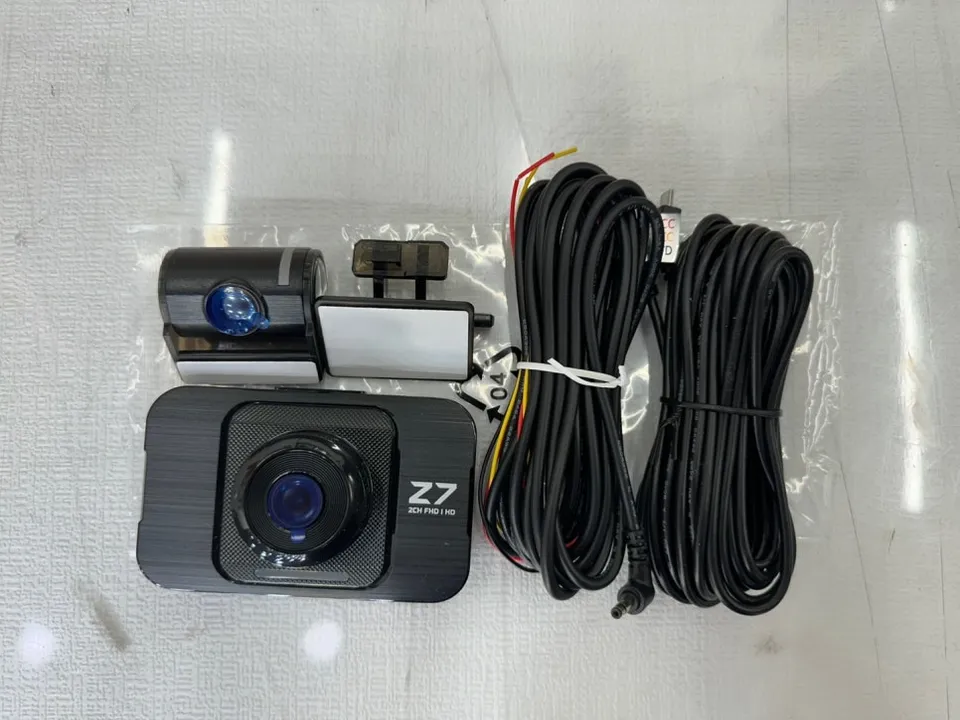
Kia K5 dash cam installation: Z-Net Z7 3-channel setup. Professional hardwiring ensures durability and clear footage.
Kia K5 Dash Cam Upgrade: Z7 3-Channel Installation
Is your current dash cam malfunctioning or outdated? For Kia K5 owners facing these issues, we're sharing a review of the Z-Net System Z7 dash cam re-installation. This 3-channel black box camera setup offers enhanced safety and comprehensive recording for your drives. The original context for this review comes from a professional installation service in Daejeon, South Korea, highlighting their meticulous approach to dash cam wiring and setup.
Professional Dash Cam Hardwiring for Kia K5
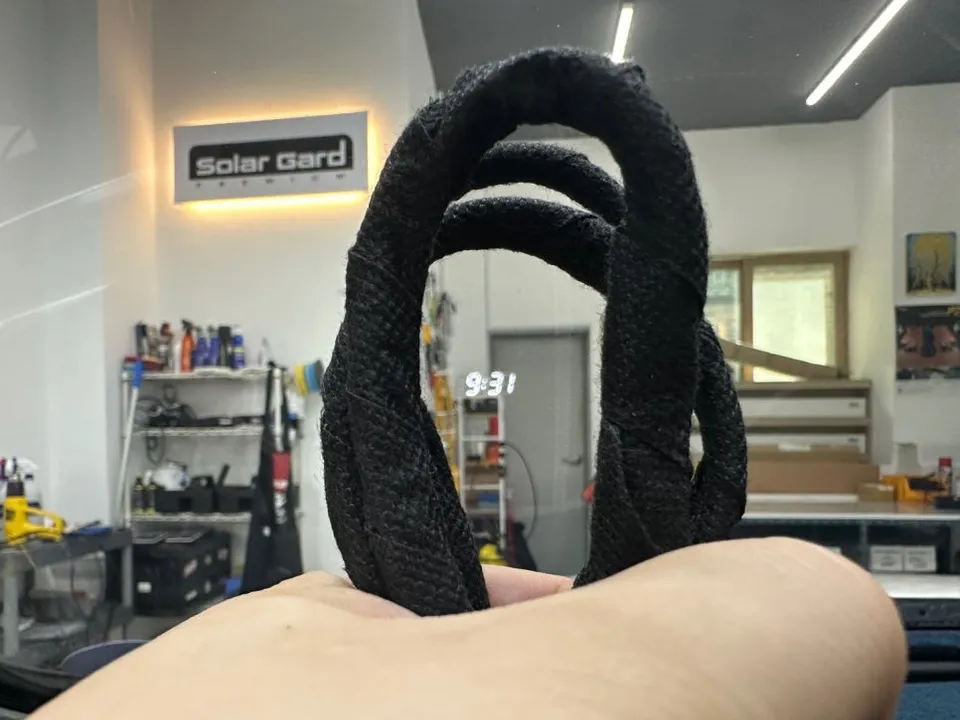
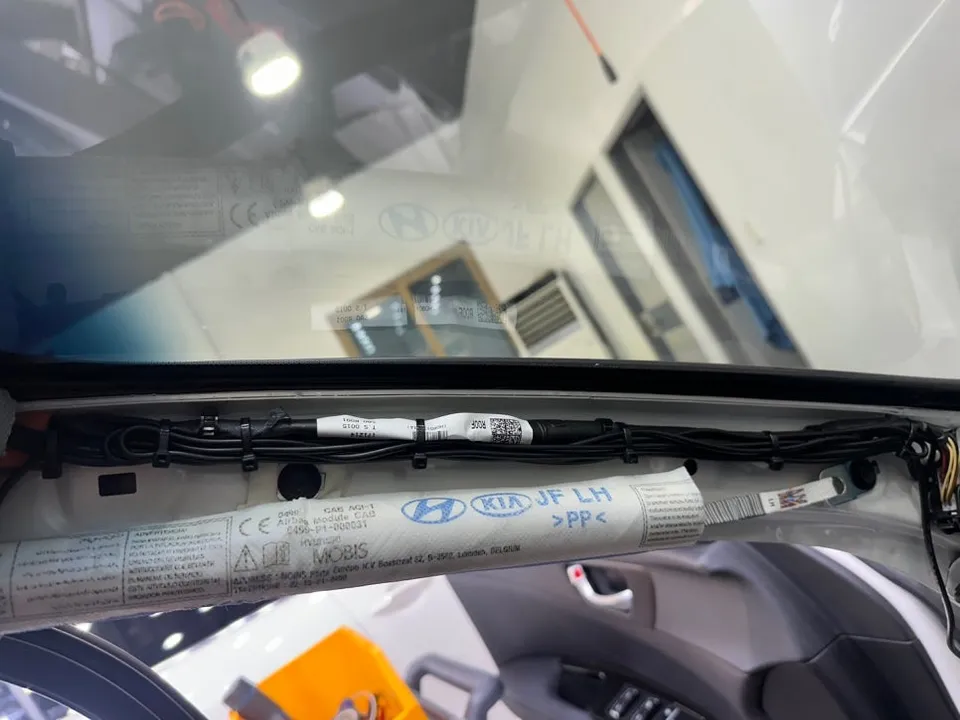
Proper wiring is crucial for any dash cam installation. In this Kia K5 upgrade, the process involved removing the original factory dash cam wiring. The new Z-Net System Z7 wiring was then carefully installed. To ensure optimal performance and longevity, the wiring was wrapped with sound-deadening tape to minimize noise and secured with cable ties. This prevents wire movement and potential disconnections, guaranteeing stable operation and reducing the chance of annoying rattles or electrical interference. This attention to detail during the installation process is key to the dash cam's overall reliability.
Z-Net System Z7: Features and Benefits
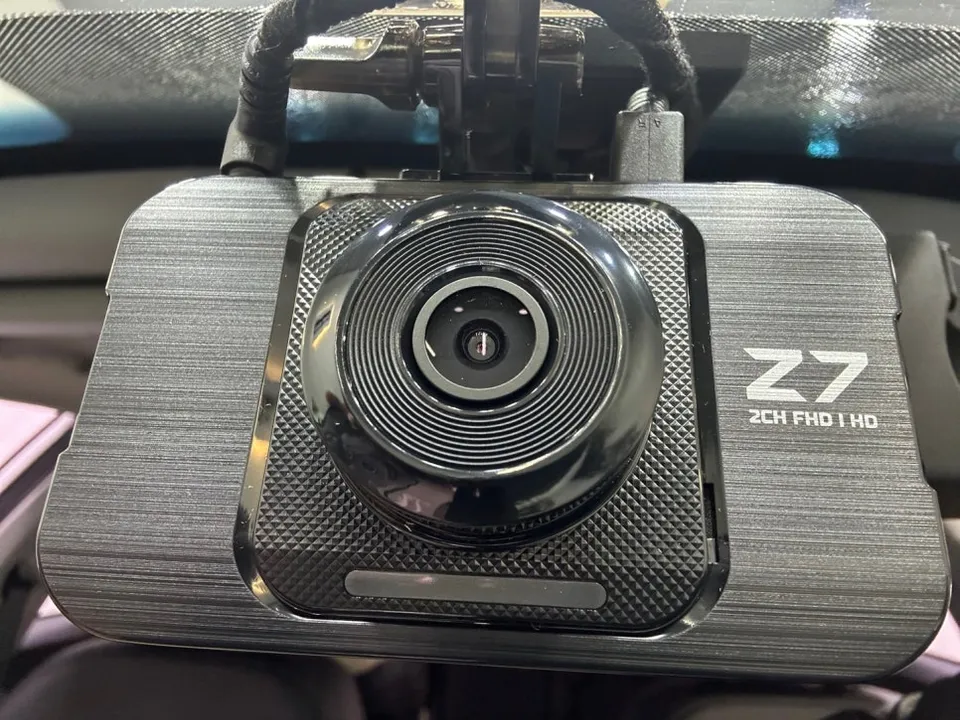
The Z-Net System Z7 offers impressive video quality, with a Full HD (FHD) resolution for the front camera and High Definition (HD) for the rear. This specific installation included an additional 'pedal camera,' making it a 3-channel system. This third camera can be invaluable in accident scenarios, potentially helping to determine driver actions or provide clearer evidence. Investing in a quality dash cam and ensuring a professional, meticulous installation from the start is vital, as these devices are typically used for many years.
Dash Cam Installation Process:
- Remove existing factory dash cam wiring.
- Wrap new wiring with sound-deadening tape to minimize noise.
- Securely fasten wiring with cable ties to prevent movement and damage.
- Install front, rear, and additional cameras (e.g., pedal camera).
- Configure basic settings and test all cameras for proper function.
After the installation, all cameras were confirmed to be working correctly, and basic settings were completed. The owner received guidance on operation and any necessary precautions. This ensures the Kia K5 driver can now operate their vehicle with greater peace of mind, knowing their drives are well-documented.

Dash Cam Installation Cost and Considerations
Dash cam installation costs can vary based on the product's specifications, the number of channels, and the complexity of the installation. For a 3-channel system like the Z-Net Z7, professional installation costs in South Korea typically range from 200,000 to 400,000 KRW (approximately $150-$300 USD, though actual conversion rates fluctuate). The estimated installation time for this service was around 3 to 4 hours. It's always best to get a precise quote after a vehicle inspection and consultation with the installation provider. The Z-Net System Z7 generally comes with a one-year product warranty, while installation-related guarantees may differ by the service center.
Frequently Asked Questions
Q. How much does dash cam installation cost for a Kia K5?
Professional installation for a 3-channel dash cam like the Z-Net Z7 in South Korea typically ranges from 200,000 to 400,000 KRW (approx. $150-$300 USD). Typical US dash cam installation costs can range from $100 to $300 depending on the complexity and number of channels.
Q. How long does dash cam installation take on a Kia K5?
Professional dash cam installation on a Kia K5 typically takes about 3 to 4 hours to complete. Proper wiring and setup ensure the dash cam's durability and reliable long-term performance; regular checks of the recorded footage are recommended for maintenance.
Q. Is a hardwired dashcam worth it over a self-install for a Kia K5?
A professionally hardwired dash cam is worth it for Kia K5 owners seeking optimal reliability and a clean installation, especially for multi-channel systems or parking mode. It ensures proper power management and minimizes potential electrical issues compared to a DIY approach.
Q. How is a dashcam professionally installed on a Kia K5?
Professional installation involves removing old wiring, carefully routing and securing new wiring with sound-deadening tape and cable ties to prevent noise and damage. Cameras (front, rear, and potentially others) are mounted, and basic settings are configured and tested.
Q. What is the difference between a 1-channel and 2-channel dashcam for a Kia K5?
A 1-channel dash cam records only the front view, while a 2-channel system adds a rear-facing camera for comprehensive coverage. For enhanced safety and evidence collection, a 2-channel or even a 3-channel system is generally recommended over a single-channel unit.
OhCar Partner Shop