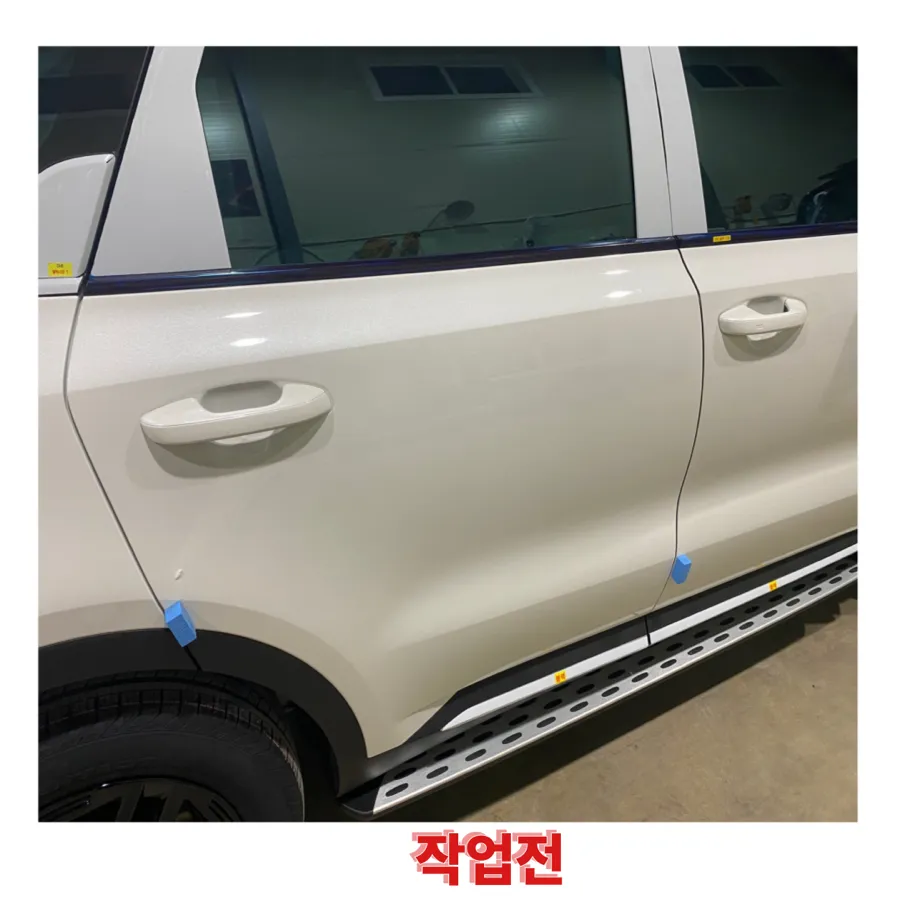
Kia Niro Dash Cam Installation Review: Clear Footage
Service Price
$under $40
Estimated price · Actual price may vary by shop

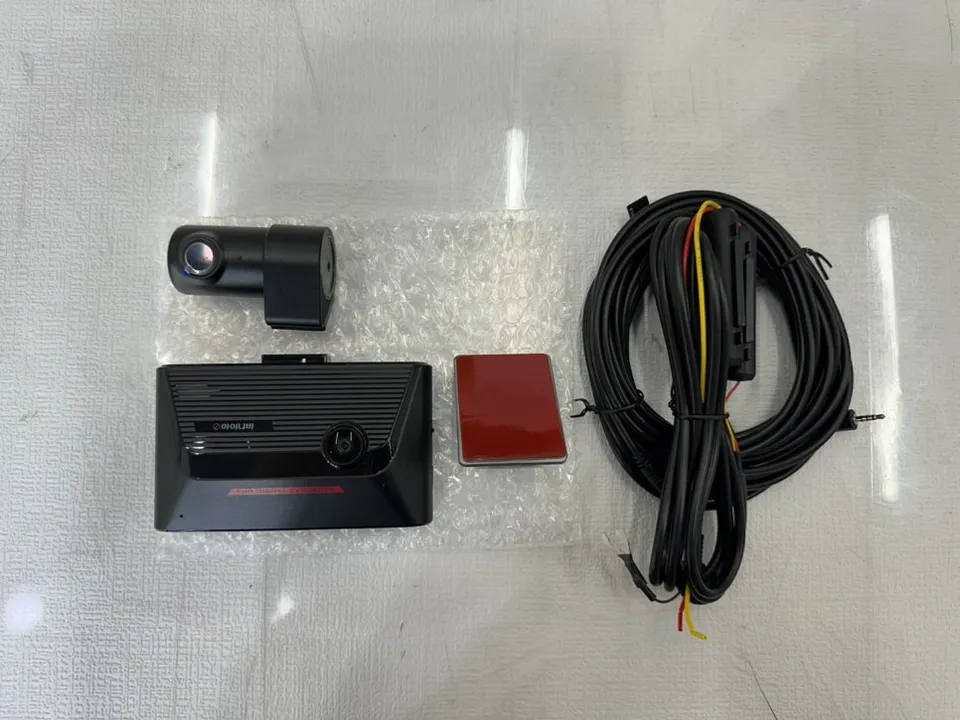
Kia Niro dash cam installation with iNavi S1000: approx. $100-$150 USD. Provides clear front/rear FHD footage.
Kia Niro Dash Cam Upgrade: Why Choose iNavi S1000?
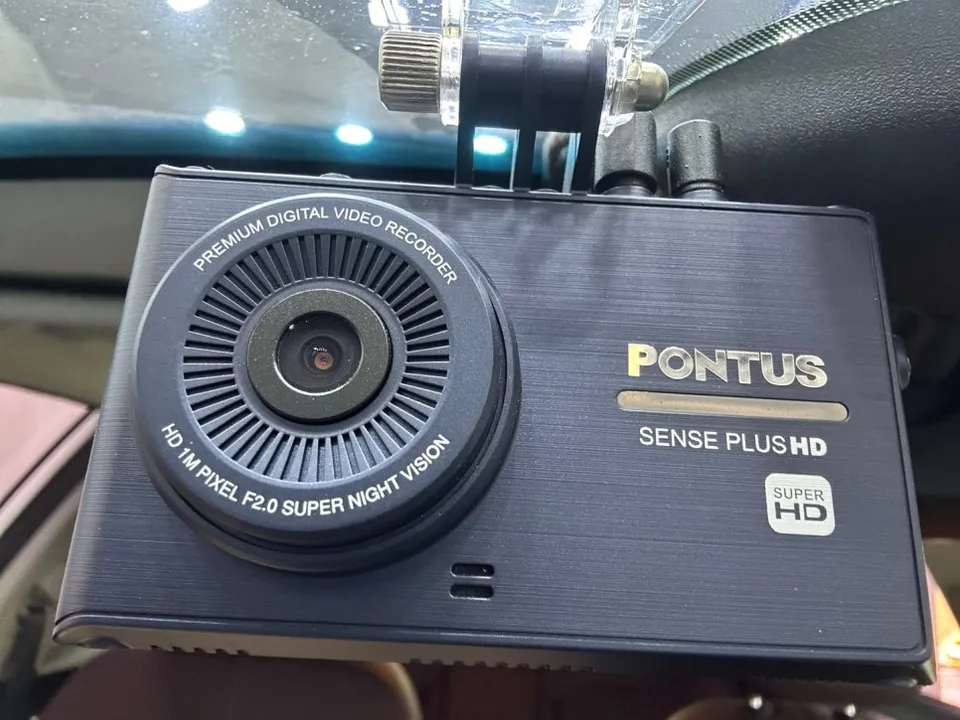
Experiencing a malfunctioning dash cam can be incredibly stressful, especially when you rely on it for crucial recordings during your drives. This was the situation for a Kia Niro owner who faced a broken dash cam and the worry of missing important moments. To ensure safety and peace of mind, they decided on a professional replacement. After comparing various options, the iNavi S1000 model was chosen for its ability to record in Full HD (1920x1080) for both front and rear cameras. iNavi is a well-established brand known for reliable performance and high-quality video, making it a trusted choice for clear footage day or night. This clarity is vital for capturing definitive evidence in the event of an accident.
While exact pricing depends on the specific vehicle and consultation, the installation cost for an iNavi S1000 dash cam typically ranges from the mid-100,000 KRW to the low 200,000 KRW range in Korea. This can be roughly equivalent to $100-$150 USD, though actual US pricing may vary significantly. Factors influencing the final dash cam cost include the vehicle model, the extent of the installation, any additional features like a GPS module, and the labor rates at the chosen service center.
Professional Dash Cam Installation Process for the Kia Niro
The installation process begins with the careful removal of the old dash cam unit and its wiring. Proper wiring is as critical as the dash cam's performance itself. This isn't just about connecting wires; it involves meticulous work within the vehicle's interior to minimize any potential rattles or noise.
Installation process:
- Carefully remove the existing dash cam unit and associated wiring.
- Apply sound-absorbing tape to all removed wiring to prevent rattles and noise during driving.
- Securely fix the wiring using cable ties for a clean and organized setup.
- Install the new iNavi S1000 front and rear cameras in their designated positions.
- Connect power and perform initial settings to ensure the dash cam is functioning correctly.
A key aspect of a quality installation is the attention to detail in managing the wiring. Without proper sound dampening and organization, a poorly installed dash cam can lead to performance issues and annoying interior noise. Reputable installers ensure these details are addressed, providing a seamless and quiet integration of your new black box camera.
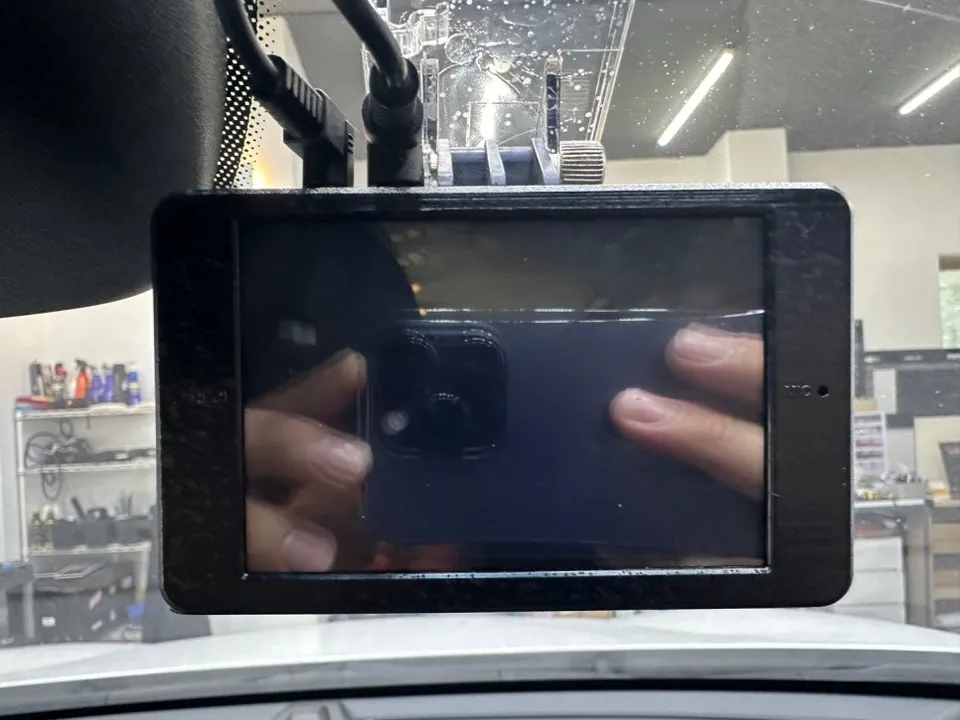
Benefits and Expected Results of the iNavi S1000 Dash Cam
With the new iNavi S1000 dash cam installed, the Kia Niro owner now benefits from crisp, clear Full HD video from both the front and rear cameras. This upgrade provides confidence on the road, allowing the driver to focus on driving without the worry of unrecorded incidents. Beyond accident recording, the dash cam serves as a valuable tool for documenting unexpected events during daily commutes.
The entire dash cam installation, including fitting both cameras, managing the wiring, and completing the initial setup, typically takes between 1 to 2 hours. While this is an estimate, the specific vehicle and the condition of existing wiring might slightly alter the time required. Most dash cam units, including iNavi models, come with a standard manufacturer's warranty, often around one year, covering defects in the product or installation-related issues.
Frequently Asked Questions
Q. How much does dash cam installation cost for a Kia Niro?
In Korea, the iNavi S1000 installation cost typically ranges from 150,000 to 200,000 KRW (approx. $100-$150 USD). Actual US pricing can vary significantly based on location and installer.
Q. How long does dash cam installation take on a Kia Niro?
Dash cam installation, including front and rear cameras and wiring, usually takes 1 to 2 hours. Proper wiring and sound dampening contribute to the system's durability and prevent rattles.
Q. Is a hardwired dash cam worth it over a self-install for a Kia Niro?
A professionally hardwired dash cam is worth it for Kia Niro owners seeking a clean installation, proper power management, and reduced risk of interior noise. It ensures optimal performance and durability compared to a DIY setup.
Q. How is a dash cam professionally installed on a Kia Niro?
Professional installation involves carefully removing old wiring, applying sound-absorbing tape to new wires to prevent rattles, securing cables neatly, mounting the cameras, and performing final system checks. This ensures a clean, functional, and quiet setup.
Q. What is the difference between a 1-channel and 2-channel dashcam for a Kia Niro?
A 1-channel dash cam records only the front view, while a 2-channel (front and rear dash cam) records both front and rear views. For comprehensive coverage and evidence in case of accidents from any direction, a front and rear dash cam is recommended.
OhCar Partner Shop