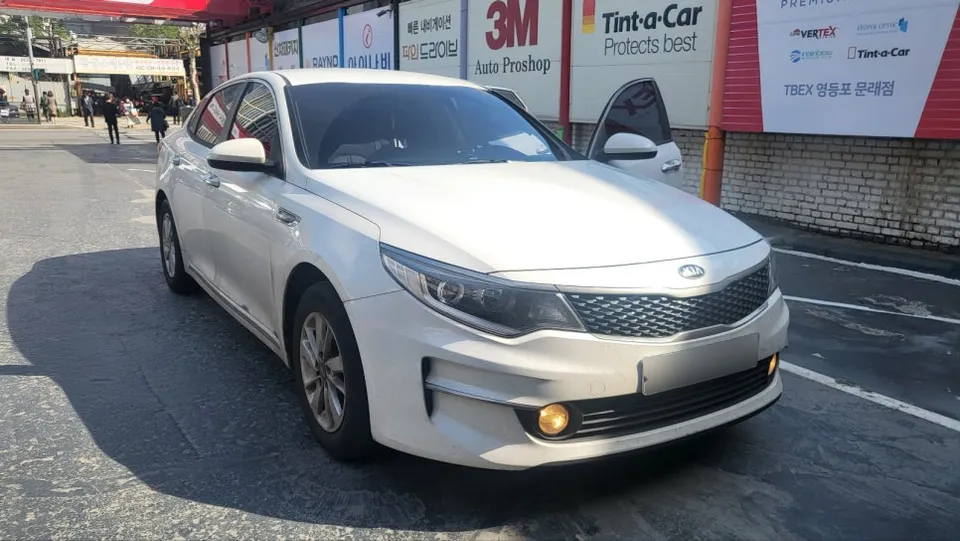
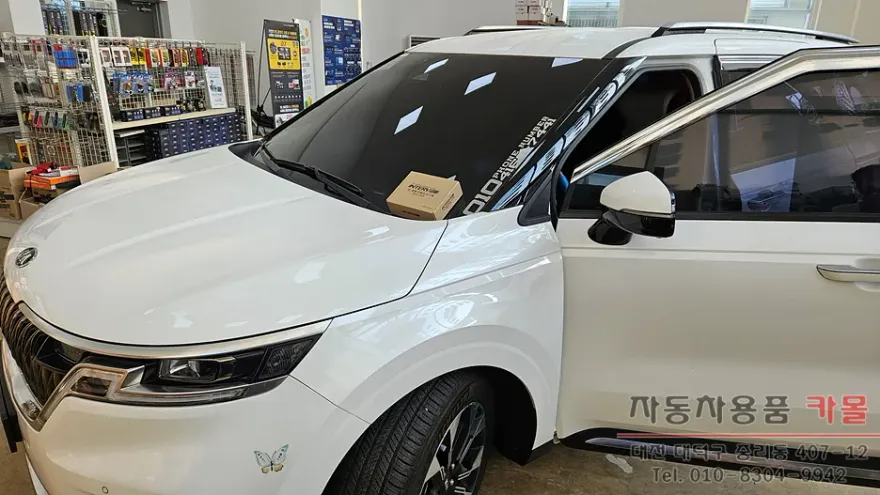
Kia K5 DL3 Dash Cam Installation Review
Service Price
$115–150
Estimated price · Actual price may vary by shop
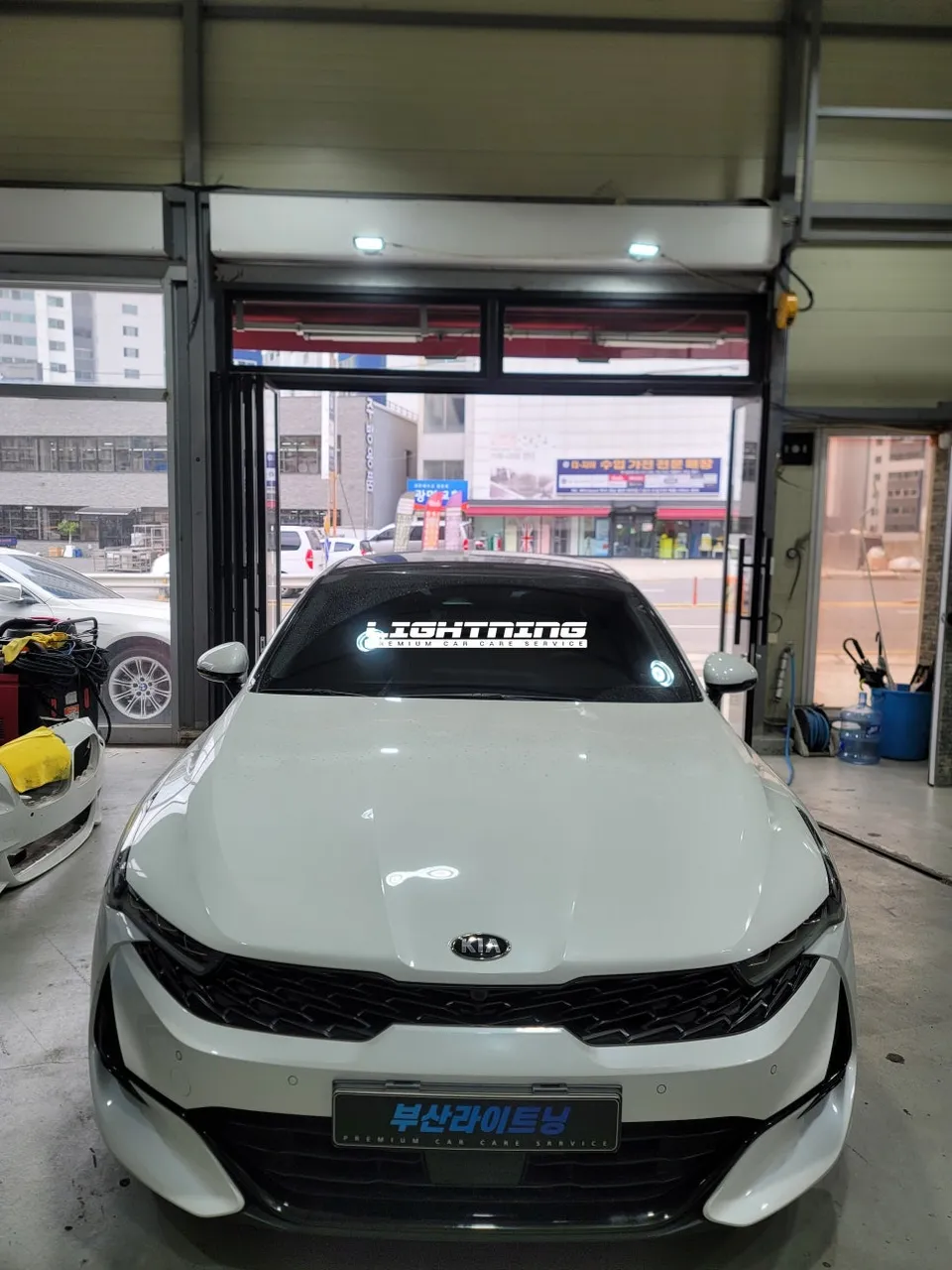
Dash cam installation on Kia K5 DL3: Approx. 150,000 KRW ($115). Professional install ensures clean wiring and optimal performance.
Kia K5 DL3 Dash Cam Upgrade: Why I Chose Professional Installation
My existing dash cam for my Kia K5 DL3 suddenly stopped working during a drive, prompting an urgent search for a reliable replacement. I noticed that many local shops in the Gijang area didn't seem to pay close attention to wiring management, which is crucial for a clean and quiet installation. I decided to visit 'Today's Car' in Gijang for a professional installation of a FineVu QHD 2-channel dash cam, and I'm sharing my experience here.
Choosing the Right Dash Cam for Your Kia K5
At the shop, I examined the FineVu LXQ500 Power QHD 2-channel model. The dual-channel setup, capturing both front and rear views, along with its QHD (1440p) resolution for clear recording day or night, was particularly appealing. The consultant explained the optimal installation method specifically for the K5 DL3, and we proceeded with the installation.
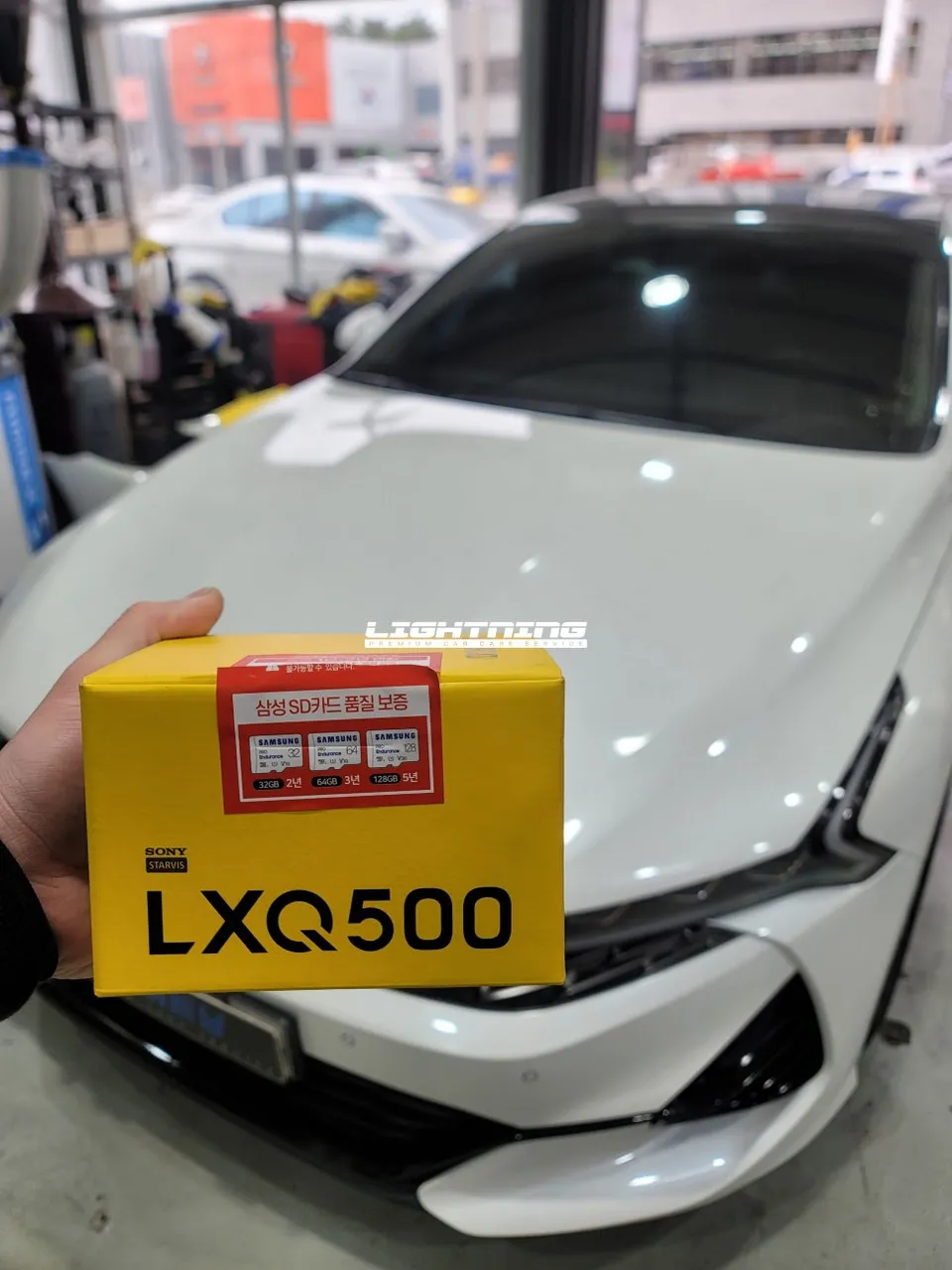
The Installation Process: From Removal to Final Checks
The first step involved completely removing the old dash cam and all its wiring. It's essential to meticulously clear all wiring from the vehicle's interior. Any exposed wires can cause rattling noises due to vibrations while driving, making proper wire management a necessity. The old adhesive residue was also thoroughly cleaned using IPA (Isopropyl Alcohol) to remove any oils from the glass. This ensures the new dash cam's adhesive tape will bond securely and prevent it from falling off later.
Installation process:
- Thorough removal of the old dash cam and all associated wiring.
- Cleaning the windshield surface with IPA to ensure optimal adhesion for the new unit.
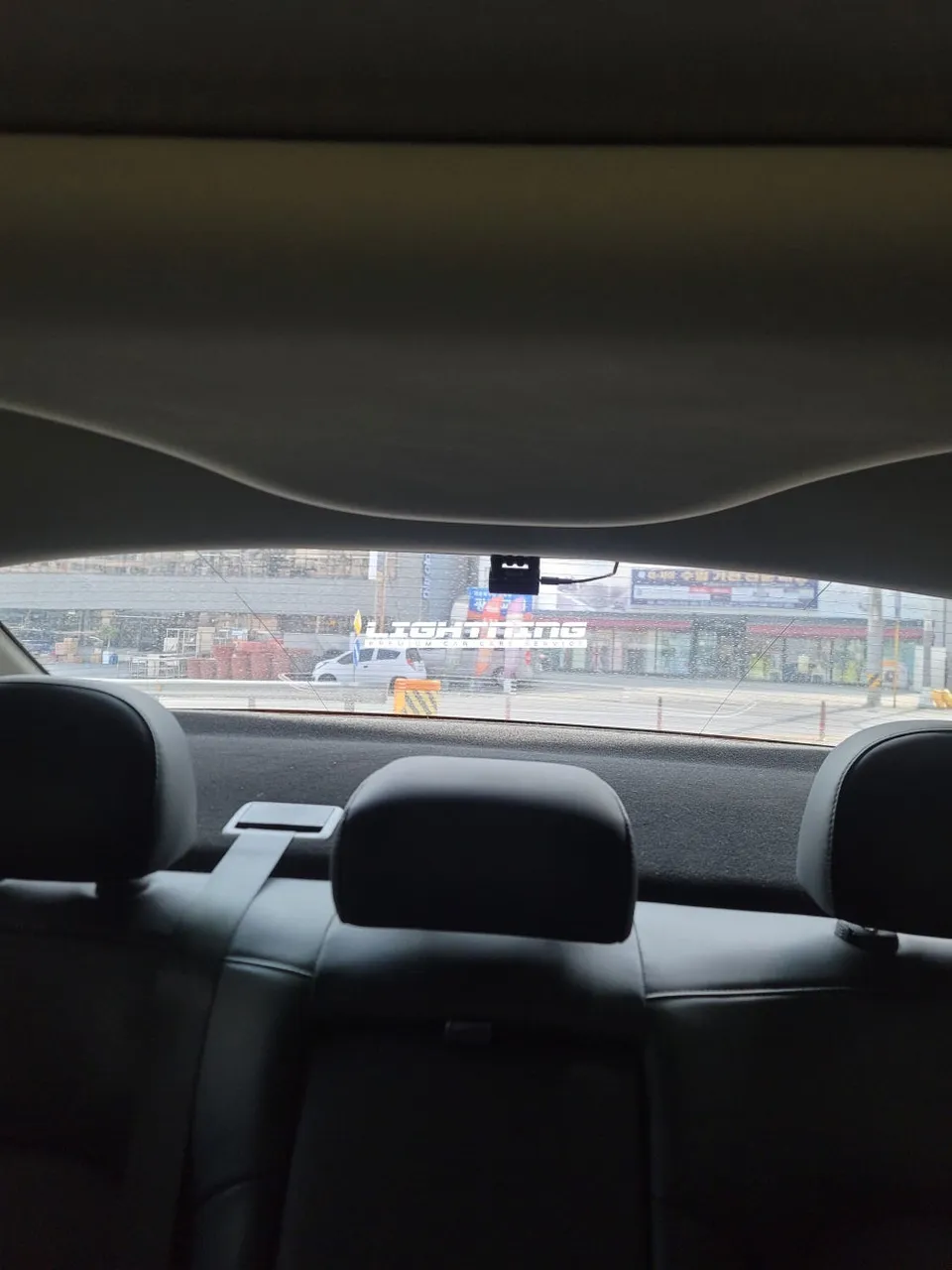
- Careful centering and attachment of the rear camera to the windshield.
- Positioning and securing the front dash cam unit, ensuring it doesn't obstruct the driver's view.
- Neatly routing and concealing all wiring, particularly along the A-pillar, for a clean look and to prevent rattles.
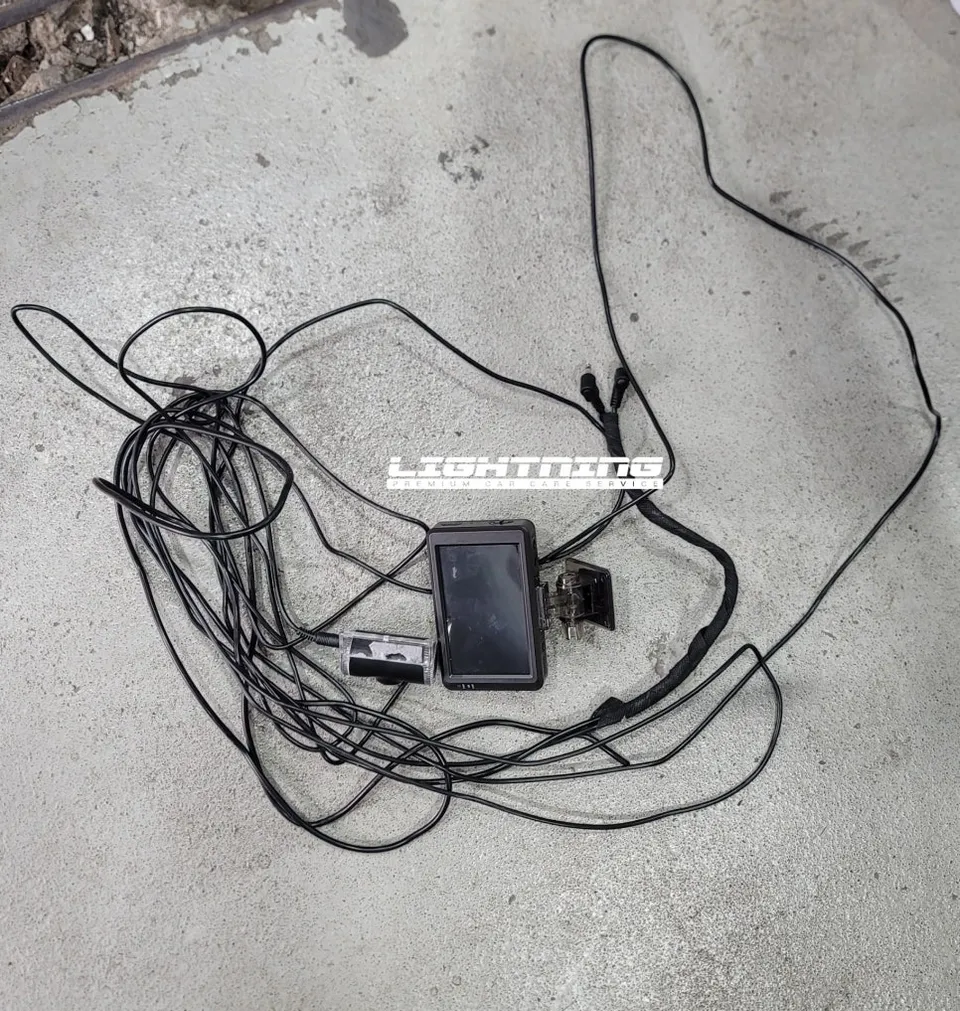
Professional Wiring and Setup for Optimal Performance
Wiring the dash cam involves routing cables through the A-pillar (the pillar next to the driver's seat). This is where the skill of the installer truly shows, as many shops neglect this crucial step, sometimes leaving wires exposed. 'Today's Car' Gijang expertly removed the A-pillar trim and ran the wires along the factory wiring harness. This not only enhances the vehicle's interior aesthetics but also completely eliminates any potential rattling noises during driving. I consider proper wire concealment a non-negotiable aspect of a quality dash cam installation.
Once all wiring was complete, the dash cam was powered on. We verified the FineVu logo appeared, the system booted up correctly, and both the front and rear camera views could be accessed via touch controls. Finally, we adjusted various settings, including video quality, sensitivity, audio recording, and motion detection, to match my driving habits. The GPS and time/date were also accurately set.
The estimated cost for this professional installation in Gijang was approximately 150,000 KRW (around $115 USD at the time of service). While the initial cost might seem higher than a DIY option, the meticulous wiring, clean finish, and peace of mind provided by a professional installation are well worth the investment for a vehicle like the Kia K5 DL3.
Frequently Asked Questions
Q. How much does dash cam installation cost for a Kia K5 DL3?
The professional installation detailed in this review cost approximately 150,000 KRW (around $115 USD). Typical professional dash cam installation costs in the US can range from $115 to $150, depending on the complexity and location.
Q. How long does dash cam installation take on a Kia K5 DL3?
Professional dash cam installation, including removal of the old unit and meticulous wiring, typically takes about 1 to 2 hours. Regular maintenance involves checking the camera lens for cleanliness and ensuring the recording files are being saved correctly.
Q. Is a hardwired dash cam worth it over a self-install for a Kia K5 DL3?
A professionally hardwired dash cam is often worth the investment for its clean installation and integrated parking mode features. It's ideal for drivers who prioritize a seamless look and reliable continuous recording without battery drain concerns.
Q. How is a dash cam professionally installed on a Kia K5 DL3?
Professional installation involves thoroughly cleaning the windshield, carefully mounting the cameras, and meticulously routing and concealing all wiring, often along the vehicle's A-pillar. The installer then connects the power source, typically to the fuse box for parking mode functionality, and configures the device settings.
Q. What is the difference between a 1-channel and 2-channel dash cam for a Kia K5 DL3?
A 1-channel dash cam records only the front view, while a 2-channel dash cam records both the front and rear views. For comprehensive coverage, a 2-channel dash cam is recommended for vehicles like the Kia K5 DL3.
OhCar Partner Shop