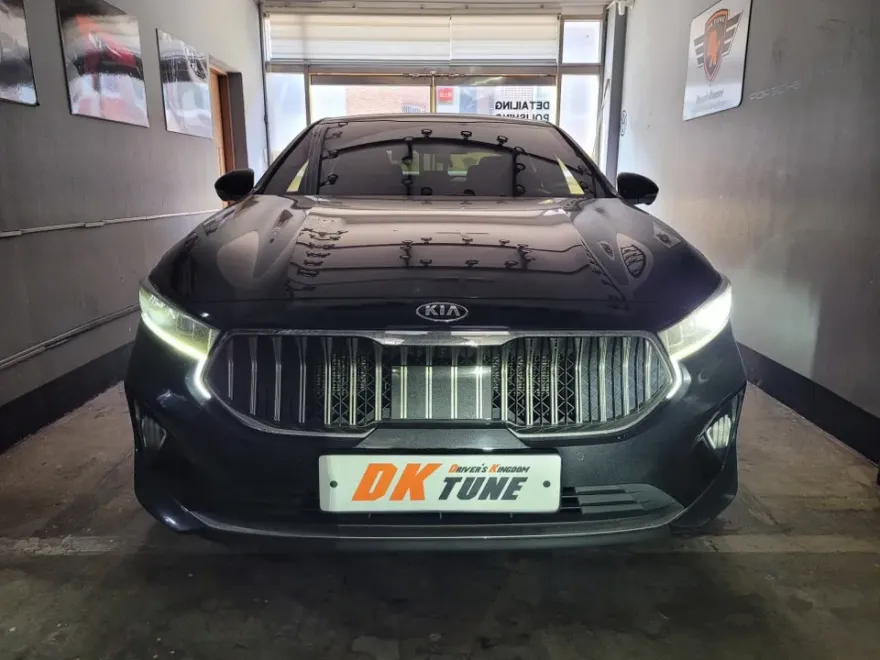
Kia K7 Android Head Unit Upgrade Review
Before
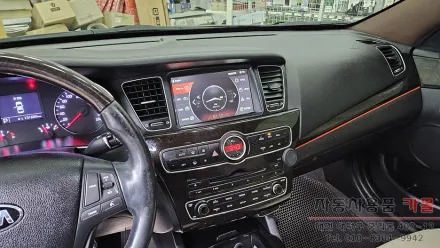
After
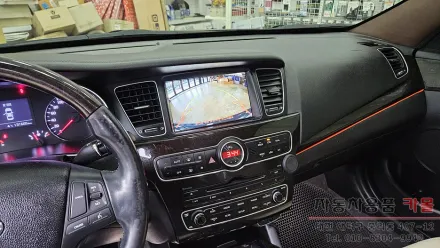
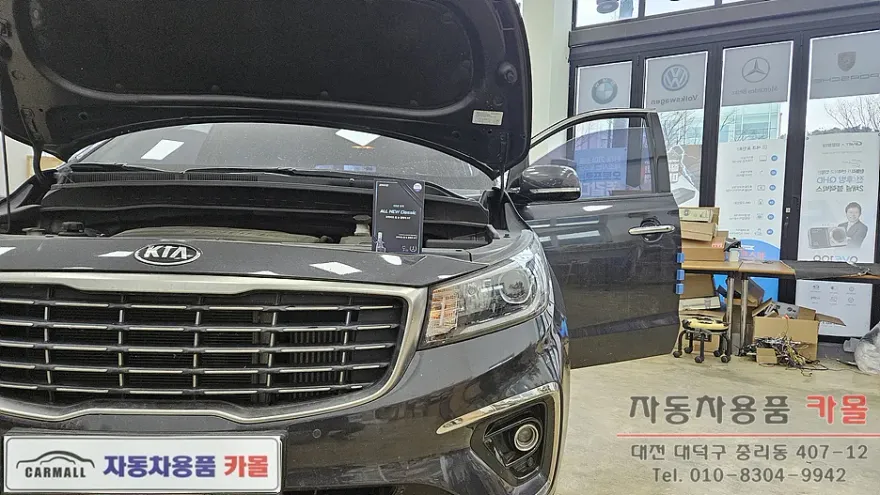
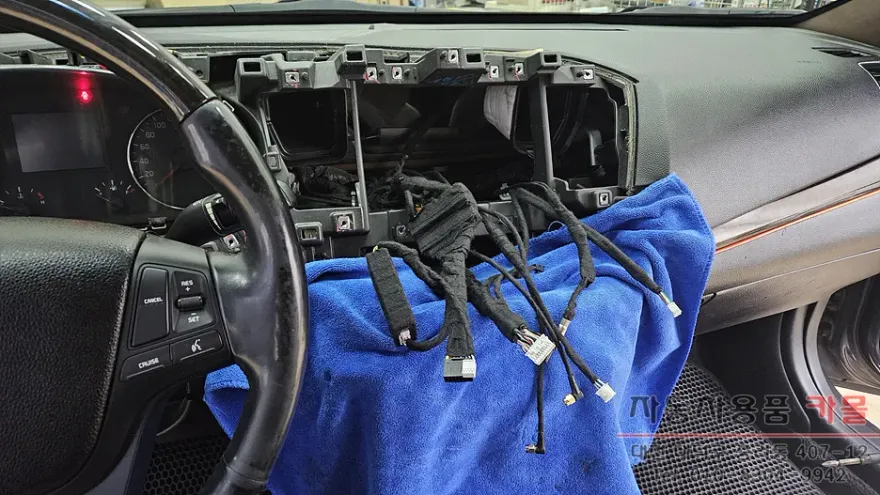
Process photos
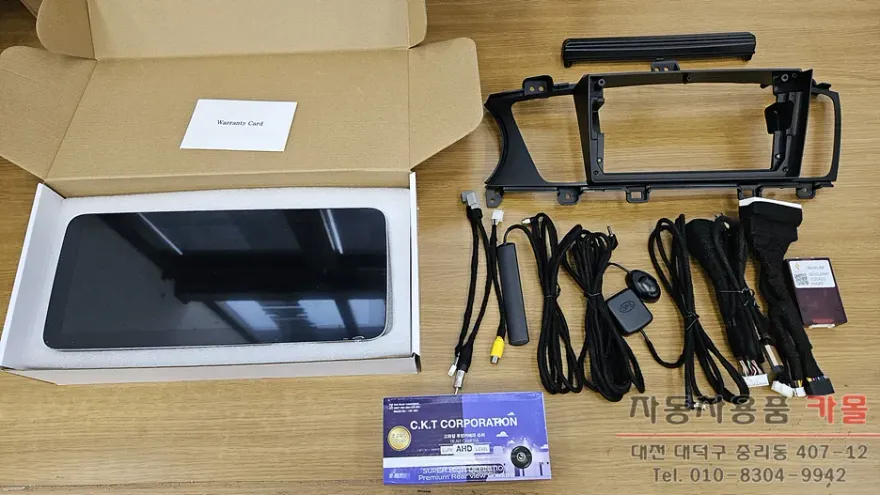
Kia K7 Android head unit upgrade with 12.3-inch screen: 400,000-700,000 KRW. Enhances navigation & entertainment.
Why Upgrade Your Kia K7's Infotainment System?
As vehicles age, their original navigation systems can become outdated, with software updates ceasing and smartphone integration feeling limited. For owners of a 2013 Kia K7 (known as the K7 Premier in some markets), feeling a lack of modern features or dissatisfaction with existing aftermarket navigation and backup cameras is common. Upgrading to a 12.3-inch Android All-in-One unit, like the Canaro X model reviewed here, coupled with a high-definition AHD backup camera, offers a significant leap in functionality and user experience. This review details the installation, features, and overall value of such an infotainment upgrade for your K7.
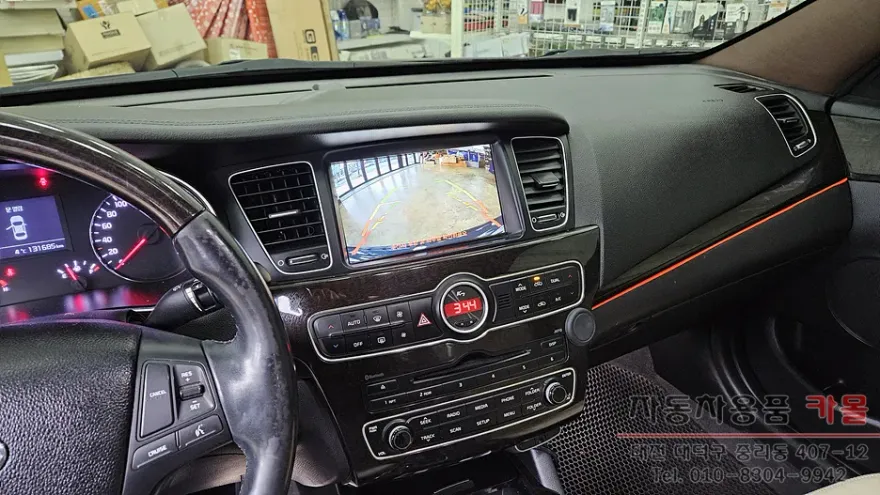
Canaro X 12.3-inch Android All-in-One: Features and Benefits
The Canaro X unit boasts 4GB RAM and 64GB storage, providing ample space for applications and smooth operation. Its expansive 12.3-inch display offers excellent visibility. Connecting to the internet via a smartphone hotspot or a separate SIM card allows for full app functionality, mirroring a smartphone experience. A key advantage is its support for wireless Android Auto and Apple CarPlay through the Carlink 2.0 app, even without a constant internet connection. Users can log into the Google Play Store to download preferred navigation apps like TMAP, Kakao Navi, or Naver Maps, as well as entertainment apps such as YouTube and Netflix. Music streaming via Bluetooth and USB playback are also standard. The system integrates with the steering wheel controls for convenient operation and displays climate control information on-screen. The AHD backup camera significantly enhances safety with its superior resolution and wider field of view, minimizing blind spots compared to older analog cameras.
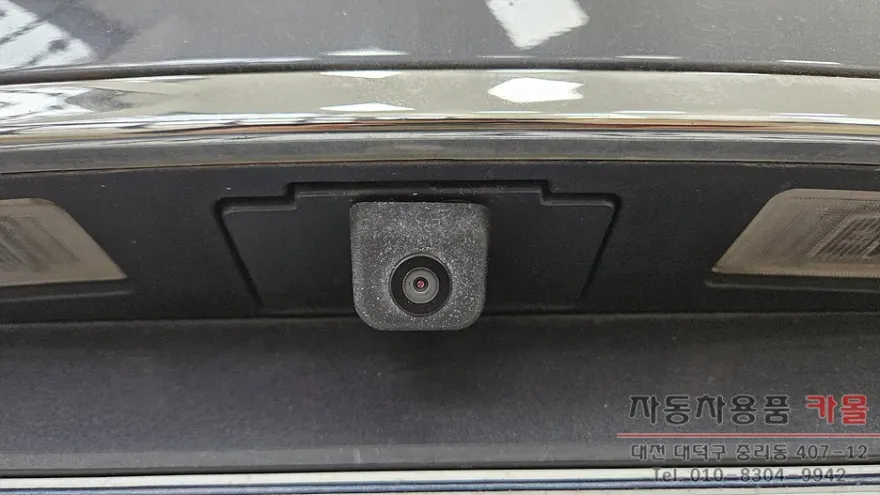
Installation Process and Considerations
The installation of an Android head unit and AHD backup camera typically takes between 3 to 5 hours, depending on the specific vehicle condition and any additional work required. During installation, all wiring is meticulously secured with sound-dampening tape to prevent rattles and ensure durability. After connecting the microphone, GPS antenna, and 4G antenna, a thorough testing phase ensures all functions operate correctly before the vehicle's interior panels are reassembled for a clean finish. It's important to note that installing an aftermarket Android head unit may render some original factory audio functions unusable, though lighting and basic controls are usually preserved. Given the complexity of automotive electrical systems, professional installation by a qualified technician is crucial to avoid potential issues with the vehicle's electronics.
Installation Process:
- Careful removal of the original infotainment system and backup camera.
- Professional wiring of the new Android head unit, including GPS, 4G antennas, and microphone, ensuring all connections are secure and insulated.
- Installation and connection of the new AHD backup camera, routing its cable discreetly.
- Comprehensive testing of all head unit functions (navigation, audio, Bluetooth, Wi-Fi, CarPlay/Android Auto) and the backup camera's display.
- Reassembly of interior trim panels for a factory-like finish.
Regarding costs in South Korea, the Canaro X 12.3-inch Android All-in-One unit typically ranges from 400,000 to 700,000 KRW (approximately $300-$530 USD). The AHD backup camera replacement adds an estimated 100,000 to 200,000 KRW (approximately $75-$150 USD). These prices can vary based on the specific product specifications, the installer's labor rates, and the vehicle's condition. Always consult with the installer for a precise quote before proceeding.
Frequently Asked Questions
Q. How much does Android head unit or CarPlay installation cost for a Kia K7?
In South Korea, the Canaro X 12.3-inch Android All-in-One unit typically costs between 400,000-700,000 KRW (approx. $300-$530 USD), with AHD camera replacement adding 100,000-200,000 KRW (approx. $75-$150 USD). Exact pricing varies by installer and specifications.
Q. How long does Android head unit installation take on a Kia K7?
Installation usually takes 3 to 5 hours. Proper maintenance involves keeping the software updated and ensuring connections remain secure.
Q. Is a CarPlay or Android Auto retrofit worth it for a Kia K7?
Yes, it's highly recommended for K7 owners whose factory system is outdated or lacks smartphone integration. It significantly modernizes the driving experience with access to familiar apps and improved functionality.
Q. How is an Android head unit installed in a Kia K7?
Installation involves removing the old unit, connecting the new Android head unit's wiring harness, installing the AHD backup camera, and testing all functions before reassembling the dash. Professional installation is recommended.
Q. What is the difference between an Android head unit and a factory infotainment system for a Kia K7?
An Android head unit offers modern app support (like YouTube, Netflix, advanced navigation) and wireless CarPlay/Android Auto, unlike the often limited or outdated factory system. It essentially turns your car's dash into a tablet.
Q. What should I know before getting Android Head Unit on a Kia K7? (common regrets and mistakes)
The most common regret is losing original factory audio controls; ensure your installer can integrate essential functions. Always choose a reputable installer to avoid electrical issues.
OhCar Partner Shop