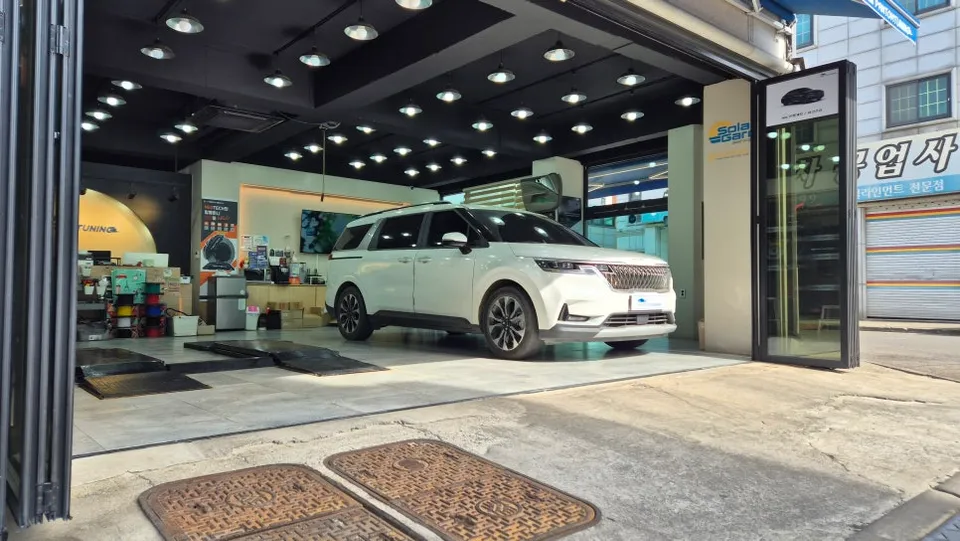
Kia K900 Dash Cam Installation Review
Service Price
$40–80
Estimated price · Actual price may vary by shop
Before

After
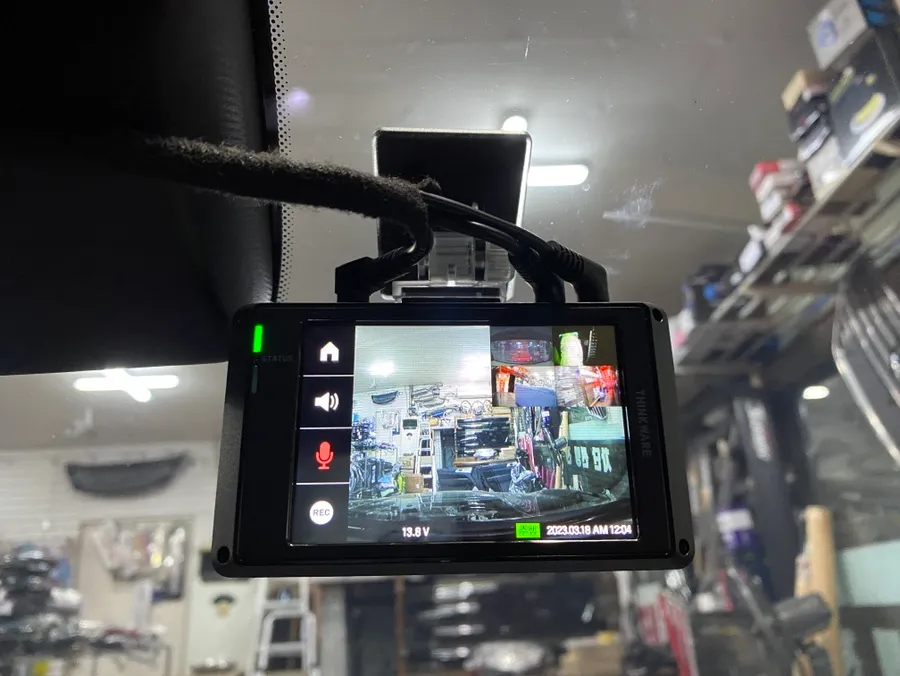
Process photos
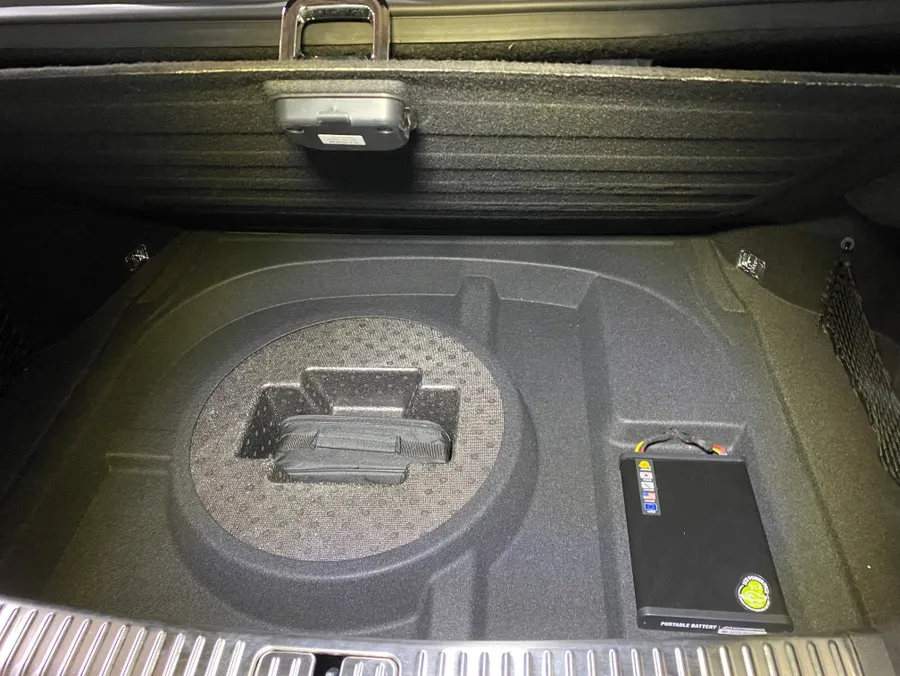
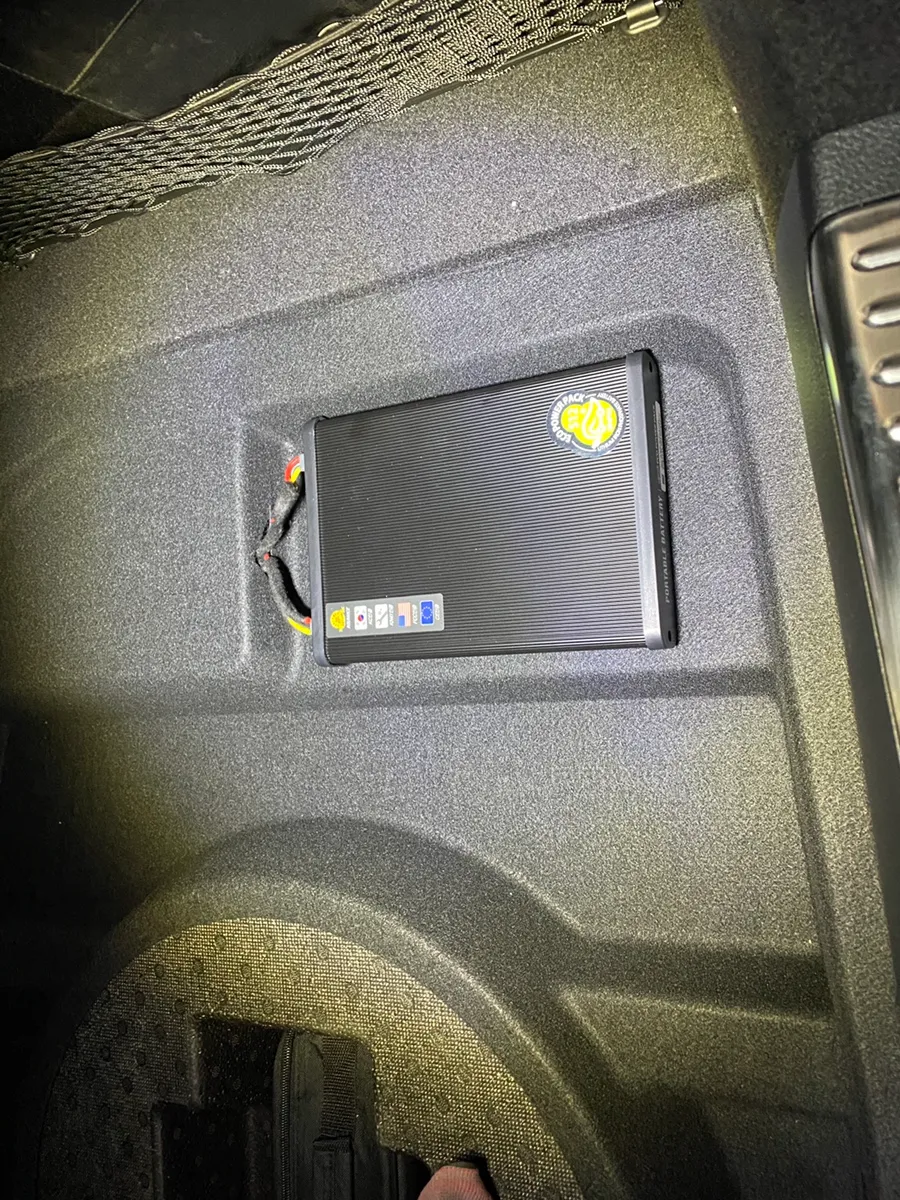
Kia K900 5-channel dash cam & power bank install: Approx. ₩300,000-₩600,000. Ensures comprehensive video recording and stable power.
Kia K900 Dash Cam and Power Bank Installation
For Kia K900 owners seeking enhanced vehicle safety, installing a reliable dash cam system is a crucial decision. This review details a comprehensive installation of a 5-channel iNavi dash cam coupled with an EcoPowerPack auxiliary battery for a Kia K900. This setup guarantees uninterrupted video recording, both while driving and parked, alongside a stable power supply.
Pre-Installation Checks for the Kia K900
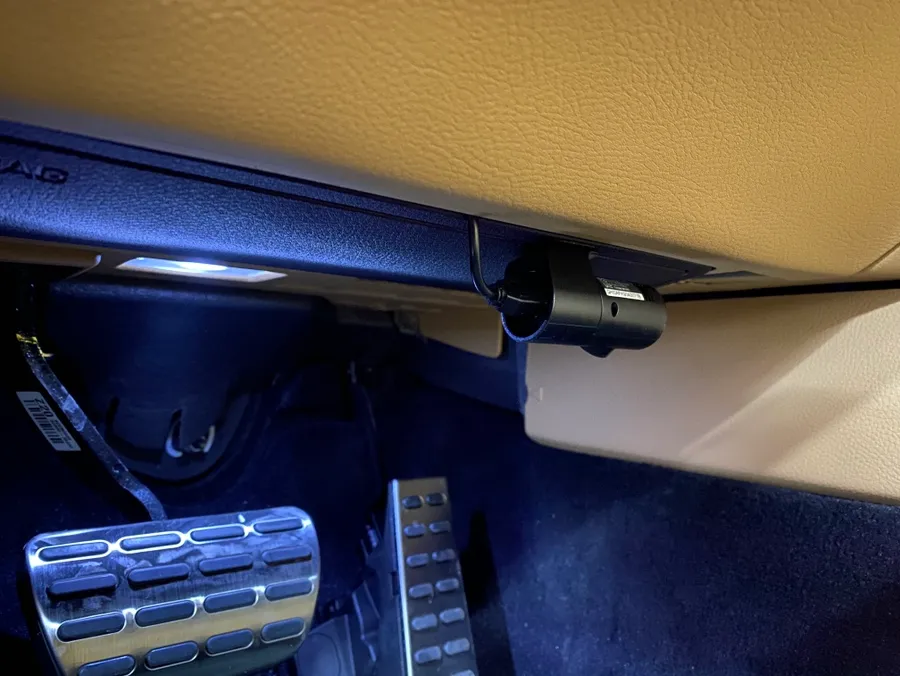
Before any work begins, a thorough inspection of the K900's interior and wiring is conducted. This ensures a smooth installation process without damaging delicate trim or compromising the vehicle's electrical system. Our technicians meticulously mask surrounding areas to prevent scratches or dirt. Wiring is routed discreetly, utilizing factory pathways whenever possible, and secured with sound-dampening materials to eliminate rattles. This attention to detail preserves the vehicle's premium feel.
The iNavi 5-Channel Dash Cam System
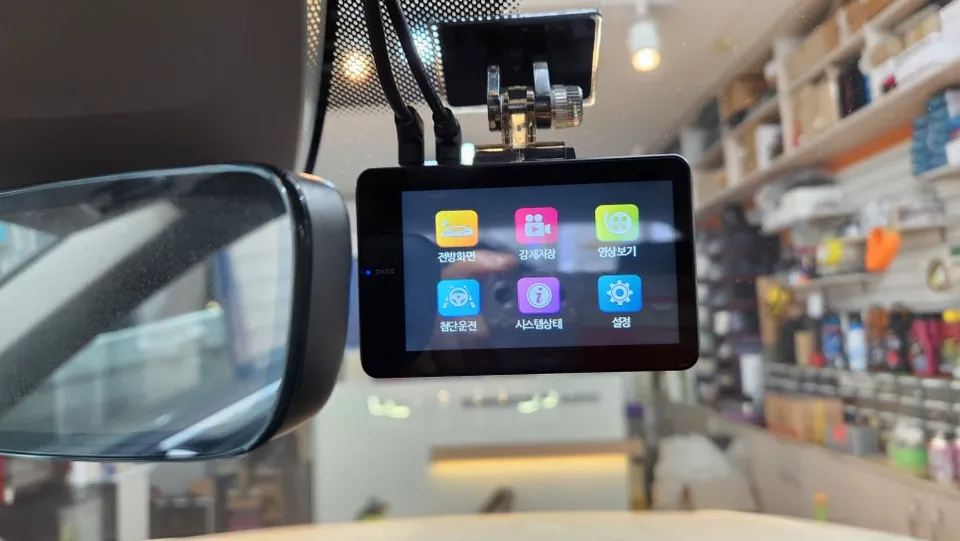
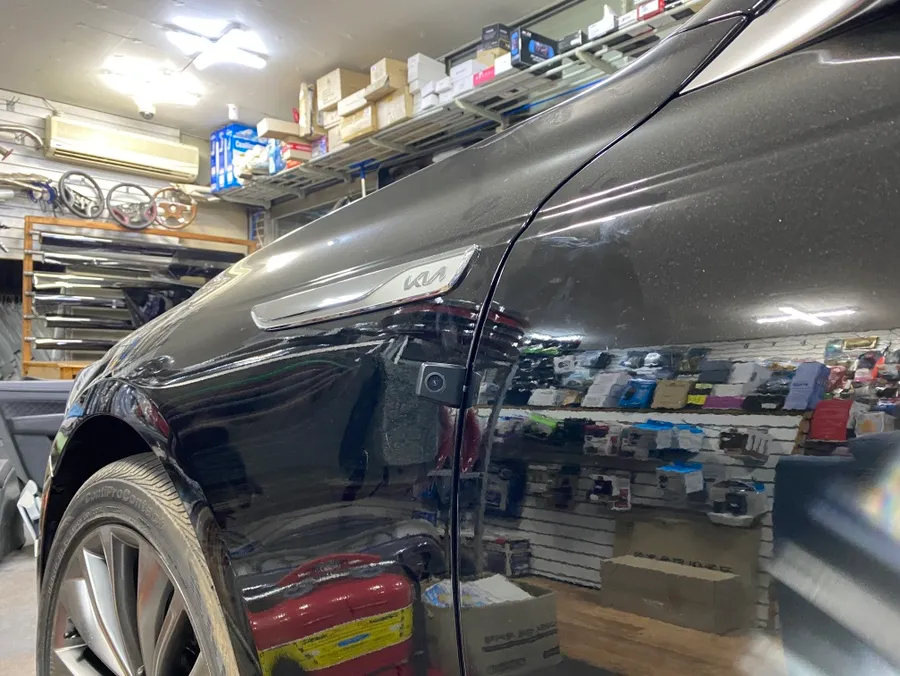
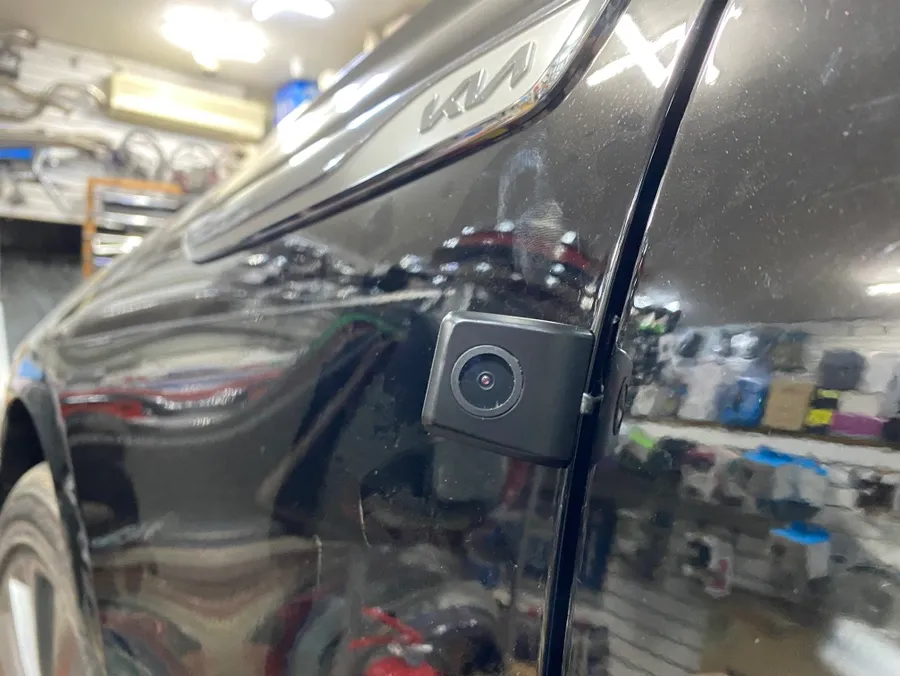
The chosen iNavi system features a 4-channel dash cam with an additional IR (infrared) camera, totaling five channels. This configuration covers the front, rear, left, right, and interior of the vehicle. The interior IR camera is particularly useful for capturing clear footage even in low-light conditions, documenting passenger activity or internal events. iNavi is recognized for its high-quality video resolution, robust performance, and user-friendly interface, making it a popular choice for discerning drivers.
Stable Power with EcoPowerPack Auxiliary Battery
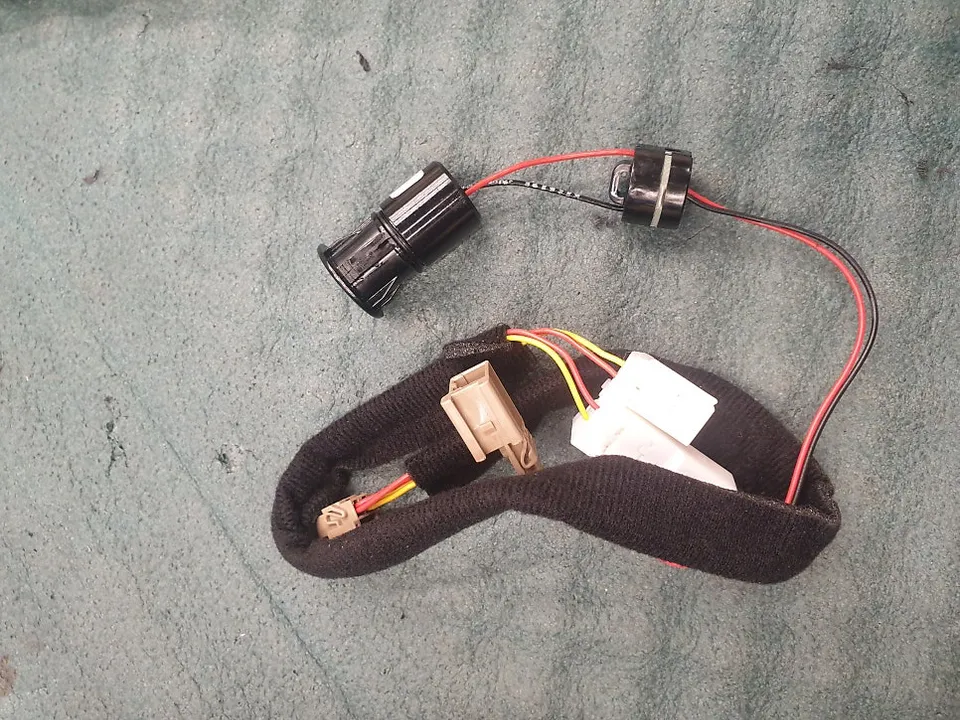
To support the continuous recording needs of the dash cam, especially during extended parking periods, an EcoPowerPack auxiliary battery was installed. This unit utilizes a Lithium Iron Phosphate (LiFePO4) battery, known for its safety, longevity, and stability compared to standard lithium-ion batteries. It supports fast charging, ensuring the dash cam's power requirements are met efficiently during drives. The 15Ah model installed in this K900 provides approximately 10-12 hours of continuous recording, though actual duration may vary based on vehicle conditions and dash cam settings.
Installation Process and Final Checks
The complete installation, including the 5-channel dash cam and auxiliary battery, took approximately 3-4 hours. Post-installation, all cameras and the power system undergo rigorous testing to confirm proper functionality. The iNavi app is configured for seamless video playback and settings adjustment. The wiring is integrated cleanly, maintaining the K900's sophisticated interior aesthetic. This comprehensive upgrade significantly enhances the safety and security features of the Kia K900.
Frequently Asked Questions
Q. How much does a dash cam installation cost for a Kia K900?
The installation for a 5-channel dash cam and auxiliary battery on a Kia K900 typically ranges from ₩300,000 to ₩600,000 in Korea, depending on the specific products and complexity. In the US, similar professional installations can range from $200 to $500.
Q. How long does a dash cam system last on a Kia K900?
The lifespan of a dash cam system depends on the quality of the components, particularly the auxiliary battery, which can last 5-7 years or more with proper care. Regular checks of connections and ensuring the auxiliary battery is not excessively drained can prolong its life.
Q. Is a dash cam worth it for a Kia K900?
A dash cam is highly recommended for Kia K900 owners, especially those who park in public areas or travel frequently, as it provides crucial video evidence in case of accidents or incidents. The value lies in potential insurance benefits and peace of mind.
Q. How is a dash cam installed on a Kia K900?
Installation involves: 1. Carefully removing trim panels to access wiring. 2. Mounting the dash cam units (front, rear, sides, interior) and routing their cables discreetly. 3. Connecting the dash cam and auxiliary battery to the vehicle's power source, often via the fuse box, and ensuring proper grounding. 4. Testing all cameras and the power system before reassembling interior panels.
Q. What is the best dash cam option for a Kia K900?
For comprehensive coverage, a 5-channel system like the iNavi setup reviewed, which includes front, rear, side, and interior cameras, offers the most complete view. This multi-channel approach is superior to standard 2-channel systems for maximizing situational awareness.
OhCar Partner Shop