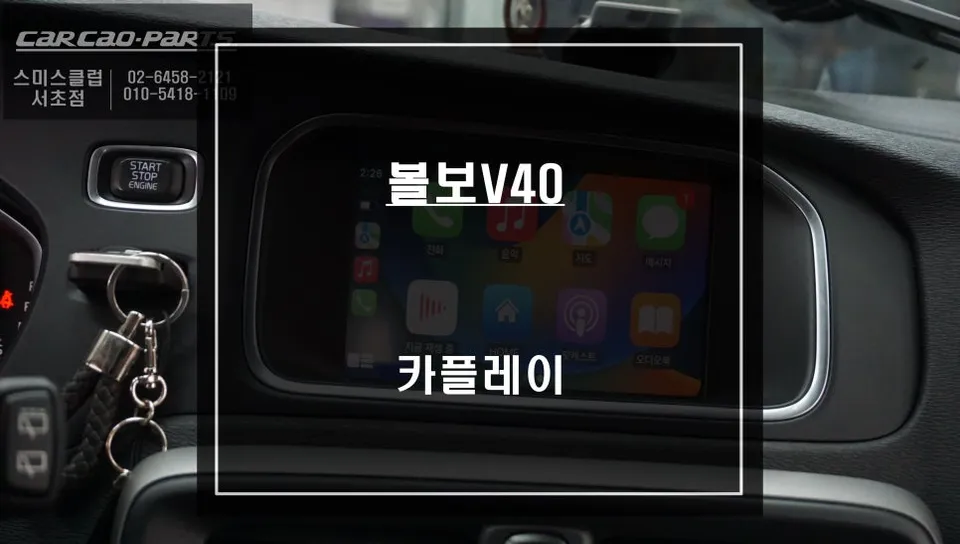
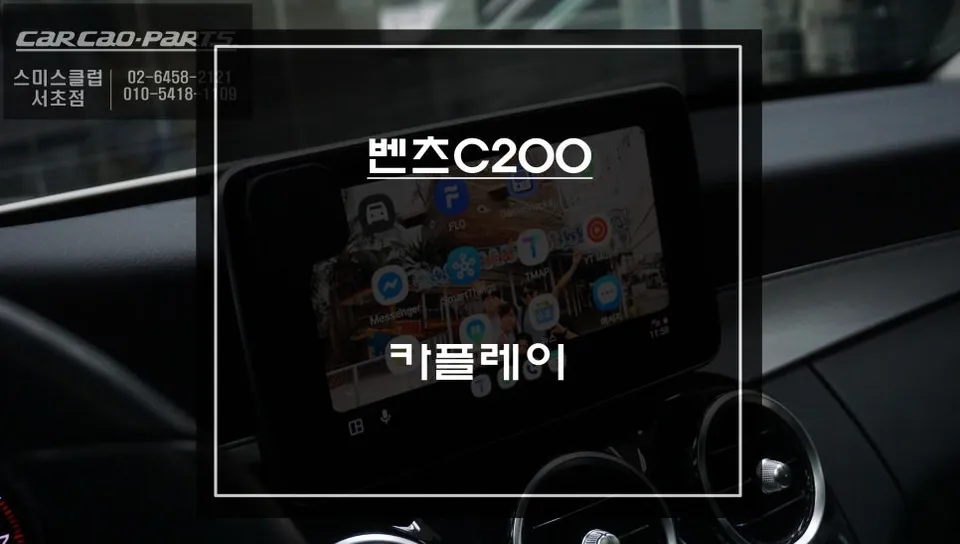
Lexus ES300h CarPlay & Touch Navigation Upgrade Review — Enhanced
Upgrade Your Lexus ES300h with CarPlay and Touch Navigation
Many Lexus ES300h owners find themselves wishing for a more integrated smartphone experience. While the factory navigation system is functional, iPhone users often desire the convenience of using familiar apps like T Map or Kakao Map directly on their car's display. This is especially true for those who frequently commute and rely on real-time traffic data for the most efficient routes. The original Lexus infotainment system, while sophisticated, lacks a crucial feature: touch functionality on the main screen. This limits direct interaction, making navigation and app control less intuitive. However, by installing an Apple CarPlay compatible capacitive touch panel, you can unlock full touch control and voice commands, transforming your driving experience. This upgrade seamlessly integrates your iPhone's capabilities without compromising the original wiring, offering a smart and practical enhancement to your Lexus.
The key to a successful and safe installation lies in using products specifically designed for Lexus vehicles. Generic, universal kits can lead to wiring damage or system malfunctions. Reputable installers ensure they use Lexus-specific components that perfectly match the ES300h's electrical system and dashboard layout. A capacitive touch panel works by detecting the subtle electrical changes on its surface when your finger approaches or touches it. This technology is highly responsive and is less susceptible to issues caused by dust or moisture compared to older resistive touch screens.
Seamless Integration and Enhanced Functionality
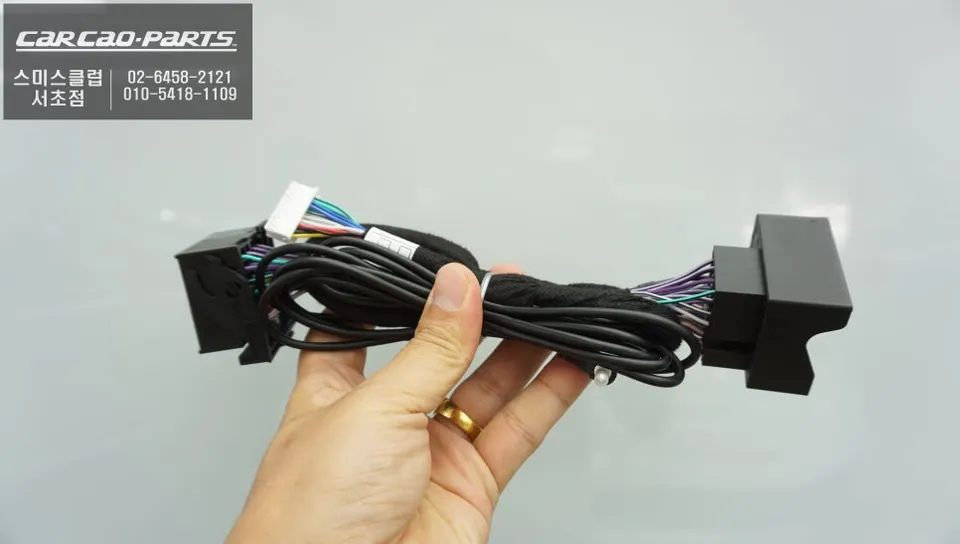
The installation process is designed to be non-invasive, preserving the integrity of your vehicle's original wiring. This is achieved through a "plug-and-play" or "jack-by-jack" method, where new components are connected using existing connectors without cutting or splicing factory wires. This approach not only ensures a clean installation but also makes future servicing or a return to the original factory state straightforward, which is beneficial for maintaining vehicle value and warranty compliance.
Installation Process:
- Disconnection of the original monitor and infotainment unit.
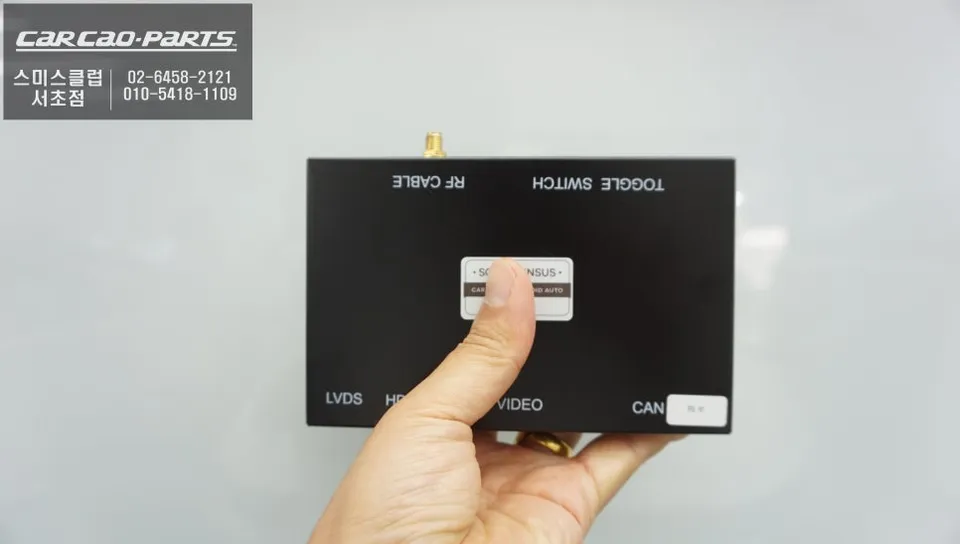
- Connection of the CarPlay interface module using "plug-and-play" wiring harnesses.
- Installation of the new capacitive touch panel overlay onto the original screen.
- Reassembly of the dashboard components.
- Testing of all functions, including CarPlay, touch input, and voice commands.
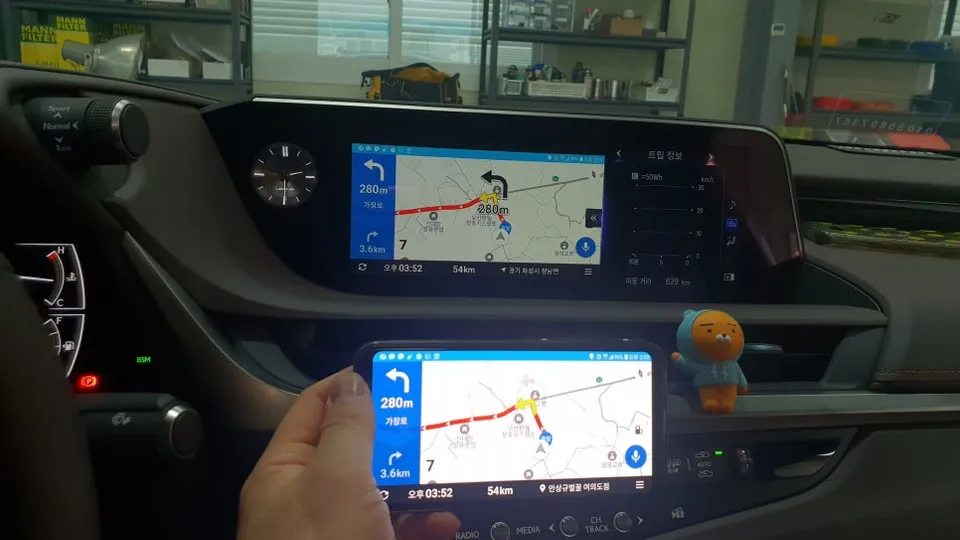
Once installed, the primary benefit is the ability to mirror your iPhone's screen and access Apple CarPlay directly through your car's display. Connecting your iPhone via USB instantly brings up the CarPlay interface, allowing you to navigate, play music, make calls, and send messages using either touch controls on the screen or Siri voice commands. Apps like T Map and Kakao Map provide real-time traffic updates, offering more accurate and efficient routing than many built-in navigation systems, which is invaluable for daily commutes or unfamiliar journeys.
Unlock the Power of Touch and Voice Control
The addition of the capacitive touch panel fundamentally changes how you interact with your infotainment system. While the original Lexus monitor is not touch-enabled, relying on the center console touchpad or voice commands, the new panel allows for direct, intuitive screen interaction. You can easily drag maps, tap destinations, or select menu options with your finger. This is particularly useful when voice commands are not recognized clearly or when you simply prefer the directness of touch input. This upgrade significantly boosts convenience and user-friendliness, making your time in the car more enjoyable and productive.
This upgrade is ideal for iPhone users who frequently rely on navigation apps like T Map or Kakao Map, and for those looking to optimize their commute times with real-time traffic information. It's also a fantastic solution for owners of older Lexus models whose factory navigation maps may be outdated or difficult to update. While this specific upgrade focuses on Apple CarPlay, similar solutions are often available for Android users, enabling Android Auto functionality. For those content with their current navigation system or who primarily use an Android phone, this upgrade might be less essential, but for iPhone users seeking a modern, connected experience, it's a game-changer.
Kakao Parts