Mercedes-Benz ML350 CarPlay Installation Review — Seamless Navi U
Upgrade Your Mercedes-Benz ML350 W166: The CarPlay Solution
Many owners of the 2015 Mercedes-Benz ML350 W166 find the factory navigation system to be frustratingly slow, inaccurate with real-time traffic, and cumbersome to update. This often leads to the common sight of smartphone mounts cluttering the dashboard. What if there was a way to seamlessly integrate your smartphone's superior navigation and app ecosystem into your existing Mercedes-Benz infotainment system? Installing a CarPlay module offers precisely this solution, transforming your driving experience. This review details a recent CarPlay installation on a Mercedes-Benz ML350 W166, showcasing the dramatic improvements.
Why Your ML350 Needs CarPlay and Android Auto
The primary drawback of factory navigation systems, especially in vehicles from around 2015 like the ML350 W166, is their rapid obsolescence. Road networks evolve, but map updates are infrequent, and real-time traffic data often lags behind dedicated smartphone applications like TMAP, KakaoMap, or Google Maps. This disparity makes the built-in system feel outdated and inefficient for daily use. The solution lies in a "CarPlay integration module" that leverages your existing factory screen. This upgrade doesn't require replacing your entire head unit or adding a secondary display; instead, it cleverly interfaces with your original Mercedes-Benz monitor, bringing the power of your smartphone directly to your dashboard. Crucially, all original vehicle functions remain fully accessible and unaffected.
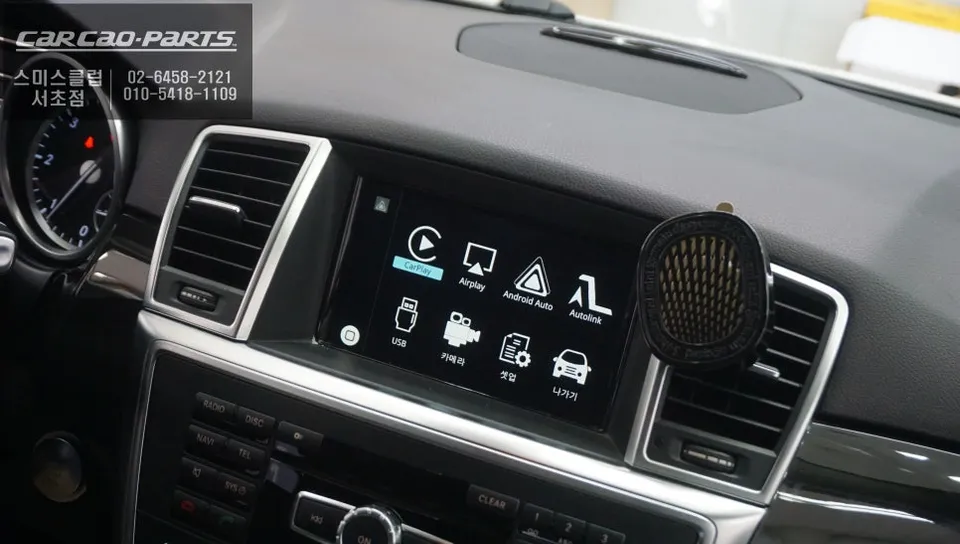
The CarPlay Installation Process for Your ML350
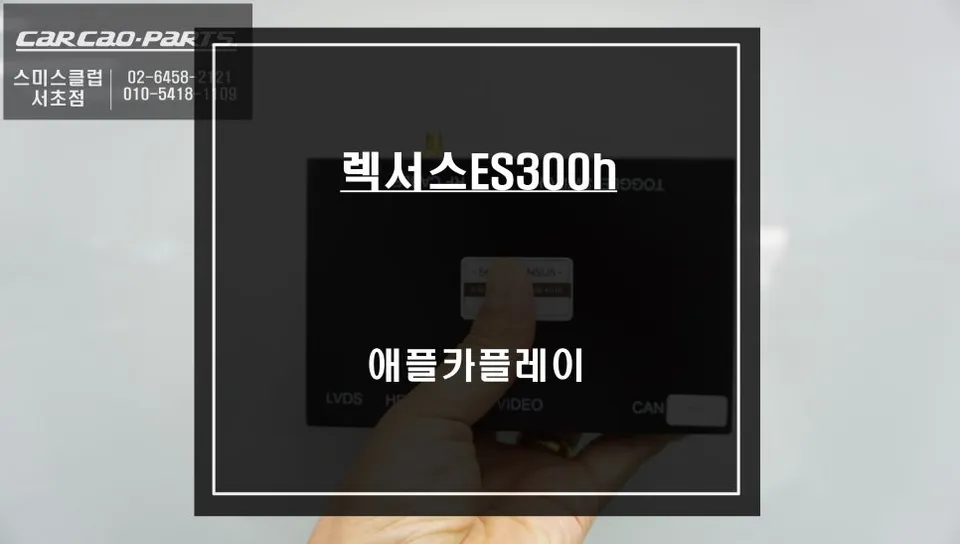
The installation focuses on achieving perfect integration with the factory display. A key technology employed is the LVDS (Low-Voltage Differential Signaling) high-definition connection. This method ensures a crisp, noise-free image is projected onto your original screen. Rather than simply overlaying a signal, the process involves inserting a signal control circuit between the factory system and the CarPlay module. Safety and reliability are paramount during wiring.
- The technician carefully accesses the vehicle's infotainment system wiring.
- The CarPlay module is connected using a "plug-and-play" (or "jack-by-jack") wiring harness, meaning no factory wires are cut or permanently modified.
- The LVDS cable is connected to ensure high-quality video output to the original screen.
- The module is securely housed, and all trim pieces are reassembled to their original condition.
- Final testing confirms seamless operation of both CarPlay/Android Auto and all original Mercedes-Benz functions.
This meticulous approach, prioritizing the integrity of the original wiring, ensures the longevity and reliability of the CarPlay installation in your Mercedes-Benz ML350.
Seamless Operation and Uncompromised Original Features
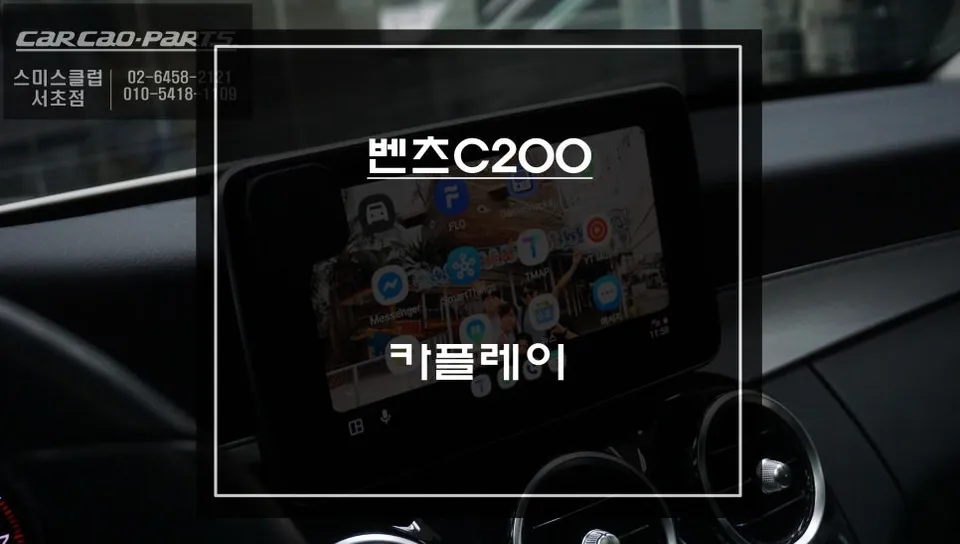
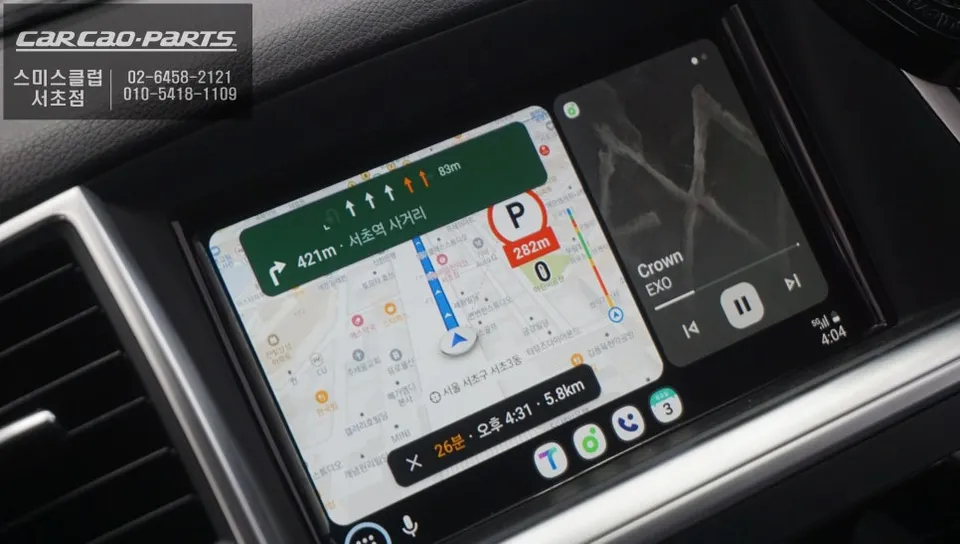
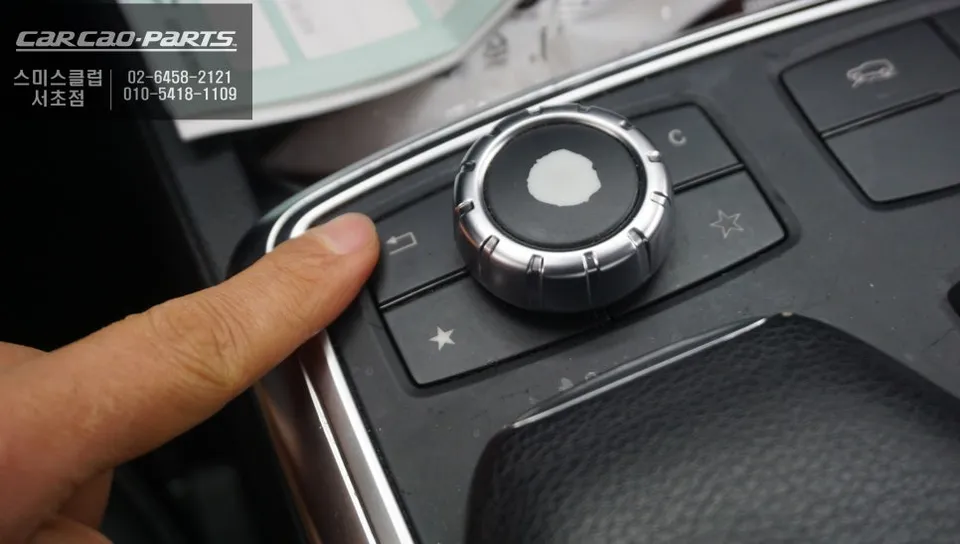
Using the newly installed CarPlay system is remarkably intuitive. A simple press and hold of the original "Return" button for about two seconds instantly switches the display to the CarPlay interface. From there, connecting your smartphone via a USB cable unlocks a world of familiar apps. The beauty of this system is its universal compatibility; it supports both Apple CarPlay and Android Auto, catering to all smartphone users. Navigation and media control are easily managed using the original Mercedes-Benz rotary dial and buttons, enhancing safety by minimizing driver distraction. Voice commands further streamline operation, allowing you to set destinations or play music without taking your hands off the wheel.
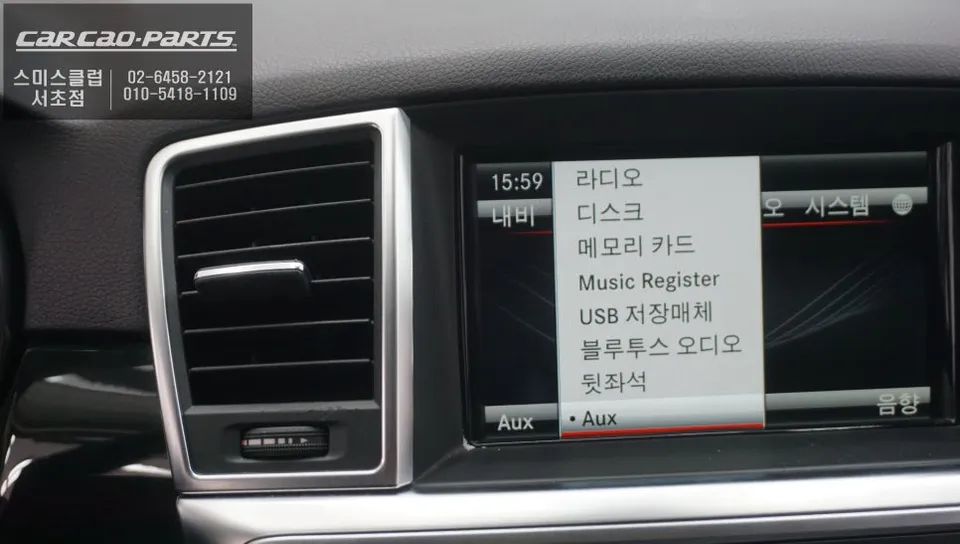
A common concern is the potential loss of original functions. However, this CarPlay integration acts as an *addition*, not a replacement. Your factory radio, Bluetooth, vehicle settings menus, and all original display functions remain fully operational. The system works by adding a new layer of functionality that can be accessed on demand, preserving the integrity and usability of your Mercedes-Benz ML350's original infotainment system while providing access to modern smartphone capabilities.
Unlock the Full Potential: TMAP, KakaoMap, and More on Your ML350
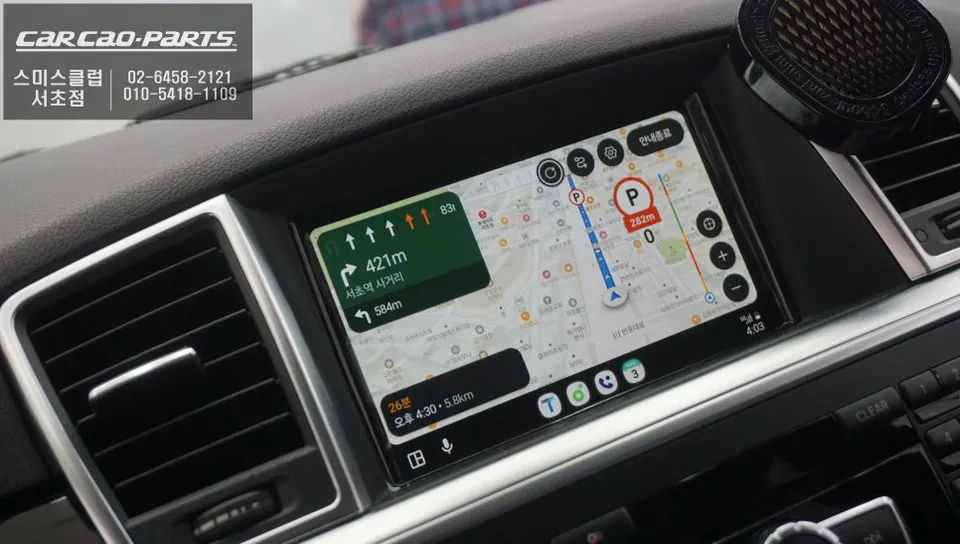
The true value of this upgrade lies in accessing your favorite smartphone applications directly on your car's integrated display. Popular navigation apps like TMAP, KakaoMap, and Naver Maps are fully supported, offering real-time traffic data and up-to-date routing that far surpasses the capabilities of the original system. Beyond navigation, you can also enjoy music streaming services, messaging apps, and podcasts, all controlled through your car's interface. This transforms your Mercedes-Benz ML350 into a more connected and enjoyable driving experience, bridging the gap between classic luxury and modern technology.
Kakao Parts