Lexus UX 250h CarPlay Retrofit Review
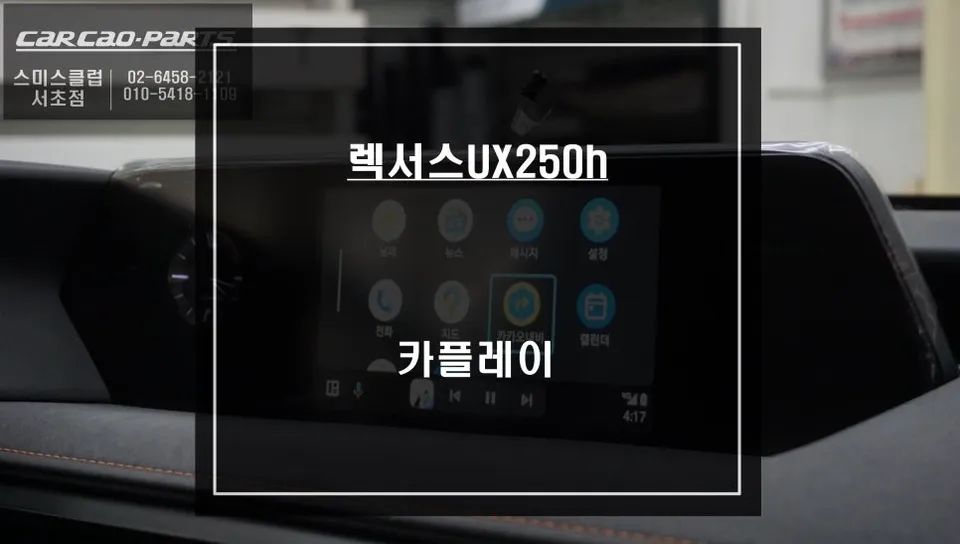
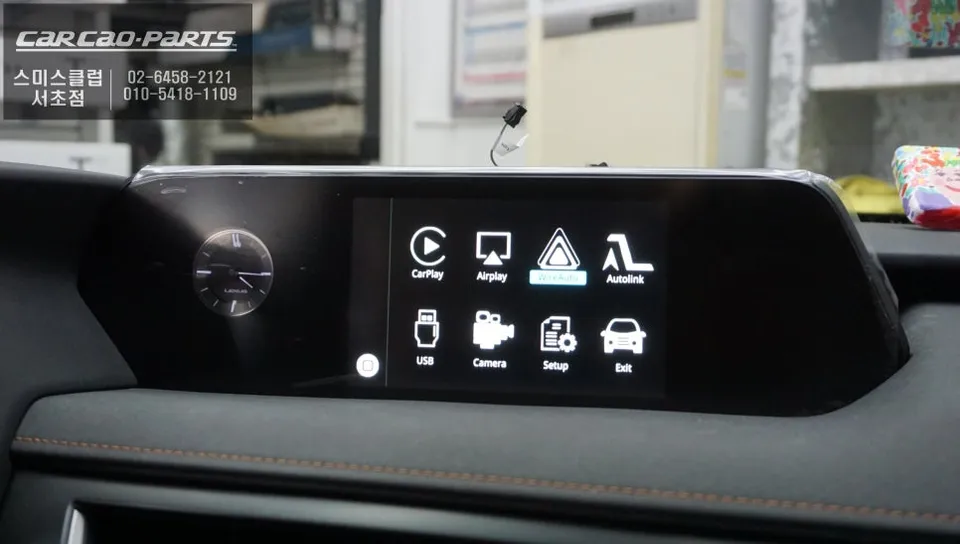
Lexus UX 250h CarPlay retrofit: Seamless TMAP/KakaoMap integration. Installation takes 2-3 hours, preserving factory functions.
Seamless Smartphone Integration for Your Lexus UX 250h
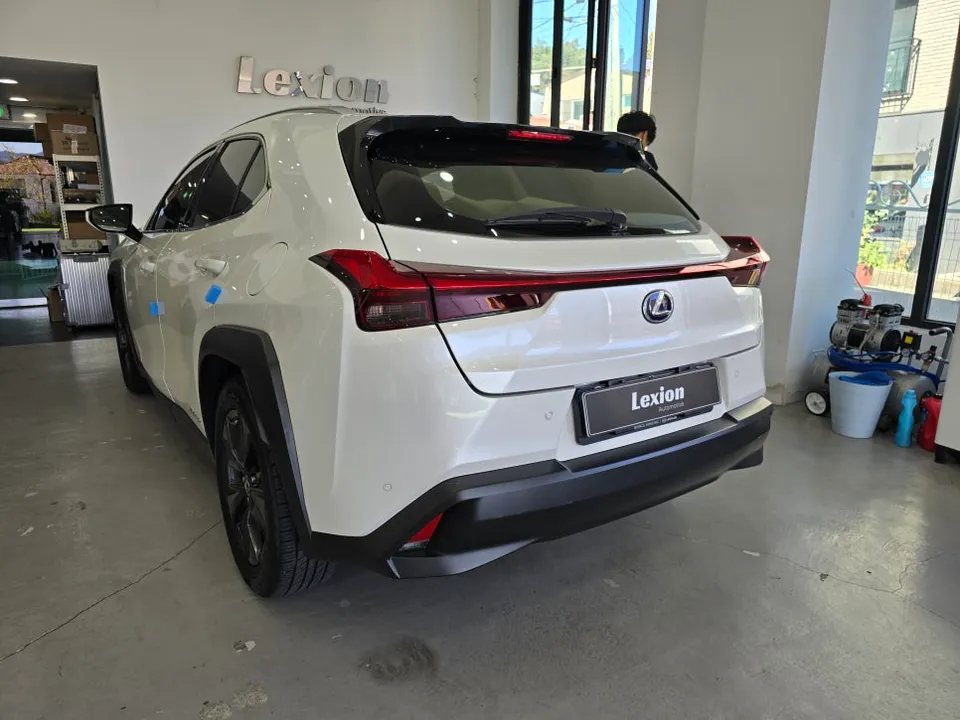
Many Lexus UX 250h owners find themselves missing the integrated smartphone connectivity common in newer vehicles. While the factory infotainment system is functional, it often lacks the intuitive navigation and app support drivers have come to expect. Fortunately, an aftermarket CarPlay module offers a compelling solution, allowing you to bring your familiar smartphone experience directly to your car's display. This review delves into the process, benefits, and considerations of retrofitting a CarPlay module into a Lexus UX 250h, focusing on real-world results and installation by specialists like 'Today's Car Seocho' in Korea.
The CarPlay Module Advantage: Familiar Apps, Enhanced Driving
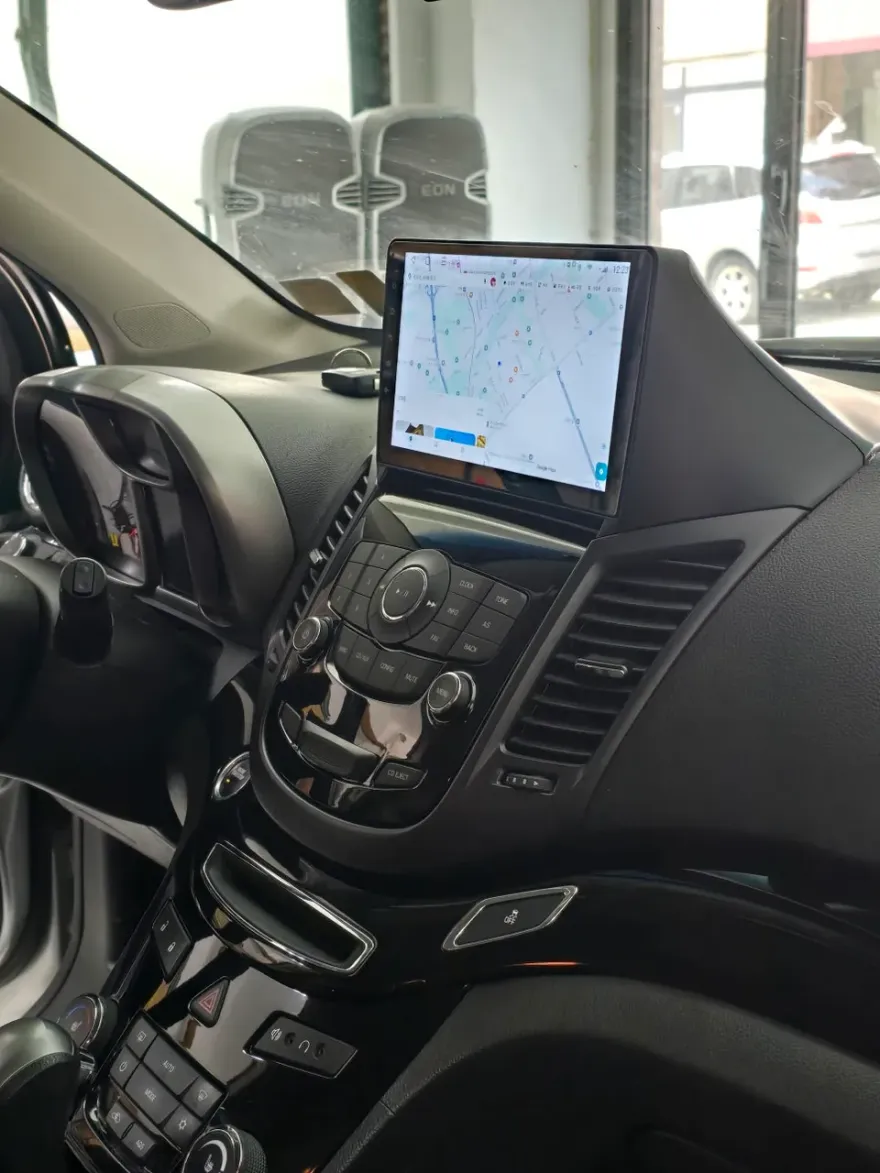
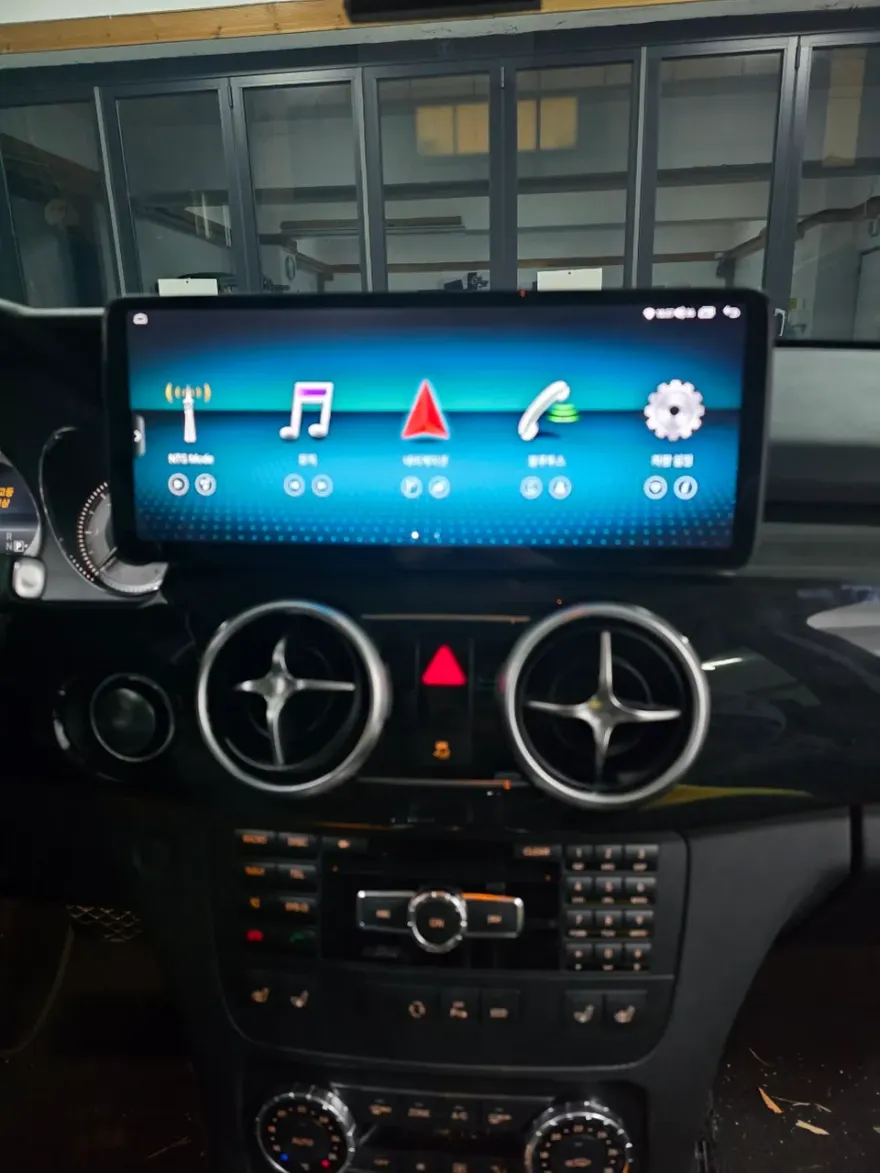
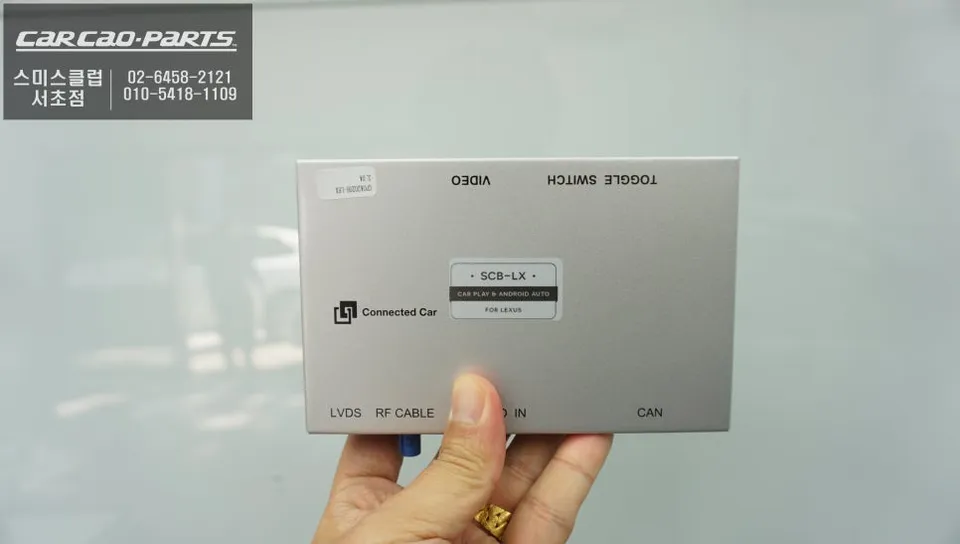
The primary appeal of a CarPlay retrofit for the Lexus UX 250h is the ability to use smartphone navigation apps like TMAP and KakaoMap directly on the car's screen. These apps leverage real-time traffic data, providing more accurate and dynamic routing than many built-in systems. Beyond navigation, you can also enjoy music streaming apps like Melon and YouTube Music, with convenient control via steering wheel buttons. Voice commands offer a safer way to interact with your system, allowing you to set destinations or control music without taking your hands off the wheel. The installation process, often performed using a 'jack-by-jack' (pin-by-pin) method, ensures that the original wiring harness remains intact, preserving factory functions and allowing for easy restoration if needed. This method minimizes interference with the vehicle's electronics, as the module typically consumes less than 2A of current at 12V.
Installation Process and Post-Installation Checks
The installation of a CarPlay module in a Lexus UX 250h typically involves several key steps:
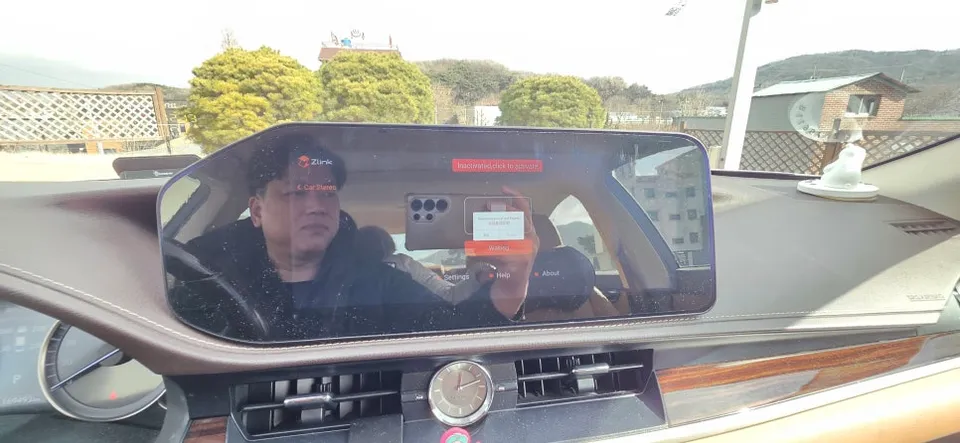
- Initial Programming: The system is pre-programmed to allow switching to the CarPlay interface by pressing the MENU button for two seconds.
- Module Integration: A portion of the dashboard is carefully disassembled to create space for the module, which is then discreetly integrated.
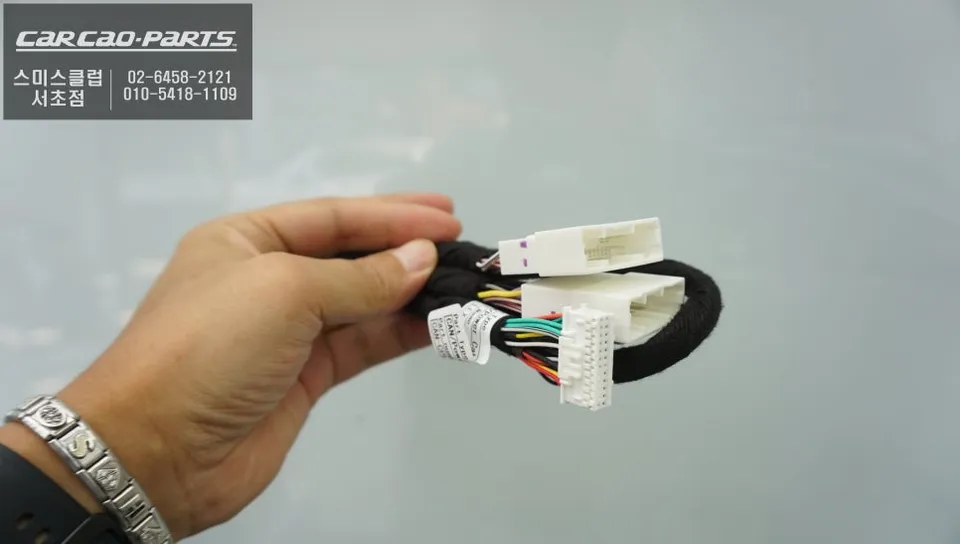
- Wiring Connection: Using the pin-by-pin method, essential signals (CAN, power, ground) are tapped from the original wiring harness without cutting any wires. A dedicated USB port is installed, often concealed within the center console or armrest, for a clean look.
- Functionality Verification: After installation, a thorough check of all original functions is crucial. This includes verifying that the backup camera activates correctly when reversing, all dashboard warning lights function as expected, steering wheel voice controls respond accurately, and audio outputs correctly through the AUX mode. A test drive confirms the seamless operation of all integrated systems.
The entire process usually takes about 2 to 3 hours. While wireless CarPlay is an option, a wired connection is often recommended for greater stability, especially in varying temperature conditions. The cost typically includes the module itself and the labor for installation, with the latter varying based on the complexity of the wiring.
Frequently Asked Questions
Q. How much does Android head unit or CarPlay installation cost for a Lexus UX 250h?
In Korea, the cost for a Lexus UX 250h CarPlay module installation typically ranges from approximately ₩500,000 to ₩1,000,000 (around $360-$720 USD), depending on the module chosen. US pricing can vary significantly based on the installer and specific module.
Q. How long does Android head unit installation take on a Lexus UX 250h?
Installation of a CarPlay module in a Lexus UX 250h generally takes 2 to 3 hours to complete. Regular maintenance involves keeping USB ports clean and ensuring smartphone apps are updated for optimal performance.
Q. Is a CarPlay or Android Auto retrofit worth it for a Lexus UX 250h?
A CarPlay retrofit is highly recommended for Lexus UX 250h owners who desire familiar navigation and app integration, offering a significant upgrade in daily usability. The value lies in bringing modern smartphone convenience to an otherwise less-equipped factory system.
Q. How is an Android head unit installed in a Lexus UX 250h?
Installation involves: 1. Pre-programming the system for CarPlay access. 2. Carefully disassembling dashboard sections to access wiring. 3. Connecting the module using a pin-by-pin method to avoid cutting factory wires. 4. Installing a discreet USB port and verifying all original vehicle functions post-installation.
Q. What is the difference between an Android head unit and a factory infotainment system for a Lexus UX 250h?
The key difference is functionality: a CarPlay module integrates your smartphone's apps (like TMAP, KakaoMap) for navigation and entertainment, while the factory system is limited to its built-in features. For modern navigation needs, the CarPlay retrofit is a clear upgrade.
Q. What should I know before getting Android Head Unit on a Lexus UX 250h? (common regrets and mistakes)
The most common regret is not opting for a module that fully integrates with steering wheel controls and voice commands. To avoid this, ensure your chosen installer uses the pin-by-pin method and thoroughly tests all factory functions post-installation.
Kakao Parts