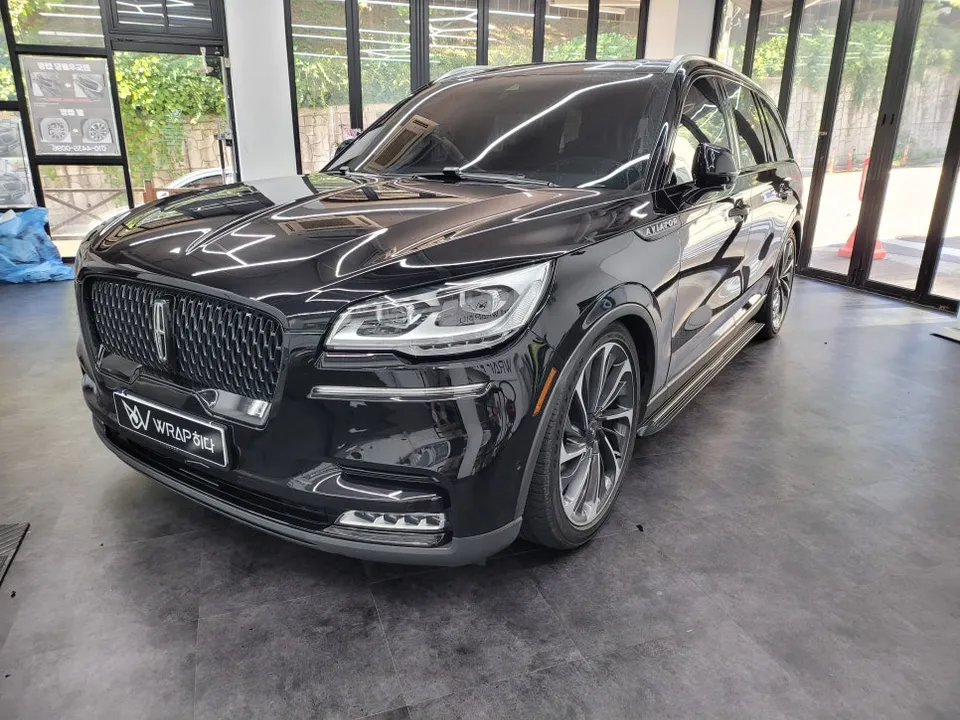
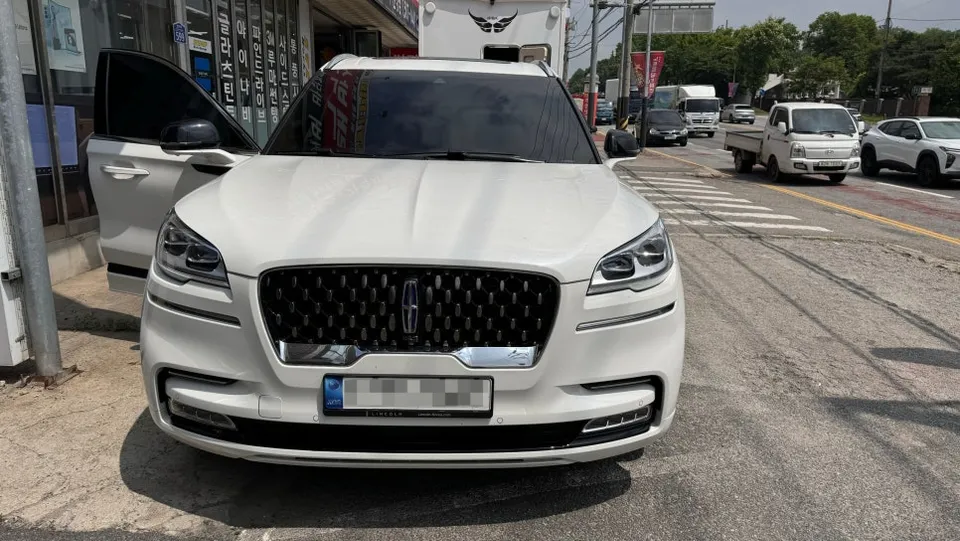
Lincoln Aviator Wireless Walk-In Review — Enhanced Convenience

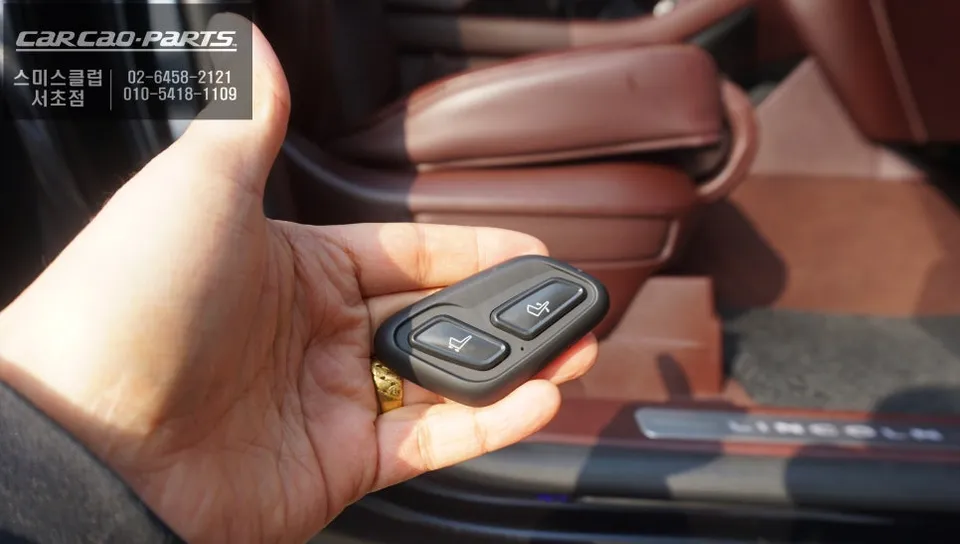
Lincoln Aviator wireless walk-in: No seat cutting required. Adds rear passenger convenience. Seamless integration.
Enhancing Your Lincoln Aviator with Wireless Walk-In Functionality
The Lincoln Aviator, a luxury SUV, is designed with passenger comfort in mind. One feature that significantly enhances this is the wireless walk-in function. Typically, adding a walk-in feature involves cutting into the passenger seat to integrate a switch. However, for those who wish to maintain the vehicle's pristine, original condition, a different solution exists. This review details a specialized wireless walk-in system for the Aviator, focusing on its seamless integration and convenience, including potential infotainment system upgrades.
The Need for Walk-In Assistance
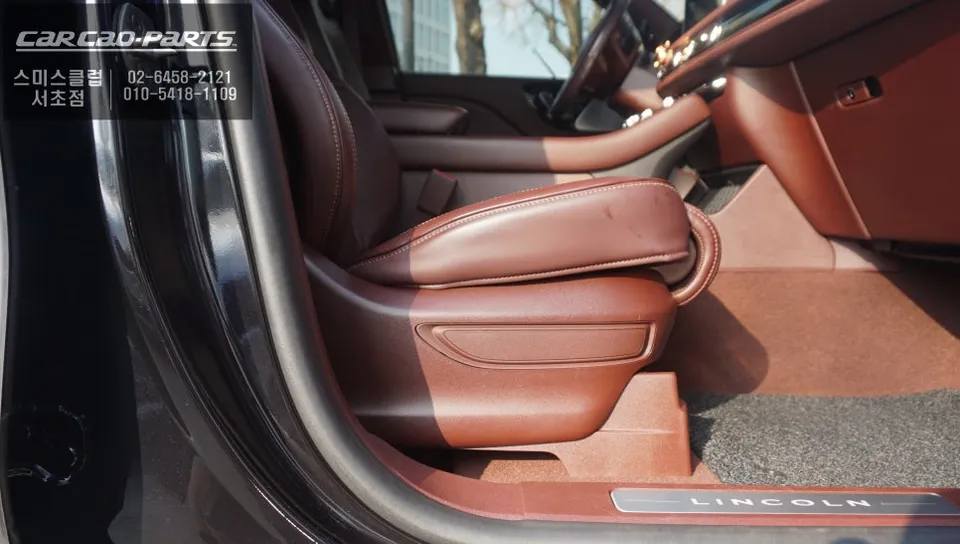
The walk-in feature, while perhaps unfamiliar to some, offers substantial practical benefits. It's designed to create more space for rear passengers entering or exiting the vehicle. Instead of manually adjusting the front passenger seat forward or reclining the backrest, a simple button press automatically moves the seat, easing entry. This is particularly helpful for families with children or when carrying bulky items. The traditional method of installing this feature involves cutting the seat base to embed a switch. While effective, this approach compromises the original upholstery and can complicate future servicing.
Seamless Integration: The Wireless Walk-In Solution
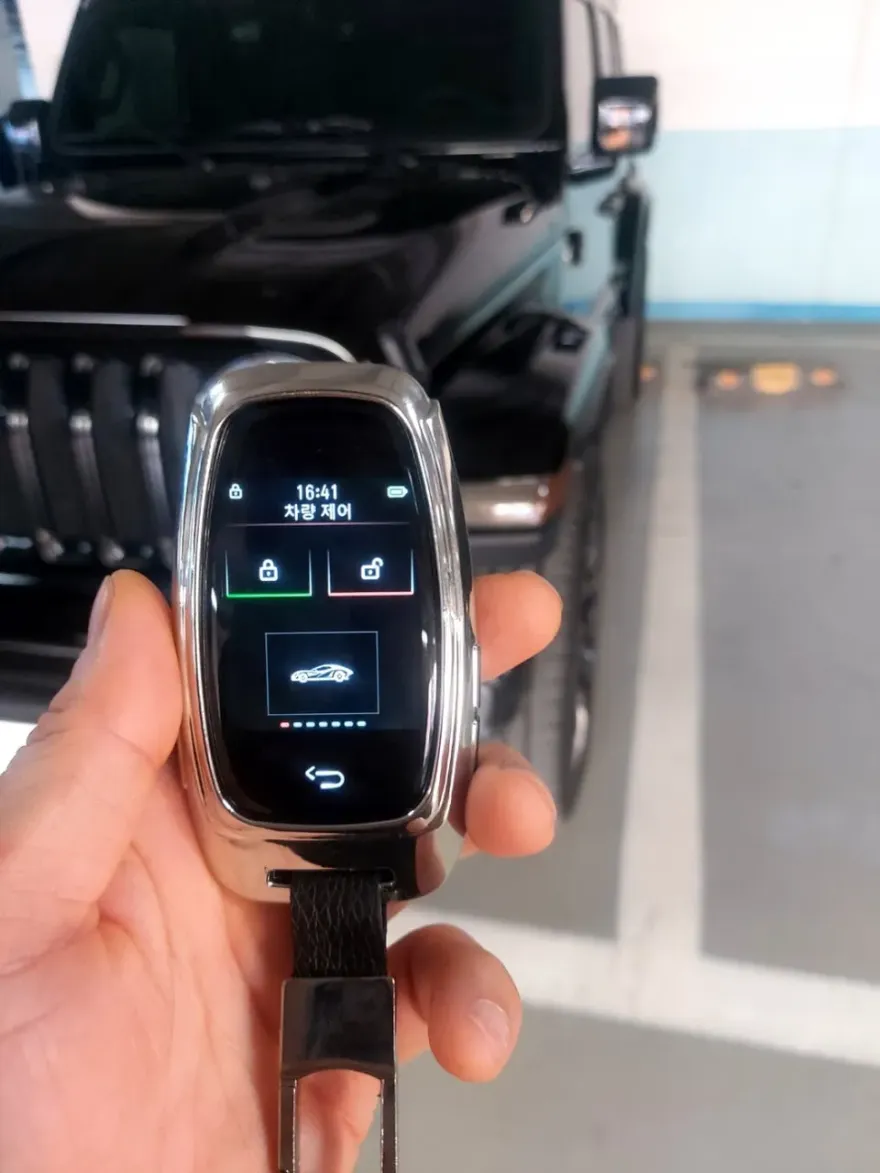
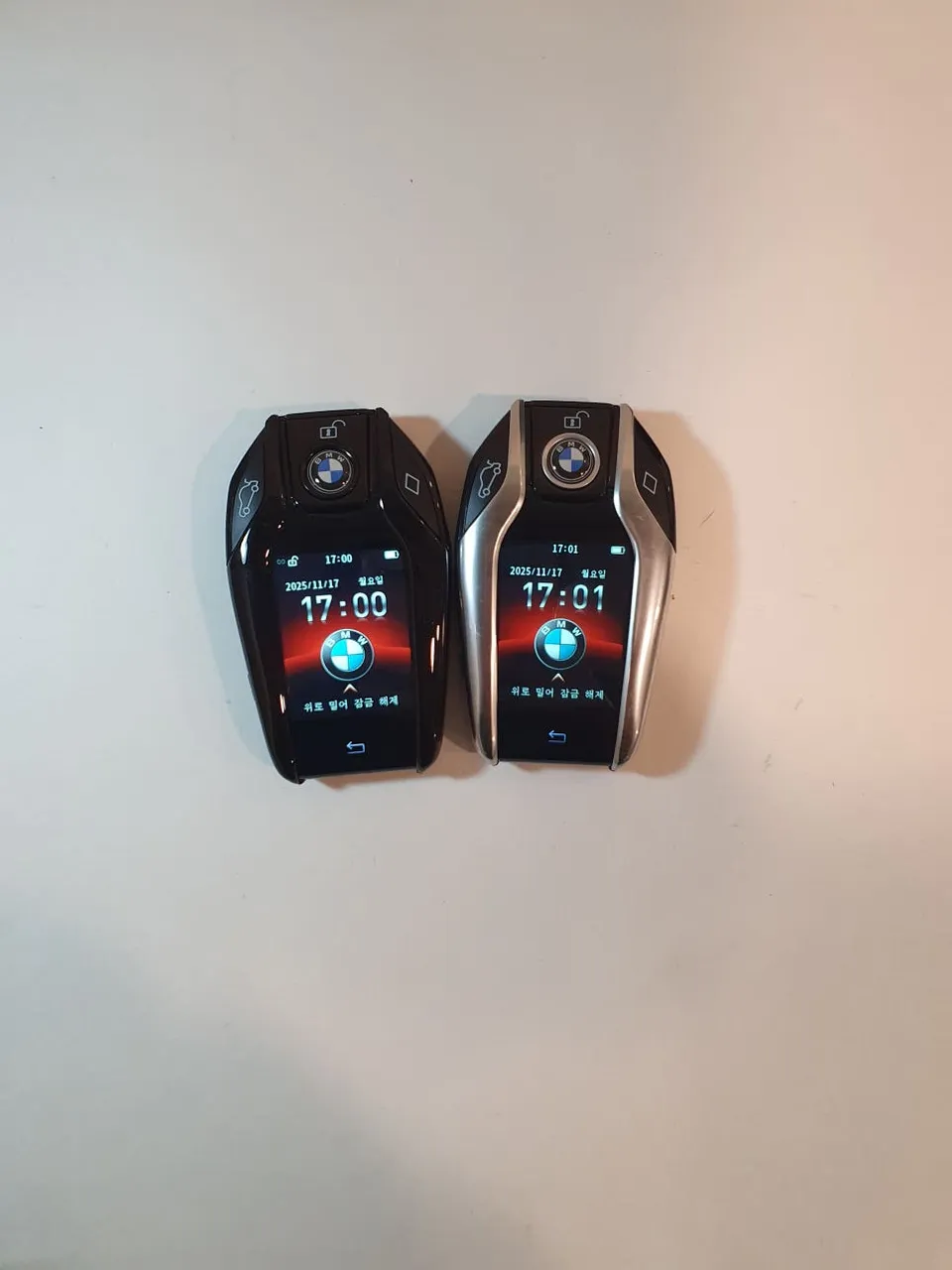
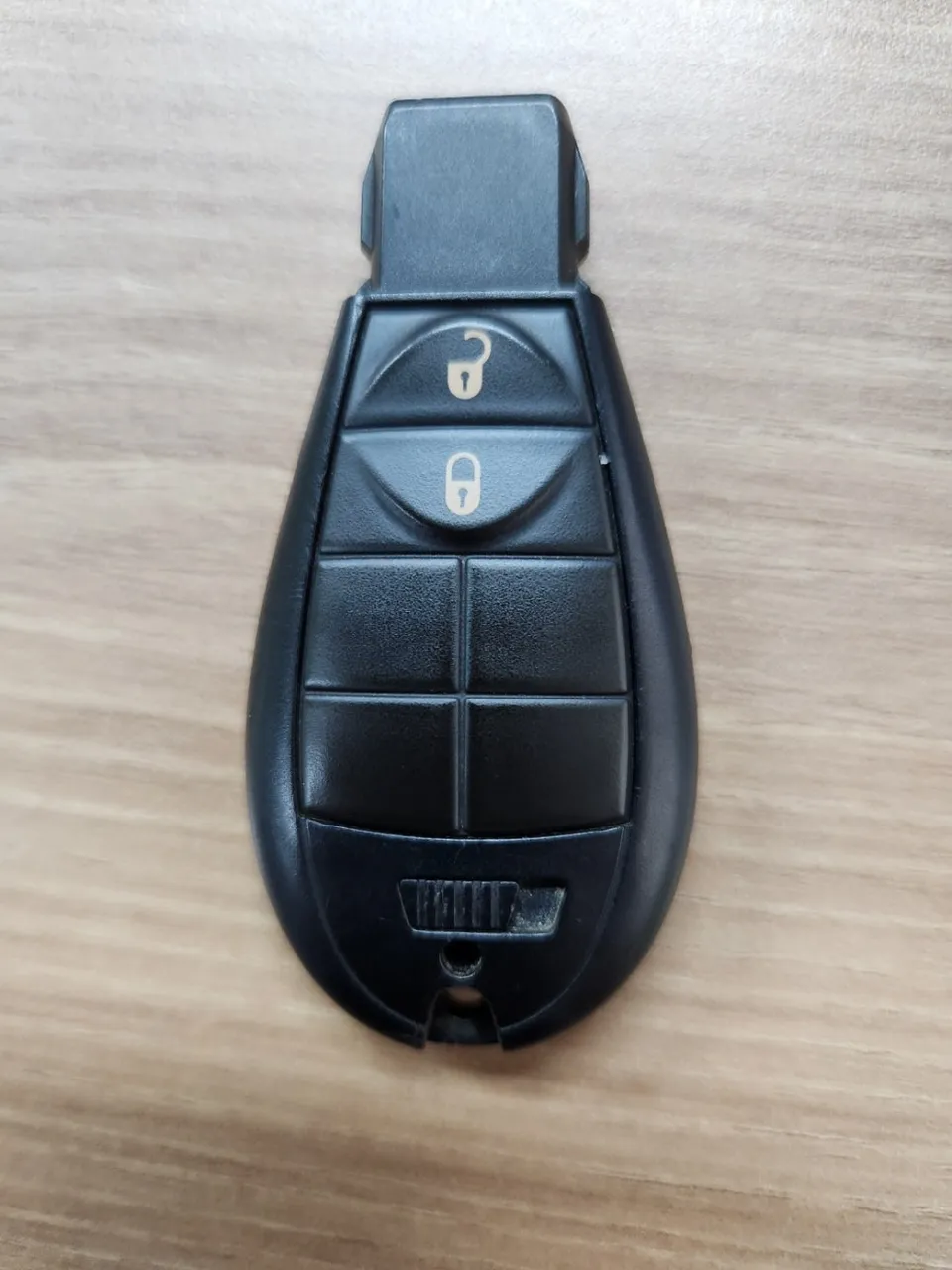
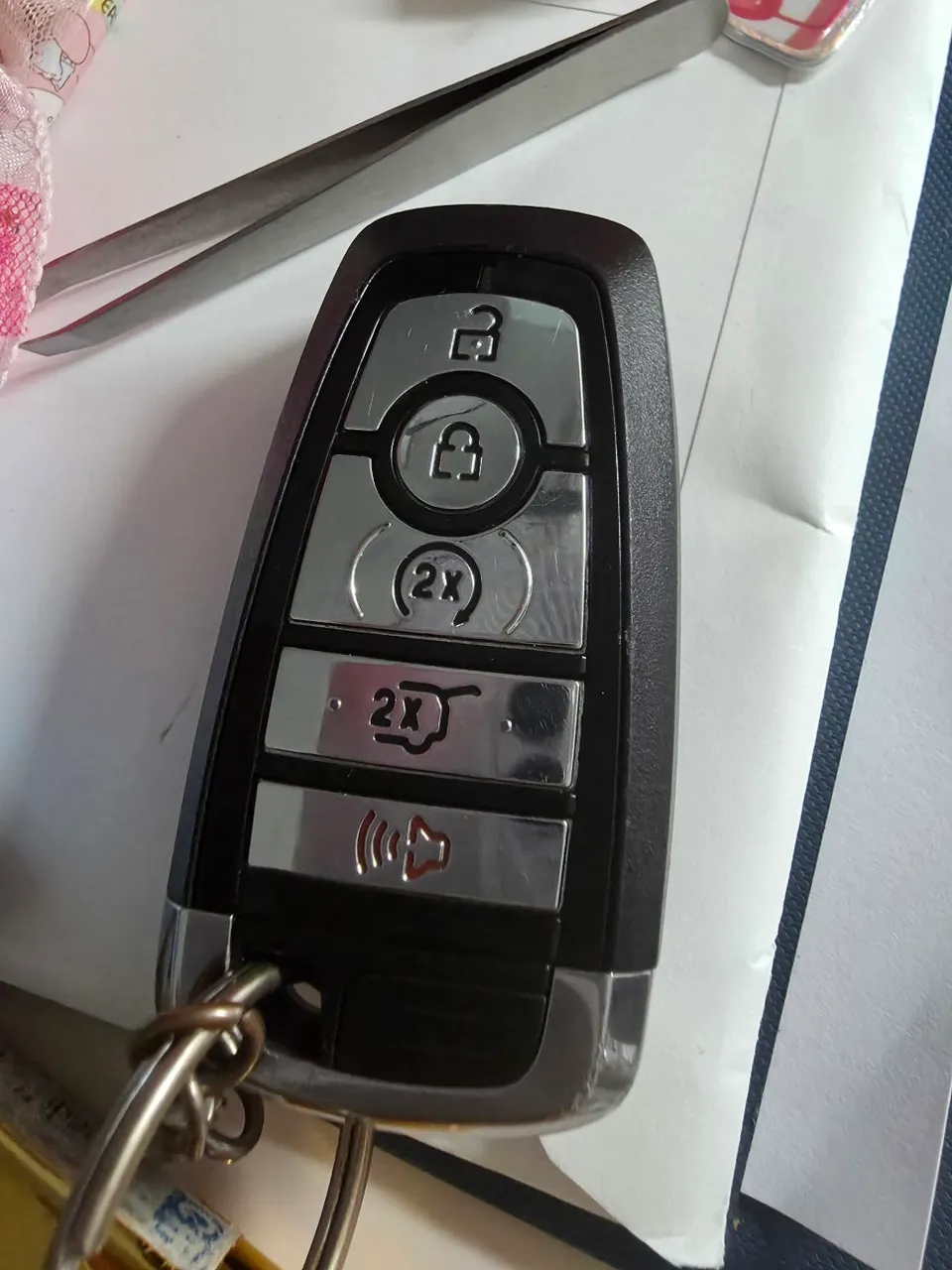
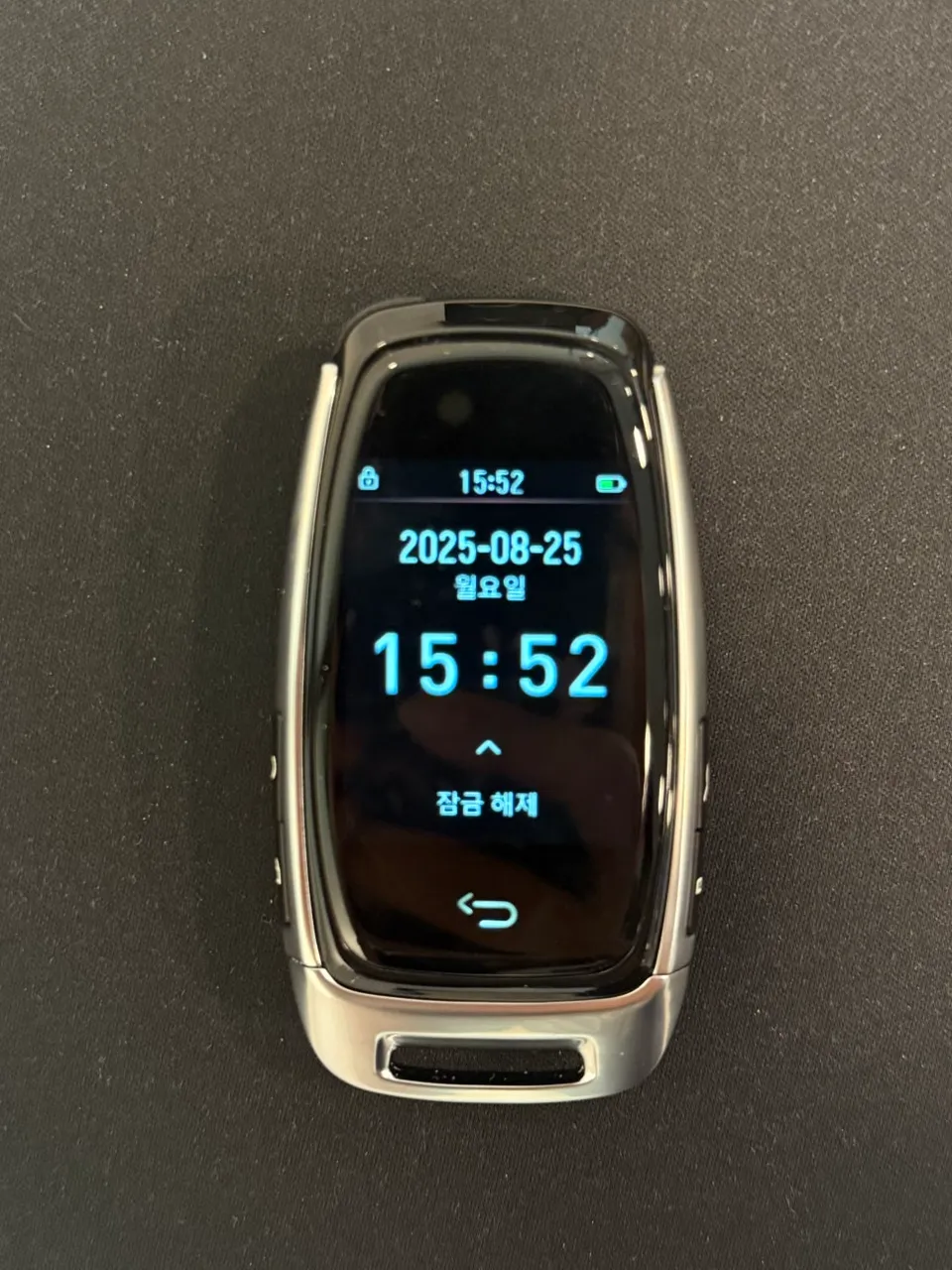
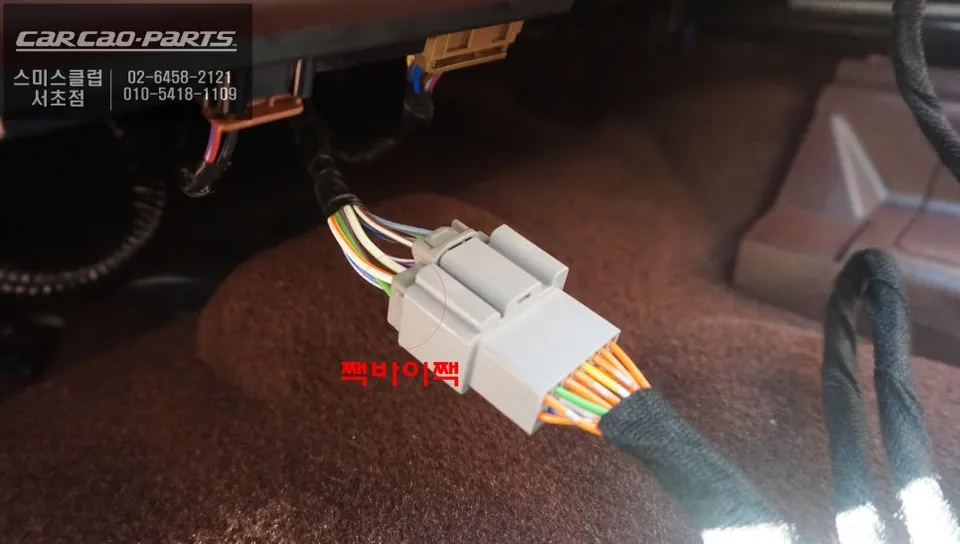
The key advantage of the system reviewed here is its no-cut installation. It utilizes a separate wireless switch to control the front passenger seat's movement. This switch operates via Bluetooth pairing, is compact, and can be discreetly placed on the dashboard or kept accessible. The wiring is designed to connect directly to the Aviator's existing seat harness using plug-and-play connectors, avoiding any modification to the original wiring. This 'plug-and-play' method ensures minimal risk to the vehicle's factory systems, making it an ideal upgrade for the Aviator.
Wireless Switch Installation and Maintenance
The wireless switch houses an internal rechargeable lithium-ion battery, offering extended use on a single charge. Should the battery eventually deplete, replacement is straightforward. The switch can be easily opened by removing four small bolts after detaching the adhesive backing, allowing for user-replaceable batteries. Notably, compatible batteries are widely available and inexpensive, often found for around $1-$2 USD at electronics stores. This significantly reduces long-term maintenance concerns and costs.
Advantages and Considerations of Wireless Control
The primary benefit of the wireless walk-in system is the preservation of the vehicle's original state. Without any cutting or permanent modifications, the vehicle can be easily returned to its factory condition. This also simplifies the process if the vehicle is ever sold. The installation is typically quick due to the simplified wiring process.
However, battery management is crucial for wireless systems. Regular checks of the Bluetooth connection and powering down the switch when not in use can prolong battery life. While the Bluetooth signal is generally robust within the vehicle's cabin, users should be mindful of the effective range.
Exploring Infotainment Enhancements: Wagle Media Cast
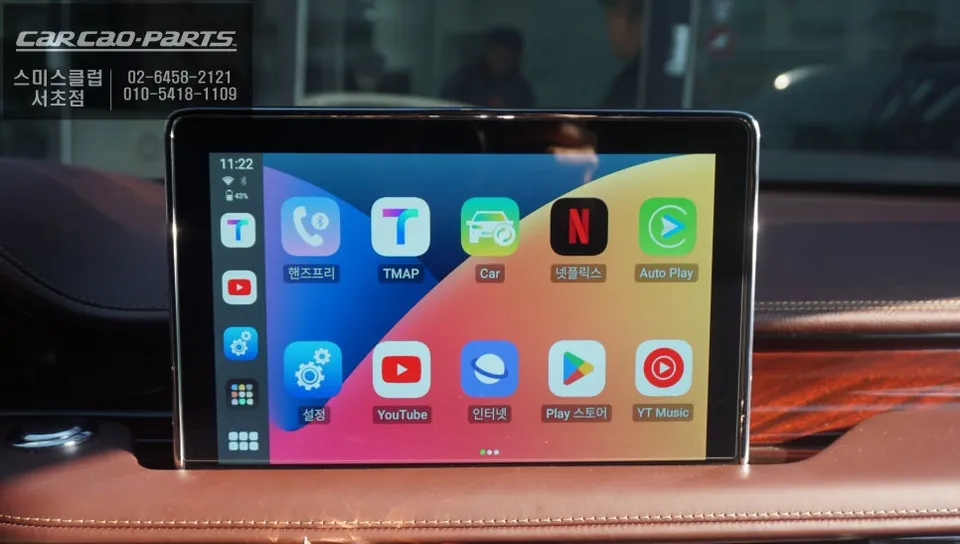
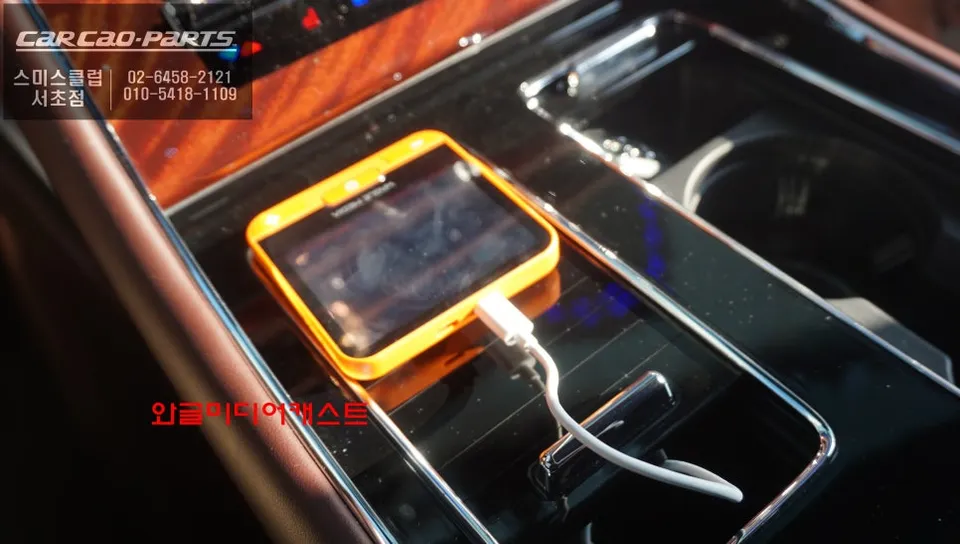
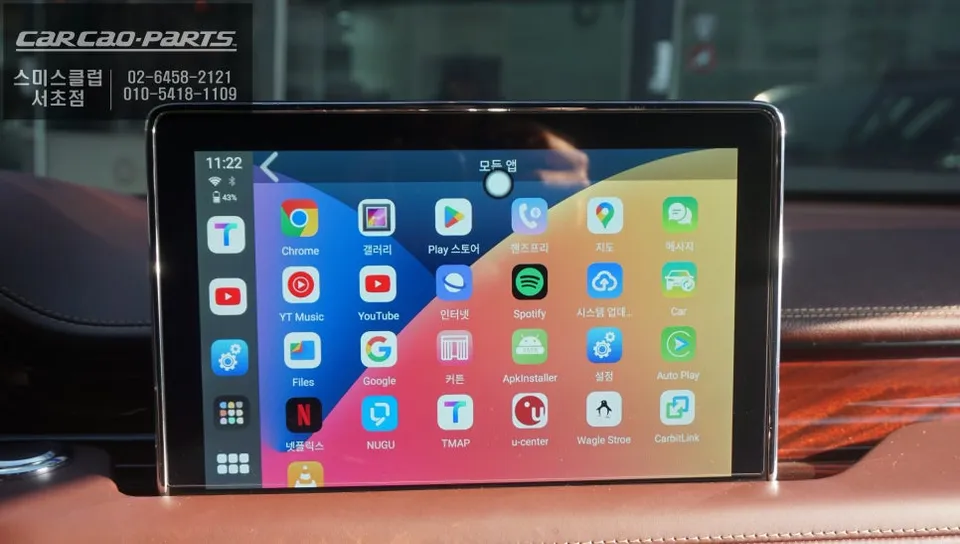
Alongside the wireless walk-in upgrade, the Wagle Media Cast is a recommended addition for the Aviator. This device transforms the vehicle's factory infotainment screen into a platform capable of running various Android applications independently. Featuring a 3.5-inch LCD, Android 12 OS, and an octa-core CPU, it integrates seamlessly with the Aviator's wired Apple CarPlay. It even includes its own battery, allowing for use outside the vehicle. The system boasts fast boot times and responsive touch controls.
Frequently Asked Questions
Q. How much does OEM option and factory upgrade installation cost for a Lincoln Aviator?
The wireless walk-in installation for the Lincoln Aviator typically costs around ₩200,000-₩300,000 (approximately $150-$220 USD). Standard US pricing for similar aftermarket convenience features can range from $100 to $400 depending on complexity.
Q. How long does OEM options installation take on a Lincoln Aviator?
The installation of the wireless walk-in system is generally quick, often completed within 1-2 hours. Regular maintenance involves checking the Bluetooth connection and conserving battery life by turning off the switch when not in use.
Q. Are OEM options worth adding after purchase for a Lincoln Aviator?
Adding features like the wireless walk-in is highly beneficial for owners who frequently transport rear passengers or value enhanced convenience. It offers significant value by improving usability without compromising the vehicle's original condition or resale value.
Q. How are OEM factory options installed on a Lincoln Aviator?
Installation involves connecting a wireless control module to the front passenger seat's existing wiring harness using plug-and-play connectors. 1. Connect the module to the seat's power and control wiring. 2. Pair the wireless switch via Bluetooth. 3. Mount the switch in a convenient location.
Q. What is the difference between dealer-installed options and aftermarket upgrades for a Lincoln Aviator?
Dealer-installed options are typically factory-approved and integrated during production or by the dealership, often maintaining full warranty coverage. Aftermarket upgrades, like this wireless walk-in, are added post-purchase and focus on specific functionalities, offering a non-invasive solution that preserves the original vehicle state.
Kakao Parts