Mercedes-Benz AMG GTS Android Head Unit Installation Review
Service Price
$150+
Estimated price · Actual price may vary by shop
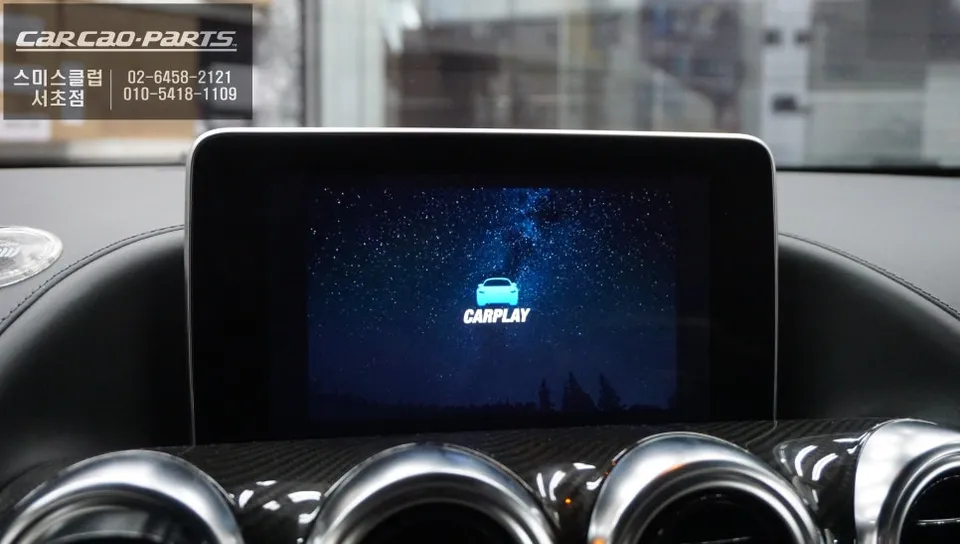
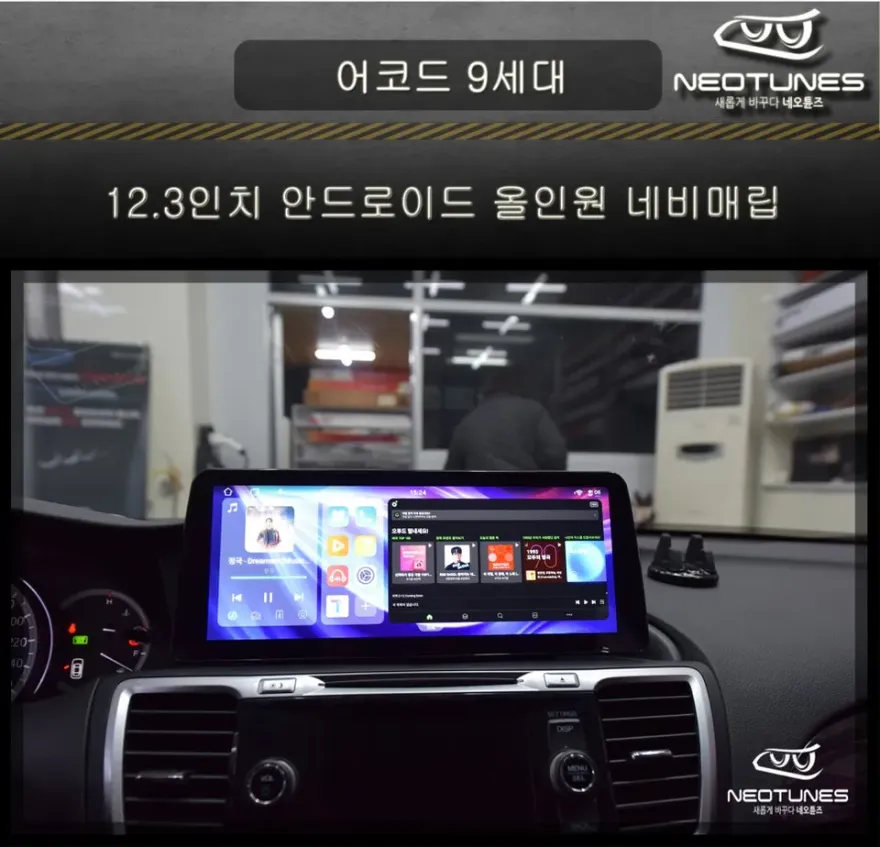
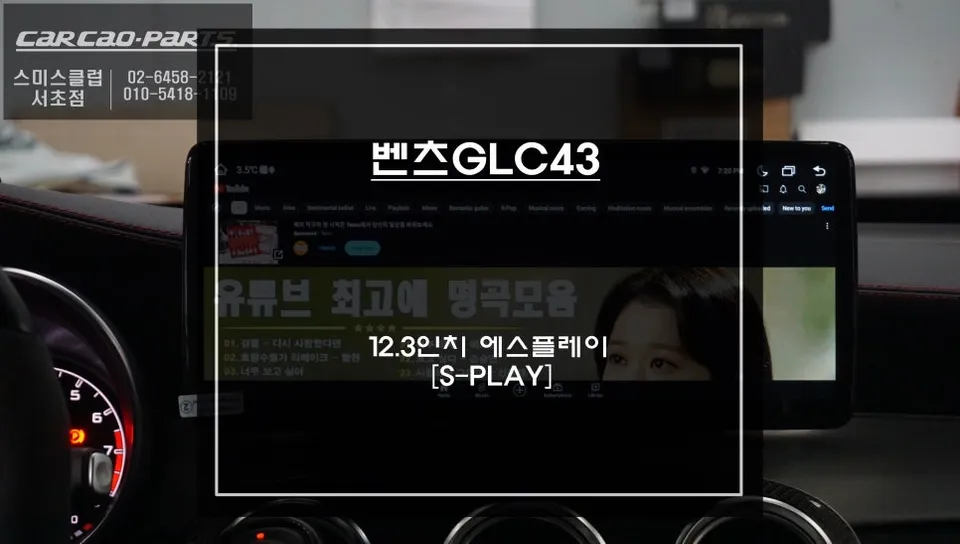
Mercedes-Benz AMG GTS Android Head Unit installation: Seamless smartphone integration with TMAP/KakaoMap on factory screen. Retains all original funct
Why Upgrade Your Mercedes-Benz AMG GTS with an Android Head Unit?
Modern car owners often prioritize upgrading their infotainment systems shortly after purchasing a new vehicle. This is especially true for luxury performance cars like the Mercedes-Benz AMG GTS, where the factory navigation might lack the real-time traffic data and user-friendly interface of smartphone applications like TMAP or KakaoMap. While the AMG GTS boasts a high-resolution factory monitor, its native navigation capabilities often fall short compared to mobile solutions. This review explores how integrating an Android head unit, specifically through a CarPlay module installation at a specialist shop, allows you to leverage your existing high-quality display while gaining the full convenience of your smartphone's navigation and media apps.
Specialist Installation for High-End Vehicles
Specialized shops focusing on high-end European vehicles, such as Mercedes-Benz, BMW, and Porsche, are adept at integrating advanced connectivity features. For a powerful car like the Mercedes-Benz AMG GTS, the key is adding functionality without compromising the existing sophisticated infotainment system. This involves using modules designed for seamless integration, prioritizing compatibility with the factory wiring and monitor. Experienced technicians ensure that the installation preserves the integrity of your vehicle's original systems.
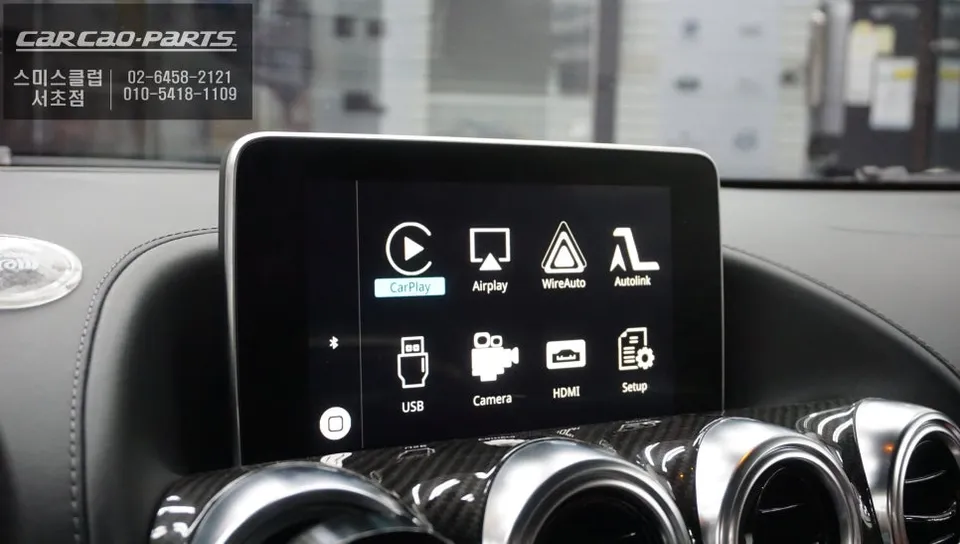
Seamless Integration: How the Android Head Unit Works
The Android CarPlay module used in this installation offers a significant upgrade without requiring a completely new screen. A major advantage is its non-invasive installation method, often referred to as "plug-and-play" or "jack-by-jack." This technique connects the new module to the existing wiring harness without any cutting or splicing, ensuring the factory system remains untouched and fully functional. The module essentially works in parallel with your car's original systems.
High-Definition Display with LVDS Connection
The connection between the factory monitor and the Android CarPlay module is established using an LVDS (Low Voltage Differential Signaling) cable. This advanced interface ensures high-definition video signals are transmitted efficiently, maintaining the crisp clarity and vibrant colors of your Mercedes-Benz's original display. Unlike simple mirroring solutions, this method fully utilizes the monitor's native resolution, providing a seamless visual experience for smartphone apps like TMAP and KakaoMap.
Intuitive Control via Factory Interface
Operating the Android head unit is designed to be as intuitive as using the car's original system. Switching between the factory interface and the CarPlay mode is achieved by a simple long-press of a dedicated button (typically 2 seconds), allowing for quick and safe transitions while driving. Crucially, all CarPlay functions, including navigation and media playback, can be controlled using the car's original steering wheel buttons and rotary dial. This eliminates the need for a touchscreen on the module itself, enhancing driver convenience and safety.
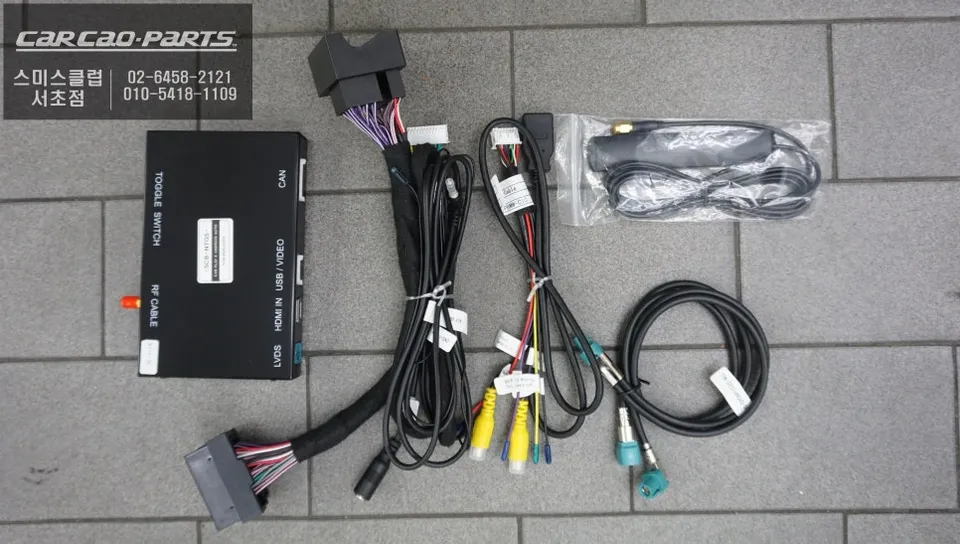
Enhanced Audio and Connectivity
A notable feature of this installation is the integration with the car's original microphone. Instead of installing an aftermarket microphone, the system is programmed to utilize the factory-installed unit. This ensures that voice commands for navigation (like TMAP or KakaoMap) and other functions are recognized with the same clarity as the original system. For smartphone connectivity, a wired USB connection is recommended for optimal stability and performance. While wireless CarPlay is an option, wired connections offer a more reliable experience, free from potential signal interference common in vehicle cabins, and also provide simultaneous charging for your smartphone.
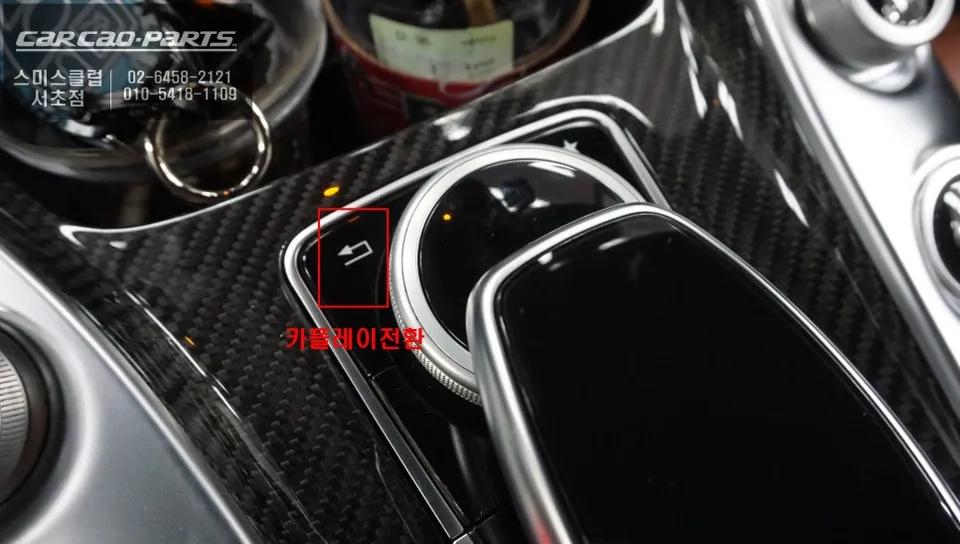
Preserving Original Functionality
It's important to note that installing an Android CarPlay module does not disable any of your Mercedes-Benz AMG GTS's original features. The factory navigation, climate control, audio settings, and all other vehicle-specific functions remain fully operational and accessible just as they were before the upgrade. The module simply adds a new layer of functionality, allowing you to switch between your car's native system and the enhanced capabilities of smartphone integration.
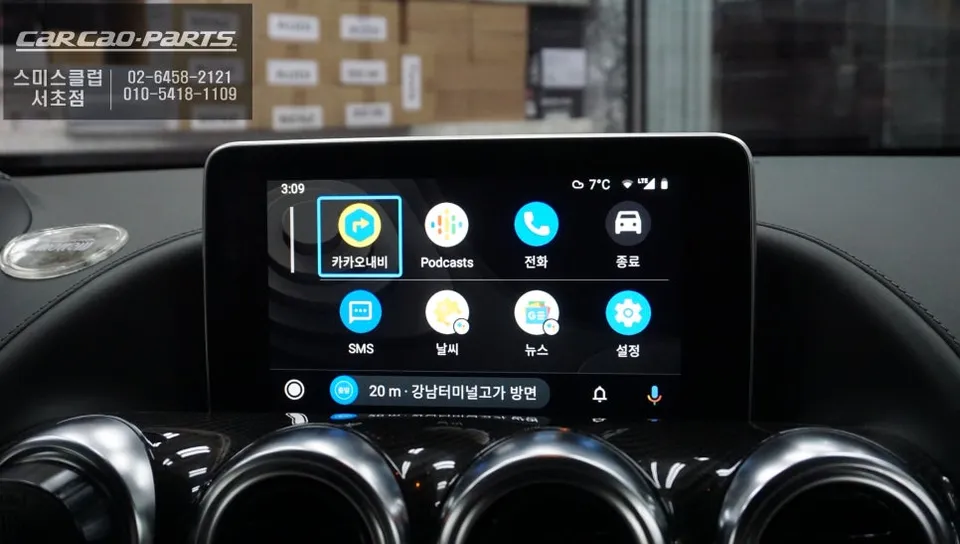
Frequently Asked Questions
Q. What is the cost of installing an Android head unit on a Mercedes-Benz AMG GTS?
The cost for this specific Android head unit installation on a Mercedes-Benz AMG GTS was detailed in Korean Won, typically ranging from ₩500,000 to ₩1,000,000. In the US, similar professional installations can range from $500 to $1,500 depending on the module and vehicle specifics.
Q. How long does the Android head unit installation take for a Mercedes-Benz AMG GTS?
The installation process for an Android head unit on a Mercedes-Benz AMG GTS typically takes between 2 to 4 hours to complete. To ensure longevity, it's recommended to avoid harsh cleaning chemicals near the display and ensure secure cable connections during any future interior maintenance.
Q. Is an Android head unit upgrade worth it for a Mercedes-Benz AMG GTS?
An Android head unit upgrade is highly beneficial for Mercedes-Benz AMG GTS owners who frequently use smartphone navigation apps like TMAP or KakaoMap. It offers a significant enhancement in usability and access to real-time traffic data, providing excellent value by leveraging the car's existing high-quality display.
Q. How is the Android head unit installed on a Mercedes-Benz AMG GTS?
Installation involves a plug-and-play process using the LVDS cable to connect the module to the factory monitor, ensuring high-definition output. 1. Accessing the factory display unit. 2. Connecting the CarPlay module via the LVDS cable without altering original wiring. 3. Integrating with the car's original microphone and USB ports for control and connectivity. 4. Testing all functions to ensure seamless operation with the factory interface.
Q. What's the difference between Android head unit integration and screen mirroring for a Mercedes-Benz AMG GTS?
Android head unit integration, often via a CarPlay module, provides a fully functional, independent interface for smartphone apps on the factory screen, controlled by the car's native controls. Screen mirroring simply duplicates your phone's display, offering less functionality and often requiring touch interaction with the phone itself.
Kakao Parts