Mercedes-Benz C200 Android Head Unit Installation Review
Service Price
$150+
Estimated price · Actual price may vary by shop
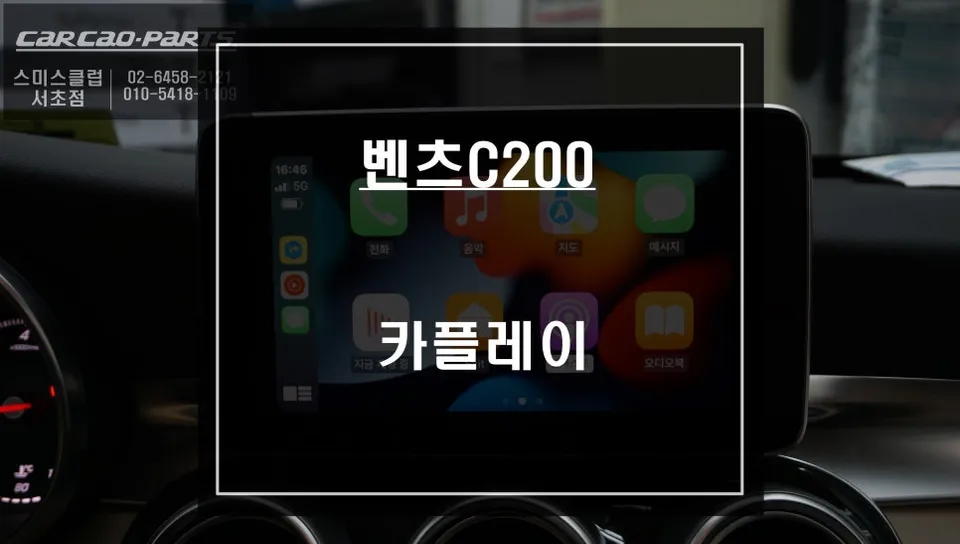
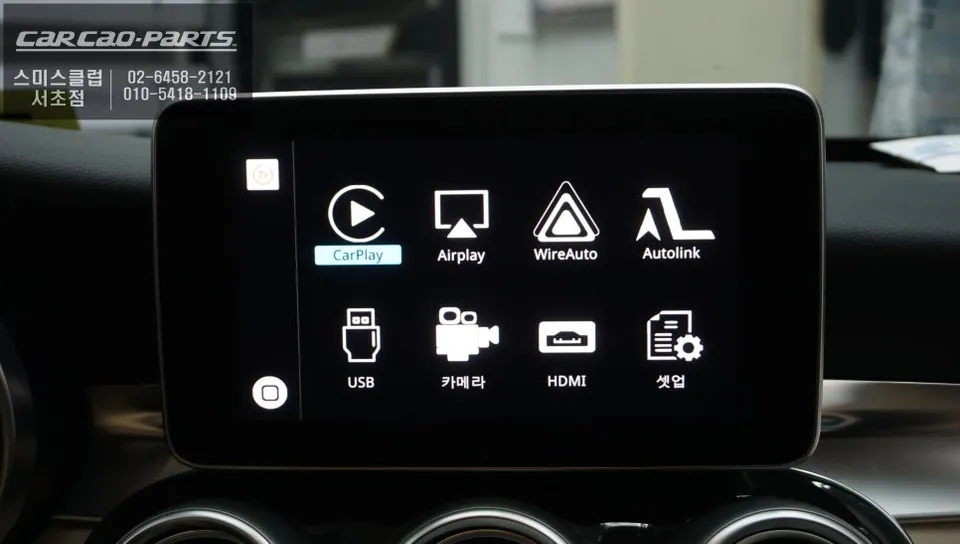
Mercedes-Benz C200 Android Head Unit installation offers seamless smartphone integration with real-time navigation and voice control via original butt
Mercedes-Benz C200 Android Head Unit: Seamless Smartphone Integration
Many Mercedes-Benz C200 owners seek to enhance their driving experience, and a popular upgrade is integrating smartphone functionality. Dissatisfaction with the native navigation's slow updates and complex voice commands often leads owners to seek alternatives. This review details the process of installing an Android head unit system that perfectly integrates with the C200's original monitor, offering a significant upgrade in usability and features. While direct touch control on the factory screen isn't enabled, the system is fully operable via voice commands and the car's original buttons, providing a convenient and intuitive user experience.
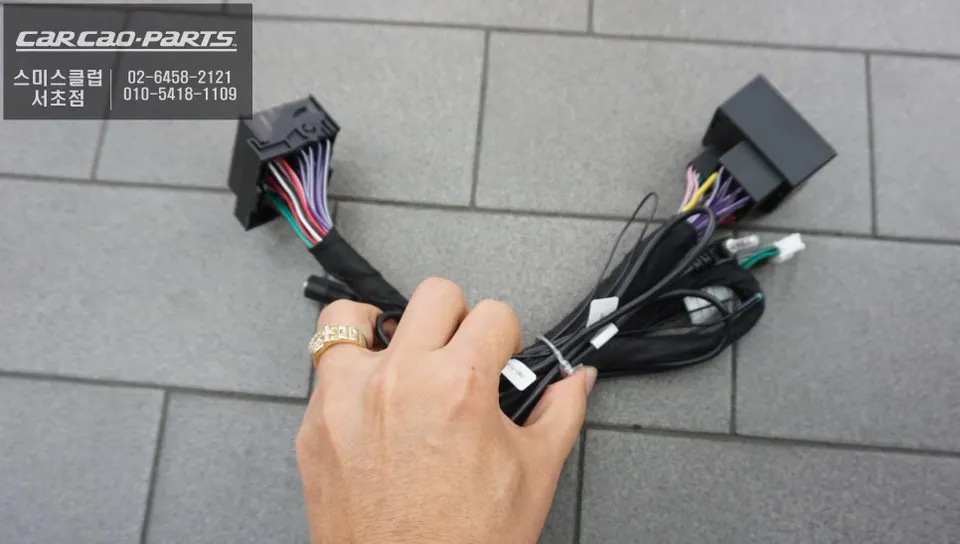
The key to a successful C200 Android head unit installation lies in meticulous wiring. Utilizing specialized products without compromising the original wiring harness is crucial and highlights the installer's expertise. Our installation focused on preserving the vehicle's integrity while embedding the new system seamlessly.
Installation Process: From Wiring to Voice Control
The installation begins with the careful disassembly of the dashboard and the area surrounding the original monitor. For the C200, the deeply recessed factory display requires a particularly cautious approach to prevent any damage. Using protective materials is essential throughout this phase.
Next, the LVDS cable is connected. This critical component transmits high-definition video signals between the head unit module and the car's monitor. Proper connection, ensuring the correct angle and insertion depth, is vital for maintaining image quality without degradation.
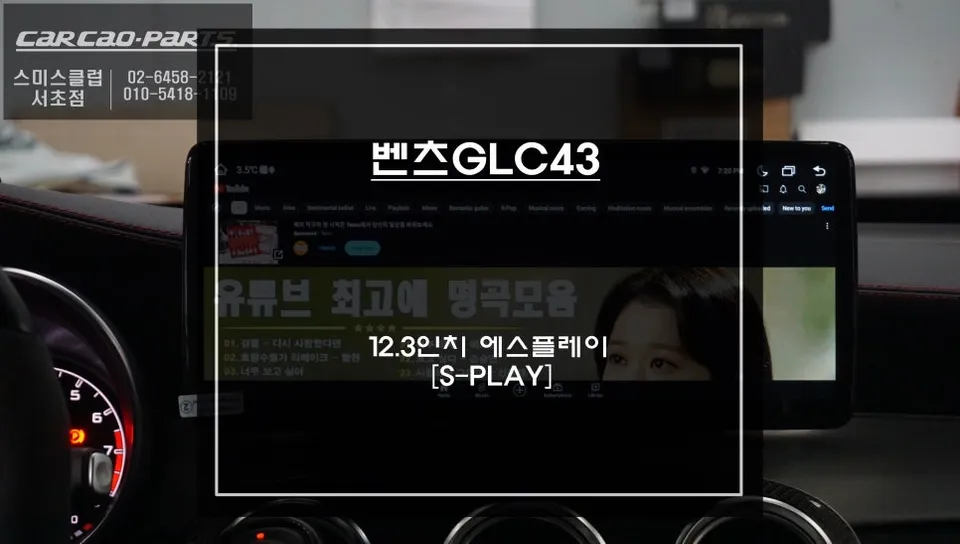
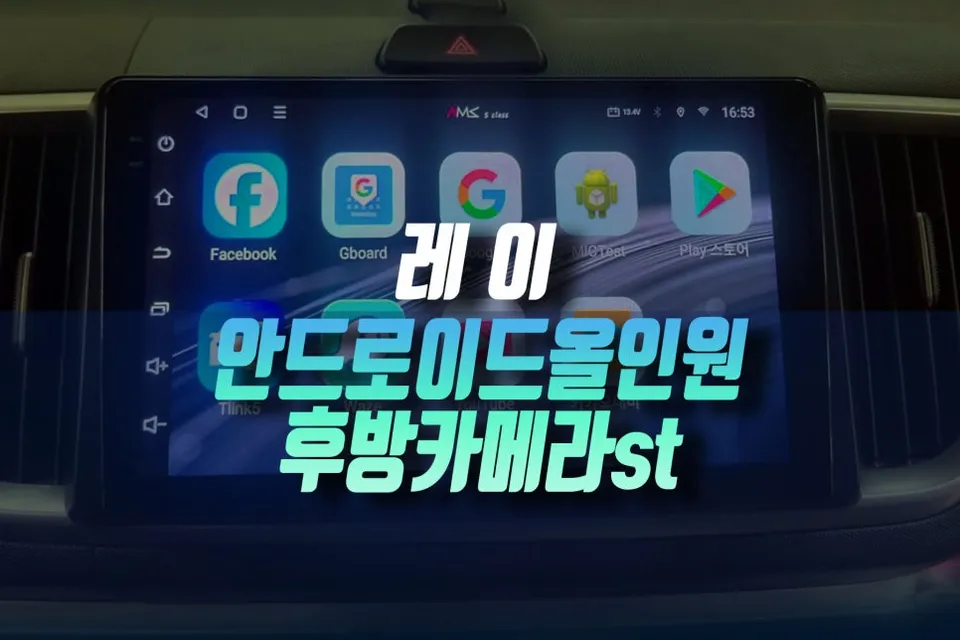
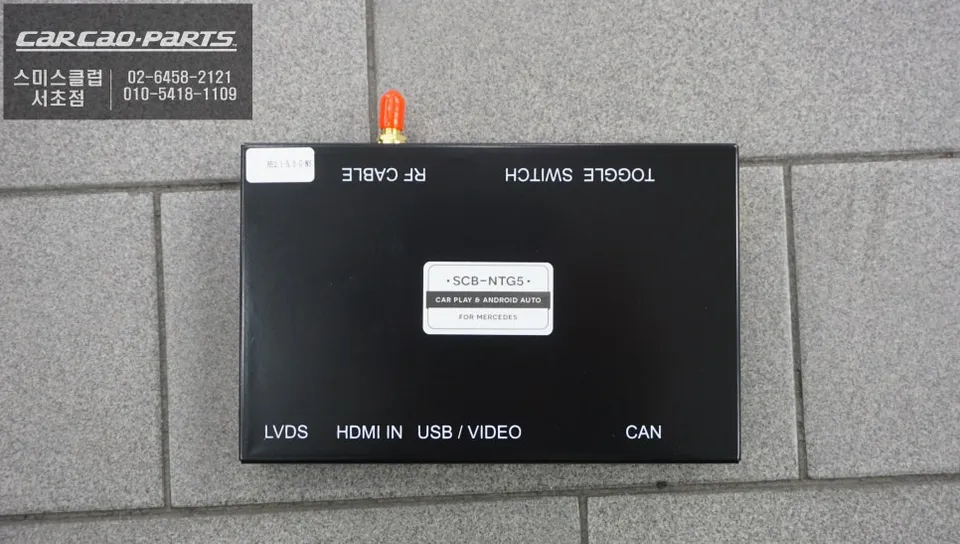
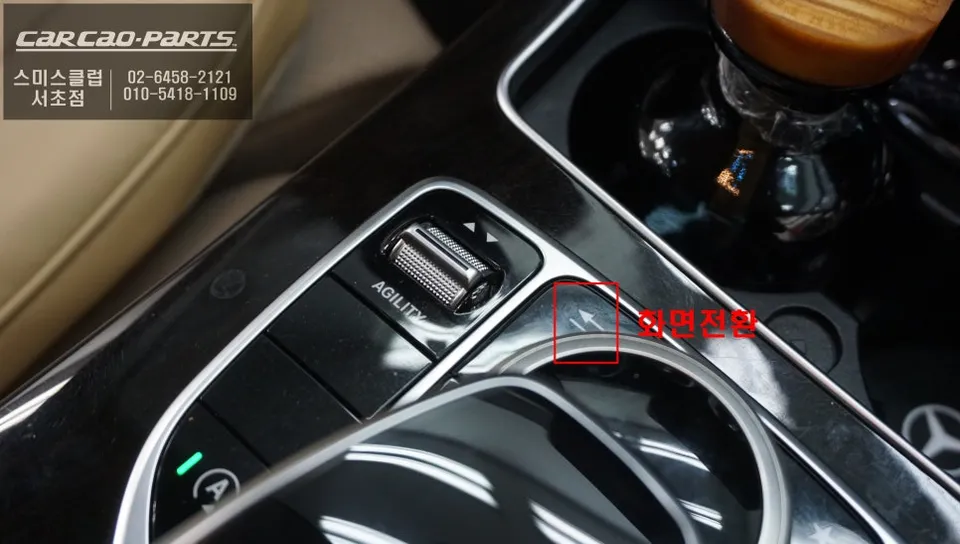
The Android head unit module is then discreetly housed within the dashboard, ensuring all original vehicle functions remain accessible. Activation is typically achieved by pressing the original monitor screen toggle button for two seconds, which seamlessly switches the display to the new Android interface.
Enabling Voice Control: The Importance of Coding
To fully leverage the capabilities of the Android head unit, particularly voice control, coding is a necessary step. This involves programming the vehicle's ECU (Engine Control Unit) to activate 'External Input AUX,' a standard procedure for automotive specialists.
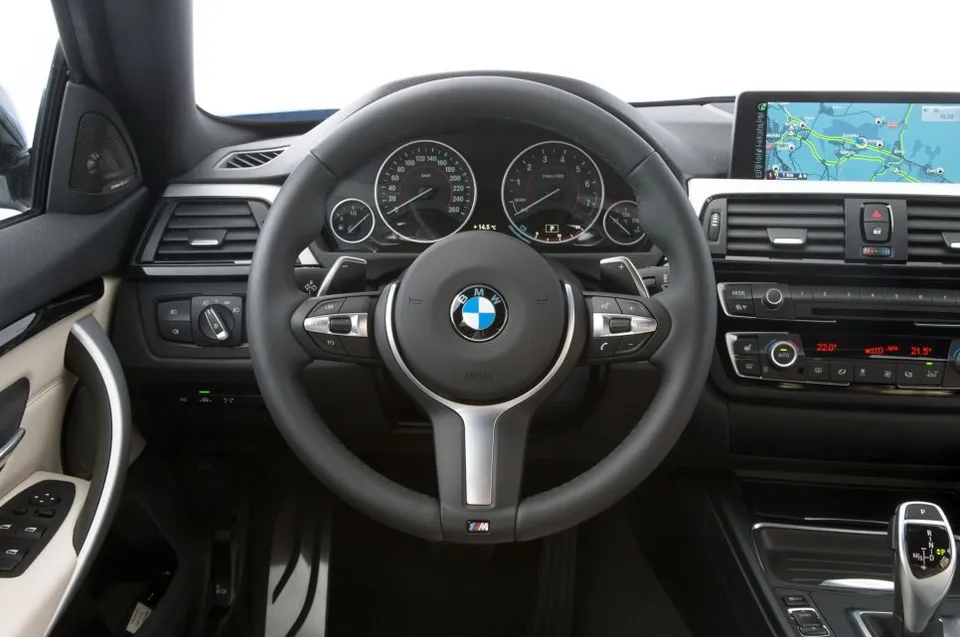
Ensuring compatibility with the car's original microphone is paramount for accurate voice command recognition. The C200 is equipped with a steering wheel-integrated microphone, which is utilized by the new system. Rigorous testing involves repeating voice commands to verify recognition accuracy.
Audio output from the Android system is automatically routed through the car's speakers. Navigation prompts, message alerts, and music playback can all be configured to play through the factory sound system. Initial setup involves fine-tuning speaker volume levels to achieve a balanced audio experience between the new system and the original car audio.
Smartphone Connectivity: Wired vs. Wireless
Connecting your smartphone is essential for using the Android head unit. Options include a wired connection via a newly installed USB port or a wireless Bluetooth connection. For enhanced stability and to mitigate the risks associated with connection drops during driving, a wired USB connection is strongly recommended.
The USB port is strategically placed, often in the lower center console, ensuring it's accessible when needed but unobtrusive during normal driving.
The True Value: Real-Time Navigation and Voice Guidance
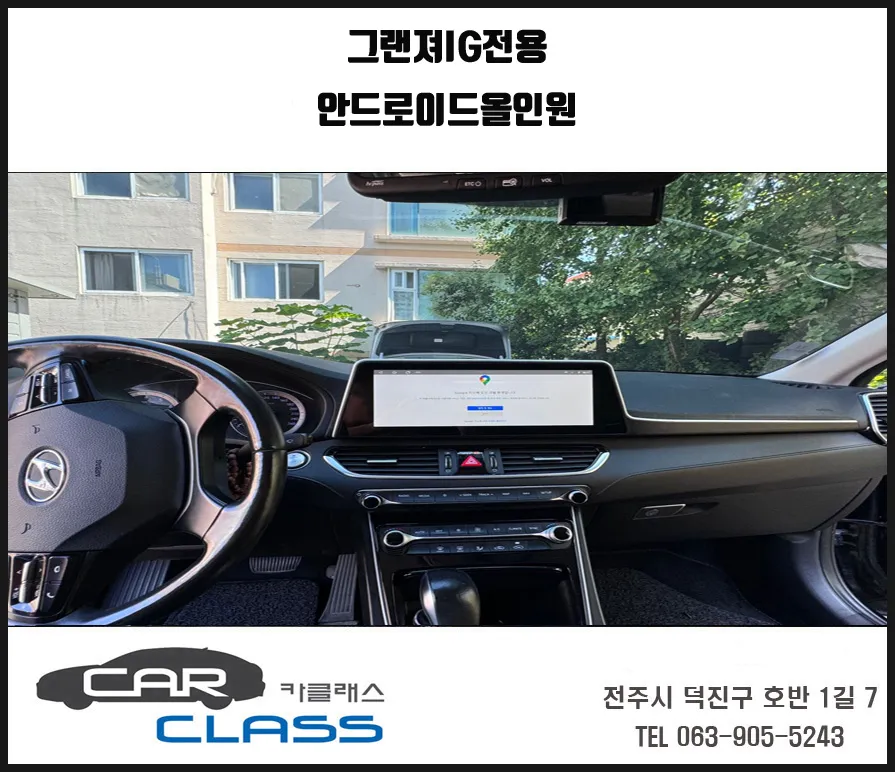
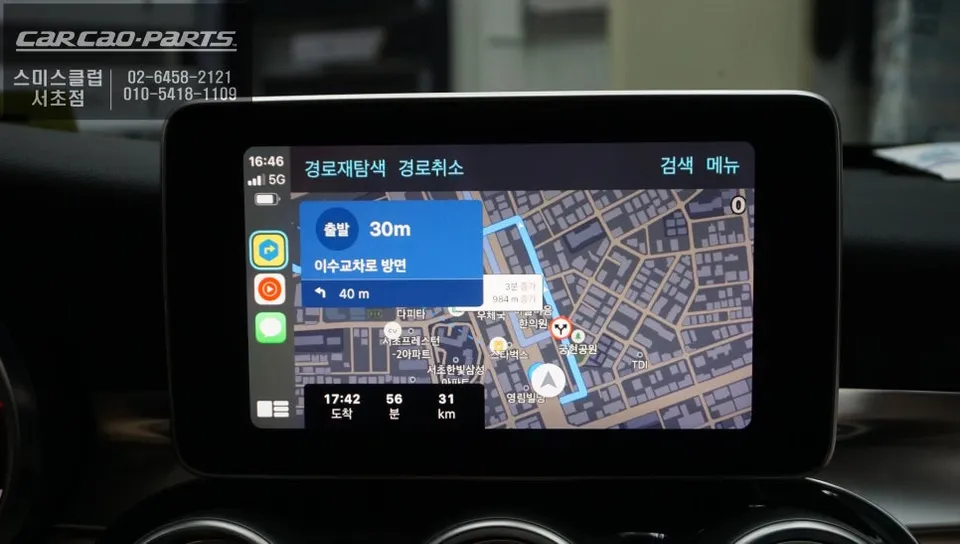
The most significant advantage of the Android head unit in the C200 is the ability to use real-time navigation applications directly on the car's monitor. Apps like Google Maps, Waze, or local equivalents can be displayed, offering up-to-date traffic information and routing without the limitations of factory navigation systems. Voice commands allow for quick destination input, providing a safer and more convenient way to navigate.
Frequently Asked Questions
Q. How much does ECU coding and firmware upgrade cost for a Mercedes-Benz C200?
The cost for ECU coding and firmware upgrades for a Mercedes-Benz C200 can range from ₩300,000 to ₩800,000 in Korea. Typical US pricing for similar services often falls between $200 and $600, depending on the complexity and specific modules involved.
Q. How long does an ECU coding session take on a Mercedes-Benz C200?
An ECU coding session for a Mercedes-Benz C200 typically takes between 1 to 3 hours to complete. Proper maintenance involves ensuring software is up-to-date and avoiding unauthorized modifications that could affect long-term performance.
Q. Is ECU coding worth it for a Mercedes-Benz C200?
ECU coding is highly beneficial for Mercedes-Benz C200 owners seeking to unlock hidden features or optimize performance. It offers a cost-effective way to enhance the vehicle's functionality and driving experience compared to purchasing new hardware.
Q. How is ECU coding performed on a Mercedes-Benz C200?
ECU coding on a Mercedes-Benz C200 is performed by connecting a diagnostic tool to the OBD-II port. 1. The technician accesses the relevant control modules. 2. Specific parameters are adjusted or new features are activated using specialized software. 3. The changes are saved, and the system is tested for proper function.
Q. What is the difference between ECU coding and ECU tuning for a Mercedes-Benz C200?
ECU coding typically activates or modifies existing features and settings within the car's software, such as enabling Apple CarPlay or adjusting lighting functions. ECU tuning, on the other hand, specifically modifies engine parameters like fuel and ignition timing to increase power and performance.
Kakao Parts