Mercedes-Benz C250 Android Head Unit CarPlay Module Review
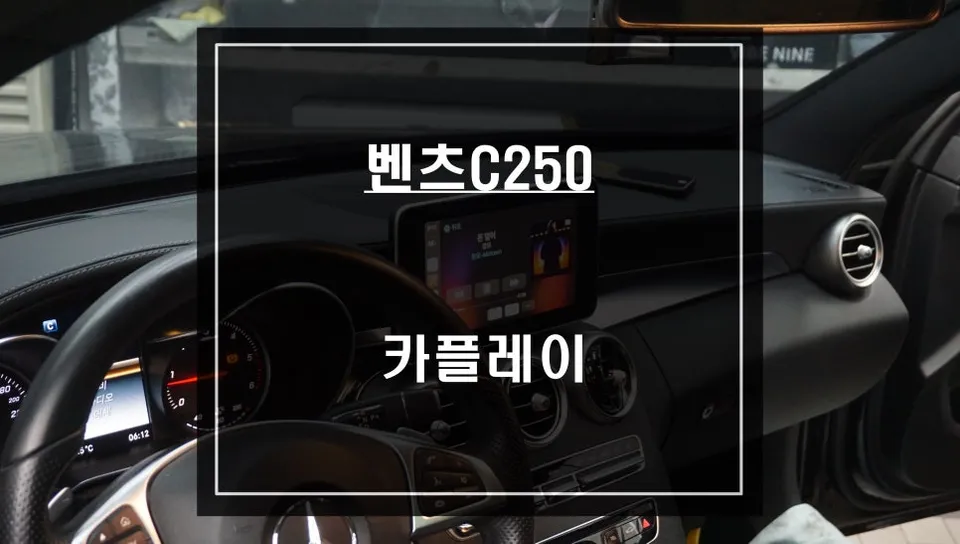
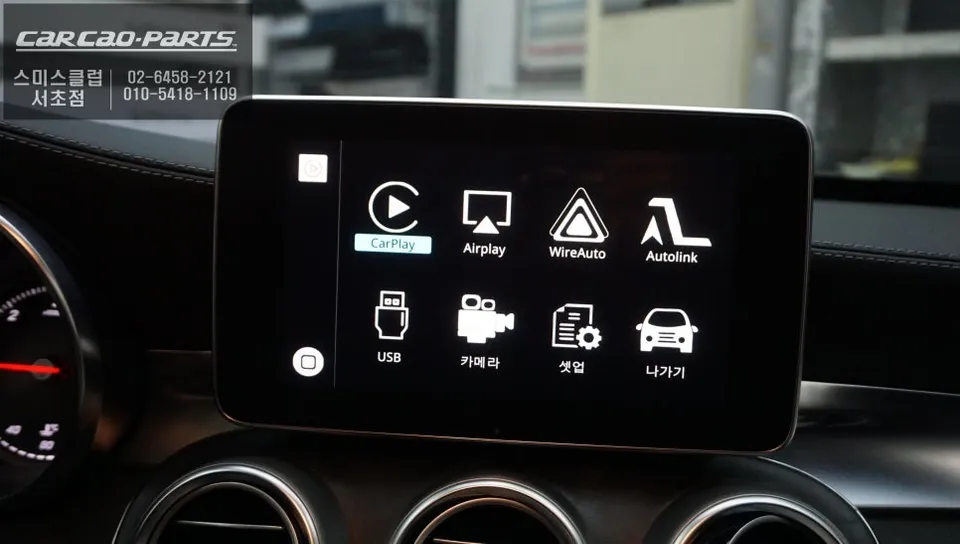
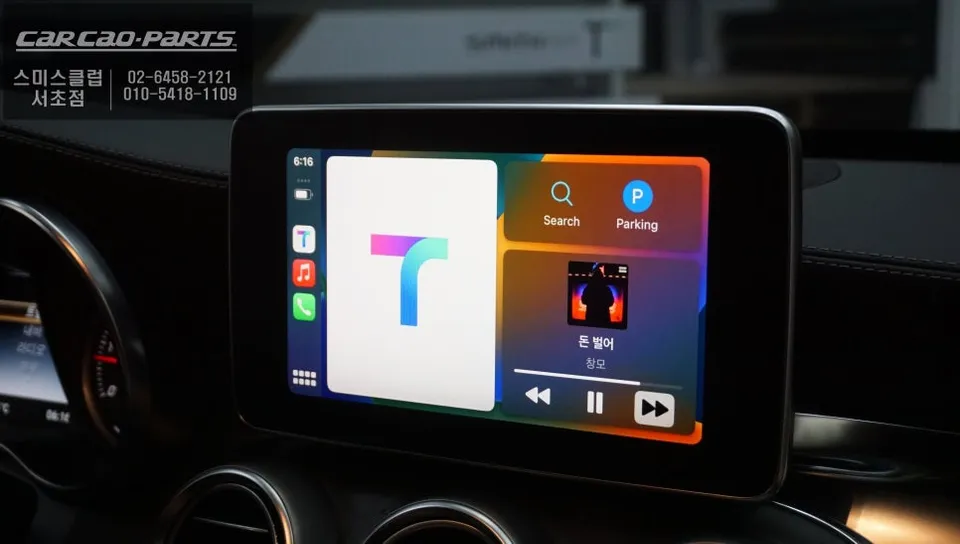
Mercedes-Benz C250 CarPlay module installation integrates smartphone navigation like TMAP. Wired connection recommended for stability.
Seamless Smartphone Integration for Your Mercedes-Benz C250
Are you a Mercedes-Benz C250 owner who wishes you could use your favorite smartphone navigation apps directly on your car's display? Many drivers find the limitations of built-in navigation systems frustrating, especially when apps like TMAP and KakaoMap offer superior real-time traffic data and routing. The solution? Installing an Android CarPlay module, specifically designed to bring the power of your smartphone to your C250's existing screen.
Why Upgrade Your Mercedes-Benz C250's Infotainment?
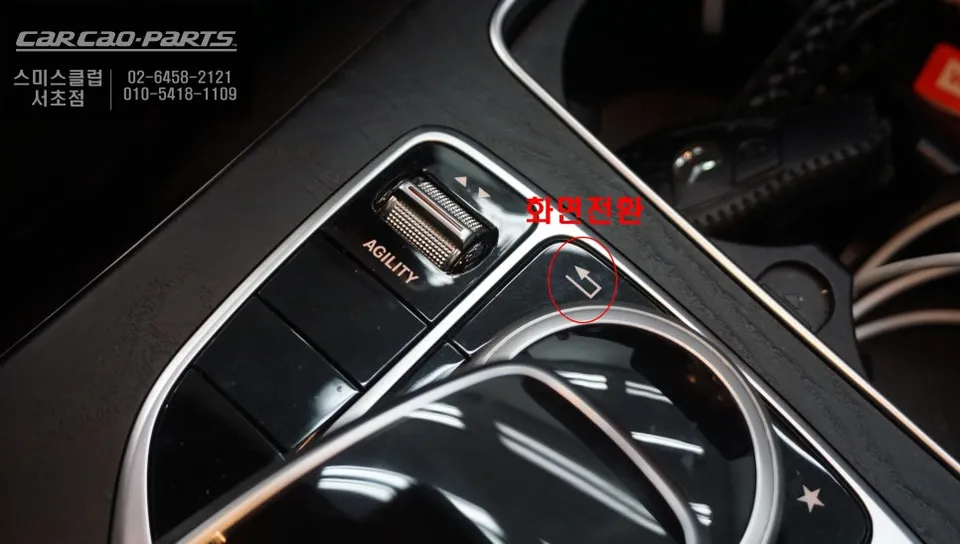
While Mercedes-Benz's native navigation is aesthetically pleasing, it often falls short for Korean users in terms of real-time traffic updates and immediate rerouting. TMAP and KakaoMap, powered by vast user data, provide significantly faster and more accurate navigation. A CarPlay module bridges this gap by allowing you to utilize these powerful apps without replacing your entire head unit. The beauty of this upgrade is its non-invasive nature; it integrates with your existing system, preserving the original look and feel. A simple long-press (about 2 seconds) on a specific button, usually located on the upper right of the screen, instantly switches between the native interface and the CarPlay/Android Auto display.
CarPlay vs. Native Navigation: A Practical Comparison
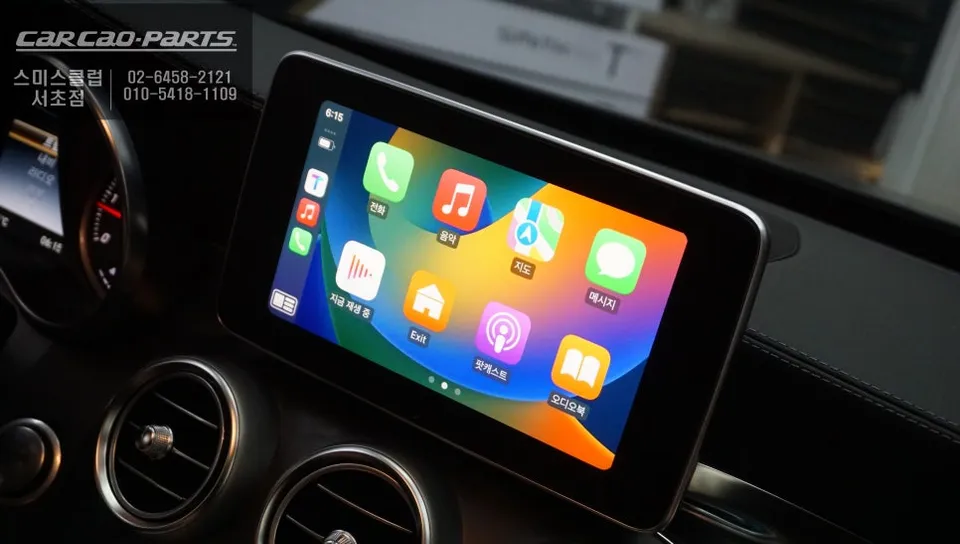
The primary difference lies in user experience and functionality. Your Mercedes-Benz C250's original navigation offers a consistent, integrated design but is limited in its app ecosystem. In contrast, a CarPlay module unlocks a world of applications, allowing you to switch effortlessly between TMAP, KakaoMap, Naver Maps, and others. Voice control is another significant advantage. While the native system's voice commands are restricted, CarPlay leverages your smartphone's native assistants like Siri or Google Assistant. Audio output is routed through the car's speakers via an activated AUX input, and crucially, it utilizes the car's original microphone, eliminating the need for additional installations.
The native system's strengths are its seamless user experience and the absence of battery drain concerns, as it requires no smartphone connection. However, CarPlay requires your smartphone to be connected, so planning for charging on longer journeys is advisable. This module supports both Apple CarPlay and Android Auto, ensuring compatibility regardless of the smartphone used within the family.
Mercedes-Benz C250 CarPlay Module Installation Process
This installation was performed on a Mercedes-Benz C250 that previously relied solely on its factory navigation. The process involves carefully removing the upper dashboard panel to access the back of the original monitor. The CarPlay module is then connected, ensuring minimal disruption to the vehicle's existing wiring to maintain factory integrity. Following the hardware connection, a coding process is performed to enable video playback while driving, allowing for uninterrupted use of navigation and media.
Installation process:
- Carefully detach the upper dashboard panel to access the infotainment unit.
- Connect the CarPlay module to the rear of the factory monitor, integrating with existing power and communication lines.
- Perform necessary vehicle coding to unlock features like video playback during motion.
- A discreet USB port is installed, typically in a hidden location within the dashboard, for wired smartphone connection.
Frequently Asked Questions
Q. How much does an Android Head Unit CarPlay module cost for a Mercedes-Benz C250?
The CarPlay module installation for a Mercedes-Benz C250 typically ranges from ₩400,000 to ₩700,000 KRW. In the US, similar aftermarket integration solutions can cost between $300 and $600 USD.
Q. How long does an Android Head Unit CarPlay module last on a Mercedes-Benz C250?
CarPlay modules are designed for the lifespan of the vehicle's infotainment system, often lasting 5-10 years or more with proper care. To ensure longevity, avoid exposing the module or connected phone to extreme temperatures and ensure stable power connections.
Q. Is an Android Head Unit CarPlay module worth it for a Mercedes-Benz C250?
An Android Head Unit CarPlay module is highly recommended for Mercedes-Benz C250 owners who prioritize using familiar and up-to-date navigation apps like TMAP and KakaoMap. It offers a significant upgrade in functionality and user experience over the native system for a reasonable cost.
Q. How is an Android Head Unit CarPlay module installed on a Mercedes-Benz C250?
Installation involves carefully removing the dashboard's upper panel to access the factory monitor. The CarPlay module is then connected to the back of the monitor, integrating with existing wiring. Finally, vehicle coding is performed to enable features like video playback while driving, and a USB port is installed for phone connection.
Q. What is the best Android Head Unit option for a Mercedes-Benz C250?
For a Mercedes-Benz C250, an integrated CarPlay module that utilizes the existing screen is generally the best option, offering seamless smartphone integration. While wireless CarPlay is available, a wired connection is recommended for superior stability and reliability, especially for navigation.
Kakao Parts