Mercedes-Benz E-Class W212 Android Head Unit Review
Mercedes-Benz E-Class W212 Android Head Unit upgrade: Approx. $360-$720 USD. Adds CarPlay/Android Auto to original screen.
Upgrade Your Mercedes-Benz E-Class W212 Infotainment System
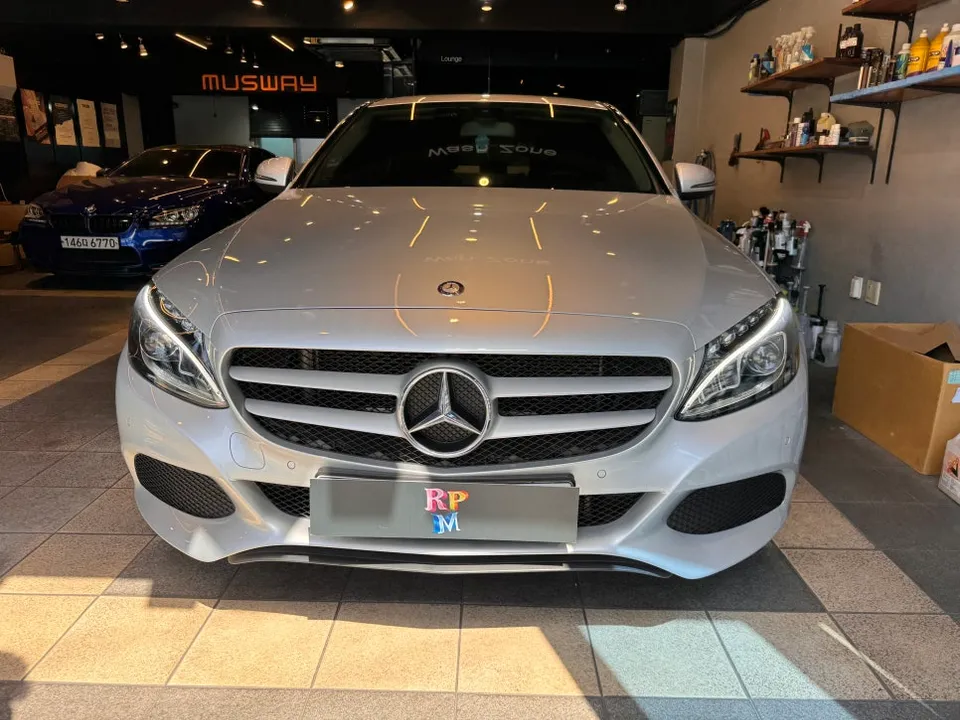
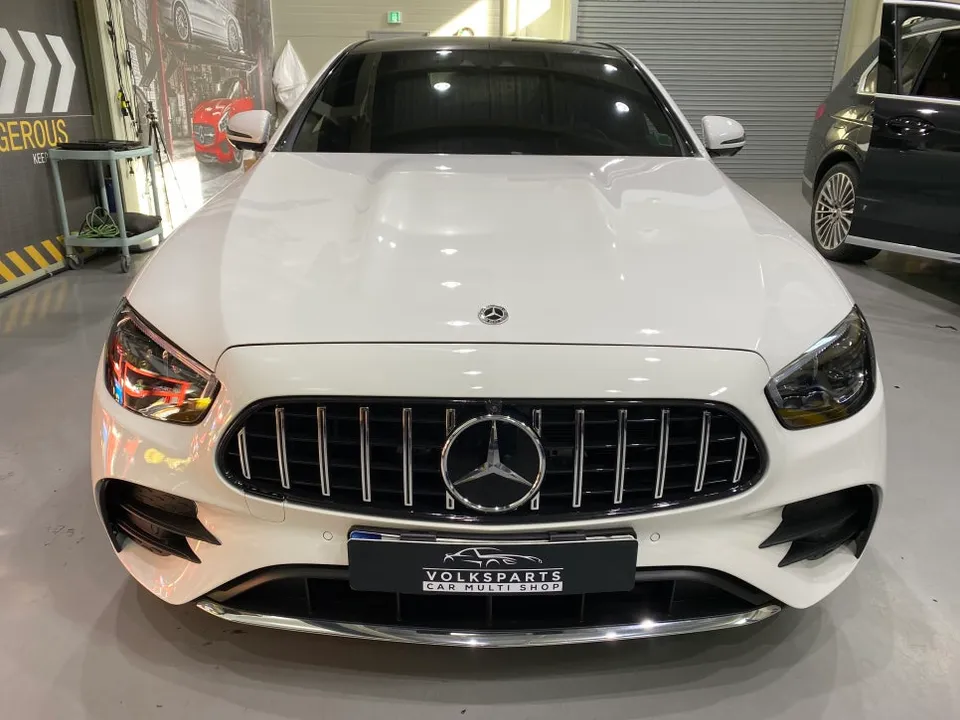
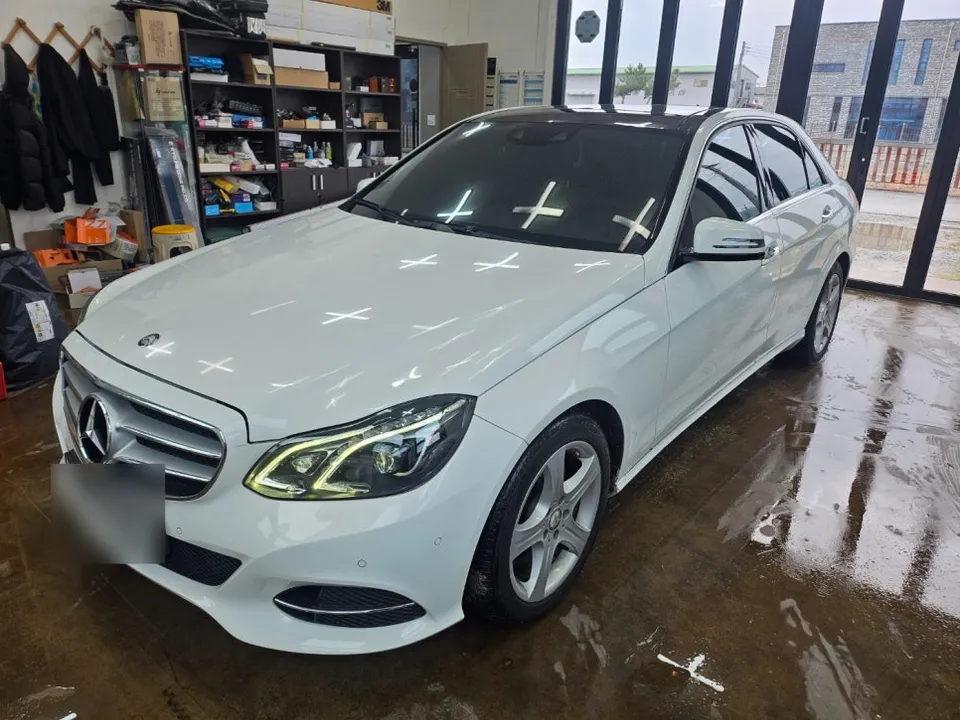
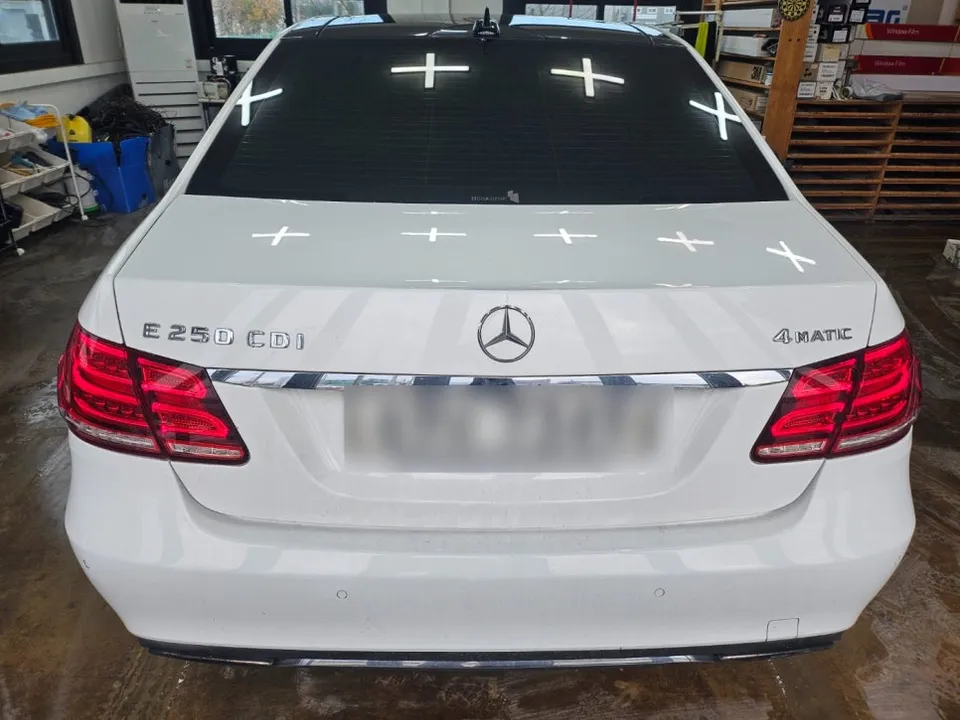
Is your Mercedes-Benz E-Class W212's factory navigation feeling outdated and sluggish? Many owners of older models, like the 2014 E-Class featured here, find the original system frustratingly slow and limited. This review explores the benefits of a CarPlay retrofit, specifically using the IndiWork interface, to bring modern smartphone convenience directly to your car's original screen. This upgrade transforms your driving experience by integrating your smartphone's familiar apps and features.
IndiWork Interface: Seamless Integration and Enhanced Functionality
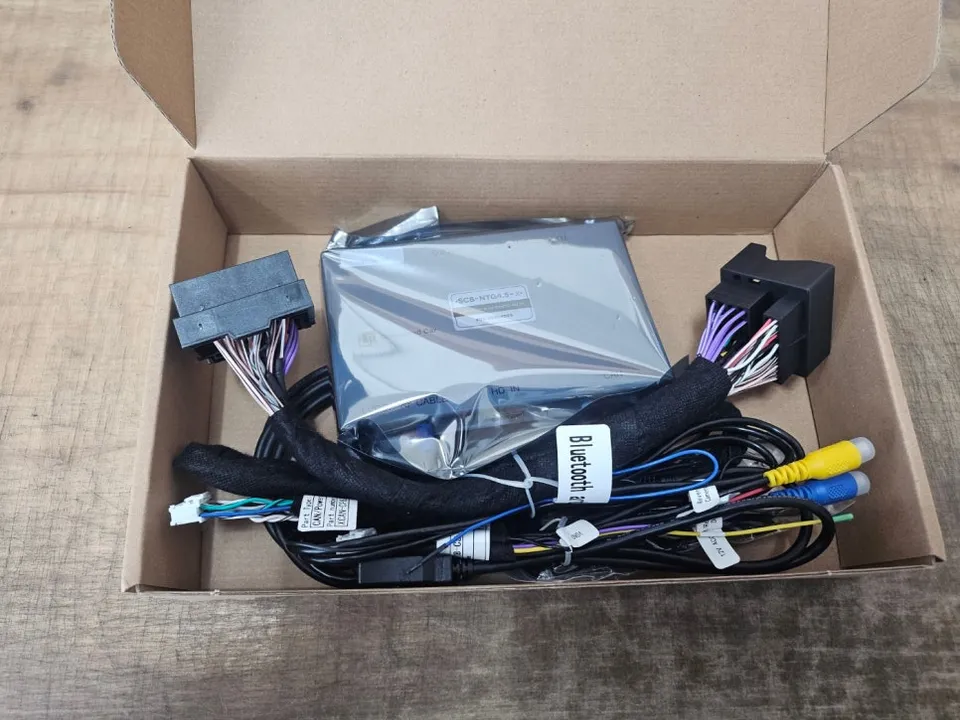
The IndiWork interface offers a compelling solution for upgrading your E-Class W212's infotainment. Unlike full head unit replacements that can be complex and costly, this system cleverly adds CarPlay and Android Auto functionality while retaining your car's original display and controls. This means you get access to your favorite navigation apps like Google Maps or Waze, streaming services like Spotify or YouTube Music, and hands-free calling and messaging, all through an interface that feels native to your car. The installation process is designed to be clean, minimizing visible wiring and often tucking the main module discreetly into the glove compartment. A key advantage is the ability to switch between the original Mercedes-Benz interface and the new CarPlay/Android Auto mode with a simple button press, offering the best of both worlds. The installation also includes activating the car's original AUX function, which is crucial for audio output from the new system.
Before and After: The Transformation of Your Drive
The most significant change after installing an Android head unit or CarPlay retrofit is the vastly improved usability and access to modern features. Before the upgrade, you might be stuck with slow map updates and limited app support on your factory navigation. After installation, your W212's screen becomes a portal to your smartphone's ecosystem. Imagine getting real-time traffic updates from Waze, easily controlling your music playlists, or making calls using voice commands via Siri or Google Assistant, all displayed clearly on your dashboard. This not only makes driving more enjoyable, especially on long trips, but also enhances safety by allowing you to keep your phone in your pocket. The installation itself typically takes around 3 to 4 hours, depending on the specific vehicle and any unforeseen complexities. While the exact cost can vary, similar upgrades in Korea range from approximately ₩500,000 to ₩1,000,000 (roughly $360 to $720 USD), plus installation fees. This investment offers a substantial improvement in daily driving convenience and vehicle modernity.
Installation Process:
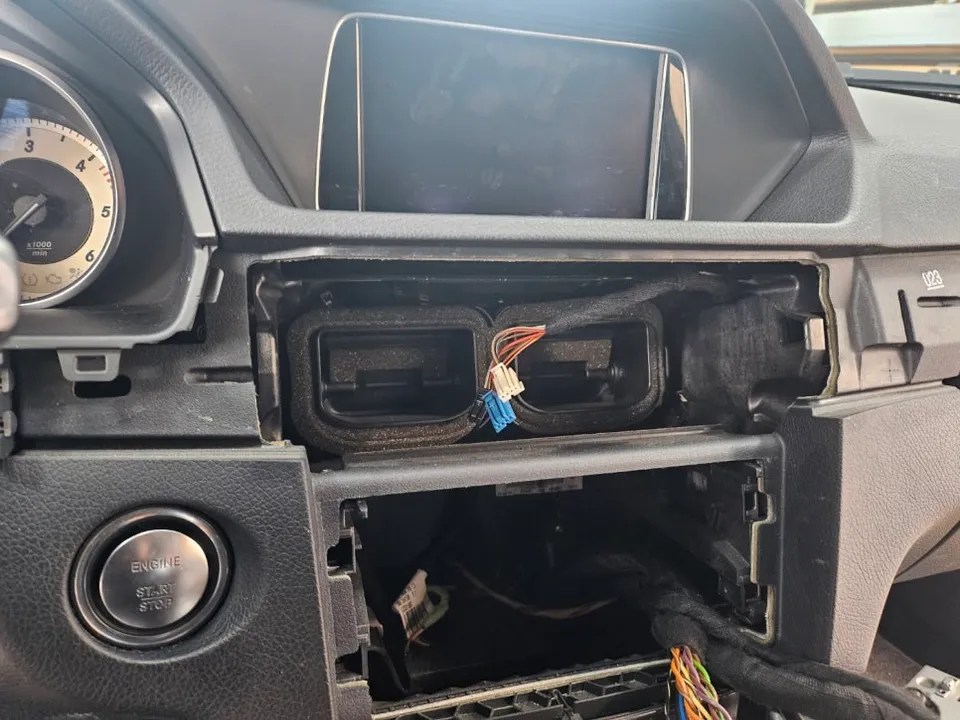
- Carefully remove the center console and glove compartment panels to access the original infotainment wiring.
- Connect the IndiWork interface module to the vehicle's existing display and power connectors.
- Route the USB cable discreetly, typically into the glove compartment, for smartphone connection.
- Activate the vehicle's original AUX audio input if not already active.
- Reassemble all panels and test the system for proper functionality, including touch response and mode switching.
Frequently Asked Questions
Q. How much does Android head unit or CarPlay installation cost for a Mercedes-Benz E-Class W212?
In Korea, this upgrade typically costs between ₩500,000 and ₩1,000,000 (approximately $360-$720 USD) plus installation. US pricing can vary significantly based on the specific kit and labor rates.
Q. How long does Android head unit installation take on a Mercedes-Benz E-Class W212?
Installation usually takes about 3 to 4 hours. For long-term durability, ensure the module is securely mounted and connections are clean; regular cleaning of the screen with appropriate electronics wipes is recommended.
Q. Is a CarPlay or Android Auto retrofit worth it for a Mercedes-Benz E-Class W212?
This upgrade is highly recommended for owners who find their factory navigation system outdated and want seamless smartphone integration. It offers a significant boost in convenience and modern functionality for a reasonable cost compared to replacing the entire system.
Q. How is an Android head unit installed in a Mercedes-Benz E-Class W212?
1. Access is gained by carefully removing dashboard panels. 2. The IndiWork interface module is connected to the car's original screen and power. 3. A USB cable is routed, often into the glove box. 4. The factory AUX function is activated for audio. 5. Panels are reassembled and the system is tested.
Q. What is the difference between an Android head unit and a factory infotainment system for a Mercedes-Benz E-Class W212?
An Android head unit or CarPlay retrofit adds modern smartphone features like navigation apps and streaming to your original screen, whereas the factory system is limited to its original software. For most users, the added functionality and familiar interface of a CarPlay/Android Auto upgrade make it a superior choice.
OhCar Partner Shop