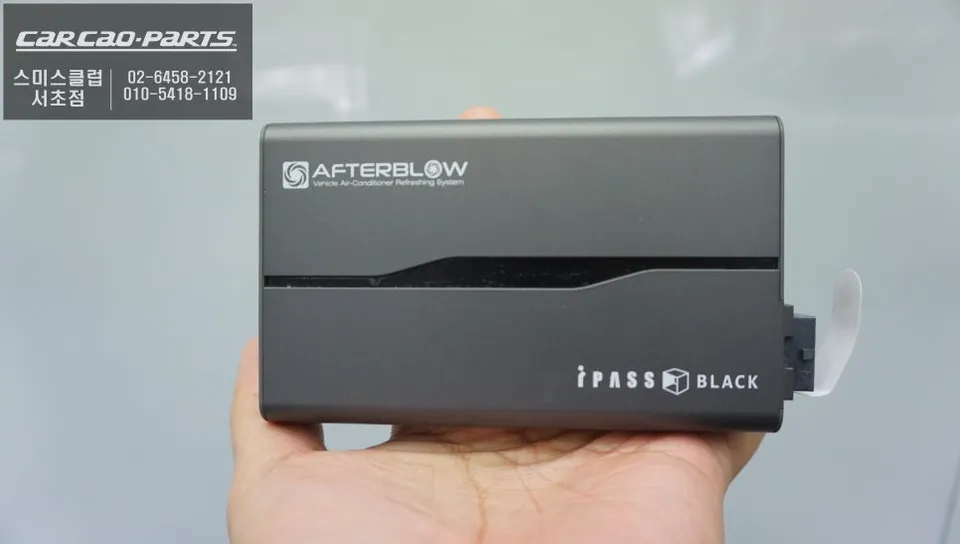
Audi A7 CarPlay Retrofit: Seamless Navigation Upgrade
Service Price
$75–115
Estimated price · Actual price may vary by shop

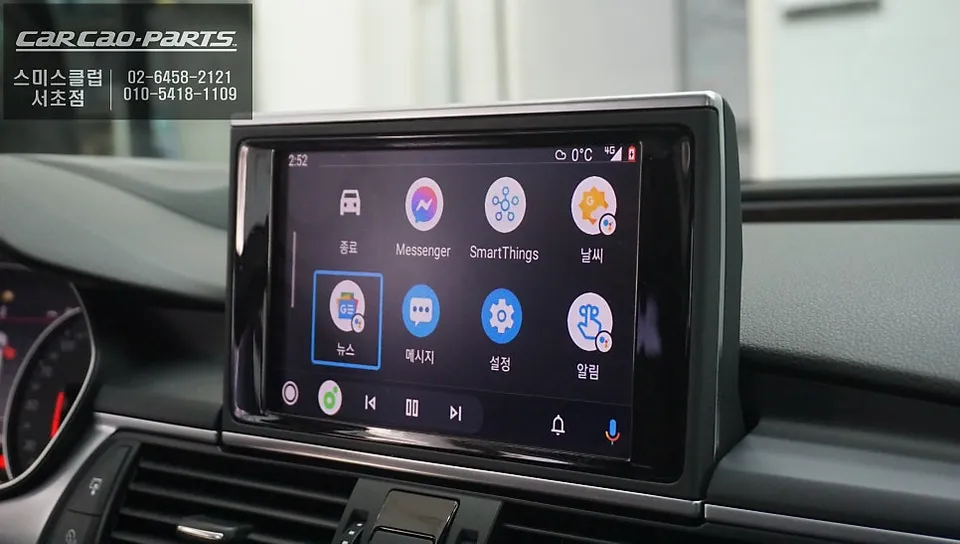
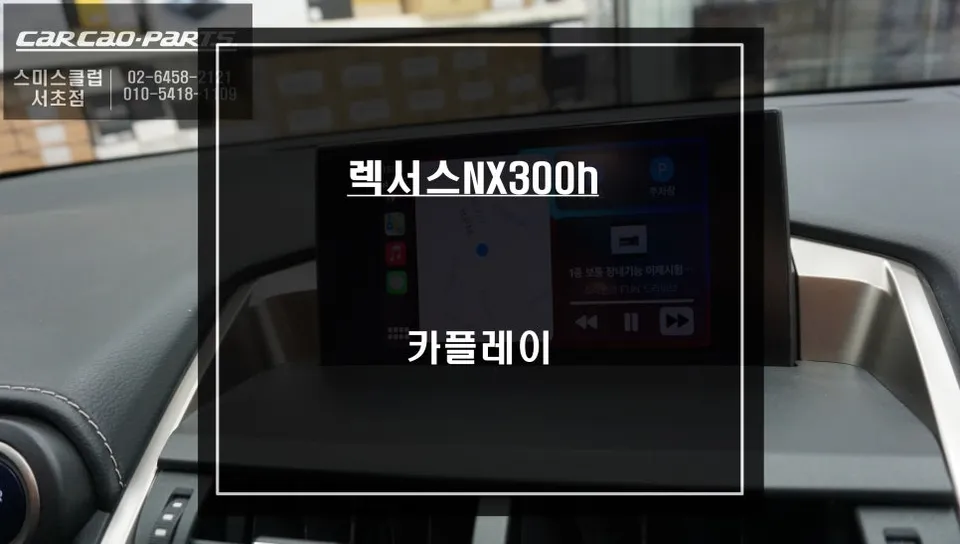
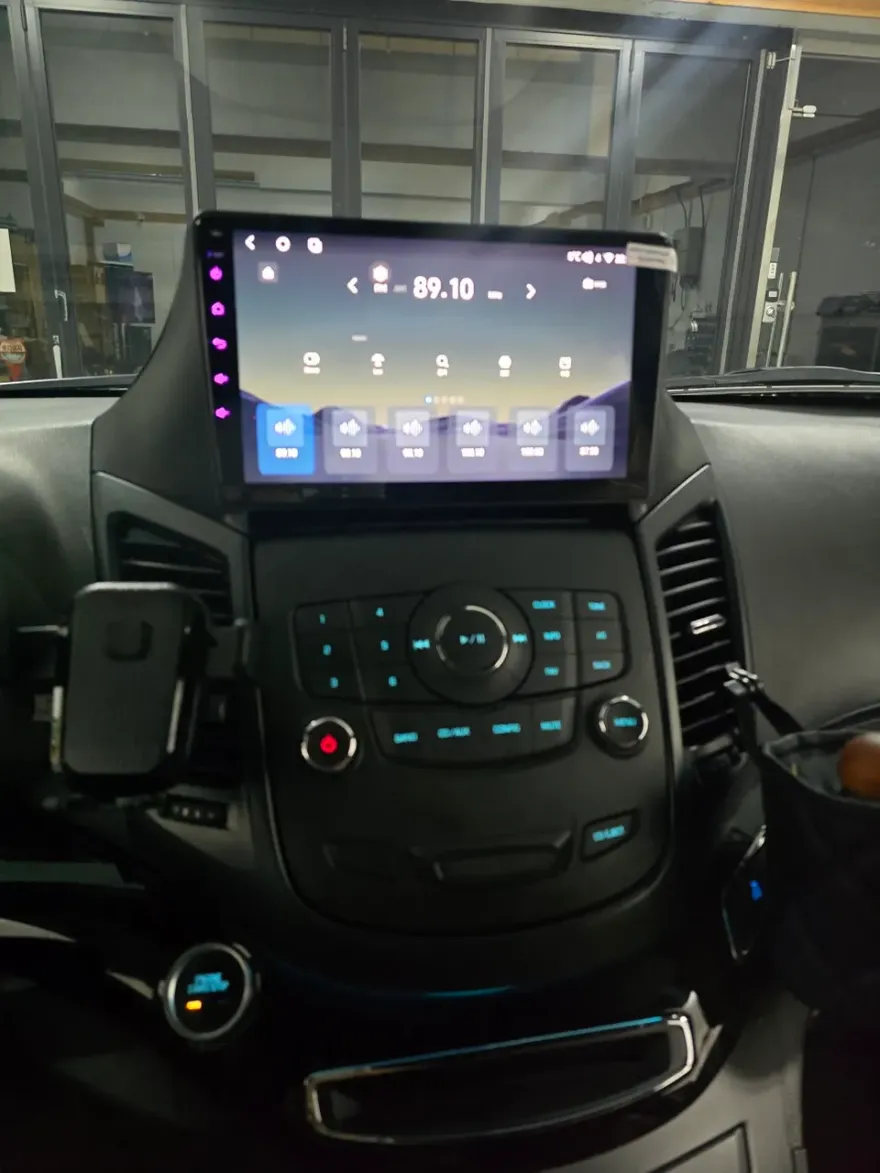
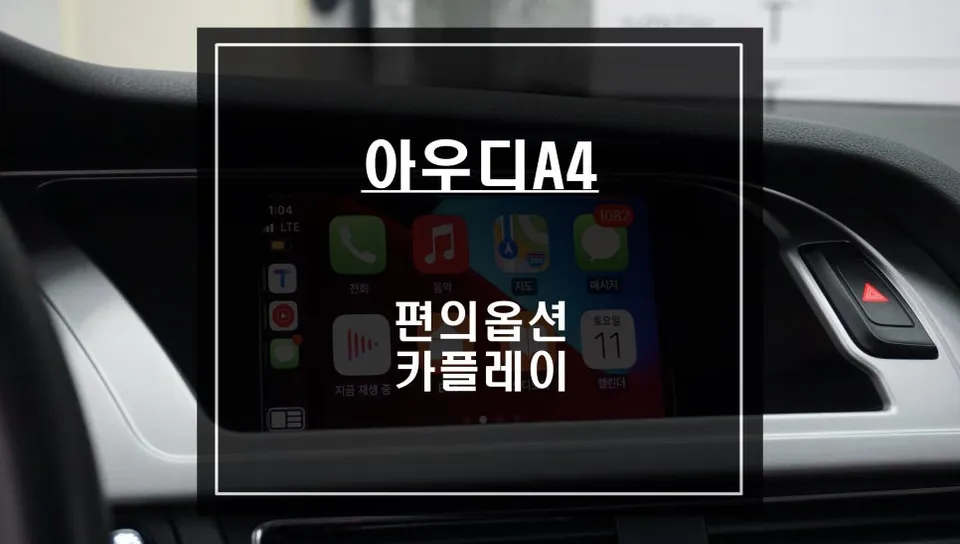
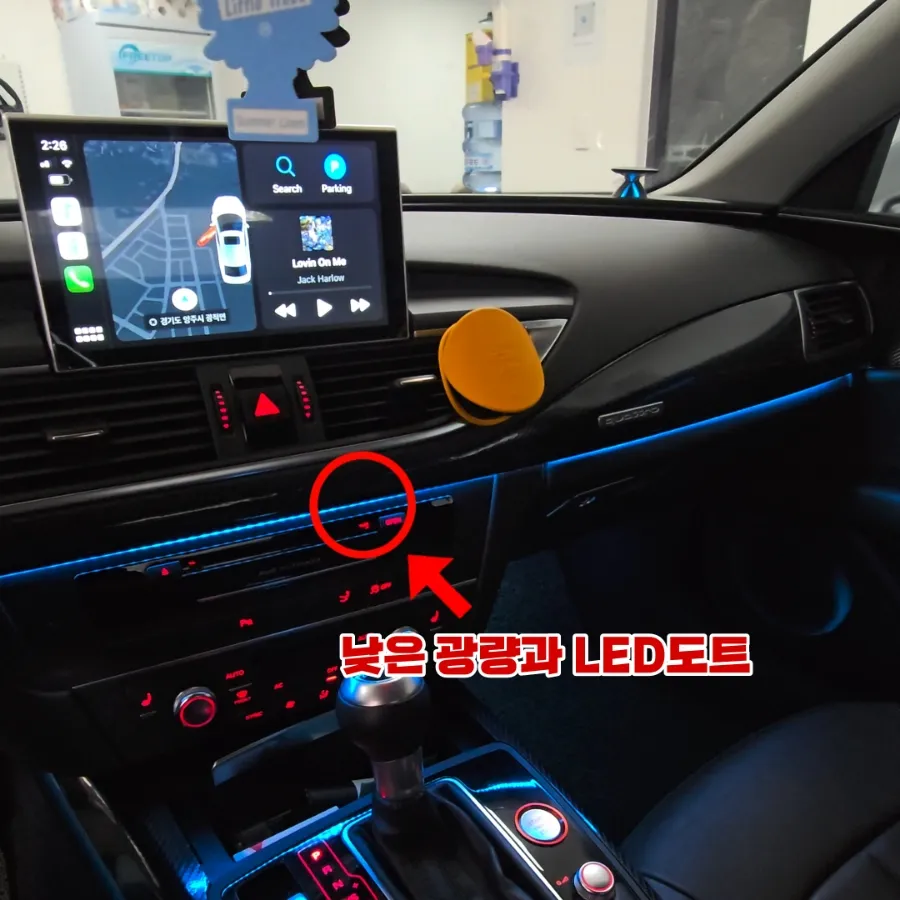
Audi A7 CarPlay retrofit: Seamlessly integrate Tmap/KakaoMap. Enjoy real-time navigation on your factory screen.
Why Your Audi A7 Needs a CarPlay Upgrade
The Audi A7 boasts a premium infotainment system, but its native navigation can feel outdated. Slow map updates and limited real-time traffic information often leave drivers wanting more. Fortunately, a smart solution exists: a CarPlay module installation. This upgrade seamlessly integrates popular navigation apps like Tmap and KakaoMap directly onto your Audi A7's original display, transforming your driving experience. We'll walk through the process and results of this common infotainment upgrade.
Expert CarPlay Installation for Premium German Cars
Specializing in infotainment system upgrades for luxury German vehicles like Audi, BMW, and Mercedes-Benz, our team excels at integrating the latest technology without compromising your car's original wiring. We have extensive experience with Audi-specific CarPlay modules, ensuring a reliable and high-quality installation. This ensures your vehicle's original warranty remains intact and allows for easy restoration to its factory state if ever needed.

Audi A7 CarPlay Installation Process:
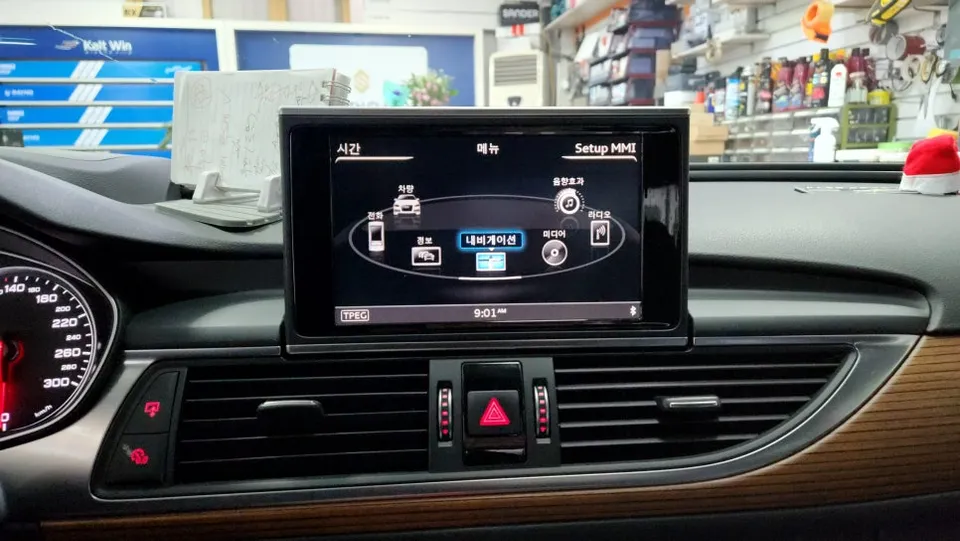
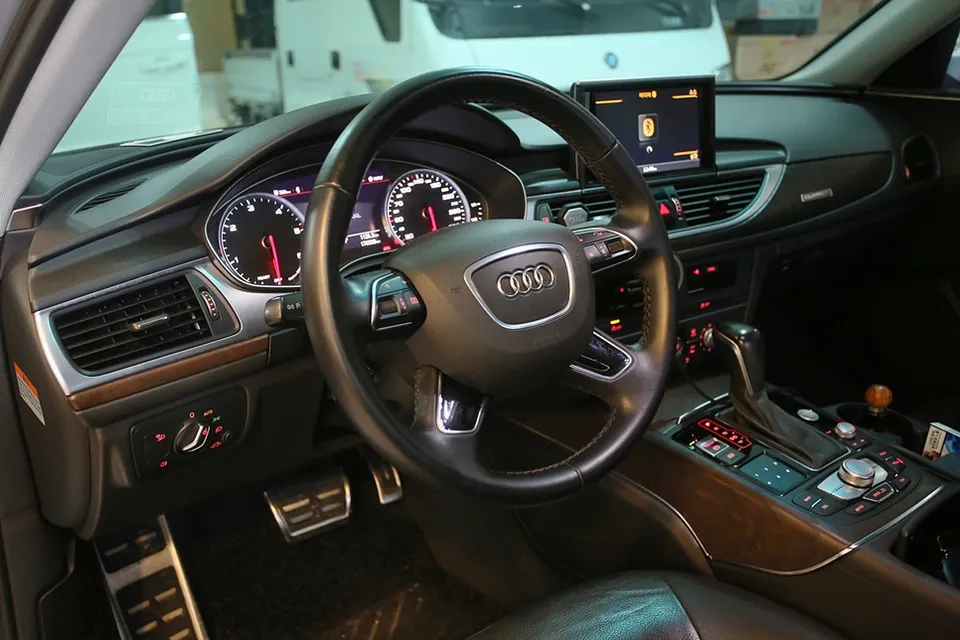
- System Analysis & Compatibility Check: The Audi A7 uses an MMI (Multi Media Interface) system controlled via a central rotary knob and voice commands, lacking a touchscreen. The first crucial step is verifying compatibility between the factory system and the CarPlay module.
- Audi-Specific CarPlay Module Installation: We utilize an Audi-compatible module that combines the interface and CarPlay functionality. Installation is straightforward, using a plug-and-play (connector-to-connector) method that avoids any damage to the original wiring.
- Voice Control & Microphone Integration: Essential for CarPlay, voice control is enabled by linking the module to the car's original microphone. This allows for hands-free commands like "Navigate to..." or "Set destination." Audio is routed through the car's existing AUX input and speakers, eliminating the need for additional hardware.
- Navigation App Integration: Once installed, popular navigation apps like Tmap and KakaoMap function flawlessly through the CarPlay interface, providing real-time traffic data and up-to-date maps.
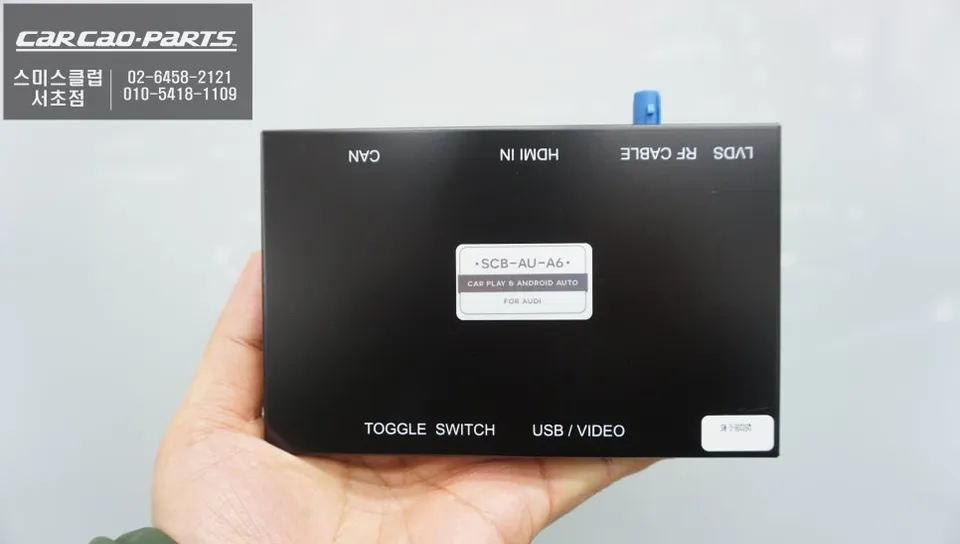
Real-World Audi A7 CarPlay Experience
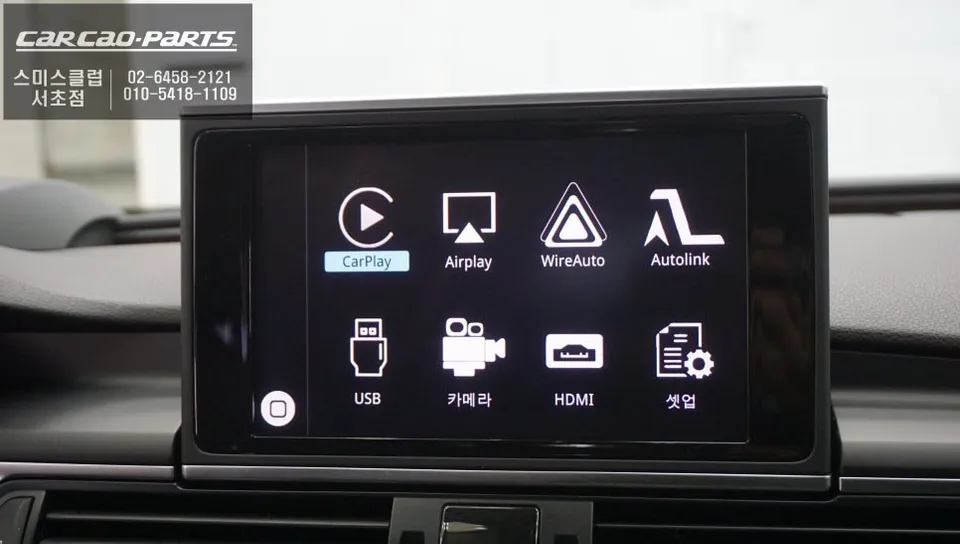
Effortless Navigation Switching: Switching between your factory navigation and CarPlay is simple. A quick press-and-hold of the NAV button (approximately 2 seconds) toggles the display between the two systems. This allows you to use the factory navigation on quiet roads and instantly switch to Tmap or KakaoMap for detailed, real-time traffic information in urban areas.
Wired vs. Wireless CarPlay: While wireless CarPlay offers convenience, it can sometimes suffer from connection drops. Wired CarPlay, though requiring a cable, provides a more stable and reliable connection, which is ideal for longer journeys. For maximum dependability, a wired connection is generally recommended.
Android Auto and Apple CarPlay Support: This versatile module supports both Apple CarPlay for iOS users and Android Auto for Android device users, ensuring compatibility for a wide range of smartphones.
Frequently Asked Questions
Q. How much does an Android head unit or CarPlay installation cost for an Audi A7?
The installation service described in Korea costs approximately $75–115 USD. Actual costs in the US can vary significantly based on the specific module and installer.
Q. How durable is an Android head unit or CarPlay installation in an Audi A7?
CarPlay modules are designed for long-term use, similar to factory components. Regular maintenance typically involves ensuring your smartphone's software is up-to-date for optimal connectivity.
Q. Is a CarPlay or Android Auto retrofit worth it for an Audi A7?
A CarPlay or Android Auto retrofit is highly recommended for Audi A7 owners who frequently use navigation apps like Tmap or Waze, as it significantly enhances the infotainment system's usability and functionality.
Q. How is an Android head unit or CarPlay system installed in an Audi A7?
Installation involves analyzing the factory MMI system, installing a dedicated Audi-compatible CarPlay module using plug-and-play connectors, and integrating it with the car's original microphone for voice commands.
Q. What is the difference between an Android head unit and the factory infotainment system in an Audi A7?
The key difference is functionality: the factory system has limited navigation updates, while an Android head unit or CarPlay retrofit allows seamless use of real-time navigation apps like Tmap and Google Maps directly on the car's screen.
Kakao Parts