Mercedes-Benz E-Class W213 Android Head Unit Review
Service Price
$75–115
Estimated price · Actual price may vary by shop
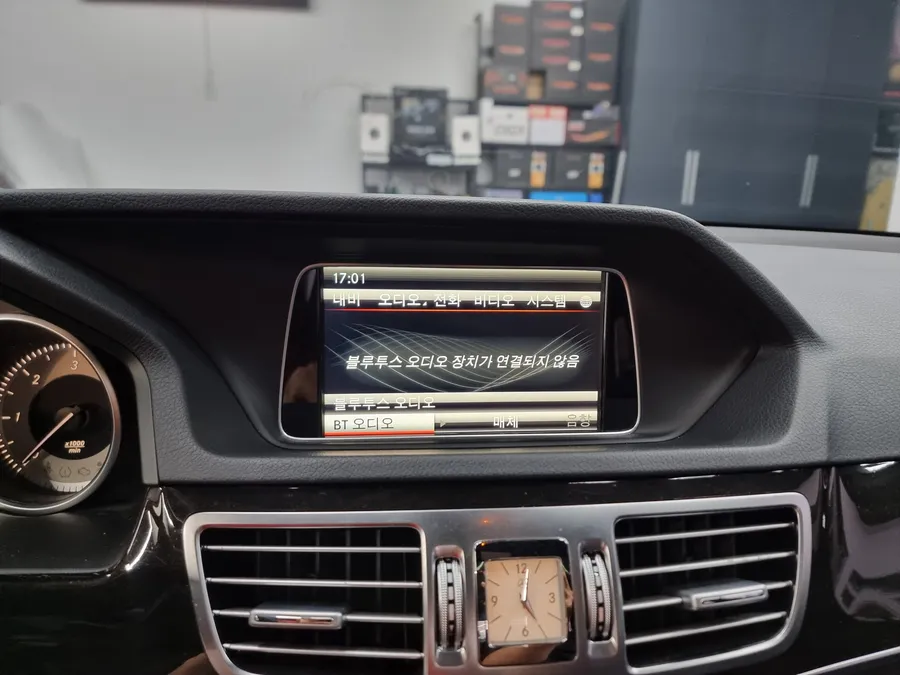
Before
After
Process photos
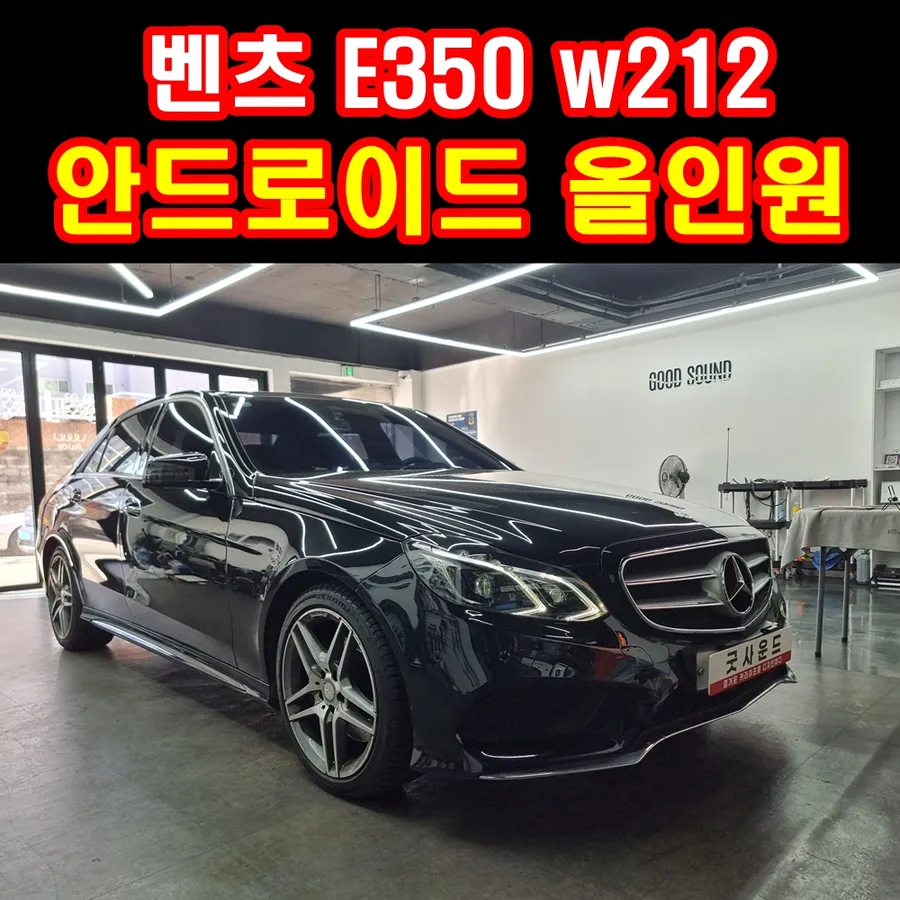
Mercedes-Benz E-Class W213 Android head unit upgrade: $75–115. Retains surround view, adds 12.3-inch display & app access.
Upgrade Your Mercedes-Benz E-Class W213 Infotainment System
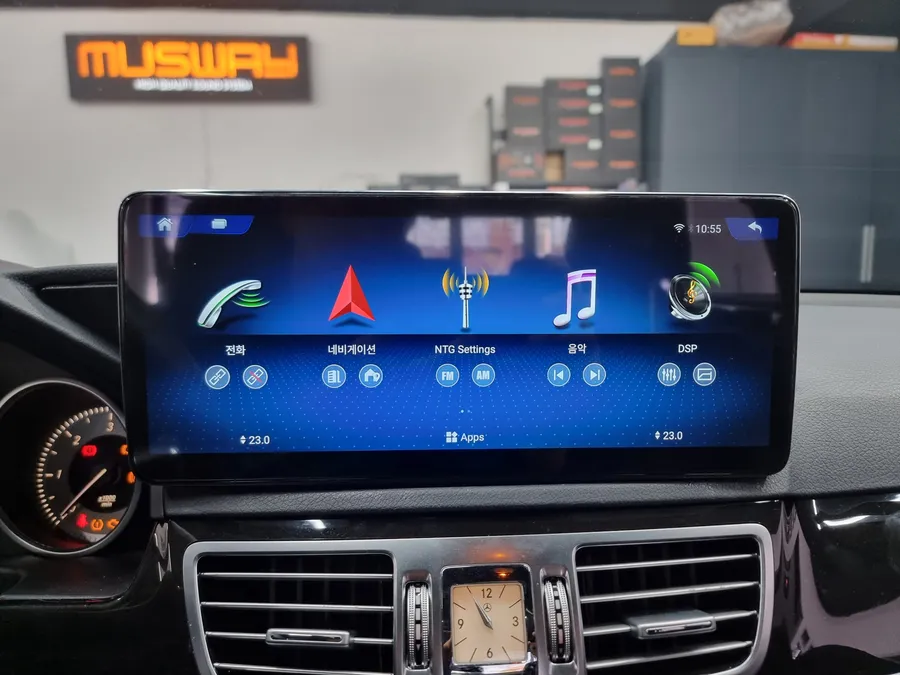
Feeling constrained by the original 7-inch monitor in your Mercedes-Benz E-Class W213? Many owners find the stock infotainment system lacking in modern features and screen real estate. Fortunately, a compelling solution exists: upgrading to a 12.3-inch Android All-in-One head unit. This upgrade transforms your driving experience, offering a significantly larger, more intuitive interface without sacrificing your vehicle's premium feel or existing features like the original surround view camera.
This review delves into the benefits, installation process, and functionality of an Android head unit retrofit for the W213 E-Class. We'll cover how this infotainment upgrade enhances your daily drives, from navigation and entertainment to connectivity.
Seamless Integration and Enhanced Functionality
The primary appeal of an Android head unit is the dramatic increase in screen size and the introduction of a full Android operating system. This means you can run your favorite navigation apps like Google Maps or Waze directly on the larger display, stream music from services like Spotify or Apple Music, and even enjoy entertainment apps like Netflix. The system seamlessly integrates with your car's existing audio setup, utilizing the original speakers for a rich sound experience. For the Mercedes-Benz E350 E-Class with the NTG 4.5 audio system, activating the AUX mode is a straightforward process, often achievable through the original command system without complex coding, ensuring your sound output is routed correctly to the factory speakers.
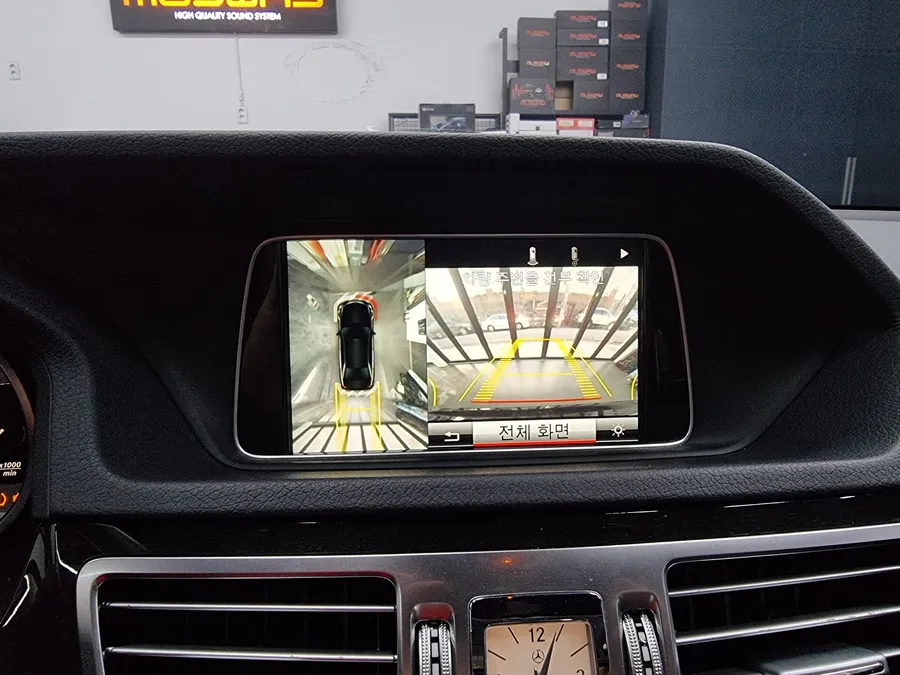
A key advantage highlighted in the original context is the ability to retain original features. For instance, the original surround view camera system remains fully functional, providing the same convenience and safety you're accustomed to, now displayed on a much larger and clearer screen. Switching between the original Mercedes-Benz interface and the Android interface is typically effortless, allowing you to access the best of both worlds.
Installation Process and Connectivity
The installation involves carefully removing the factory monitor and replacing it with the larger 12.3-inch Android display. The wiring is managed to ensure all original functions are preserved and integrated with the new unit. Audio output is routed through the car's existing AUX input, which is activated during the installation. This ensures that all sounds from the Android system—whether from navigation, music apps, or video—play through your car's original speakers.
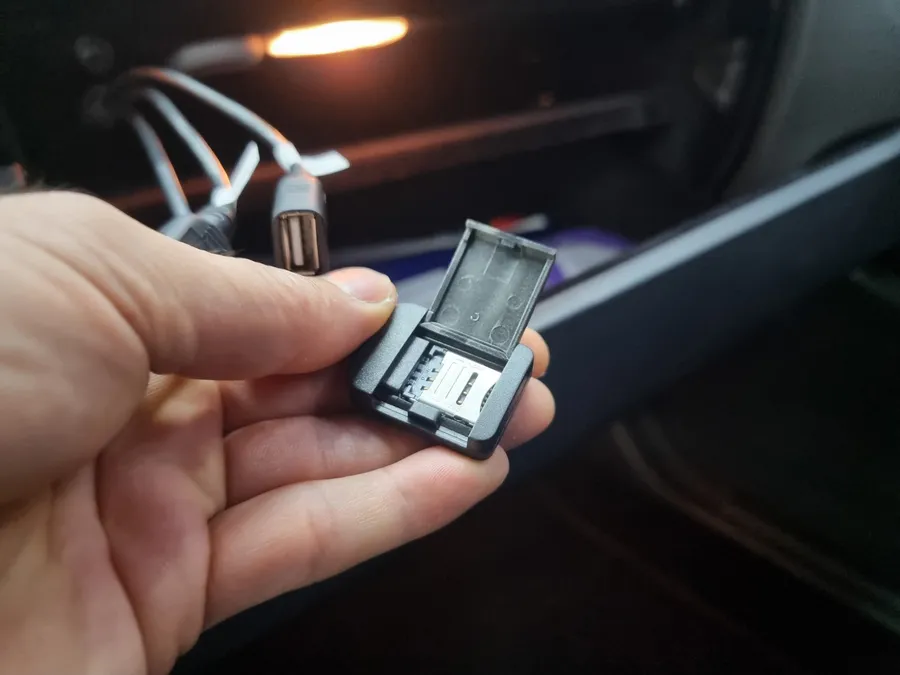
Connectivity is crucial for unlocking the full potential of an Android head unit. You have two primary options for internet access: using your smartphone's mobile hotspot or installing a dedicated 4G SIM card into the head unit itself. While a mobile hotspot is convenient, using a dedicated vehicle SIM card offers a more stable and uninterrupted connection, preventing the need to constantly enable your phone's hotspot. Once connected to the internet, you can log into your Google account, access the Google Play Store, and download any desired applications, transforming your car's dashboard into a versatile smart device. USB ports and the SIM card slot are typically discreetly integrated, often within the glove compartment, maintaining a clean interior aesthetic.
Installation Process:
- Carefully remove the original factory infotainment screen.
- Connect the new 12.3-inch Android head unit, integrating its wiring harness with the vehicle's existing systems.
- Activate the AUX mode in the vehicle's audio system to ensure sound output through the factory speakers.
- Install the Android head unit into the dashboard, ensuring a secure and flush fit.
- Connect to the internet via Wi-Fi hotspot or a 4G SIM card and log into your Google account to download apps.
This upgrade offers a significant leap in functionality and user experience, making it a worthwhile consideration for Mercedes-Benz E-Class W213 owners looking to modernize their vehicle's interior technology.
Frequently Asked Questions
Q. How much does Android head unit or CarPlay installation cost for a Mercedes-Benz E-Class W213?
The estimated cost for an Android head unit installation for a Mercedes-Benz E-Class W213 is typically between $75–115 in the US. Actual prices can vary based on the specific unit and installation complexity.
Q. How long does Android head unit installation take on a Mercedes-Benz E-Class W213?
Android head unit installations are generally durable and designed for long-term use. Regular software updates and occasional cleaning of the screen are usually the only maintenance required.
Q. Is a CarPlay or Android Auto retrofit worth it for a Mercedes-Benz E-Class W213?
An Android Auto or CarPlay retrofit is highly recommended for W213 owners who desire modern smartphone integration and a larger display. It significantly enhances navigation, entertainment, and overall usability.
Q. How is an Android head unit installed in a Mercedes-Benz E-Class W213?
Installation involves removing the original screen, connecting the new Android head unit's wiring harness, activating AUX for audio output through factory speakers, and fitting the new display. Finally, internet connectivity is established for app functionality.
Q. What is the difference between an Android head unit and a factory infotainment system for a Mercedes-Benz E-Class W213?
An Android head unit offers a larger touchscreen, access to the Google Play Store for apps, and modern smartphone integration, unlike the typically smaller and more limited factory system. It's a significant upgrade for enhanced functionality and user experience.
OhCar Partner Shop