BMW 1 Series F20 CarPlay Upgrade Review
Service Price
$40–80
Estimated price · Actual price may vary by shop
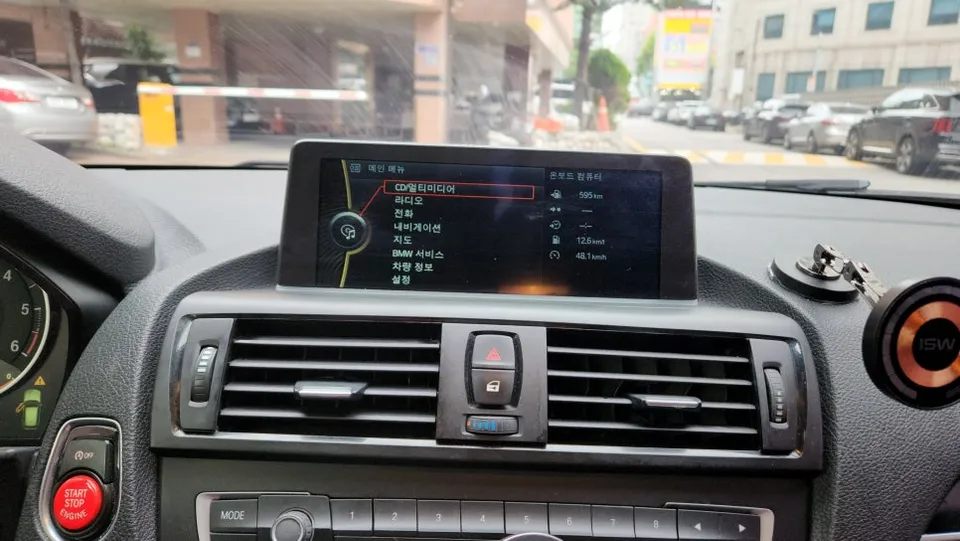
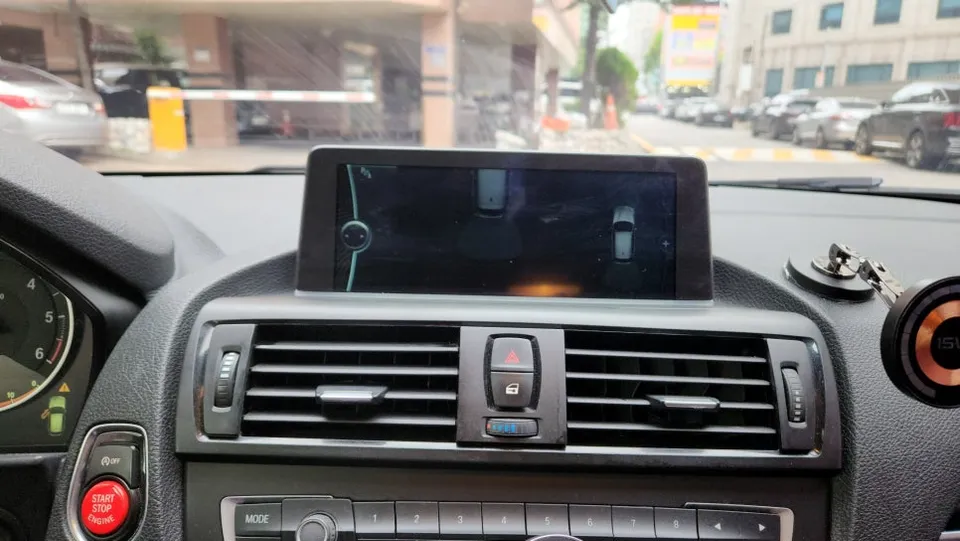
BMW 1 Series F20 CarPlay & backup camera upgrade: Approx. $40-80. Enhances infotainment and parking safety.
Upgrade Your BMW 1 Series F20's Infotainment System
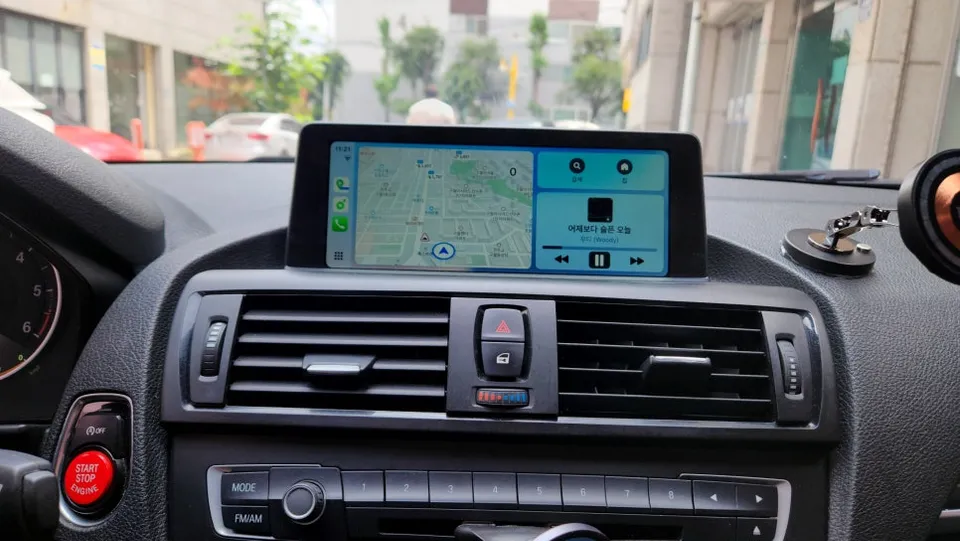
Are you a BMW 118d F20 owner looking to maximize your factory monitor's potential? This guide details how to significantly boost your car's functionality by integrating smartphone connectivity and improving parking convenience. We'll cover the installation of a CarPlay/Android Auto module and a backup camera, transforming your driving experience.
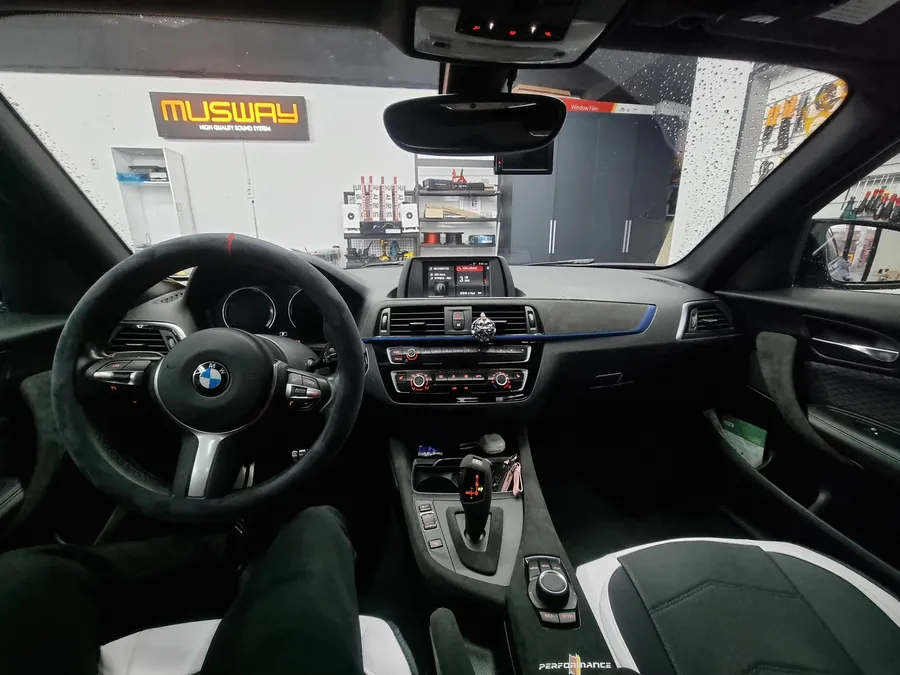
Vehicle: BMW 118d F20 (Urban Pack, 8.8-inch factory monitor)
Services Performed: CarPlay/Android Auto module installation, backup camera installation
Installation Method: Integrated with the factory monitor, controlled via iDrive
Location of Work: Performed at a specialist shop in Incheon, South Korea.
Estimated Time: Approximately 3-4 hours
Smart Infotainment Upgrade: CarPlay and Backup Camera
Modern vehicles often come standard with Apple CarPlay and Android Auto, but older models, like many BMW 1 Series F20s, lack these features. Furthermore, the 8.8-inch factory monitor on the 118d F20 often omits a backup camera, making parking a challenge. The solution? Installing a CarPlay/Android Auto integration module and a backup camera. This dual upgrade offers exceptional value and a significant improvement in usability and safety.
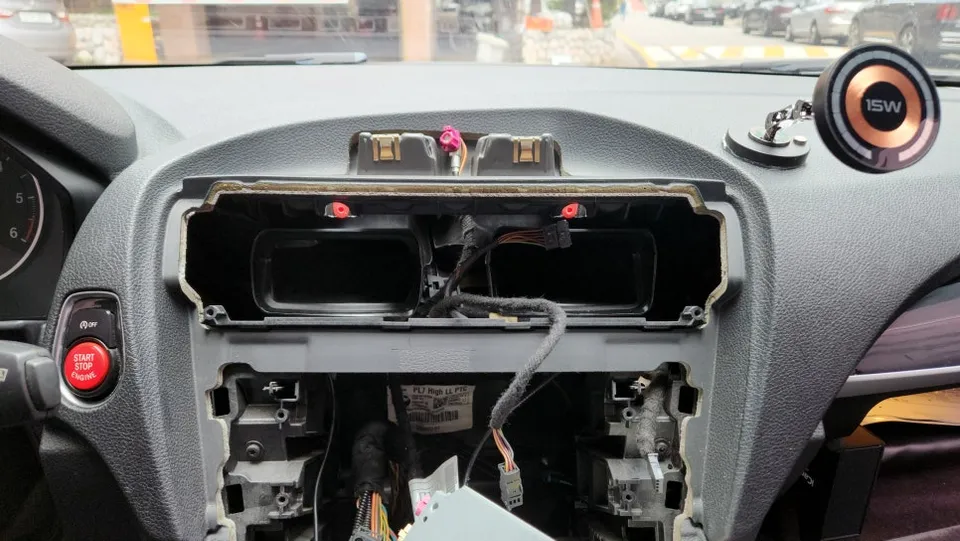
Installation Process: CarPlay & Android Auto Module
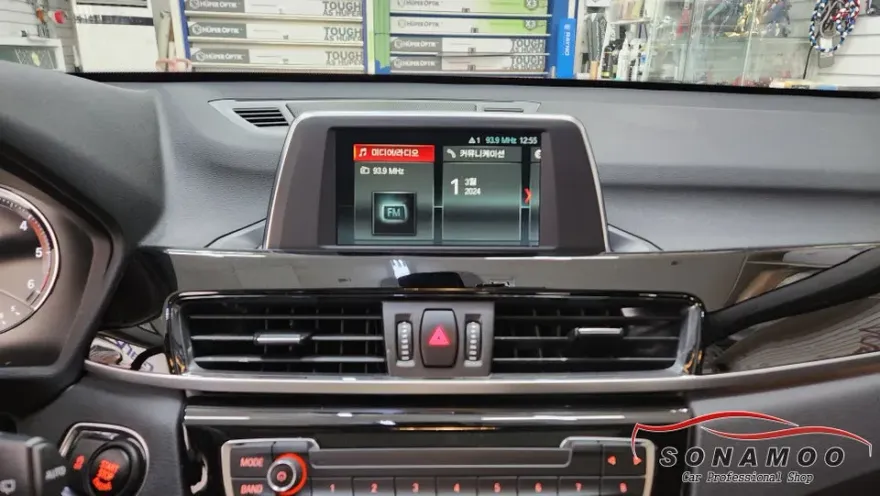
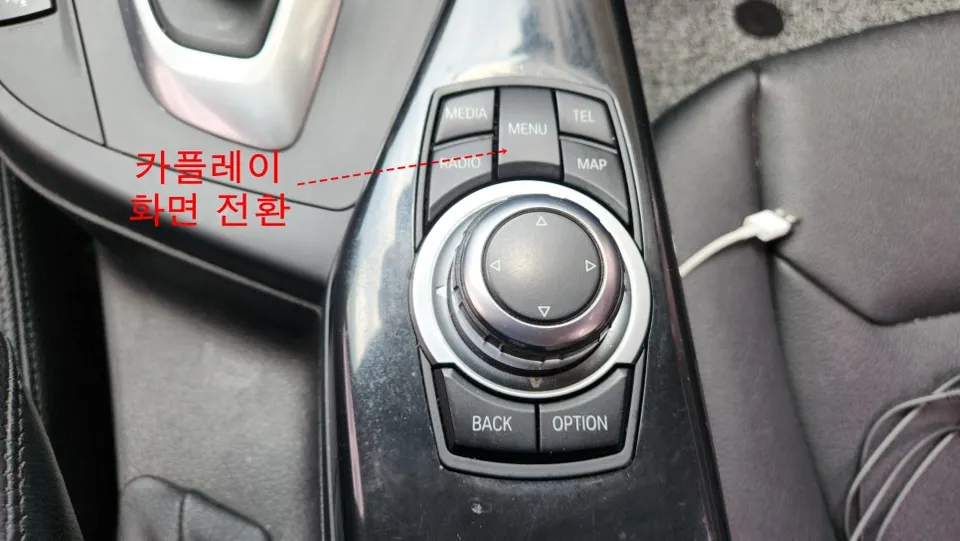
The installation begins with the careful removal of the factory monitor and audio system components. It's crucial that this is done without damaging the vehicle's wiring or interior trim. Once removed, the CarPlay module is connected to the monitor, and the system is meticulously reassembled to its original state. Post-installation, you can seamlessly switch between the factory interface and your smartphone's connected system using the BMW iDrive controller.
Installation process:
- Carefully remove the factory monitor and related audio components.
- Connect the CarPlay/Android Auto integration module to the monitor.
- Reinstall the monitor and reassemble the interior trim.
- Pair your smartphone with the module for initial connection.
Initial pairing requires connecting your smartphone to the module, but subsequent connections are automatic and wireless, eliminating the hassle of cables. This setup provides a user-friendly experience, similar to an all-in-one Android head unit, but preserves the original BMW interface.
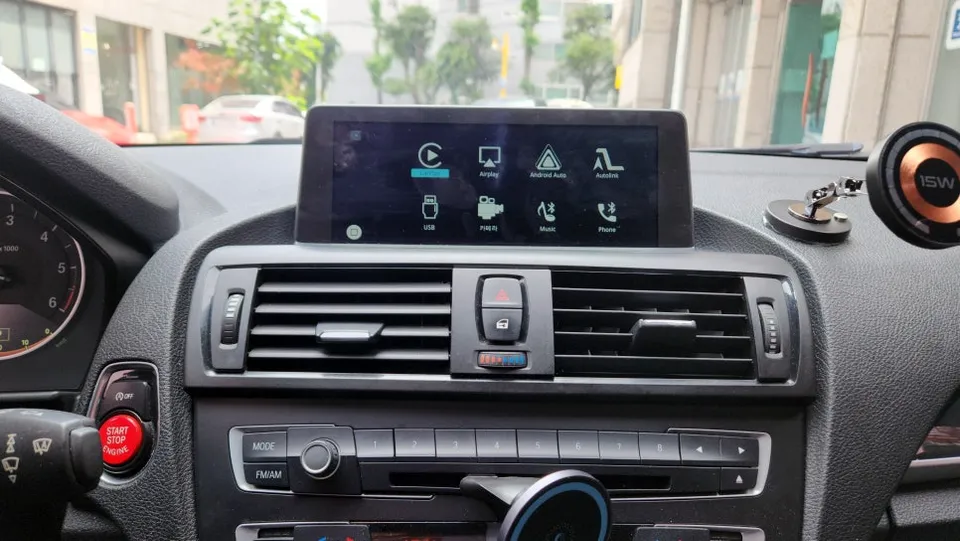
Seamless Smartphone Integration: Apple CarPlay & Android Auto
Once your smartphone is linked, you can select your preferred applications from the main menu. iPhone users can access navigation apps like TMAP, Kakao Navi, or Naver Maps via Apple CarPlay, benefiting from real-time traffic data for optimal routing. Music streaming apps like Melon or Genie are also accessible. Android users enjoy similar convenience with Android Auto, allowing them to use apps such as Kakao Navi, TMAP, or YouTube Music, enhancing the driving pleasure.
While the factory screen doesn't support touch input, all functions are intuitively controlled via the iDrive controller or your smartphone. This method of upgrading the infotainment system is particularly appealing as it enhances functionality without replacing the entire head unit.
Essential Safety Feature: Backup Camera Installation
The BMW 118d F20 Urban Pack, despite its 8.8-inch display, lacks a factory backup camera, creating visibility issues during parking. To address this, a backup camera was precisely installed in the center of the rear license plate area. Now, when you shift into reverse, you can clearly see obstacles around your vehicle, significantly improving parking safety and confidence.
The integration ensures that the backup camera view appears automatically when reversing, seamlessly complementing the new CarPlay/Android Auto functionality. This comprehensive infotainment upgrade makes the BMW 1 Series F20 a more modern and user-friendly vehicle.
Frequently Asked Questions
Q. How much does an Android head unit or CarPlay installation cost for a BMW 1 Series F20?
The cost for a CarPlay/Android Auto module and backup camera installation for a BMW 1 Series F20, as performed in Korea, was approximately $40-80 USD. Typical US installation costs for similar infotainment upgrades can range from $300 to $1000 depending on the complexity and components.
Q. How long does Android head unit installation take on a BMW 1 Series F20?
The installation of a CarPlay/Android Auto module and backup camera typically takes about 3-4 hours. These integrated systems are generally durable and require minimal maintenance beyond ensuring your smartphone software is up-to-date for optimal performance.
Q. Is a CarPlay or Android Auto retrofit worth it for a BMW 1 Series F20?
A CarPlay or Android Auto retrofit is highly recommended for BMW 1 Series F20 owners who want modern smartphone integration and improved parking assistance. The value proposition is strong, offering significant functional upgrades at a reasonable cost compared to replacing the entire head unit.
Q. How is an Android head unit installed in a BMW 1 Series F20?
Installation involves carefully removing the factory monitor, connecting a CarPlay/Android Auto module, and then reinstalling the monitor. A backup camera is also precisely mounted, typically near the license plate. Finally, your smartphone is paired wirelessly with the module.
Q. What is the difference between an Android head unit and a factory infotainment system for a BMW 1 Series F20?
An Android head unit replaces the entire factory system with a new, standalone unit running Android, while a CarPlay/Android Auto retrofit integrates smartphone features into the existing factory screen and iDrive controls. For a BMW 1 Series F20, retrofitting is often preferred to maintain the original aesthetic and iDrive functionality.
OhCar Partner Shop