Mercedes-Benz E220D W213 Android Head Unit Review — Smart Infotai
Service Price
$150+
Estimated price · Actual price may vary by shop
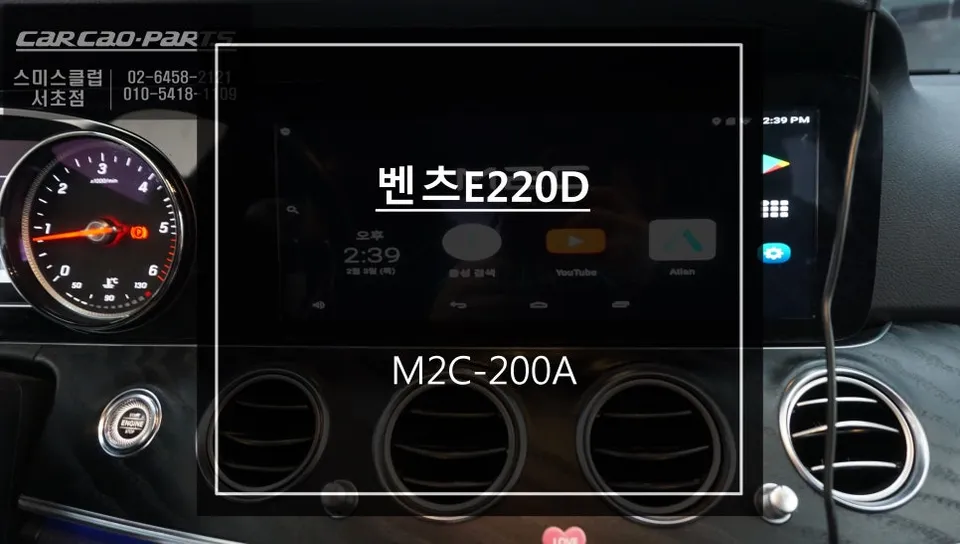
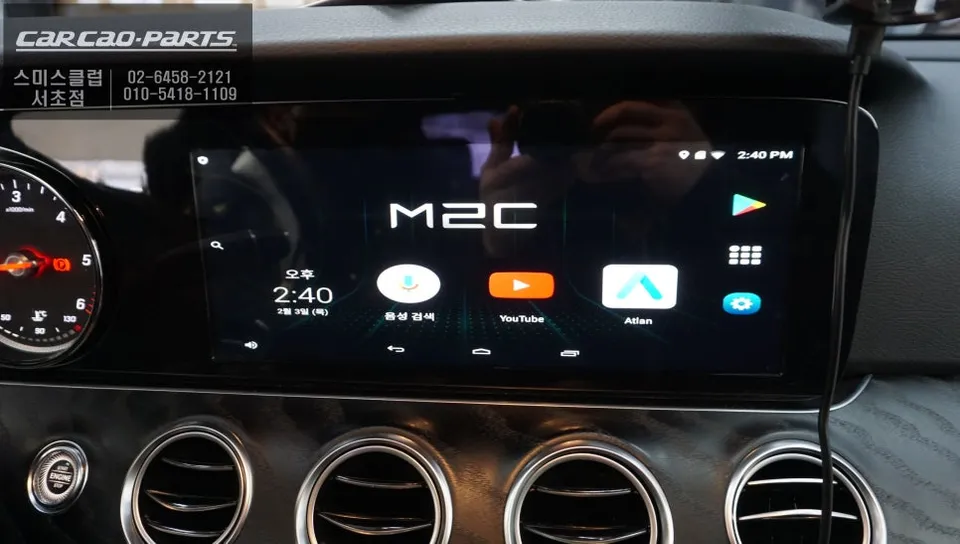
Android all-in-one system on Mercedes-Benz E220D W213: Price not specified. Enjoy smartphone-like app freedom and advanced navigation.
Upgrade Your Mercedes-Benz E220D W213 with an Android All-in-One System
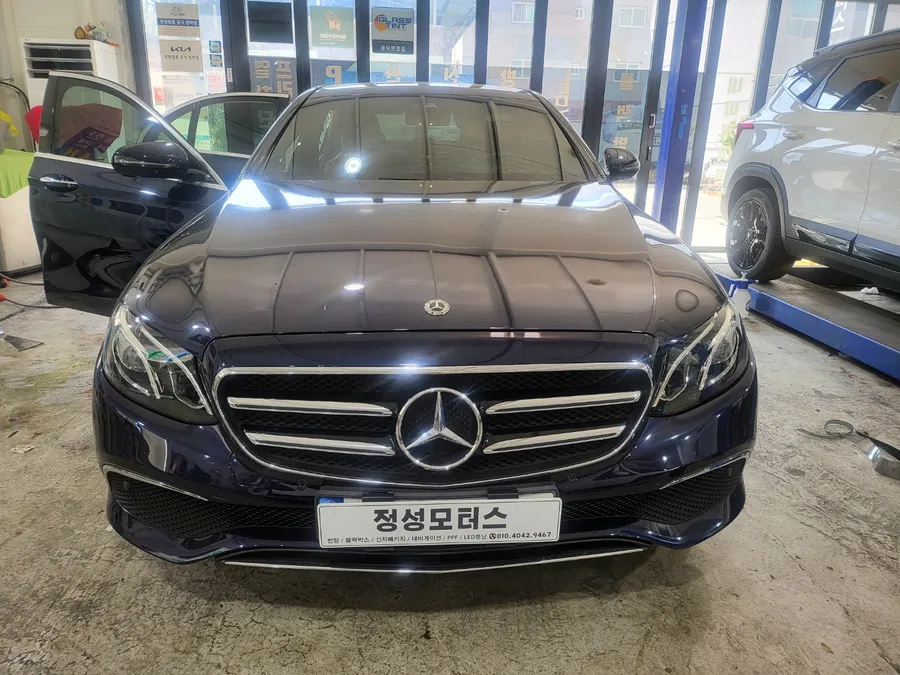
The Mercedes-Benz E220D W213 is a vehicle that offers a premium driving experience, and it can be further enhanced with a modern Android all-in-one system. This upgrade goes beyond a simple navigation replacement; it transforms your car's infotainment into a smart hub, akin to your smartphone, allowing access to a vast array of applications. At our shop, we specialize in installing these advanced Android-based head units for E220D owners, providing a seamless integration that elevates your in-car experience.
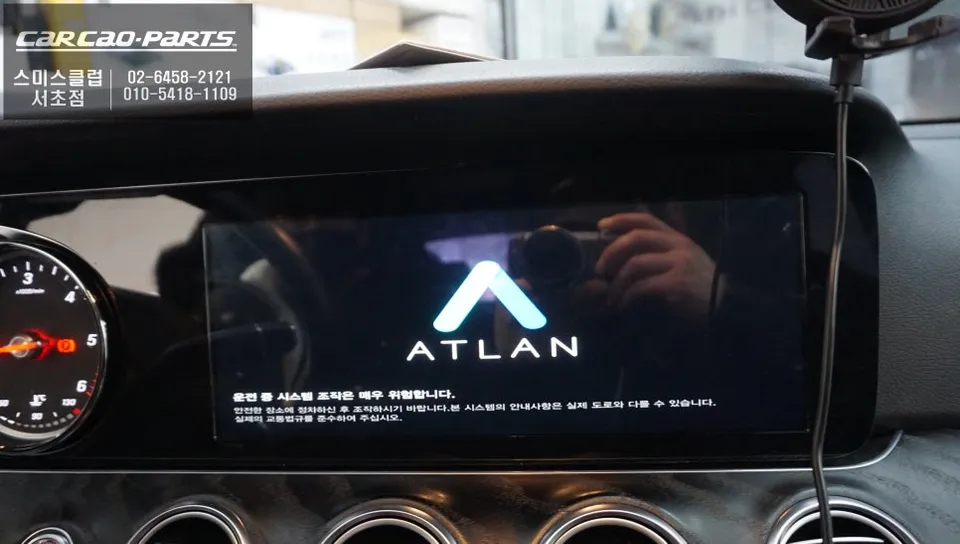
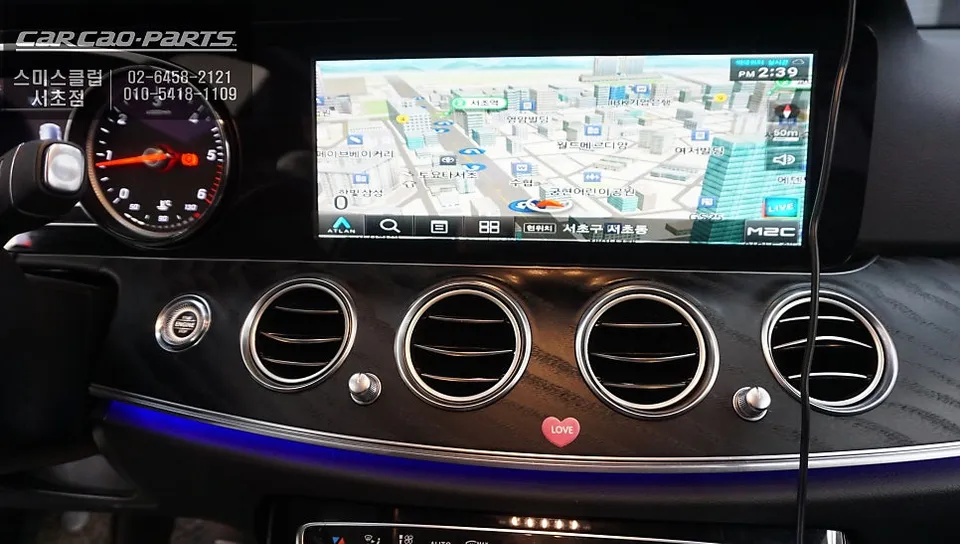
Traditional factory navigation systems are often limited to pre-installed map applications like iGo or TomTom. However, with an Android all-in-one system, you gain the freedom to download and use any navigation app you prefer, such as Google Maps, Waze, or local favorites like T Map and Kakao Map. This means you can enjoy the same level of app flexibility inside your vehicle as you do on your mobile device.
The Android All-in-One System: Features and Benefits
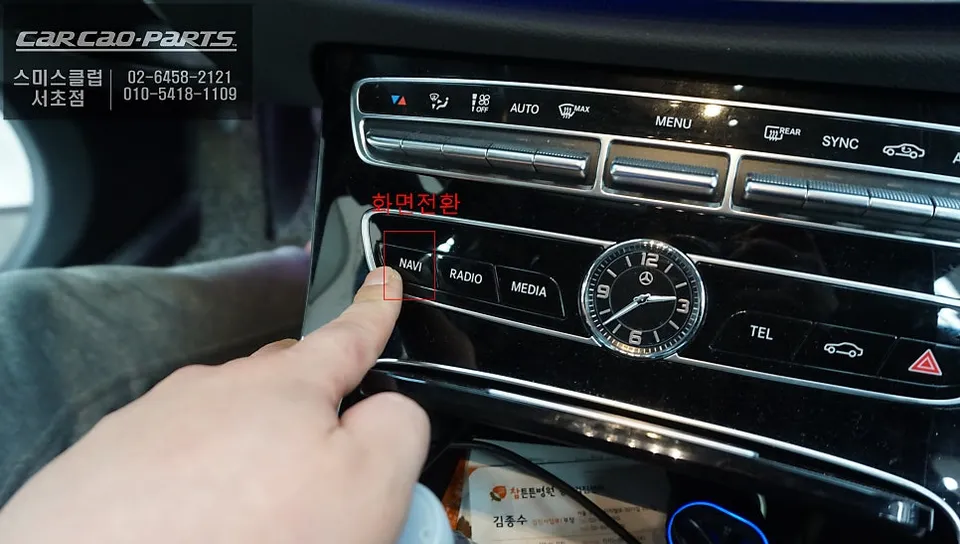
The core of this upgrade is an Android-powered computer that integrates with your car's existing display. It leverages your factory screen's resolution and size while offering significantly enhanced processing power for multimedia and app performance. A key advantage is the preservation of original vehicle functions. Typically, a simple button press (like holding the NAV button for two seconds) allows you to switch between the factory interface and the new Android system. This ensures that all your original car controls and settings remain accessible and functional, maintaining safety and ease of use while driving.
The app ecosystem is where this system truly shines. You can access real-time traffic information with navigation apps, stream music from services like Spotify or Melon, and even enjoy video content from YouTube or Netflix (when safely parked). For long journeys, these entertainment options can significantly reduce passenger boredom and driver fatigue. The system connects to the internet via Wi-Fi, making these online features readily available.
Installation Process: Integrating the Android Head Unit
The installation process for an Android all-in-one system in a Mercedes-Benz E220D W213 requires precision due to the integrated nature of the factory infotainment. Here’s a general overview:
- Initial Inspection and Preparation: We begin by carefully inspecting the vehicle's original monitor and infotainment setup. The battery is disconnected to prevent any electrical damage during the process.
- Disassembly: The center console trim pieces surrounding the factory display are meticulously removed to gain access to the unit and its wiring.
- Wiring Harness Integration: The factory wiring harness is analyzed. A compatible adapter harness is then connected between the car's original wiring and the new Android head unit, ensuring all signals are correctly routed. This step is crucial, especially with complex vehicle communication protocols like CAN-BUS found in Mercedes-Benz vehicles.
- Unit Installation and Testing: The Android head unit is securely installed, and all connections are verified. The system is powered on, and its functionality, including touchscreen responsiveness, app compatibility, and seamless switching with the original system, is thoroughly tested.
Audio Output Considerations
For vehicles like the E220D W213 that may not have an external AUX input, audio from the Android head unit needs to be routed to the car's speakers. There are two primary methods:
1. USB AUX Module: A dedicated USB AUX module can be installed. This module connects directly to the head unit's USB output and provides a physical connection to the car's audio system, often resulting in high-fidelity sound with minimal loss.
2. Bluetooth Pairing: The Android head unit can be paired with the car's factory Bluetooth system, similar to connecting a smartphone. This allows audio to be transmitted wirelessly. While convenient and requiring no physical wiring for audio, Bluetooth audio can sometimes involve slight compression, potentially affecting sound quality compared to a wired connection.
The choice between these methods depends on the specific vehicle configuration and the owner's preference for sound quality versus installation simplicity. The overall cost for such an upgrade typically ranges from approximately 2,000,000 to 3,300,000 Korean Won, depending on the specific head unit model, adapter complexity, and installation labor involved.
Frequently Asked Questions
Q. How much does Android all-in-one system cost for a Mercedes-Benz E220D W213?
The specific price for the M2C-200A Android all-in-one system on a Mercedes-Benz E220D W213 is not mentioned in this review. Typically, Android head unit installations for luxury vehicles like the W213 E-Class can range from $800 to $2,000 in the US, depending on features and installation complexity.
Q. How long does Android all-in-one system last on a Mercedes-Benz E220D W213?
A quality Android all-in-one system, when professionally installed, can last 5-7 years or more, similar to factory infotainment systems. To maximize longevity, ensure proper ventilation around the unit and avoid extreme temperature fluctuations inside the vehicle.
Q. Is Android all-in-one system worth it for a Mercedes-Benz E220D W213?
Yes, an Android all-in-one system is highly worth it for Mercedes-Benz E220D W213 owners seeking modern navigation apps and smartphone-like functionality. It transforms the driving experience by providing access to a wide range of apps, enhancing convenience and entertainment beyond the limitations of the original system.
Kakao Parts