Mercedes-Benz E300 W212 Android Auto Head Unit Review — Knob Dial
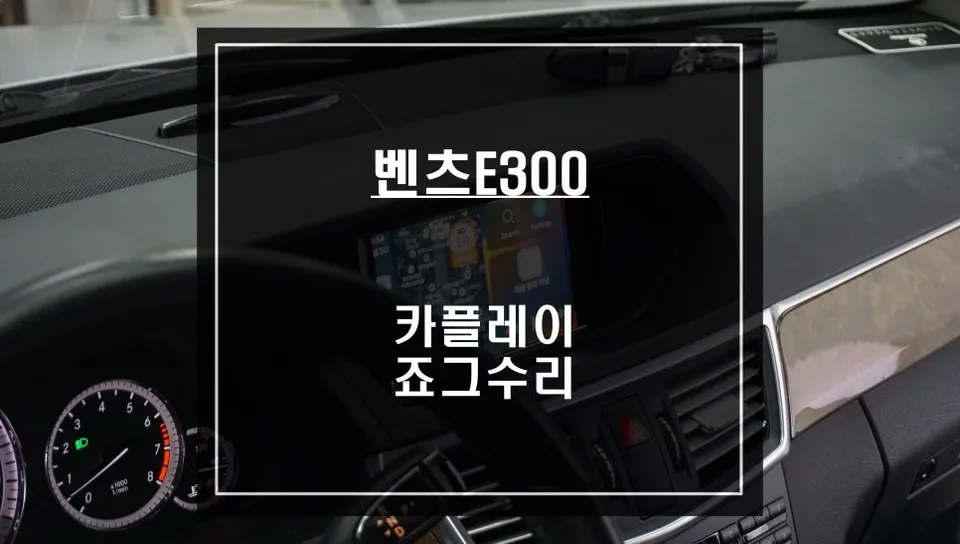
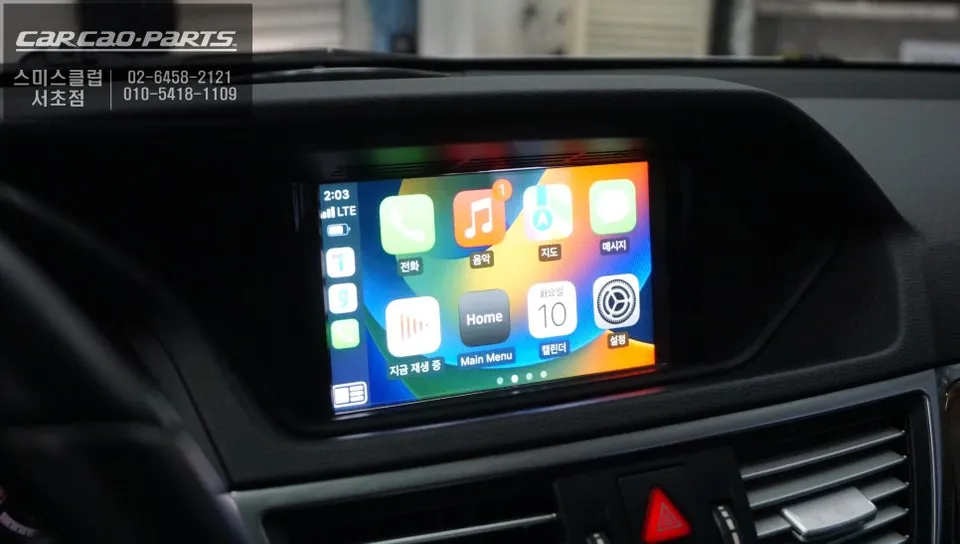
Android all-in-one system on Mercedes-Benz E300 W212: Price not specified. Upgraded infotainment with CarPlay/Android Auto and fixed knob dial.
Upgrading an Older Mercedes with an Android All-in-One System
For owners of older vehicles, the built-in navigation systems can often feel outdated and limiting. This was the case for the owner of a 2011 Mercedes-Benz E300 W212, who found the original NTG-2540 navigation system frustratingly slow and incapable of accessing modern features. The inability to use popular navigation apps like TMAP or KakaoMap was a significant inconvenience. Seeking a solution, the owner visited a specialized car audio shop, deciding on the installation of an Android all-in-one system specifically designed for Mercedes NTG4.0 systems. During the process, a common issue with these vehicles – a broken knob dial shaft – was also identified and repaired simultaneously, offering a comprehensive upgrade.
The Advantages of an Android All-in-One Head Unit
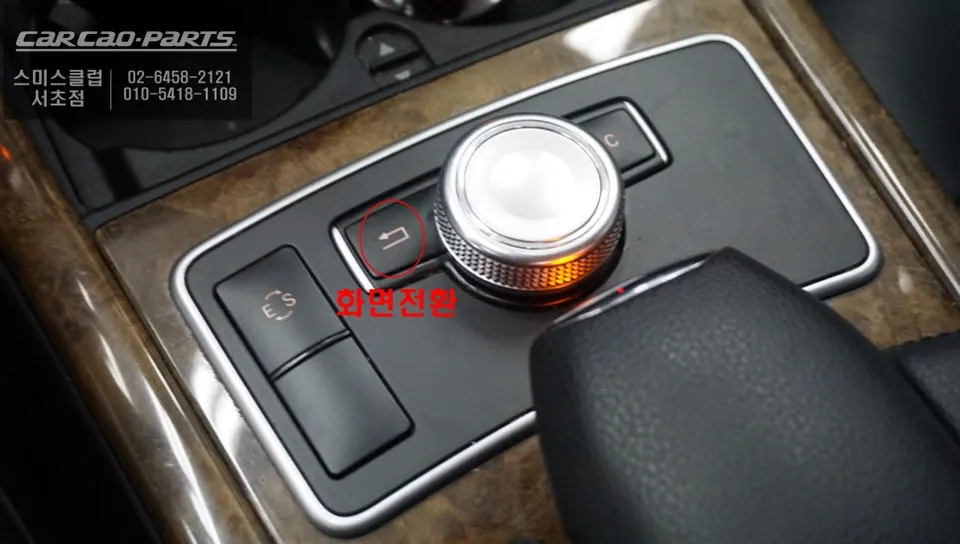
A key benefit of these aftermarket Android head units is that they are designed to integrate seamlessly without altering the vehicle's original wiring harness. This is crucial for modern cars with complex electronic systems, as tampering with factory wiring can lead to unforeseen electronic faults. The installation process ensures the original system remains intact, with the new Android interface accessible via a simple 2-second press of a specific button, allowing for easy switching between the original Mercedes display and the new system.
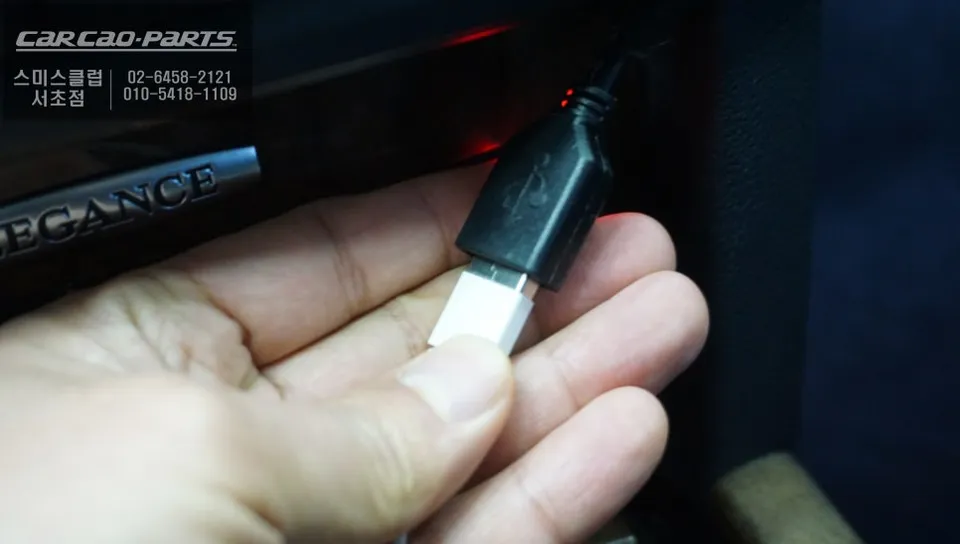
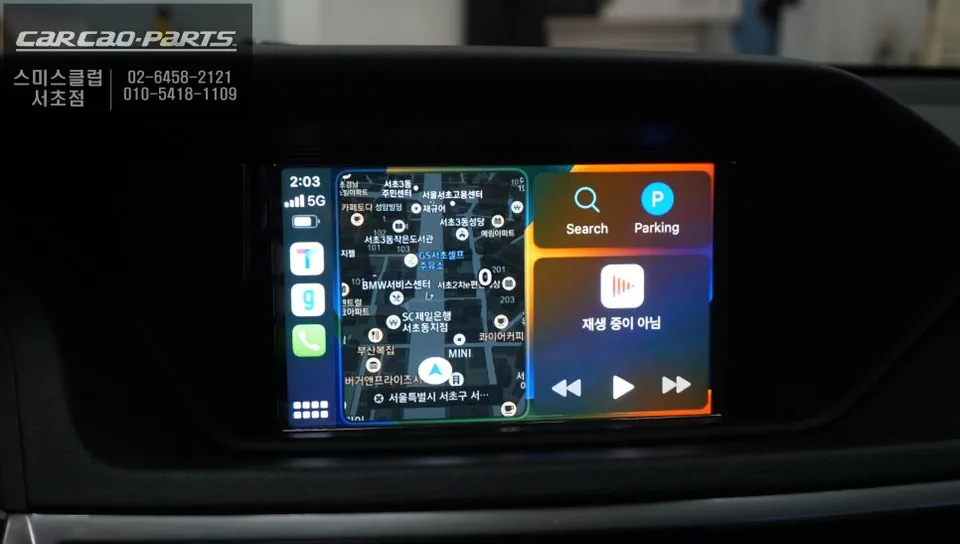
This particular system supports both Android Auto and Apple CarPlay, ensuring compatibility regardless of the smartphone brand. Connection is straightforward: simply plug your smartphone into a dedicated USB port to activate the desired interface. While wireless connectivity is an option, a wired connection is generally recommended for enhanced stability and reliability, especially for critical functions like navigation.
Installation Process:
- The original Mercedes head unit is carefully removed.
- The new Android all-in-one system's wiring harness is connected, ensuring no original wires are cut or modified.
- The system is powered on and tested for basic functionality, including screen display and button controls.
- Smartphone connectivity for Android Auto and Apple CarPlay is verified.
- The broken knob dial shaft is accessed and replaced with a new, durable component.
- All components are reassembled, and a final system check is performed.
Enhanced Navigation and Convenience Features
The primary draw of an Android all-in-one system is the ability to use familiar mobile navigation apps directly on the car's display. Unlike the outdated maps of the original system, apps like TMAP and KakaoMap provide real-time traffic data, offering optimized routes and accurate arrival times. This significantly improves the driving experience, especially during peak hours or long journeys.
While the system may not feature a touch-sensitive screen, navigation and control are made effortless through voice commands and the original steering wheel buttons. Commands like "Set destination" or "Turn left at the next signal" are processed accurately. The owner found this voice-activated control to be a safer alternative to interacting with a touchscreen while driving.
An unexpected bonus of this upgrade is the automatic integration of the PAS (Parking Assist System) rearview camera with dynamic parking lines. This feature displays the vehicle's projected path based on steering wheel input, making parking maneuvers significantly easier, especially in tight spaces. For a 2011 model year vehicle, this added functionality was a welcome surprise.
Addressing the Common Mercedes Knob Dial Shaft Issue
During the installation, it was discovered that the rotary knob (jog shuttle) on the center console was malfunctioning. While directional inputs worked, the rotational function, used for volume control and scrolling, was inoperable. This is a known and frequent issue in many Mercedes-Benz vehicles. Upon disassembly, the cause was identified as a broken metal shaft within the knob mechanism.
Despite being made of metal, these shafts are prone to breaking due to material fatigue and the cumulative stress from years of use. Over time, even seemingly minor rotational forces can create micro-fractures that eventually lead to complete failure. Once broken, this component permanently loses its functionality.
The repair involved replacing the broken metal shaft with a new, high-quality OEM-equivalent part. It's important to use reliable replacement parts, as cheaper alternatives may fail again within months. Given the age of the vehicle, sourcing the correct part can be challenging, but a strong network of suppliers can ensure the availability of appropriate components for a lasting repair.
Frequently Asked Questions
Q. How much does Android all-in-one system cost for a Mercedes-Benz E300 W212?
This review does not specify the exact cost for the Mercedes-Benz E300 W212 Android all-in-one system. Typically, these systems can range from $500 to $1500 in the US, depending on features and installation complexity.
Q. How long does Android all-in-one system last on a Mercedes-Benz E300 W212?
An Android all-in-one system can last 5-7 years or more with proper installation and care. To ensure longevity, avoid extreme temperatures and keep the software updated regularly.
Q. Is Android all-in-one system worth it for a Mercedes-Benz E300 W212?
Yes, it is highly worth it for owners of older Mercedes-Benz E300 W212 models seeking modern navigation and smartphone integration. It significantly enhances the driving experience by providing access to real-time maps and media apps.
Kakao Parts