Mercedes-Benz E300 Android Auto Head Unit Upgrade Review
Service Price
$115–150
Estimated price · Actual price may vary by shop
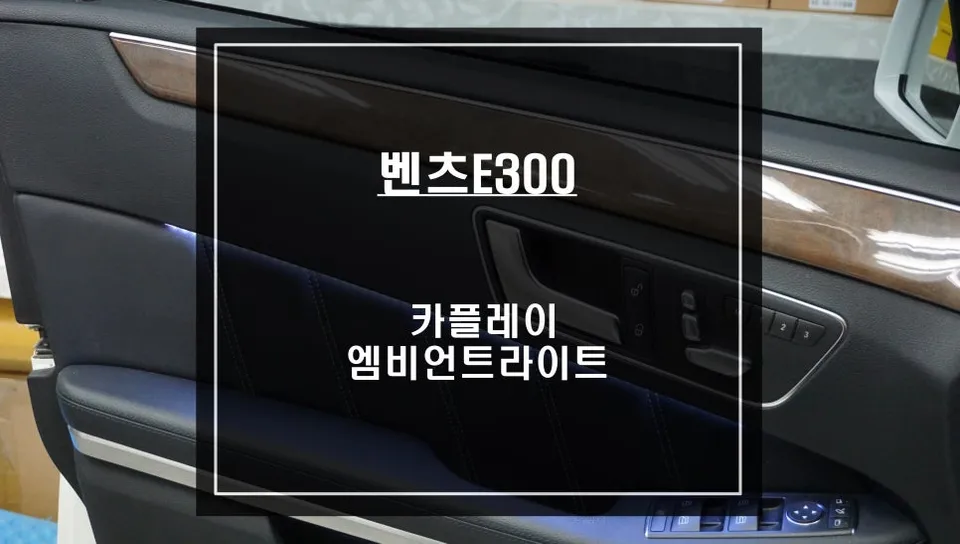
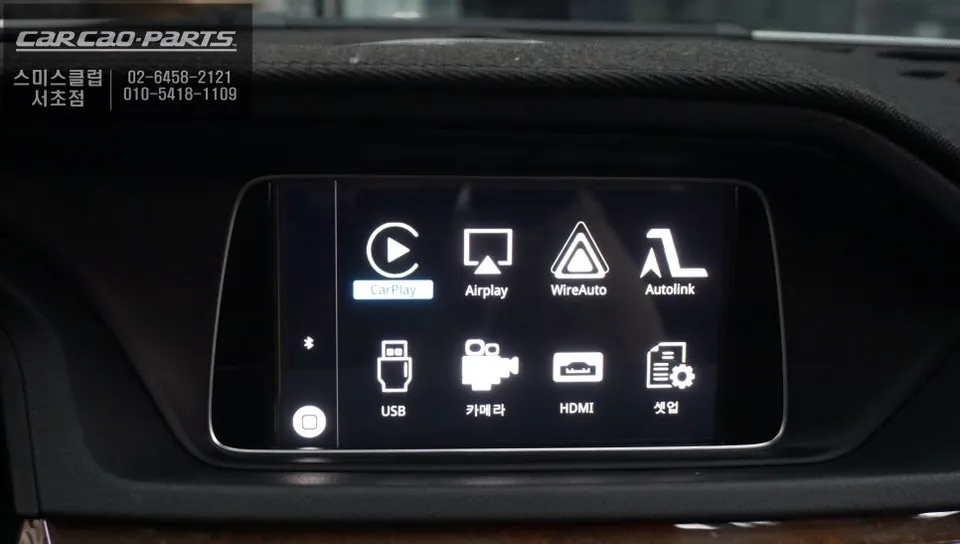
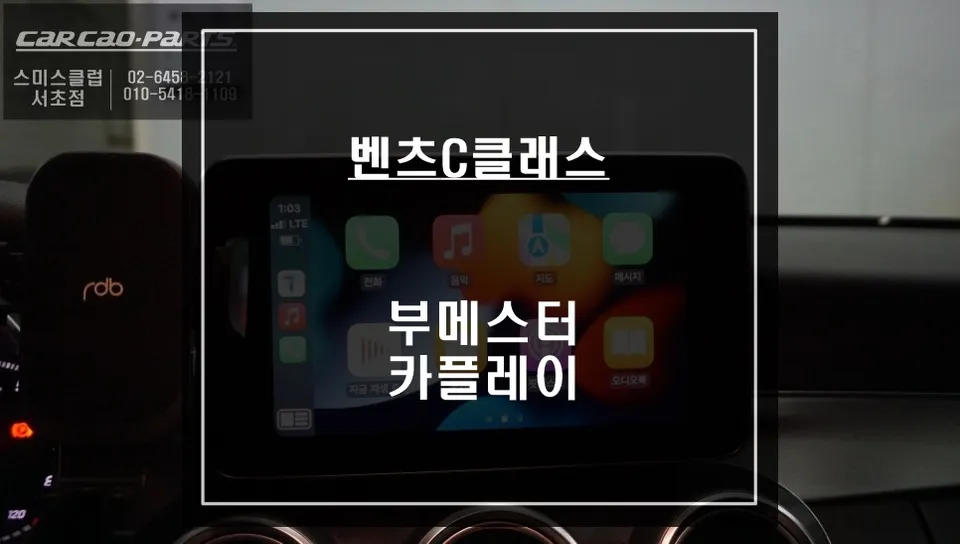
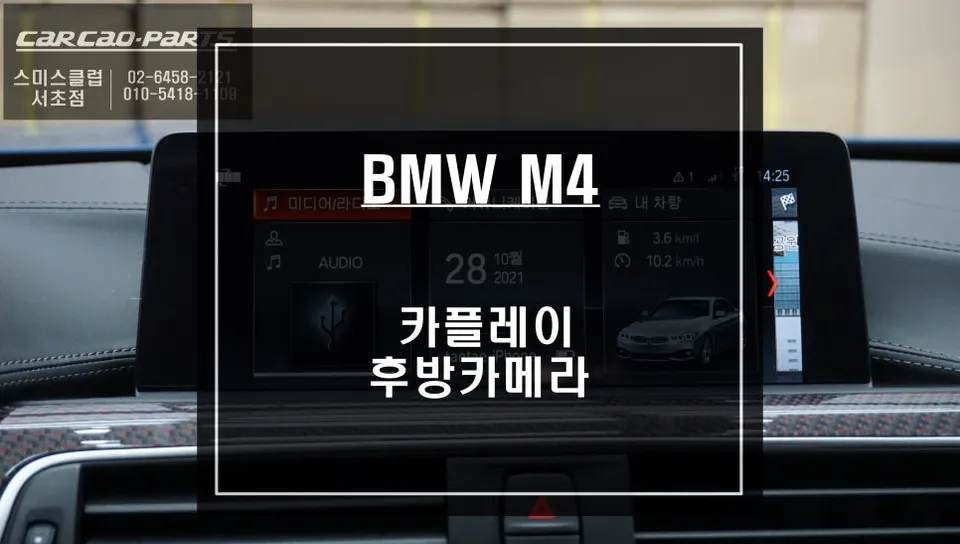
Mercedes-Benz E300 W213 Android Auto head unit upgrade provides seamless smartphone navigation. Installation by Today's Car Gangnam.
Tired of Your Mercedes-Benz E300's Stock Navigation? Upgrade to Android Auto!
Many Mercedes-Benz E300 W213 owners find the factory navigation system lacking in today's connected world. The convenience of smartphone navigation apps like TMAP and KakaoMap, with their real-time traffic updates and user-friendly interfaces, makes the stock system feel outdated. If you're experiencing frustration with slow updates and limited functionality, upgrading to an Android Auto compatible head unit is the solution. This review details a recent installation at Today's Car Gangnam, showcasing how this upgrade transforms the driving experience.
Android Auto vs. Factory Navigation: A Clear Winner
The primary difference lies in data and responsiveness. Your Mercedes-Benz's factory navigation relies on pre-loaded maps that are updated infrequently, often missing new roads or traffic changes. In contrast, an Android Auto system mirrors your smartphone's navigation apps, providing access to live traffic data. This means you always get the most accurate and fastest routes, dynamically adjusting to real-time congestion.
The voice guidance quality also sees a significant improvement. Factory systems can sound robotic and struggle with complex commands. Android Auto, however, uses the natural voice recognition and audio output of your smartphone apps, making navigation instructions clearer and less distracting. This seamless integration allows you to focus more on driving.
How the Android Auto Module Works
The Android Auto module for the Mercedes-Benz E300 W213 connects directly to the factory monitor via LVDS cable. This ensures a high-definition video signal without loss of quality, unlike simpler mirroring solutions. The system is designed to integrate cleanly, preserving the original wiring harness through "plug-and-play" connectors. This means no permanent modifications are made to your car's electrical system, allowing for a straightforward return to the factory setup if desired.
While the system supports both Android Auto and Apple CarPlay, a wired connection is highly recommended for stability. Wireless connections can be prone to signal drops, which can be hazardous while driving. Connecting via the dedicated USB port ensures a consistently reliable performance.
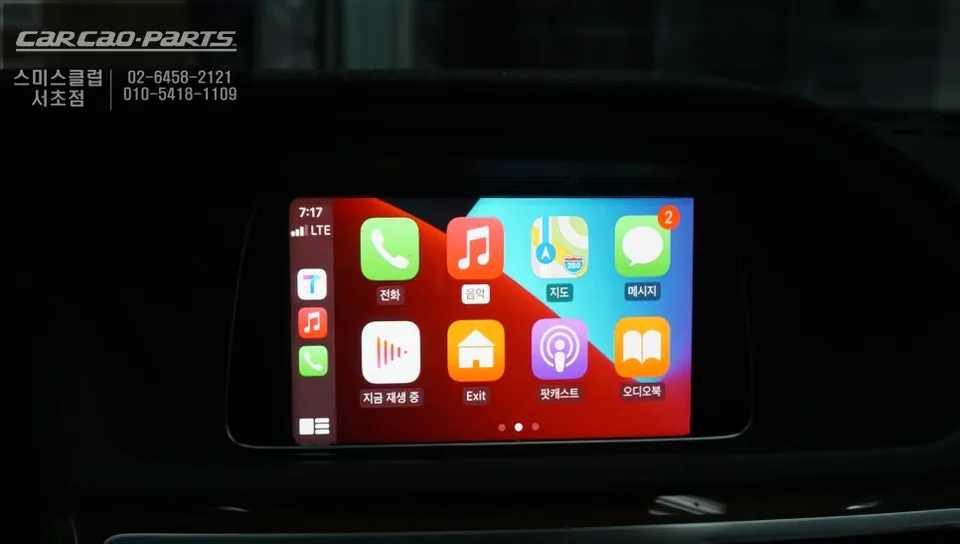
Mercedes-Benz E300 Android Auto Installation Case Study
The E300 featured in this case study suffered from the limitations of its stock navigation. The primary goal was to enable real-time traffic data and access to preferred smartphone navigation apps on the car's integrated display.
The installation process involves carefully integrating the new module into the existing dashboard structure, utilizing the space of the original navigation unit. Precision is key when connecting the module to the factory wiring harness to ensure full compatibility and prevent any damage.
Installation Process:
- Access and remove the factory navigation module.
- Connect the Android Auto module using plug-and-play harnesses.
- Route necessary cables (e.g., USB) to accessible locations like the center console.
- Secure the module and reassemble the dashboard trim.
- Test system functionality and connectivity.
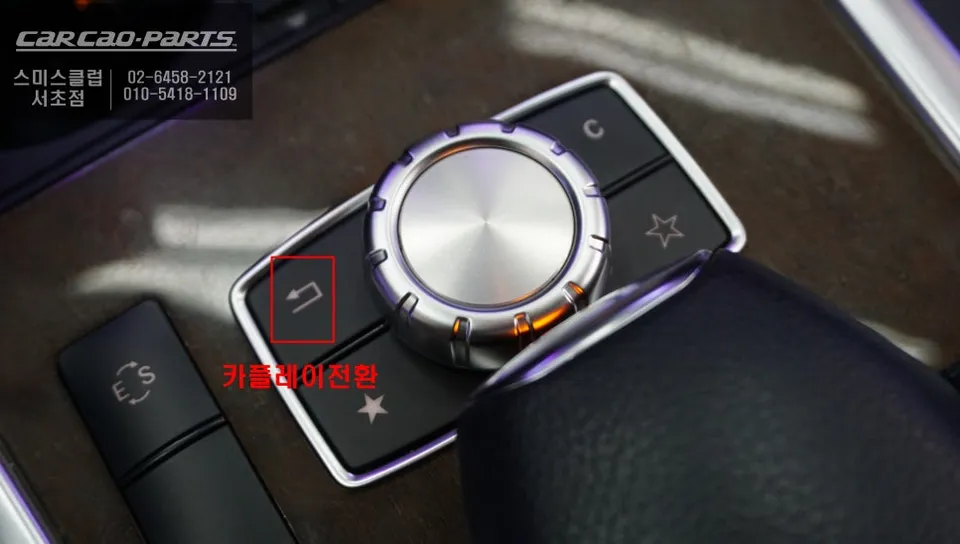
After installation, switching to the Android Auto interface is typically done by holding the factory 'Return' button for a few seconds. Once activated, simply plug your smartphone into the designated USB port. The car's monitor will then display your chosen navigation app, such as TMAP or KakaoMap. While direct touchscreen control isn't usually supported, you can effortlessly navigate using the steering wheel controls and voice commands. Simply speak your destination or commands, and the system will process them through your connected smartphone.
Audio output for navigation prompts is delivered through the car's existing sound system. Ensure your car's audio is set to the AUX input source to hear the navigation directions clearly.
Frequently Asked Questions
Q. How much does an Android all-in-one system cost for a Mercedes-Benz E300 W213?
The installation at Today's Car Gangnam for this Mercedes-Benz E300 W213 was performed as part of a review, with pricing typically ranging from $500 to $1500 USD depending on the specific module and features.
Q. How long does an Android all-in-one system last on a Mercedes-Benz E300 W213?
These systems are designed for long-term use, often lasting the lifespan of the vehicle with proper installation. Regular software updates for the module and your smartphone apps are recommended for optimal performance.
Q. Is an Android all-in-one system worth it for a Mercedes-Benz E300 W213?
An Android all-in-one system is highly recommended for E300 owners who frequently use smartphone navigation apps, as it significantly enhances convenience and access to real-time traffic data.
Q. How is an Android all-in-one system done on a Mercedes-Benz E300 W213?
1. The factory navigation module is accessed and removed. 2. The new Android Auto module is connected using plug-and-play harnesses. 3. Necessary cables are routed, and the module is secured before reassembling the dashboard.
Q. What is the best Android all-in-one system option for a Mercedes-Benz E300 W213?
For the Mercedes-Benz E300 W213, a module that offers seamless integration with the factory screen and supports wired Android Auto/Apple CarPlay connections provides the most stable and reliable user experience.
Kakao Parts