Mercedes-Benz GLC 300 Android Head Unit Review — Seamless Integra
Service Price
$150+
Estimated price · Actual price may vary by shop
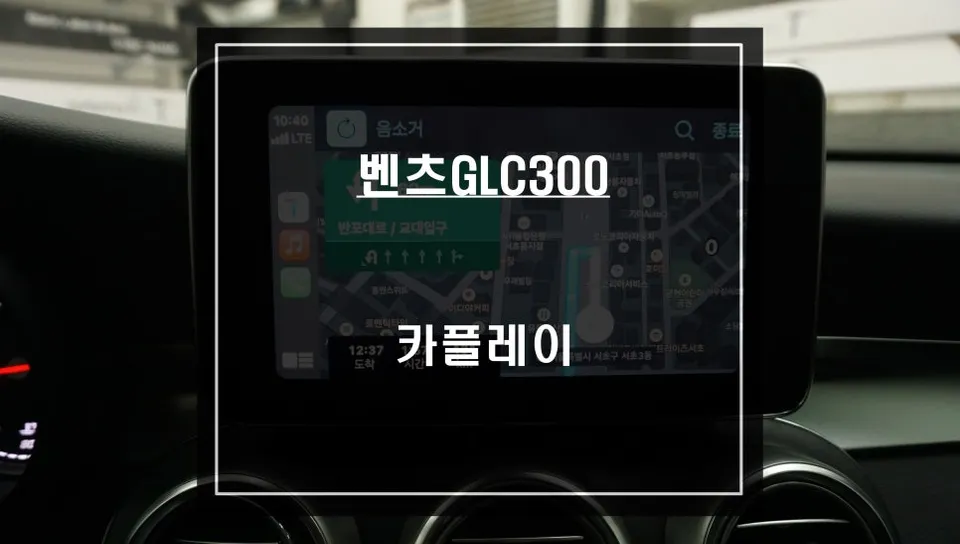
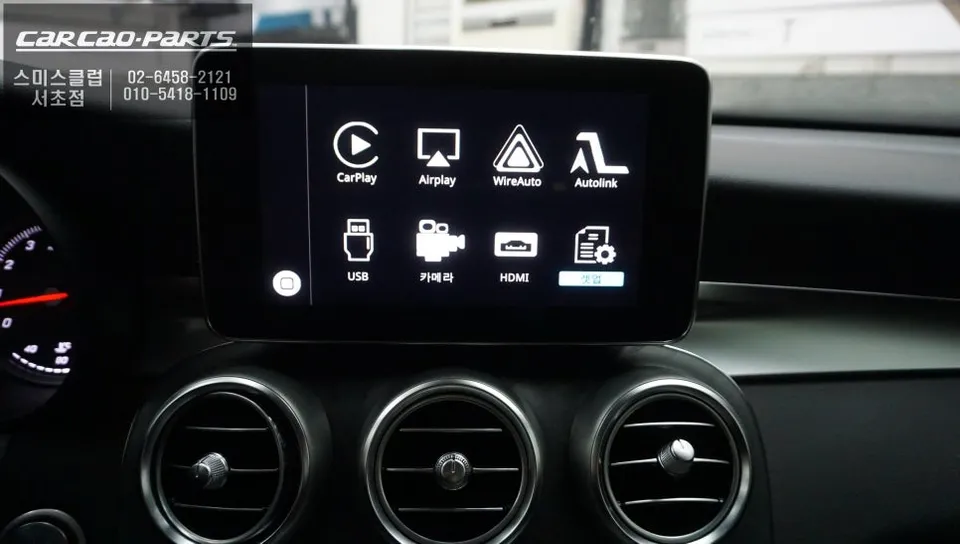
Mercedes-Benz GLC 300 Android Head Unit upgrade offers seamless TMAP/KakaoMap integration and enhanced multimedia via jog dial control. Experience a s
Escape Your Stock Navigation with an Android Head Unit Upgrade for Your Mercedes-Benz GLC 300
Feeling limited by your Mercedes-Benz GLC 300's factory navigation system? If you crave the real-time traffic data and intuitive routing of apps like TMAP and KakaoMap, an Android head unit upgrade is the solution. This guide details the process of seamlessly integrating a modern Android system into your GLC 300, transforming your driving experience.
Pre-Installation: Vehicle Inspection and Compatibility Check
The first crucial step before any installation is a thorough inspection of your Mercedes-Benz GLC 300 and confirmation of system compatibility. We meticulously examine the factory monitor's specifications, the LVDS signal structure, and the existing wiring harness. Understanding the original wiring diagrams is essential to prevent any damage during the process.
At our facility, we utilize specialized Android head unit modules designed specifically for Mercedes-Benz vehicles. The core technology employed is the "LVDS high-definition method." This technique transmits low-voltage signals, allowing the Android system's interface to be integrated with the same visual clarity as your original navigation. Unlike simpler analog signal transfers, this digital approach ensures minimal to no loss in picture quality.
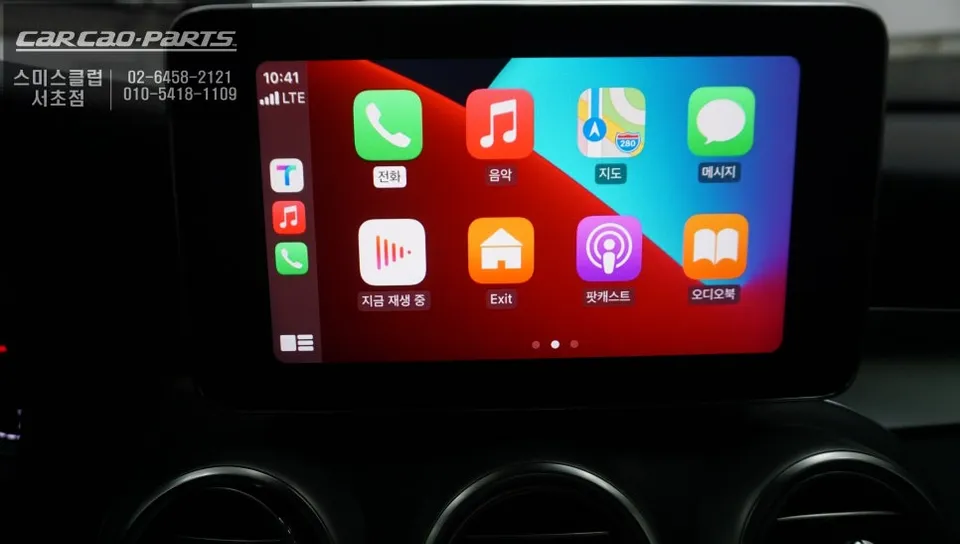
Installation: Module Integration and Factory Wiring Preservation
Wiring is perhaps the most delicate aspect of the installation. The goal is to connect the Android head unit's signals without compromising the integrity of your Mercedes-Benz's original wiring. We employ a "plug-and-play" (or "splice-free") installation method. This involves using a signal distribution board that splits the signals from the original wiring without cutting any wires.
The next stage involves connecting the monitor and the Android module using LVDS cables. To minimize signal loss and potential interference (EMI) within the vehicle's environment, cable lengths are kept to a minimum, and careful routing is planned. Professional installation also includes using color-coded tape to clearly distinguish between factory and new wiring, ensuring a clean and organized setup.
Post-Installation: Coding and Feature Activation
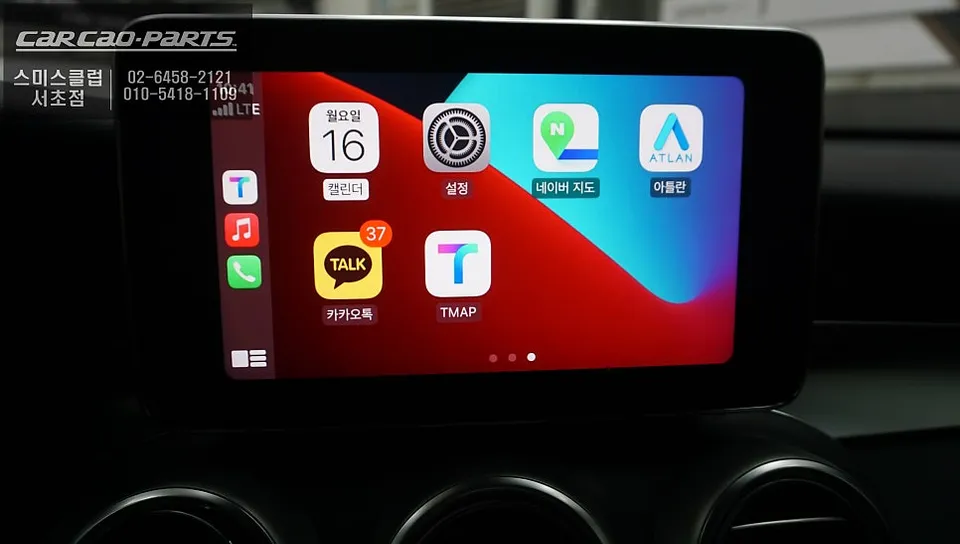
Once the hardware is physically installed, software coding is necessary to enable full functionality. For the Mercedes-Benz GLC 300, this involves programming the system so that a long press of the "Return" button seamlessly switches the display to the Android interface. This is more than simple button mapping; it involves controlling the vehicle's CAN BUS signals for a truly integrated experience.
Activating voice control integration is another key step. We code the system to route the Android unit's voice commands through your car's speakers via the AUX input. This ensures that when you say, "TMAP, set route to Gangnam Station," the response comes clearly through your Mercedes-Benz audio system, not just a generic Bluetooth connection.
Control Methods: Jog Dial vs. Touchscreen
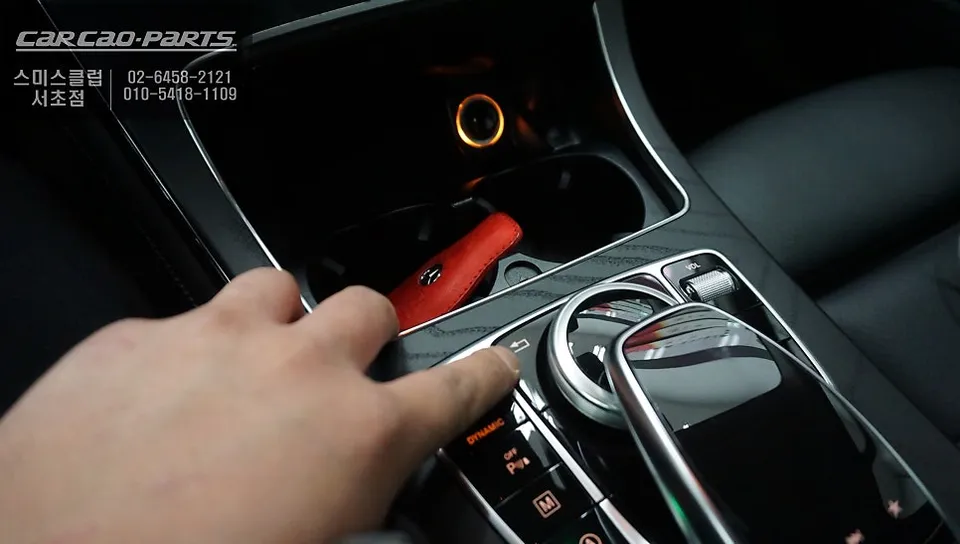
While most Android head units are designed for touchscreen operation, the Mercedes-Benz GLC 300's original screen lacks this capability. Our integrated solution utilizes the vehicle's existing rotary dial and steering wheel buttons for navigation and control. This is why using a Mercedes-Benz specific module is essential.
Operating TMAP or KakaoMap with the jog dial is surprisingly intuitive. You can search for destinations, issue voice commands, and control media playback all using the dial. The absence of touch input is compensated by the enhanced accuracy of voice commands, making navigation effortless even while driving.
Mirroring and Multimedia Integration
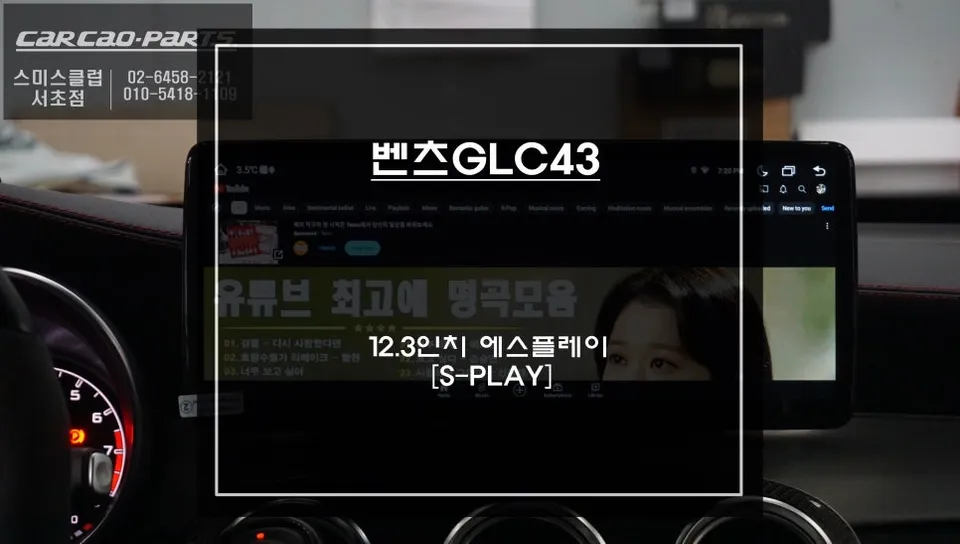
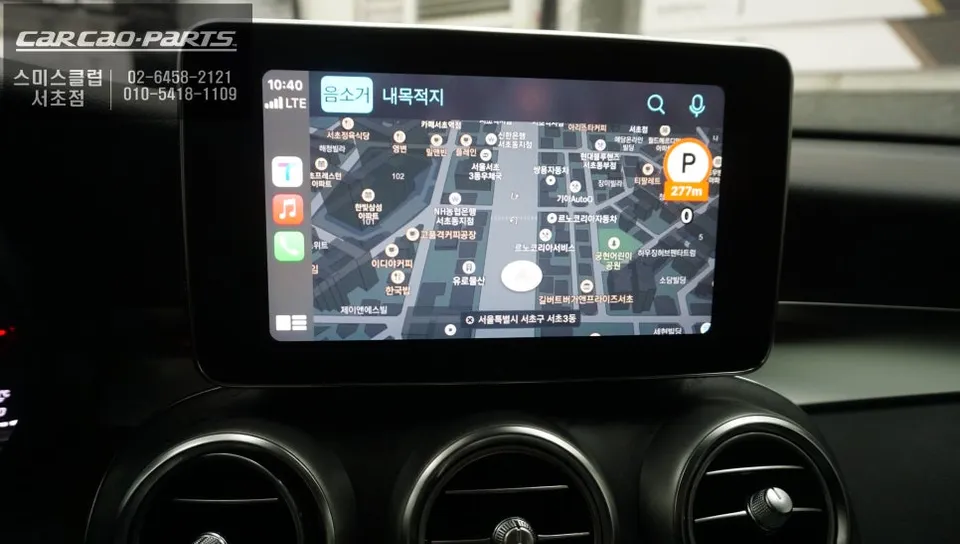
A highly appreciated feature after installation is screen mirroring. This allows your smartphone's display to be shown directly on the car's monitor. While the factory screen's resolution isn't tablet-grade, seeing your navigation apps or YouTube Music interface on the larger display significantly enhances convenience and entertainment.
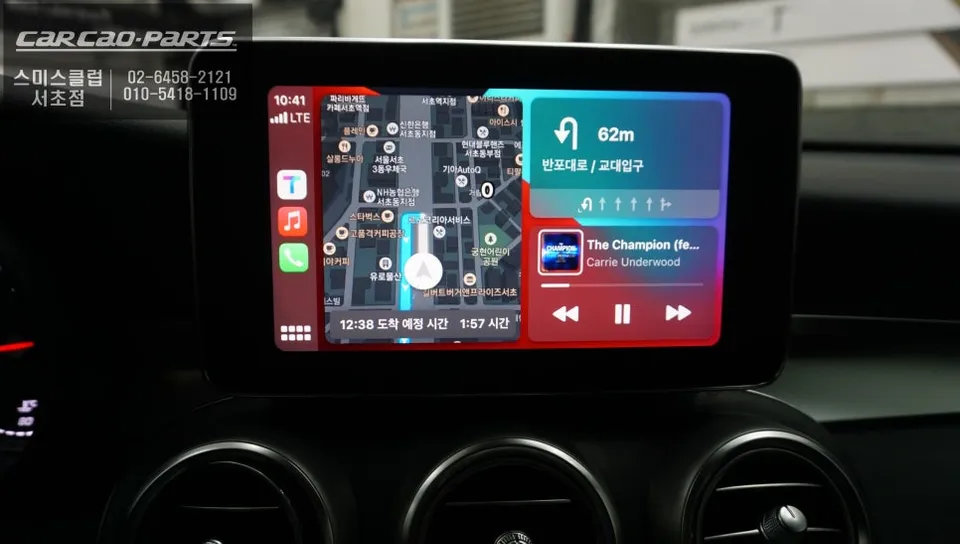
Streaming music also feels more integrated. The Android head unit allows for seamless playback of your favorite music services directly through the car's audio system, offering a superior listening experience compared to basic Bluetooth streaming.
Frequently Asked Questions
Q. How much does an Android Head Unit upgrade cost for a Mercedes-Benz GLC 300?
The Android Head Unit upgrade for a Mercedes-Benz GLC 300 typically ranges from ₩800,000 to ₩1,500,000 in Korea. In the US, similar professional installations can range from $600 to $1200 USD.
Q. How long does the Android Head Unit installation take for a Mercedes-Benz GLC 300?
The installation process for an Android Head Unit in a Mercedes-Benz GLC 300 usually takes between 2 to 4 hours. Regular maintenance involves ensuring software is up-to-date and checking connections periodically.
Q. Is an Android Head Unit upgrade worth it for a Mercedes-Benz GLC 300?
An Android Head Unit upgrade is highly beneficial for Mercedes-Benz GLC 300 owners who frequently use navigation apps like TMAP or KakaoMap and desire modern smartphone integration. It significantly enhances the infotainment system's functionality and user experience.
Q. How is the Android Head Unit installed in a Mercedes-Benz GLC 300?
1. The factory monitor is carefully removed to access wiring. 2. A specialized LVDS cable connects the factory screen to the new Android module. 3. The module is integrated using a plug-and-play harness that doesn't cut factory wires. 4. Software coding activates the new interface and features, controlled via the original jog dial.
Q. What is the difference between an Android Head Unit and screen mirroring for a Mercedes-Benz GLC 300?
An Android Head Unit replaces or integrates with your car's existing system to run Android apps directly, offering full functionality and control via the car's interface. Screen mirroring simply displays your phone's screen on the car's display, with limited interaction.
Kakao Parts