Mercedes-Benz GLC Android Head Unit Review: Cost & Results
Service Price
$approx. $1,500+
Estimated price · Actual price may vary by shop
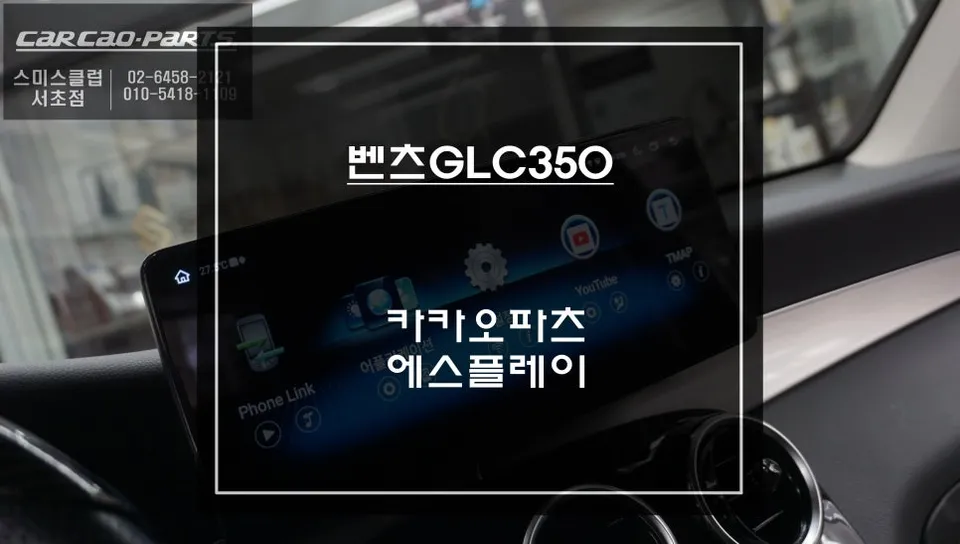
Mercedes-Benz GLC Android head unit upgrade: Approx. ₩1,000,000-₩1,500,000. Offers full app access & dual control.
Upgrade Your Mercedes-Benz GLC's Infotainment System
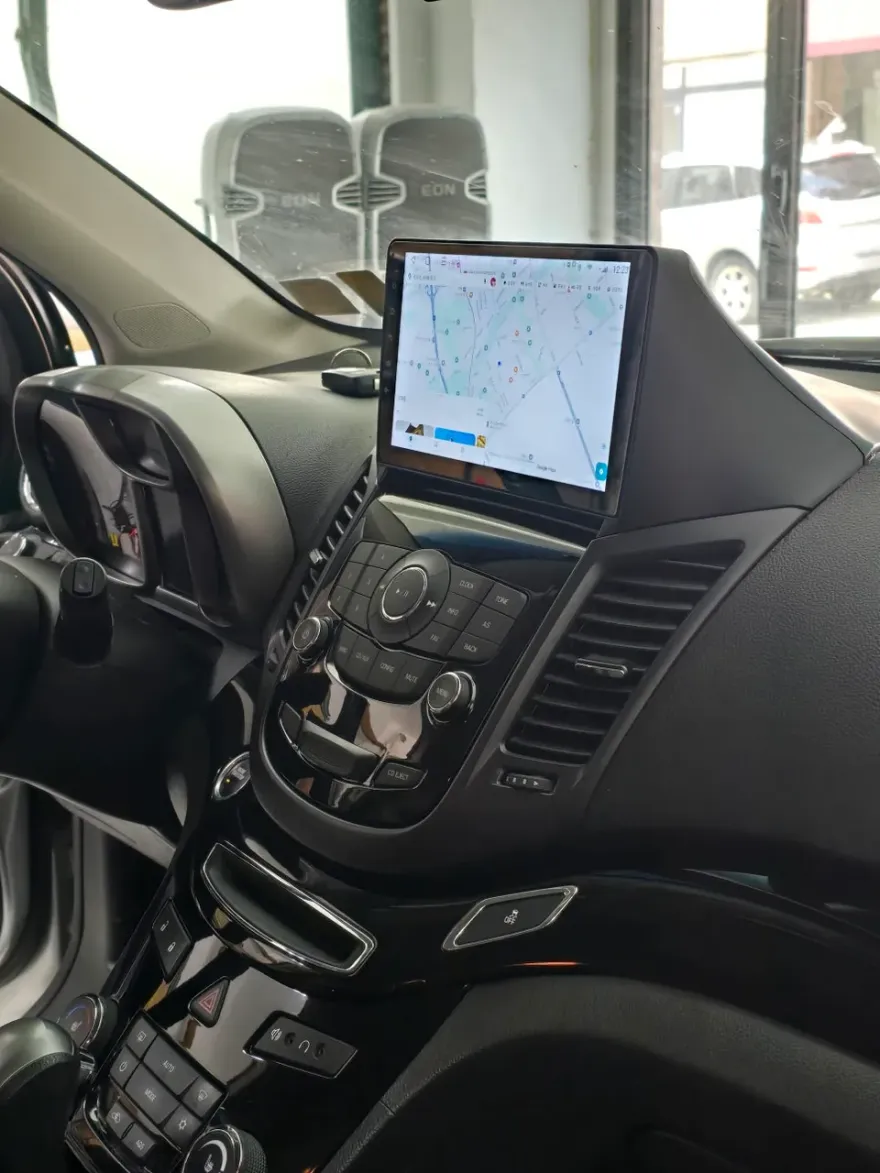
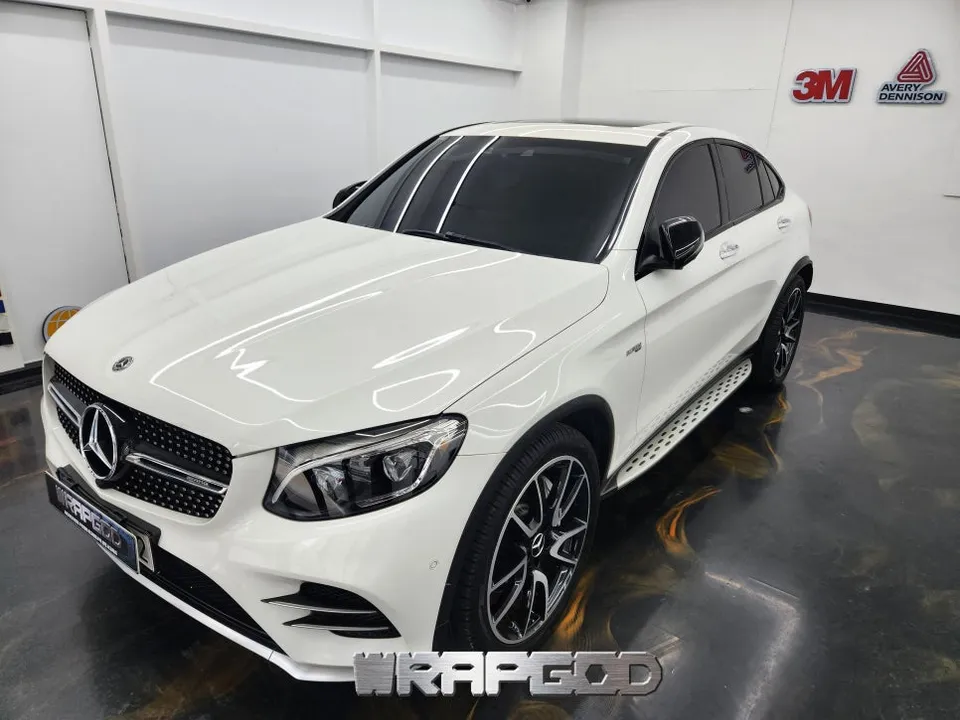
Many modern luxury vehicles, like the Mercedes-Benz GLC350, come equipped with integrated navigation systems. However, real-world use often reveals limitations. Stock navigation data can become outdated quickly, and the user interface might feel clunky, lacking the responsiveness and features we've come to expect from smartphones. The desire to seamlessly integrate familiar apps like TMAP or Kakao Navi directly into the car's display is a common frustration. This review explores an Android head unit replacement that directly addresses these shortcomings, transforming the GLC's infotainment experience.
Why Choose an Android Head Unit for Your GLC?
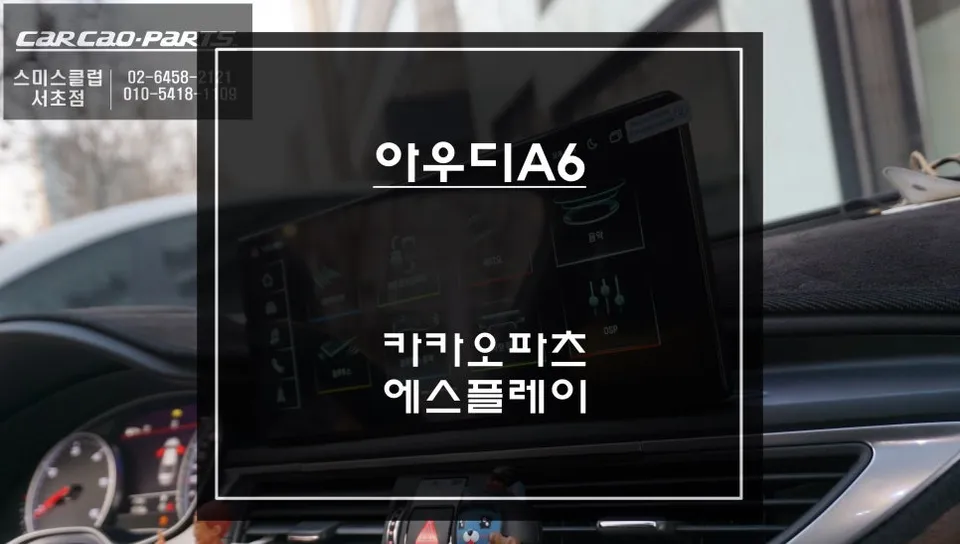
When considering an infotainment upgrade for a Mercedes-Benz GLC, there are typically two main paths: adding Apple CarPlay or Android Auto functionality to the existing system, or replacing the entire factory display with a new Android-based unit. This installation focuses on the latter, offering a more comprehensive transformation. While CarPlay/Android Auto essentially mirrors your smartphone screen, a full Android head unit turns your car's dashboard into a smart device. This allows direct installation of virtually any app from the Google Play Store – navigation, streaming services, music apps, and more – providing a tablet-like experience within your vehicle.
[IMAGE_1]
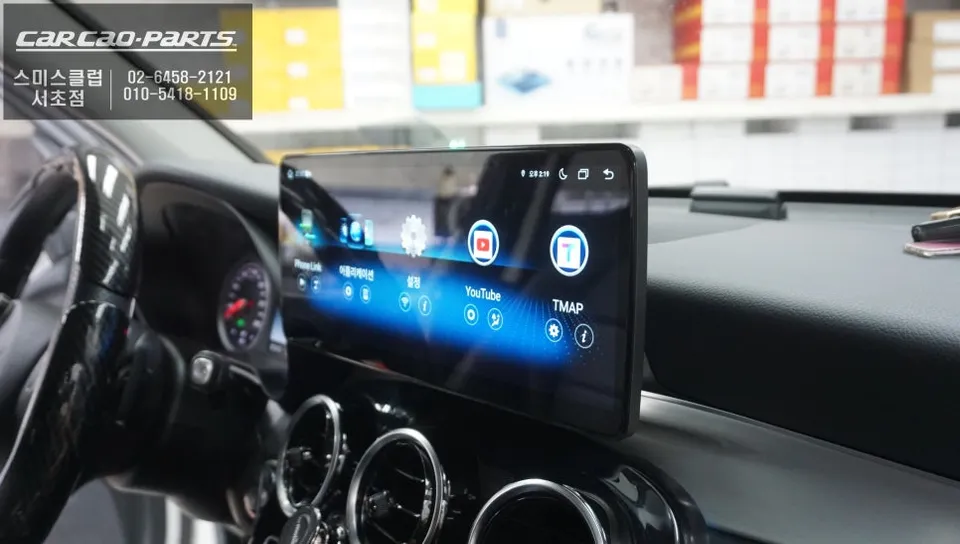
The 12.3-inch S-PLAY Android Monitor Advantages
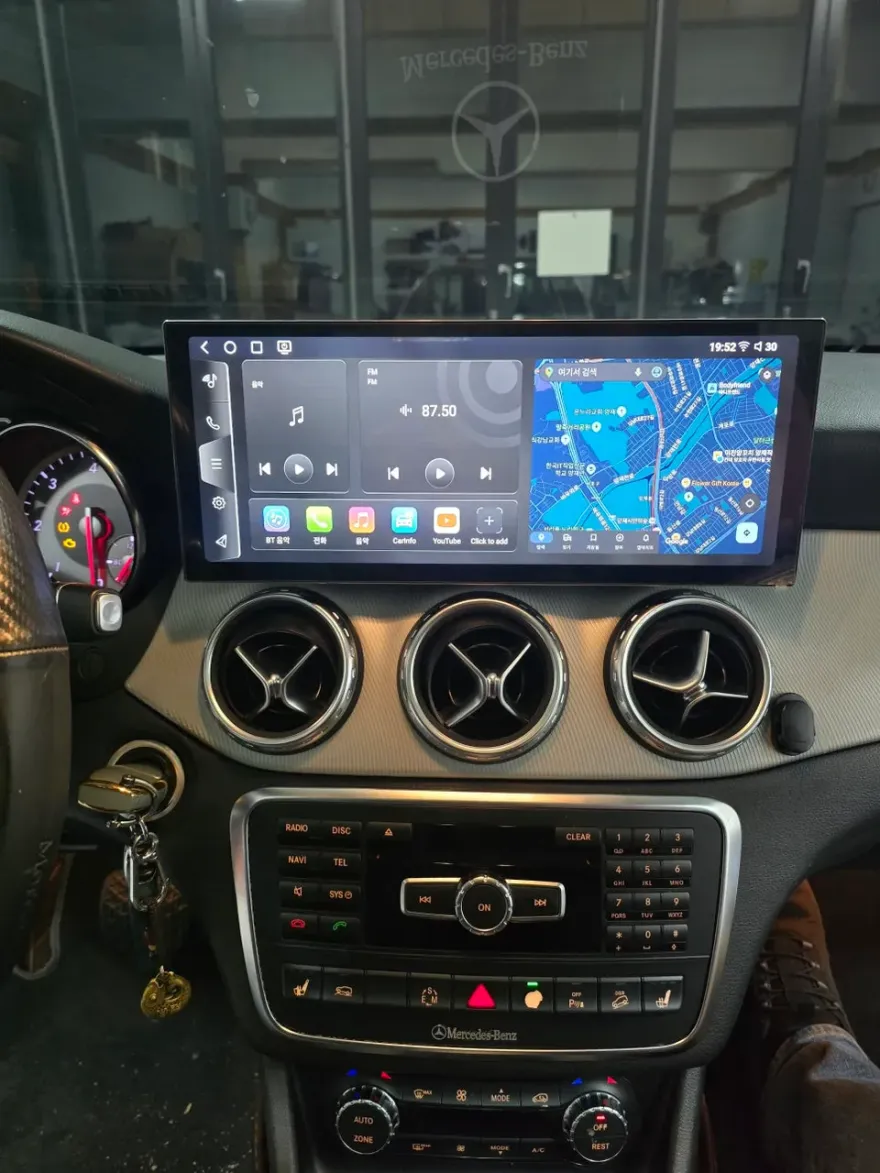
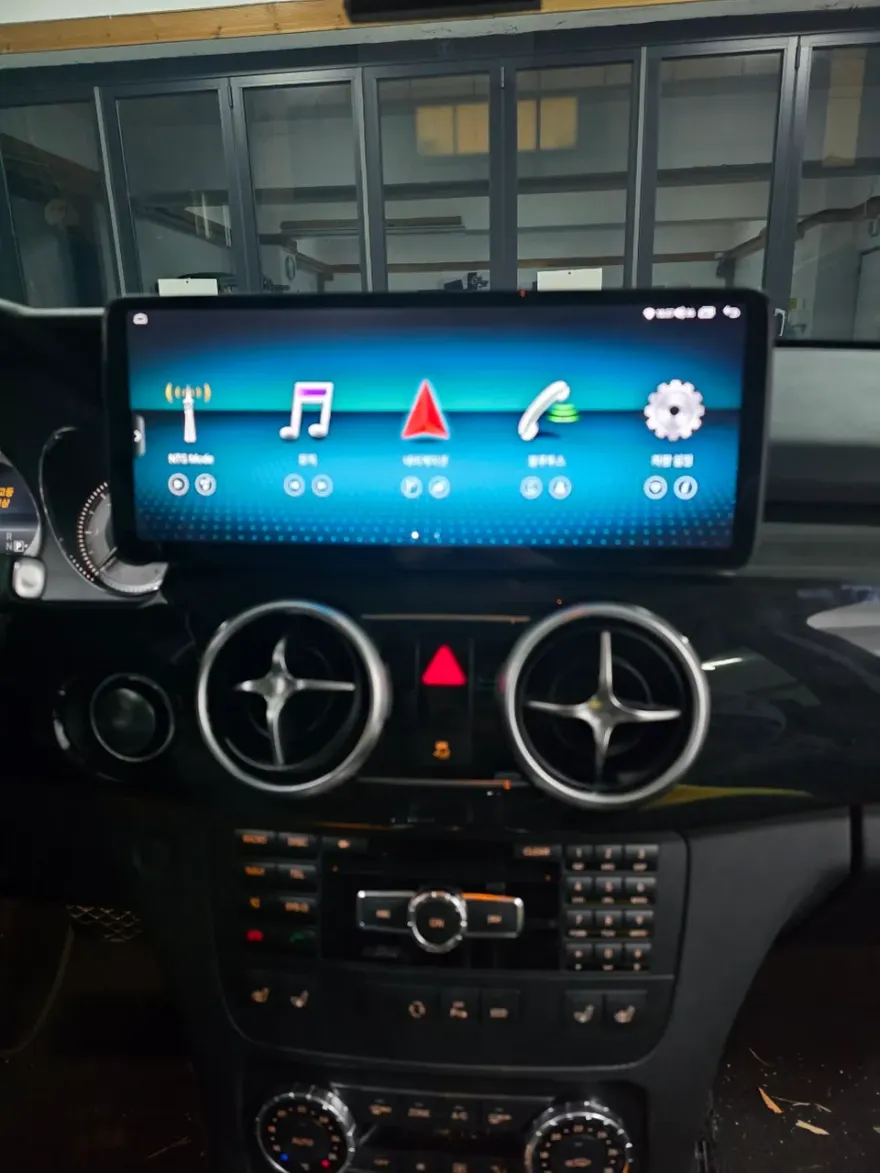
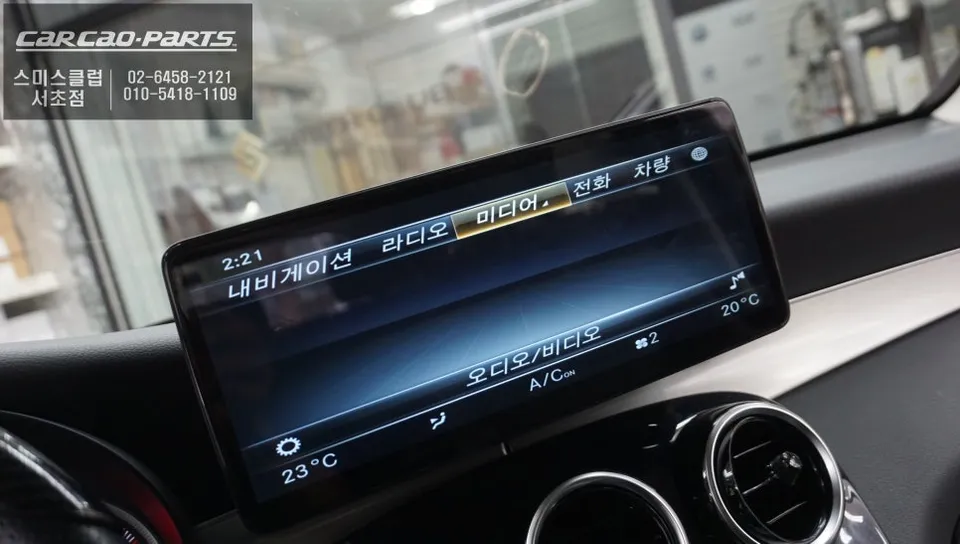
The specific unit installed in this Mercedes-Benz GLC350 is the 12.3-inch S-PLAY Android monitor. Designed to fit seamlessly into the GLC's dashboard, it offers several key benefits:
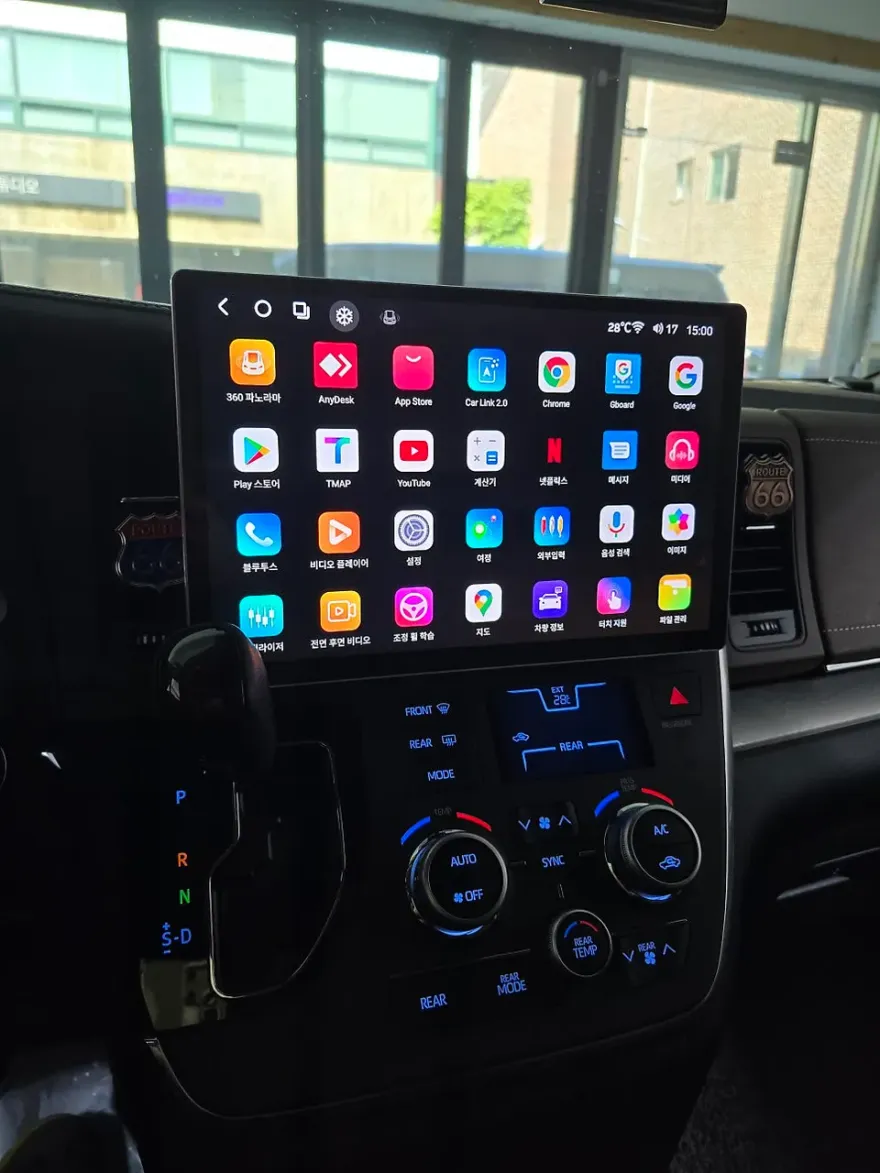
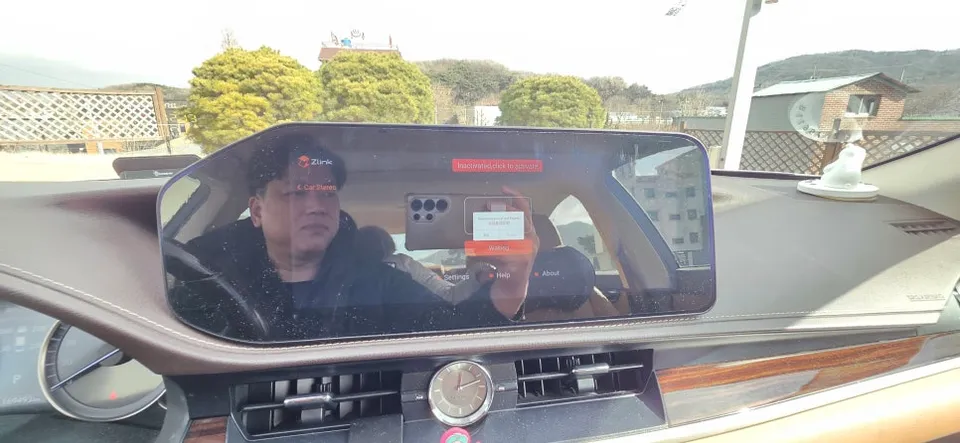
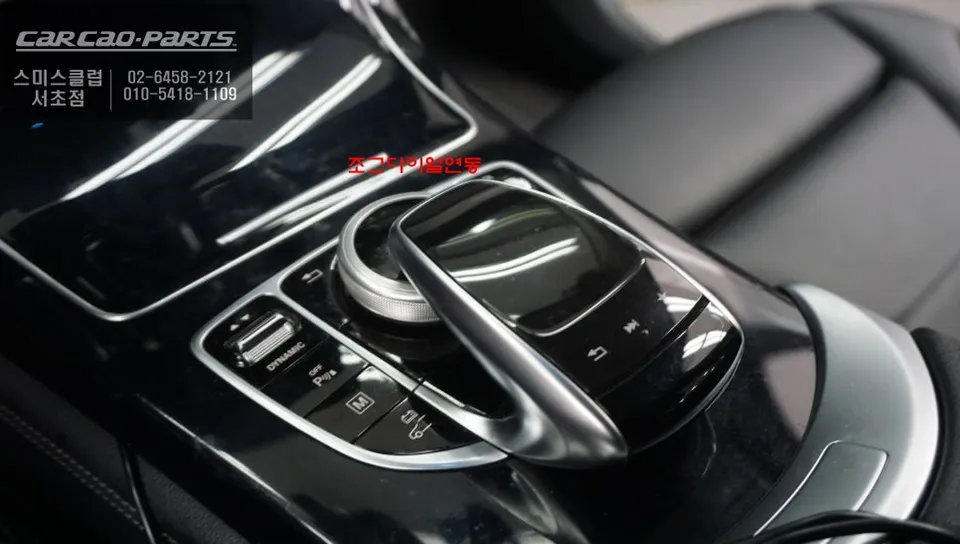
1. Dual Control: Touchscreen and Jog Dial Support. Unlike many aftermarket solutions, the S-PLAY supports both direct touchscreen interaction and control via the Mercedes-Benz steering wheel's jog dial. This is crucial for safe operation while driving, allowing drivers to navigate menus and apps using the familiar, tactile control of the dial.
[IMAGE_2]
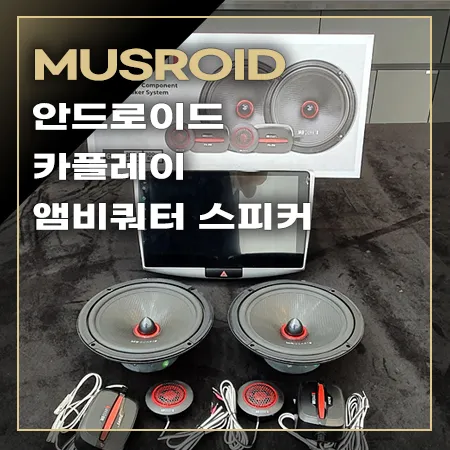
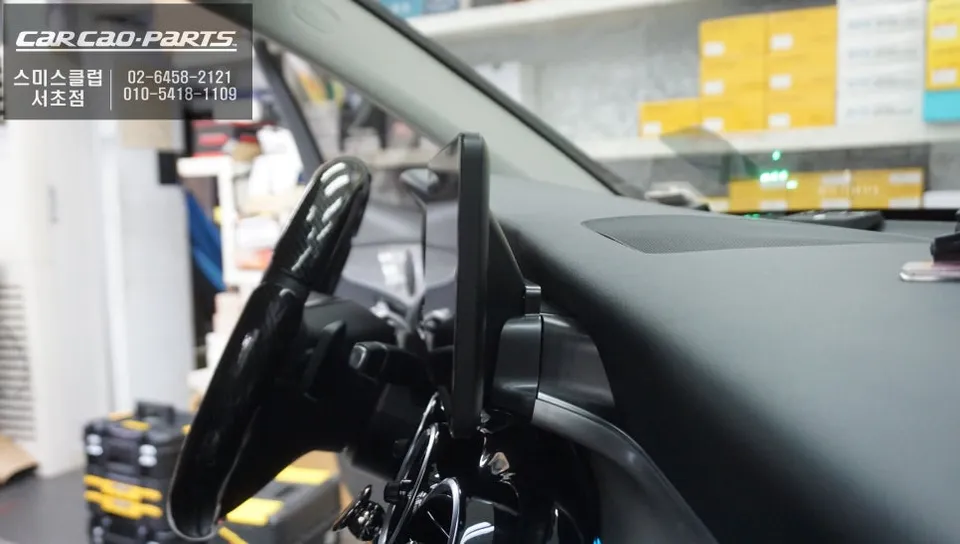
2. Non-Damaging, Plug-and-Play Installation. The installation utilizes a pin-by-pin connection method, preserving the original wiring harness. This is vital for maintaining the integrity of the vehicle's CAN-BUS communication system. Consequently, essential factory information like speed, fuel levels, and climate control settings continue to display correctly, and original functions like the climate control pop-up remain fully operational.
[IMAGE_3]
Smart Driving with Enhanced App Integration
By connecting the S-PLAY unit to Wi-Fi or a cellular data connection (via SIM card), users gain full access to the Google Play Store. This unlocks a world of applications beyond basic navigation. Real-time traffic updates from TMAP, Kakao Navi, or Naver Maps are readily available. Furthermore, passengers can enjoy streaming services like YouTube or Netflix during journeys. A standout feature is the Picture-in-Picture (PIP) capability, enabling simultaneous use of two apps. For instance, you can display navigation on one side of the screen while controlling your music app on the other, a level of multitasking previously unavailable in most car infotainment systems.
[IMAGE_4]
Installation Process:
- Disconnecting the factory display unit.
- Connecting the new Android head unit using the provided plug-and-play wiring harness.
- Securing the new 12.3-inch S-PLAY monitor into the dashboard.
- Testing all functions, including touch, jog dial control, and original vehicle data integration.
This upgrade, performed at the O-neul-car Seocho branch in Korea, offers a significant enhancement over the stock navigation, providing a modern, versatile, and user-friendly infotainment experience for the Mercedes-Benz GLC.
Frequently Asked Questions
Q. How much does an Android head unit or CarPlay installation cost for a Mercedes-Benz GLC?
In Korea, this 12.3-inch S-PLAY Android head unit installation for a Mercedes-Benz GLC typically costs between ₩1,000,000 and ₩1,500,000 (approximately $750-$1100 USD). Prices can vary based on the specific unit and installation shop.
Q. How long does Android head unit installation take on a Mercedes-Benz GLC?
The installation process for an Android head unit in a Mercedes-Benz GLC usually takes about 2 to 3 hours, including the wiring integration. Durability is generally high, as these units are designed for automotive use, but maintenance involves keeping the software updated and ensuring clean connections.
Q. Is a CarPlay or Android Auto retrofit worth it for a Mercedes-Benz GLC?
A full Android head unit upgrade is worth it for Mercedes-Benz GLC owners seeking extensive app access and a tablet-like experience beyond basic smartphone mirroring. It's ideal for those who frequently use various navigation, streaming, or productivity apps.
Q. How is an Android head unit installed in a Mercedes-Benz GLC?
Installation involves a non-damaging, plug-and-play process. The original head unit is carefully removed, and the new Android unit is connected using a specific pin-by-pin harness that integrates with the car's existing wiring. The new display is then secured in the dashboard, ensuring all original vehicle functions remain accessible.
Q. What is the difference between an Android head unit and a factory infotainment system for a Mercedes-Benz GLC?
The primary difference is functionality: a factory system is limited to pre-installed features, while an Android head unit allows direct installation of any app from the Google Play Store, offering vastly expanded capabilities like streaming and full app integration. An Android unit provides a much more versatile and modern user experience.
Kakao Parts