Mercedes-Benz GLC Android Auto Head Unit Upgrade
Service Price
$150+
Estimated price · Actual price may vary by shop
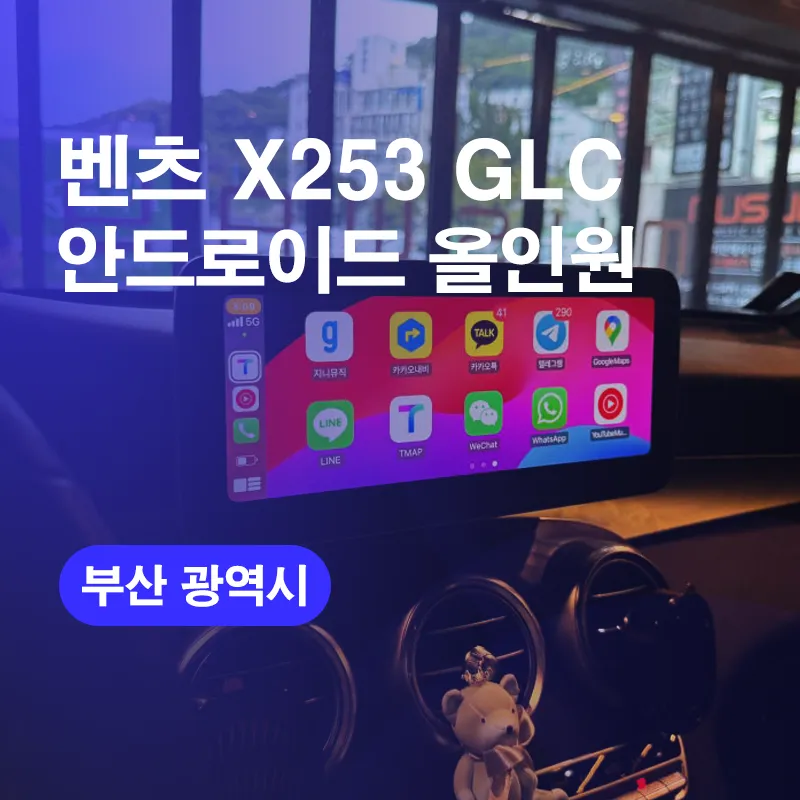
Mercedes-Benz GLC Android All-in-One system upgrade: Enjoy modern navigation and apps. Seamless integration.
Why Your Older Mercedes-Benz GLC Needs a Modern Infotainment System
Hello, this is Today's Car. Do you frequently use navigation while driving? In today's world, smartphones are indispensable. For older vehicles like the Mercedes-Benz GLC, the factory navigation system often suffers from outdated maps or unresponsive touchscreens, leading to significant inconvenience. This post details a Mercedes-Benz GLC Android all-in-one navigation system upgrade performed in Busan, explaining the necessity of modern navigation and the installation process.
Vehicle Model: Mercedes-Benz X253 GLC
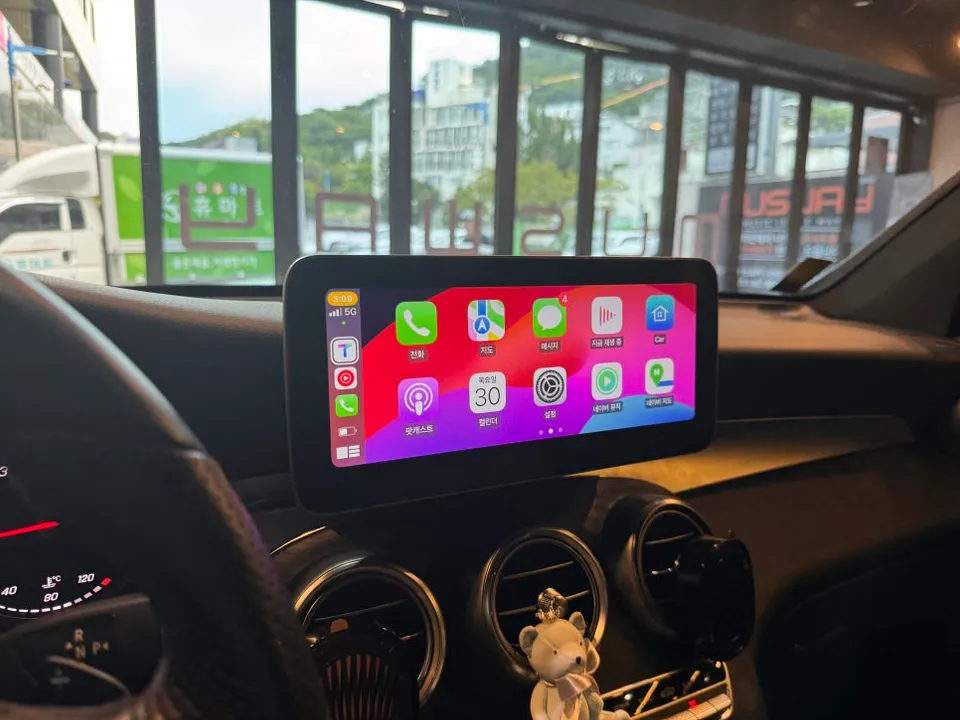
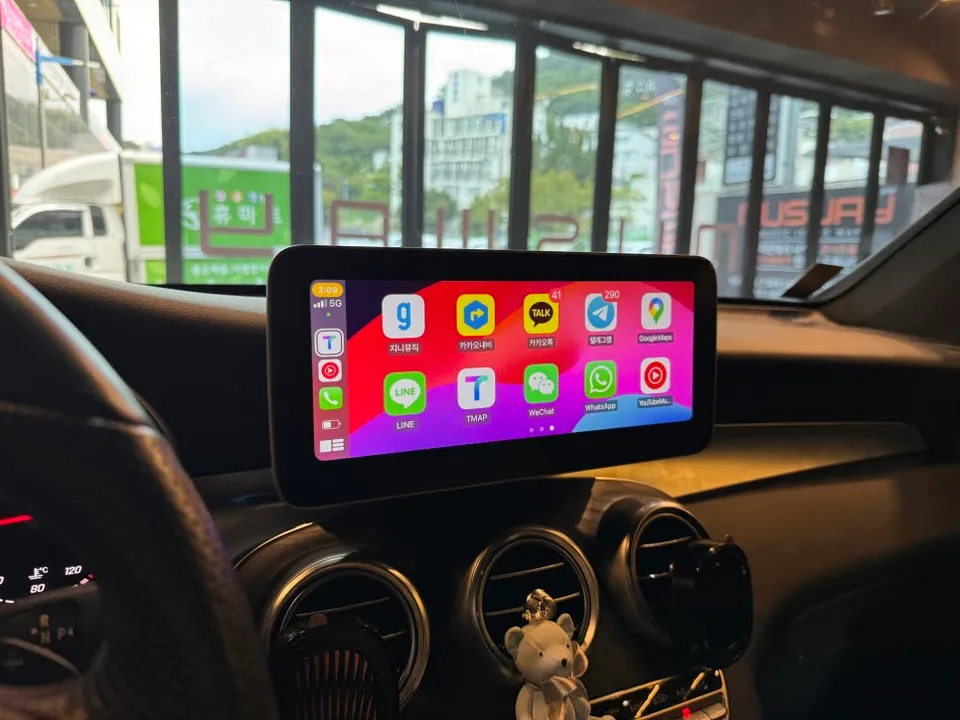
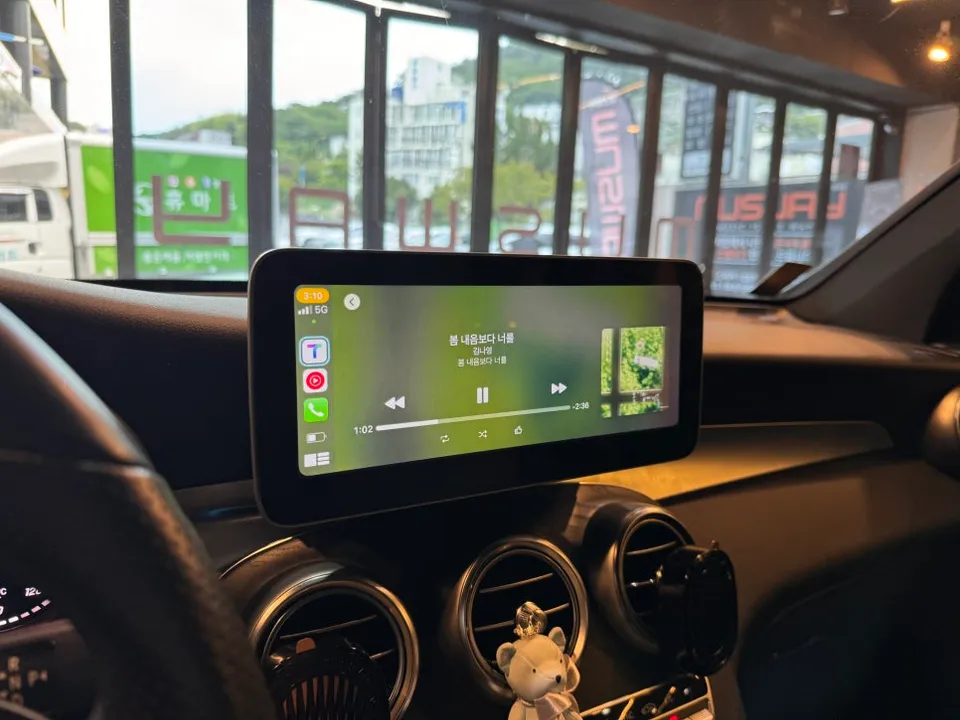
Service Performed: Android All-in-One Navigation (Apple CarPlay Compatible)
Screen Size: 10.25 inches
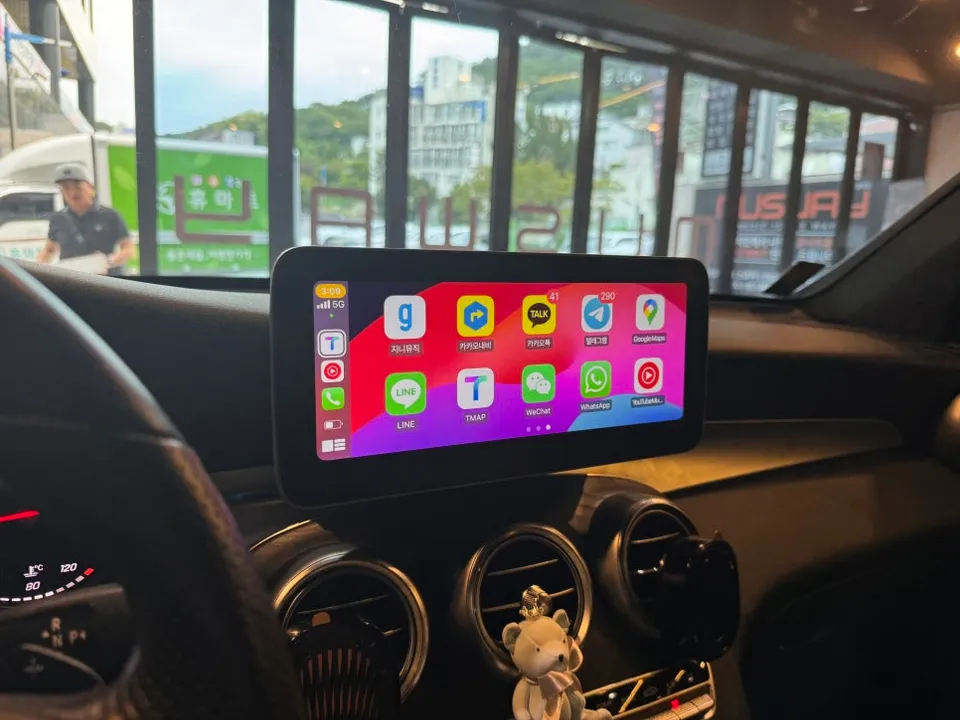
Key Features: Wireless connection for TMAP, Naver Maps, Kakao Maps; support for various apps like YouTube and Chrome.
Additional Service: Rear camera replacement
Service Location: Today's Car Busan Branch
Addressing the Shortcomings of Older Mercedes Navigation
The Mercedes-Benz X253 GLC remains a capable vehicle, but its interior convenience features inevitably age. Specifically, older built-in navigation systems frequently experience touch failures or have discontinued map updates. This forces drivers to rely on smartphone mounts for navigation apps like TMAP or Naver Maps, which is far from ideal. Modern drivers, young and old, prefer these apps for their real-time traffic data, restaurant recommendations, and lane guidance. The factory system lacks these essential features, highlighting the urgent need for an updated navigation system even in a pre-owned Mercedes-Benz.
[IMAGE_1]
[IMAGE_2]
Understanding the Android All-in-One System
An Android All-in-One system is essentially an Android tablet integrated into your car. It runs the same operating system as your smartphone, allowing you to download and use any app from the Google Play Store. The primary advantage over the original Mercedes navigation is its 'flexibility'. While factory systems are limited to pre-defined functions, the All-in-One system enables the installation and use of virtually any app, including navigation services like TMAP, Naver Maps, and Kakao Maps, as well as entertainment apps like YouTube, and productivity tools like Google Chrome and Gmail.
[IMAGE_3]
What Exactly Was Replaced in the Mercedes-Benz GLC?
The original 8-inch factory monitor in the Mercedes-Benz X253 GLC was removed and replaced with a 10.25-inch Android All-in-One monitor, significantly increasing the screen real estate. The installation process is as follows:
Installation Process:
- Removal of Existing Navigation: The original 8-inch monitor is carefully detached. Given the intricate dashboard design of Mercedes-Benz vehicles, damage-free removal is crucial. All connectors are meticulously documented for a clean connection of the new unit.
- Installation of Custom Fit Trim: A gap is created when fitting the new 10.25-inch All-in-One monitor into the original space. A custom-fit trim panel is used to bridge this gap, ensuring a seamless, factory-like appearance.
- Wiring and Integration: All necessary wiring harnesses are connected, integrating the new Android unit with the vehicle's existing electrical system, including steering wheel controls and audio.
- System Setup and Testing: The Android system is powered on, and initial setup is completed. All functions, including touch responsiveness, app compatibility, and connectivity (Wi-Fi, Bluetooth), are thoroughly tested to ensure optimal performance.
[IMAGE_4]
[IMAGE_5]
The result is a modern, feature-rich infotainment experience that dramatically enhances the usability and enjoyment of your Mercedes-Benz GLC.
Frequently Asked Questions
Q. How much does an Android all-in-one system cost for a Mercedes-Benz GLC?
The cost for this specific upgrade in Busan was approximately 950,000 KRW. In the US, similar Android all-in-one systems for a Mercedes-Benz GLC typically range from $600 to $1200, depending on the brand and features.
Q. How long does an Android all-in-one system last on a Mercedes-Benz GLC?
Android all-in-one systems are generally designed to last for the lifespan of the vehicle, typically 5-10 years or more with proper care. Regular software updates and avoiding extreme temperature exposure can help maintain its longevity.
Q. Is an Android all-in-one system worth it for a Mercedes-Benz GLC?
An Android all-in-one system is highly recommended for Mercedes-Benz GLC owners who find their factory navigation outdated or lacking essential features like modern app support. It offers a significant upgrade in functionality and user experience for a reasonable investment.
Q. How is an Android all-in-one system installed on a Mercedes-Benz GLC?
Installation involves carefully removing the original factory display, fitting a custom trim panel to accommodate the larger screen, and connecting the new Android all-in-one unit's wiring harness. The system is then powered on, and all functions are tested.
Q. What is the best Android all-in-one system option for a Mercedes-Benz GLC?
The best option provides a seamless fit, supports essential apps like TMAP and YouTube, and offers wireless connectivity for features like Android Auto and Apple CarPlay. Look for systems with a high-resolution screen and responsive touch interface for the optimal experience.
Today's Car