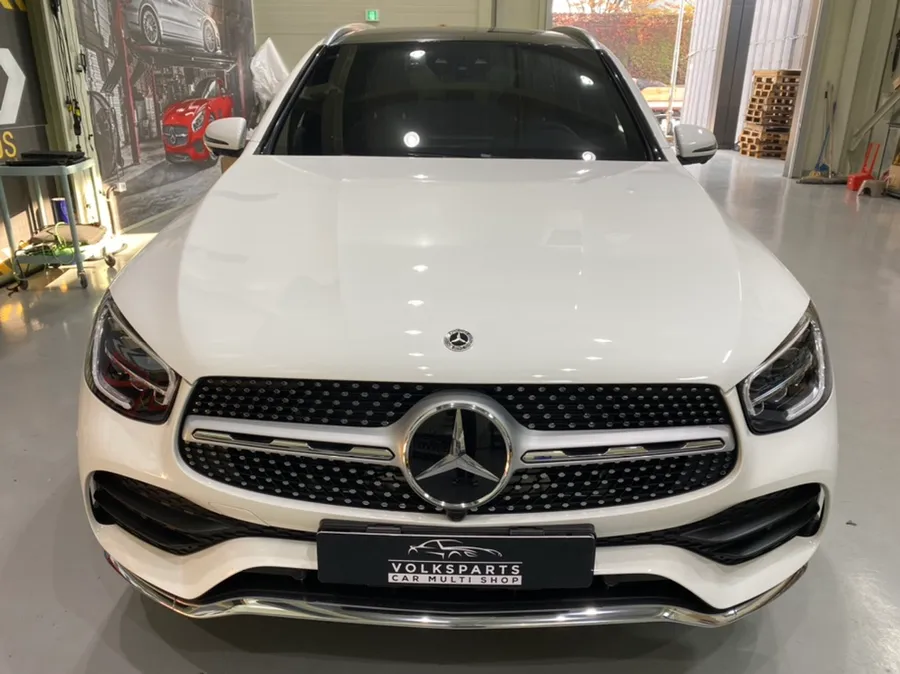
Mercedes-Benz GLC Dashcam & Navigation Upgrade — Professional Ins
Service Price
$150+
Estimated price · Actual price may vary by shop
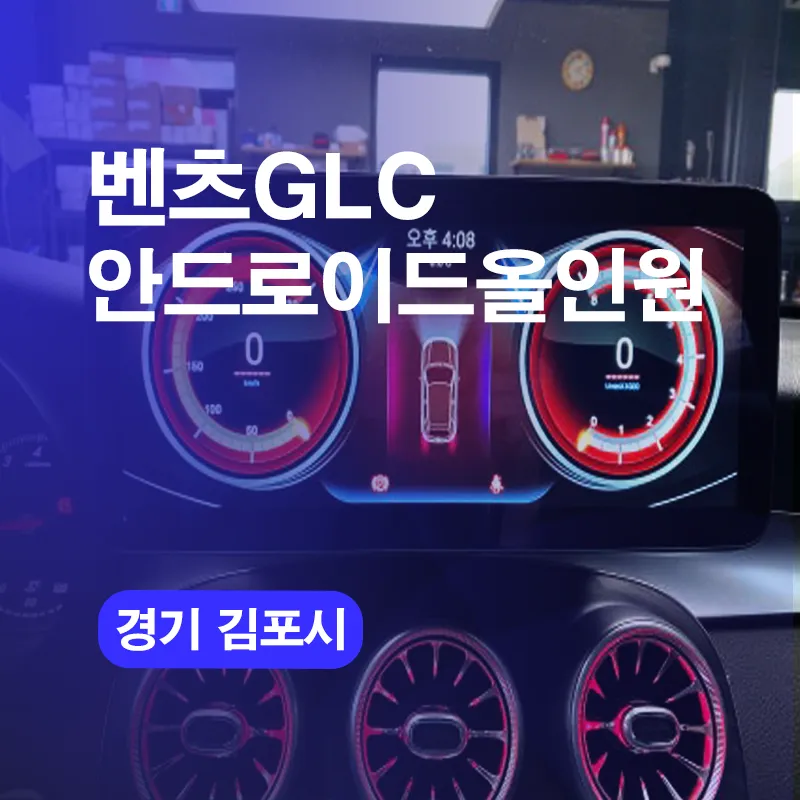

Android all-in-one dashcam & navigation for Mercedes-Benz GLC: 12.5" display, integrated rear camera, 360° view. 2-5 hour installation.
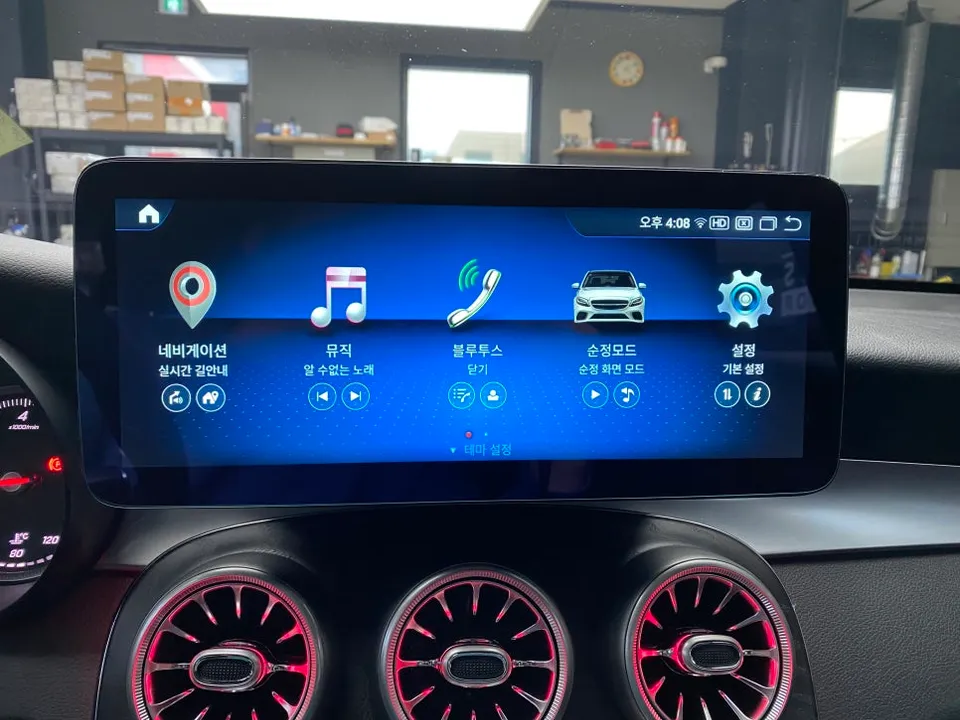
Upgrade Your Mercedes-Benz GLC Experience with a 12.5-Inch Android All-in-One System
Did you know that even an older Mercedes-Benz can be revitalized with modern technology? The navigation and multimedia system, in particular, significantly impacts the comfort of your driving experience. In this post, we'll walk you through a real-world installation of a 12.5-inch Android All-in-One system on a Mercedes-Benz GLC, explaining why this upgrade is essential and the process involved.
Overcoming the Limitations of Stock Navigation with Android All-in-One
While the Mercedes-Benz GLC was equipped with cutting-edge technology at its release, over time, drivers often find the stock navigation system lacking. The primary reason is that the original Mercedes navigation doesn't support popular Korean navigation apps like Tmap, Kakao Map, or Naver Map. Furthermore, it cannot run modern applications such as YouTube or Netflix.
To address these inconveniences, an increasing number of GLC owners are opting for the Android All-in-One installation. This system is essentially an in-car display powered by the Android operating system, similar to a tablet. Its biggest advantage is the ability to download and use any app from the Google Play Store directly within your vehicle, just like on a smartphone.
This upgrade is particularly beneficial for those who desire seamless wireless connectivity for Apple CarPlay and Android Auto. Many stock systems only support wired connections, but the Android All-in-One allows for wireless pairing, eliminating the need to plug and unplug your phone while driving, thus greatly enhancing convenience. Additionally, upgrading from the standard 8-inch display to a 12.5-inch or larger Android All-in-One provides a significantly larger and clearer view of navigation maps, improving driving safety. Parking maneuvers, especially using the rear camera, become much easier with a bigger, sharper display, reducing the chance of errors.
Beyond navigation, this system unlocks the full potential of a tablet. For instance, a previous owner might have relied solely on a smartphone mount for directions. After the installation, they can now stream YouTube or check emails directly on the car's main screen. This evolution means the Android All-in-One is becoming less of an option and more of a necessity, not just for younger drivers but also for older generations who expect the same modern conveniences in their vehicles as they have in their daily lives.
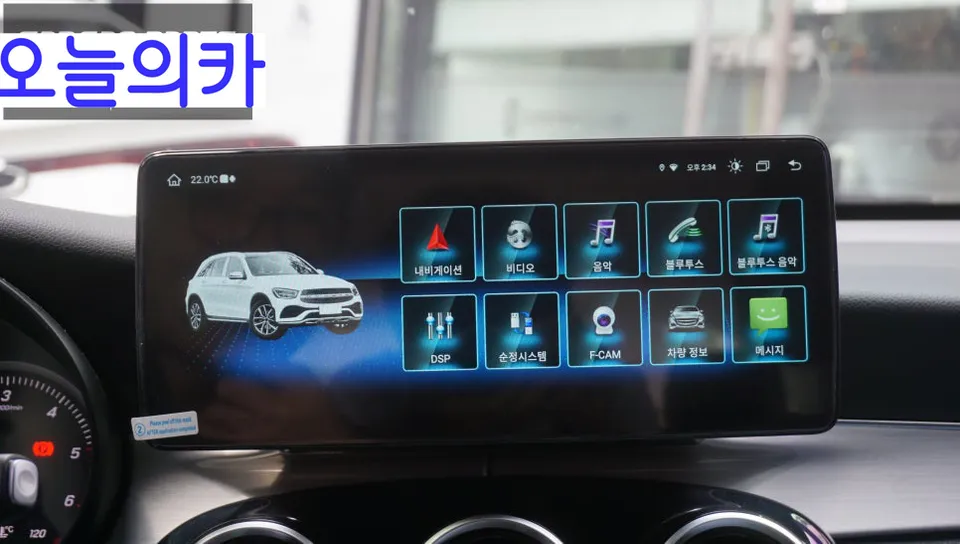
Step-by-Step Installation Process for the Mercedes-Benz GLC 12.5-Inch Android All-in-One
Let's delve into the detailed installation process. This procedure involves removing the existing 8-inch stock navigation system from the Mercedes-Benz GLC and integrating the new 12.5-inch Android All-in-One unit.
- Removal of the Stock Display: The first step is the careful removal of the original navigation unit, which is seamlessly integrated into the vehicle's dashboard. This requires precision to avoid damaging the surrounding trim. Technicians meticulously document and disconnect each wire harness. Essential components like the rotary dial controller and voice command buttons are also detached; these will be repurposed and integrated with the new Android system.
- Wiring and Integration: New wiring harnesses are connected to the Android All-in-One unit, ensuring compatibility with the vehicle's existing electrical system. This includes connecting power, ground, and communication lines. The original control components, such as the rotary dial, are wired into the new system to maintain familiar user interaction.
- Installation of the New Display: The 12.5-inch Android All-in-One display is carefully fitted into the dashboard opening created by the removal of the stock unit. The unit is secured firmly to ensure it remains stable during driving.
- System Configuration and Testing: Once the hardware is installed, the system undergoes configuration. This involves setting up Wi-Fi, Bluetooth, and logging into the Google account to access the Play Store. All functions, including navigation apps, media playback, and the integrated original controls, are thoroughly tested to ensure they operate correctly and seamlessly. Additional options like a new rear camera or an around-view monitor system are also installed and calibrated during this phase, typically extending the total installation time.
The entire process, from initial disassembly to final testing, usually takes between 2 to 3 hours for the basic Android All-in-One installation. If additional options such as a new rear camera or an around-view system are included, the total time can extend to 3 to 5 hours. The result is a significantly modernized infotainment system that enhances both the functionality and the driving pleasure of the Mercedes-Benz GLC.
Frequently Asked Questions
Q. How much does dashcam and navigation cost for a Mercedes-Benz GLC?
This GLC upgrade cost varies by model year and features; the 12.5" Android all-in-one system with rear camera typically ranges $800–$1,500 USD installed. Additional options like 360° around-view monitoring add $200–$400 to the total.
Q. How long does dashcam and navigation last on a Mercedes-Benz GLC?
Android all-in-one systems are built for 5–7 years of reliable performance with proper care. Regularly clear cache and update software quarterly to maintain peak dashcam recording quality and navigation responsiveness.
Q. Is dashcam and navigation worth it for a Mercedes-Benz GLC?
Yes, especially for GLC owners frustrated with dated factory navigation that doesn't support Google Maps, Waze, or Spotify. The integrated dashcam adds accident protection while modern navigation eliminates map outdating entirely.
Today's Car