Mercedes-Benz GLC300 Android Auto Head Unit Review — Real-time Na
Service Price
$150+
Estimated price · Actual price may vary by shop
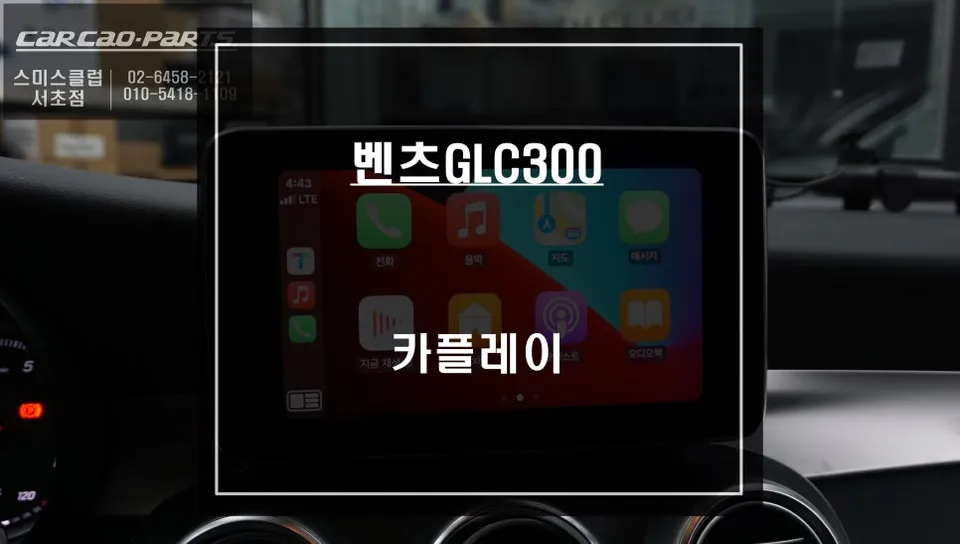
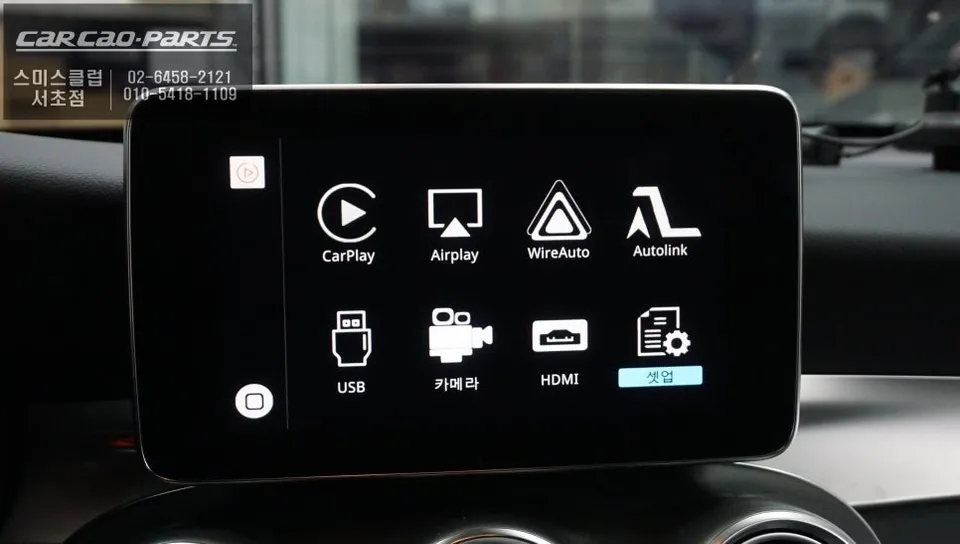
Android all-in-one system on Mercedes-Benz GLC300: Price not specified. Achieved real-time navigation and preserved original functions.
Mercedes-Benz GLC300 C253: Upgrading to a Seamless Android Auto Experience
Upon purchasing my Mercedes-Benz GLC300 C253, the most frustrating aspect was the factory navigation system. Its slow map updates and inadequate real-time traffic information left much to be desired. I craved the dynamic, live navigation offered by apps like TMAP or KakaoMap. After researching solutions, I concluded that integrating Apple CarPlay was the answer. I was referred to a specialized Mercedes-Benz installer through 'TodaysCar' and proceeded with a consultation.
A key concern during the consultation was preserving the original vehicle functions. I needed to ensure that CarPlay could be added without compromising the existing navigation system. The specialist assured me this was possible using a dedicated CarPlay module designed specifically for Mercedes-Benz vehicles. The promise of installation without damaging any wiring was also a significant plus.
The Android All-in-One System Installation Process
The installation involves two primary stages. First, the factory monitor within the dashboard is connected to the CarPlay module using an LVDS cable. It's crucial that this process doesn't interfere with the existing wiring, and the technicians at TodaysCar handled this with extreme care.
- Connect the CarPlay module to the vehicle's factory head unit via LVDS cable.
- Integrate the new CarPlay USB port for smartphone connectivity.
- Link the voice control system to the CarPlay module for seamless operation.
- Ensure all original vehicle functions remain accessible and operational.
The second stage focuses on integrating the CarPlay USB port and the voice control system. This method adds CarPlay functionality while retaining the high-definition quality of the original monitor, meaning there's no loss in visual clarity. The entire process typically takes around two hours.
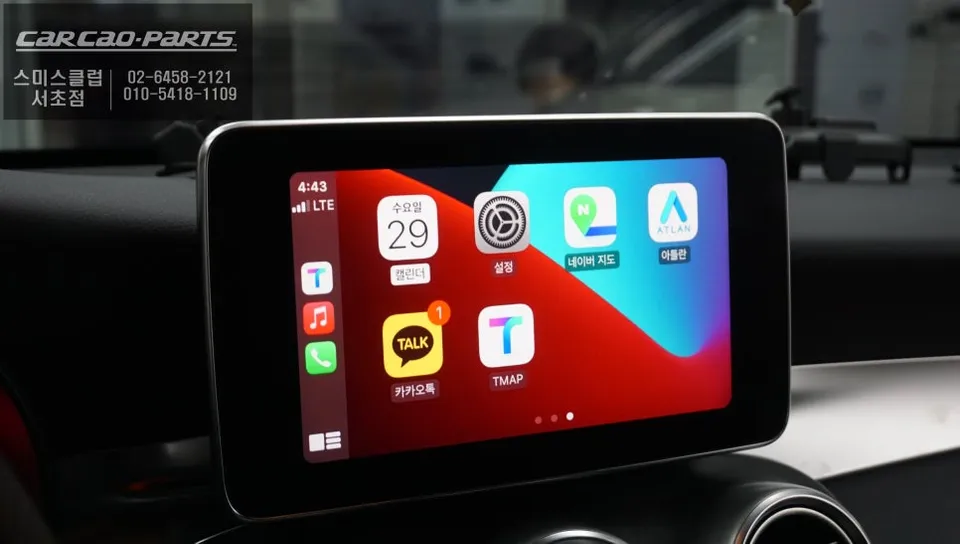
Post-Installation: A New Driving Experience
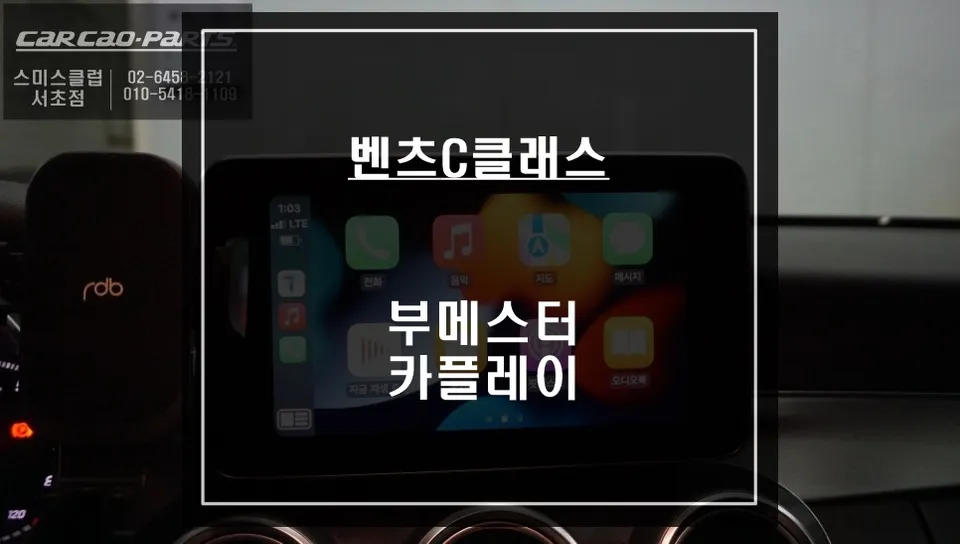
Immediately after installation, I tested the original navigation system. The good news is that all original functions are preserved at 100%. A simple two-second press of the dashboard button allows for seamless switching between the factory navigation and the new CarPlay interface.
Switching to the CarPlay screen is as simple as connecting your smartphone via the USB port. The system supports both Android Auto and Apple CarPlay. While wireless options exist, the installer recommended a wired connection for optimal responsiveness and stability, which I found to be true in practice.
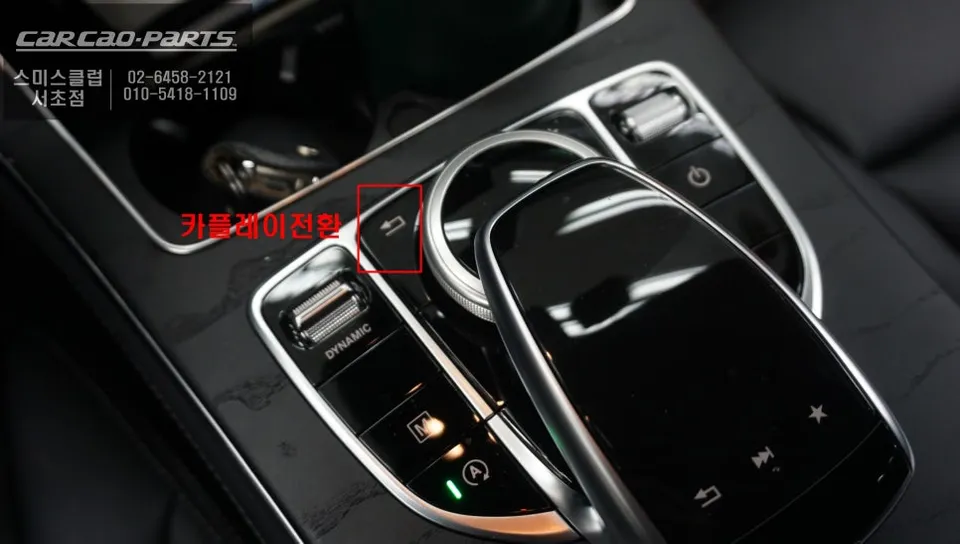
Voice Control: Surprisingly Intuitive
I initially worried that the lack of direct touchscreen control on the factory screen might be inconvenient. However, the voice control system works exceptionally well. Voice commands like "Turn on TMAP" or "Search for KakaoMap" are processed through the car's speakers, and the system can also be operated using the original steering wheel buttons.
The convenience of voice control is particularly evident when needing to change your destination while driving. Instead of fumbling with manual input, a simple voice command handles the task. Activating the AUX input ensures that audio navigation prompts are clear and integrated through the car's sound system.
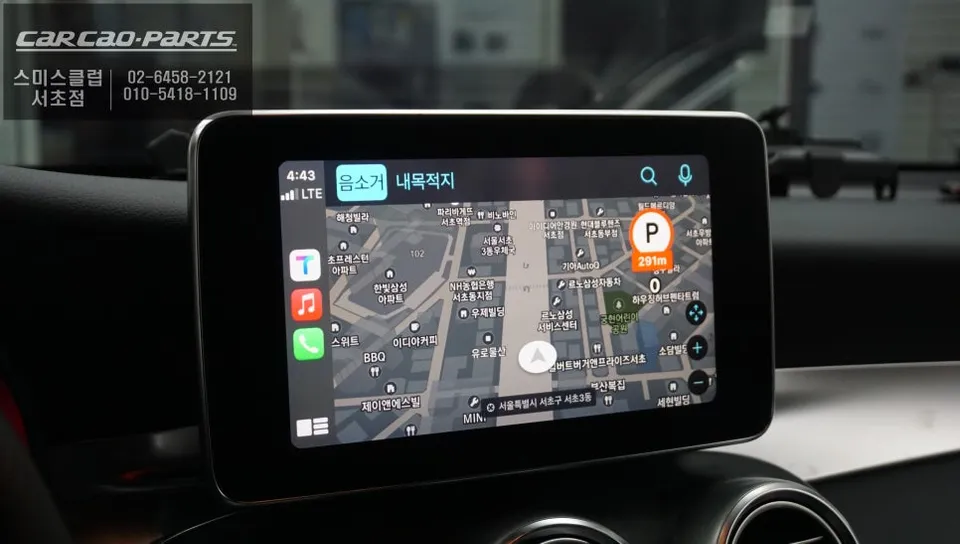
Real-Time Navigation: A Game Changer
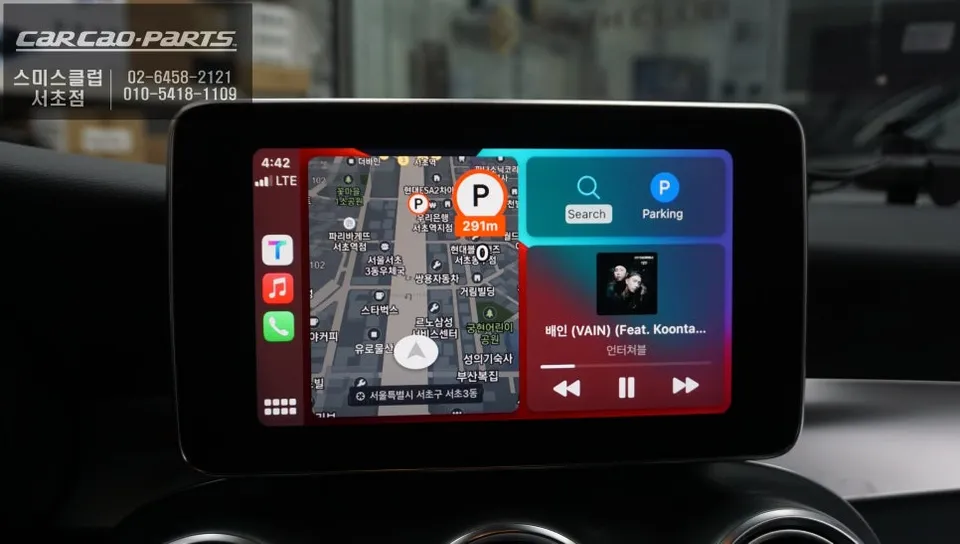
The most significant improvement is the reliability of the navigation. Unlike the factory system, which updates maps only once or twice a year, TMAP and KakaoMap reflect new roads and buildings in real-time. This is especially beneficial in areas with new construction or road closures. The system provides the optimal route based on the "fastest path" algorithm, considering live traffic conditions, making commutes significantly more efficient – an experience impossible with the original navigation.
Cost and Maintenance
The cost for this Android all-in-one system integration for the Mercedes-Benz GLC300 typically ranges from approximately 1,500,000 to 2,500,000 Korean Won, depending on vehicle options and the specific installation location. Considering the high-definition display integration, the specialized module, and the meticulous wiring work, this is a reasonable investment.
Maintenance is minimal. Since CarPlay is a smartphone mirroring system, the primary requirement is to keep your smartphone's navigation apps updated. The module itself is installed internally, eliminating concerns about external damage.
Frequently Asked Questions
Frequently Asked Questions
Q. How much does Android all-in-one system cost for a Mercedes-Benz GLC300 C253?
This review does not specify the exact cost for the Mercedes-Benz GLC300 C253 Android all-in-one system installation. Typically, Android head unit installations for Mercedes-Benz vehicles in the US can range from $500 to $1500, depending on features and installation complexity.
Q. How long does Android all-in-one system last on a Mercedes-Benz GLC300 C253?
A high-quality Android all-in-one system for a Mercedes-Benz GLC300 C253 can last 5-7 years or more with proper care. Regularly updating the software and avoiding extreme temperature exposure can help extend its lifespan.
Q. Is Android all-in-one system worth it for a Mercedes-Benz GLC300 C253?
Yes, an Android all-in-one system is highly worth it for Mercedes-Benz GLC300 C253 owners seeking modern navigation and smartphone integration. It provides real-time traffic, app access, and preserves original vehicle functions, significantly upgrading the driving experience.
Kakao Parts