Mercedes-Benz GLS OEM Options Review — Cost & Results
Service Price
$150+
Estimated price · Actual price may vary by shop
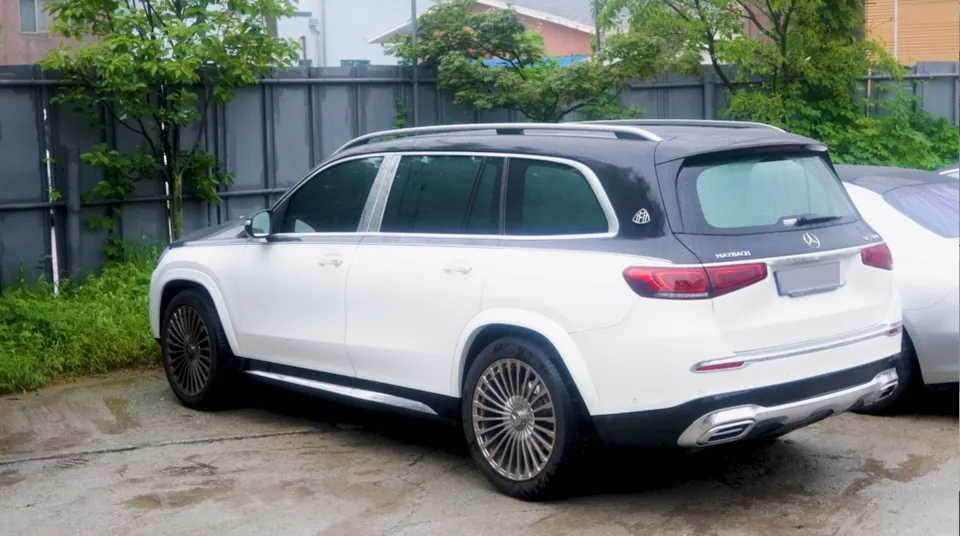
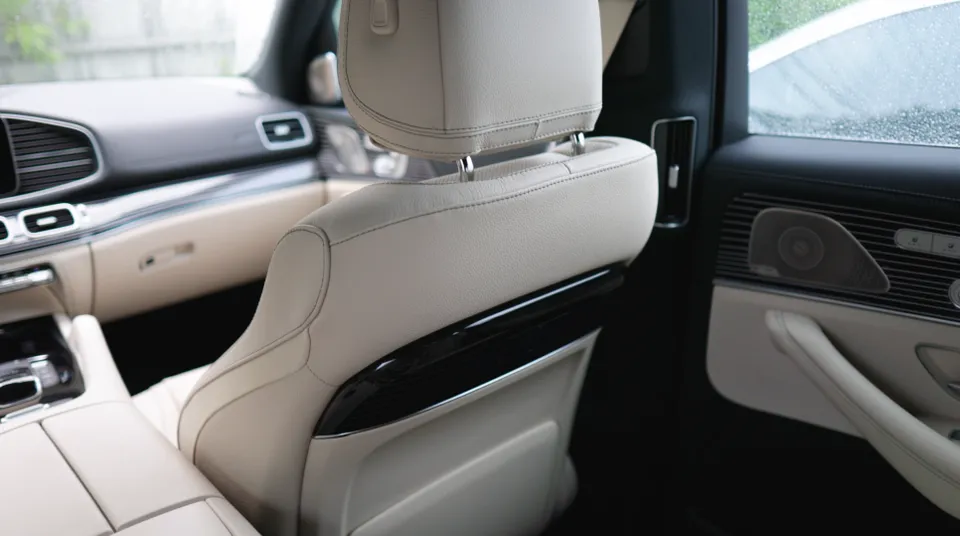
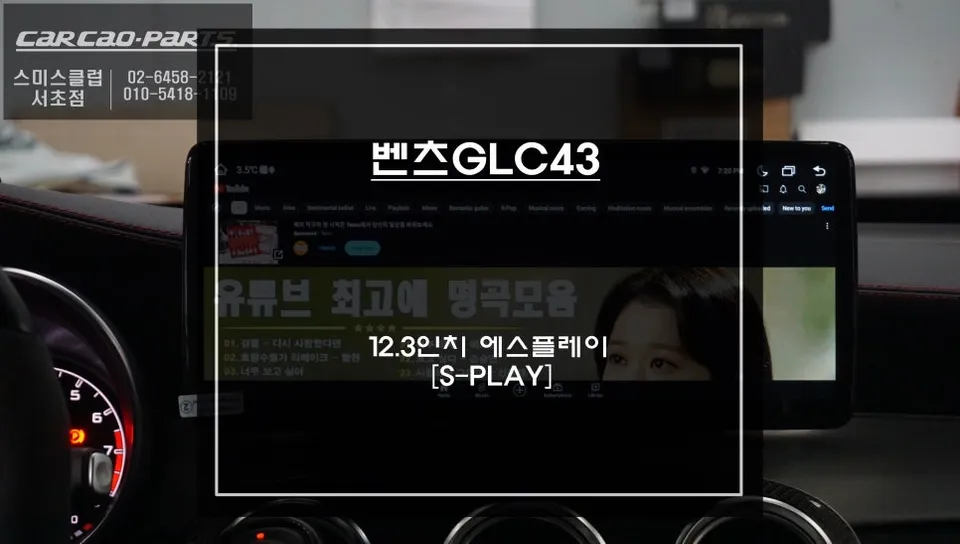
Android rear monitors for Mercedes-Benz GLS X167: ~$150+. Seamless installation, tablet-like functionality, and factory-style boot logo.
Upgrading Your Mercedes-Benz GLS X167 with Rear Monitors
Many Mercedes-Benz GLS X167 owners find their vehicles are missing a rear monitor option, a feature that can significantly enhance passenger experience. While factory-installed OEM options offer seamless integration, their cost can be prohibitive. Fortunately, a practical and cost-effective solution exists: Android-based rear monitors. This review explores the installation process, real-world results, and overall value of retrofitting these modern entertainment systems into your GLS.
Why Choose Android-Based Rear Monitors for Your GLS?
The availability of rear monitors on the Mercedes-Benz GLS X167 varies depending on the production date. If your vehicle didn't come equipped from the factory, adding genuine OEM parts can be a substantial investment. This is where Android-based monitors present a compelling alternative. Designed to fit into existing mounting points, they offer a visually integrated look, often mimicking the factory aesthetic with custom boot logos that display the Mercedes-Benz emblem. For many owners, the balance of functionality and price makes this a smart choice.
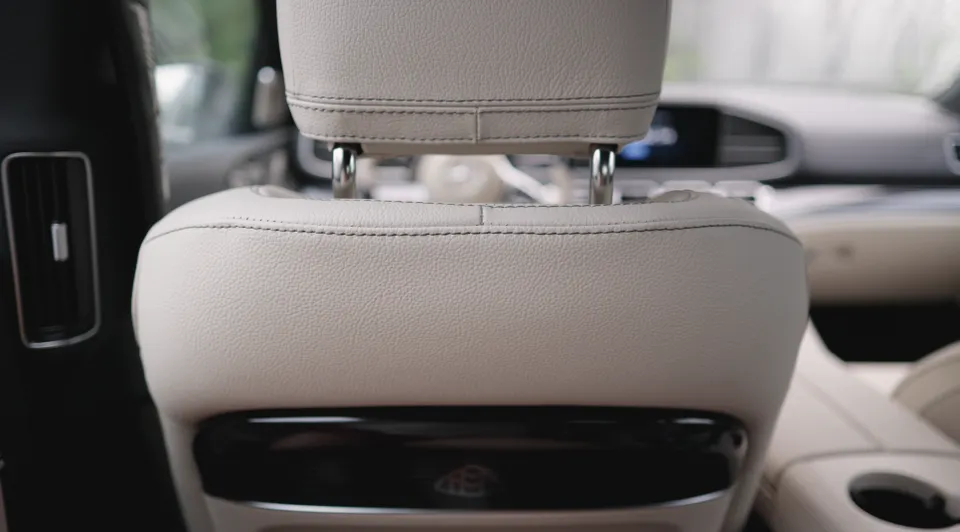
The Installation Process: Precision and Integration
Before any installation begins, a thorough check of the vehicle's existing electrical system is crucial. This includes verifying wiring harnesses, power supply routes, and secure mounting points within the rear cabin of the GLS X167. Proper preparation ensures a smooth installation and prevents future issues. The Android monitors themselves require initial setup, including customizing the boot logo to match the Mercedes-Benz branding, setting system languages, and configuring essential applications. These preliminary steps are vital for achieving a factory-like finish and meeting user expectations.
Installation Process:
- System Compatibility Check: Verify electrical system compatibility, power sources, and mounting points in the rear cabin.
- Monitor Pre-Configuration: Set up the Android OS, including boot logo customization (e.g., Mercedes-Benz logo), language, and essential apps.
- Socket-Type Installation: Connect the monitor using a plug-and-play socket system for a secure, vibration-free fit, ensuring power and data transfer.
- Wiring Management: Route all cables neatly within the headliner and cabin trim to prevent noise and ensure long-term reliability.
- System Testing & Optimization: Verify all functions, display quality, and software performance post-installation.
The core of the installation involves a socket-type connection, similar to how OEM units are fitted. This method ensures a stable, rattle-free integration, unlike aftermarket systems that might rely on screws. Careful attention is paid to cable management, routing all wires discreetly through the headliner to maintain a clean look and prevent interference. The entire process, including software optimization and final checks, typically takes around 5 hours. A key detail is setting the boot logo to the official Mercedes-Benz emblem, significantly enhancing the perception of an original factory option.
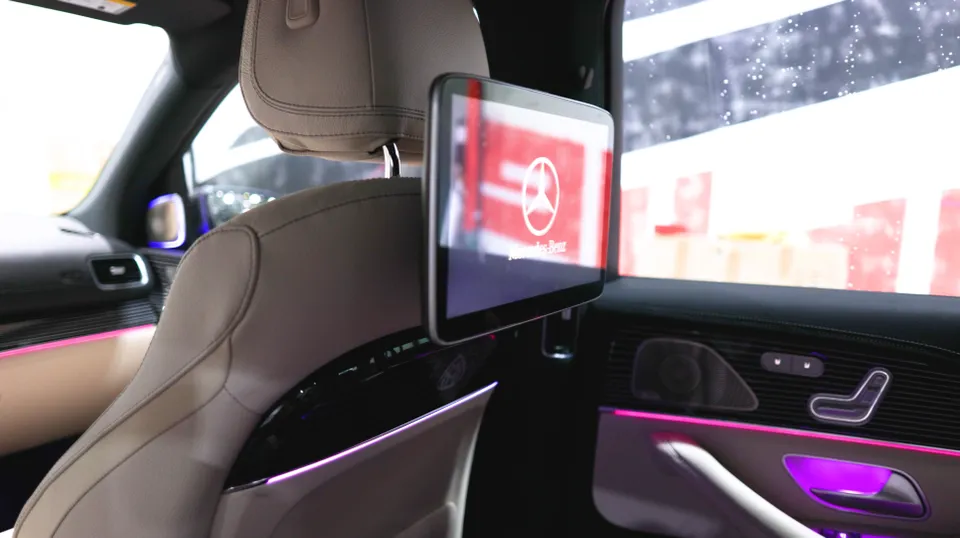
Real-World Usability and Durability
These Android-based monitors function much like a tablet, offering an intuitive user interface familiar to most smartphone users. While not running Mercedes-Benz's proprietary software, the ease of use is a major advantage, requiring virtually no learning curve. Passengers can easily stream content, use navigation apps, or access other Android functionalities. Durability is generally good, provided the installation is performed correctly, ensuring secure mounting and proper wiring. Regular cleaning with a soft microfiber cloth is usually sufficient for maintenance. The primary benefit is the significant upgrade in entertainment options for rear passengers, making journeys more enjoyable.
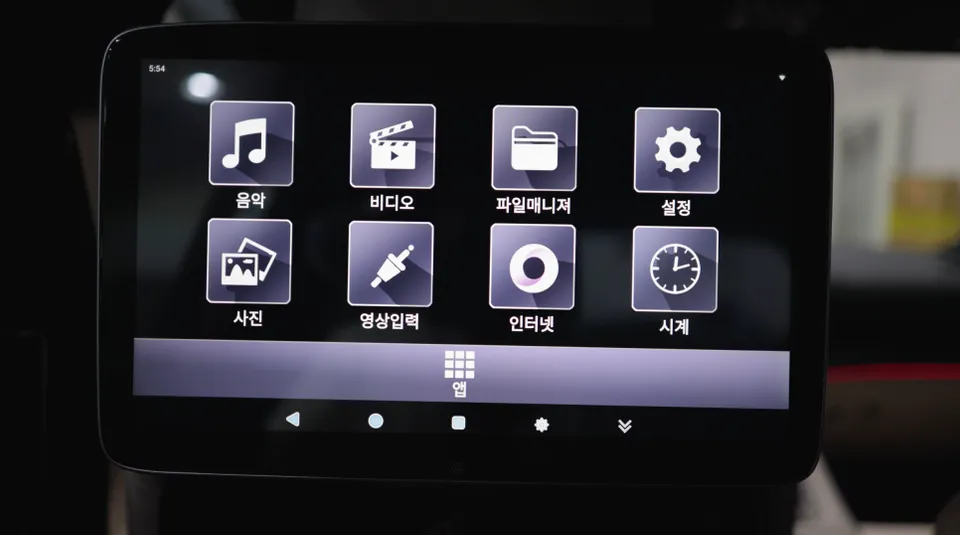
Frequently Asked Questions
Q. How much does OEM option and factory upgrade installation cost for a Mercedes-Benz GLS X167?
While genuine OEM rear monitor retrofits for the Mercedes-Benz GLS X167 can be very expensive, Android-based alternatives typically start around $150+ in the US market.
Q. How long does OEM options installation take on a Mercedes-Benz GLS X167?
Installation of Android-based rear monitors, including setup and testing, usually takes about 5 hours. Proper wiring management is key to long-term durability and preventing issues.
Q. Are OEM options worth adding after purchase for a Mercedes-Benz GLS X167?
Android-based rear monitors offer significant value for rear passengers seeking enhanced entertainment, making them a worthwhile upgrade over the high cost of factory options. They are ideal for families or frequent travelers who prioritize in-car entertainment.
Q. How are OEM factory options installed on a Mercedes-Benz GLS X167?
Installation involves checking system compatibility, pre-configuring the Android monitor, and connecting it via a secure socket-type interface. Careful wiring management within the cabin ensures a clean, integrated look and prevents future problems.
Q. What is the difference between dealer-installed options and aftermarket upgrades for a Mercedes-Benz GLS X167?
Dealer-installed options are typically genuine OEM parts, offering perfect integration but at a higher cost. Aftermarket upgrades, like these Android monitors, provide similar functionality and a factory-like appearance at a more accessible price point.
OhCar Partner Shop