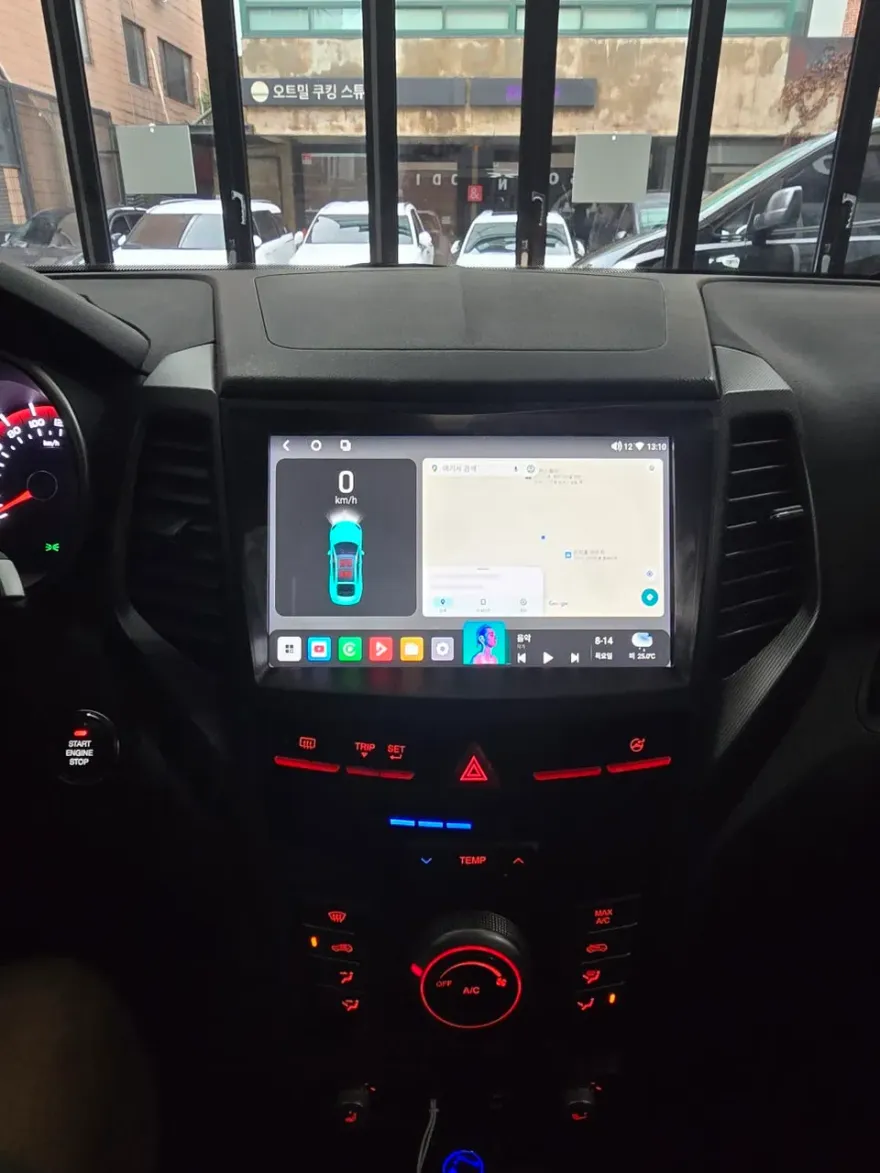
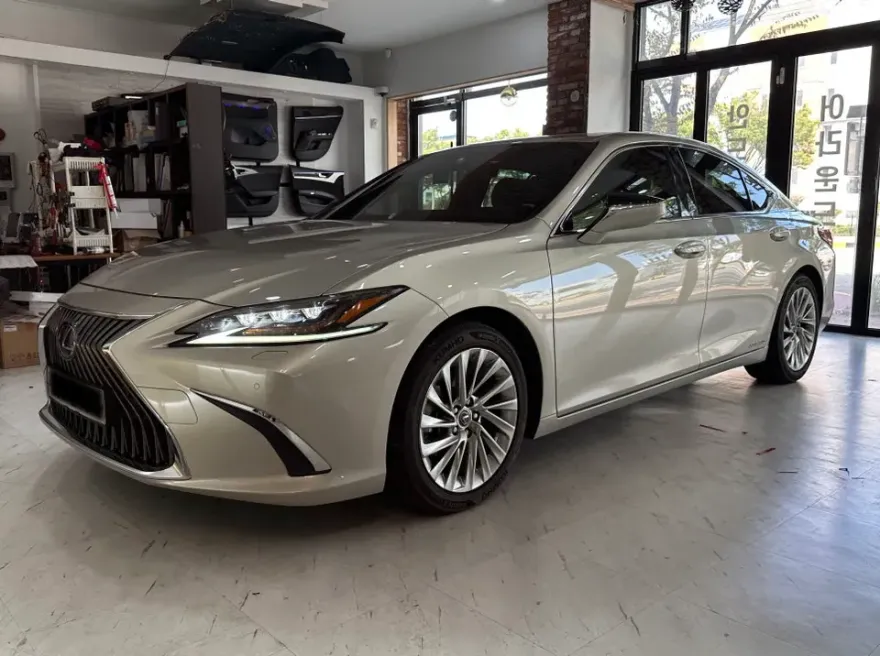
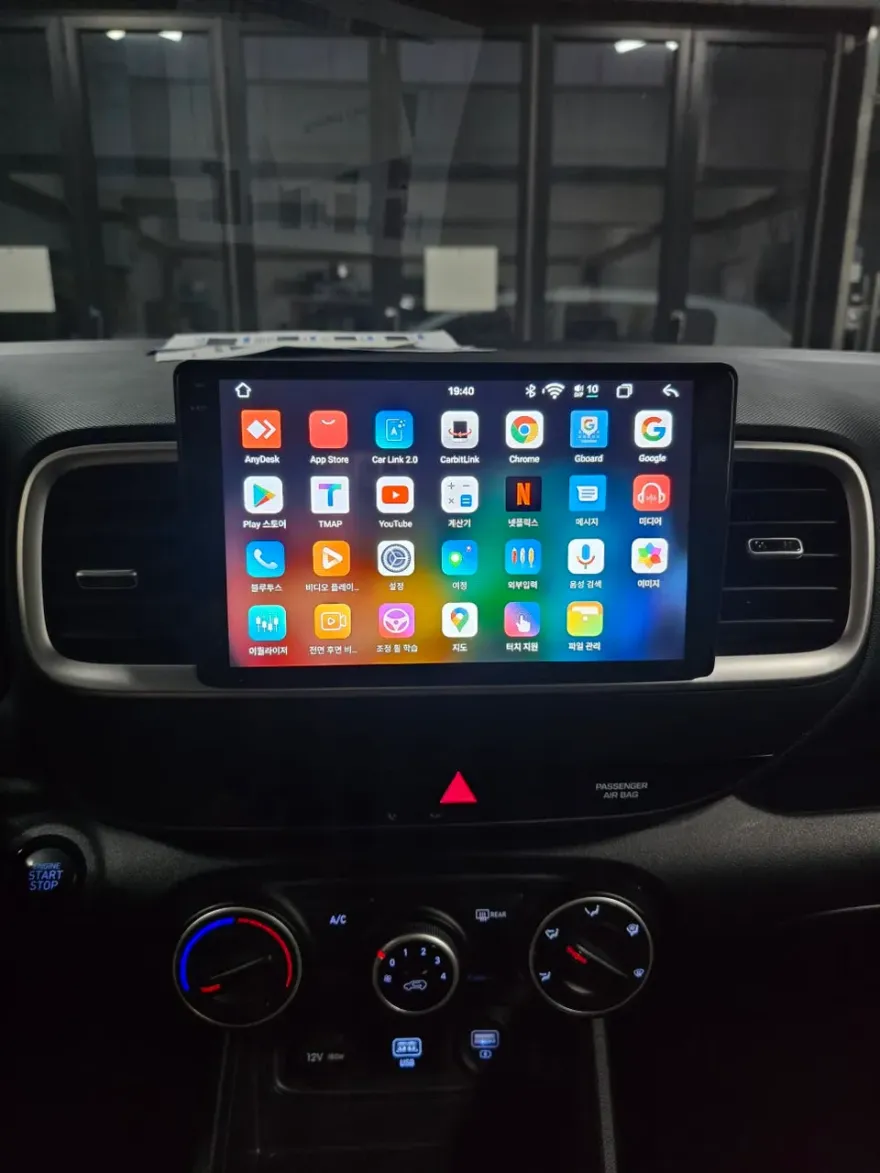
Mercedes-Benz S-Class Android Auto/CarPlay Install Review
Service Price
$75–115
Estimated price · Actual price may vary by shop
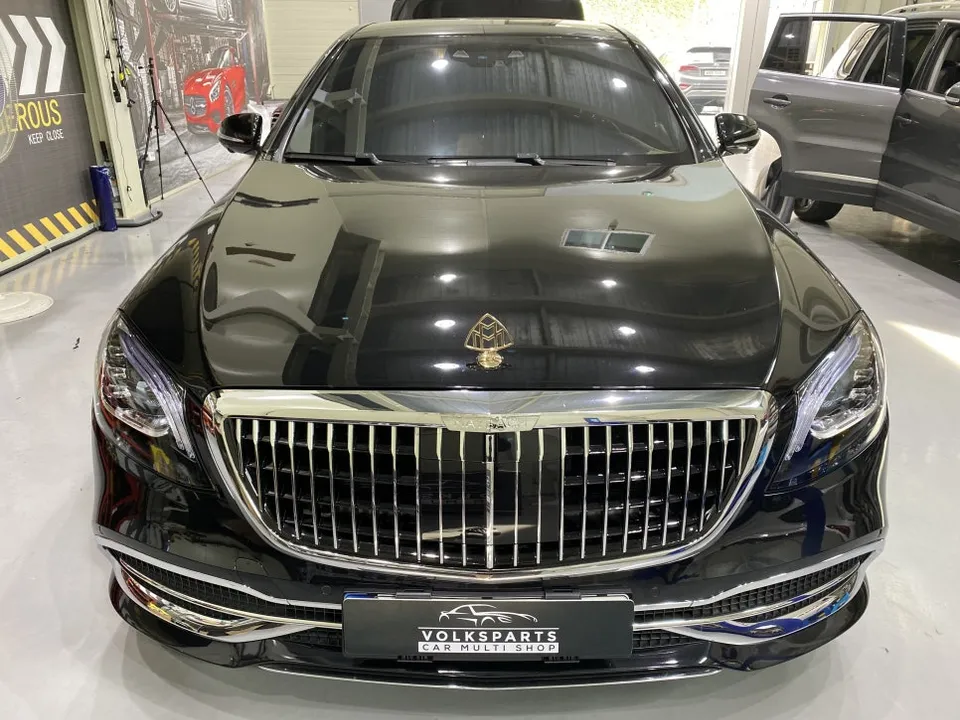
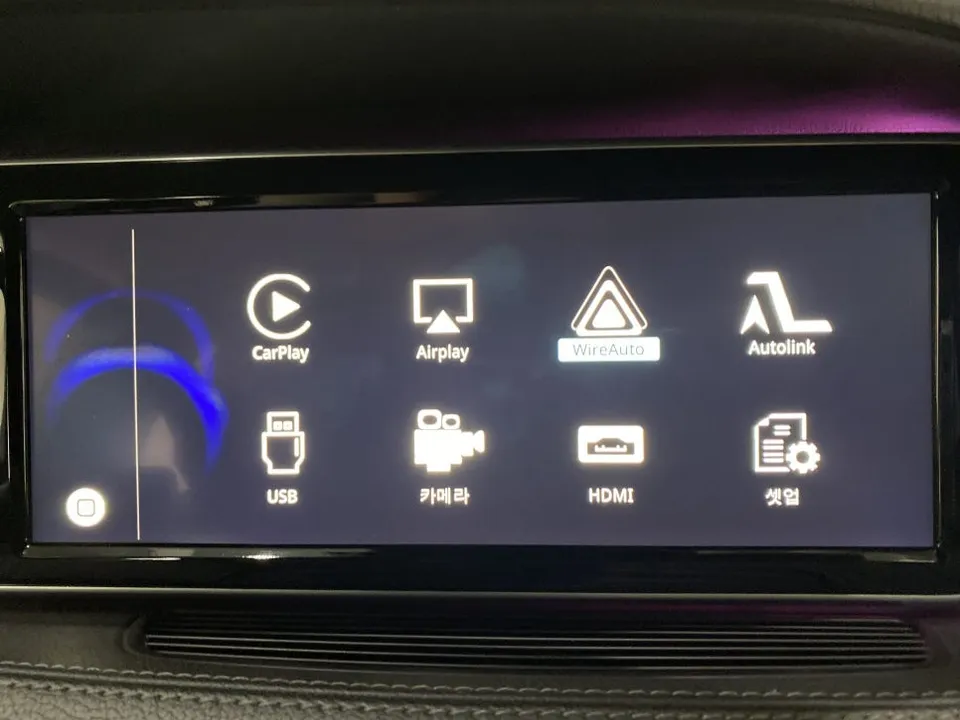
Mercedes-Benz S-Class Android Auto/CarPlay install: Seamless smartphone integration for navigation & entertainment. Enhances driving experience.
Upgrade Your Mercedes-Benz S-Class with Android Auto & CarPlay
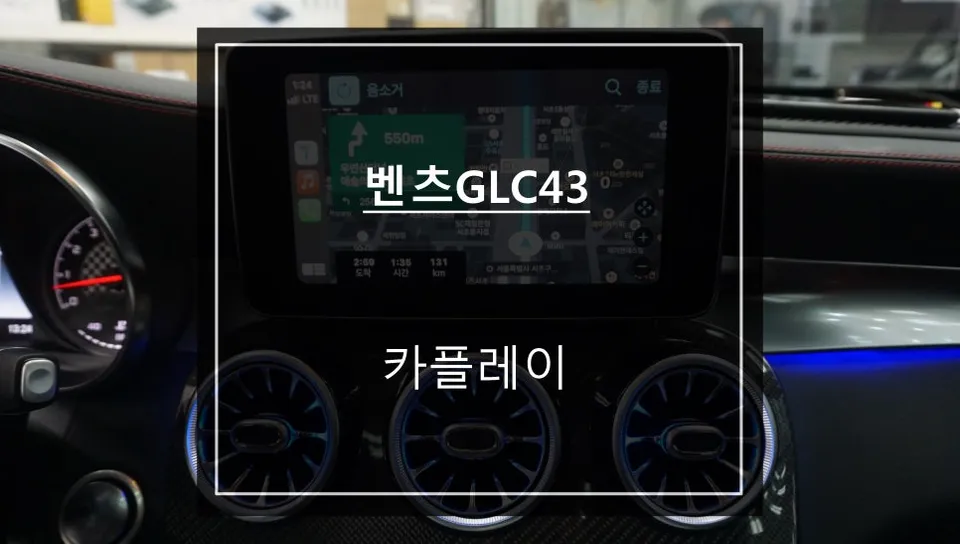
Many Mercedes-Benz S-Class owners find the factory navigation system to be outdated and limited. Slow updates and restricted features can be frustrating. This is where installing an Apple CarPlay and Android Auto module becomes essential. It allows you to seamlessly integrate your smartphone's navigation apps, like Google Maps, Waze, or KakaoMap, onto your car's large display. This not only provides real-time traffic information but also enhances driver focus by minimizing the need to look at a separate phone screen.
Solving Navigation Woes with Smartphone Integration
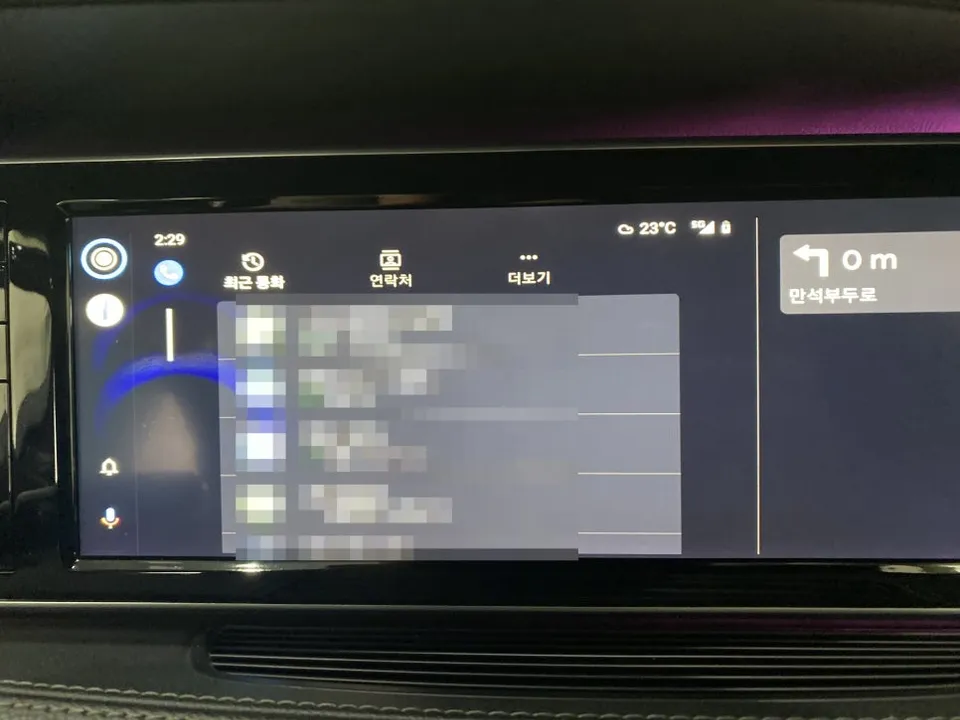
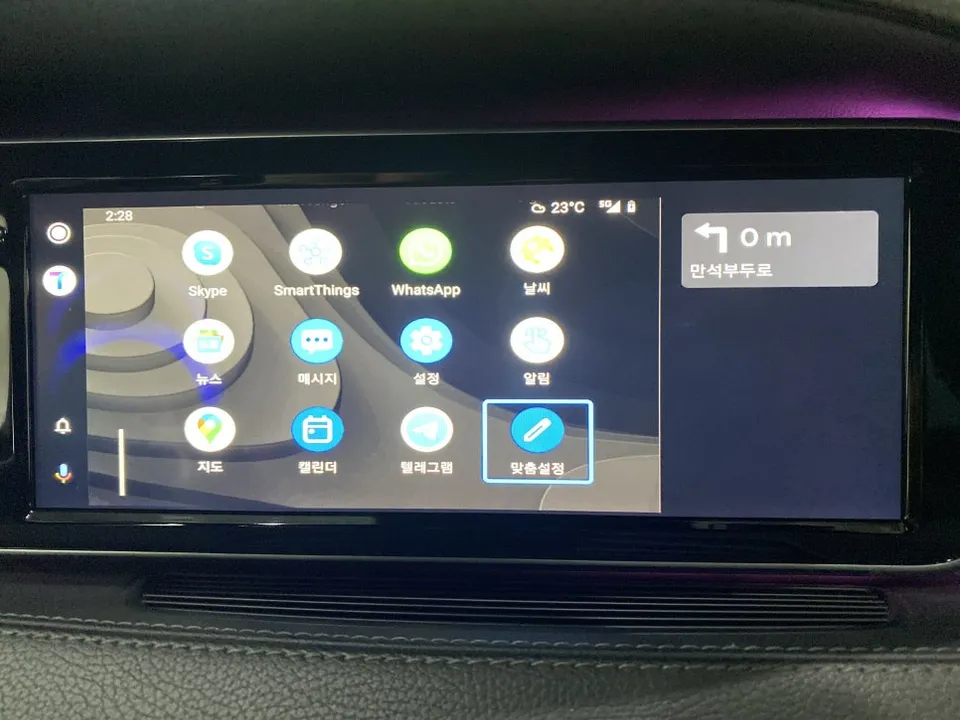
While luxury vehicles like the S-Class boast premium interiors, their native navigation systems often fall short. Infrequent updates mean traffic data can be outdated, and regional map coverage might be lacking. This leads many drivers to resort to using phone mounts, which can be distracting due to the small screen size and awkward viewing angles. Apple CarPlay and Android Auto directly address these issues. They mirror your phone's familiar interface onto the car's infotainment screen, ensuring you always have the latest map data and traffic conditions. Voice command functionality further enhances safety, allowing you to set destinations or control music without taking your hands off the wheel.
Why Professional Installation is Crucial for Your S-Class
Installing an Apple CarPlay or Android Auto module in a Mercedes-Benz S-Class is a complex process. Unlike simpler models, the S-Class has intricate internal structures that vary significantly based on the year and specific trim (e.g., long-wheelbase). Disassembling the dashboard requires precision and often necessitates two technicians due to the delicate nature of the components. Attempting a DIY installation can easily lead to damaged wiring or malfunctioning sensors, as the S-Class is equipped with numerous sensitive electronic systems where one error can cascade. Therefore, it is highly recommended to have the installation performed by experienced professionals with the right diagnostic tools at a specialized facility.
Post-Installation Setup and Connectivity Options
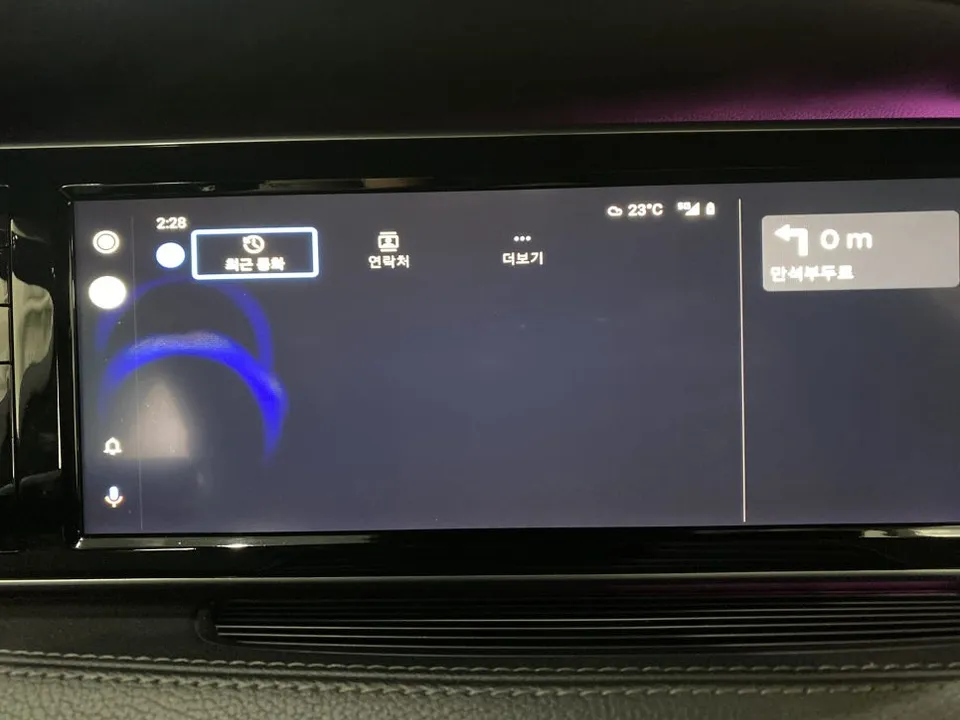
Once the module is installed, the initial setup is straightforward. Access the system settings by holding the 'back' button on your steering wheel. This will bring up the Apple CarPlay and Android Auto setup screen. Select the appropriate system based on your smartphone's operating system – Android Auto for Android devices and Apple CarPlay for iPhones. The system supports both smartphones, allowing for easy switching between different users or devices. You can also choose between wireless and wired connections.
Wireless vs. Wired Connection: Which is Best?
Both wireless and wired (USB) connections are supported for Apple CarPlay and Android Auto. Wireless offers convenience, but it can be prone to occasional disconnections, especially in areas with weak signals or heavy electronic interference. For the most stable and reliable experience, a wired USB connection is generally recommended. It ensures automatic pairing and consistent data transfer speeds. Bluetooth can be used as a supplementary connection for calls or music playback, but for primary navigation and app usage, the USB cable provides superior performance.
Upon first connection, your phone's contacts, call history, and messages will automatically synchronize, making it easy to access your essential information through the car's interface.
Frequently Asked Questions
Q. How much does an Android Auto/CarPlay installation cost for a Mercedes-Benz S-Class?
The installation for a Mercedes-Benz S-Class typically ranges from ₩800,000 to ₩1,500,000 in Korean Won. In the US, similar professional installations can cost between $500 and $1200 USD.
Q. How long does an Android Auto/CarPlay installation take on a Mercedes-Benz S-Class?
The installation process usually takes around 1 to 2 hours to complete. To ensure longevity, it's recommended to periodically check the USB port for debris and ensure your smartphone's operating system is up-to-date.
Q. Is an Android Auto/CarPlay upgrade worth it for a Mercedes-Benz S-Class?
This upgrade is highly beneficial for owners who frequently use smartphone navigation and apps. It significantly enhances the infotainment system's functionality and user experience, providing a modern and convenient interface.
Q. How is an Android Auto/CarPlay system installed on a Mercedes-Benz S-Class?
1. The dashboard trim panels are carefully removed to access the infotainment system. 2. The CarPlay/Android Auto module is connected to the vehicle's wiring harness and head unit. 3. The system is configured through the car's native settings menu. 4. All panels are reassembled, and a final system test is performed.
Q. What is the difference between wireless and wired Android Auto/CarPlay connections?
Wireless connection offers convenience by eliminating the need for cables but can sometimes experience minor signal interruptions. A wired USB connection provides the most stable and reliable performance, ensuring consistent data transfer for navigation and media.
Fox Parts