MINI MINI Cooper Car Audio Upgrade Review — Smart Features
Service Price
$40–80
Estimated price · Actual price may vary by shop
Before
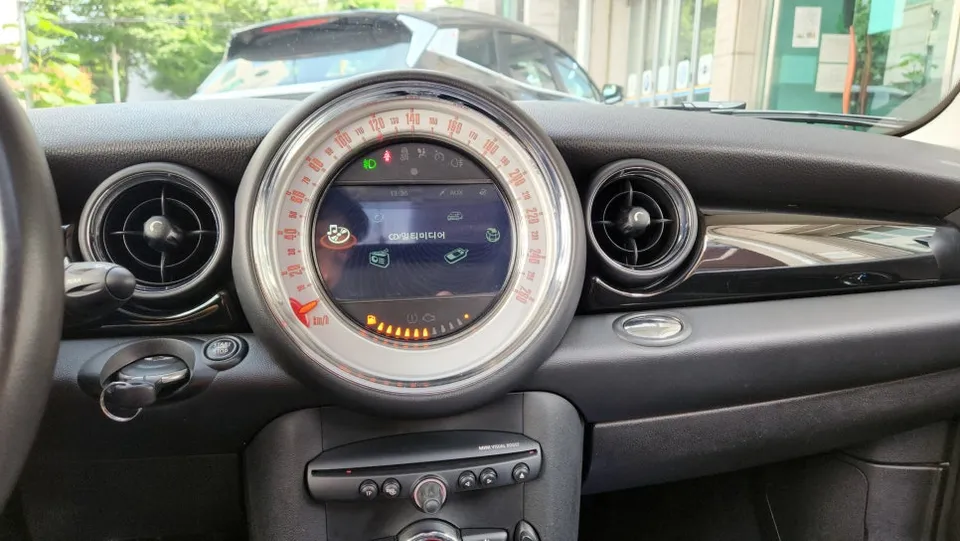
After
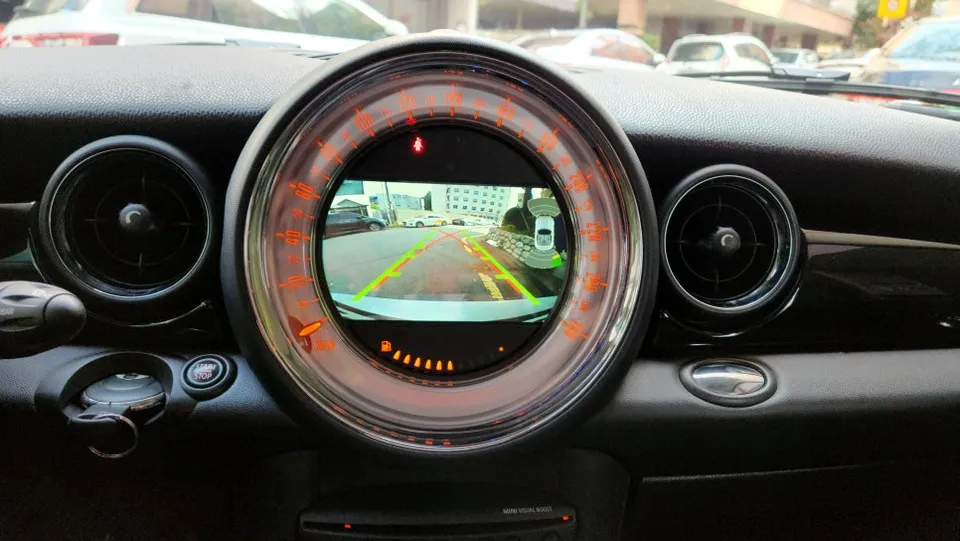
Process photos
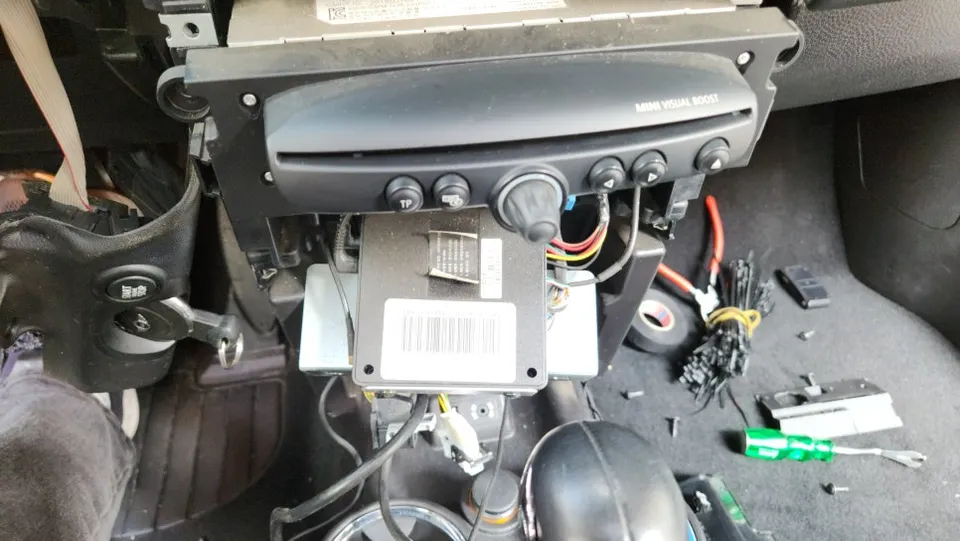
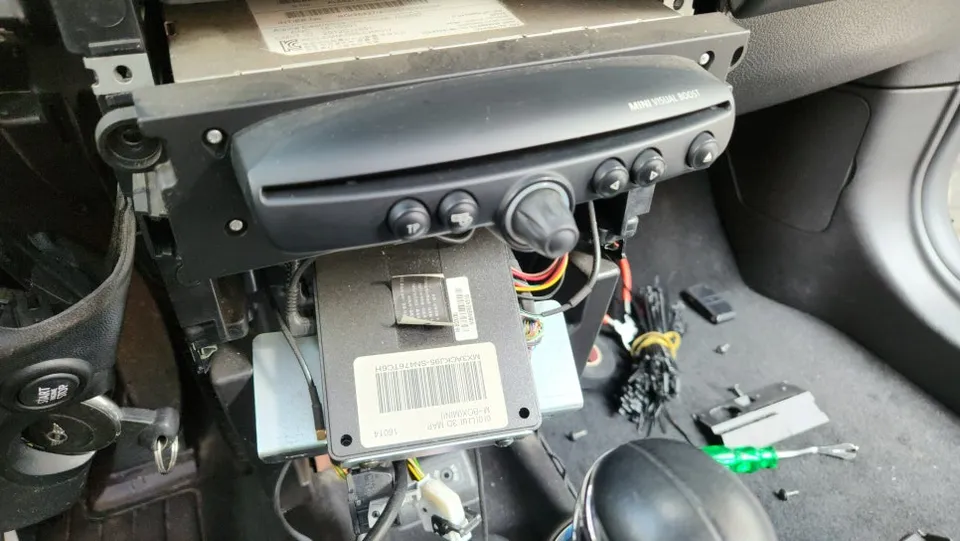
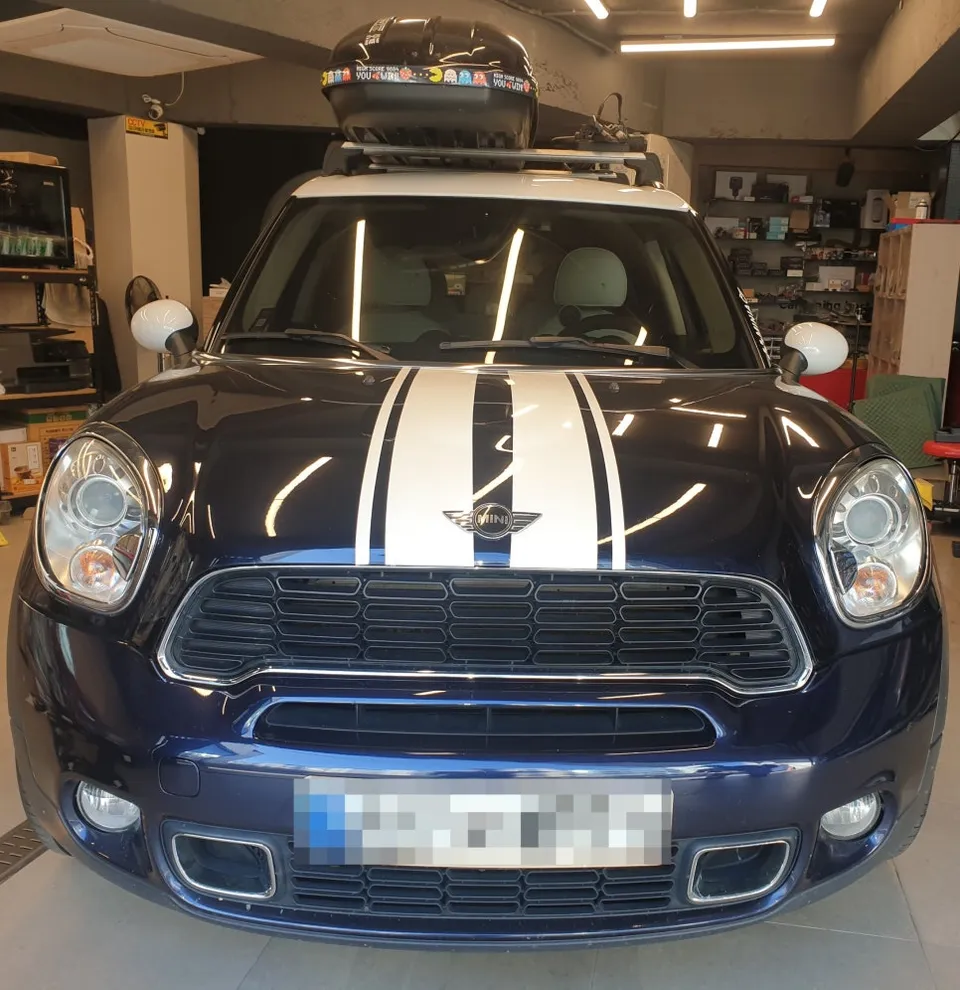
MINI MINI Cooper R56 audio upgrade with CarPlay/Android Auto & backup camera. Installation details provided.
Upgrade Your MINI MINI Cooper's Sound System with CarPlay and Android Auto
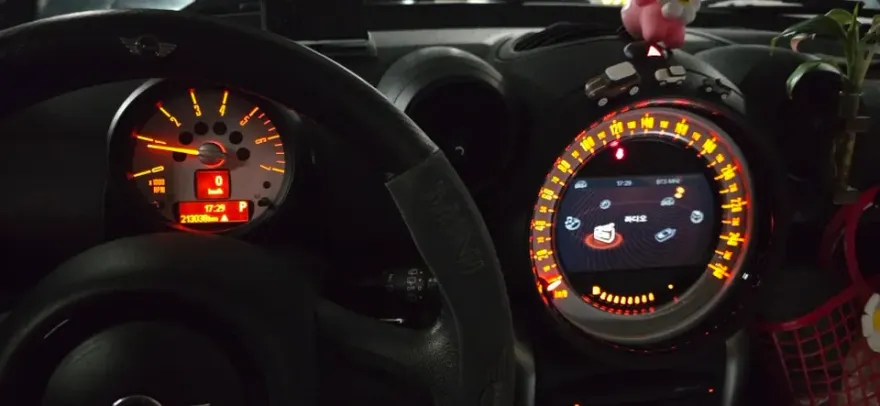
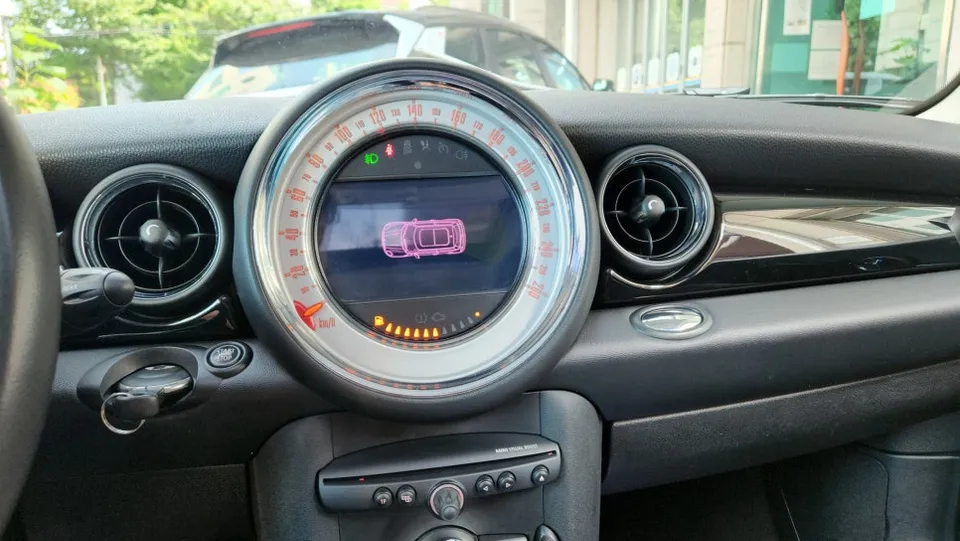
Many MINI MINI Cooper R56 owners find the original infotainment system, particularly the "Visual Boost" setup with its 6.5-inch round display, to be outdated. While some aftermarket interfaces can add touch functionality, they can also introduce reliability issues, affecting features like the backup camera. This review explores how installing Apple CarPlay and Android Auto can significantly modernize your MINI's audio and navigation experience, offering a seamless smartphone integration that enhances daily driving.
Enhance Parking Safety with a New Backup Camera
A malfunctioning or low-quality backup camera can make parking a stressful affair, especially in tight urban environments. If your MINI's original camera is failing or if you're relying on an older system that's no longer functional, upgrading to a new, high-definition unit is a practical solution. A clear, wide-angle view from a new backup camera drastically reduces blind spots, providing greater confidence and safety when reversing.
MINI MINI Cooper R56 Audio System Installation Process
The process of upgrading your MINI MINI Cooper R56's audio system, including adding Apple CarPlay and Android Auto and replacing the backup camera, requires specialized knowledge due to the car's intricate design. The installation typically involves carefully removing the existing M-BOX module. This step is crucial and requires attention to detail, as MINI vehicles often have a variety of screws and a complex wiring harness. Technicians must meticulously disconnect the old navigation system, such as an older iNavi setup, and reroute or integrate new wiring for the modern interface. The goal is a clean, professional installation that ensures all new features work flawlessly.
Installation Process:
- Carefully remove the original M-BOX module and associated trim pieces.
- Disconnect the old navigation and audio wiring harnesses.
- Install the new interface module for CarPlay and Android Auto.
- Connect and install the new, high-definition backup camera.
- Neatly manage all wiring and reassemble interior trim panels.
Once installed, accessing the new features is straightforward. A press of the home button on your steering wheel or head unit will switch you to the CarPlay or Android Auto interface. For Android users, this means seamless integration with apps like TMAP, Naver Maps, or Kakao Navi, along with music streaming services such as Melon or Genie. iPhone users will enjoy the same convenience through Apple CarPlay, accessing their preferred navigation and audio apps directly on the car's display. The result is a significantly more intuitive and feature-rich driving experience, with a much clearer view when parking thanks to the upgraded backup camera.
Frequently Asked Questions
Q. How much does a car audio upgrade cost for a MINI MINI Cooper?
The specific installation detailed in this review was performed in Korea, with costs typically ranging from ₩40,000 to ₩80,000 (approximately $30-$60 USD). Typical US installation costs for similar audio upgrades can range from $40 to $80.
Q. What car audio components give the best value for a MINI MINI Cooper?
Upgrading to Apple CarPlay and Android Auto offers significant value by modernizing your infotainment system. For durability, ensure professional installation and consider a high-definition backup camera for long-term parking assistance.
Q. Is a car audio upgrade worth it for a MINI MINI Cooper?
This upgrade is highly recommended for MINI MINI Cooper owners seeking modern smartphone integration and improved parking safety. The enhanced usability and convenience significantly boost the overall driving experience.
Q. How is a car audio system installed in a MINI MINI Cooper?
Installation involves carefully removing the original M-BOX module and disconnecting the old wiring. A new interface for CarPlay/Android Auto is then installed, along with a new backup camera, followed by neat wiring management and reassembly.
Q. What is the difference between a stock and aftermarket audio system for a MINI MINI Cooper?
Stock systems often lack modern smartphone integration and can have outdated navigation or camera features. Aftermarket upgrades like CarPlay/Android Auto provide seamless app access, improved navigation, and superior backup camera clarity.
OhCar Partner Shop