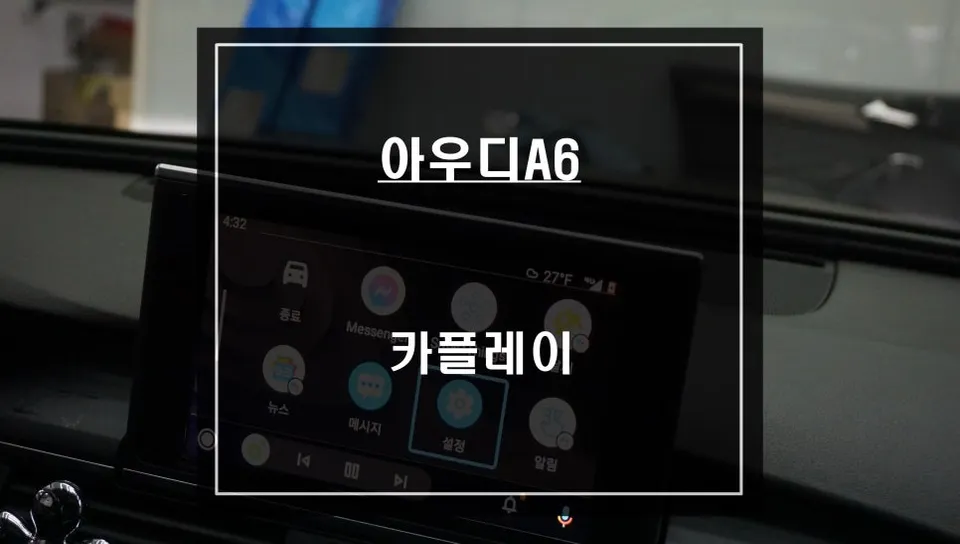
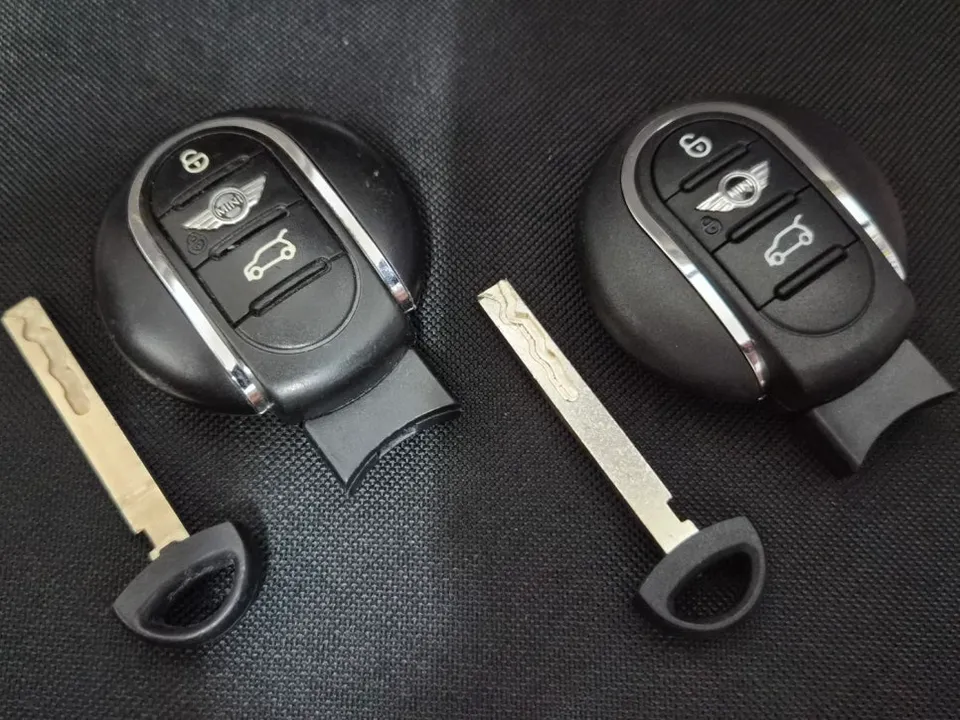
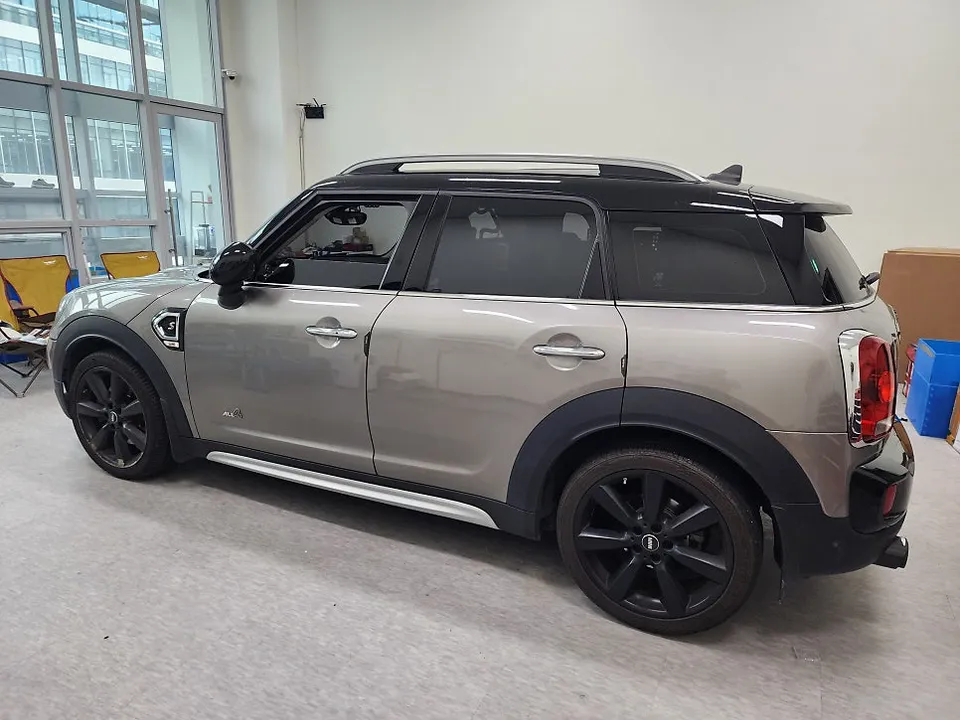
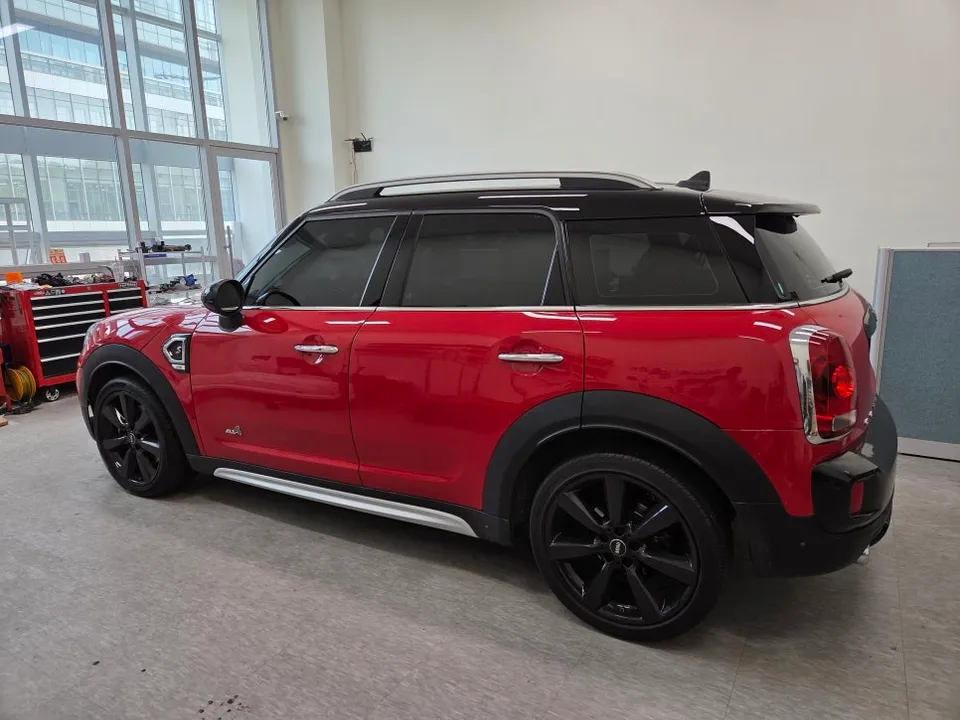
MINI Countryman CarPlay Retrofit Review — Before & After
Service Price
$150+
Estimated price · Actual price may vary by shop
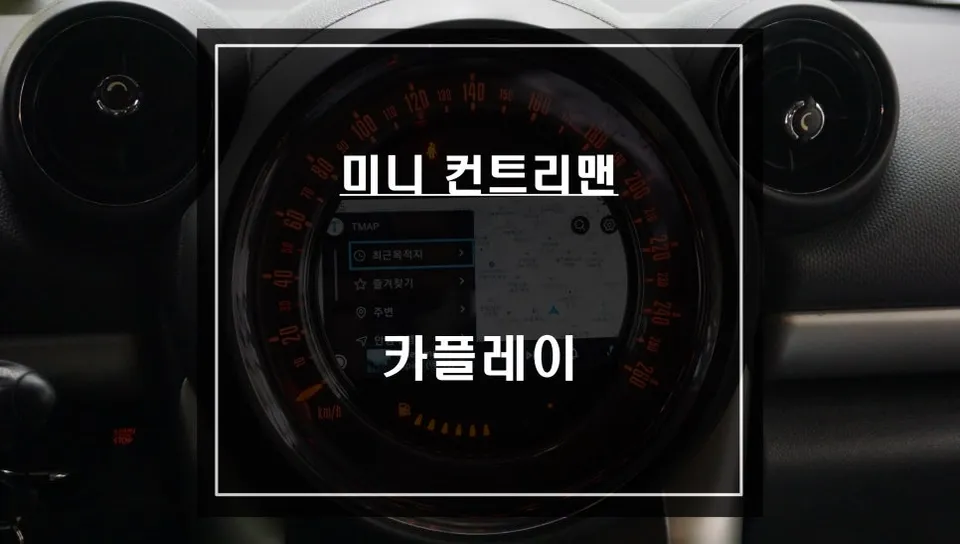
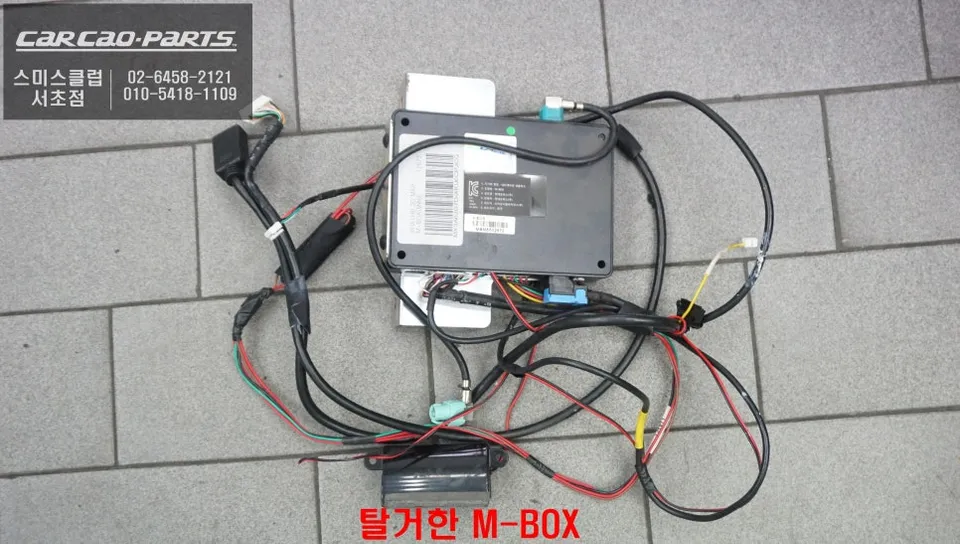
MINI Countryman CarPlay retrofit: $150+. Restores navigation & rear camera. Seamless smartphone integration.
Revitalizing Your MINI Countryman's Infotainment
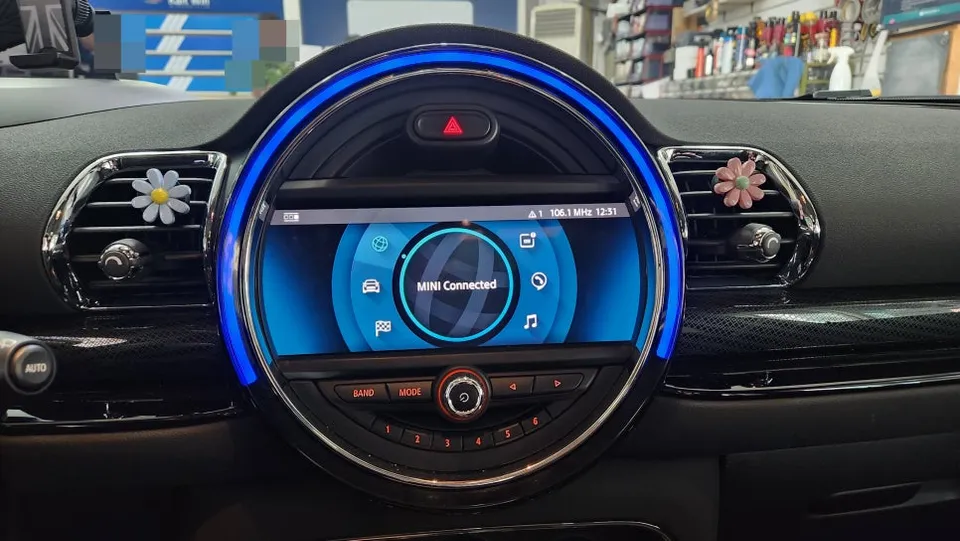
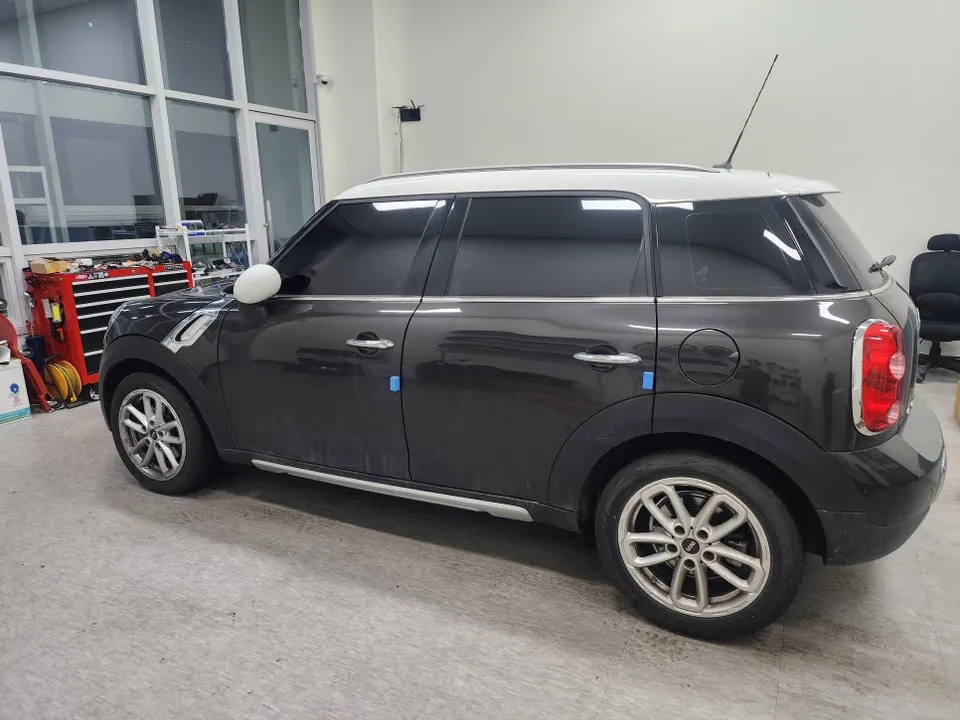
A 2015 MINI Countryman recently visited our workshop with a seemingly simple issue: a malfunctioning rear camera display. However, the underlying problem turned out to be a completely failed M-BOX module, rendering both the navigation and rear camera inoperable. While repairing the original M-BOX was an option, we presented a more modern and capable solution: a CarPlay module integration. This approach allows owners to retain their factory screen while unlocking the full potential of smartphone-based navigation apps like TMAP and KakaoMap.
Why Choose a CarPlay Module Upgrade?
Older vehicles, particularly models like the MINI Countryman, often suffer from the limitations of their original navigation systems. Updating maps typically requires an SD card, and real-time traffic information can be sluggish. In contrast, smartphone apps offer instantaneous updates, providing accurate traffic data and superior route optimization. The specific CarPlay module we installed for the MINI is an all-in-one unit, integrating both the interface and CarPlay functionality. Crucially, it utilizes a plug-and-play (jack-by-jack) wiring system that avoids damaging the original wiring harness. This is a significant advantage for future troubleshooting and ensures a clean installation.
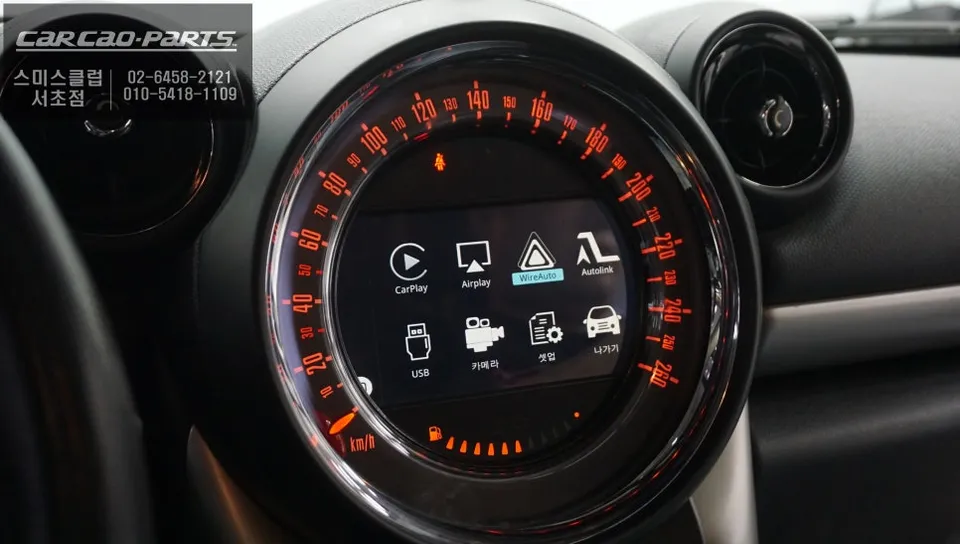
The Installation Process
Integrating a CarPlay module into a MINI Countryman involves carefully disassembling parts of the dashboard. The interface module is discreetly positioned behind the original monitor, and a USB port for smartphone connection is installed in a convenient location. Wiring is meticulously managed to maintain a tidy interior. After connecting the module, we verify that voice control and the rotary dial control function correctly. While touch control isn't supported, the system allows for comprehensive control of CarPlay features using the original microphone for voice commands and the rotary dial. This feature significantly enhances the cost-effectiveness of the upgrade.
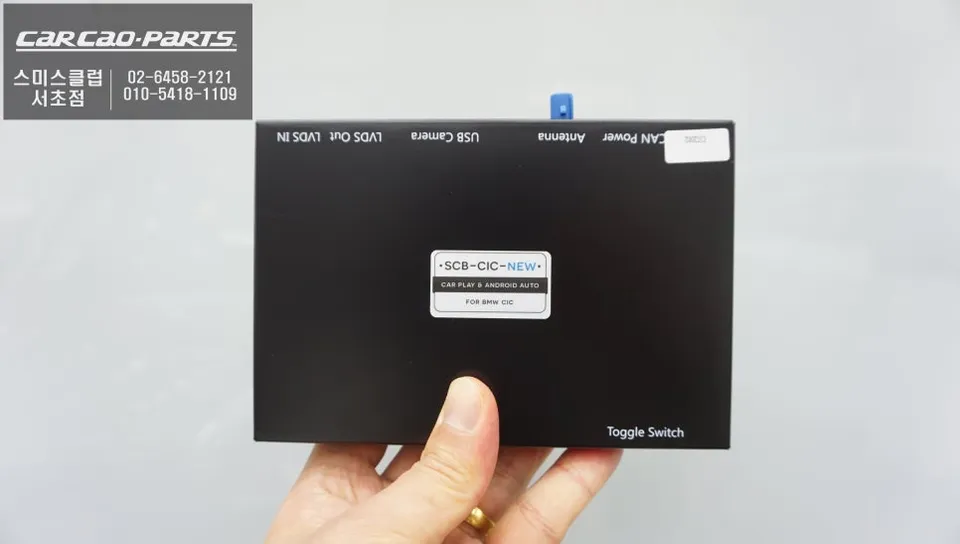
Seamless CarPlay Integration and Use
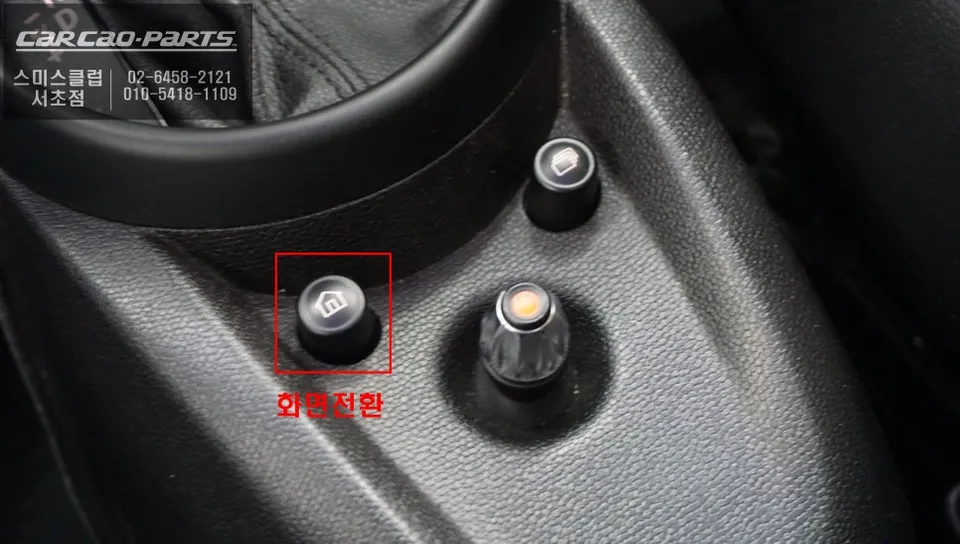
Once the installation is complete, using CarPlay is remarkably straightforward. A simple press of the original 'Home' button for about two seconds seamlessly switches the display to the CarPlay interface. Connecting your smartphone via Bluetooth or USB is the final step. Your smartphone's navigation apps, such as TMAP or KakaoMap, will then appear on the factory screen. All original functions, like audio and climate controls, remain accessible and operate as usual, preventing any confusion. Voice guidance from CarPlay is routed through the car's speakers via an external AUX input, ensuring clear audio.
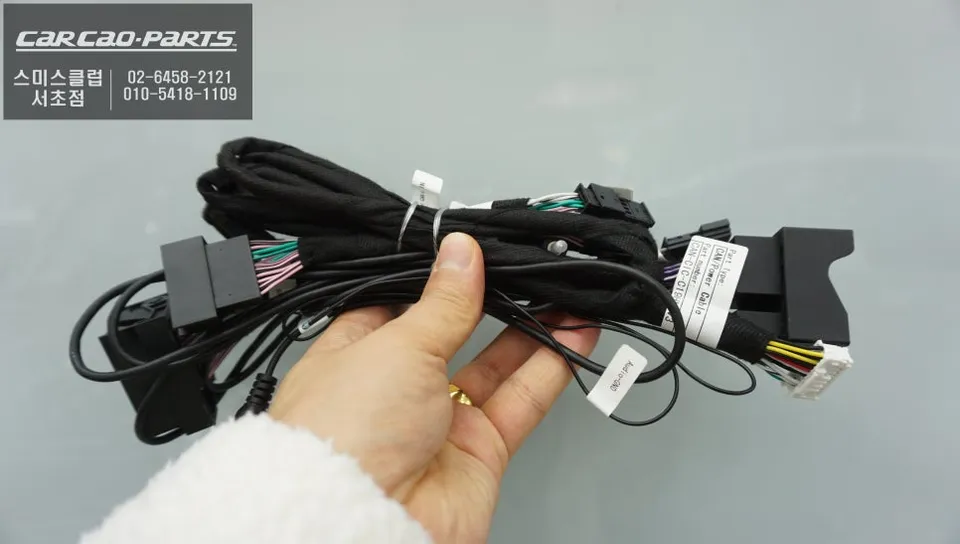
Real-Time Navigation and Enhanced Safety
One of the most significant benefits for owners of older MINIs is the elimination of outdated map issues. Unlike the factory navigation that relies on infrequent SD card updates, the CarPlay system provides real-time map updates the moment your smartphone connects. This means you'll always have access to the latest road information, including newly opened routes and immediate alerts for hazards like construction zones. Users consistently report that the traffic information displayed closely matches real-world conditions, significantly improving the driving experience.
The original M-BOX failure also meant the rear camera was unusable. This upgrade successfully restored the rear camera functionality, providing an essential safety feature that was previously lost. This all-in-one navigation and camera solution offers a comprehensive infotainment upgrade for the MINI Countryman.
Frequently Asked Questions
Q. How much does Android head unit or CarPlay installation cost for a MINI Countryman?
The cost for a CarPlay module installation on a MINI Countryman starts around $150 USD. Typical US installation costs can range from $150 to $500 depending on the specific module and vehicle.
Q. How long does Android head unit installation take on a MINI Countryman?
CarPlay module installations are generally durable and require minimal maintenance beyond ensuring your smartphone is updated. Regular cleaning of the screen and checking cable connections are usually sufficient.
Q. Is a CarPlay or Android Auto retrofit worth it for a MINI Countryman?
A CarPlay or Android Auto retrofit is highly recommended for MINI Countryman owners who rely on modern navigation and infotainment features. It offers a significant value by modernizing the vehicle's tech without replacing the entire head unit.
Q. How is an Android head unit installed in a MINI Countryman?
Installation involves carefully disassembling dashboard components to access the factory monitor. 1. The CarPlay interface module is connected behind the screen. 2. A new USB port is installed for smartphone connectivity. 3. Wiring is neatly managed, and the dashboard is reassembled.
Q. What is the difference between an Android head unit and a factory infotainment system for a MINI Countryman?
An Android head unit or CarPlay retrofit allows you to use smartphone apps like Google Maps or Waze on your factory screen, offering real-time updates and a familiar interface. The factory system is often limited to outdated maps and slower performance.
Kakao Parts