BMW 528i Android Head Unit CarPlay Integration Review
Service Price
$150+
Estimated price · Actual price may vary by shop
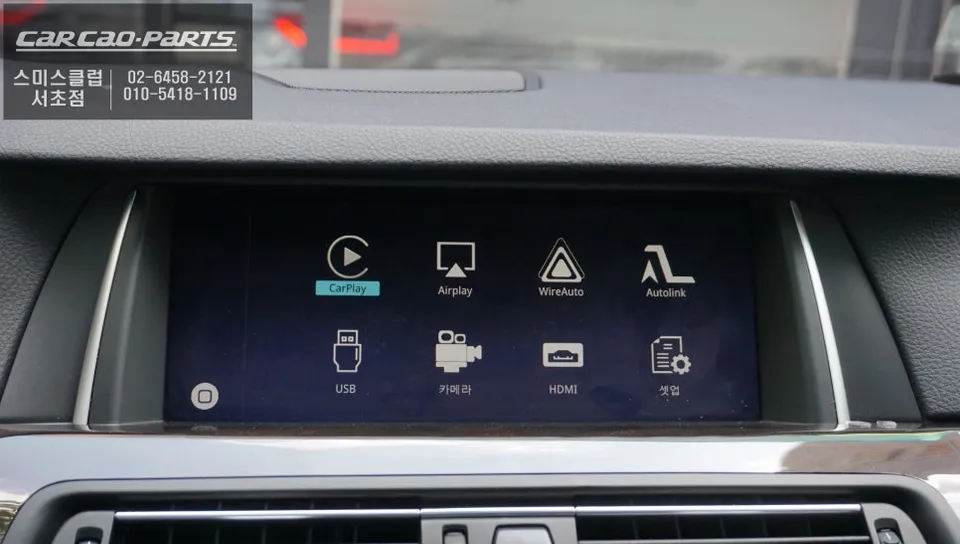
BMW 528i F10 CarPlay integration enhances navigation and entertainment. Seamless smartphone connectivity via USB or wireless. Improves driving experie
Upgrade Your BMW 528i F10 with Seamless CarPlay Integration
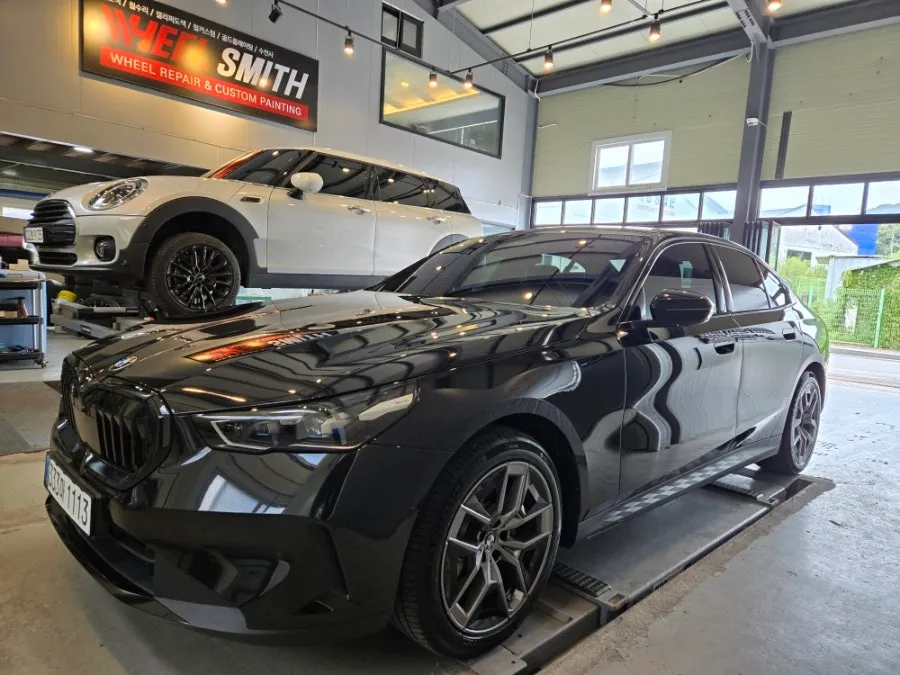
Many BMW 528i F10 owners find the stock navigation system to be cumbersome, with complex menus and outdated map updates. The solution? A CarPlay module that transforms your infotainment experience. This review details a CarPlay integration performed by Todays Car in Gangnam for a BMW 528i, showcasing how it overcomes the limitations of the original system.
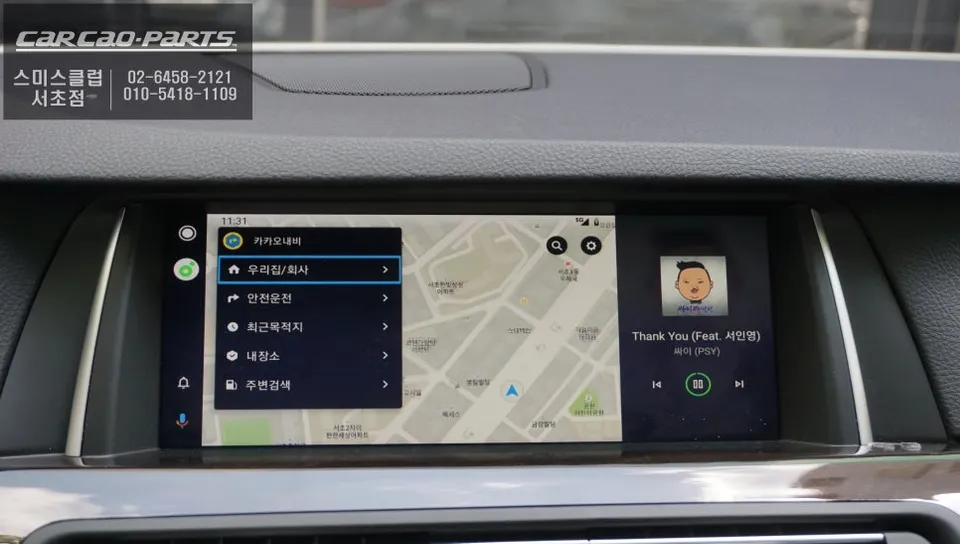
The primary benefit of installing a CarPlay module is the ability to use your smartphone's navigation apps directly on your car's display. Apps like TMAP and KakaoMap offer real-time traffic information far superior to the stock navigation, providing instant rerouting and the fastest routes. This makes a significant difference during daily commutes.
Effortless Integration with Your BMW 528i's Original Monitor
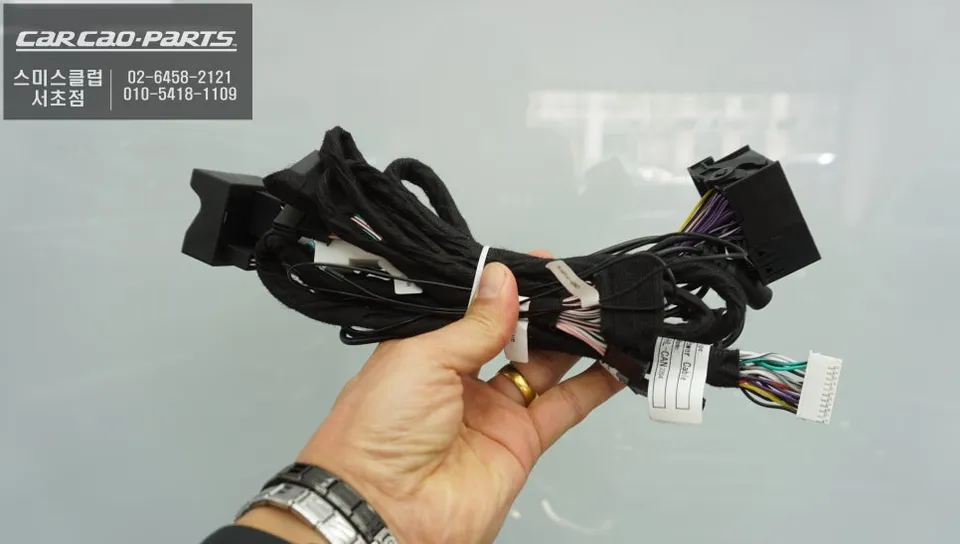
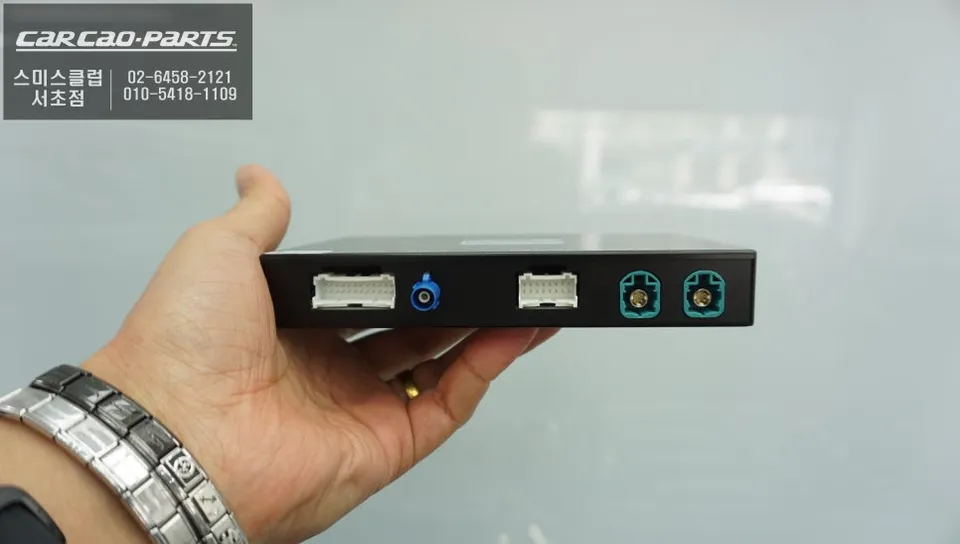
The key to a successful installation is preserving the original wiring. The BMW-specific CarPlay modules used by Todays Car are plug-and-play, connecting directly to the factory monitor without altering any existing cables. Utilizing the LVDS high-definition video standard, the system maintains crisp display quality while ensuring the integrity of the original setup.
Installation is straightforward and non-invasive. The module simply connects to the factory LVDS input/output ports and receives power from the car's battery. The entire process can typically be completed the same day, taking approximately 30-40 minutes, with no need for subsequent calibration.
Accessing CarPlay on Your BMW 528i
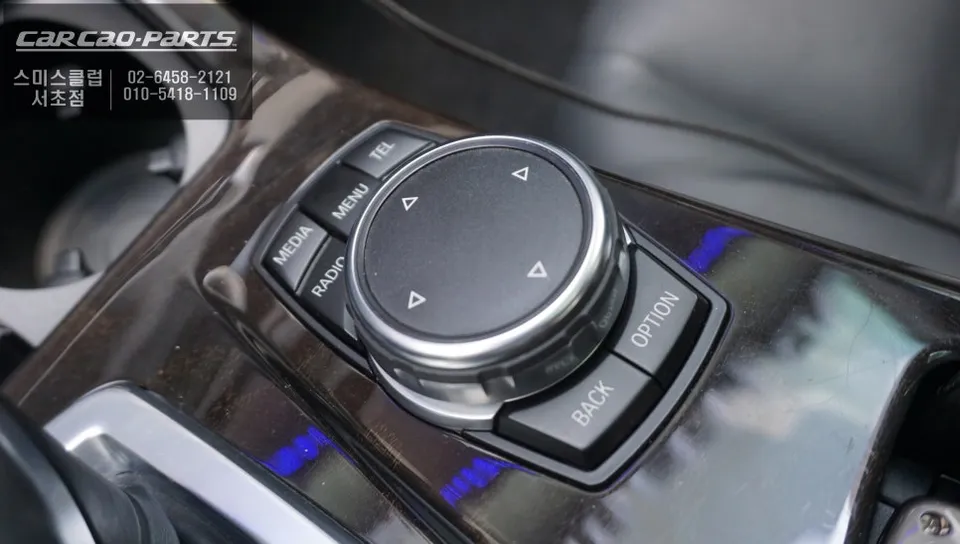
Using CarPlay after installation is intuitive. A simple two-second press of the original iDrive 'MENU' button switches the display to the CarPlay interface. You can then connect your smartphone via Bluetooth or USB to activate Apple CarPlay or Android Auto.
While both wired (USB) and wireless connections are supported, a wired connection is recommended for long-distance driving and enhanced stability, as wireless connections can occasionally experience interruptions. Most users find themselves reverting to the USB connection for its reliability.
The Real Advantage: Up-to-Date Navigation and More
The superiority of navigation apps like TMAP and KakaoMap lies in their real-time traffic data. Updates on traffic signals, congestion, and accidents are processed instantly, allowing for immediate route adjustments. While the stock navigation might insist on a particular route, CarPlay offers dynamic alternatives based on current conditions.
Voice command functionality adds another layer of convenience. Simply stating, "Find a good restaurant here," brings up nearby dining options with search speeds that far surpass the original system.
Audio and Visual Content Through Your CarPlay Module
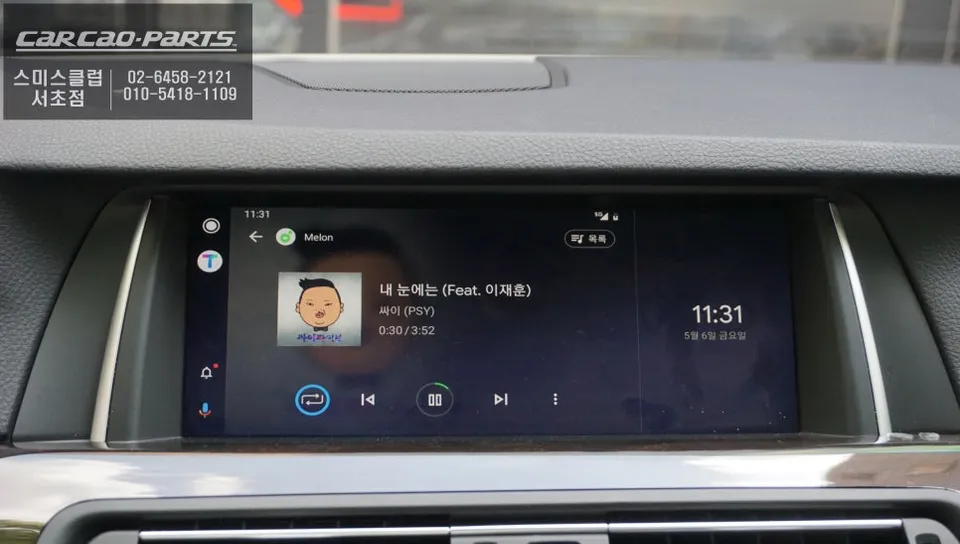
Both navigation voice prompts and smartphone audio are routed through the car's existing speaker system via the module's connection to the vehicle's AUX input. Streaming services like Melon, YouTube Music, and Spotify play directly through your car speakers, eliminating the need for additional audio hardware or complex wiring.
Beyond navigation and audio, the CarPlay module offers a mirroring function, allowing you to display your entire smartphone screen on the original monitor. This enables viewing content from apps like YouTube and Netflix when the vehicle is parked. While watching videos while driving should be avoided for safety reasons, this feature significantly enhances the entertainment options during stationary periods.
Addressing BMW 528i Blind Spots with Wide-Angle Mirrors
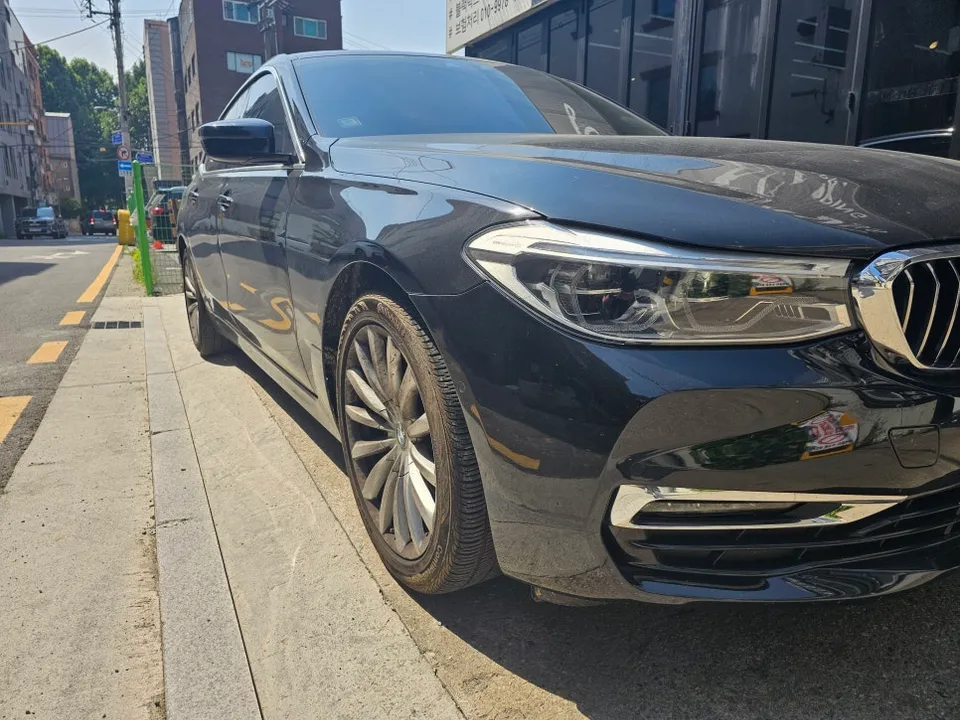
In addition to the CarPlay upgrade, this BMW 528i also received wide-angle mirrors to eliminate blind spots. These mirrors provide a broader field of vision, significantly improving safety by reducing the areas hidden from view.
Frequently Asked Questions
Q. How much does an Android Head Unit with CarPlay cost for a BMW 528i F10?
The CarPlay integration for the BMW 528i F10, as performed in this review, typically costs around ₩500,000 (Korean Won). In the US, similar CarPlay integration kits can range from $300 to $800 depending on the brand and features.
Q. How long does an Android Head Unit with CarPlay last on a BMW 528i F10?
CarPlay modules are designed for long-term use, often lasting the lifespan of the vehicle with proper installation. To ensure longevity, avoid exposing the module to extreme temperatures and ensure a stable power connection.
Q. Is an Android Head Unit with CarPlay worth it for a BMW 528i F10?
An Android Head Unit with CarPlay is highly recommended for BMW 528i F10 owners who find the stock navigation system lacking, as it provides access to modern, real-time navigation and entertainment apps.
Q. How is CarPlay integration done on a BMW 528i F10?
CarPlay integration on a BMW 528i F10 involves installing a dedicated module that connects to the car's original monitor via plug-and-play connectors, preserving factory wiring. 1. Connect the CarPlay module to the factory LVDS ports. 2. Connect the module's power cable to the vehicle's battery. 3. Test the system by pressing the 'MENU' button to access CarPlay.
Q. What is the best Android Head Unit option for a BMW 528i F10?
The best option for a BMW 528i F10 is a dedicated CarPlay integration module that uses plug-and-play connections to maintain factory wiring integrity. This approach ensures seamless integration and preserves the original look and feel of the infotainment system.
Kakao Parts