BMW X2 Android Head Unit Installation Review
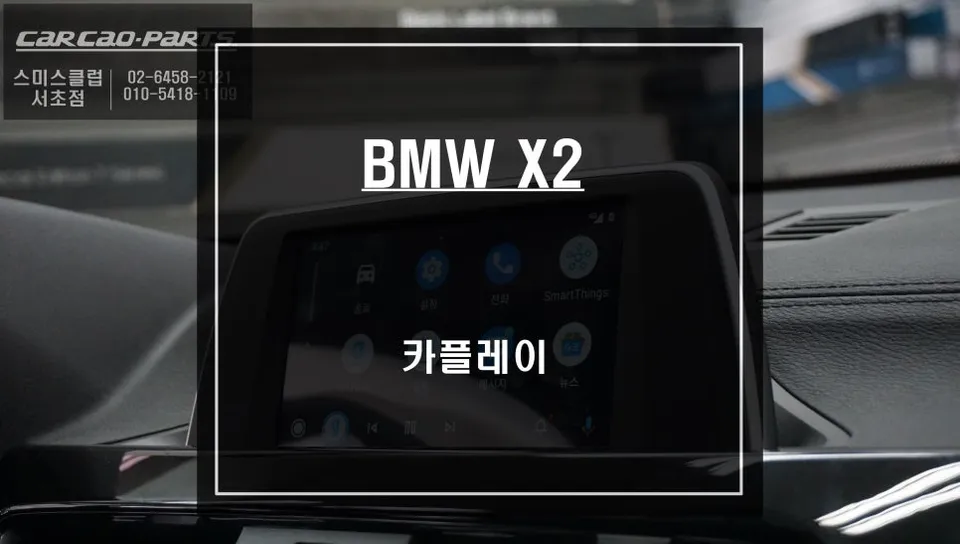
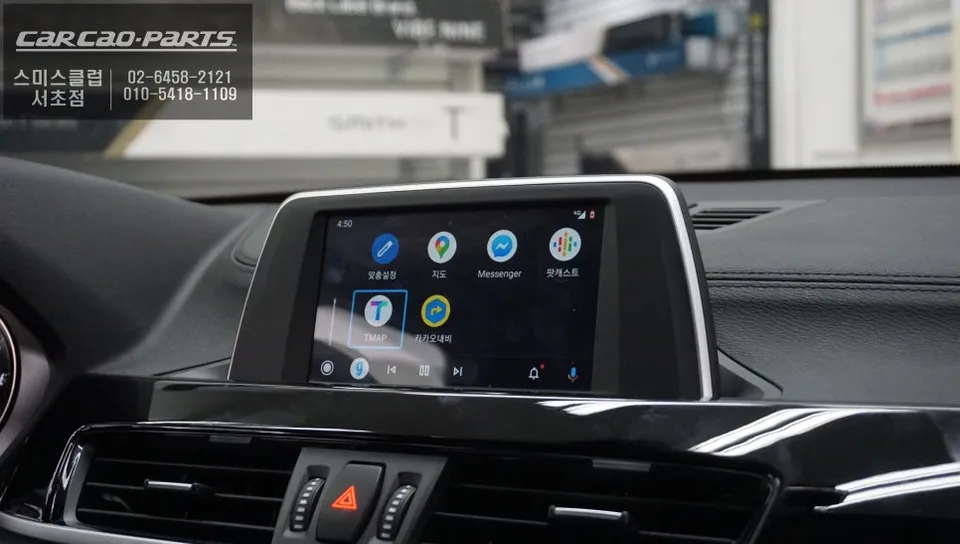
BMW X2 CarPlay module installation enhances navigation with TMAP/KakaoMap. Seamless integration, voice control, and iDrive compatibility.
The Limitations of BMW X2's Stock Navigation
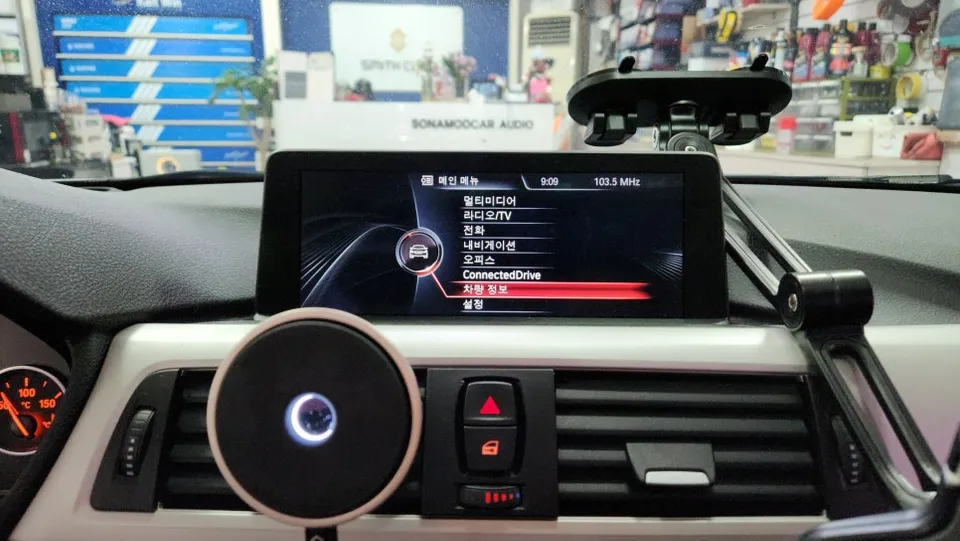
While modern BMW vehicles are packed with advanced technology, one common frustration for drivers is the infotainment system's interface. Specifically, the stock monitor in the BMW X2 is not touch-enabled, relying solely on the iDrive controller. This is where an Android Head Unit, or more accurately, a CarPlay module that integrates with Android functionality, becomes highly desirable. The desire to use navigation apps like TMAP or KakaoMap with real-time traffic updates is hampered by the cumbersome dial-based control, which can be distracting while driving.
To address this, specialized CarPlay modules are installed, offering a seamless integration that transforms the user experience. This review will detail why a CarPlay module is essential for the BMW X2 and the process involved in its installation.
Seamless Integration: Preserving Original Functions
A key concern for many owners is whether installing a CarPlay module will compromise the original system. The good news is that dedicated BMW modules are designed to preserve all factory functions. The original monitor, wiring, and features remain completely intact. The installation process focuses on safely splitting the signals without damaging any existing wiring. Using a "plug-and-play" method with connectors that physically link to the original wiring harness, similar to Lego blocks, ensures a secure and reversible connection. This meticulous approach also simplifies restoration to the original state if any warranty service is needed.
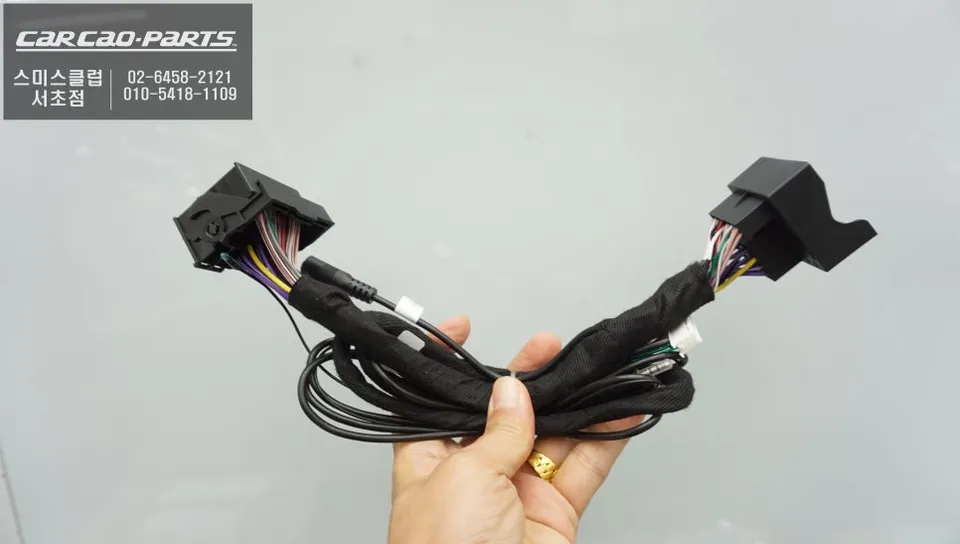
High-Definition Display with LVDS Interface
BMW's stock monitors utilize an LVDS (Low-Voltage Differential Signaling) interface. This digital signal transmission method is crucial because it allows for faster and higher-quality data transfer compared to older analog systems. By leveraging this LVDS interface, the CarPlay module integrates seamlessly, ensuring that the BMW X2's 6.5-inch display maintains its high-definition quality. The result is a user experience that feels as natural and integrated as if it were factory-installed.
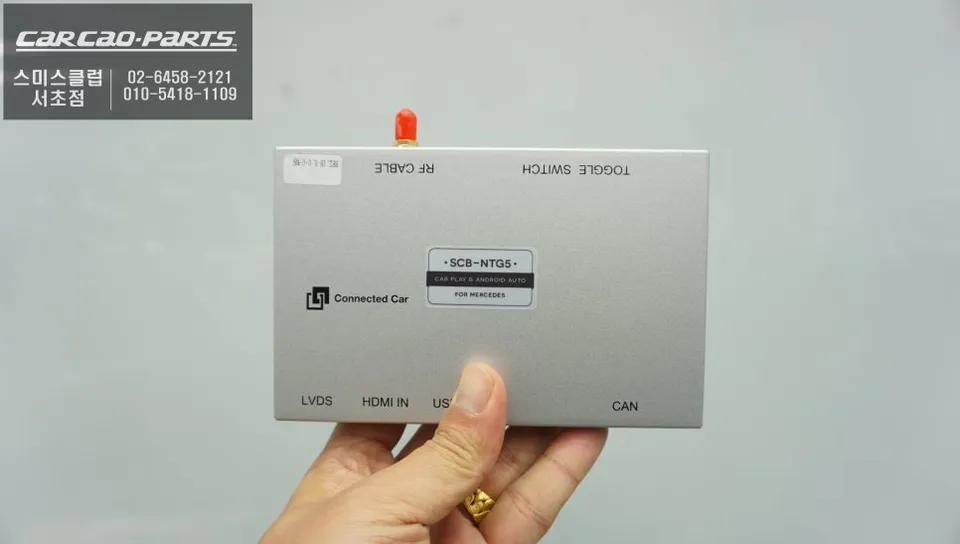
Enhanced Control: Voice Commands and iDrive Controller
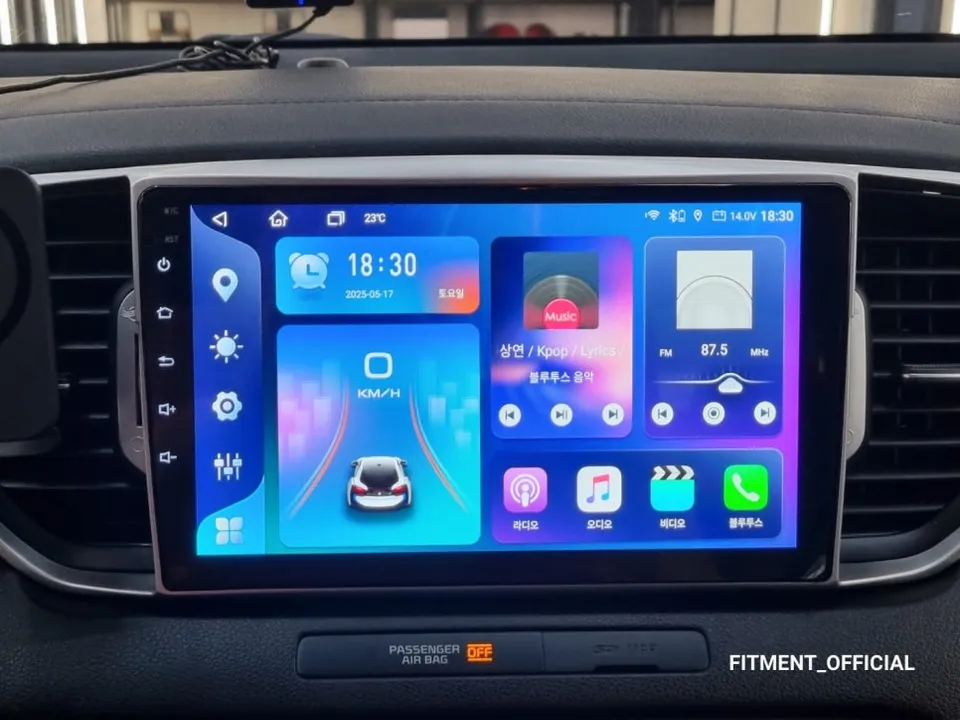
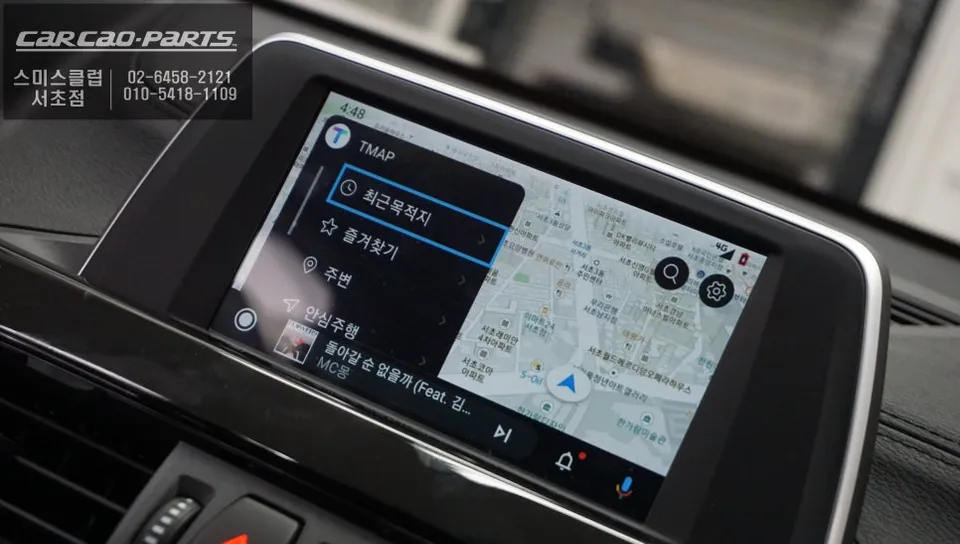
Activating the CarPlay interface is typically done by pressing and holding the iDrive MENU button for two seconds. Once activated, smartphone apps like TMAP and KakaoMap are displayed on the 6.5-inch monitor. The most significant advantage over aftermarket touchscreens is the dual control capability: both voice commands and the iDrive controller can be used. You can simply say, "Set destination to Gangnam Station," and the navigation app will process the request. For tasks better suited to manual input, the iDrive controller offers precise menu navigation. This flexibility significantly enhances usability and safety while driving.
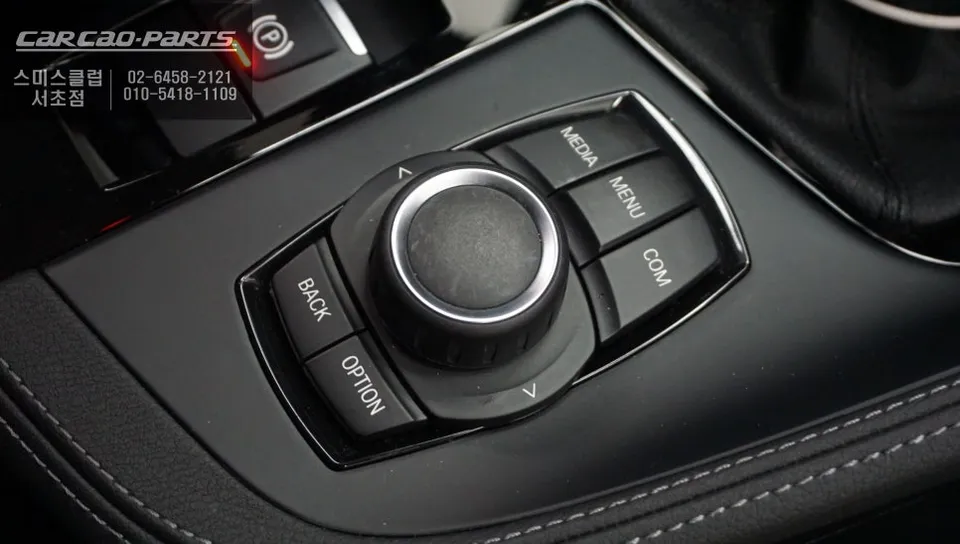
Installation Process:
- Careful disassembly of the dashboard panels around the iDrive controller and monitor to access the original wiring harness.
- Identification and disconnection of specific factory connectors.
- Connection of the CarPlay module using plug-and-play harnesses, ensuring no original wires are cut or damaged.
- Reassembly of the dashboard panels.
- Testing of all functions, including CarPlay activation, navigation app integration, and voice command recognition.
Frequently Asked Questions
Q. How much does an Android Head Unit cost for a BMW X2?
The cost for a CarPlay module installation on a BMW X2, as detailed in this review, is typically around 700,000 Korean Won. In the US, similar aftermarket integration solutions can range from $400 to $1000 depending on features and installation complexity.
Q. How long does an Android Head Unit last on a BMW X2?
A professionally installed CarPlay module is designed to last for the lifespan of the vehicle, typically many years. Regular software updates for the module and connected smartphone apps are recommended to ensure optimal performance and compatibility.
Q. Is an Android Head Unit worth it for a BMW X2?
An Android Head Unit (CarPlay module) is highly recommended for BMW X2 owners frustrated with the stock iDrive system's limitations, especially the lack of touch input for navigation. It significantly enhances usability by providing seamless smartphone integration, voice control, and access to familiar navigation apps.
Q. How is an Android Head Unit done on a BMW X2?
The installation involves carefully removing dashboard trim to access the factory wiring. A specialized CarPlay module is then connected using plug-and-play harnesses, integrating with the existing LVDS display without cutting any wires. Finally, the dashboard is reassembled, and the system is tested for full functionality, including voice commands and app integration.
Q. What is the best Android Head Unit option for a BMW X2?
The best option for a BMW X2 is a dedicated CarPlay module that utilizes the LVDS interface for high-definition output and supports both voice commands and the original iDrive controller. This provides a seamless, integrated experience superior to generic aftermarket touchscreens.
Kakao Parts