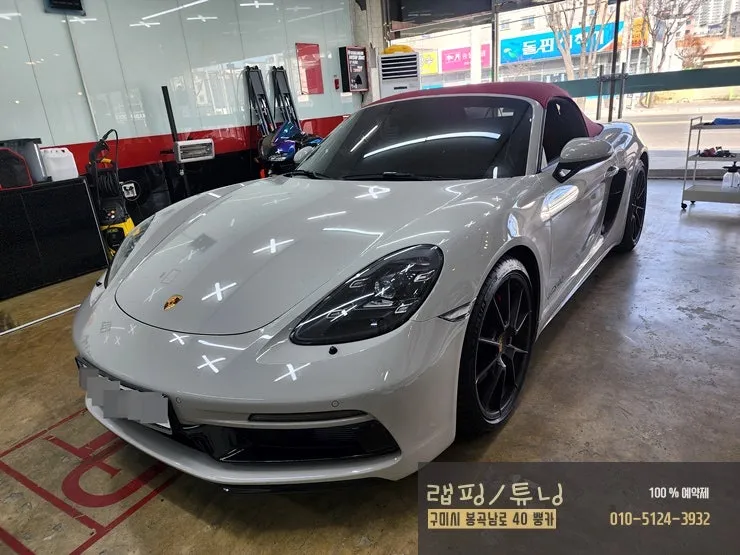
Porsche Boxster 718 CarPlay Coding Review — Hidden Features Activ
Service Price
$75–115
Estimated price · Actual price may vary by shop
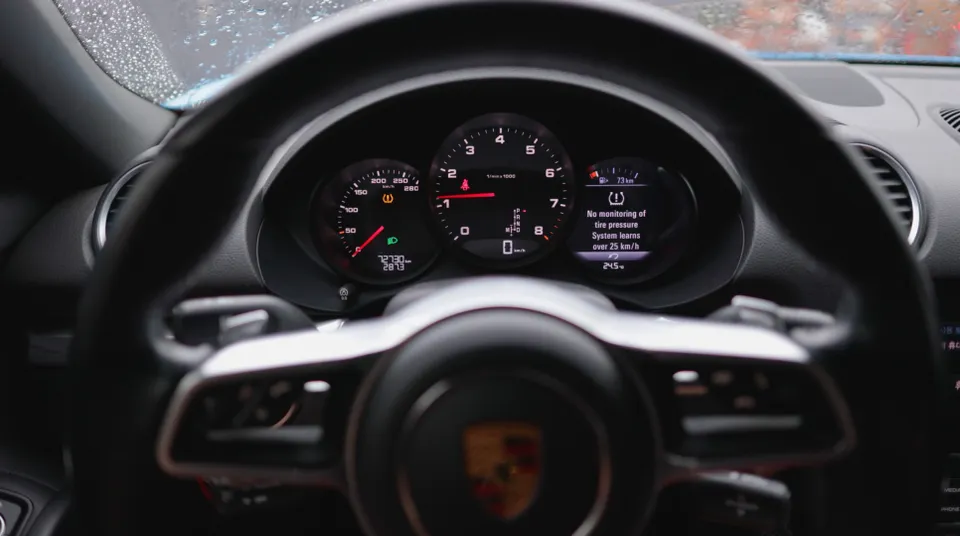
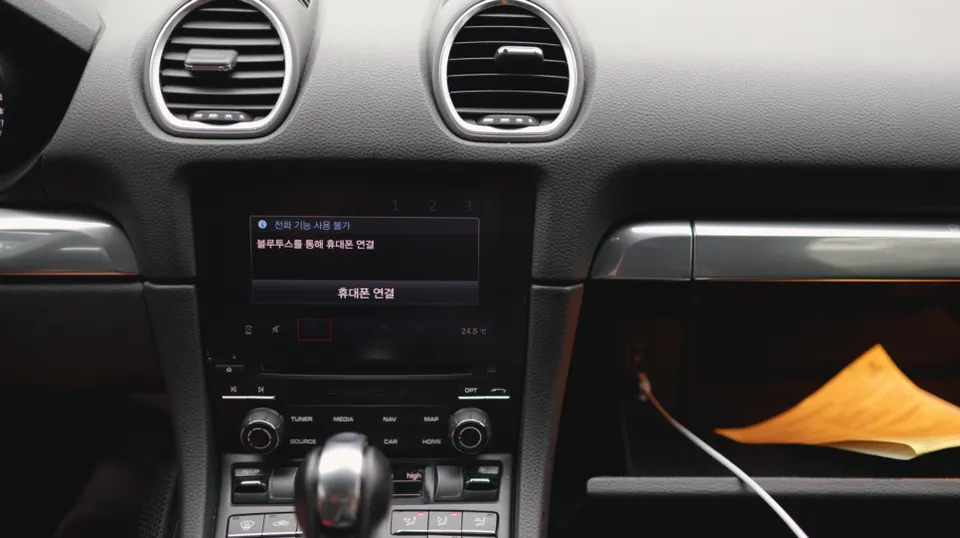
Porsche Boxster 718 CarPlay/Android Auto coding: Starts from ₩500,000. Enables seamless navigation and music integration.
Unlocking Porsche Boxster 718's Hidden CarPlay and Android Auto
Did you know that even the latest Porsche models might have their CarPlay functionality hidden? This guide details the complete process of activating CarPlay and Android Auto through coding for a 2020 Porsche Boxster 718. While the hardware for these features is already present in most Porsches, they are often deactivated in the software settings before delivery.
Why Are These Features Often Deactivated?
The reason behind the deactivation of built-in CarPlay and Android Auto in many Porsche vehicles is that they are treated as optional features during the initial configuration and are often excluded by dealers. Fortunately, activating these features is a straightforward coding process that is quick and poses no risk of damage to your vehicle.
Before You Begin: Boxster CarPlay Coding Checklist
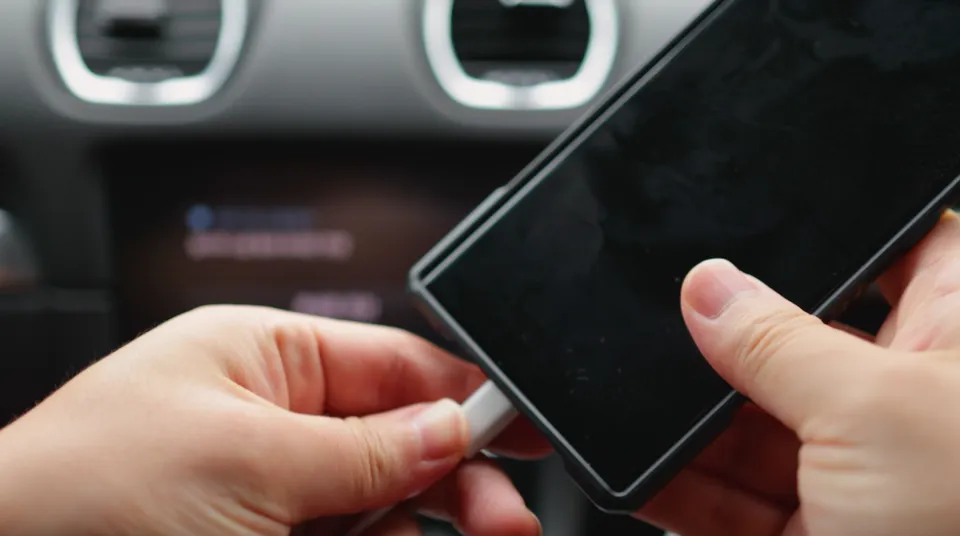
To enable CarPlay on your Porsche Boxster, first locate the USB port, typically found inside the glove compartment. This port is essential for wired connections. Ensure your car's battery is in good condition and that the engine will not be turned off during the coding process.
Activating CarPlay and Android Auto on Your Boxster
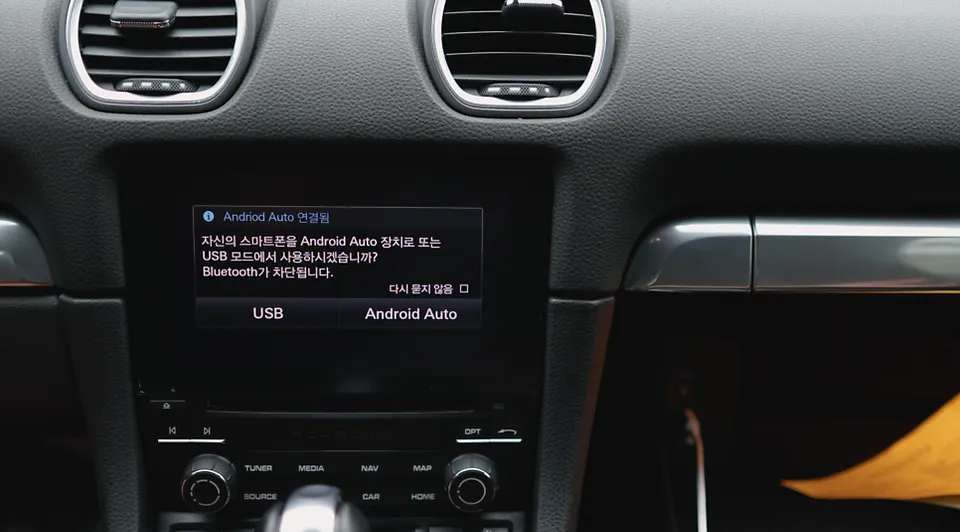
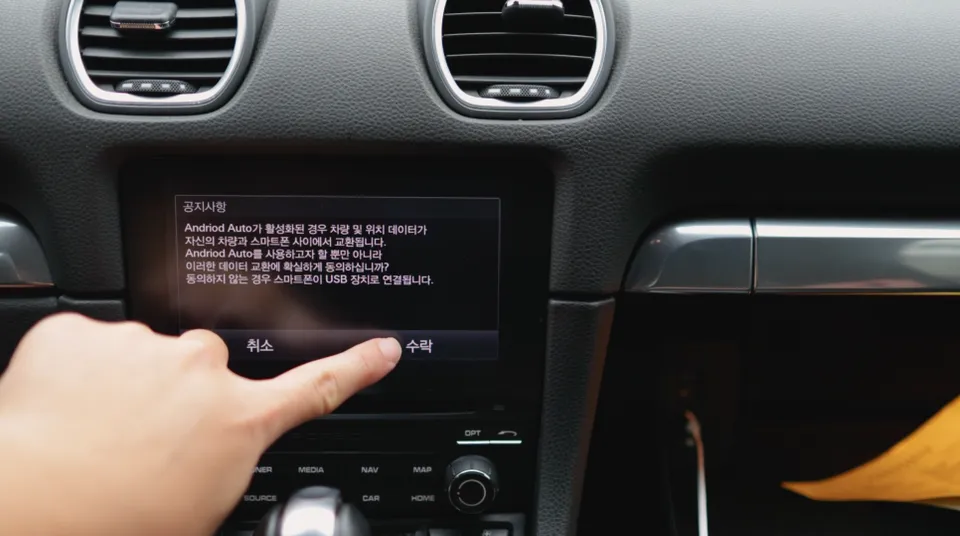
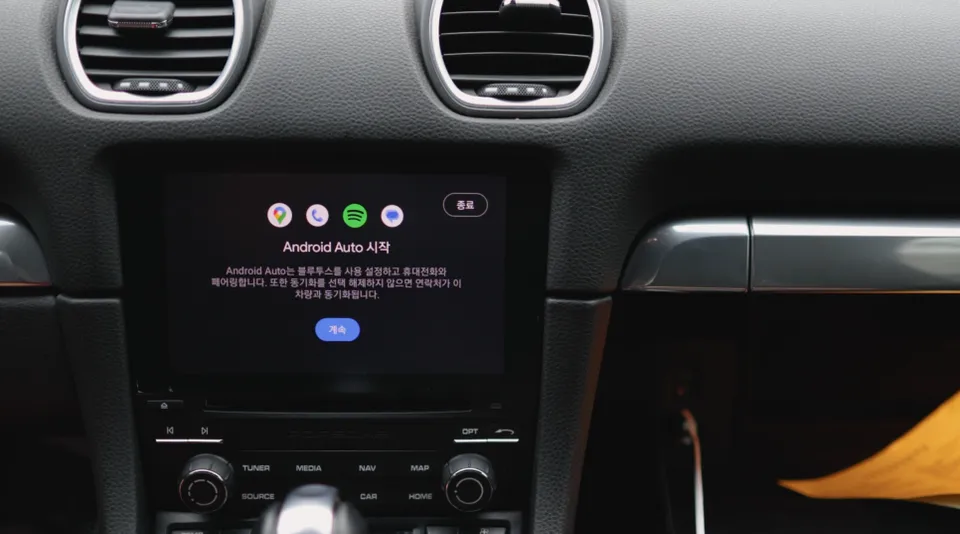
Once coding is complete, you can proceed with connecting your smartphone. For Android users, connect your phone via USB to the car's monitor. The system should automatically recognize the phone, prompting you to confirm the connection on both your phone and the car's display. This approval process activates Android Auto.
It's important to note that while Android Auto is active, certain video streaming apps like YouTube or Netflix are restricted due to security protocols. You'll primarily be able to use navigation and music streaming applications. Popular choices like Kakao Navigation and YouTube Music are fully supported and can even be displayed simultaneously using the split-screen feature, enhancing your driving experience.
For iPhone users, connecting CarPlay works slightly differently. Simply plug your iOS device into the USB port. The Porsche Boxster's monitor will automatically detect the iPhone and display its interface, confirming a successful CarPlay connection. CarPlay generally supports a wider range of applications compared to Android Auto, including messaging and more video streaming options.
Upon the first connection of CarPlay, you will need to unlock your iPhone and grant permission for the car to access it. This is a security measure to prevent unauthorized access. After this initial approval, subsequent connections will be automatic, allowing for seamless use every time you get in your car.
Time and Cost for Boxster CarPlay/Android Auto Activation
The coding process to enable CarPlay and Android Auto on a Porsche Boxster is remarkably efficient, typically taking between 30 minutes to an hour to complete, allowing for same-day completion. Unlike aftermarket navigation installations, this procedure requires no physical modifications or wiring changes, contributing to its speed.
The cost for activating CarPlay and Android Auto via coding generally ranges from ₩500,000 to ₩1,200,000 (approximately $370 - $890 USD). The final price can vary based on the vehicle's year, its current system configuration, and any additional customizations requested. While basic activation is more affordable, adding multiple features will increase the overall cost. Free consultations are available to provide precise quotes based on your specific needs.
Frequently Asked Questions
Q. How much does Android Head Unit cost for a Porsche Boxster 718?
Activating CarPlay and Android Auto via coding for a Porsche Boxster 718 typically ranges from ₩500,000 to ₩1,200,000. In the US, similar activation services can range from $300 to $900 depending on the provider and vehicle specifics.
Q. How long does Android Head Unit last on a Porsche Boxster 718?
The activated CarPlay and Android Auto features are software-based and are designed to last for the lifetime of the vehicle's infotainment system. To maintain optimal performance, ensure your smartphone's operating system and the car's software are kept up-to-date.
Q. Is Android Head Unit worth it for a Porsche Boxster 718?
Activating CarPlay and Android Auto is highly recommended for Boxster 718 owners who frequently use navigation or streaming apps, significantly enhancing the infotainment system's usability. The value lies in seamlessly integrating familiar smartphone interfaces for a more convenient and connected driving experience.
Q. How is Android Head Unit done on a Porsche Boxster 718?
The process involves coding the vehicle's existing infotainment system. 1. Connect a diagnostic tool to the car's OBD-II port. 2. Access the relevant modules within the infotainment system software. 3. Enable the CarPlay and Android Auto functions through specific coding parameters. 4. Restart the system to apply the changes.
Q. What is the best Android Head Unit option for a Porsche Boxster 718?
The best option is to activate the native, built-in CarPlay and Android Auto features through coding, as it offers the most seamless integration. Unlike aftermarket units, this method utilizes the car's original screen and controls without requiring physical installation or compromising the vehicle's aesthetics.
OhCar Partner Shop