Mercedes-Benz E300 Android Head Unit Review: Seamless Smartphone
Service Price
$150+
Estimated price · Actual price may vary by shop
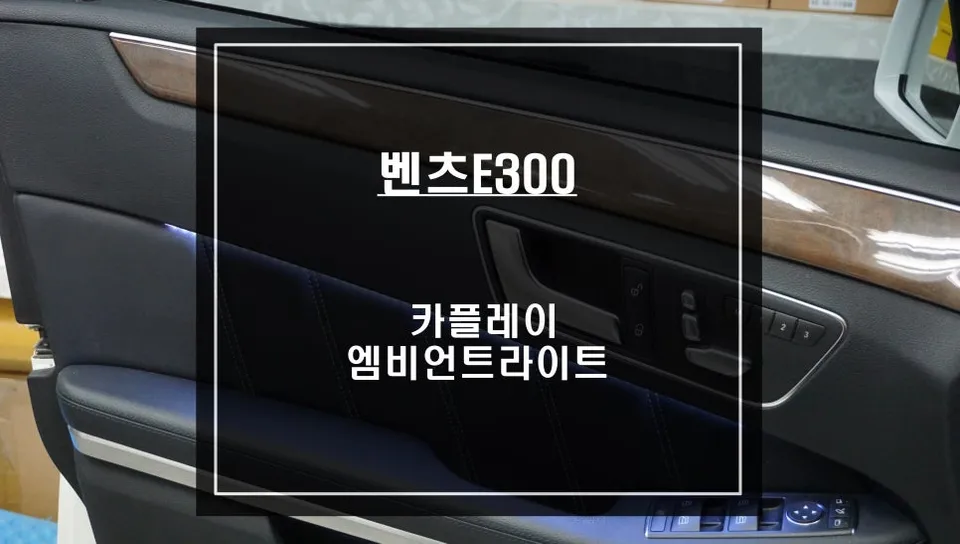
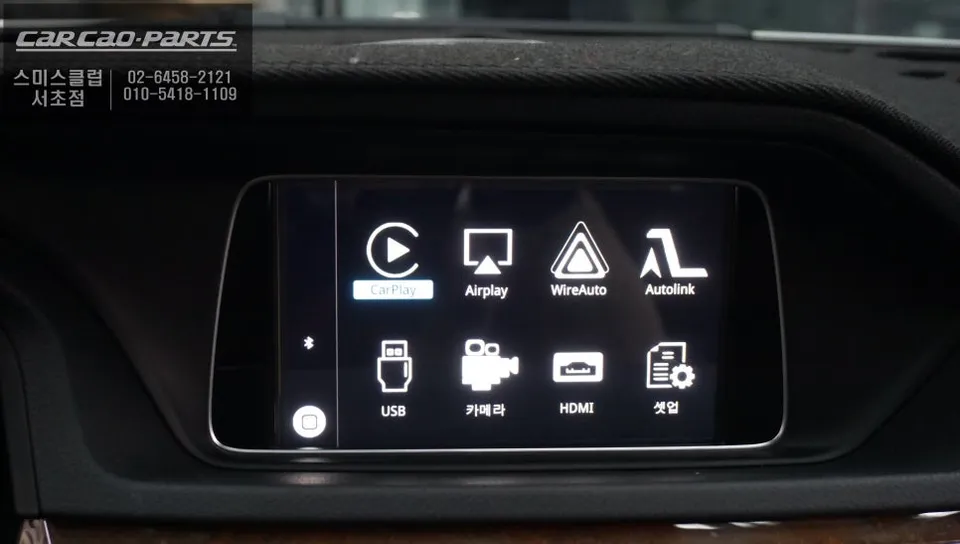
Mercedes-Benz E300 Android Head Unit upgrade offers seamless smartphone integration. Installation detailed.
Overcoming the Limitations of Your Mercedes-Benz E300's Stock Navigation
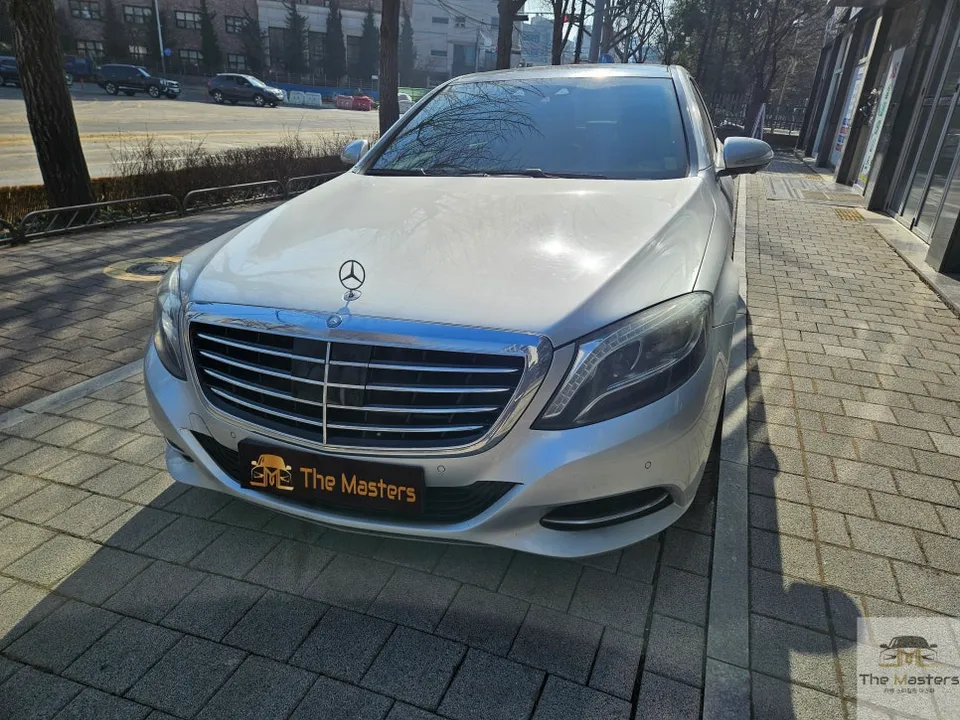
Are you a Mercedes-Benz E300 owner finding the built-in navigation system frustrating? Many owners experience slow map updates and outdated traffic information, often leading them to rely on their smartphones. This common inconvenience is precisely why many Mercedes-Benz owners opt for an Android Head Unit upgrade, often referred to as a CarPlay module. This review details a recent installation on a Mercedes-Benz E300, demonstrating how this upgrade effectively overcomes the limitations of the factory navigation system.
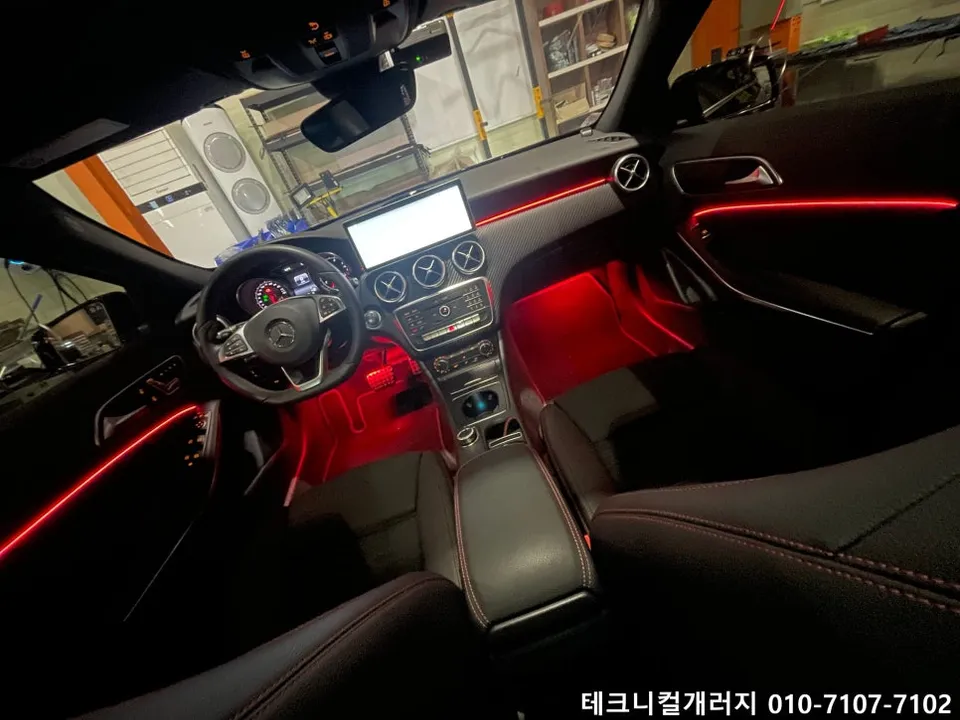
We'll explore the functionality of these modules, share insights from actual usage, and touch upon complementary upgrades like moving ambient lighting.
CarPlay vs. Stock Navigation: A Clear Distinction
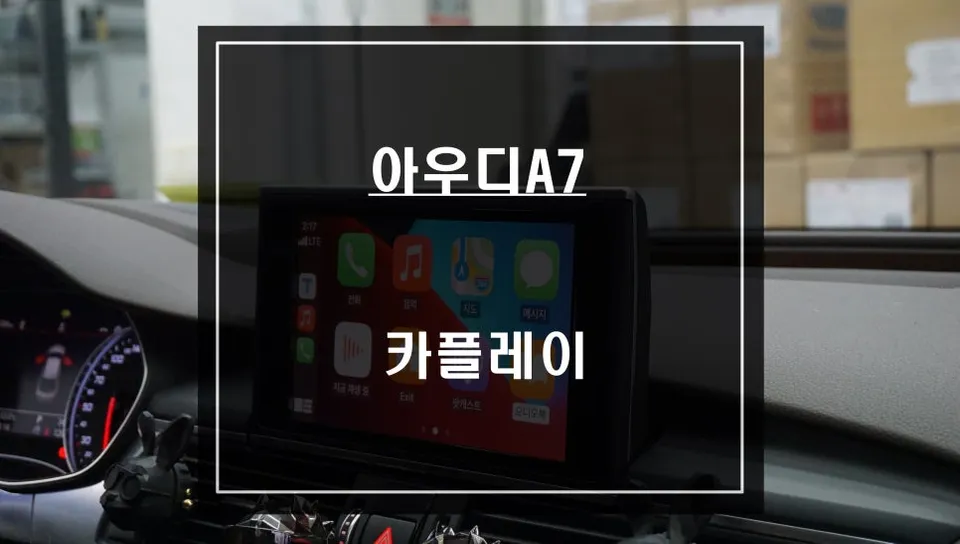
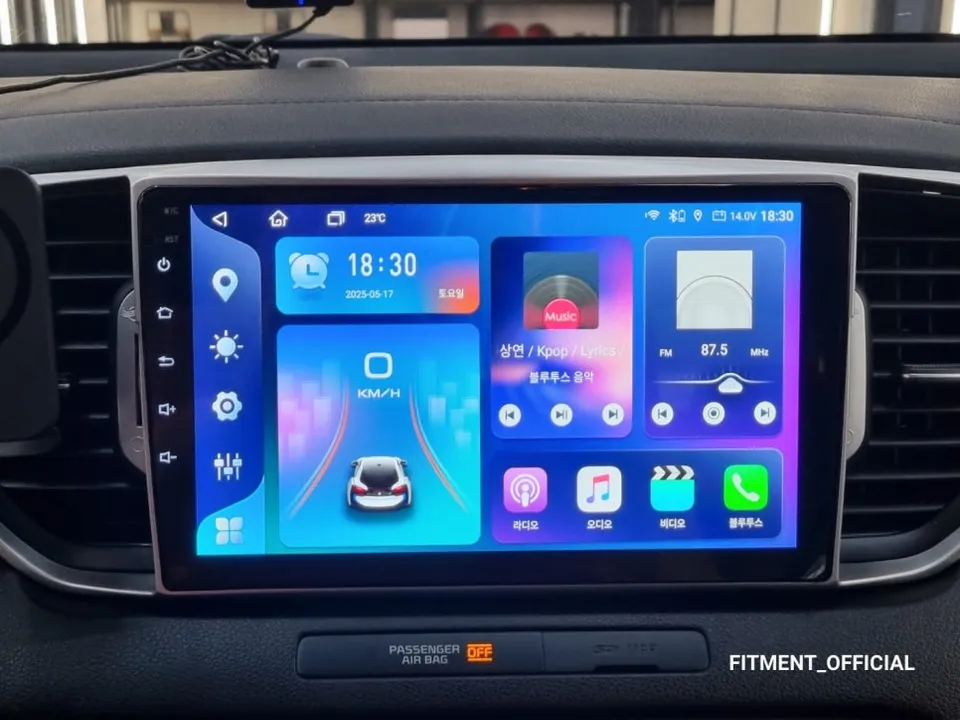
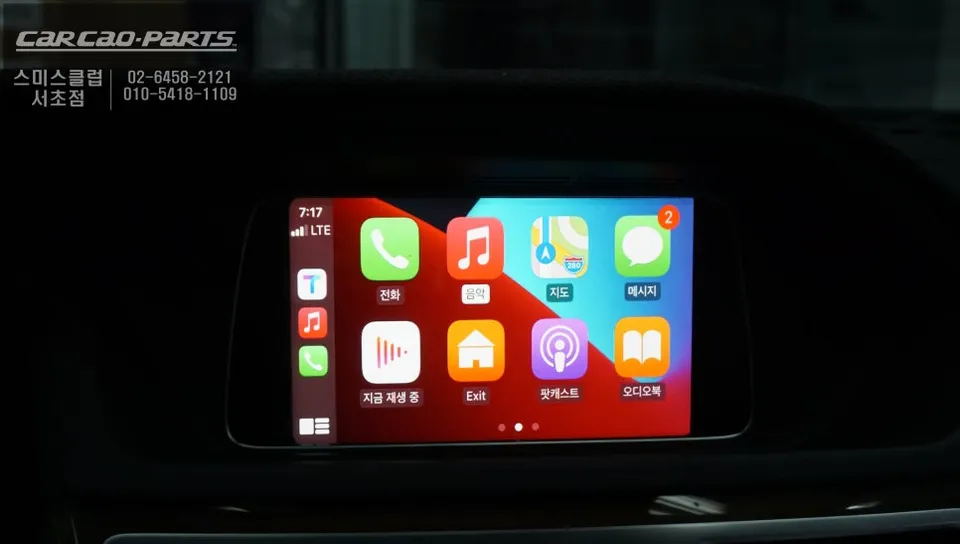
At its core, CarPlay (and Android Auto) is a technology that mirrors your smartphone's interface onto your car's display, either wirelessly or via a wired connection. Essentially, it allows you to use your favorite navigation apps like Google Maps or Waze directly on your car's screen. Unlike the stock navigation, which is a self-contained system within the vehicle, CarPlay leverages the real-time data and frequent updates of your smartphone apps. This means you get the most current maps and traffic information, a significant advantage over the typically quarterly or semi-annual updates of factory systems. The ability to receive real-time traffic rerouting makes your journeys smoother and more efficient.
Seamless Integration with Your Mercedes-Benz E300
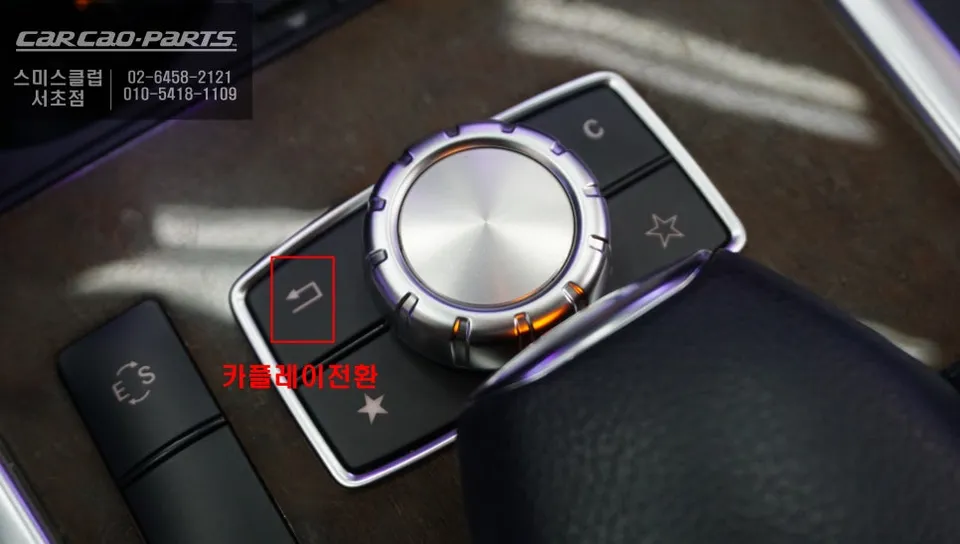
A key advantage of these Android Head Unit modules for the Mercedes-Benz E300 is their ability to retain and integrate with existing vehicle functions. The modules typically connect directly to the stock monitor via the LVDS cable, ensuring minimal signal loss and preserving original display quality. The installation process is designed to be non-invasive, utilizing plug-and-play connectors that don't require cutting or splicing factory wiring, leaving no trace upon removal. Switching between the stock interface and CarPlay is usually as simple as pressing and holding the 'Return' button for a couple of seconds. Voice control is handled by your smartphone's native assistant (Siri or Google Assistant), which, when linked to the car's audio system, allows for hands-free destination input directly from the steering wheel.
Wired vs. Wireless Connectivity
CarPlay and Android Auto can operate wirelessly or via a wired USB connection. While wireless offers convenience, a wired connection generally provides superior stability, especially for data-intensive applications like navigation. Wireless connections, relying on Bluetooth or Wi-Fi, can sometimes experience signal drops or increased battery drain on your phone. For a consistent and reliable experience, a wired connection is often recommended. The module typically includes a discreet USB port, often placed in the glove box, for connecting your smartphone. This port also allows for simultaneous charging, ensuring your phone remains powered during your drive. Both Apple CarPlay and Android Auto are supported, making it compatible with virtually any modern smartphone.
Mercedes-Benz E300 Android Head Unit Installation Process
The installation on this Mercedes-Benz E300 involved integrating the Android Head Unit module and, in this case, also adding moving ambient lighting. The process begins with carefully disassembling the dashboard to access the stock monitor's LVDS cable. This connection is crucial for receiving the video signal. The module's input and output cables are then precisely connected to this cable. Extreme care is taken to avoid any damage to the original wiring harness during this delicate step. The USB connection port is strategically placed within the glove box, ensuring easy access for the driver without cables cluttering the dashboard.
Installation Process:
- Carefully remove dashboard trim pieces to access the stock infotainment screen.
- Disconnect the factory LVDS cable from the rear of the screen.
- Connect the provided adapter cables from the Android Head Unit module to the factory LVDS cable and the screen.
- Route the USB cable to a convenient location, typically the glove box.
- Reconnect all dashboard components and test the system.
Frequently Asked Questions
Q. How much does an Android Head Unit cost for a Mercedes-Benz E300?
The cost for an Android Head Unit installation on a Mercedes-Benz E300 can range from approximately ₩500,000 to ₩1,000,000 in Korea. Typical US pricing for similar aftermarket head units can range from $300 to $800, depending on features and brand.
Q. How long does an Android Head Unit last on a Mercedes-Benz E300?
An Android Head Unit, when properly installed and maintained, can last for many years, often outlasting the vehicle itself. To ensure longevity, avoid exposing the unit to extreme temperatures and ensure clean power connections.
Q. Is an Android Head Unit worth it for a Mercedes-Benz E300?
An Android Head Unit is highly recommended for Mercedes-Benz E300 owners who desire modern navigation, entertainment, and connectivity features. It significantly enhances the user experience by providing access to real-time traffic data and familiar smartphone applications.
Q. How is an Android Head Unit installed on a Mercedes-Benz E300?
Installation involves carefully disassembling dashboard components to access the stock screen's LVDS cable. The Android Head Unit module is then connected via adapter cables, preserving the original wiring. A USB port is routed for smartphone connectivity, and the system is tested before reassembly.
Q. What is the best Android Head Unit option for a Mercedes-Benz E300?
The best option is typically a module that integrates seamlessly with the existing Mercedes-Benz infotainment system, offering both wired and wireless Apple CarPlay and Android Auto. Look for units that maintain original screen quality and allow for non-invasive, plug-and-play installation.
Kakao Parts