Volvo S60 Android Head Unit Installation & CarPlay Review
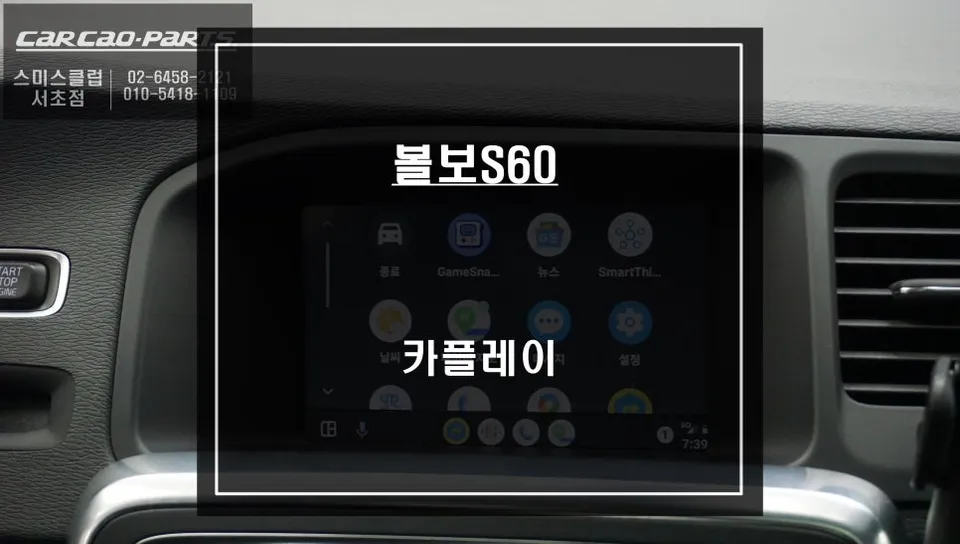
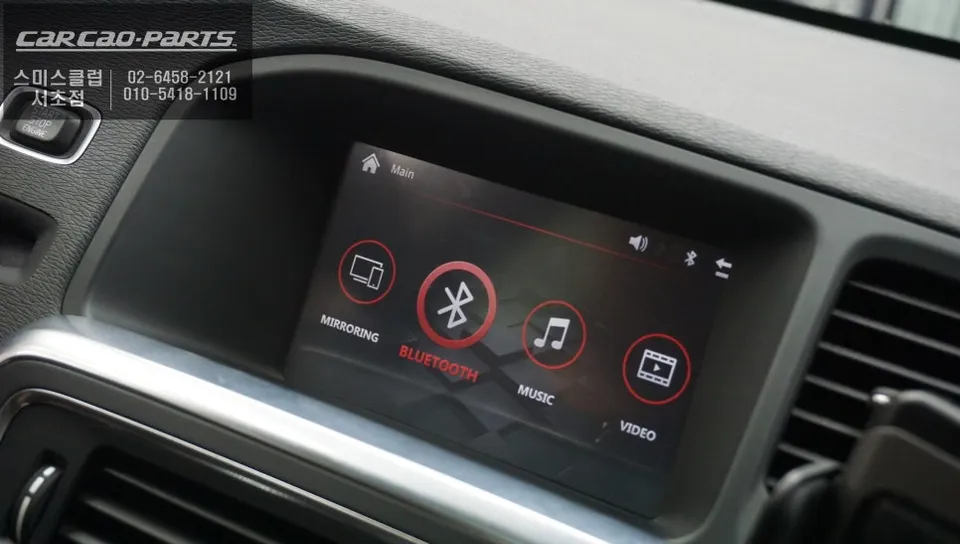
Volvo S60 Android Head Unit upgrade restores backup camera and adds CarPlay/Android Auto. Enjoy real-time navigation and voice control.
Why Your Volvo S60 Needs an Android Head Unit Upgrade
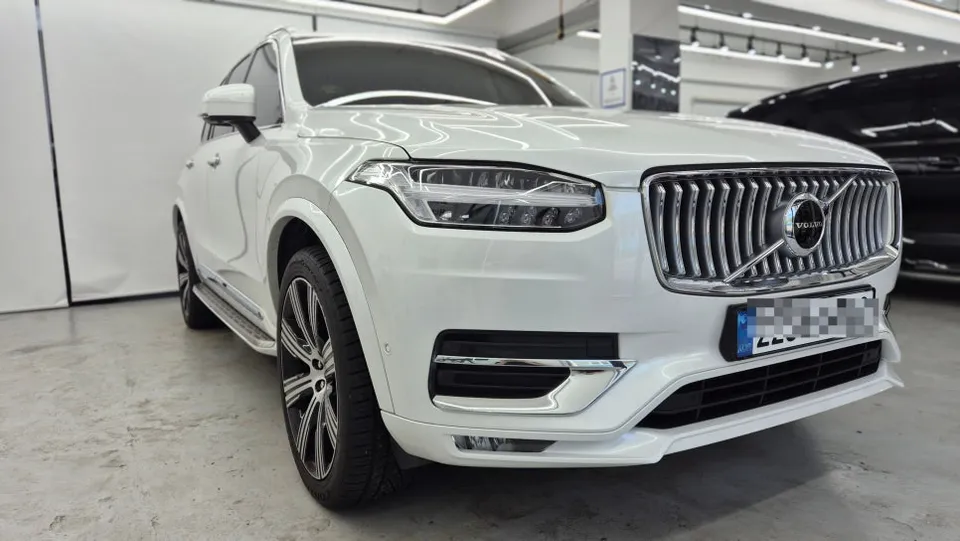
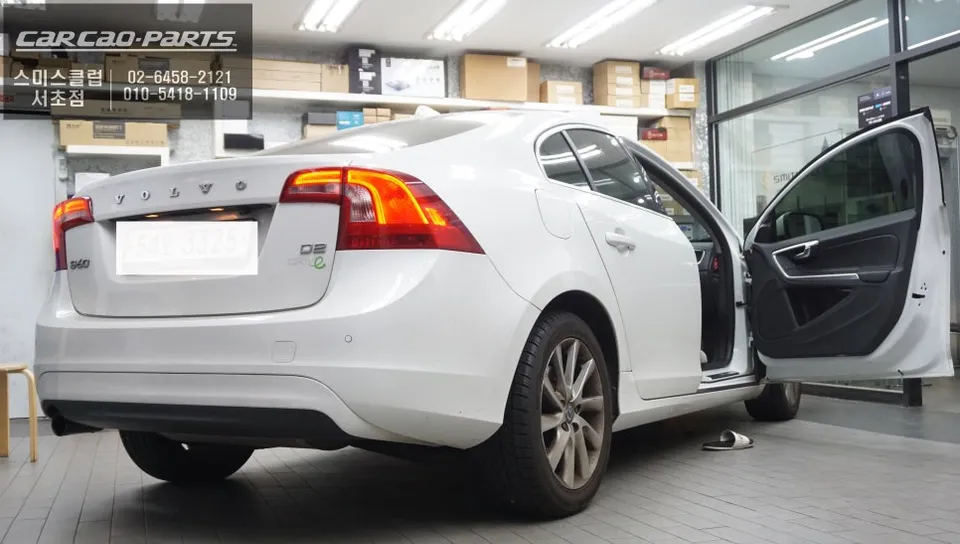
For owners of premium vehicles like the Volvo S60, the integrated navigation system can sometimes feel outdated. Older systems often suffer from issues such as backup camera signal loss and delayed traffic information updates. In a recent installation at Today's Car Seocho, a 2014 Volvo S60 with a malfunctioning navigation system was completely upgraded to feature both Android Auto and Apple CarPlay. This article details the installation process and the practical benefits of integrating a CarPlay module into your S60.
Addressing Outdated Navigation with Modern Connectivity
The primary drawback of the original navigation in many older luxury cars is the unreliability of the backup camera feed, leading to screen failures during parking maneuvers – a significant safety concern. Furthermore, traffic data updates were manual, failing to reflect real-time road conditions. In contrast, a CarPlay module connects wirelessly to your smartphone, providing instant access to the latest traffic information. This allows the use of real-time navigation apps like TMAP or KakaoMap, offering dynamic route adjustments to avoid congestion, a stark improvement over decade-old navigation technology.
Volvo S60 CarPlay Module Installation Process
The installation is typically a three-step process. First, the original navigation unit is carefully removed. Second, the new CarPlay module is fitted, ensuring compatibility with the vehicle's electrical system. Crucially, this involves integrating with the car's CAN bus system (vehicle communication network); incorrect connections can disrupt other electronic components. Technicians meticulously consult vehicle manuals and wiring diagrams to ensure each signal wire from the module is correctly matched to the car's system. Special attention is paid to restoring the backup camera functionality, often using shielded cables to prevent signal interference and ensure a stable image for safe parking.
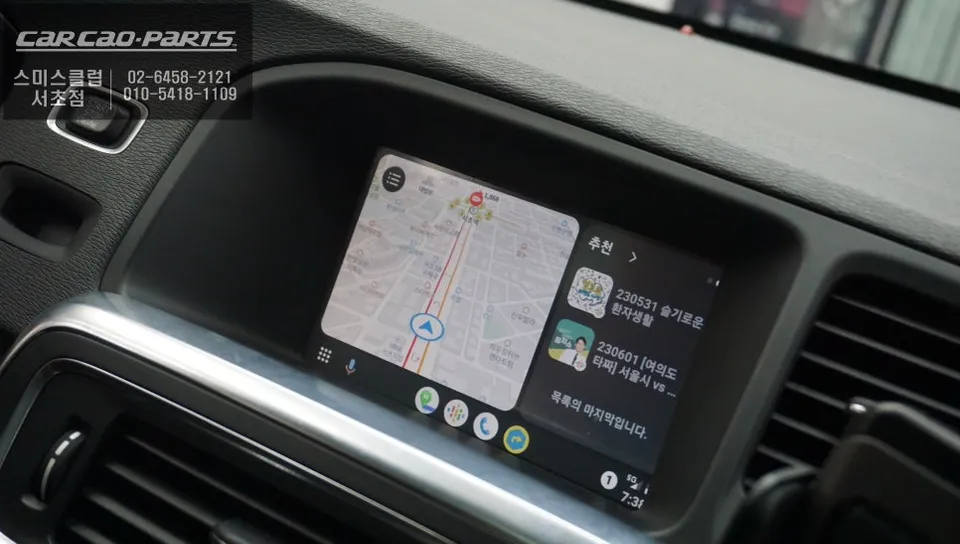
Seamless Android Auto & Apple CarPlay Integration
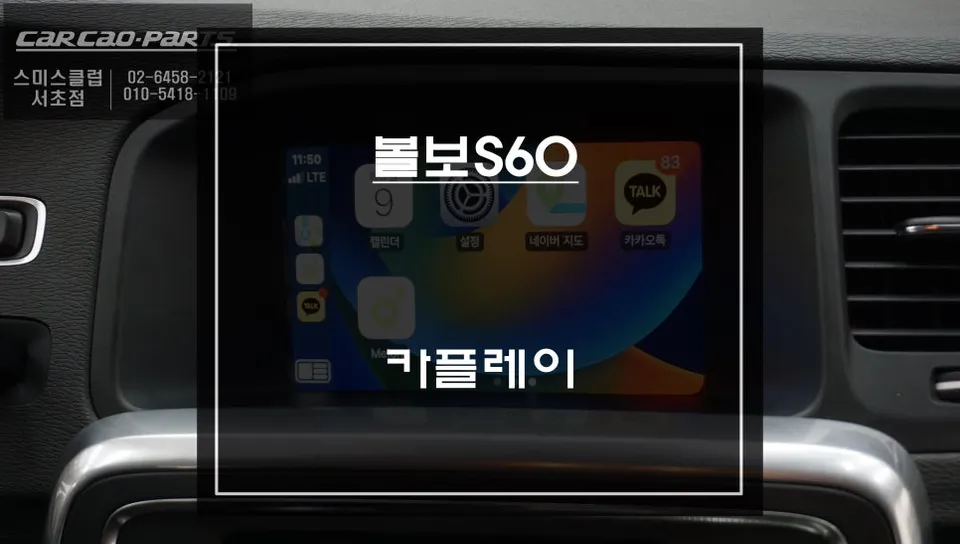
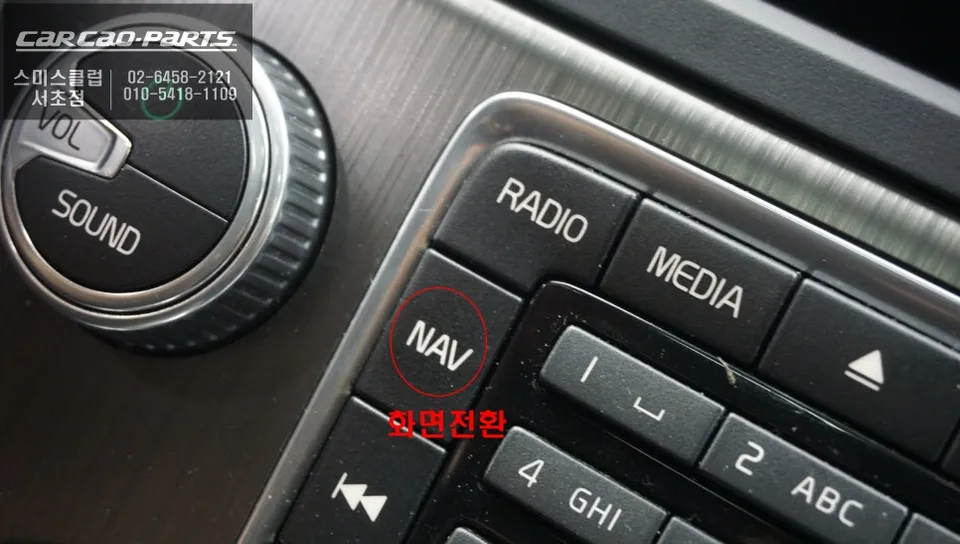
Once installed, the module supports both major mobile operating systems. Android users can activate Android Auto, while iPhone users can utilize Apple CarPlay. The setup is straightforward: pressing the original NAV button on the dashboard typically switches the display to the new interface. Pairing your smartphone via Bluetooth or USB-C completes the connection. Voice commands offer hands-free control; simply press the steering wheel's voice button and say, "Open KakaoMap" or "Navigate to Seoul Station," and the system will execute the command, allowing you to keep your hands on the wheel and eyes on the road.
Real-Time Navigation and Audio Experience
The most significant advantage of CarPlay is its real-time traffic data integration. Apps like TMAP and KakaoMap update road conditions every few seconds, ensuring the fastest route is always presented. Instead of outdated "congestion ahead" warnings, you receive accurate travel time estimates and optimized routes. The system also delivers high-quality audio through the car's speakers by interfacing with the AUX or AMP signal. This allows you to stream music from apps like Melon, YouTube Music, or Spotify directly through your car's sound system. For the best audio fidelity, a USB connection is recommended, while wireless offers superior convenience.
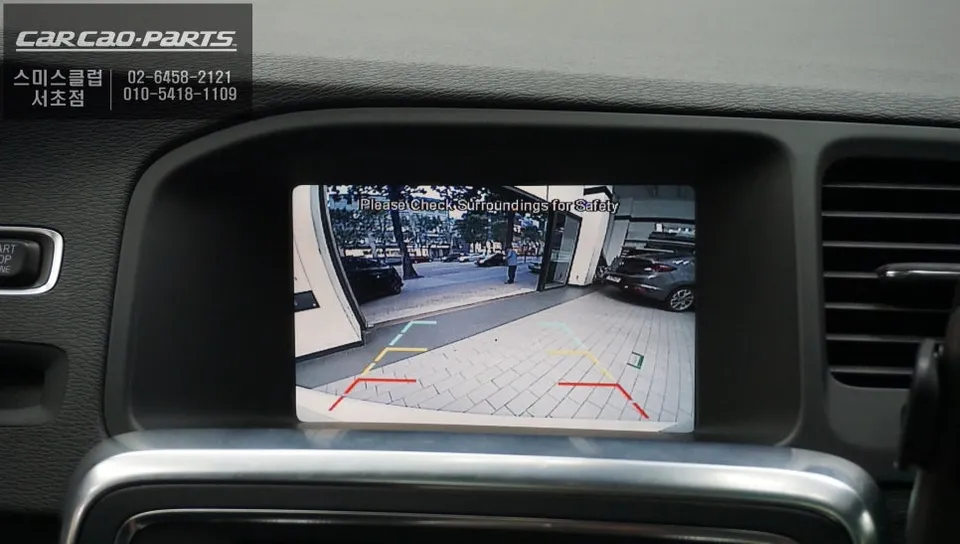
Restoring Backup Camera and Enhancing Safety
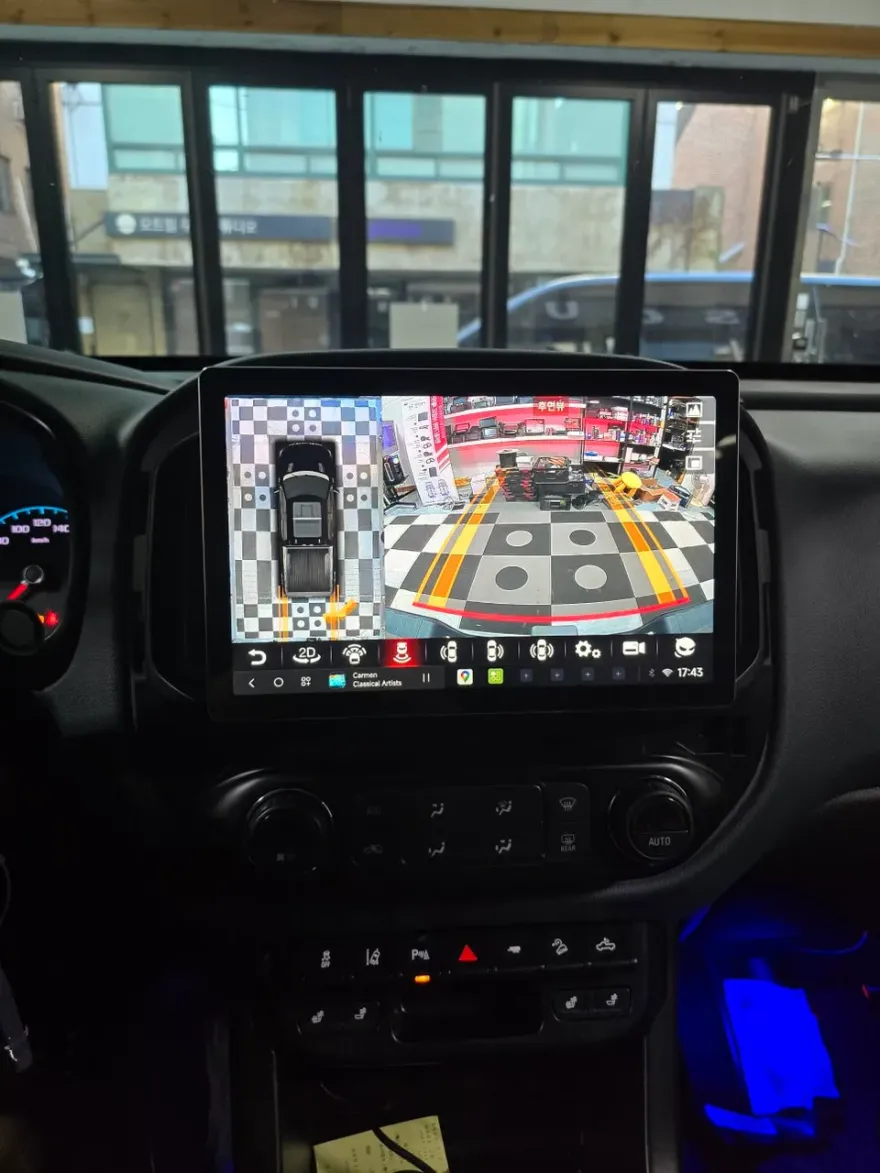
A highly appreciated outcome of this upgrade is the restoration and improvement of the backup camera. The new module ensures a clear, stable video feed, significantly enhancing parking safety and confidence, especially in tight spaces. This integration provides a modern safety feature that was either unreliable or absent in the original system.
Frequently Asked Questions
Q. How much does an Android Head Unit cost for a Volvo S60?
The cost for this specific Android Head Unit installation on a Volvo S60 was not explicitly stated in Korean Won, but similar upgrades in the US typically range from $500 to $1500 depending on the unit's features and installation complexity.
Q. How long does an Android Head Unit last on a Volvo S60?
Android Head Units are generally designed for the lifespan of the vehicle, often lasting 5-10 years or more with proper care. Regular software updates and avoiding extreme temperatures can help maintain longevity.
Q. Is an Android Head Unit worth it for a Volvo S60?
An Android Head Unit is highly recommended for Volvo S60 owners seeking modern infotainment features like real-time navigation and seamless smartphone integration. It significantly enhances the driving experience by overcoming the limitations of older factory systems.
Q. How is an Android Head Unit installed on a Volvo S60?
Installation involves carefully removing the original navigation unit, fitting the new CarPlay module, and connecting it to the vehicle's CAN bus system. The process includes ensuring proper integration with the backup camera using shielded cables for a stable signal.
Q. What is the best Android Head Unit option for a Volvo S60?
The best option provides seamless integration with both Android Auto and Apple CarPlay, ensuring reliable backup camera functionality and easy switching between systems via the original dashboard buttons. Look for modules specifically designed for your S60 model year for optimal compatibility.
Kakao Parts