Mercedes-Benz GLC 300 Android Head Unit Review — Seamless Integra
Service Price
$150+
Estimated price · Actual price may vary by shop
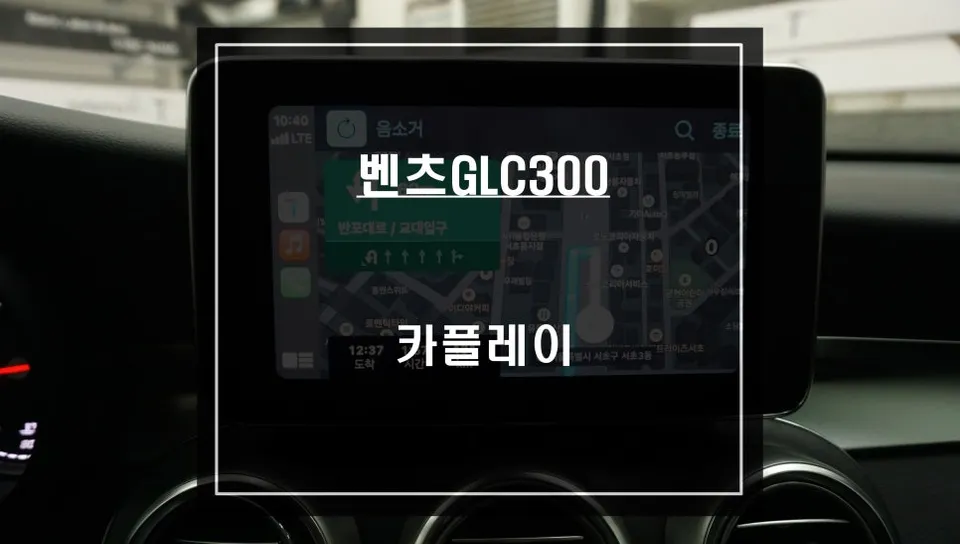
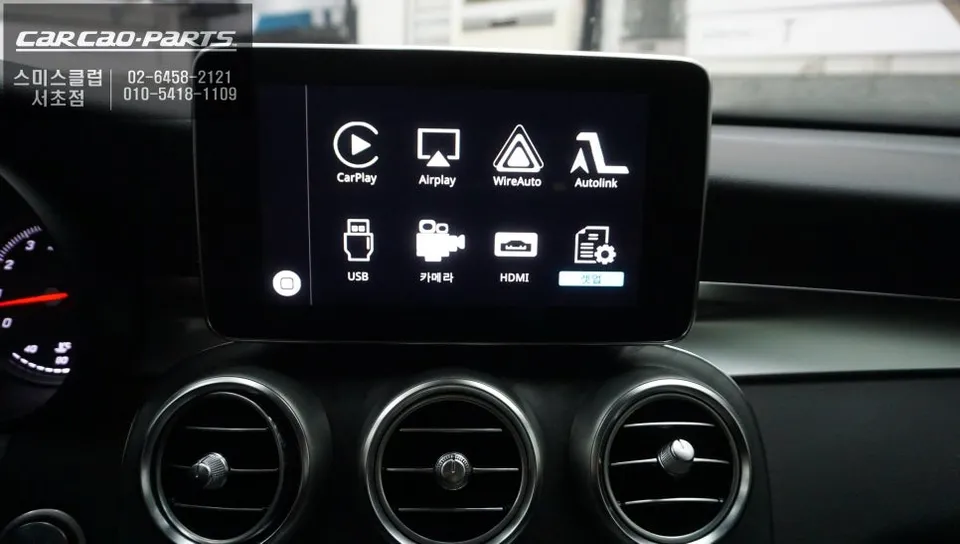
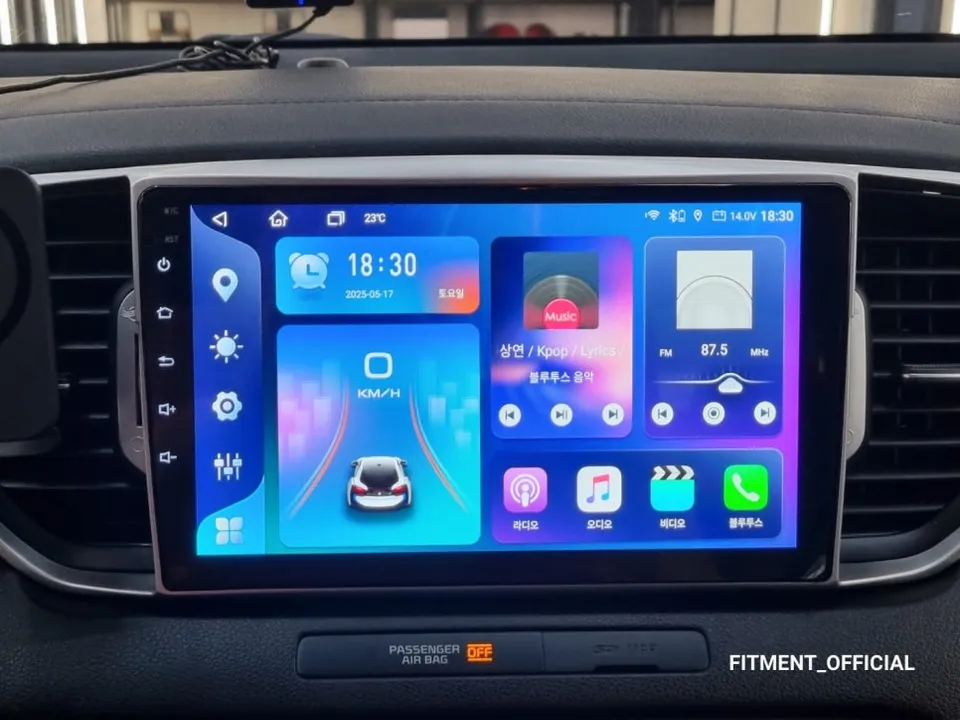
Mercedes-Benz GLC 300 Android Head Unit upgrade offers seamless smartphone integration and navigation. Installation takes ~2 hours.
Upgrade Your Mercedes-Benz GLC 300 Navigation Experience
Initially, the stock navigation system in the Mercedes-Benz GLC 300 seemed adequate. However, real-world driving revealed its limitations: slow real-time traffic updates and delayed information on new roads or businesses. This made smartphone navigation apps like T Map or Kakao Map far superior in speed and accuracy. The constant need to glance at a separate phone while driving became a significant inconvenience, prompting the desire for a more integrated solution.
A visit to Today's Car Gangnam led to the recommendation of a dedicated CarPlay module for Mercedes-Benz vehicles. Unlike a simple set-top box, this module integrates directly with the original monitor using a high-definition LVDS connection. The installation process was designed to be non-invasive, utilizing a "plug-and-play" (clean parallel connection) method that avoids damaging the original wiring.
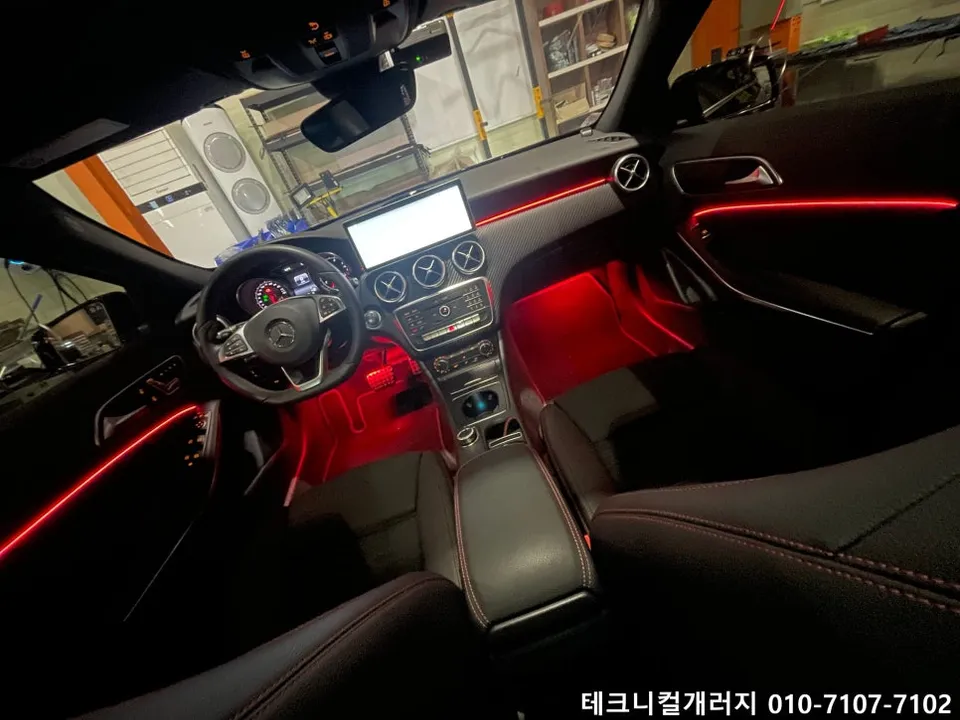
Seamless Integration with Your Mercedes-Benz GLC 300's Display
The installation of the CarPlay module was surprisingly straightforward. The process involved carefully removing the navigation panel located at the bottom of the dashboard. Subsequently, the new CarPlay module was connected to the original monitor via an LVDS cable. LVDS technology, using a low-voltage signal, is crucial for transmitting high-definition video without the noise or quality degradation often seen with lower-quality analog cables. This ensures a crisp and clear display.
A particularly impressive aspect was the wiring. The technicians managed to connect the power and signal wires for the CarPlay module without any modification to the existing factory wiring. This meticulous approach ensures that the vehicle can be easily restored to its original state if desired in the future. The entire installation process took approximately two hours.
Intuitive Control and Safe Operation
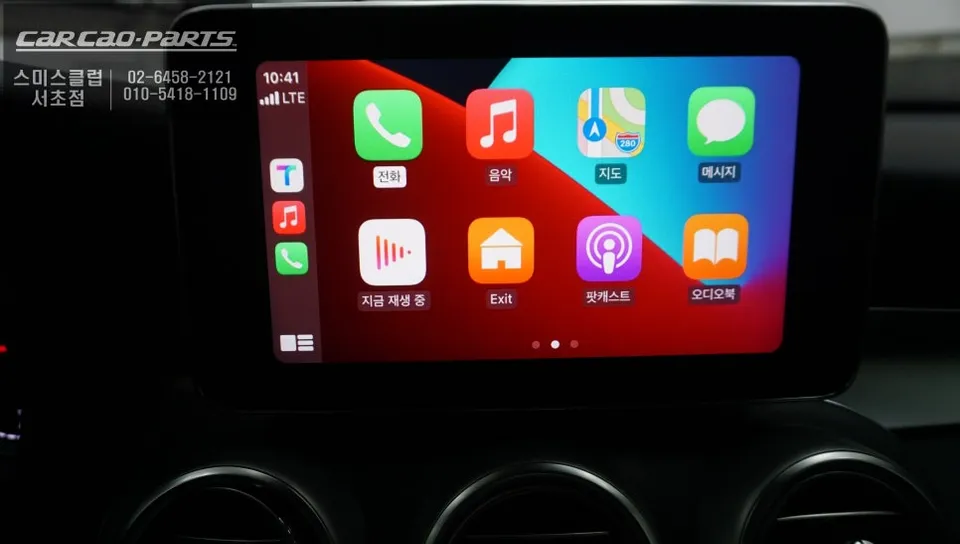
Once installed, operating the system was intuitive. A simple two-second press of the "Return" button on the original controls seamlessly switches the display to the CarPlay interface. Connecting a smartphone (iPhone or Android) via Bluetooth instantly enables Apple CarPlay or Android Auto functionality.
While direct touch control isn't supported, the combination of the jog dial and voice commands provides a highly convenient and safe user experience. Voice commands like "Start navigation" or "Set destination" are accurately recognized. Users can search for desired locations within T Map using voice commands and then scroll through the results using the jog dial. This allows for minimal distraction while driving.
Mirroring and AUX Input for Enhanced Functionality
Additional coding enabled two key features: smartphone screen mirroring and AUX input activation. Screen mirroring allows users to display content from their smartphone directly onto the original monitor, perfect for sharing photos or videos. The AUX input activation ensures that audio from CarPlay is routed through the vehicle's main speaker system, integrating smoothly with the existing audio setup without conflicts.
Enjoy Music Streaming Services
An unexpected benefit is the ability to stream music from services like Melon or YouTube Music through the car's speakers via CarPlay. Controlling music playback, including skipping tracks and adjusting volume, is effortless using both voice commands and the jog dial, making it convenient even while on the move.
Crucially, all original functions of the Mercedes-Benz GLC 300 remain fully accessible. Features such as the original radio, AM/FM, and DAB are unaffected. The ability to switch freely between these original functions and the new CarPlay interface offers significant versatility.
Frequently Asked Questions
Q. How much does an Android Head Unit cost for a Mercedes-Benz GLC 300?
The CarPlay module installation described in this review cost approximately 700,000 Korean Won. In the US, similar aftermarket head unit upgrades can range from $500 to $1500 depending on features and vehicle compatibility.
Q. How long does an Android Head Unit last on a Mercedes-Benz GLC 300?
The longevity of an Android Head Unit typically matches the lifespan of the vehicle, often lasting many years with proper care. Regular software updates and avoiding extreme temperatures can help maintain optimal performance.
Q. Is an Android Head Unit worth it for a Mercedes-Benz GLC 300?
An Android Head Unit is highly recommended for Mercedes-Benz GLC 300 owners who frequently use smartphone navigation and streaming apps. It significantly enhances the infotainment system by providing seamless integration and modern features without compromising original functionality.
Q. How is an Android Head Unit installed on a Mercedes-Benz GLC 300?
Installation involves: 1. Carefully removing the dashboard's navigation panel. 2. Connecting the new CarPlay module to the original monitor using an LVDS cable. 3. Connecting the module's power and signal wires using a non-invasive plug-and-play method. 4. Performing optional coding for features like screen mirroring and AUX input.
Q. What is the best Android Head Unit option for a Mercedes-Benz GLC 300?
For the Mercedes-Benz GLC 300, a dedicated CarPlay module that integrates directly with the original LVDS display offers the best balance of features and seamless integration. This approach preserves all original vehicle functions and provides high-definition output.
Kakao Parts