Audi A7 Android Head Unit Installation Review
Service Price
$115–150
Estimated price · Actual price may vary by shop

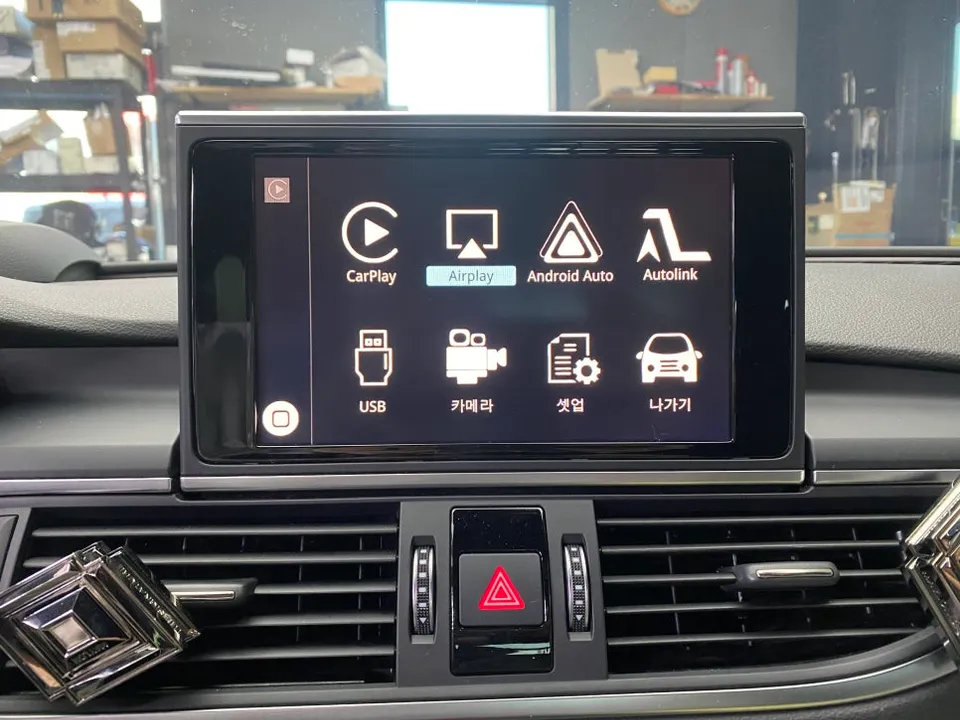
Audi A7 wireless CarPlay/Android Auto installation enhances navigation and app use. Seamless integration for a modern driving experience.
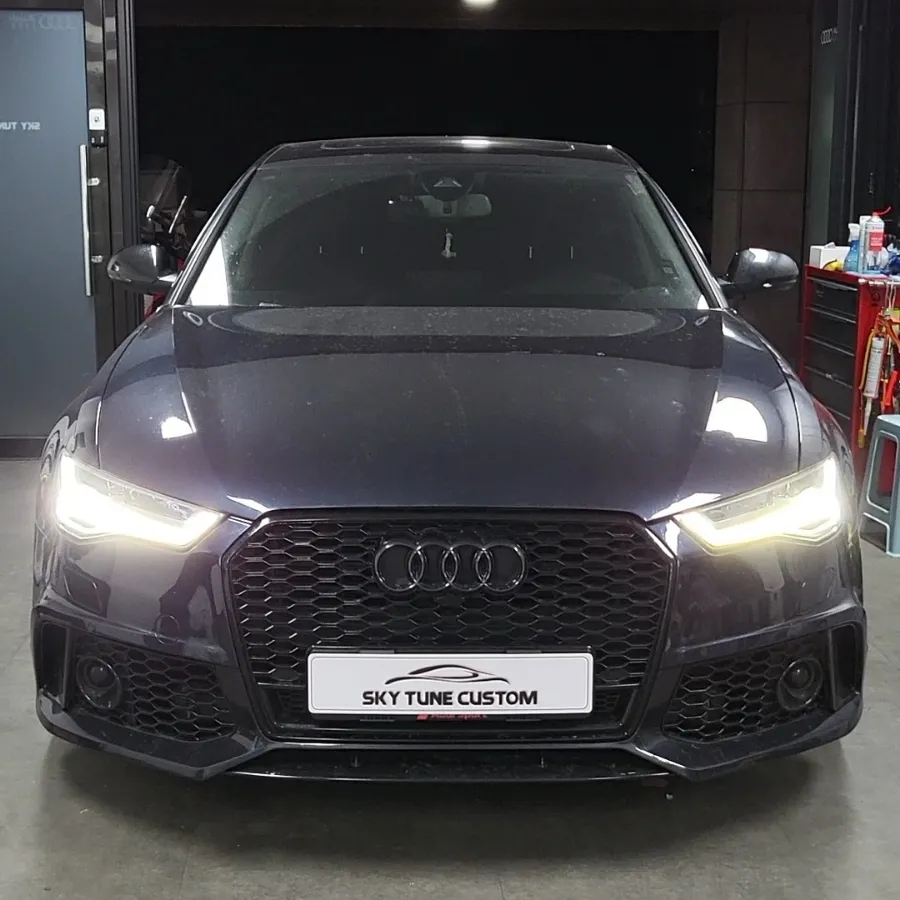
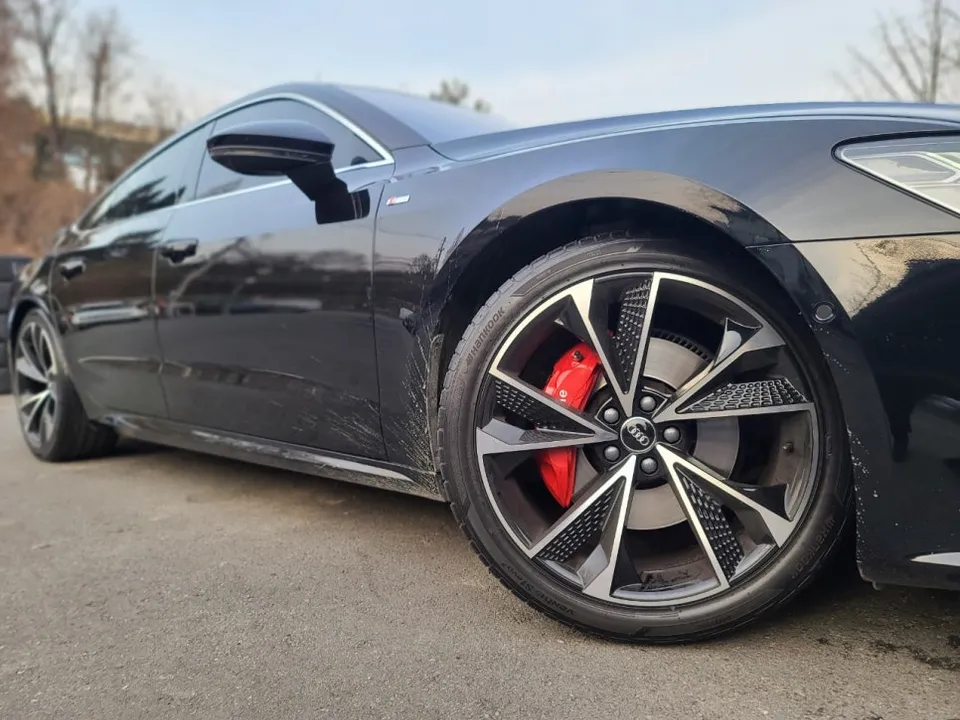
Audi A7 Facelift: Upgrading to Wireless CarPlay & Android Auto
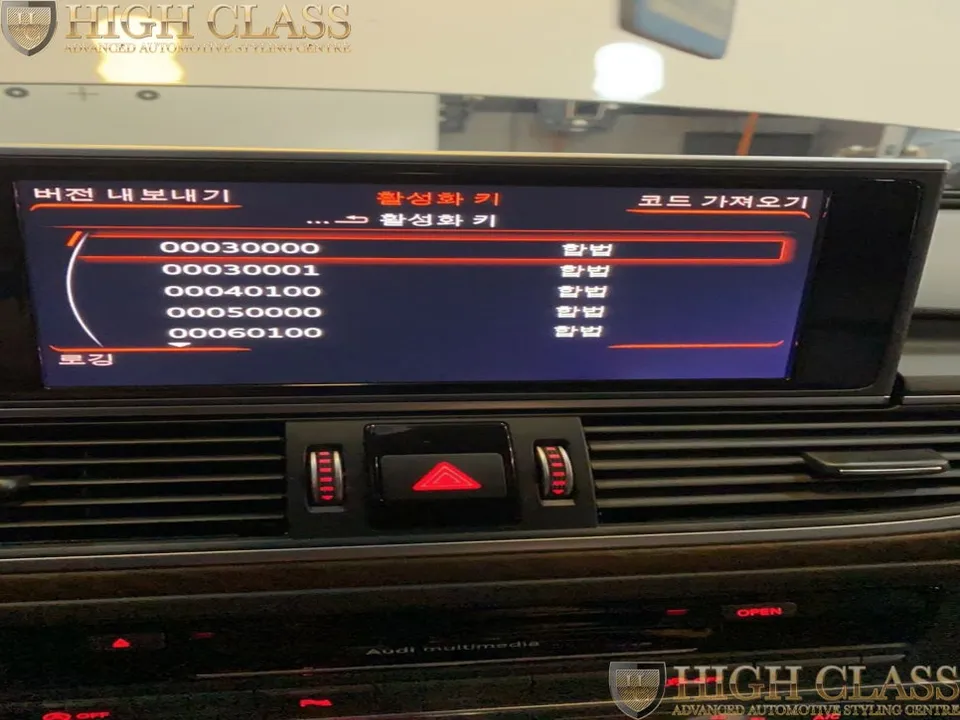
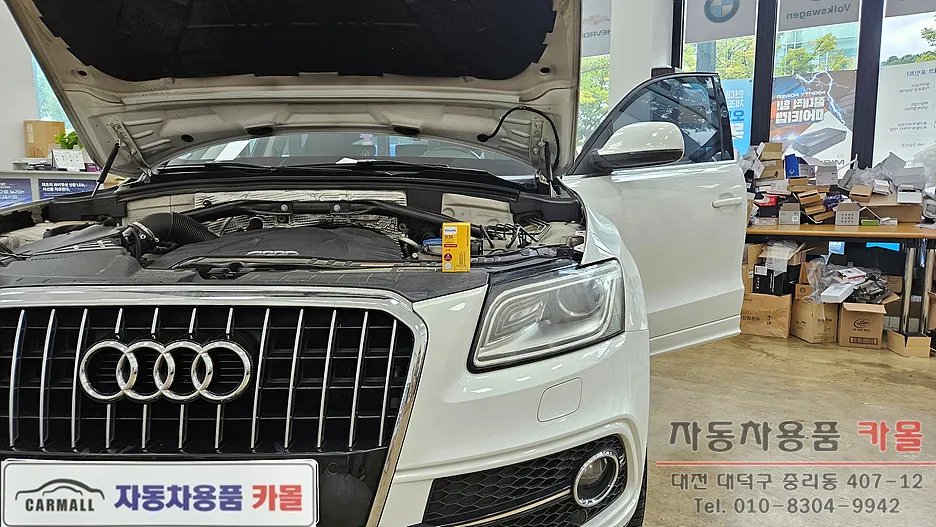
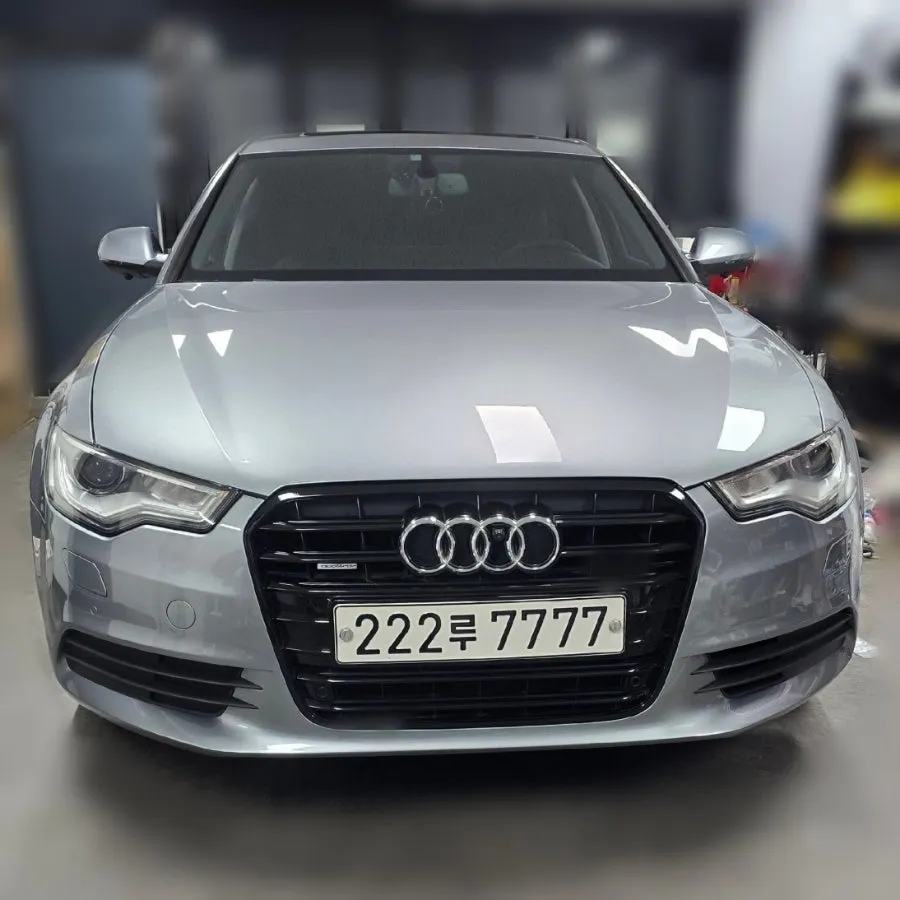
This review details the installation of a wireless CarPlay and Android Auto module for an Audi A7 facelift model, a popular upgrade for modern import car owners. We'll walk through the process from the vehicle's arrival to the final, seamless integration.
Seamless Smartphone Integration with Your Audi's System
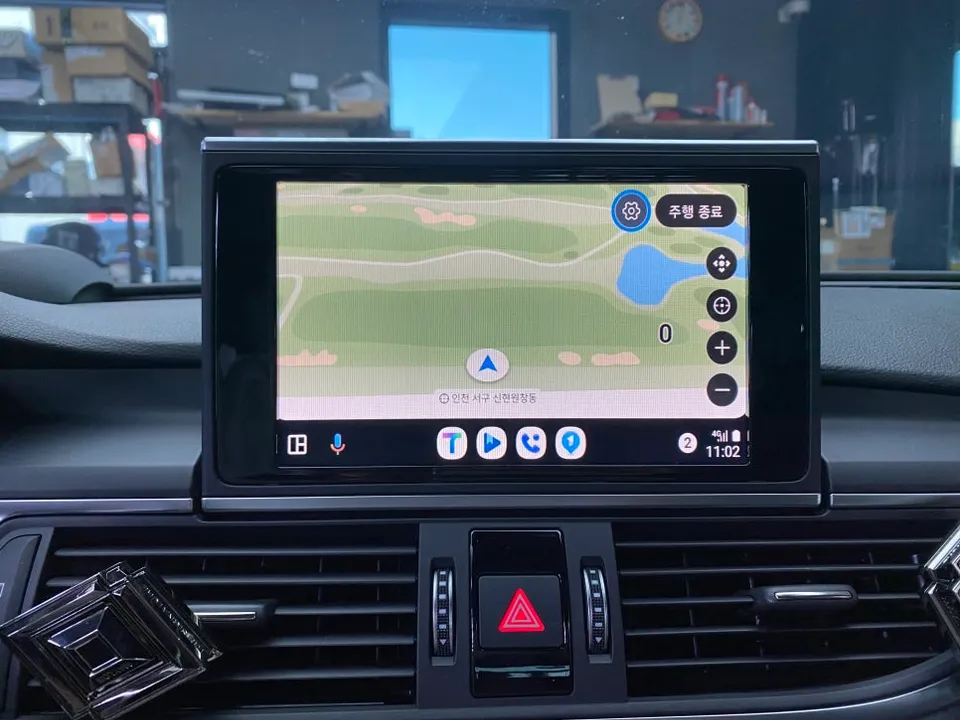
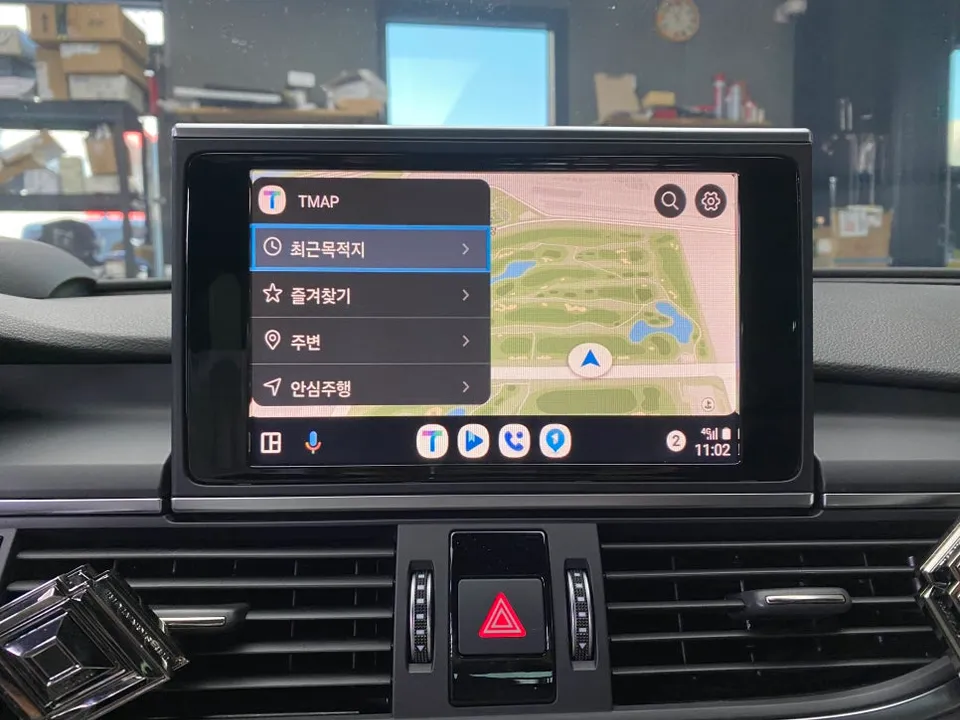
While the Audi A7 comes with a capable factory navigation system, integrating CarPlay and Android Auto unlocks a world of convenience. The primary benefit is the ability to use your favorite smartphone navigation apps like Google Maps, Waze, or local Korean apps such as Naver Map and KakaoMap directly on the car's display. Unlike the often-delayed updates of factory navigation, these apps provide real-time traffic information and routing. Before installation, our technician meticulously inspected the A7's existing infotainment system, checking screen resolution, touch responsiveness, and compatibility with voice control. Crucially, we ensured the factory reverse camera would function flawlessly post-installation.
Precision Installation for Optimal Wireless Performance
The installation of a CarPlay/Android Auto module requires meticulous attention to detail. We exclusively use OEM-certified modules that guarantee perfect compatibility with the vehicle's CAN-BUS system, avoiding the signal drops and instability common with cheaper, generic alternatives. The process begins with carefully disassembling the dashboard panels beneath the steering wheel, using specialized tools to prevent any damage to original components. Removed screws are meticulously organized for reassembly. The core of the installation involves precisely connecting the new module to the existing wiring harness. Ensuring each connection clicks securely is vital for signal integrity.
The wiring process typically takes between 1 to 1.5 hours. A common pitfall is a loose antenna signal connection, which can lead to frequent disconnections and weak Bluetooth. Our technicians double-check every connection and use signal strength meters to verify optimal performance.
Using Your New Wireless CarPlay/Android Auto System
Once installed, the first step is pairing your smartphone. This initial connection is made via USB to authenticate the device. After this, the system automatically connects wirelessly using Wi-Fi Direct whenever you enter the vehicle. No further manual action is required.
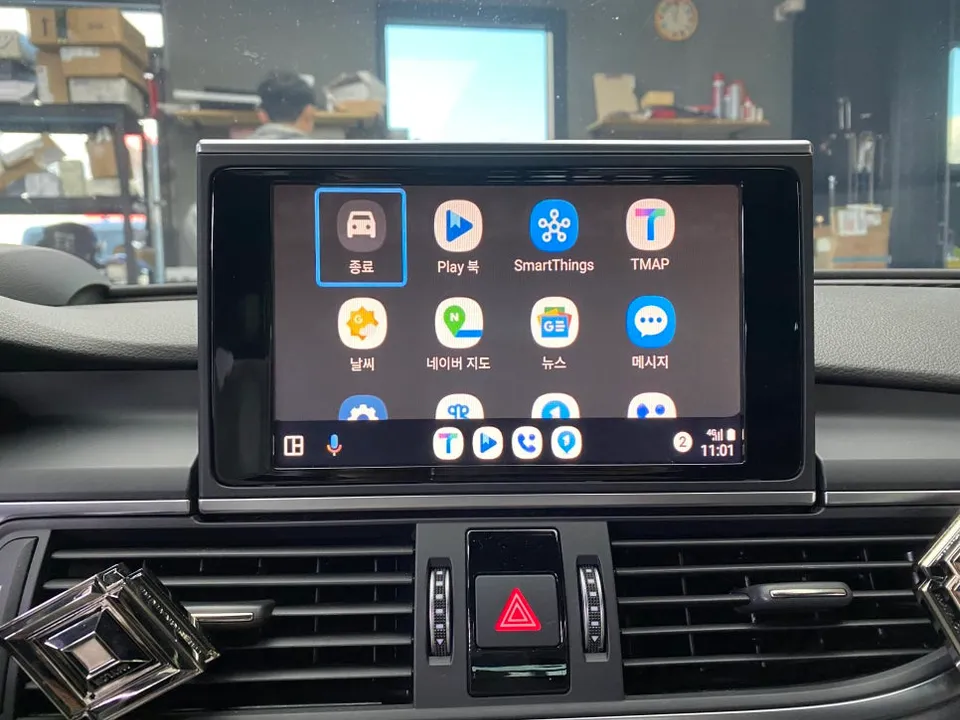
To access your smartphone interface, simply press and hold the navigation button on the steering wheel for about two seconds. This seamlessly switches between the factory display and the CarPlay/Android Auto interface. iPhone users will utilize CarPlay, while Android users will use Android Auto, both supported by the same module. Compatible apps will appear on the screen, ready for use.
Frequently Asked Questions
Q. How much does an Android Head Unit cost for an Audi A7?
The cost for this specific wireless CarPlay/Android Auto module installation on the Audi A7 was not explicitly stated in Korean Won, but similar systems in the US typically range from $300 to $800 depending on features and brand.
Q. How long does an Android Head Unit last on an Audi A7?
These modules are designed for long-term durability, often lasting the lifespan of the vehicle with proper installation. Regular software updates for your smartphone and the module can help maintain optimal performance and compatibility.
Q. Is an Android Head Unit worth it for an Audi A7?
An Android Head Unit upgrade is highly recommended for Audi A7 owners who frequently use smartphone navigation and apps, as it significantly enhances infotainment functionality and convenience. It offers a modern, integrated experience far beyond the capabilities of the factory system.
Q. How is an Android Head Unit installed on an Audi A7?
Installation involves: 1. Carefully disassembling dashboard panels to access the infotainment system. 2. Connecting a certified OEM module to the vehicle's existing wiring harness. 3. Securing all connections, especially the antenna signal, to ensure stability. 4. Testing the system for seamless wireless pairing and functionality.
Q. What is the best Android Head Unit option for an Audi A7?
The best option is an OEM-certified wireless CarPlay/Android Auto module that integrates seamlessly with the factory system, unlike generic units that may cause instability. This ensures reliable performance and full compatibility with your Audi A7's electronics.
Fox Parts