Tesla Model 3 Dash Cam Installation Review
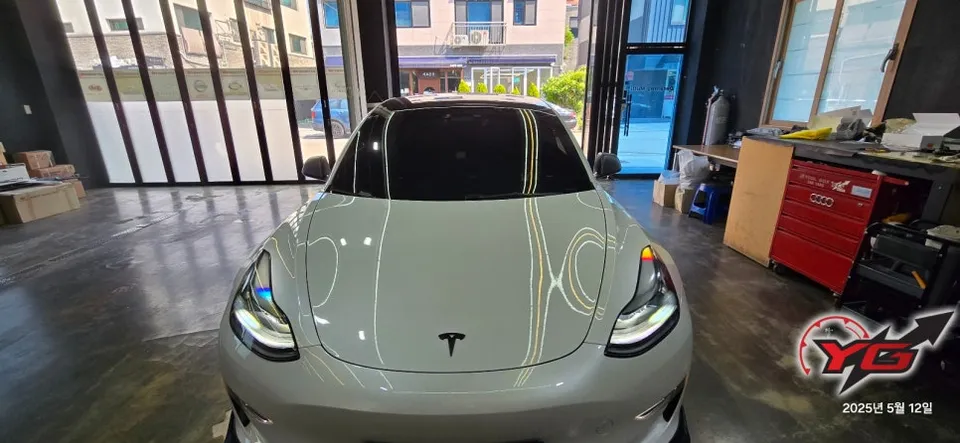
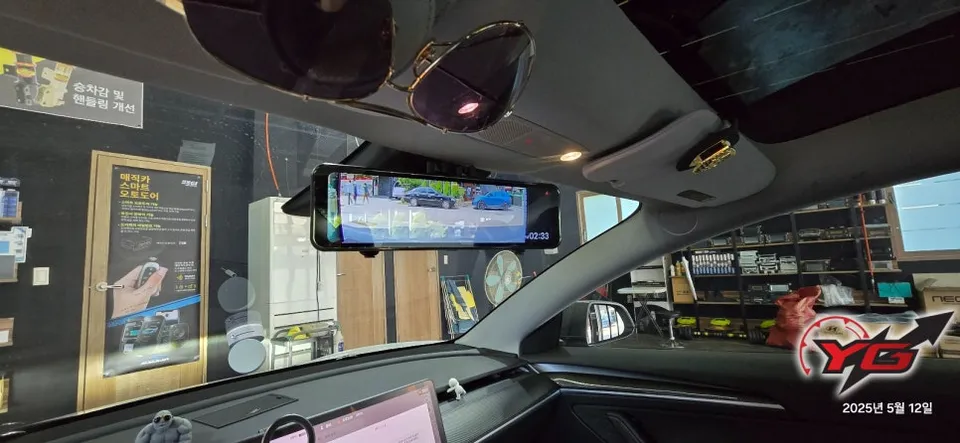
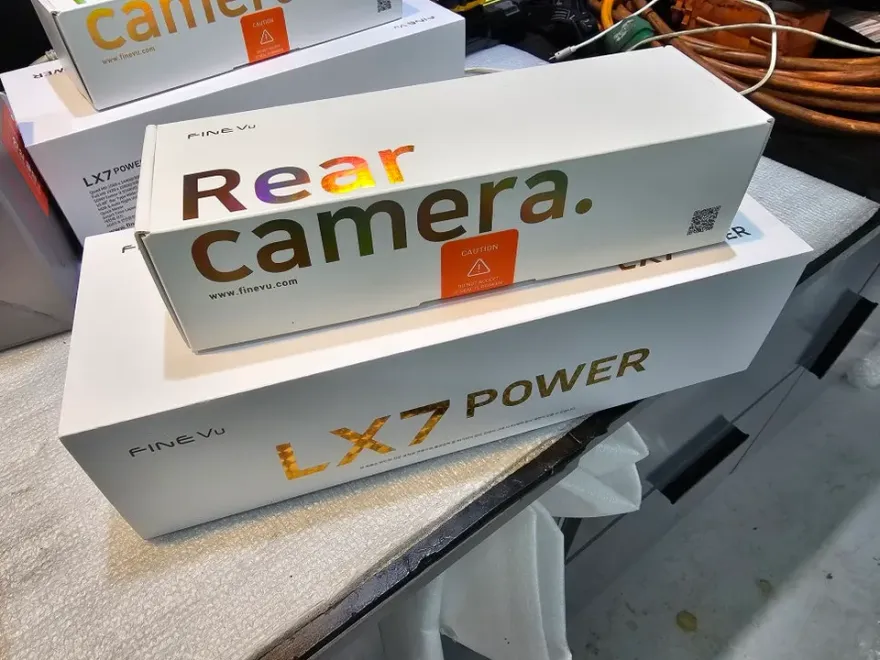
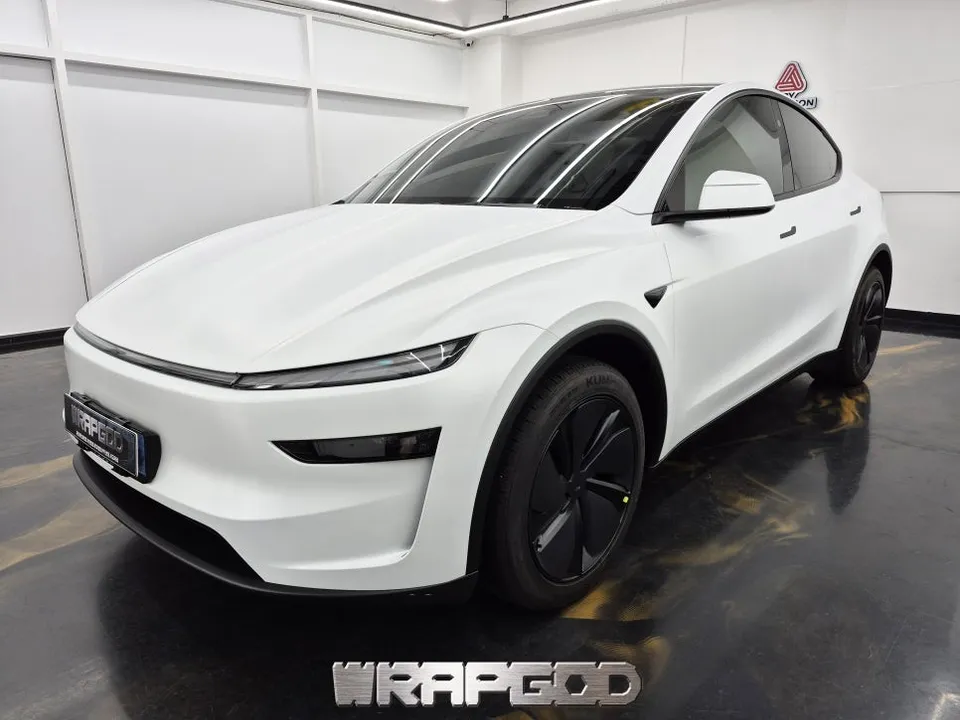
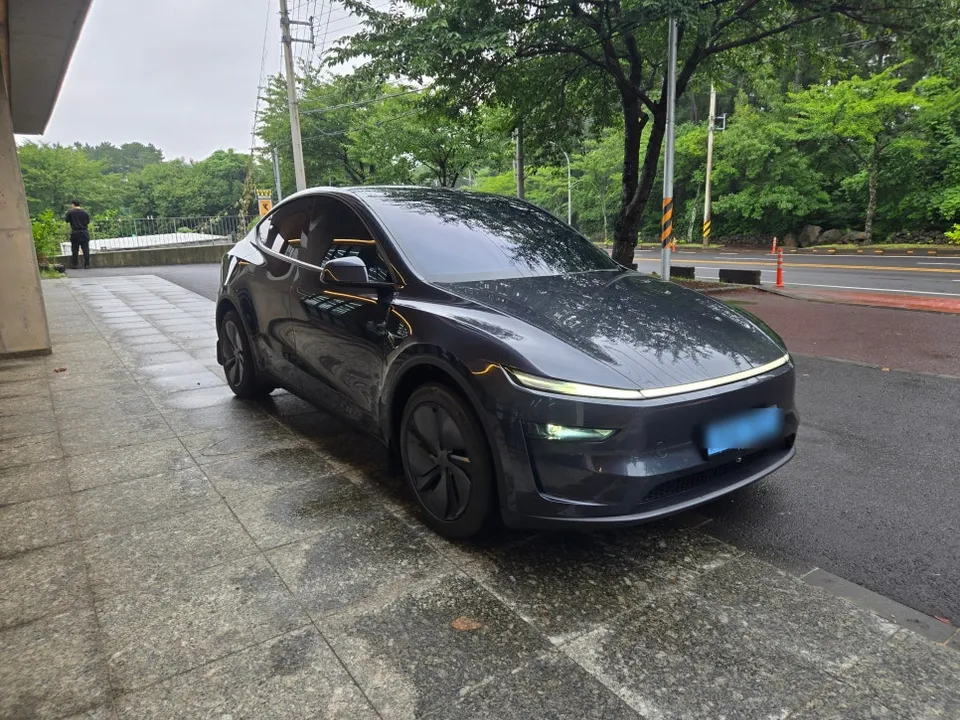
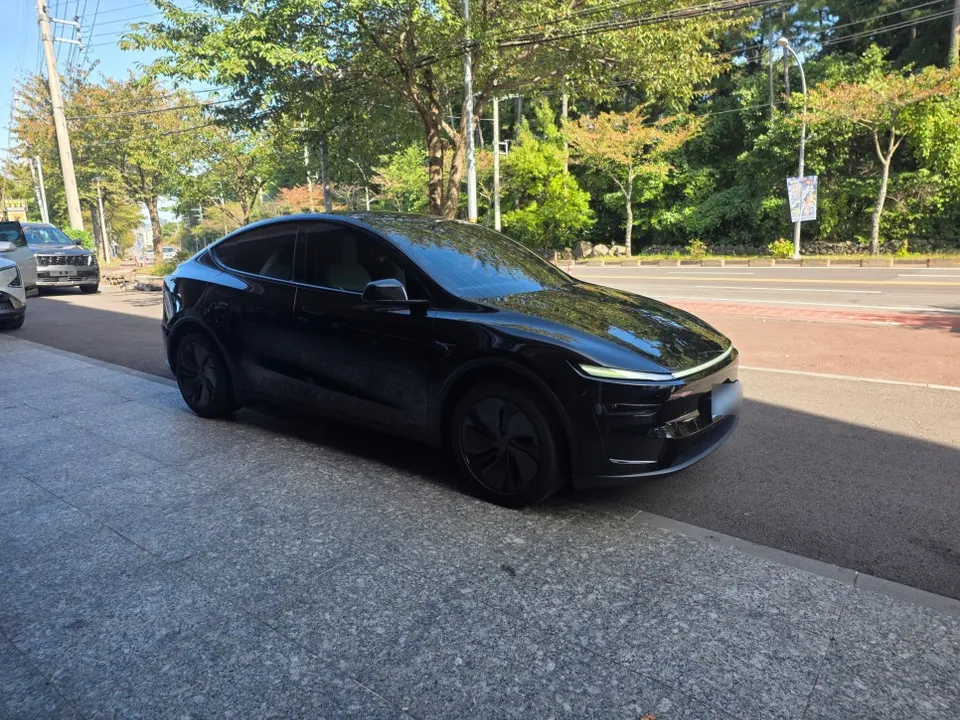
Tesla Model 3 dash cam installation: Professional setup with FineVu LX7 Power. Features external rear camera for clear visibility.
Professional Dash Cam Installation for Tesla Model 3
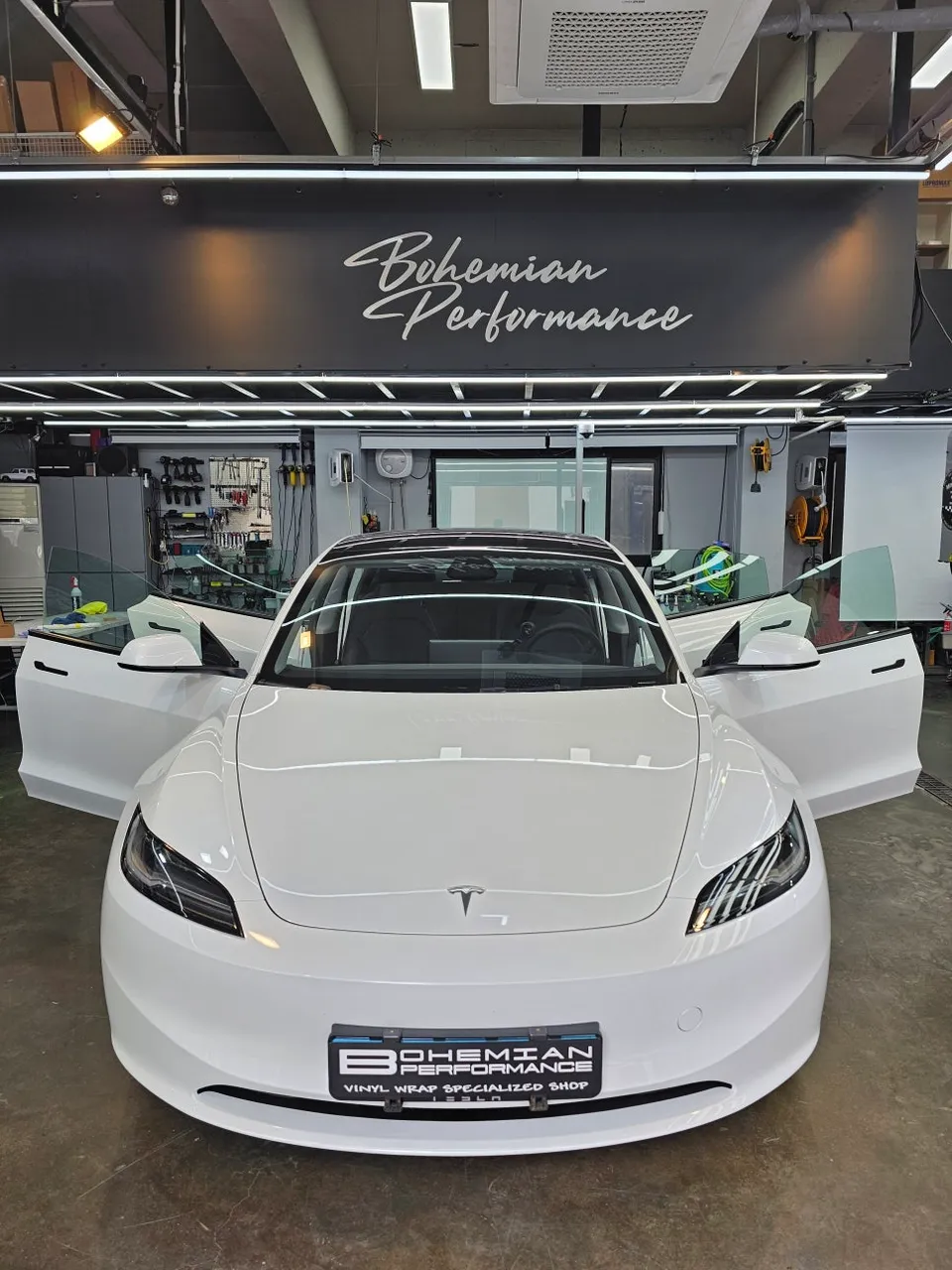
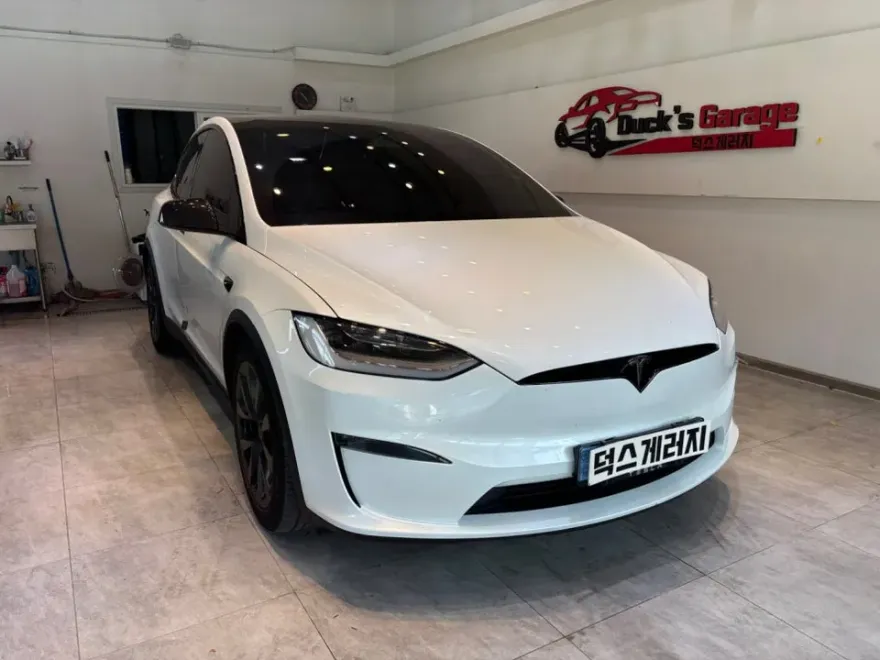
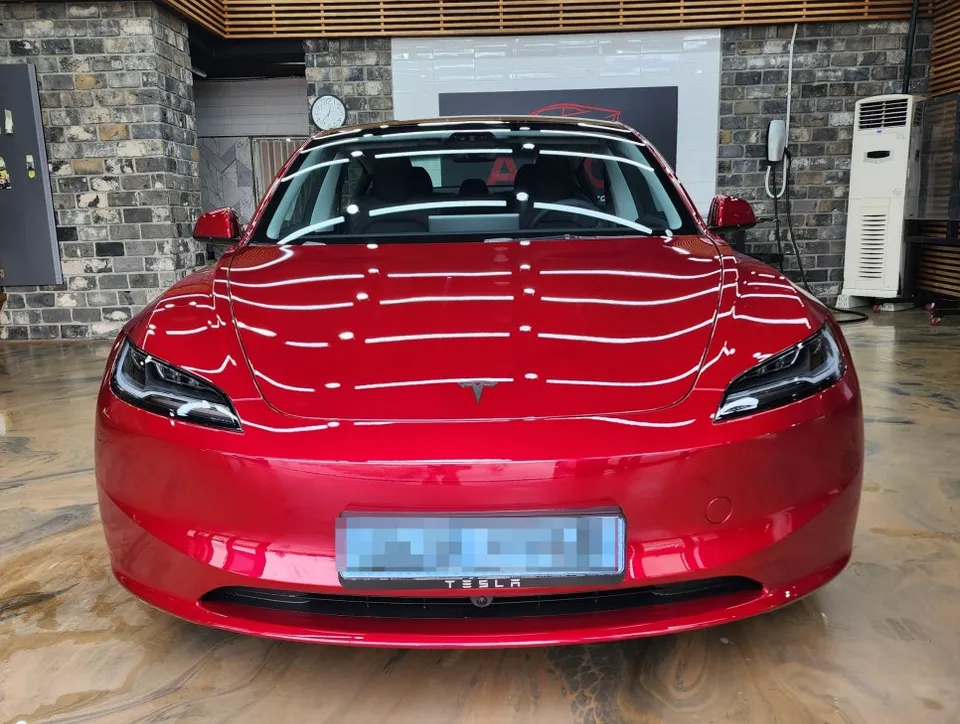
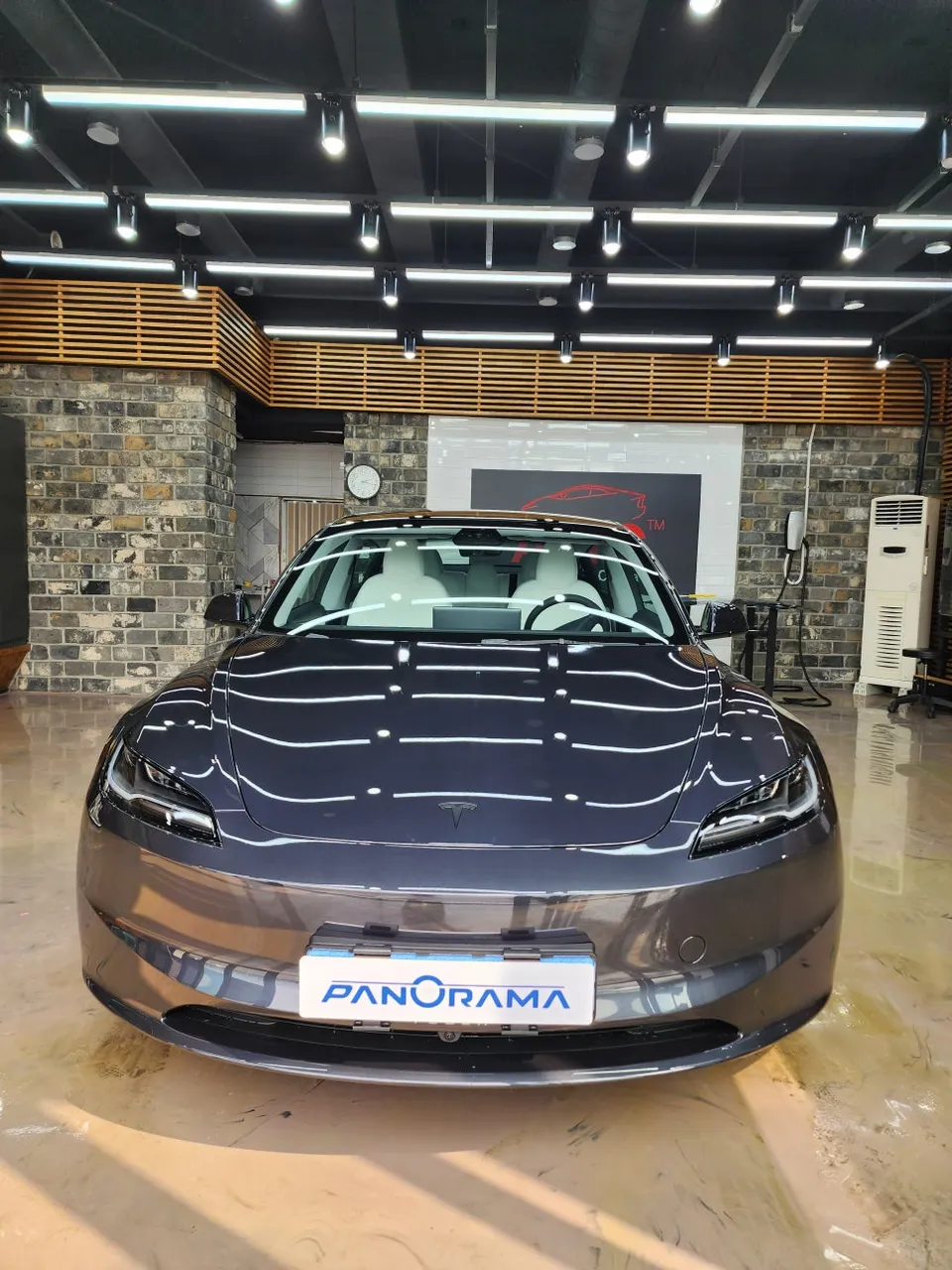
Considering a dash cam installation for your Tesla Model 3, especially a mirror-type with an external rear camera? Today's Car Yangsan specializes in professional installations for modern vehicles like the Tesla Model 3. This review details the installation of the FineVu LX7 Power, focusing on the advantages of an external rear camera setup for a clean and convenient user experience.
Why an External Rear Camera for Tesla Model 3 Dash Cams?
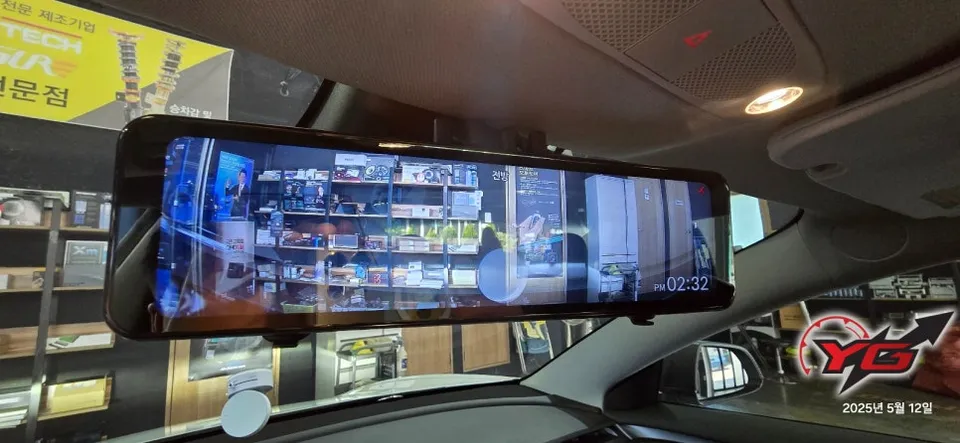
The FineVu LX7 Power was installed as a mirror-type dash cam on this Tesla Model 3, with a key decision being the external mounting of the rear camera. This approach offers significant benefits. Firstly, the mirror functions as a standard rearview mirror during normal driving, ensuring no obstruction to the driver's view. Secondly, setting the external rear camera to display a constant rear view provides a convenient way to monitor surroundings while parking or driving. The camera's angle is adjustable via touch, allowing the driver to set it to the most comfortable viewing position. Furthermore, external rear cameras are known for their neat installation, with wiring discreetly managed around the trunk area without visible clutter.
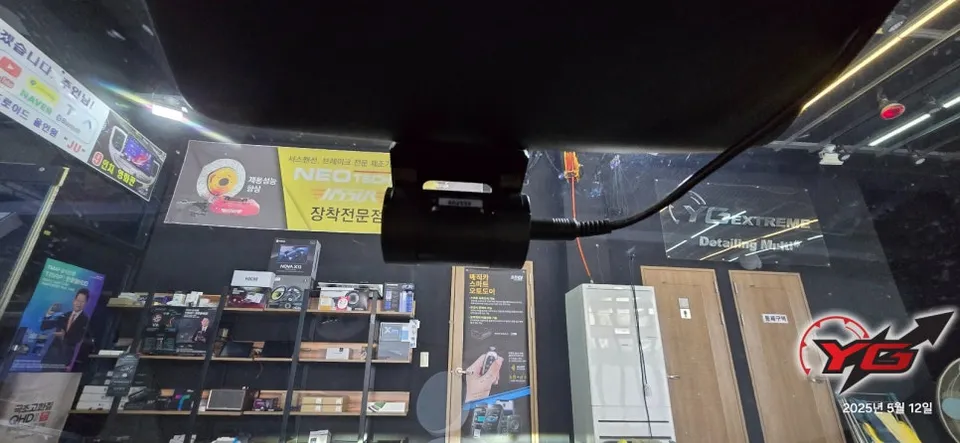
Dash Cam Installation Process: FineVu LX7 Power on Tesla Model 3
The installation process for the FineVu LX7 Power on the Tesla Model 3 was meticulous:
- Component Mounting: The main unit, the mirror camera, was securely attached to the original rearview mirror. A thorough inspection of the vehicle's interior and exterior was conducted beforehand.
- Rear Camera Placement: The rear camera was precisely mounted in an optimal position at the rear of the vehicle, typically above the license plate.
- Wiring Management: All wiring was carefully routed and secured using sound-deadening materials and tape to prevent any rattling noises before being run into the cabin.
- Power Connection: The dash cam was reliably connected to the vehicle's fuse box for a stable power supply, ensuring both continuous recording and parking mode functionality.
- System Configuration: Final settings for continuous power and parking recording modes were completed.
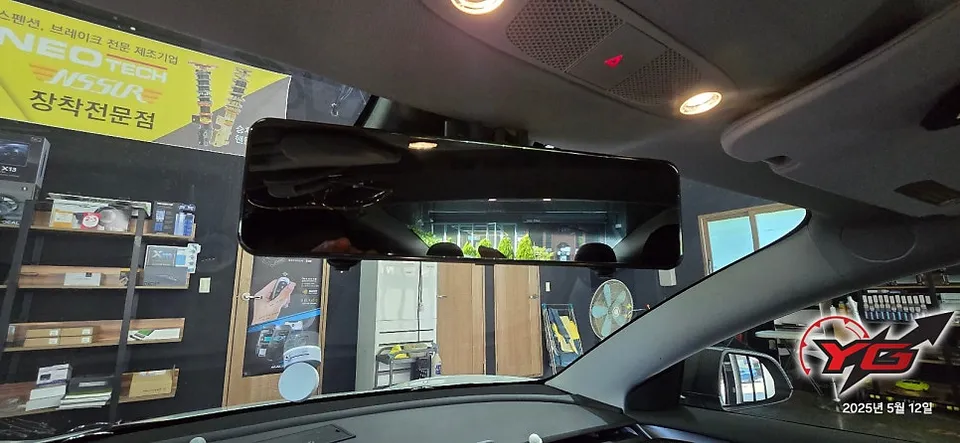
Post-Installation Checks and Usage Tips
After installation, comprehensive checks were performed to ensure the dash cam was functioning correctly. This included testing the front and rear camera recordings, the transition to parking mode, and the impact detection system. The adjustable angle of the external rear camera was fine-tuned to provide the driver with the best possible rearward visibility. The external rear camera offers approximately 10cm of vertical adjustment, allowing personalization based on the driver's height and seating position. Some models also include features like enhanced daytime/nighttime front camera quality or ADAS (Advanced Driver-Assistance Systems). Consulting with a professional can help you choose a model that best suits your needs.
Frequently Asked Questions
Q. How much does dashcam installation cost for a Tesla Model 3?
The cost for this specific FineVu LX7 Power installation on a Tesla Model 3 was detailed in Korean Won. Typical professional dash cam installations in the US can range from $150 to $400, depending on the complexity and features.
Q. How long does dashcam installation take on a Tesla Model 3?
Professional dash cam installation typically takes 1-3 hours, ensuring all wiring is neatly managed and functions are tested. Regular checks of the camera lens and connections are recommended for optimal performance.
Q. Is a hardwired dashcam worth it over a self-install for a Tesla Model 3?
Hardwiring is recommended for seamless parking mode functionality and a cleaner look, especially beneficial for Tesla vehicles. Professional installation ensures proper integration with the car's electrical system, maximizing the value proposition.
Q. How is a dashcam professionally installed on a Tesla Model 3?
Professional installation involves securely mounting the main unit, precisely placing the rear camera, meticulously managing and securing all wiring to prevent noise, and connecting power via the fuse box. Finally, all recording and parking modes are configured and tested.
Q. What is the difference between a 1-channel and 2-channel dashcam for a Tesla Model 3?
A 1-channel dash cam records only the front view, while a 2-channel system records both front and rear views. For comprehensive coverage, a 2-channel system is highly recommended for a Tesla Model 3.
OhCar Partner Shop