Audi A6 CarPlay Retrofit Review — Cost & Results
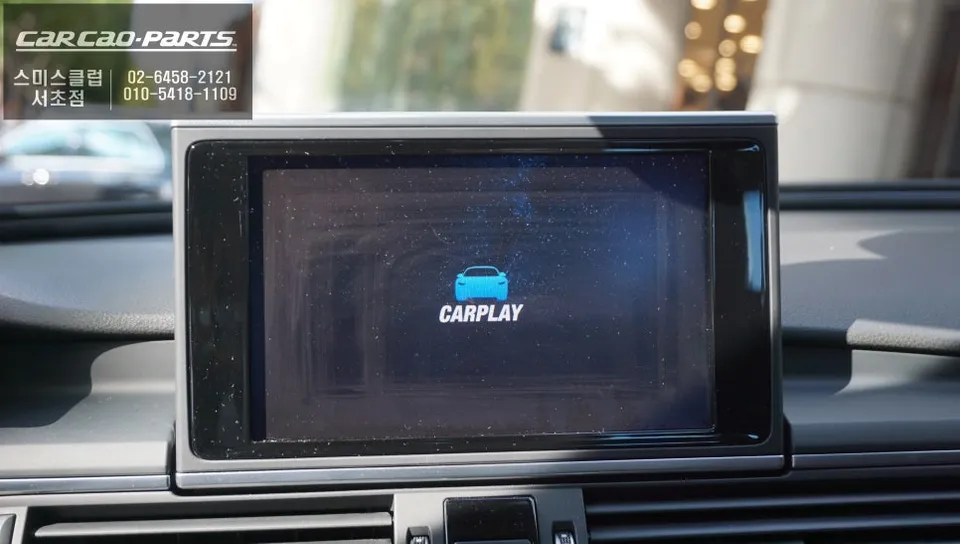
Audi A6 CarPlay retrofit: Cost varies. Seamless T Map/Kakao Map integration via plug-and-play installation.
Audi A6 Factory Navigation Limitations Solved with CarPlay Module
Many Audi A6 owners find the factory navigation system lacking, primarily because it doesn't support popular Korean navigation apps like T Map or Kakao Map. This review covers a CarPlay module installation at 'Odeun Car Seocho Branch' designed to resolve this common frustration. This upgrade offers excellent value and user satisfaction, bringing smartphone-level navigation to your Audi A6.
Odeun Car Seocho Branch's Audi A6 CarPlay Installation Expertise
Odeun Car Seocho Branch has extensive experience with Audi vehicles, particularly in minimizing risks to the original system during CarPlay module installations. Located conveniently in the Seocho district, this facility offers a comfortable waiting area for customers. Their focus on preserving the factory wiring ensures a high-quality, worry-free upgrade.
Wired vs. Wireless CarPlay Module: Making the Right Choice
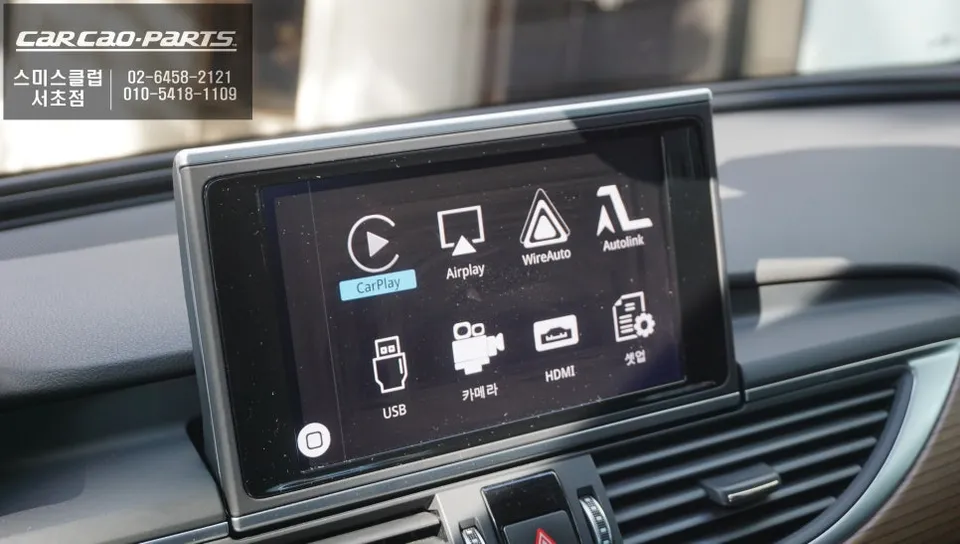
The CarPlay module supports both Android Auto and Apple CarPlay, with options for wired or wireless connectivity. While wireless offers convenience, a wired connection is recommended for Audi A6 installations due to its superior stability. Wired connections provide uninterrupted real-time map updates and clearer audio signals, ensuring a seamless navigation experience.
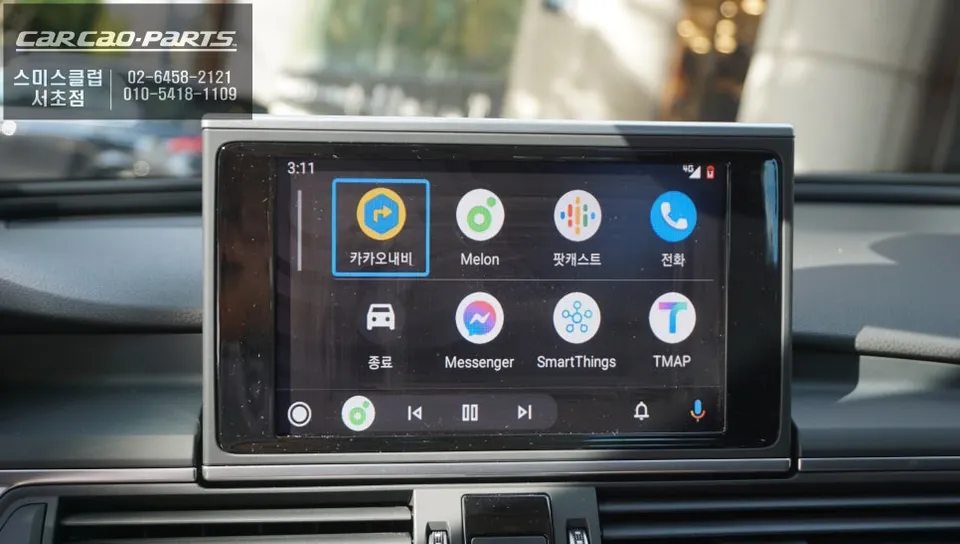
Audi A6 CarPlay Module Installation: Preserving Factory Wiring
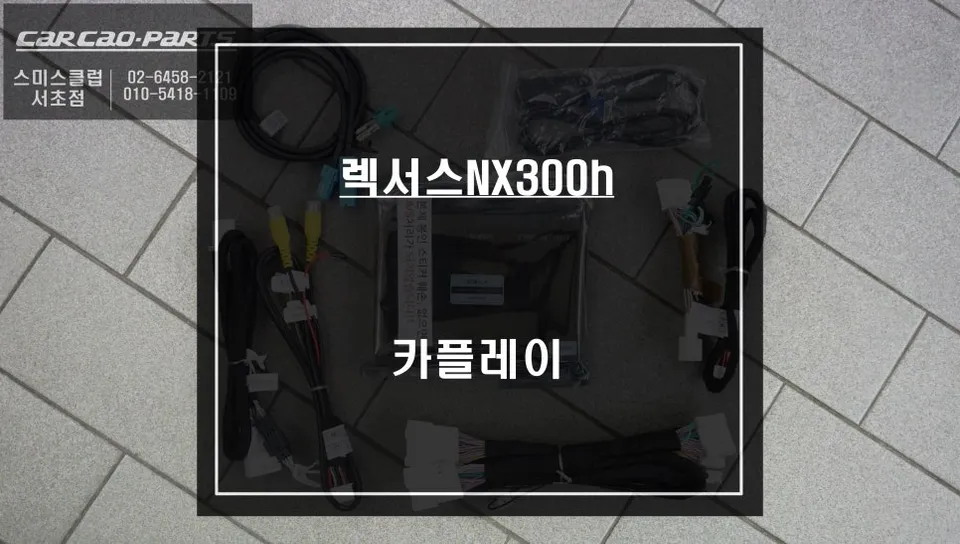
The key to a successful Audi A6 CarPlay module installation lies in not altering the original wiring. The process involves connecting to the monitor and LVDS (the cable transmitting video and signal data) using a plug-and-play (jack-by-jack) method. This ensures that all connections are parallel to the existing ones, allowing for easy restoration to the factory state if ever needed. This 'no-risk' approach is a major advantage of this infotainment upgrade.
Installation Process:
- Connect the CarPlay module to the vehicle's monitor and LVDS cable using plug-and-play connectors.
- Ensure all wiring is securely connected in parallel to the factory harness.
- Test the system to confirm seamless integration with the Audi MMI system.
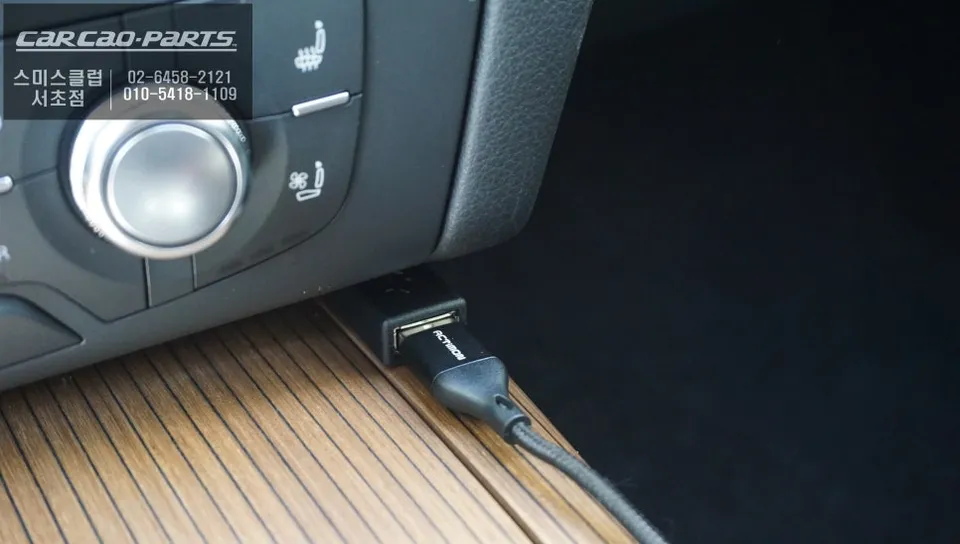
Effortless Screen Switching and Operation
Switching to the CarPlay interface is remarkably simple. A two-second press of the original MMI NAV button activates the CarPlay screen. Once your smartphone is connected via USB, you can immediately use T Map and Kakao Map on your Audi A6's display. While direct touchscreen control isn't available, operation is intuitive via voice commands and the original steering wheel controls.
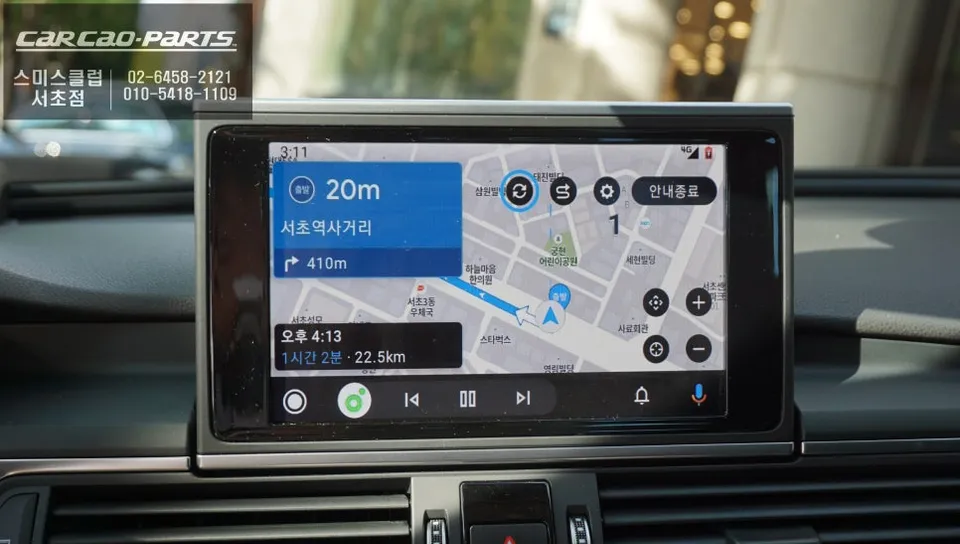
The True Value: Voice Control and Real-Time Traffic
Audio from CarPlay is routed through the car's speakers via the AUX input, and it integrates with the factory microphone for natural voice control. The most significant benefit is leveraging real-time traffic data from T Map and Kakao Map, offering more efficient routing than the factory navigation. This dramatically enhances daily driving convenience.
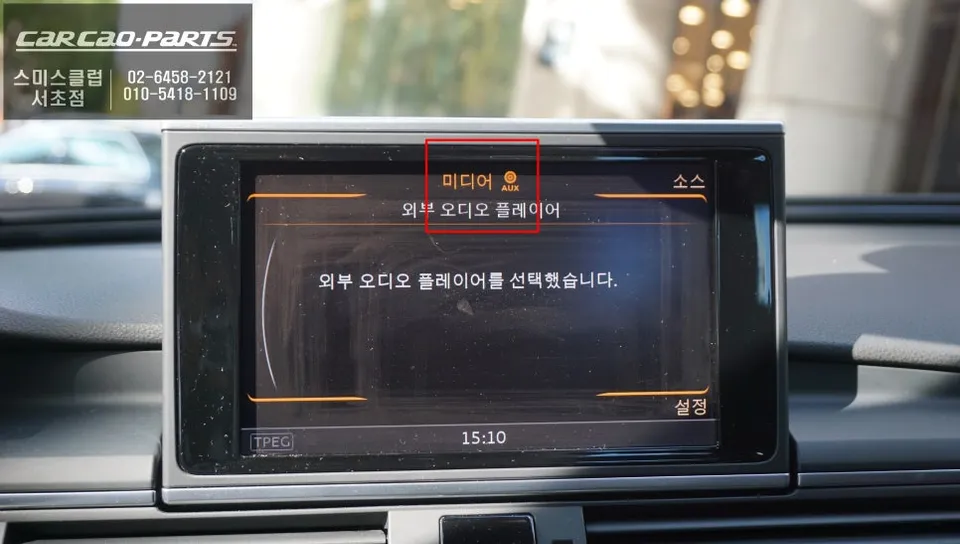
Music Streaming and Mirroring: A Smarter Infotainment Upgrade
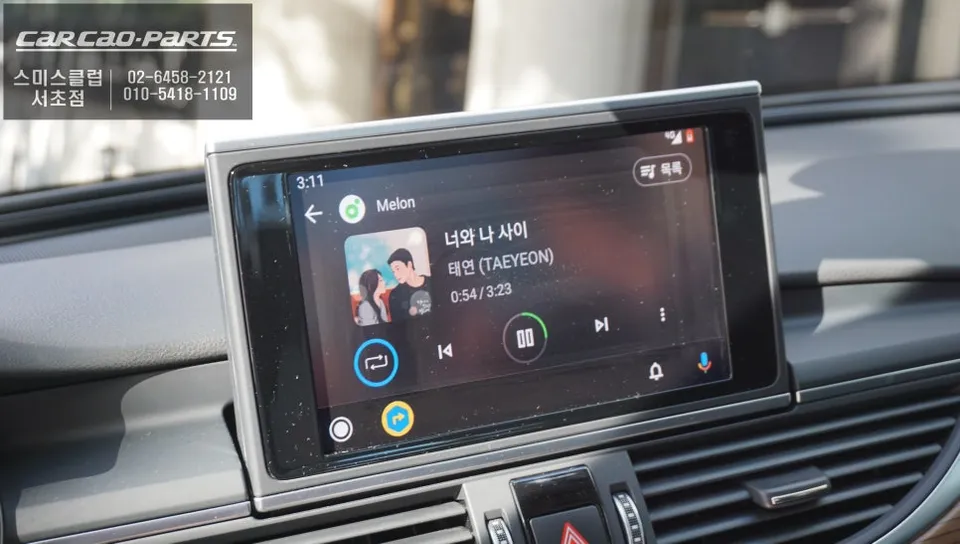
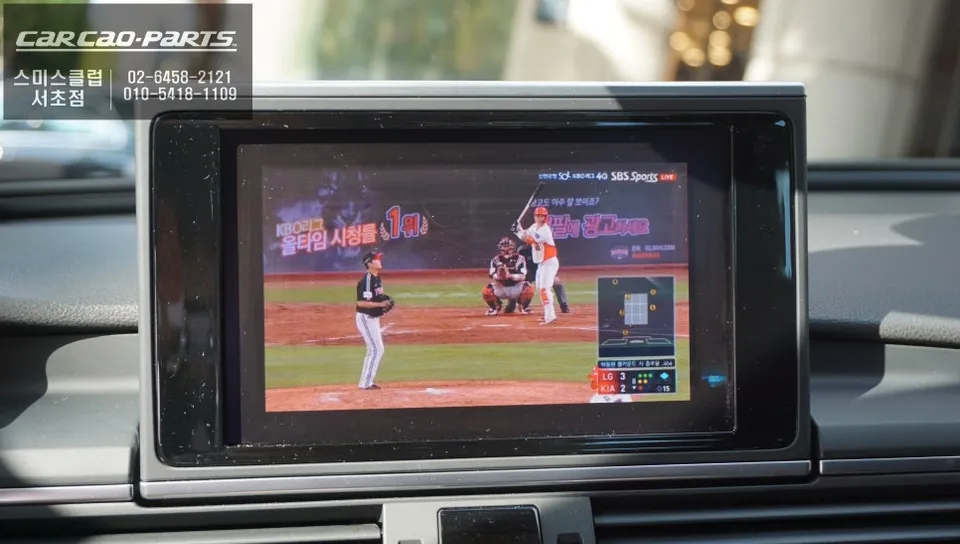
This Android head unit upgrade also supports music streaming from apps like Melon or YouTube Music, with track control managed by the original buttons. Mirroring functionality is also available, allowing you to display your smartphone's screen on the car's monitor for watching videos (e.g., YouTube). Note that Netflix is not supported.
Audi A6 CarPlay Installation Cost and Consultation
The cost for an Audi A6 CarPlay module installation varies based on the specific module, wiring complexity, and any additional features. A precise quote requires assessment of your car's year and current condition. Odeun Car Seocho Branch offers free consultations to provide an accurate estimate for this infotainment upgrade.
Convenient Location and Amenities at Odeun Car Seocho Branch
Situated in the Banpo area, Odeun Car Seocho Branch offers excellent accessibility for those in the Seocho region. It's close to public transport and provides ample parking. The facility includes a comfortable waiting area for customers during their service.
Frequently Asked Questions
Q. How much does an Android head unit or CarPlay installation cost for an Audi A6?
The cost for an Audi A6 CarPlay module installation in Korea varies based on the specific module and installation complexity, with consultations recommended for precise quotes. While specific US pricing isn't available from this Korean context, similar retrofits can range from $500 to $1500 USD depending on features and vehicle specifics.
Q. How durable is a CarPlay or Android Auto upgrade for an Audi A6?
CarPlay modules are designed for long-term use, with durability largely dependent on the quality of the installation and the module itself. Regular maintenance typically involves ensuring software is up-to-date and keeping connection ports clean.
Q. Is a CarPlay or Android Auto retrofit worth it for an Audi A6?
This retrofit is highly recommended for Audi A6 owners frustrated with the limitations of the factory navigation, especially if they frequently use apps like T Map or Kakao Map. It significantly enhances daily driving convenience by integrating familiar smartphone navigation and media apps.
Q. How is an Android head unit or CarPlay system installed in an Audi A6?
Installation involves connecting the module to the car's monitor and LVDS cable using a plug-and-play method, ensuring no original wiring is cut or modified. The system is then integrated with the MMI system, allowing for operation via voice commands and original controls.
Q. What is the difference between an Android head unit and a factory infotainment system for an Audi A6?
The primary difference is functionality: the factory system is limited, while an Android head unit or CarPlay retrofit allows seamless integration of smartphone apps like T Map, Kakao Map, and music streaming services. This upgrade provides a modern, user-friendly interface superior to the original system for navigation and entertainment.
Kakao Parts