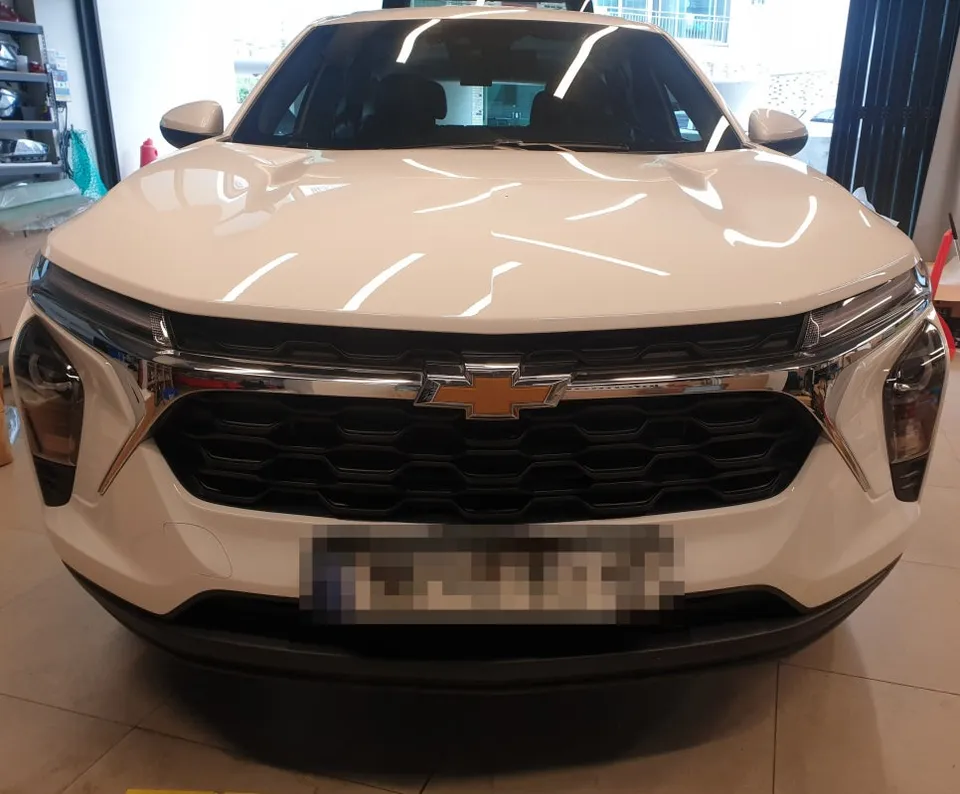
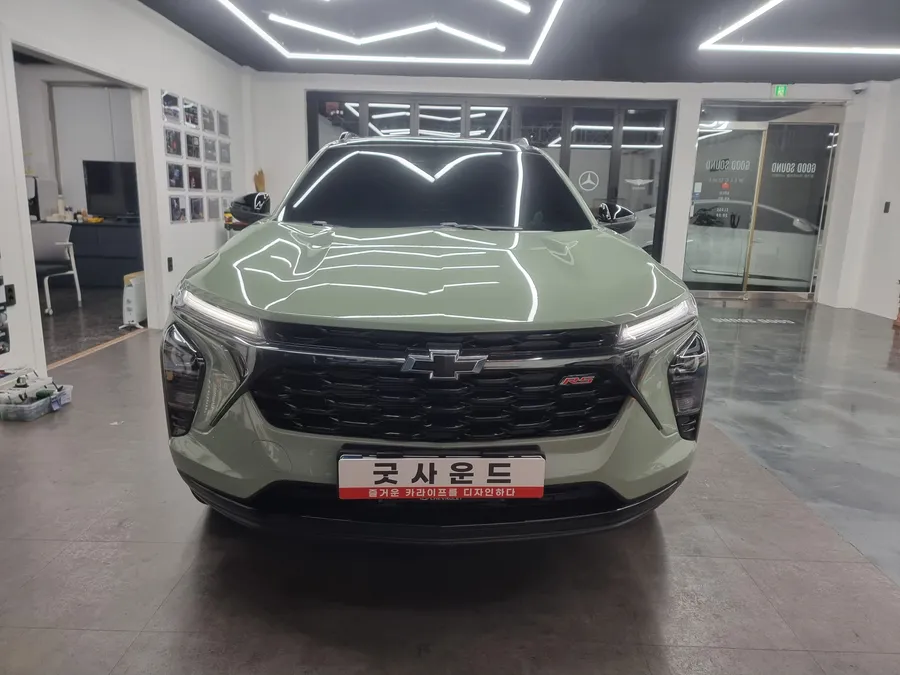
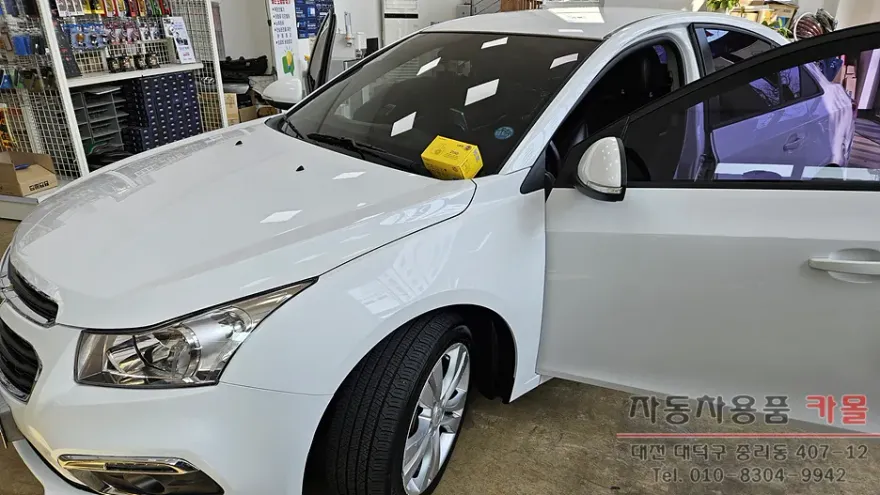
Chevrolet Captiva Android Head Unit Review: All-in-One Navigation
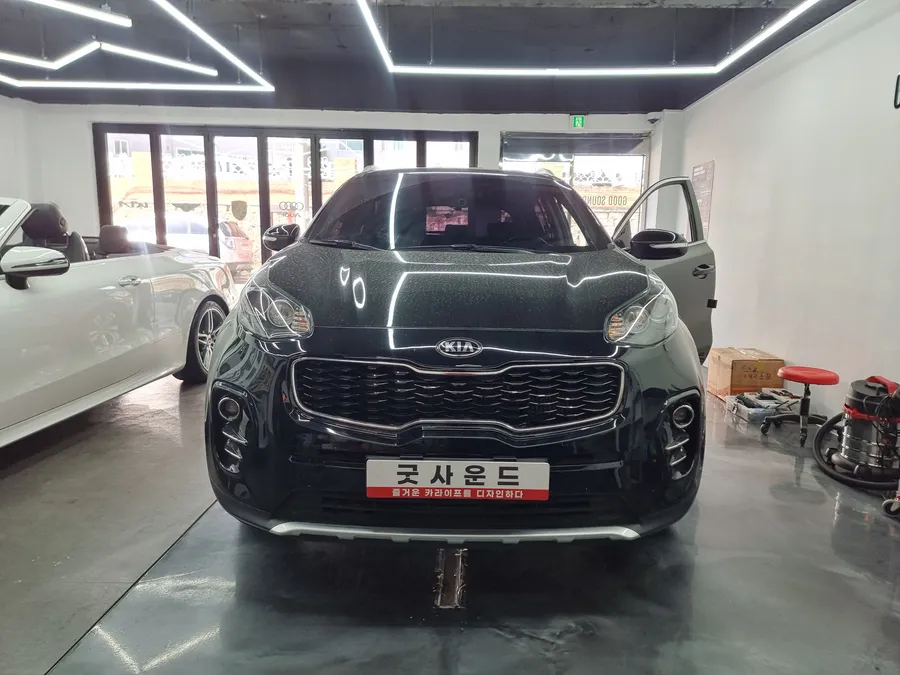
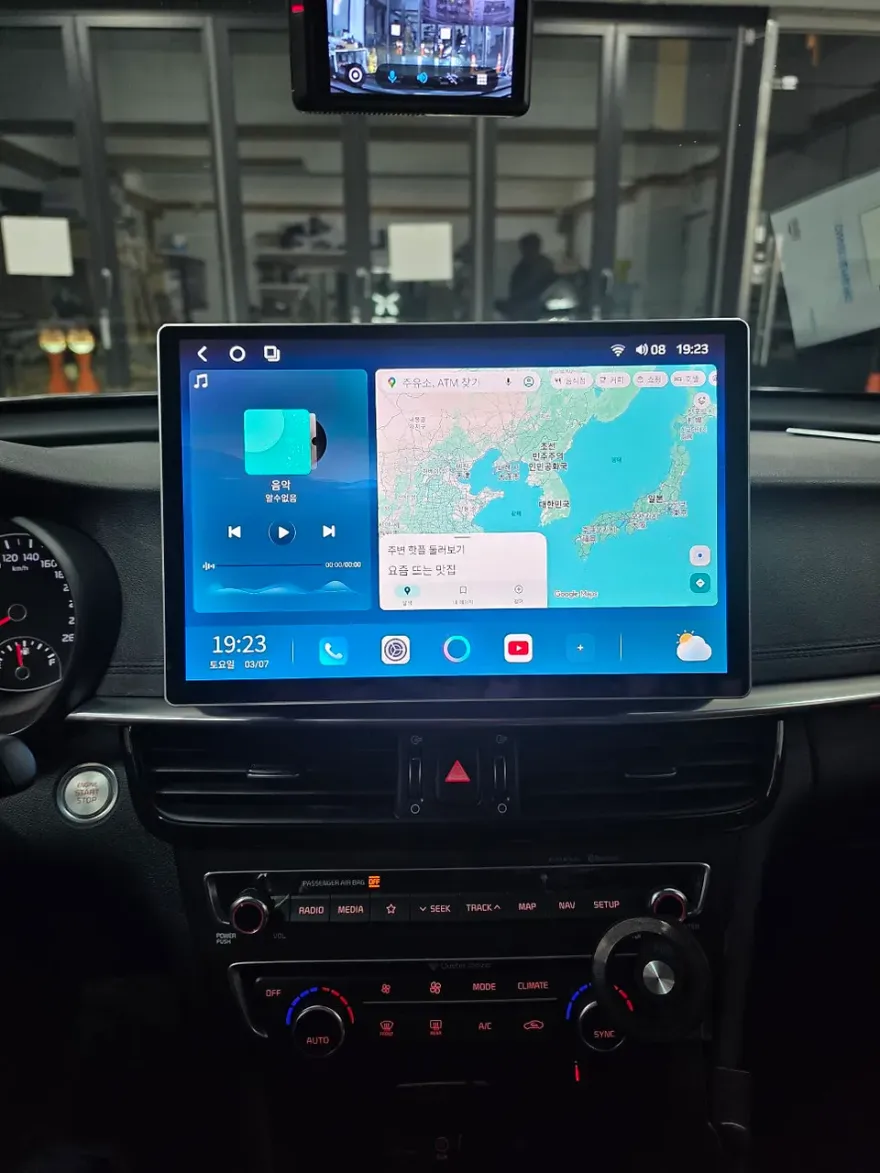
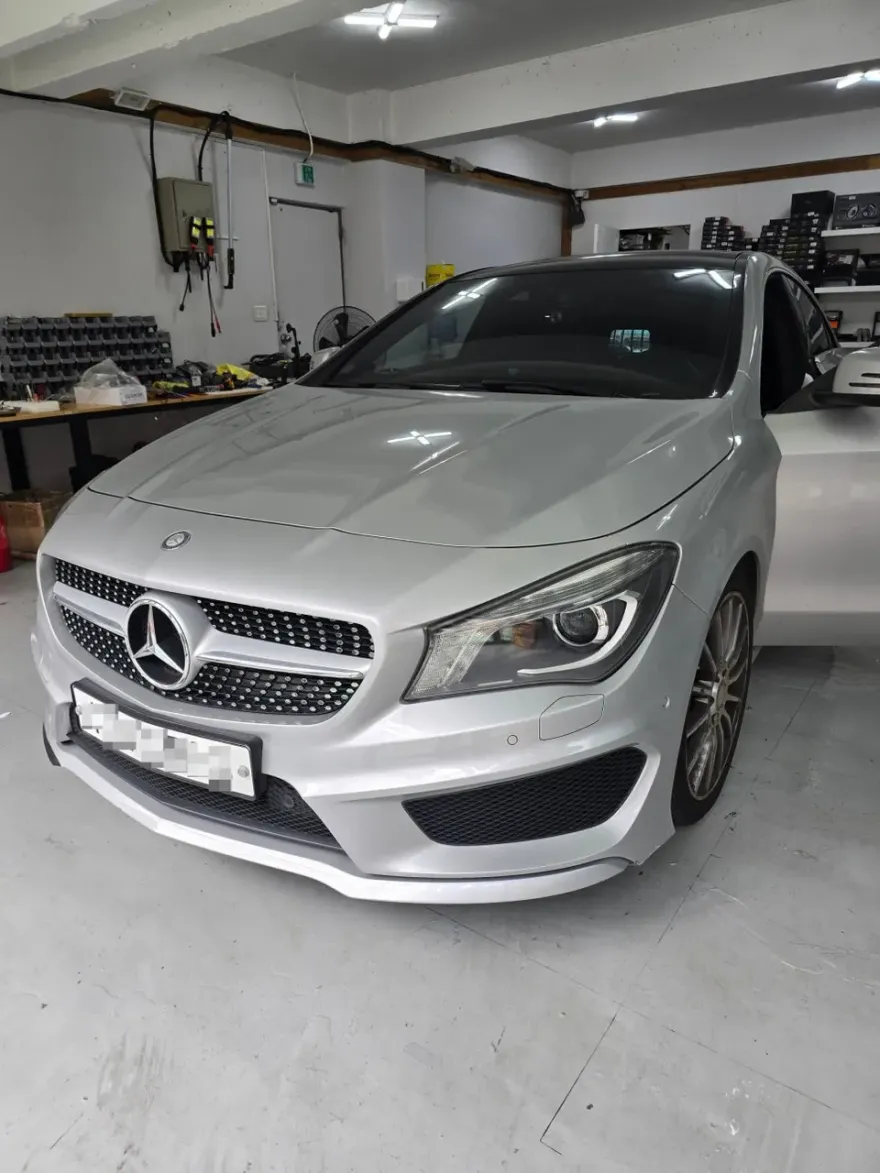
Before

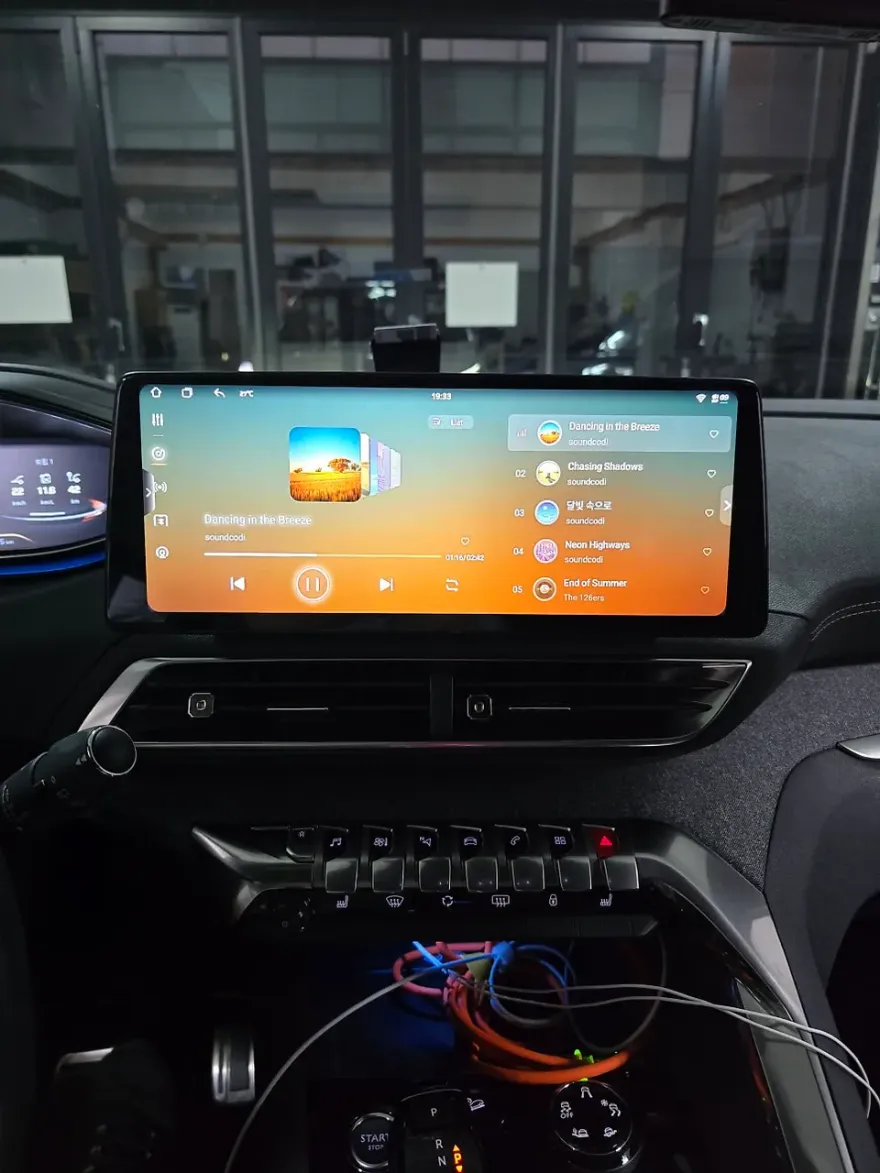
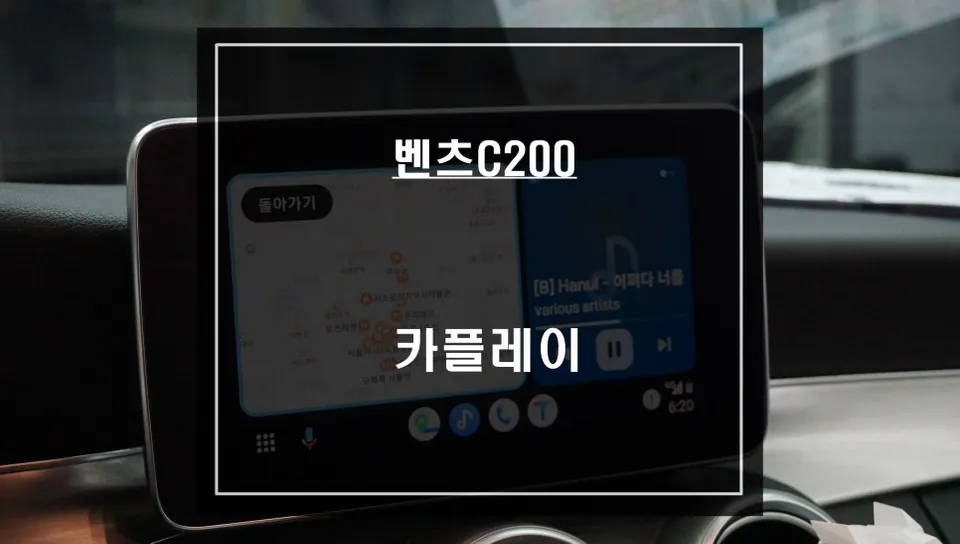
After
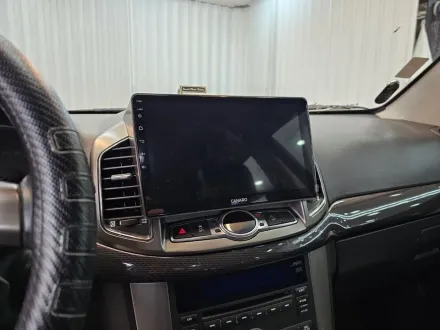
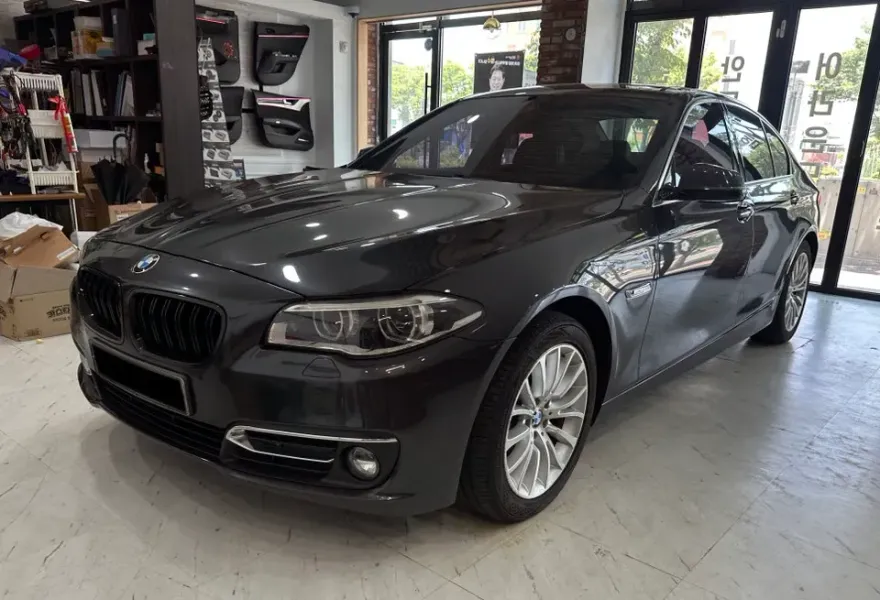
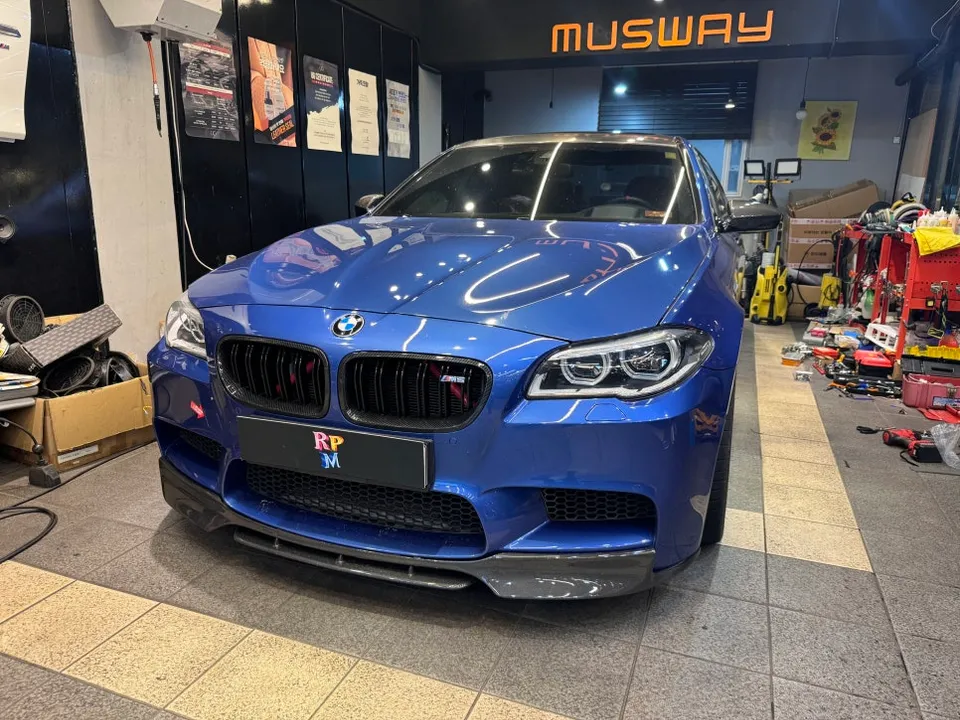
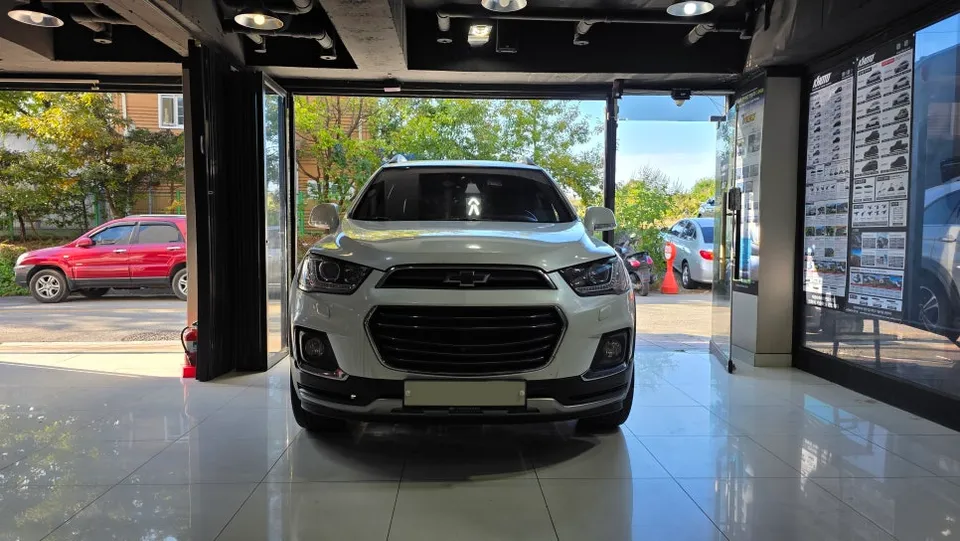
Process photos
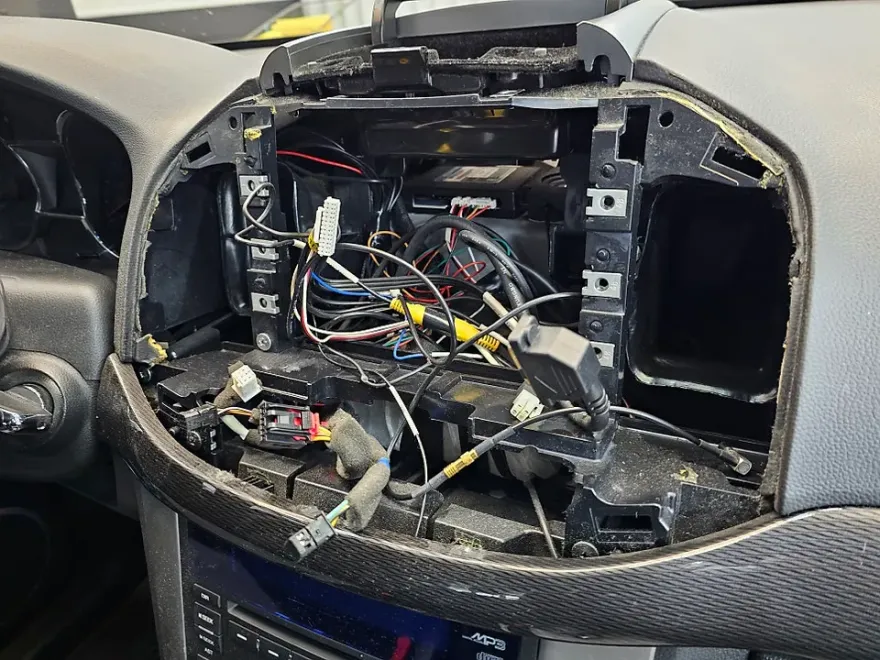
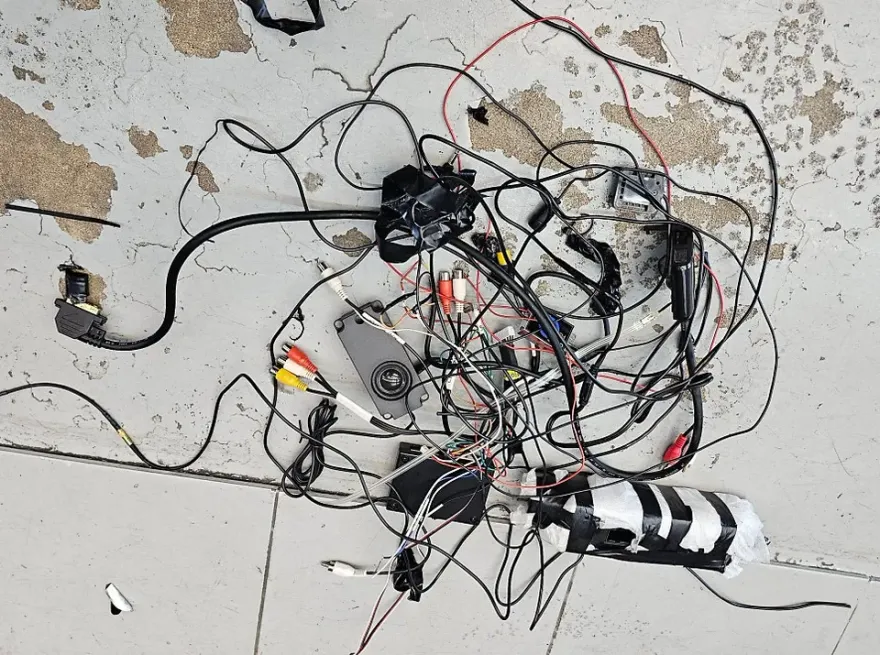
Chevrolet Captiva Android head unit upgrade with Atlan navigation: enhances infotainment with modern features and a 10" display.
Transform Your Chevrolet Captiva's Infotainment System
Many Chevrolet Captiva owners look to enhance their driving experience beyond the factory-installed infotainment. This review focuses on the Carro Q 10-inch Android All-in-One unit, specifically designed for the Captiva, featuring integrated Atlan navigation. This upgrade offers a significant leap in functionality, bringing modern smartphone-like features to your dashboard. The unit boasts a large, responsive touchscreen and provides access to a vast array of apps through the Android operating system, turning your Captiva into a more connected and entertaining vehicle. The installation process, while requiring professional attention, is designed to integrate cleanly with your vehicle's existing setup.
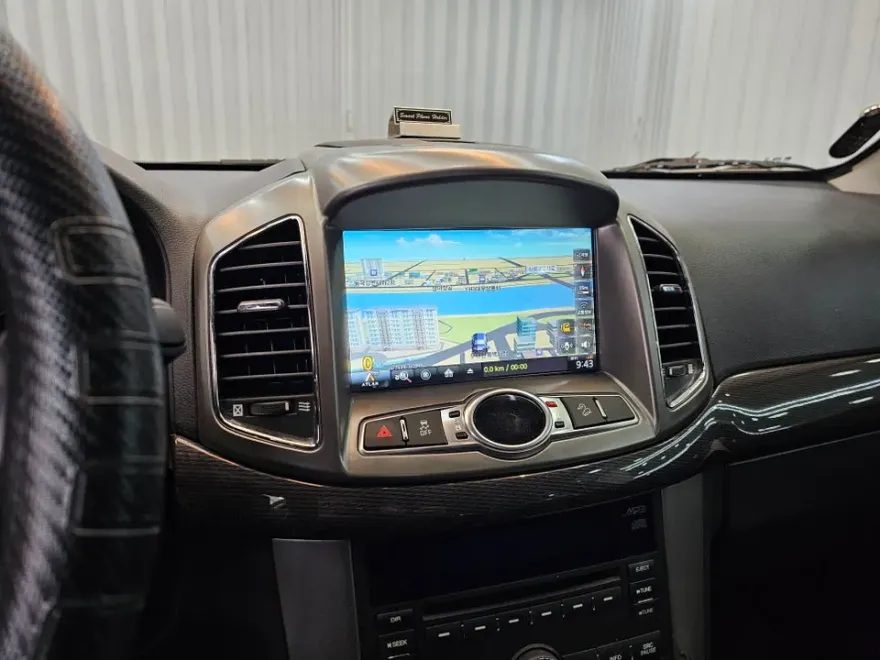
Before and After: A Modernized Driving Experience
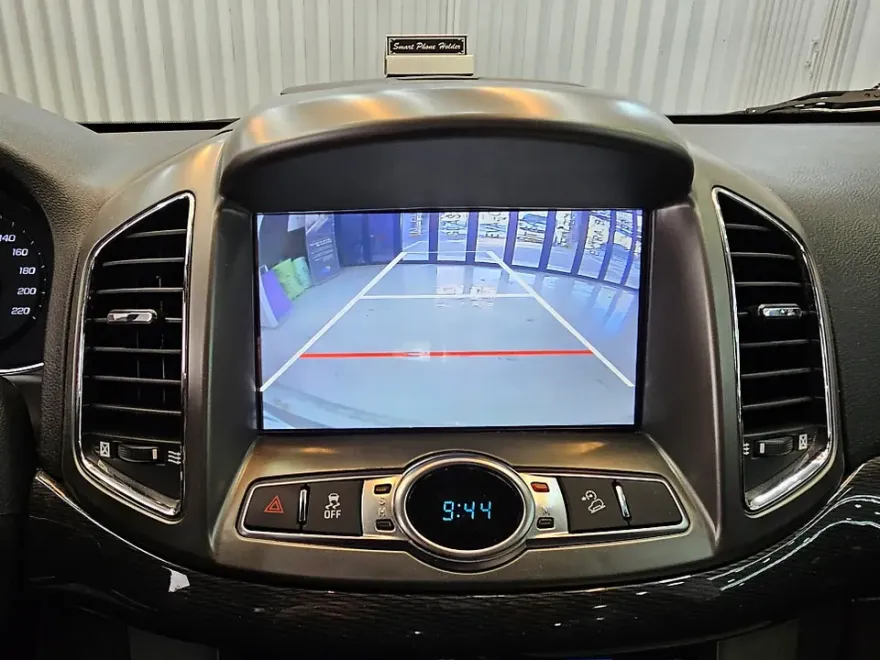
The most striking change after installing the Android head unit is the visual and functional transformation of the dashboard. The factory system, often limited in features and outdated in design, is replaced by a sleek, modern 10-inch display. This new unit offers a crisp, high-resolution screen that significantly improves visibility for navigation and media playback. Functionally, the difference is night and day. You gain access to real-time traffic updates via Atlan navigation, the ability to stream music and podcasts from various apps, and seamless integration with your smartphone for calls and messages. For Captiva owners seeking an Android Auto upgrade or a CarPlay retrofit, this all-in-one navigation system provides a comprehensive solution. The before-and-after is not just about aesthetics; it's about unlocking a world of digital convenience within your vehicle.
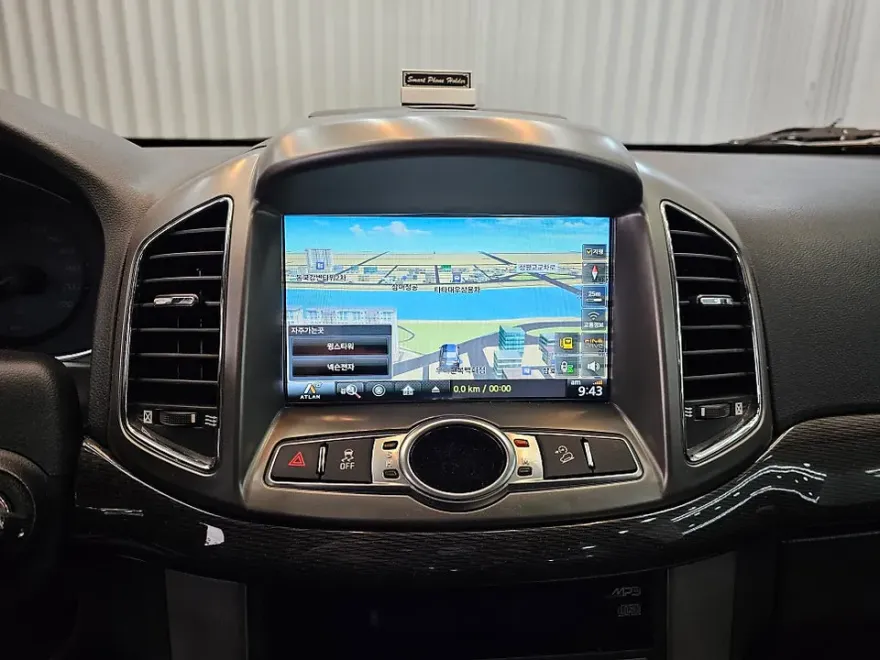
Installation, Durability, and Decision Making
The installation of an Android head unit like the Carro Q for the Chevrolet Captiva is typically performed by specialized car audio or electronics shops. The process involves carefully removing the factory head unit and integrating the new unit, ensuring all wiring harnesses are correctly connected for power, speakers, and any steering wheel controls. The unit is designed to fit the Captiva's dashboard seamlessly, maintaining a factory-like appearance. Durability is generally good, as these units are built with automotive-grade components. Regular maintenance involves keeping the screen clean and ensuring the software is updated for optimal performance and security. When considering if an Android head unit is worth it, weigh the cost against the enhanced functionality and modern features it brings. For Captiva owners who rely heavily on navigation, streaming, and app integration, this infotainment upgrade can be a worthwhile investment, significantly improving daily commutes and longer journeys.
Installation process:
- Removal of the original factory head unit.
- Connection of the new Android head unit's wiring harness to the vehicle's existing connectors.
- Mounting the new 10-inch display into the dashboard, ensuring a secure and flush fit.
- Testing all functions, including navigation, audio, and connectivity.
Frequently Asked Questions
Q. How much does Android head unit or CarPlay installation cost for a Chevrolet Captiva?
The installation cost for this specific Android head unit in Korea was approximately ₩790,000 (around $600 USD). Prices can vary significantly based on your location and the specific unit chosen.
Q. How long does Android head unit installation take on a Chevrolet Captiva?
The durability of these Android head units is generally excellent with proper installation. Basic maintenance involves keeping the screen clean and ensuring software updates are applied periodically.
Q. Is a CarPlay or Android Auto retrofit worth it for a Chevrolet Captiva?
A CarPlay or Android Auto retrofit is highly recommended for Captiva owners who frequently use navigation apps, streaming services, or voice commands. It offers a significant upgrade in functionality and user experience compared to older factory systems.
Q. How is an Android head unit installed in a Chevrolet Captiva?
Installation involves removing the factory head unit, connecting the new unit's wiring harness, and mounting the larger display into the dashboard for a seamless fit. Finally, all functions are tested to ensure proper operation.
Q. What is the difference between an Android head unit and a factory infotainment system for a Chevrolet Captiva?
An Android head unit offers significantly more features, including app access, modern navigation, and smartphone integration, whereas a factory system is typically limited to basic radio, CD, and Bluetooth functions.
OhCar Partner Shop