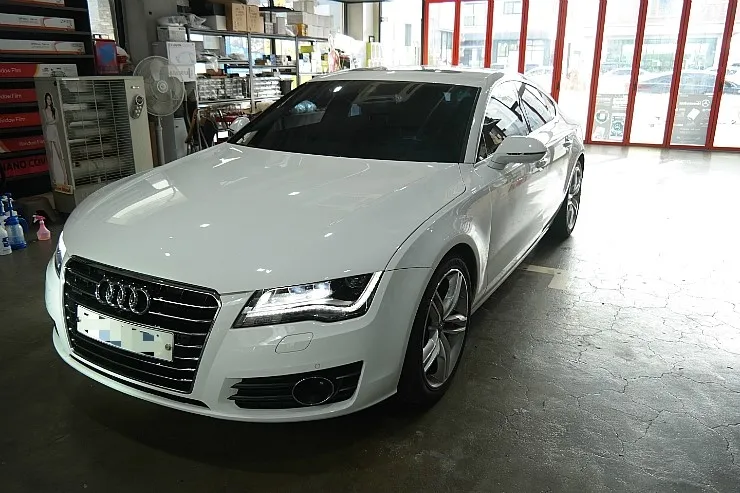
Audi RS5 Android Auto & CarPlay Upgrade Review
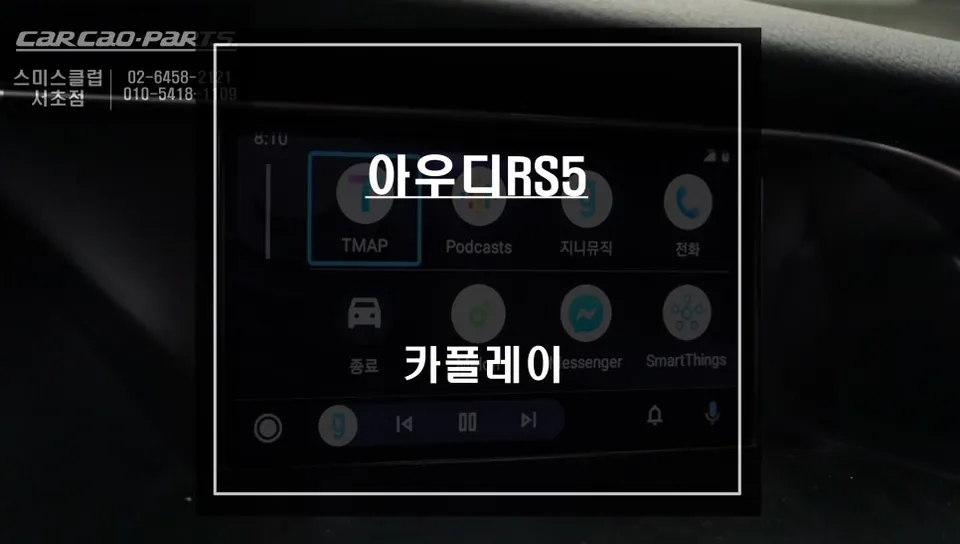
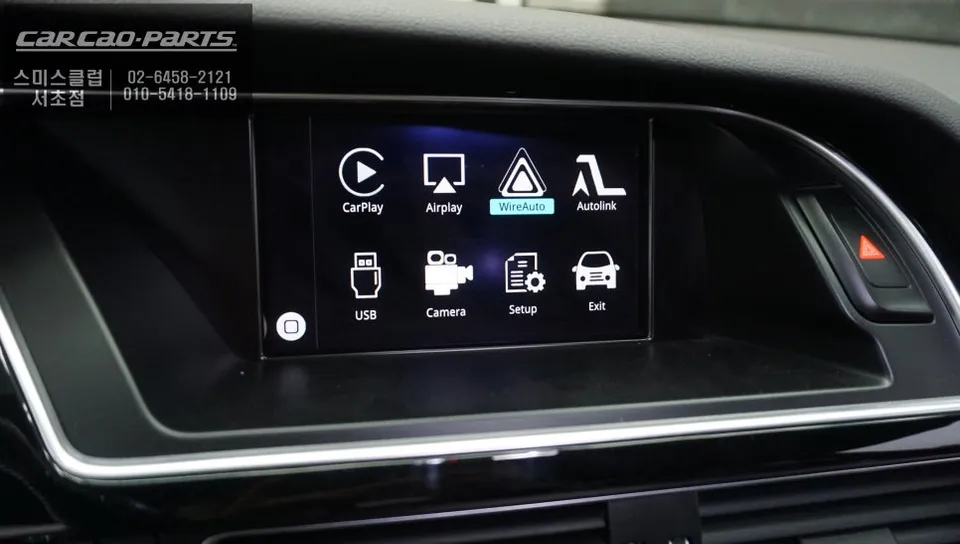
Audi RS5 Android Auto & CarPlay upgrade integrates TMAP/KakaoMap via MMI module. Seamless smartphone navigation on high-def display. Retains all facto
Upgrade Your Audi RS5 Navigation with Android Auto & CarPlay
Vehicle: Audi RS5
Service: Android Auto & Apple CarPlay Integration
Installation Method: MMI Interface Module
Navigation Apps: TMAP, KakaoMap
Installation Location: Today's Car Seocho Branch
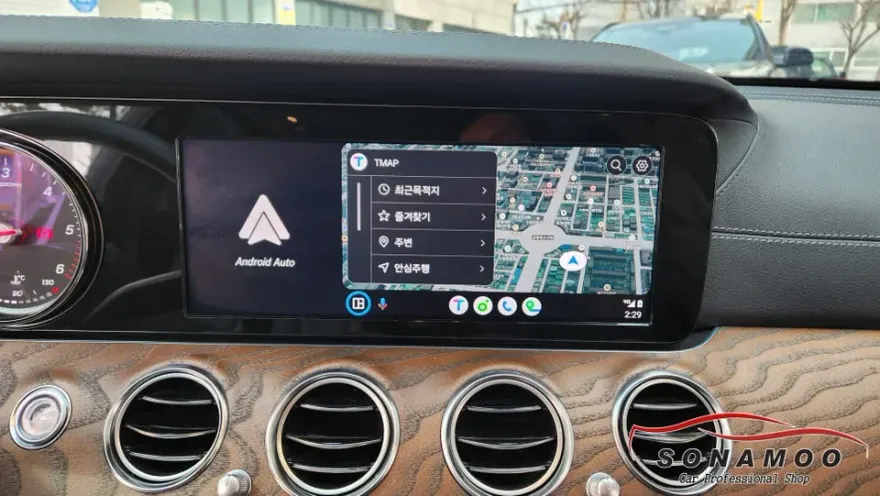
Many Audi RS5 owners find the native navigation system cumbersome for daily use in Korea. Common complaints include limited service support and slow map updates. This review details an Android Auto and Apple CarPlay installation for the Audi RS5, transforming the infotainment system to seamlessly mirror smartphone navigation apps like TMAP and KakaoMap directly onto the car's MMI display. This solution offers full compatibility with both Apple CarPlay and Android Auto.
Overcoming Native Navigation Limitations
The primary frustration for Audi RS5 drivers often stems from the restrictive nature of the factory navigation. Relying on closed-system maps like those found in some domestic navigation brands can lead to outdated traffic information and limited public transport data. In contrast, TMAP and KakaoMap are the go-to navigation apps for most Korean drivers, offering real-time traffic updates, speed camera alerts, and comprehensive points-of-interest searches. Integrating these familiar and up-to-date services significantly enhances the driving experience.
The CarPlay module installed at Today's Car Seocho branch resolves these issues without compromising the vehicle's original systems. The installation utilizes a "Jack by Jack" wiring method, which means the module is connected alongside the existing wiring harness without any cutting or permanent modification. This ensures that the original factory system remains intact and can be easily restored if needed.

Seamless Integration and Installation Process
The Android Auto/CarPlay module is discreetly integrated into the Audi RS5's MMI navigation system. A crucial aspect of this installation is preserving 100% of the original functionality. After the module is installed, all factory features, including voice commands, MMI button controls, and other vehicle functions, continue to operate as intended. The installation process involves carefully removing the factory navigation monitor, connecting the CarPlay module and its harness, and then reattaching it to the vehicle's original wiring. This non-invasive approach ensures no impact on the vehicle's warranty or future serviceability.
Installation Process:
- Carefully detach the factory MMI navigation monitor from the dashboard.
- Connect the new CarPlay module and its dedicated wiring harness to the factory connectors.
- Securely reattach the MMI monitor and test all integrated functions.
Once installed, activating the CarPlay interface is as simple as pressing the MMI NAV button for two seconds. Connecting your smartphone via the car's USB port then launches the CarPlay or Android Auto interface. While initially unfamiliar to some, the system becomes intuitive after a brief period of use.

High-Definition Display and Optimized Performance
The Audi RS5 is equipped with a high-resolution, premium display. The installed CarPlay module is optimized to leverage this screen's capabilities, delivering a crisp and clear visual experience. Instead of simply mirroring the phone screen, the module intelligently adapts the output to the car's display specifications. This ensures that navigation apps like TMAP and KakaoMap are rendered in high definition, with sharp text and clearly defined map elements, maintaining the premium feel of the Audi infotainment system.

Intuitive Control via Voice and MMI Buttons
It's important to note that, for security reasons, CarPlay and Android Auto do not support direct touchscreen control on the vehicle's display. However, this limitation is effectively overcome by the system's robust voice command integration and the continued functionality of the MMI control buttons. Users can easily search for destinations using voice assistants like Siri or Google Assistant. Navigating menus and selecting points of interest on the map can be done using the familiar MMI dial and buttons, providing a safe and convenient way to interact with the system while driving.

Frequently Asked Questions
Q. How much does the Android Auto & CarPlay integration cost for an Audi RS5?
The cost for this specific Audi RS5 Android Auto & CarPlay integration is not explicitly stated in the provided text, but similar professional installations in the US typically range from $400 to $800.
Q. How long does the Android Auto & CarPlay installation take on an Audi RS5?
The installation process for this Audi RS5 Android Auto & CarPlay integration is generally completed within a few hours, ensuring minimal disruption. Regular maintenance involves keeping your smartphone's operating system and navigation apps updated for optimal performance.
Q. Is the Android Auto & CarPlay upgrade worth it for an Audi RS5?
This upgrade is highly recommended for Audi RS5 owners who frequently use smartphone navigation apps like TMAP or KakaoMap, as it significantly enhances the usability and functionality of the infotainment system. The value lies in bringing familiar, up-to-date navigation and app integration to the car's native display without compromising existing features.
Q. How is the Android Auto & CarPlay system installed on an Audi RS5?
1. The factory MMI navigation monitor is carefully removed from the dashboard. 2. A specialized CarPlay module and wiring harness are connected to the vehicle's original connectors using a 'Jack by Jack' method. 3. The MMI monitor is reinstalled, and all functions are tested to ensure seamless integration.
Q. What is the difference between using the native Audi RS5 navigation and the new Android Auto/CarPlay system?
The native Audi RS5 navigation often has limited map updates and app support, whereas the Android Auto/CarPlay system allows seamless use of familiar smartphone apps like TMAP and KakaoMap with real-time data. The key difference is the freedom and up-to-date information provided by smartphone integration compared to the restricted native system.
Kakao Parts