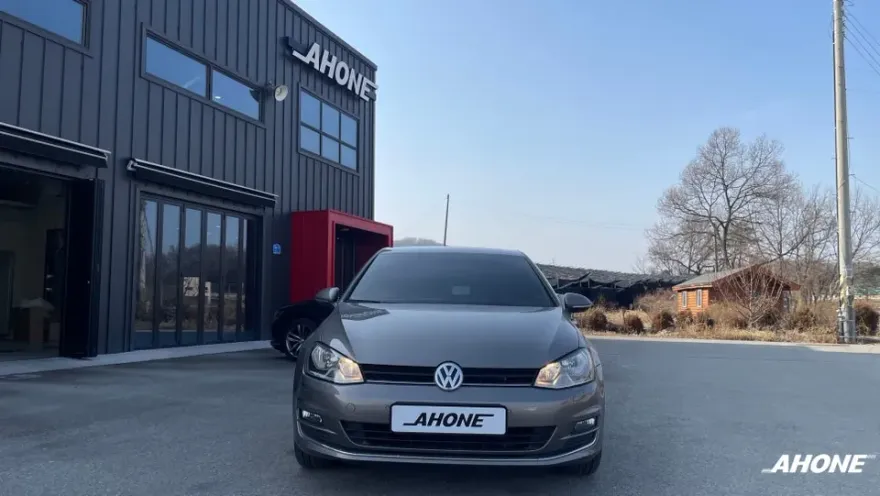
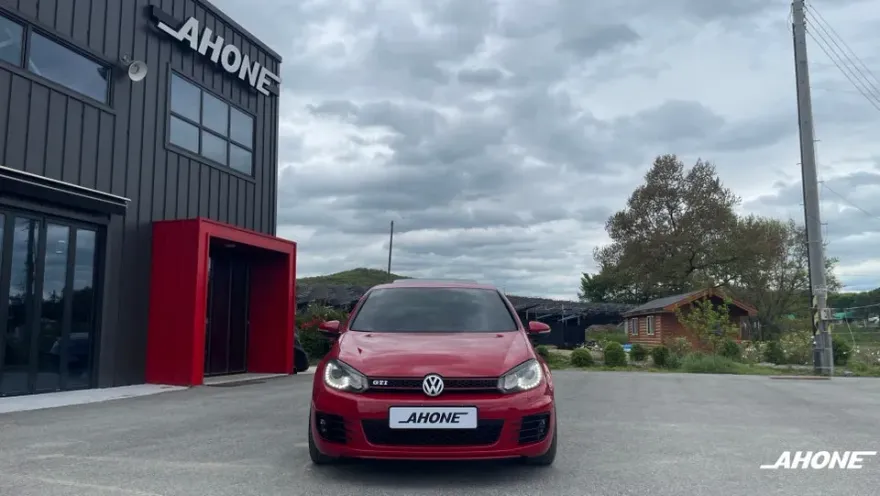
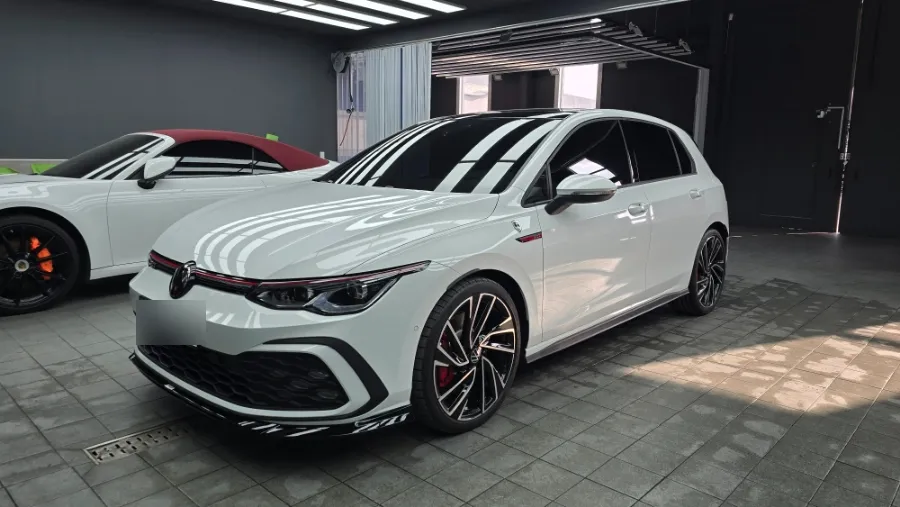
Volkswagen Golf CarPlay Retrofit Installation Review — Cost
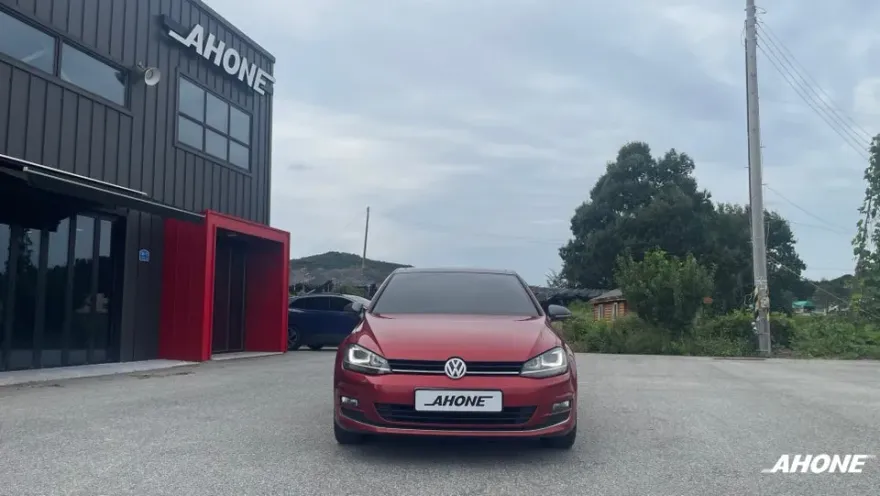
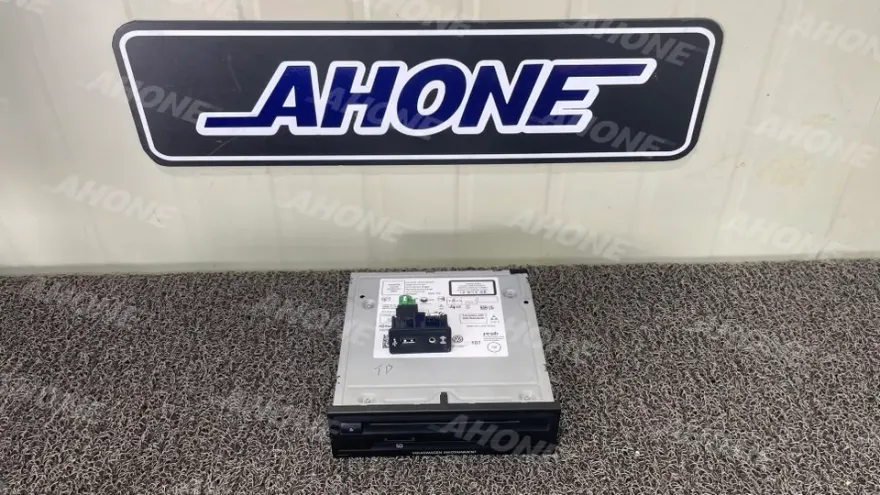
VW Golf 7 MIB2.5 upgrade enables CarPlay/Android Auto. Costs approx. ₩300,000-₩600,000+. Enjoy faster, stable infotainment.
Upgrade Your Volkswagen Golf 7 with CarPlay and Android Auto
Many Volkswagen Golf 7 owners find their stock infotainment system lacking, especially when it comes to seamless smartphone integration. If you're struggling with outdated audio or wishing for modern features like Apple CarPlay and Android Auto, an MIB2.5 App Connect audio upgrade is a compelling solution. This isn't just about a new head unit; it's about transforming your driving experience by bringing your digital life into your car's dashboard. The original MIB1 system, often paired with an EX box, can be prone to issues like slow performance, Bluetooth connectivity problems, and a general lack of responsiveness. This upgrade addresses those pain points directly, offering a faster, more stable, and feature-rich infotainment system. We'll explore what this upgrade entails, why it's a smart move for your Golf 7, and what to expect after installation.
MIB2.5 Upgrade: What It Is and Why Your Golf 7 Needs It
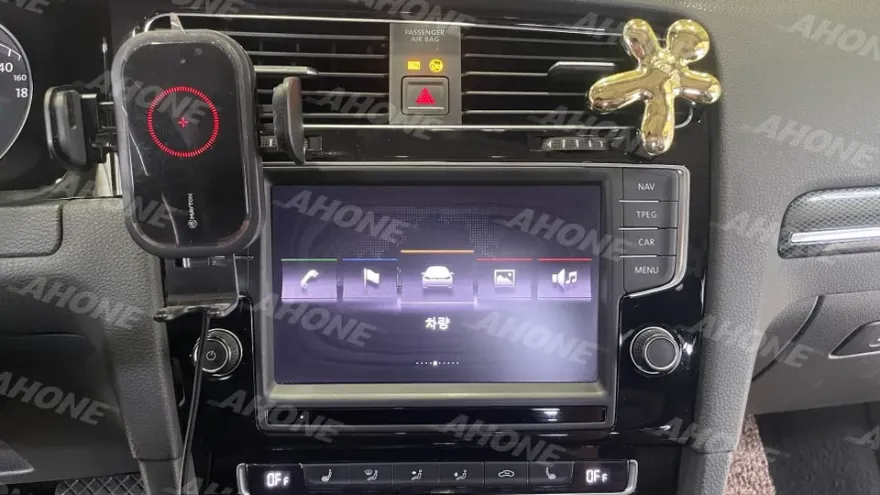
The MIB2.5 App Connect audio upgrade is designed to enhance Volkswagen's native infotainment system, specifically targeting the limitations of earlier MIB1 units in models like the Golf 7. The core benefit is the full enablement of Apple CarPlay and Android Auto. This means you can finally use your favorite navigation apps like Waze, Google Maps, or Apple Maps, stream music from Spotify or Apple Music, and send messages via voice command, all displayed directly on your car's screen. Crucially, this upgrade often involves removing the problematic EX box, which was a common source of glitches and failures in the MIB1 setup. By replacing or upgrading the core unit, you gain a significantly faster system, improved Bluetooth stability, and access to a more intuitive user interface. For Golf 7 owners, this upgrade is essential if you're experiencing slow system response, unreliable Bluetooth, or simply miss the convenience of modern smartphone mirroring that's standard in newer vehicles.
Installation Process and What Changes After
Getting an MIB2.5 upgrade for your Volkswagen Golf 7 involves a professional installation to ensure all components are correctly integrated and activated. The process typically takes around 3-4 hours. Here’s a general overview of the installation process:
- Vehicle Assessment & Consultation: The technician will inspect your current infotainment system and discuss your specific needs.
- System Removal: The existing MIB1 unit and any associated problematic modules, like the EX box, are carefully removed.
- MIB2.5 Unit Installation: The new MIB2.5 App Connect unit is securely fitted into the dashboard.
- Software Activation & Coding: The new unit is activated, and the system is coded to communicate seamlessly with your Golf 7's other modules, enabling features like CarPlay and Android Auto.
- Functionality Testing: A thorough check is performed to ensure all features, including navigation, Bluetooth, and audio, work perfectly.
After the upgrade, the most noticeable change is the vastly improved user experience. Navigation is now a breeze with real-time traffic updates from your preferred apps. Music streaming is more reliable, and making calls via Bluetooth is stable. You'll also benefit from a quicker system response time, making menu navigation and app switching feel fluid and modern. Some installations may also unlock additional features like enhanced driving mode displays or performance gauges, further modernizing your Golf 7's interior tech.
Frequently Asked Questions
Q. How much does Android head unit or CarPlay installation cost for a Volkswagen Golf?
In Korea, MIB2.5 upgrades for the VW Golf 7 typically range from approximately ₩300,000 to over ₩600,000 (roughly $220-$450 USD), depending on the specific unit and installation scope. US pricing can vary significantly based on market and installer.
Q. How long does Android head unit installation take on a Volkswagen Golf?
The MIB2.5 upgrade installation for a VW Golf 7 generally takes about 3 to 4 hours to complete. The system itself is designed for long-term use, but regular software checks and keeping connections clean can ensure optimal performance.
Q. Is a CarPlay or Android Auto retrofit worth it for a Volkswagen Golf?
This upgrade is highly recommended for Golf 7 owners who frequently use smartphone navigation or streaming apps, significantly enhancing daily usability. It offers a modern, responsive infotainment experience that justifies the cost for many drivers.
Q. How is an Android head unit installed in a Volkswagen Golf?
Installation involves removing the existing MIB1 unit and EX box, fitting the new MIB2.5 unit, and then performing software activation and coding to integrate it with the car's systems. Finally, all functions like CarPlay and Android Auto are tested.
Q. What is the difference between an Android head unit and a factory infotainment system for a Volkswagen Golf?
An MIB2.5 upgrade essentially enhances the factory system to fully support Android Auto and Apple CarPlay, offering a more modern interface and app integration. The key difference is the native support for these smartphone mirroring features, which the original MIB1 lacked.
Q. What should I know before getting Android Head Unit on a Volkswagen Golf? (common regrets and mistakes)
A common regret is not verifying the installer's expertise with VW systems, leading to potential glitches. Always choose a reputable shop with proven experience in MIB2.5 upgrades to ensure a smooth installation and full functionality.
OhCar Partner Shop