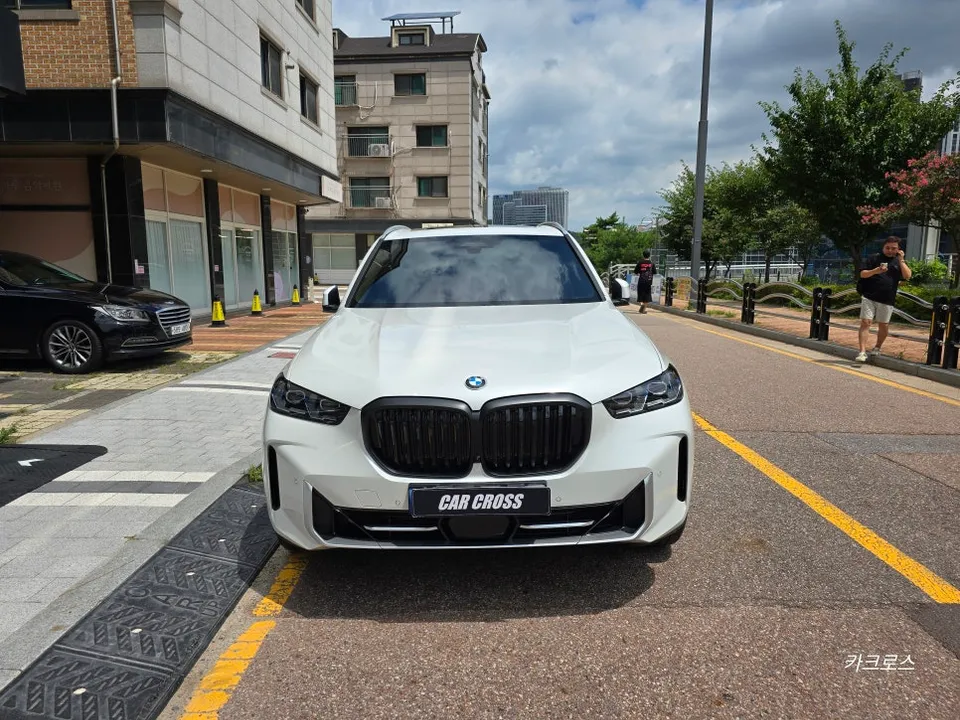
BMW F10 5 Series Android Head Unit Upgrade Review
Service Price
$150+
Estimated price · Actual price may vary by shop

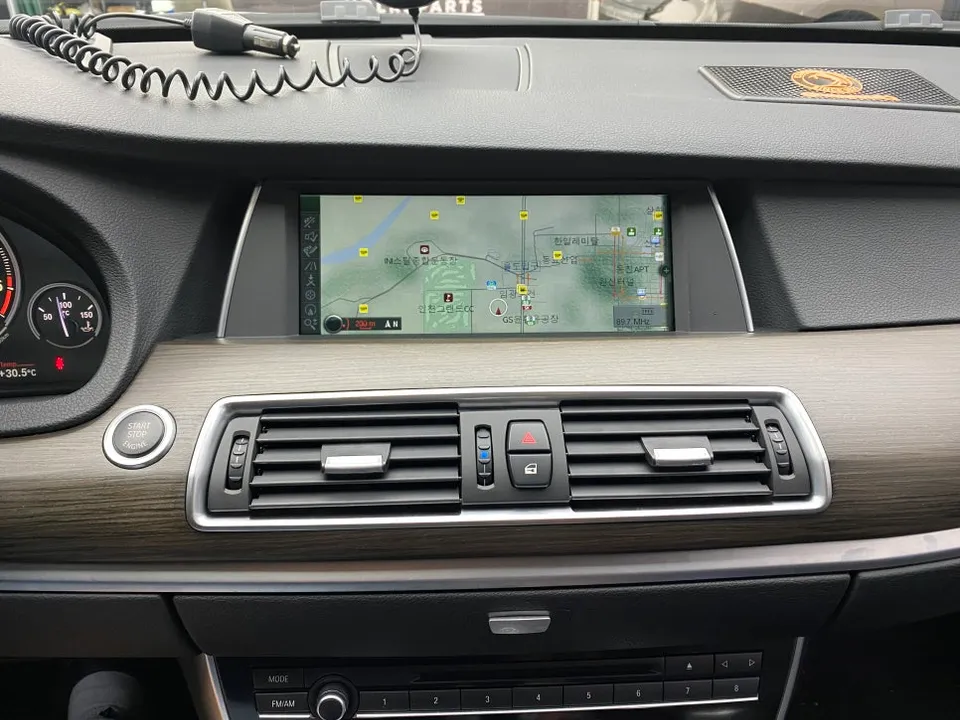
BMW F10 5 Series Android Head Unit upgrade: Seamless integration, 15-inch display, 8GB RAM. Enhances infotainment with app access.
Upgrade Your BMW F10 5 Series Navigation
The BMW F10 5 Series is a benchmark for luxury sedans, but its original navigation system can feel dated. Slow map updates and limited app compatibility are common issues for owners of older models. For those seeking modern functionality, replacing the stock unit with an Android All-in-One (AIO) navigation system offers a compelling solution. This upgrade transforms the driving experience by integrating the latest technology into the familiar luxury of your F10.
The 15-Inch Android AIO Difference
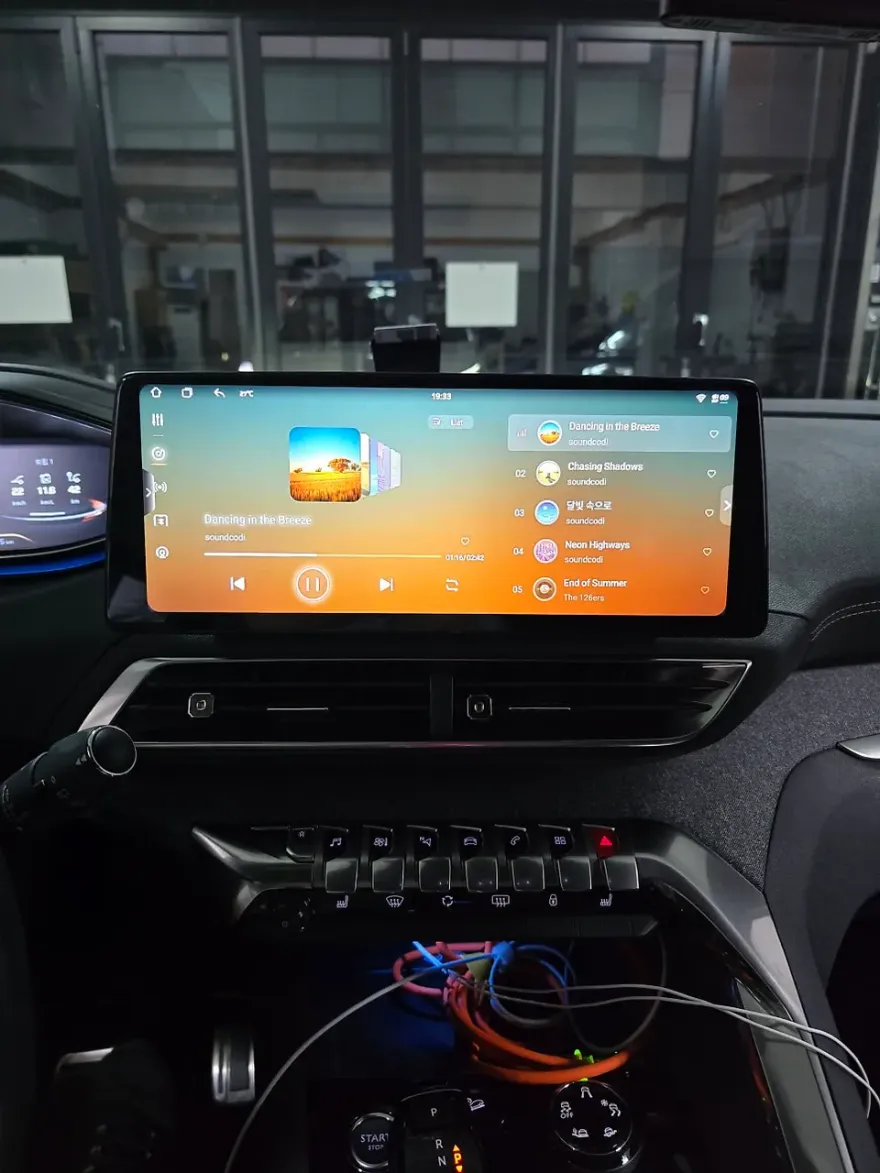
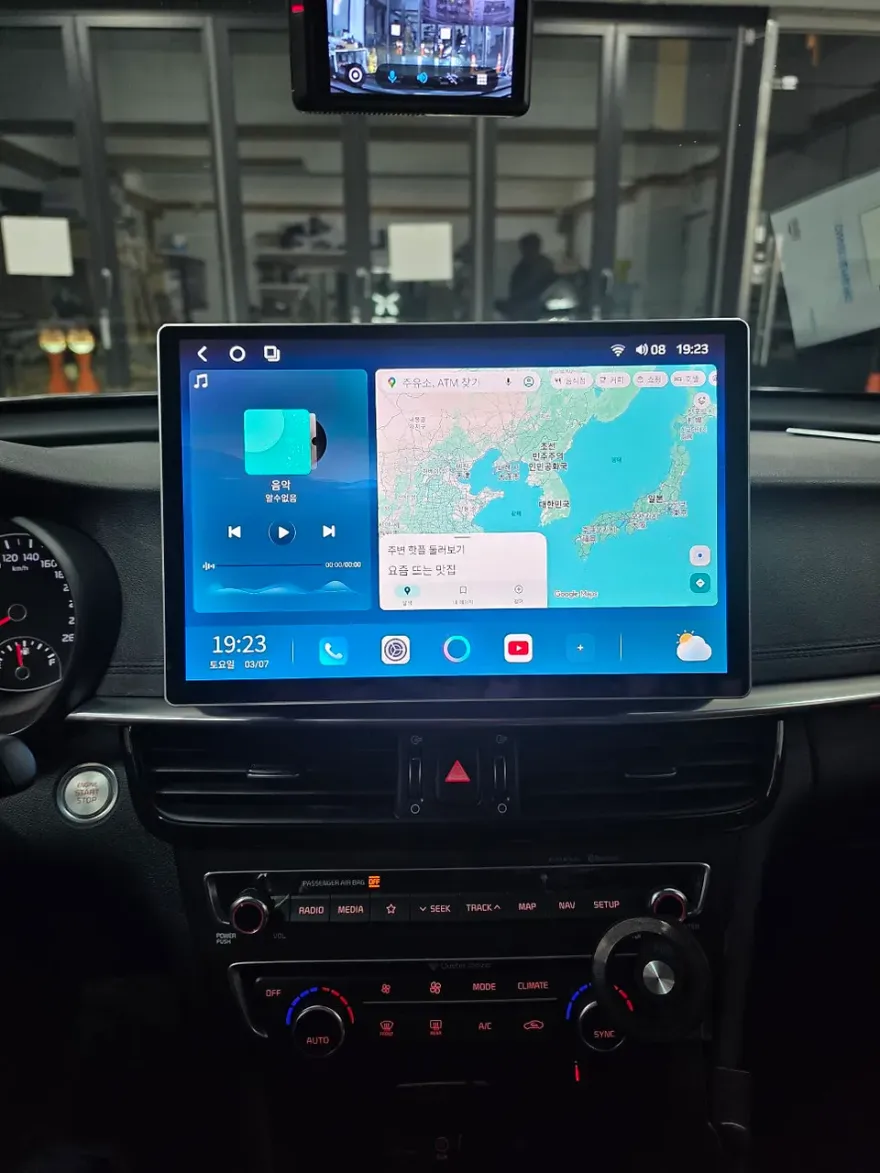
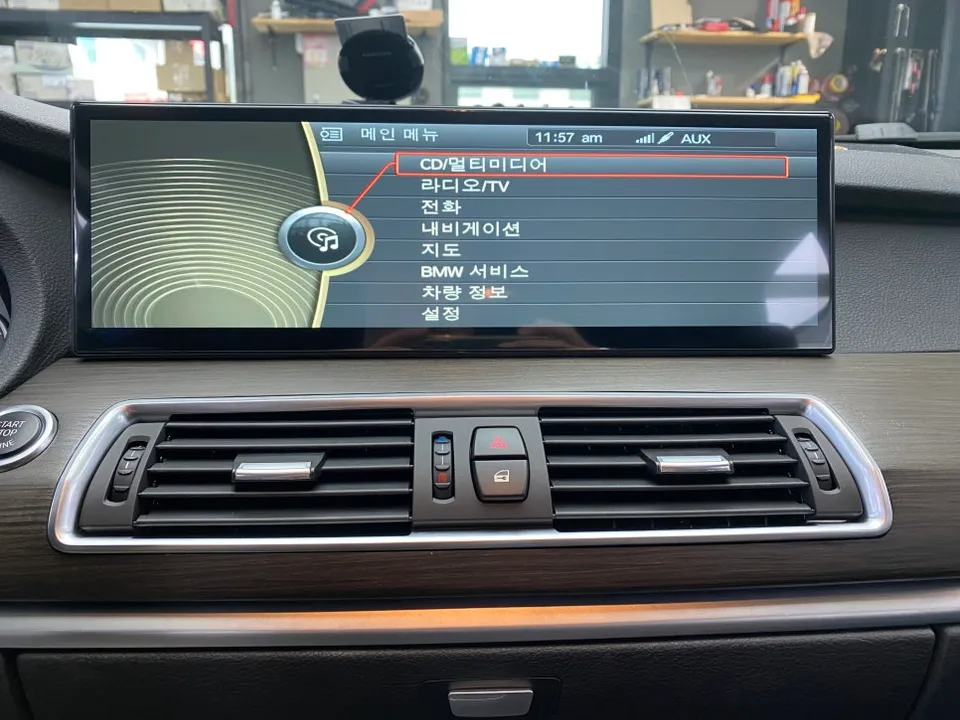
Unlike the factory navigation, an Android AIO unit runs on a full Android operating system, granting access to the Google Play Store for a vast array of applications. The unit installed features a Snapdragon 662 chipset with 8GB of RAM and 256GB of internal storage, ensuring smooth performance for navigation, music streaming, and video playback. Multitasking between apps is fluid, with minimal lag. A key benefit is its seamless integration with the car's existing systems. It perfectly interfaces with the original rear-view camera, displaying its feed without requiring a new camera installation. Crucially, it retains compatibility with original BMW functions, allowing drivers to enjoy the convenience of modern navigation while keeping the familiar feel of their car's controls.
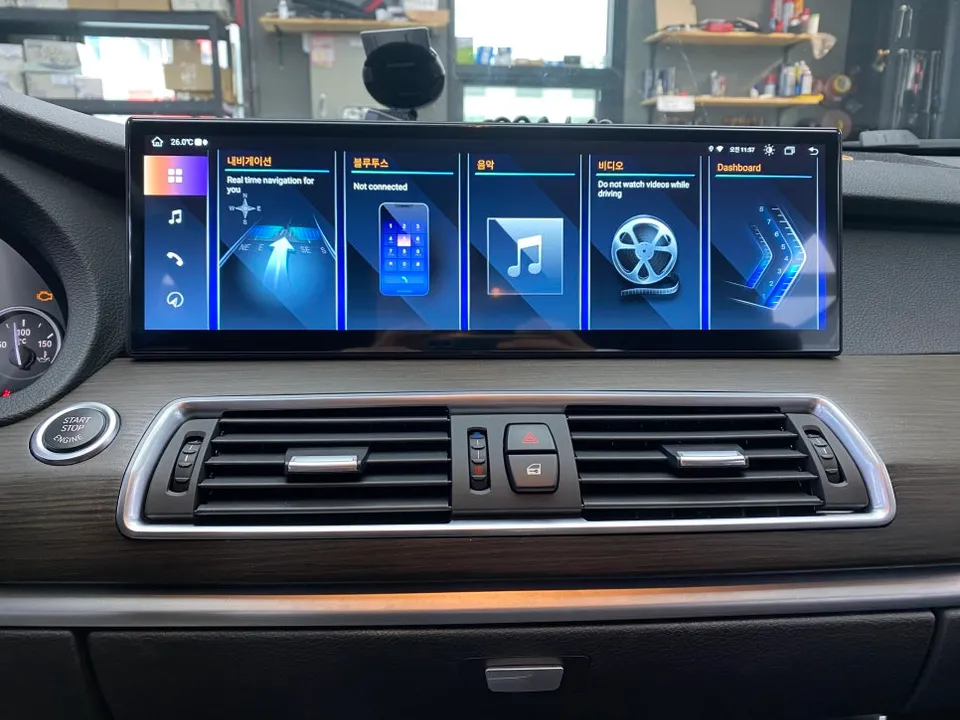
Installation Process:
- Carefully remove the trim and panels surrounding the original monitor to access the navigation unit. Documenting connector locations is recommended to prevent reassembly errors.
- Disconnect the factory monitor and install the new 15-inch AIO unit using a custom bracket designed for a precise fit in the F10's dashboard. Adjust the screen angle for optimal driver visibility.
- Connect the wiring harness, adapting the original power, speaker, and camera signals to the new unit. For BMW's CAN-bus system, an adapter is often needed to retain steering wheel control functionality for volume and track changes.
- Connect the rear-view camera signal wire and ensure it automatically displays when the vehicle is put into reverse. The entire process typically takes 1.5 to 2 hours.
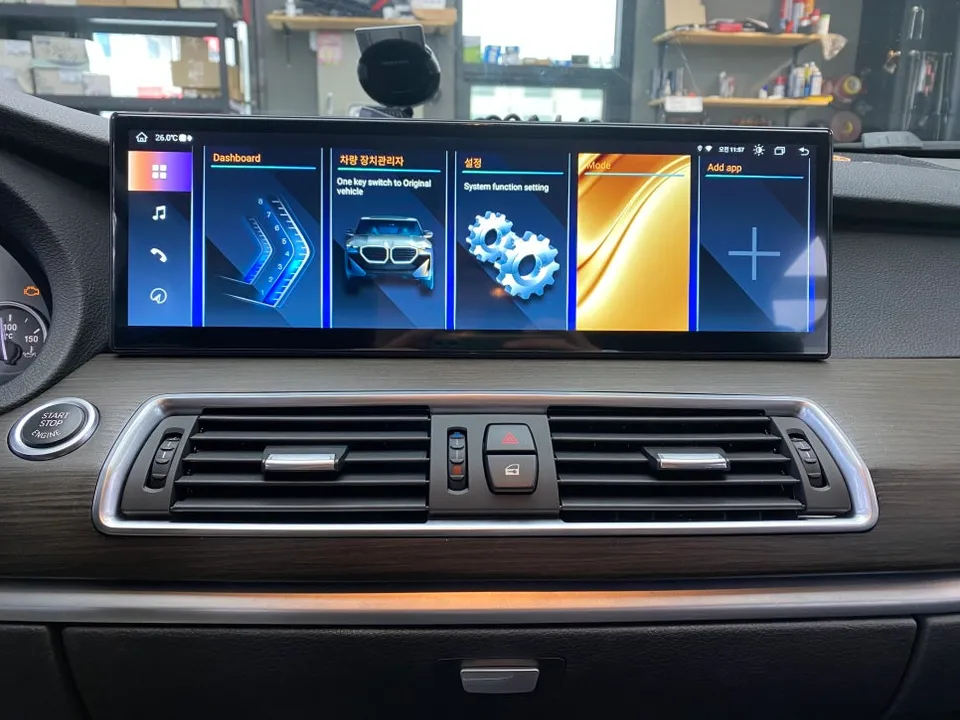
Exploring the New System's Features
Post-installation, the system is ready for immediate use with pre-installed utilities like Google Chrome and Chromecast. Logging in with a Google account unlocks the full potential of the Play Store, allowing for the download of preferred navigation apps such as T-map, Kakao Map, or Naver Map. Each app offers different real-time traffic data, providing flexibility for optimal routing during commutes or travel.
Frequently Asked Questions
Q. How much does an Android Head Unit upgrade cost for a BMW 5 Series F10?
The Android Head Unit upgrade for a BMW F10 5 Series typically costs around ₩1,000,000 to ₩1,500,000 in Korea. In the US, similar systems can range from $600 to $1200 USD, depending on specifications and installation.
Q. How long does the Android Head Unit installation take on a BMW 5 Series F10?
Installation typically takes between 1.5 to 2 hours. The system is designed for longevity, but regular software updates via Wi-Fi are recommended to maintain optimal performance and security.
Q. Is an Android Head Unit upgrade worth it for a BMW 5 Series F10?
This upgrade is highly beneficial for owners who desire modern infotainment features like app access and improved navigation. It offers significant value by modernizing the vehicle's tech interface without compromising original functions.
Q. How is the Android Head Unit installed on a BMW 5 Series F10?
1. Carefully remove dashboard trim to access the original unit. 2. Disconnect the factory screen and install the new 15-inch unit with a custom bracket. 3. Connect the wiring harness, including adapters for steering wheel controls and camera signals. 4. Test all functions, including navigation apps and camera display.
Q. What is the difference between an Android Head Unit and the original BMW navigation system?
The Android Head Unit runs a full Android OS, allowing app downloads from the Play Store and offering features like real-time traffic updates from multiple navigation apps. The original system is limited to manufacturer-provided updates and functions.
Fox Parts