BMW 5 Series G30 CarPlay Retrofit Review
Service Price
$under $40
Estimated price · Actual price may vary by shop
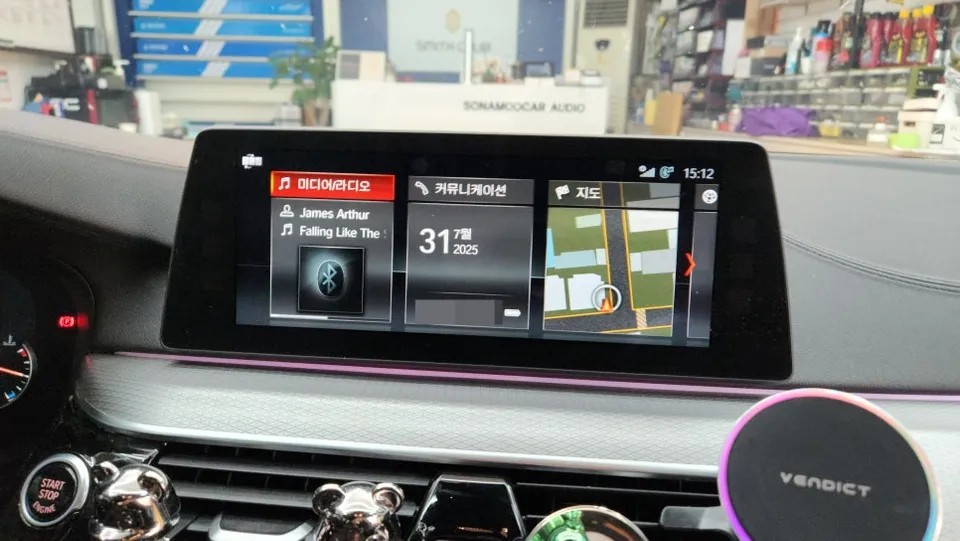
BMW 5 Series G30 CarPlay/Android Auto upgrade: under $40. Seamless smartphone integration for navigation and music.
Upgrade Your BMW 5 Series G30 with Seamless CarPlay and Android Auto
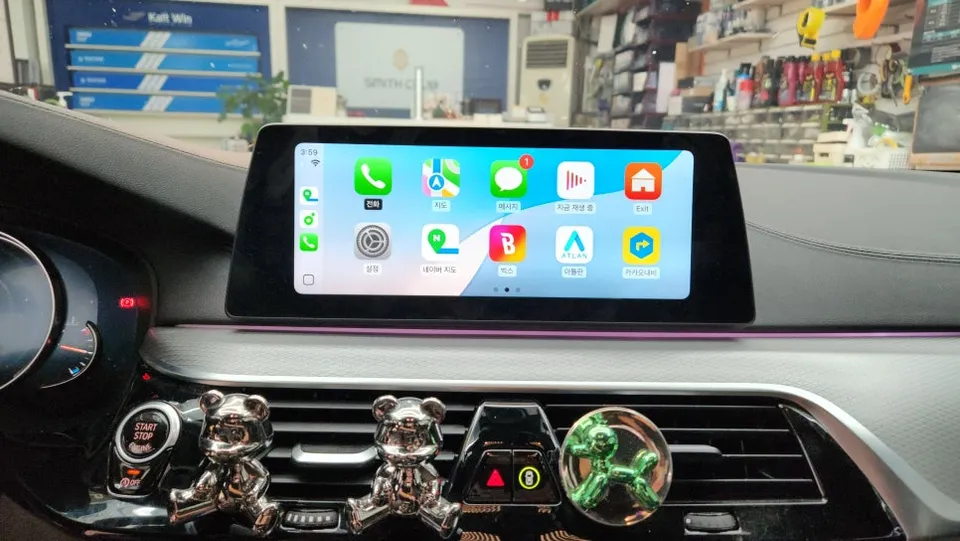
Navigating with just your phone is the modern standard, and now you can bring that convenience to your BMW 5 Series G30. This guide explores how to perfectly integrate Apple CarPlay and Android Auto functionality using your existing factory monitor. Transform your drive into a smart, connected experience with this essential infotainment upgrade.
Why Integrate CarPlay & Android Auto into Your BMW 5 Series G30?
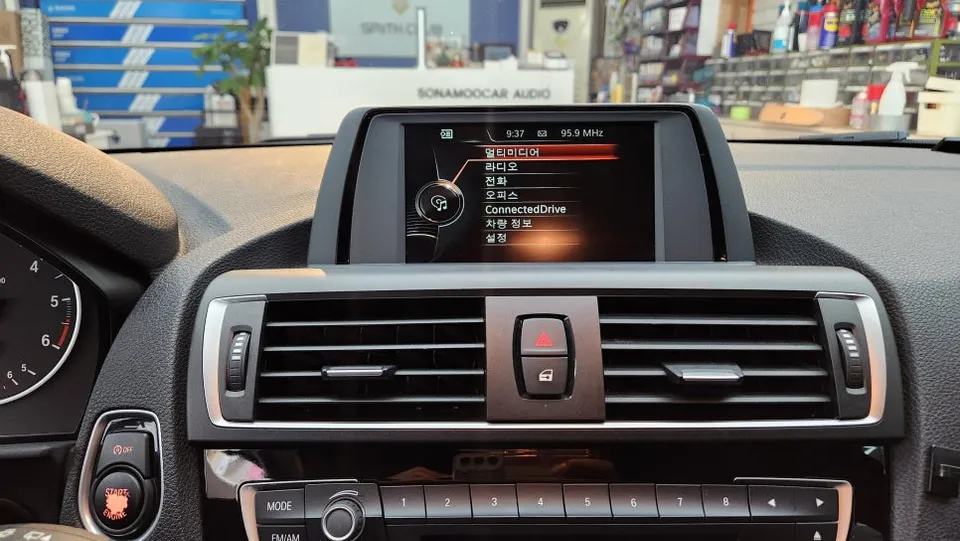
While the BMW 5 Series G30 comes with a factory navigation system, many owners find its smartphone integration capabilities lacking, especially Android users who can't access Android Auto natively. Fortunately, a specialized module can be installed that leverages your original screen, enabling full CarPlay and Android Auto functionality. This solution is particularly beneficial for Android users who would otherwise be unable to use their preferred navigation and app ecosystem.
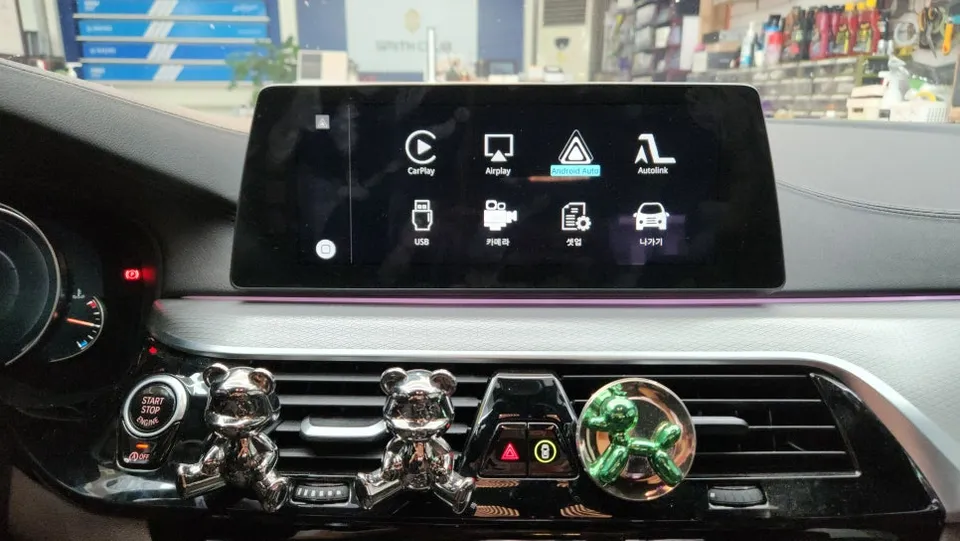
How CarPlay and Android Auto Work with Your BMW 5 Series G30
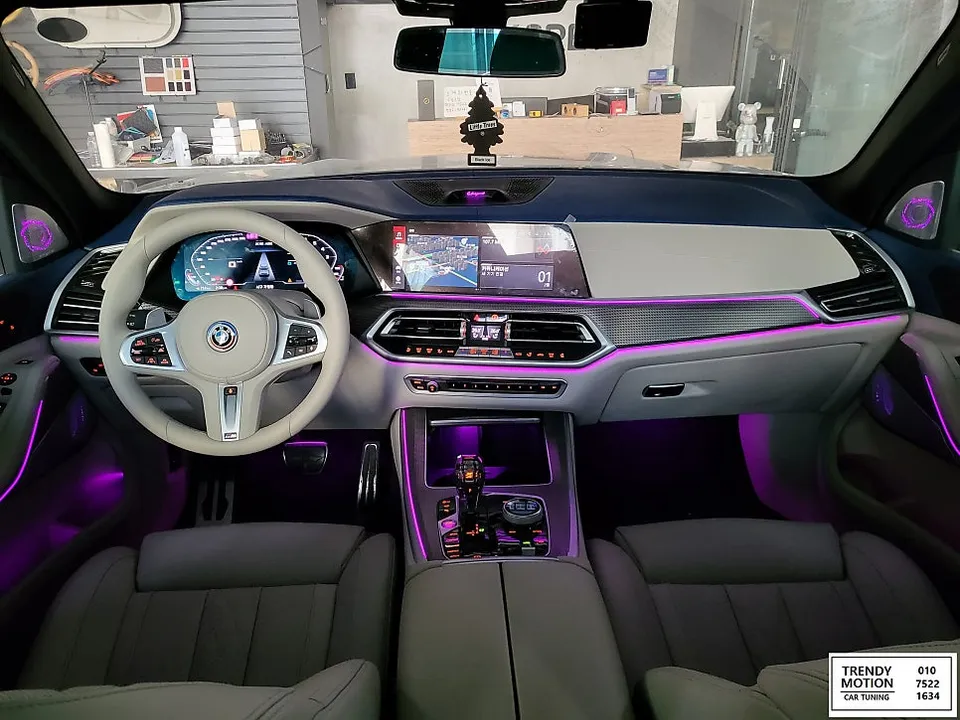
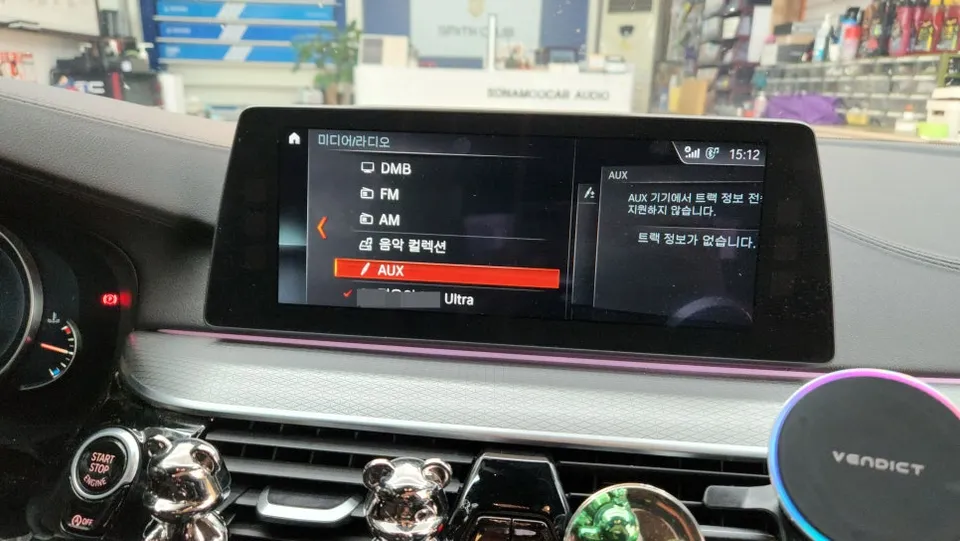
For BMW 5 Series G30 models with the EVO system, the factory monitor often supports touch functionality. While iPhone users can sometimes activate CarPlay through factory coding, Android users typically require a module installation. This module provides full Android Auto support and connects wirelessly to your smartphone for a clean, cable-free experience. A crucial step for optimal audio performance is activating the AUX mode in your car's original audio system. This can be done via coding and offers a more stable audio output compared to using a Bluetooth-based AUX connection. Without proper AUX activation, you might experience degraded sound quality.
Once installed, you gain access to a world of apps directly on your car's display. Use navigation apps like Google Maps, Waze, or local Korean favorites like T Map and Kakao Navi. Stream music from apps like Spotify, Apple Music, or Melon. The wireless connection means no more messy cables cluttering your dashboard.
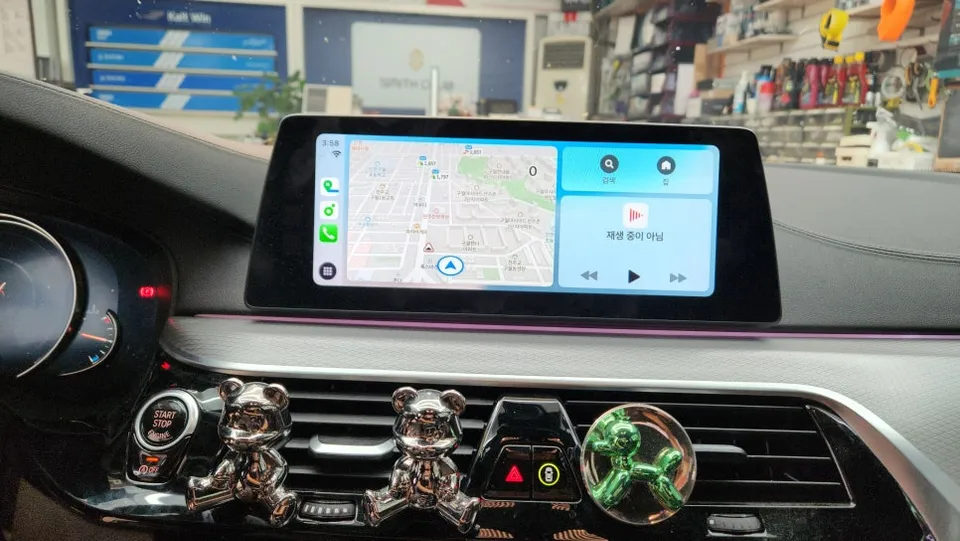
Installation Process and Functionality
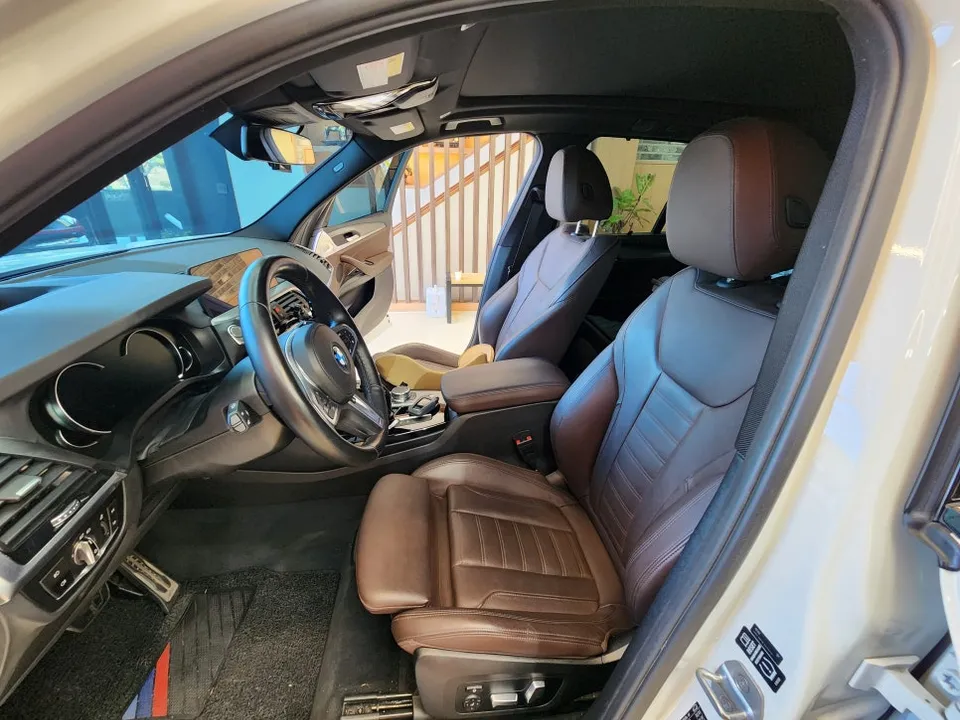
The installation process involves integrating a specialized module that bridges your smartphone to the car's existing infotainment system. While the factory screen on the G30 doesn't typically support touch input for the Android Auto interface, this is rarely an issue. You can easily control navigation and media using the original iDrive controller or directly from your smartphone. This setup allows for intuitive operation, enhancing driver convenience. The result is a significantly upgraded infotainment experience, making every drive more enjoyable and productive.
Installation process:
- Connect the CarPlay/Android Auto module to the vehicle's existing wiring harness behind the factory head unit.
- Integrate the module with the car's display and audio system, ensuring proper signal transfer.
- Activate the necessary AUX mode via coding for optimal audio output.
- Pair your smartphone wirelessly to the module for seamless connectivity.
The durability of these modules is generally excellent, designed to integrate seamlessly with your car's electronics. Maintenance is typically minimal, focusing on ensuring your smartphone's operating system and apps are up-to-date for the best compatibility.
Frequently Asked Questions
Q. How much does Android head unit or CarPlay installation cost for a BMW 5 Series G30?
The cost for this specific Android head unit or CarPlay integration for a BMW 5 Series G30 was under $40 USD in Korea. In the US, similar aftermarket CarPlay or Android Auto integration modules can range from $150 to $500 depending on the features and complexity.
Q. How long does Android head unit installation take on a BMW 5 Series G30?
The installation process for an Android head unit or CarPlay module is typically completed within a few hours. Durability is high as it integrates with existing systems, and maintenance usually involves keeping your smartphone software updated.
Q. Is a CarPlay or Android Auto retrofit worth it for a BMW 5 Series G30?
A CarPlay or Android Auto retrofit is highly recommended for BMW 5 Series G30 owners who want modern smartphone integration, especially if the factory system is limited. It significantly enhances navigation, entertainment, and communication capabilities, offering excellent value for the cost.
Q. How is an Android head unit installed in a BMW 5 Series G30?
Installation involves connecting a specialized module to the car's existing wiring harness behind the factory head unit. The module is then integrated with the display and audio system, and the AUX mode is activated via coding for optimal sound. Finally, your smartphone is paired wirelessly.
Q. What is the difference between an Android head unit and a factory infotainment system for a BMW 5 Series G30?
The primary difference is that this retrofit adds full Apple CarPlay and Android Auto functionality, allowing seamless use of smartphone apps, whereas the factory system may have limited or no support for these features. This upgrade provides a modern, intuitive interface for navigation and media.
OhCar Partner Shop