Mercedes-Benz E-Class W213 Android Head Unit Review
Service Price
$40–80
Estimated price · Actual price may vary by shop
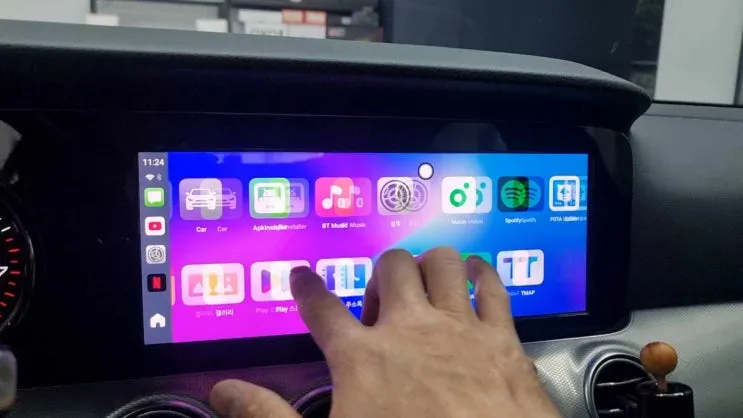
Mercedes E-Class W213 Android Head Unit upgrade: ~$40-80. Adds YouTube, apps & touch control to factory screen.
Upgrade Your Mercedes-Benz E-Class W213 Infotainment
Many Mercedes-Benz E-Class W213 owners find the factory navigation system a bit cumbersome, especially those with NTG 5.0 or later. While the stock system supports CarPlay, operating it via the rotary dial or touchpad can feel restrictive, akin to using a mouse. This is where an Android head unit, often integrated with a touch screen interface, offers a significant upgrade. This solution transforms your car's infotainment into a versatile, tablet-like experience, allowing seamless access to applications like YouTube and a wide range of other Android apps.
The Carlinkit AI Box with Touchscreen: Enhanced Usability
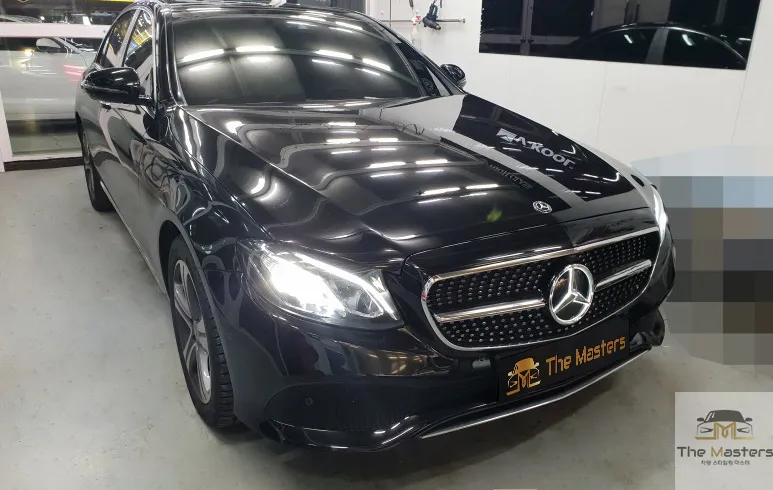
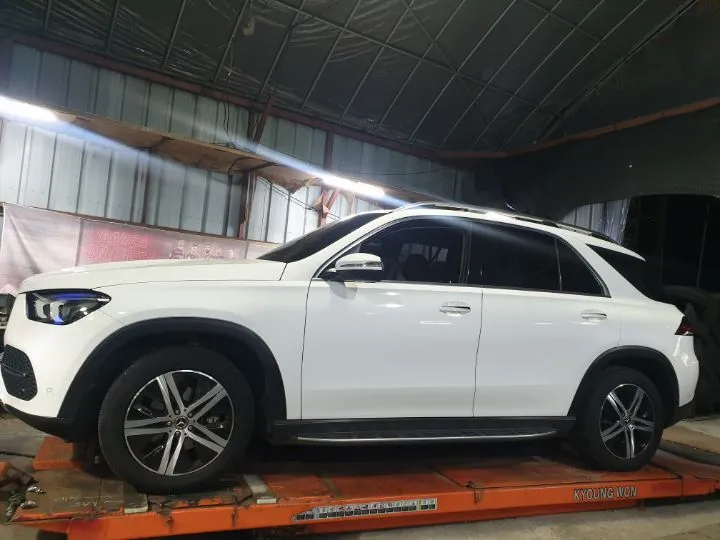
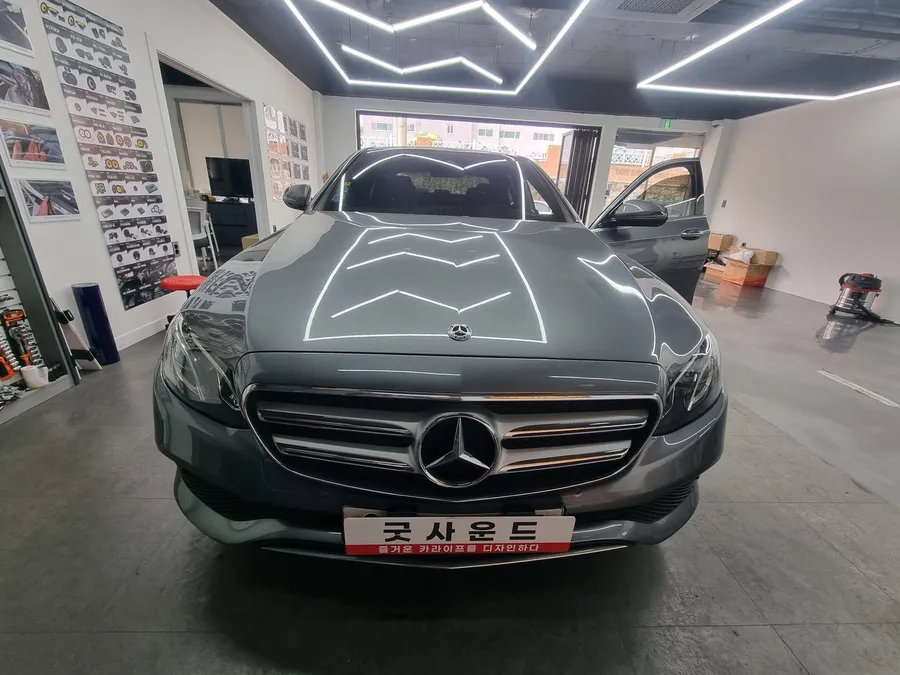
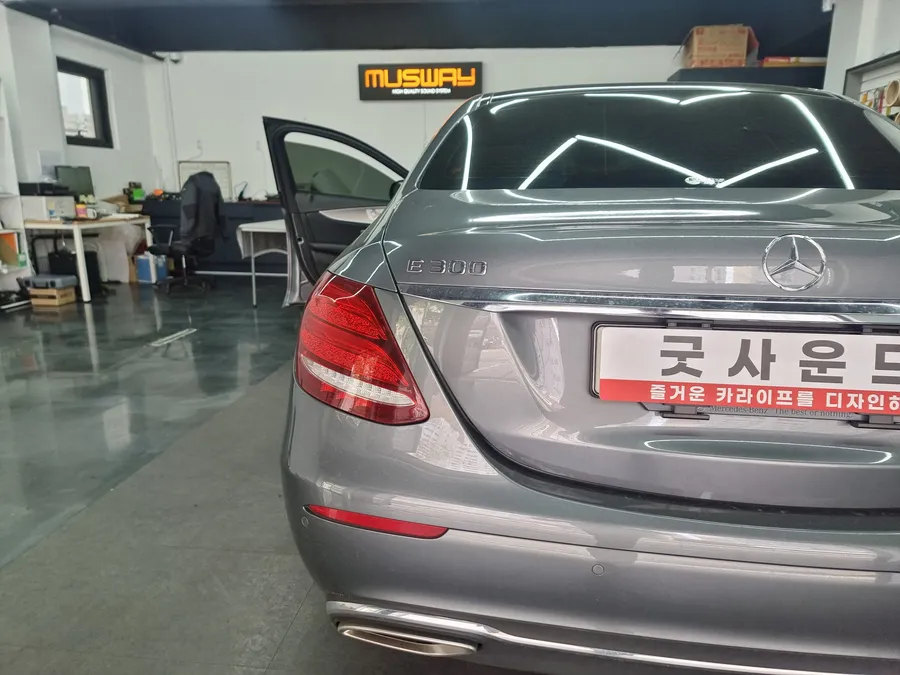
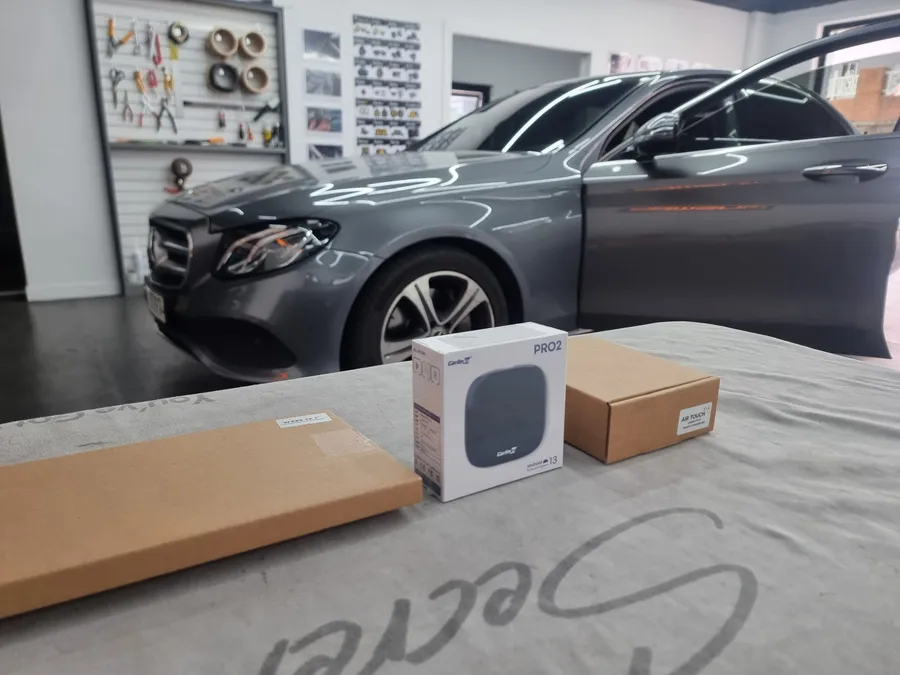
The Carlinkit AI Box is an Android-based device that connects to your existing infotainment system. By adding Wi-Fi or a SIM card, it gains internet connectivity. When paired with an optional air-touch or capacitive touch panel, it unlocks full touchscreen functionality on your Mercedes-Benz's original 12.1-inch widescreen display. This makes navigation, app usage, and media consumption as intuitive as using a smartphone or tablet. For instance, a 2018 Mercedes-Benz E300 owner recently sought this upgrade at our facility to overcome the limitations of the original control methods, achieving a much more modern and user-friendly interface.
Crucial Consideration: Touchscreen is Key
It's vital to understand that simply installing the Carlinkit AI Box without a touchscreen upgrade significantly limits its potential. Without touch control, you'll still be relying on the original rotary dial or touchpad, negating the primary benefit of the AI Box's smart capabilities. To truly leverage the convenience and speed of the Android system, a touchscreen is not just recommended – it's essential for a satisfying user experience. Ensure you opt for the touchscreen package to maximize your satisfaction.
Installation Process: Precision and Care
The installation, which involves integrating a new screen layer, requires a skilled hand. Our technicians ensure a safe and clean process. We meticulously test the touch screen's functionality before precisely applying it to the original Mercedes-Benz monitor. The goal is to enhance usability without altering the factory look. Post-installation, we configure the Bluetooth connection between the air-touch controller and the Carlinkit AI Box to ensure responsive touch operation. With a SIM card or Wi-Fi connection, the AI Box is ready for immediate use, allowing you to download and use your favorite apps.
Setting Up and Using Your New Android Infotainment
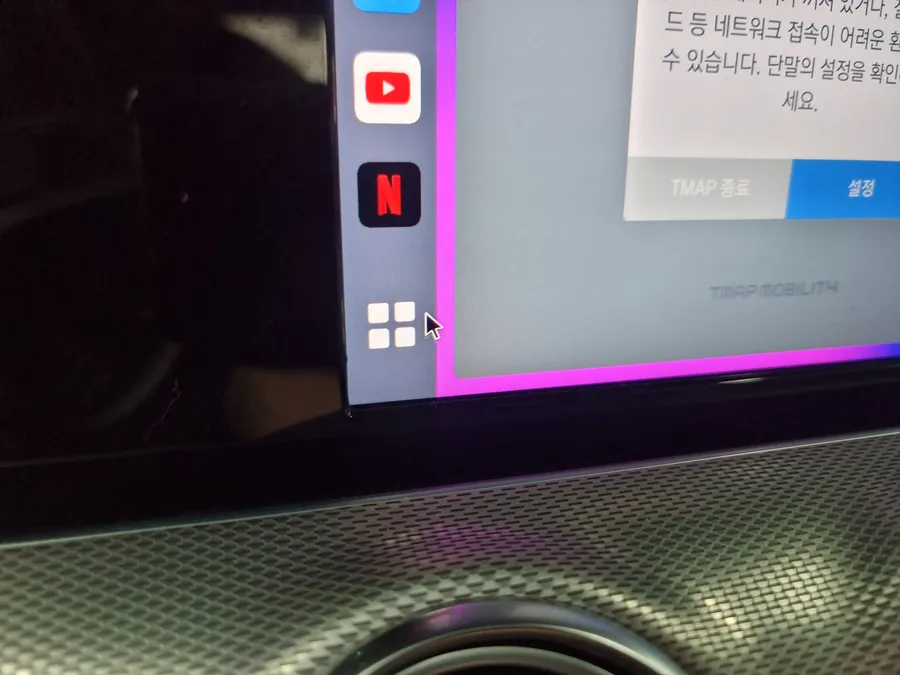
Once installed, we proceed with the setup. This involves logging into the Google Play Store to download essential apps like YouTube and T-Map, and syncing your accounts. This allows you to use familiar applications within your car's display. The system supports a wide range of uses, from streaming music and videos to navigation. The multi-window feature also enables split-screen functionality, further enhancing productivity. The intuitive interface means you'll quickly adapt to controlling your infotainment system like a modern device, offering a far more convenient experience than standard Android Auto or CarPlay.
The True Value of the AI Box
The real advantage of the Carlinkit AI Box, especially when combined with a touchscreen, is the freedom it provides. You're no longer limited to the pre-approved apps and interfaces of factory CarPlay or Android Auto. Instead, you gain access to the full Android ecosystem. This means you can install almost any app available on the Google Play Store, turning your car's screen into a powerful entertainment and productivity hub. For owners who frequently use specific navigation apps, streaming services, or other Android-based tools, this upgrade offers unparalleled flexibility and convenience, making the investment well worth it.
Frequently Asked Questions
Q. How much does Android head unit or CarPlay installation cost for a Mercedes-Benz E-Class W213?
The Carlinkit AI Box upgrade for a Mercedes-Benz E-Class W213 typically costs between $40-$80 in Korea. US pricing can vary significantly based on the specific unit and installation services.
Q. How long does Android head unit installation take on a Mercedes-Benz E-Class W213?
Installation typically takes a few hours, depending on the complexity of integrating the touchscreen. For durability, ensure the touch panel is professionally applied and sealed to prevent dust ingress.
Q. Is a CarPlay or Android Auto retrofit worth it for a Mercedes-Benz E-Class W213?
This upgrade is highly recommended for W213 owners who find the factory infotainment system restrictive and desire full app access and intuitive touch control. It offers significantly more flexibility than standard CarPlay or Android Auto.
Q. How is an Android head unit installed in a Mercedes-Benz E-Class W213?
Installation involves carefully attaching a capacitive touch panel to the existing factory display. The Carlinkit AI Box is then connected, and settings are configured via Bluetooth and Wi-Fi or SIM card for internet access.
Q. What is the difference between an Android head unit and a factory infotainment system for a Mercedes-Benz E-Class W213?
The key difference is that an Android head unit, like the Carlinkit AI Box, provides access to the full Android operating system and app store, offering far greater flexibility than the limited, curated experience of factory CarPlay or Android Auto.
OhCar Partner Shop